

 FSX General Aviation Aircraft
Custom Shop ARX-5 Sauber F1 Scheme
This is a custom shop "ripped" repaint of the Aeroworks ARX-5X in a Sauber F1…
Cessna 340 twin-engine piston flying gains a refreshed blue-and-white exterior, newly contoured tinted side windows, and modernized detailing for a sharper ramp presence and reduced glare in the virtual cockpit. Bundled with model, panel, sounds, and textures, it delivers a complete freeware executive GA experience in FSX.
 Rate
Rate
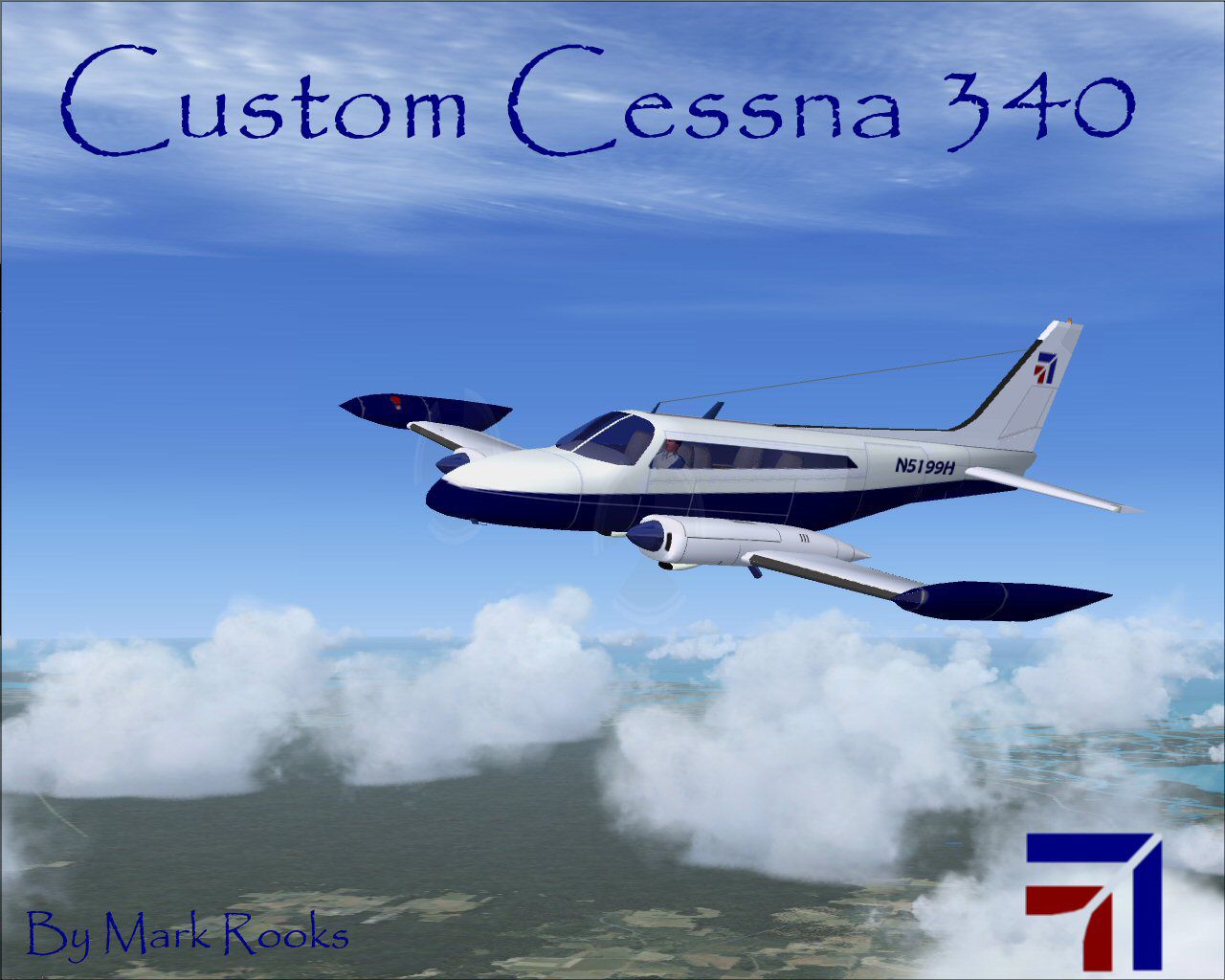
This versatile freeware add-on merges an updated exterior finish, newly contoured tinted side windows, and other modernized elements into the classic design of a Cessna 340. Created by Mark Rooks of RSDG Aircraft, in collaboration with Brian Novick and Tim Novick, it provides an immersive twin-engine piston experience for virtual pilots seeking both style and performance in Flight Simulator X.
The real-world Cessna 340 is renowned for its pressurized cabin, twin Continental engines, and executive seating, making it an iconic choice among general aviation enthusiasts. In this specific modification, the developers have focused on:
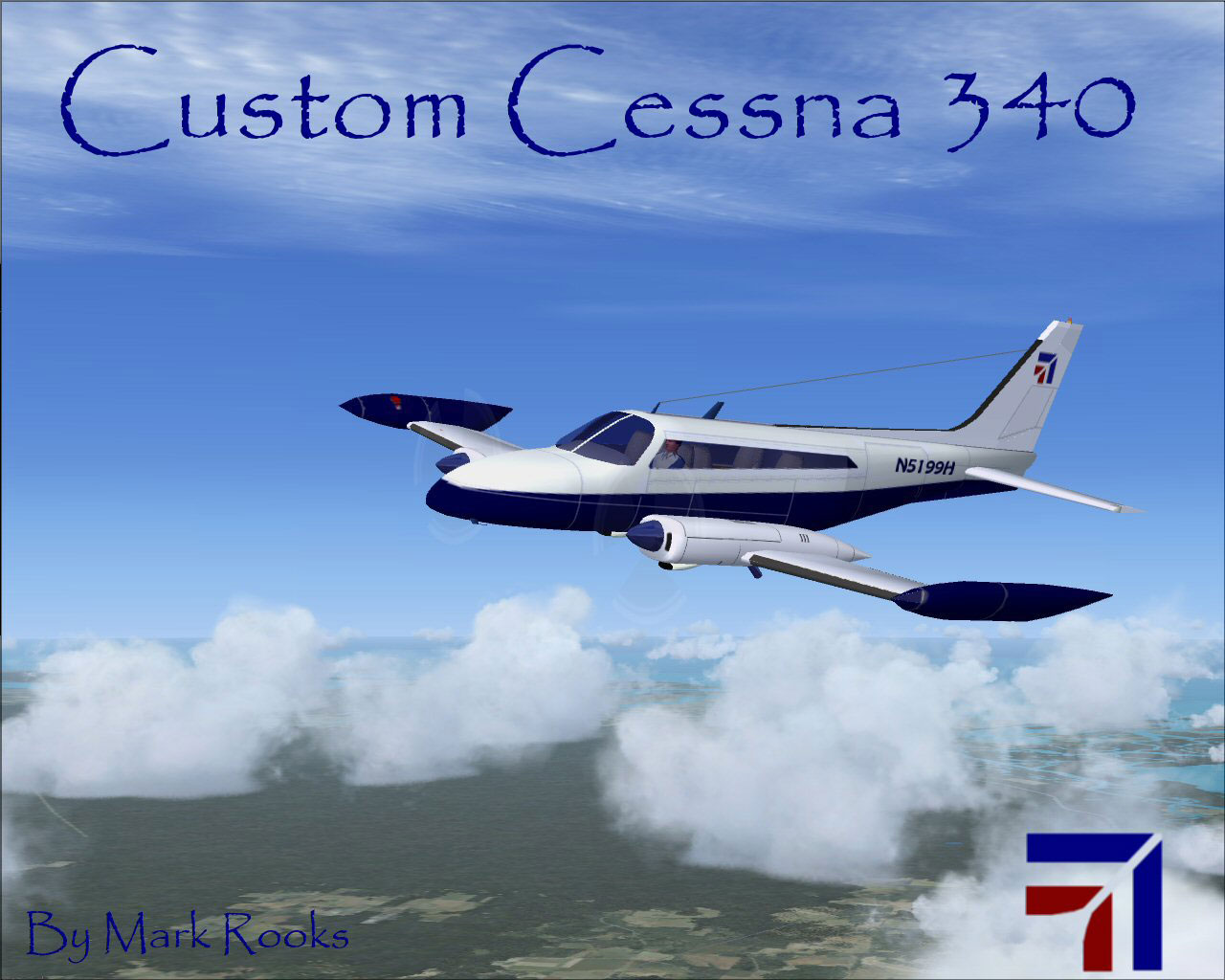
Blue-and-white scheme captured during a flight scenario.
“Support Mercy Flight near you.” The team behind this add-on encourages awareness of vital medical air transport and rescue organizations.
After the files are properly situated, load the gauges and confirm the updated panel files in your simulator to fully enjoy this custom twin-engine layout.
RSDG and its volunteers cannot be held responsible for any damage or issues arising from the use of these files. By installing, you accept all associated risk. The files were verified free of viruses at the time of upload.
Textures and free FSX updates by Mark “Fire Ball” Rooks.
Special acknowledgments to Brian Novick and Tim Novick for providing their original Cessna 340A platform.
Authored by Col. Robert K. Suchke, the following excerpt highlights an imaginative take on various airborne units:
“When the Lord commanded ‘Let there be Airborne,’ the skies filled with heroic parachutes. Seeing this was good, He then uttered ‘Let there be Rangers,’ releasing a fearsome power on the land. Finally, He proclaimed ‘Let there be Special Forces,’ whose extraordinary operators restored balance wherever they were needed.”
These words capture the spirit of determination, camaraderie, and skill that continues to inspire countless aviators and enthusiasts alike.
Enjoy this newly enhanced twin-engine aircraft, and thank you for downloading this freeware package from Mark Rooks of RSDG Aircraft. “Fire Ball” and the team appreciate your support.
Free for all simmers · 18.13 MB · Scanned clean Oct 2026
Download speed: Free tier is capped at 0.5 Mbps (this file takes approximately 5 mins at the cap). PRO members download at full line speed.
FSX\SimObjects\Airplanes\. The folder must contain an aircraft.cfg file. Effects go into FSX\Effects\; gauges go into FSX\Gauges\.readme.txt or README file. It tells you exactly where files go, what dependencies are needed, and any quirks specific to this add-on.The archive cc340fsx.zip has 10 files and directories contained within it.
This list displays the first 500 files in the package. If the package has more, you will need to download it to view them.
| Filename/Directory | File Date | File Size |
|---|---|---|
| 340_data.txt | 02.06.04 | 3.07 kB |
| 340A_check.htm | 12.16.04 | 51.22 kB |
| 340A_ref.htm | 12.29.04 | 17.83 kB |
| Custom Cessna 340.zip | 05.21.08 | 10.81 MB |
| Pictures Cessna 340.zip | 05.13.08 | 7.18 MB |
| Read Me First.txt | 05.21.08 | 5.41 kB |
| Reg. Text.txt | 05.21.08 | 301 B |
| Screen 340 Custom Glass.jpg | 05.21.08 | 144.21 kB |
| flyawaysimulation.txt | 10.29.13 | 959 B |
| Go to Fly Away Simulation.url | 01.22.16 | 52 B |
Only PRO members can place votes.
More FSX & P3D add-ons hand-picked based on this download.
FSX General Aviation Aircraft
This is a custom shop "ripped" repaint of the Aeroworks ARX-5X in a Sauber F1…
 FSX General Aviation Aircraft
This is a custom shop repaint of the Aeroworks ARX-5X in a Garmin "ripped" sc…
 FSX General Aviation Aircraft
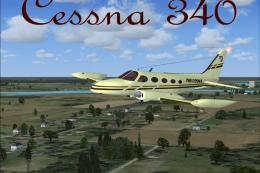
Cessna 340. A repaint of Brian Novick and Tim Novick's Cessna 340A with two 2…
 FSX General Aviation Aircraft
This changes the engines from TSIO-K to TSIO-NB with RAM VII conversion, incr…
 FSX General Aviation Aircraft
After publishing my FSX AI Carrier package, I had several people contact me a…
 FSX General Aviation Aircraft
Cessna 182 Skylane. This is the default Flight Simulator 2004 Cessna 182 Skyl…
 FSX General Aviation Aircraft
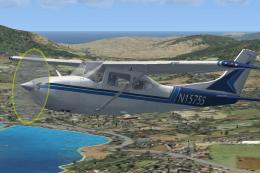
The Cessna 182 Skylane is an American four-seat, single-engined light airplan…
 FSX General Aviation Aircraft
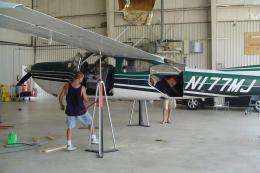
A Gmax FSX/SDK retractable landing gear version of Cessna's 177 Cardinal prop…
Be the first to leave a comment on this download.
Be the first to share your thoughts on this download.