

 FS2002
Hapag Lloyd B737-400 default texture replacement
At last here it is, the Hapag Lloyd livery of the German carrier. Have a lot …
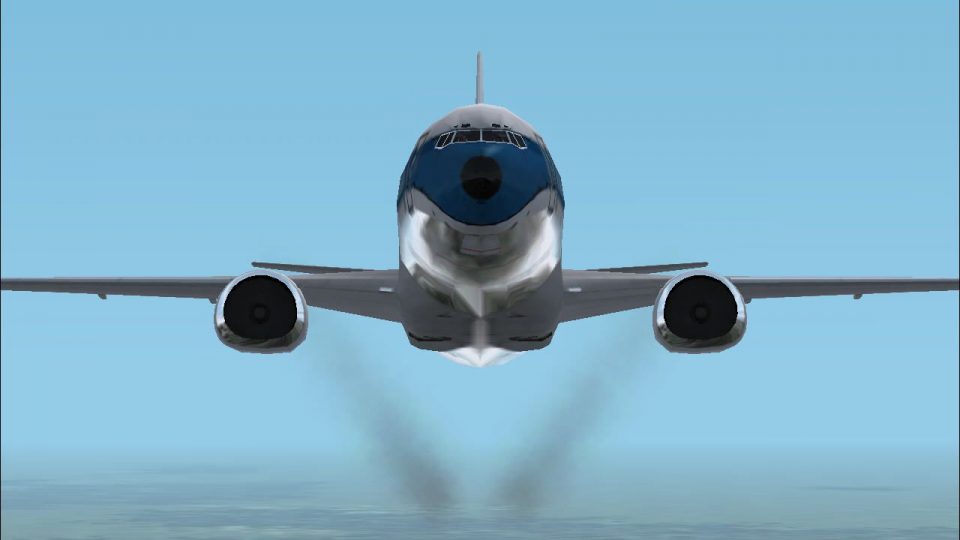
Engine smoke trails bring the default Boeing 737-400 to life in FS2002, adding convincing exhaust effects from both engines for extra atmosphere on takeoff and climb. The package updates aircraft configuration and includes a dedicated effects file, with smoke controlled in-sim via the standard toggle key.
 Rate
Rate
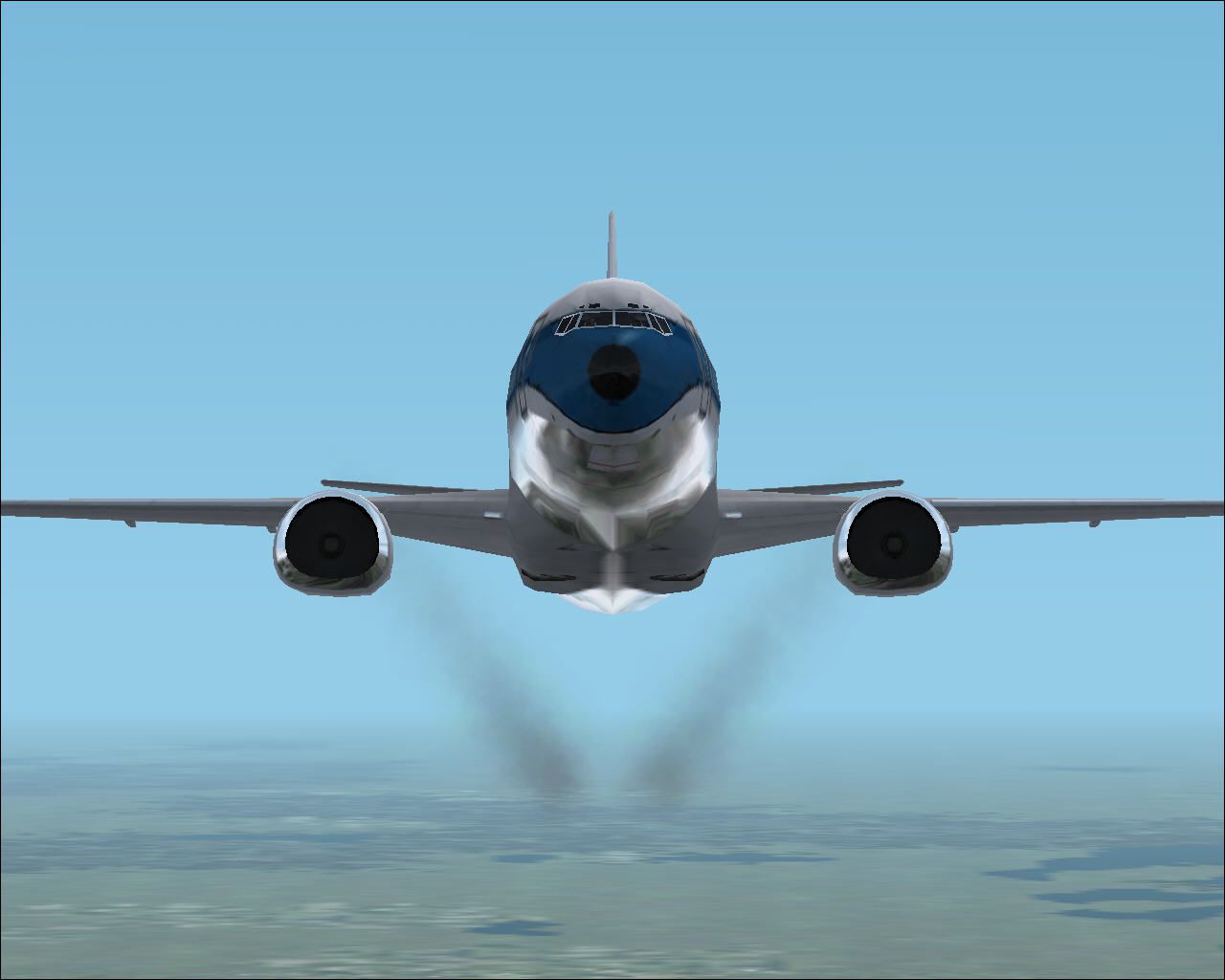
This package includes all you need to add smoke to the default FS2002 B737-400
This is my fourth upload to anything public - ever. All the tinkering I've done in the past has been kept to myself. So be warned!
These files will add smoke trails to each engine of the default B737-400 of FS2002
Now for the smoke!
Copy the aircraft.cfg file supplied into your FS2002/Aircraft/b737_400 folder. It's okay to overwrite the existing file.
Copy the fx_smoke_rx.fx supplied to your FS2002/Effects folder.
Load up FS2002 and the theB737-400 and use the "I" key to activate the smoke.
Thanks to Owen Hewitt for creating the first smoke trails in FS2002 and for letting me use his work as a basis for my own. Questions or comments? I can be reached at phlyer@sympatico.ca
Happy Trails
Free for all simmers · 66.75 KB · Scanned clean Oct 2026
Download speed: Free tier is capped at 0.5 Mbps. PRO members download at full line speed.
readme.txt or README file. It tells you exactly where files go, what dependencies are needed, and any quirks specific to this add-on.The archive 737smoke.zip has 8 files and directories contained within it.
This list displays the first 500 files in the package. If the package has more, you will need to download it to view them.
| Filename/Directory | File Date | File Size |
|---|---|---|
| file_id.diz | 10.29.01 | 235 B |
| Read Me.txt | 10.29.01 | 1.89 kB |
| fx_smoke_rx.fx | 10.21.01 | 1.17 kB |
| 737smoke.jpg | 10.29.01 | 4.20 kB |
| 737smokelarge.jpg | 10.29.01 | 84.90 kB |
| aircraft.cfg | 10.29.01 | 15.73 kB |
| flyawaysimulation.txt | 10.29.13 | 959 B |
| Go to Fly Away Simulation.url | 01.22.16 | 52 B |
Only PRO members can place votes.
Hand-picked add-ons similar to this download.
FS2002
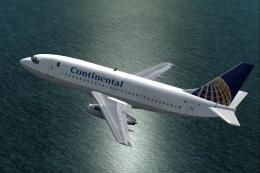
At last here it is, the Hapag Lloyd livery of the German carrier. Have a lot …
 FS2002
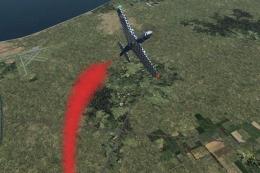
Features just about everything. Also includes the companion 727-200. By The F…
 FS2002
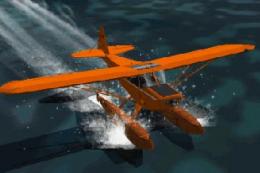
Not just another smoke download: this has dynamic vortex effects and propwash…
 FS2002
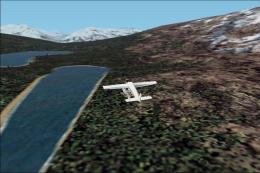
will not work in prior MSFS versions!! A pair of classic Fleet Canuck 80, Can…
 FS2002
As a Cessna Caravan Amphibian pilot in British Columbia, fly tourists and res…
 FS2002
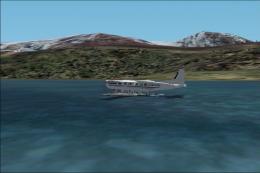
As a Cessna Caravan Amphibian pilot in Yukon, fly tourists and residents from…
 FS2002
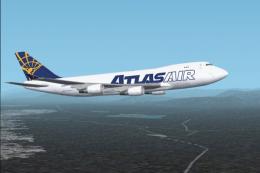
Contains 3 versions of this livery in new & weathered look. Model Designer : …
 FS2002
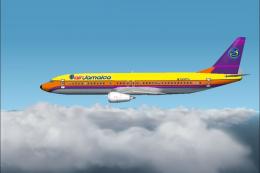
Air Jamaica Textures for the default 737-400 for FS2002. Actual livery of Air…
Be the first to leave a comment on this download.
Be the first to share your thoughts on this download.