

 FSX Civil Aircraft
SP2 Engine Smoke Effect
SP2 Engine Smoke Effect 'aircraft.cfg' coordinates to add engine smoke to the…
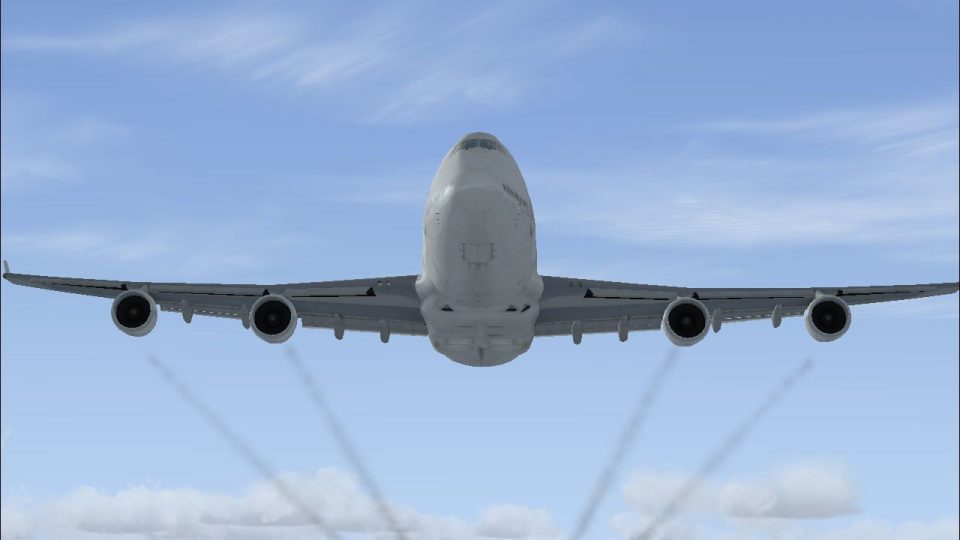
Boeing 747-400 engine smoke brings a more authentic, heavy-jet look to the default jumbo, with adjustable smoke points tied to the simulator’s smoke system and triggered in flight. Designed for Microsoft Flight Simulator X, it adds the fx_smoke_f6 effect via a simple aircraft.cfg entry for consistent visuals from all four engines.
 Rate
Rate
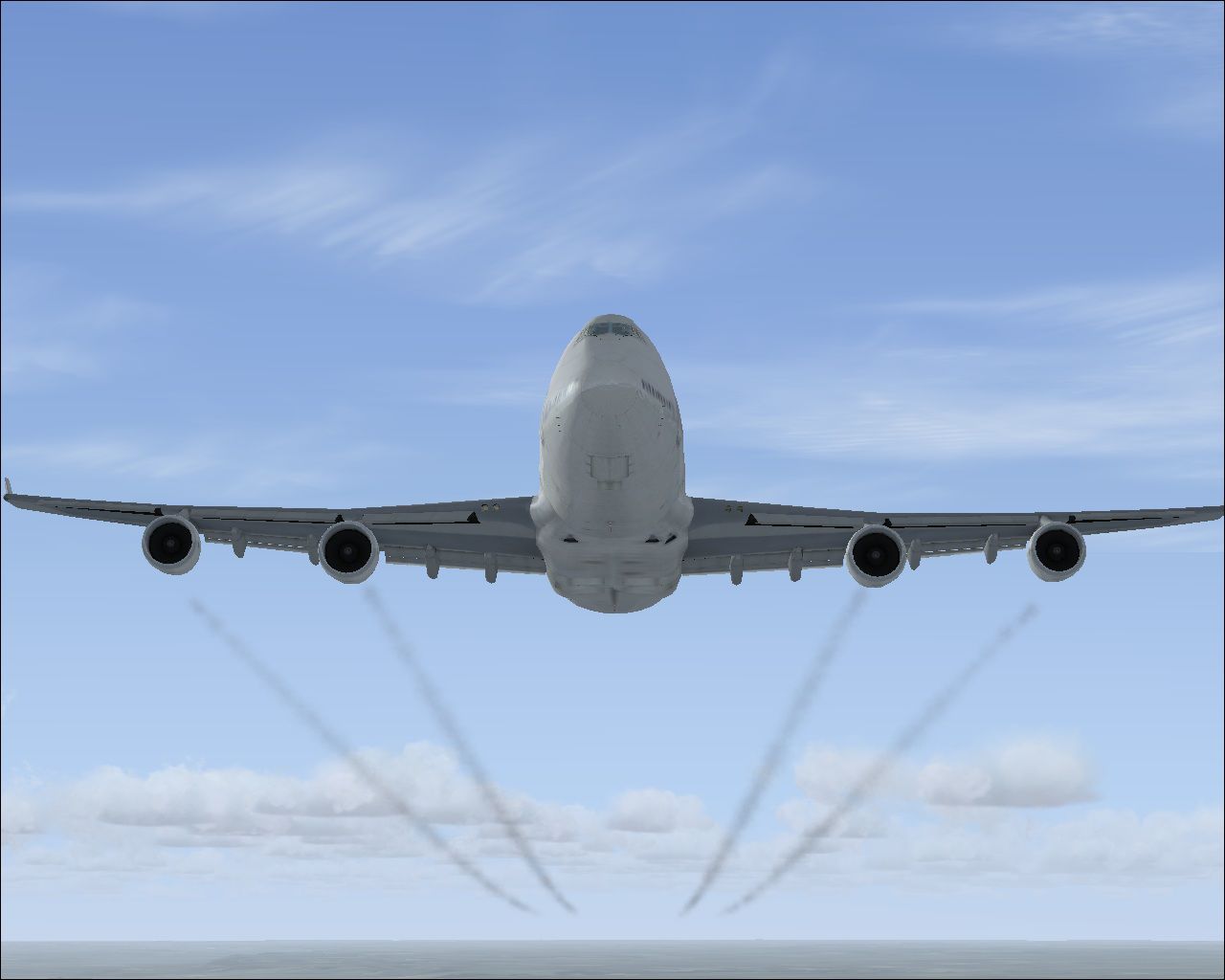
Default Boeing 747-400 Engine Smoke Effect. Just add to your FSX Default 747-400. Easy Installation. By Tom Tiedman.
Boeing 747-400 with engine smoke effect.
DESCRIPTION:
Default Boeing 747-400 Engine Smoke Effect.
Just add to your FSX Default 747-400.
Easy Installation. By Tom Tiedman
THANKS:
To the original author of the "fx_smoke_f6.fx" file,
whoever you are. And to Microsoft, for their
fun flying big fat four seven. I use this smoke in
Windows 7, 64 bit, FSX SP2 with no problems.
Tom Tiedman
INSTALLATION: Simple!
1. Copy and paste the enclosed "fx_smoke_f6.fx" file
into your FSX "Effects" folder. (It's probably there
already, so look first).
2. Copy and paste all of the [SMOKESYSTEM] info.
below into your FSX Default 747-400 "aircraft.cfg"
file. I pasted mine between the [jet_engine]
section and the [autopilot] section with good results.
3. Press your "I" key while flying your 747-400
and enjoy your smoke!
[SMOKESYSTEM]
smoke.0= -126.271, -68.017, -10.052, fx_smoke_f6
smoke.1=-96.232, -38.416, -11.801, fx_smoke_f6
smoke.2=-96.232, 38.506, -11.801, fx_smoke_f6
smoke.3= -126.271, 69.002, -10.052, fx_smoke_f6
Free for all simmers · 124.58 KB · Scanned clean Oct 2026
Download speed: Free tier is capped at 0.5 Mbps. PRO members download at full line speed.
FSX\SimObjects\Airplanes\. The folder must contain an aircraft.cfg file. Effects go into FSX\Effects\; gauges go into FSX\Gauges\.readme.txt or README file. It tells you exactly where files go, what dependencies are needed, and any quirks specific to this add-on.The archive fsx_default_boeing_747-400_engine_smoke.zip has 6 files and directories contained within it.
This list displays the first 500 files in the package. If the package has more, you will need to download it to view them.
| Filename/Directory | File Date | File Size |
|---|---|---|
| file_id.diz | 06.20.10 | 123 B |
| FSX_Default_Boeing_747-400_Engine_Smoke.jpg | 06.20.10 | 132.63 kB |
| fx_smoke_f6.fx | 06.04.10 | 1.17 kB |
| READ ME and INSTALLATION.txt | 06.20.10 | 1.03 kB |
| flyawaysimulation.txt | 10.29.13 | 959 B |
| Go to Fly Away Simulation.url | 01.22.16 | 52 B |
Only PRO members can place votes.
More FSX & P3D add-ons hand-picked based on this download.
FSX Civil Aircraft
SP2 Engine Smoke Effect 'aircraft.cfg' coordinates to add engine smoke to the…
 FSX Civil Aircraft
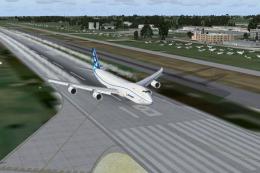
Boeing 747-8F Freighter Gray Engine Smoke effect (or white airshow engine smo…
 FSX Civil Aircraft
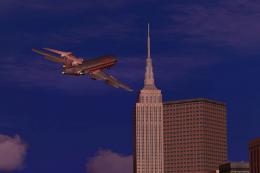
Boeing 727 Engine Glow Effect. These files add an engine glow to the engines …
 FSX Civil Aircraft
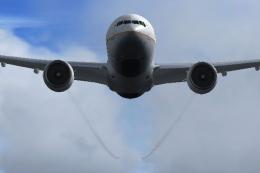
Boeing 777-200ER Engine Smoke Coordinates for the Project Open Sky B777-200 E…
 FSX Civil Aircraft
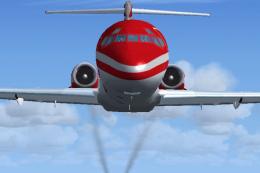
McDonnell Douglas MD-83 Engine Smoke for the SGA MD-83 when used in FSX. Requ…
 FSX Civil Aircraft
BAe 146 Engine Smoke Effects. Engine smoke effects for the FSX freeware BAe 1…
 FSX Civil Aircraft
Lockheed L-1011 Engine Smoke. Engine smoke coordinates for the FS2004 freewar…
 FSX Civil Aircraft
This package resolves the blurry exterior textures that sometimes appear on t…
Be the first to leave a comment on this download.
Be the first to share your thoughts on this download.