

 FSX Military Aircraft
KLU Pilatus PC-6C H2
KLU Pilatus PC-6C H2. Turbo Porter for FSX by Tim Conrad in a Royal Netherlan…
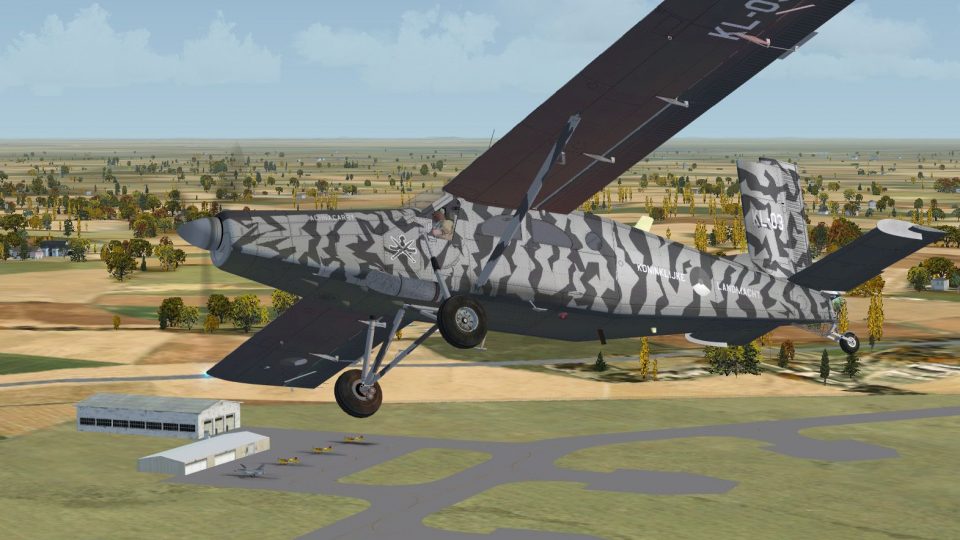
Pilatus PC-6C H2 Turbo Porter gets a convincing fictional Royal Netherlands Army repaint with low-visibility, night-ops-ready colors plus KCT emblem and “Achnacarry” naming, ideal for STOL supply runs and paratroop sorties. Built for Microsoft Flight Simulator X, it requires Tim Conrad’s freeware PC-6C H2 Turbo Porter base package.
 Rate
Rate
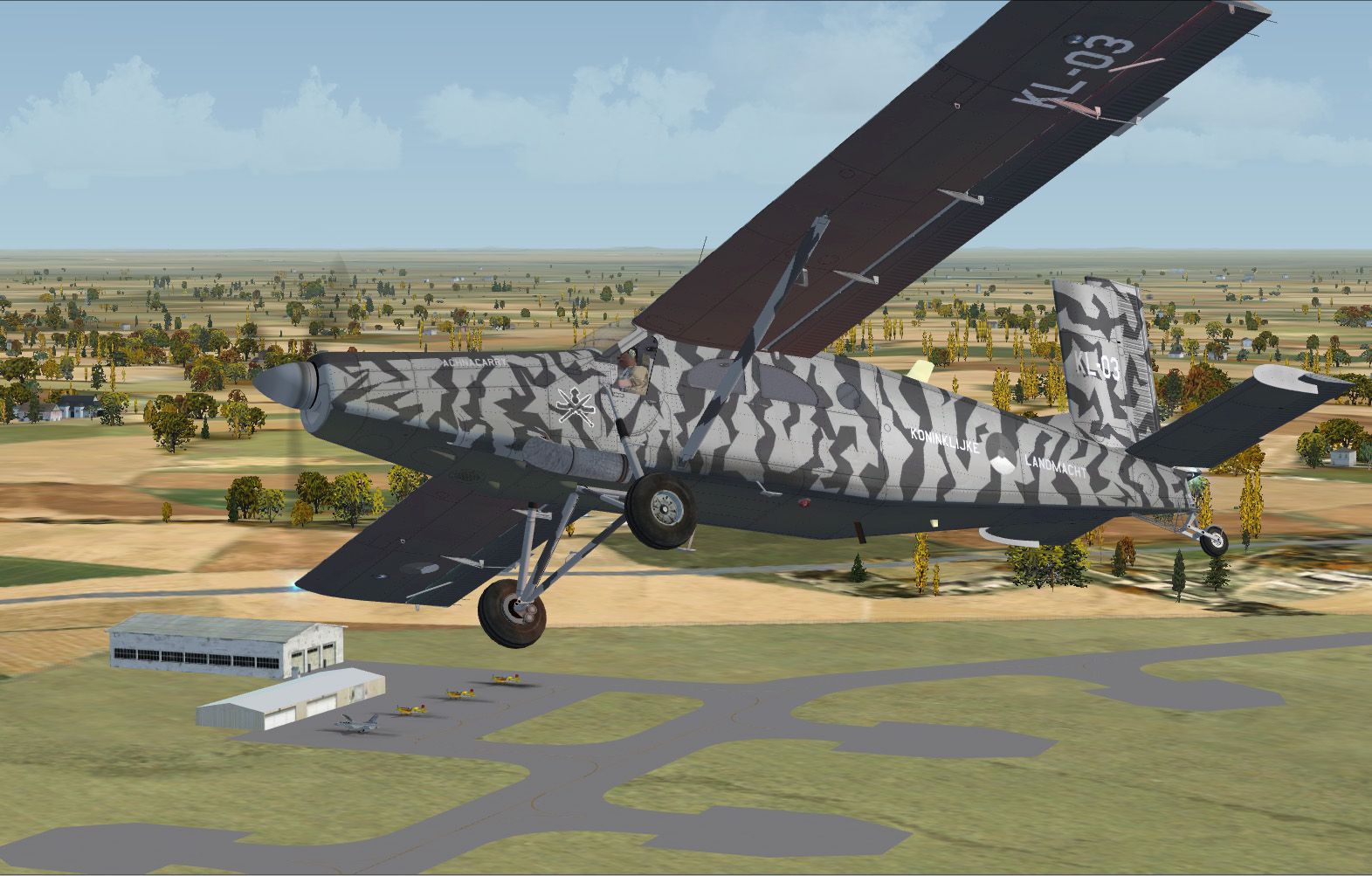
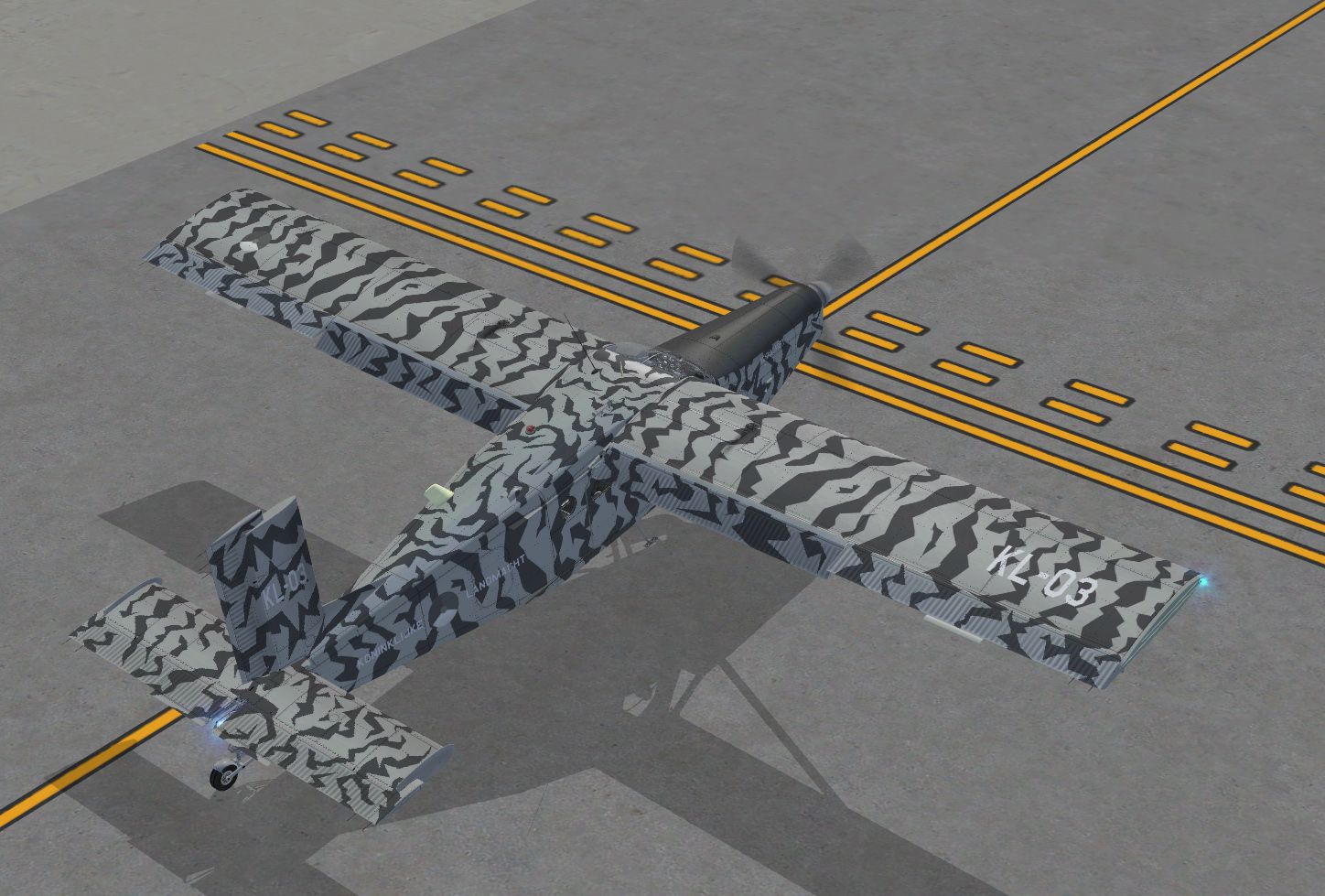
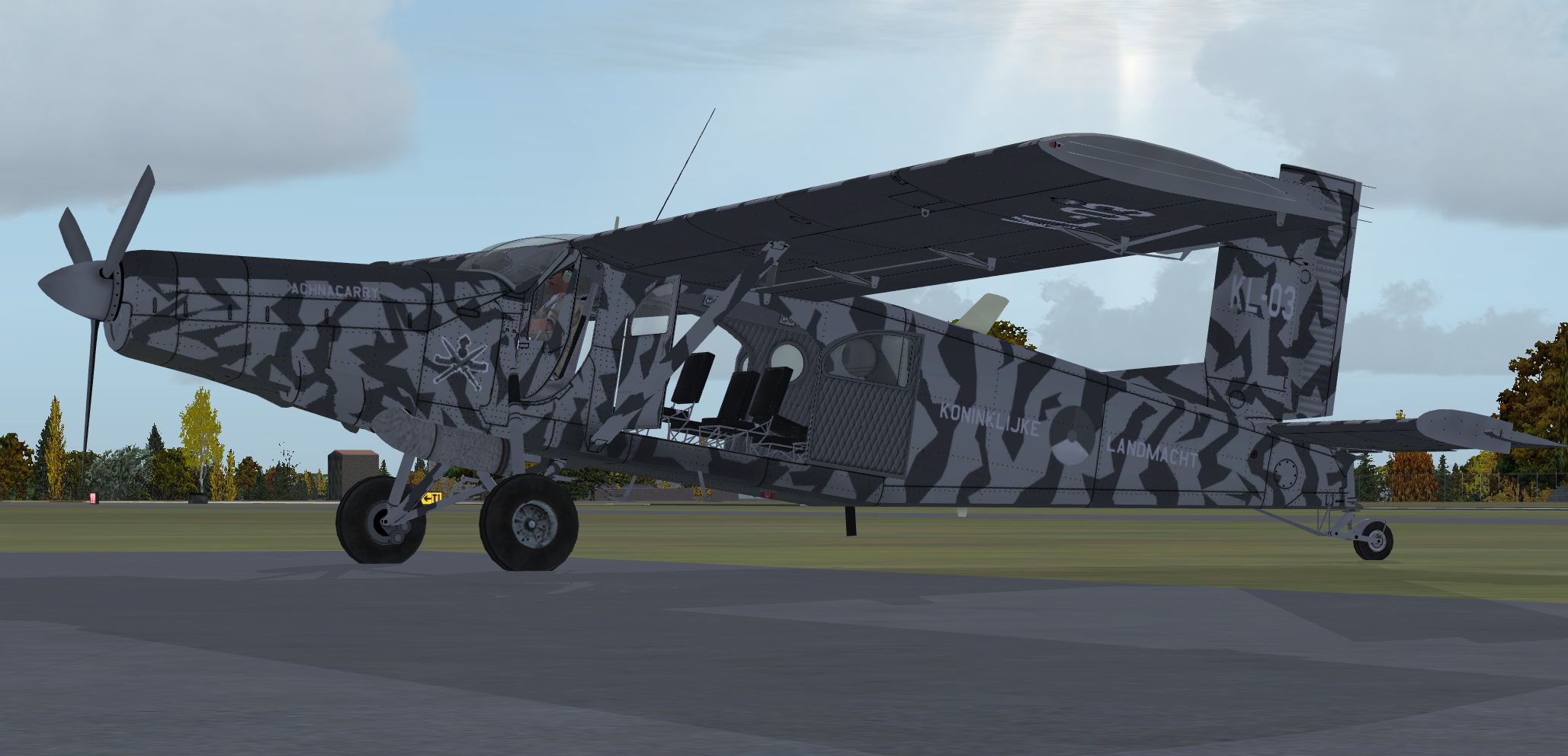
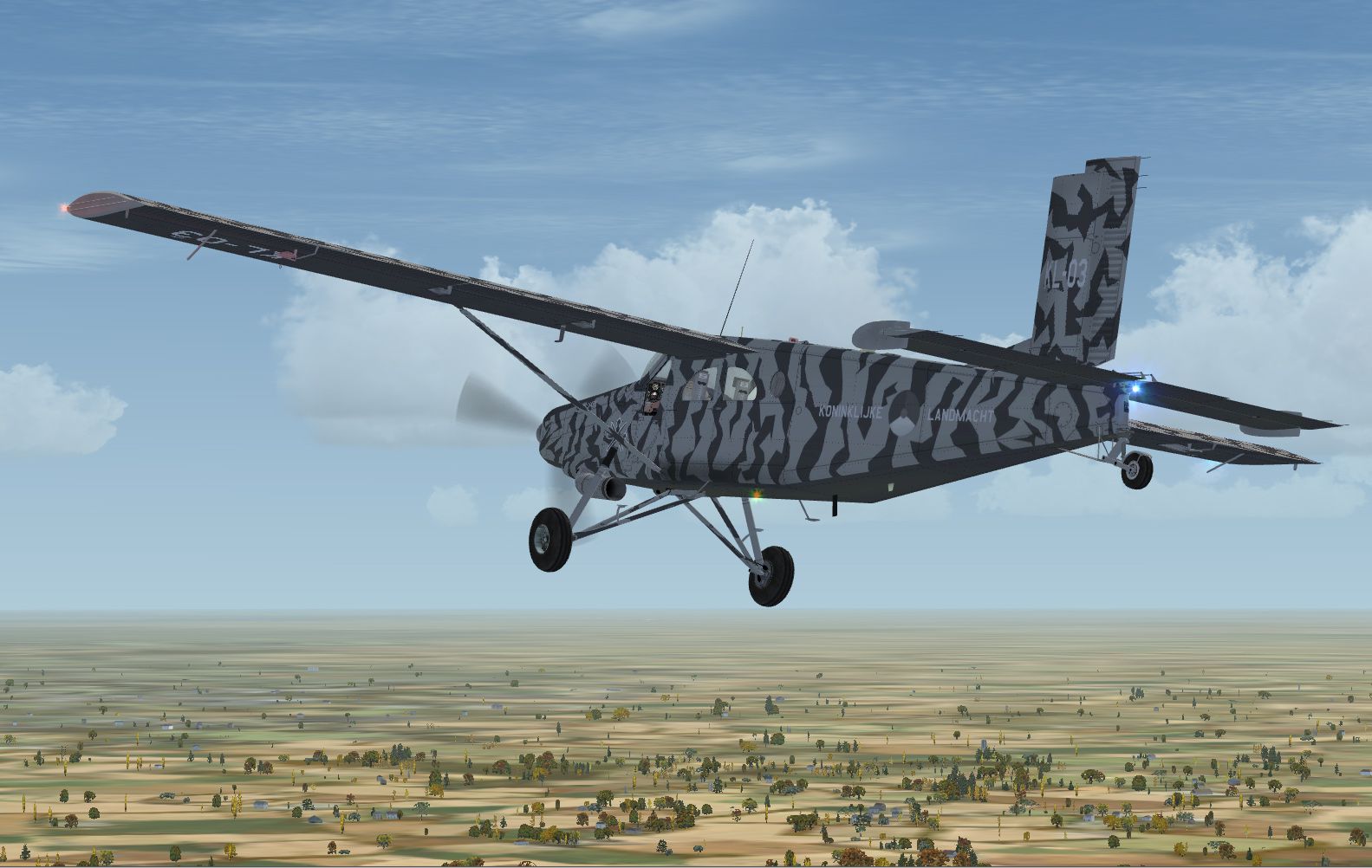
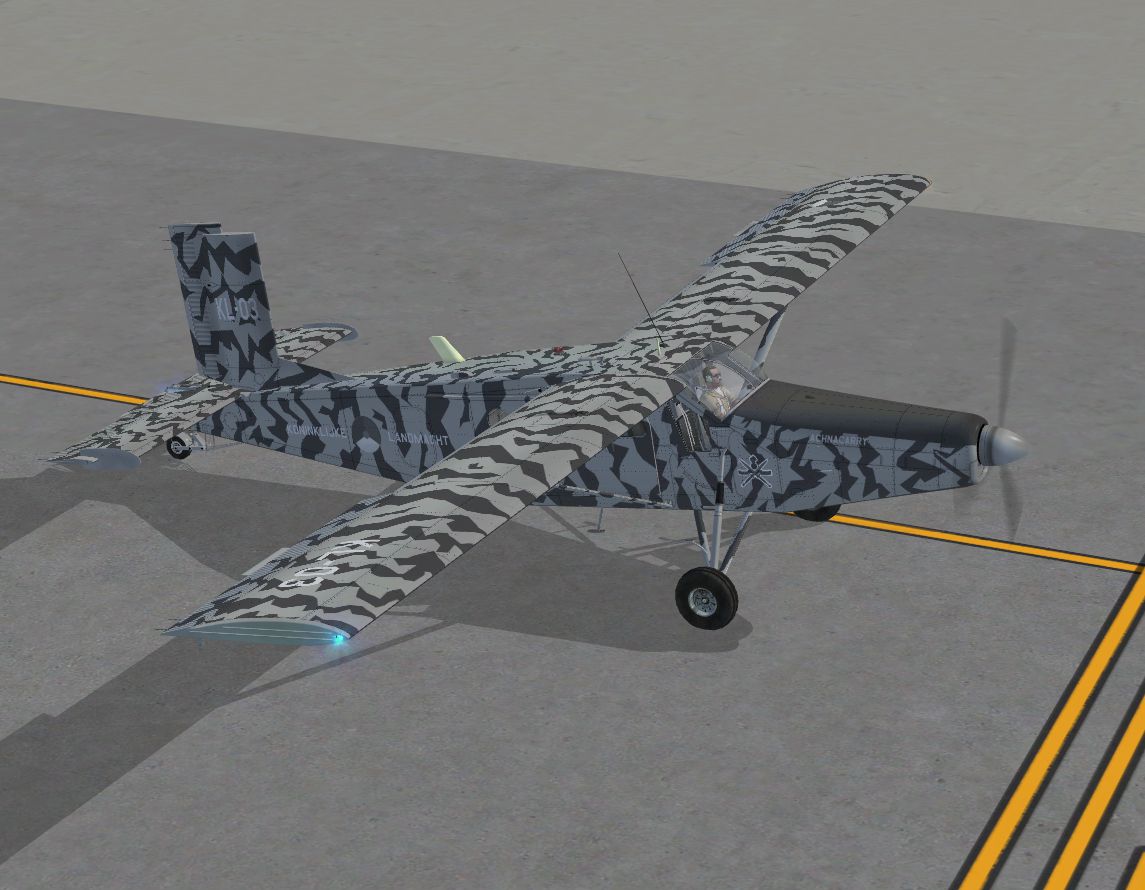
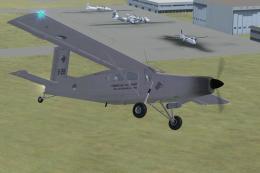
RNLA Pilatus PC-6C H2. Pilatus PC-6C H2 Turbo Porter in a fictional Royal Netherlands Army livery. The PC-6C Turbo Porter has been an amazing contribution to the STOL aircraft fleet around the world for decades. Its robust airframe and excellent aerodynamics make the plane very popular for para-drops, but also for supply missions in remote areas throughout the globe. Despite its age the aircraft is still widely in use. This repaint represents a "what-if" livery for the Royal Netherlands Army (RNLA). In the far past the RNLA could depend on the Beaver and similar aircraft for light support and small batch para-drops (later the Fokker F-27s performed these tasks). Nowadays they are performed by the Dutch "Defence Helicopter Command" (AS-532U2 Cougars and CH-47D Chinooks) and by the 336 Sqn C-130s. This livery resembles a fictional light utility aircraft registered to the Dutch Army, with corresponding low-visibility (and night-ops optimal) color scematics. The emblem and aircraft name belong to the "Korps Commando Troepen", the Dutch Army Special Forces based at Rosendaal. The name "Achnacarry" denotes the place in Scotland where the Dutch Commando Unit was founded in WWII. You need the freeware PC-6C H2 Turbo Porter by Tim Conrad (PC-6C_H2TURBOPORTER.ZIP) in order to use this repaint. By Rene Spaan.
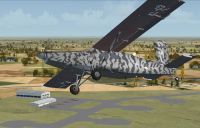
RNLA Pilatus PC-6C H2 in flight.
Pilatus PC-6C_H2 Turbo Porter "Royal Netherlands Army" livery by René Spaan.
Credits:
Tim "Piglet" Conrad for his beautiful Pilatus PC-6C H2 Turbo Porter.
"Royal Netherlands Army" livery by René Spaan.
Installation:
1) Unzip the downloaded zipfile and copy the texture.RNLA folder to the PC-6C_H2 folder in your Microsoft Flight Simulator X/SimObjects/Airplanes folder.
2) Now open the aircraft.cfg file in the PC-6C_H2 folder with a text editor. Copy the the text-lines below in this document and paste them in the aircraft livery part in the aircraft.cfg document.
Replace the number in the [fltsim.X]-line with the next number in sequence. Save the aircraft.cfg document.
[fltsim.X]

	title=PC-6C_H2 RNLA

	sim=PC-6C_H2

	model=

	panel=

	sound=

	texture=RNLA

	kb_checklists=

	kb_reference=

	atc_id_color=0x00ff0000

	atc_id=KL03

	ui_manufacturer=Pilatus

	ui_type="PC-6C"

	ui_variation="Royal Netherlands Army"

	description="Royal Netherland Army livery by René Spaan"

	atc_heavy=0

	atc_id_font=Verdana,-11,1,600,0

	ui_createdby="Piglet's Peculiar Planes"

	visual_damage=1

	prop_anim_ratio = 1.72
That's it, enjoy.
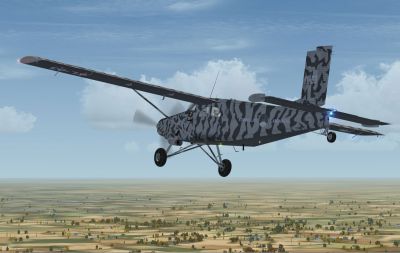
RNLA Pilatus PC-6C H2 in flight.
Free for all simmers · 7.15 MB · Scanned clean Oct 2026
Download speed: Free tier is capped at 0.5 Mbps (this file takes approximately 2 mins at the cap). PRO members download at full line speed.
This add-on may require the following files to function properly. If this is a repaint, the dependency below is likely the base aircraft package.
SimObjects\Airplanes\, Addon Scenery\, Effects\, or Gauges\.readme.txt or README file. It tells you exactly where files go, what dependencies are needed, and any quirks specific to this add-on.The archive pc-6c_h2_rnla.zip has 26 files and directories contained within it.
This list displays the first 500 files in the package. If the package has more, you will need to download it to view them.
| Filename/Directory | File Date | File Size |
|---|---|---|
| PC-6C_H2_RNLA.jpg | 09.07.10 | 630.60 kB |
| PC-6C_H2_RNLA.png | 09.07.10 | 37.37 kB |
| PC-6C_H2_RNLA_small.jpg | 09.07.10 | 42.19 kB |
| PC-6C_H2_RNLA1.jpg | 09.07.10 | 540.50 kB |
| PC-6C_H2_RNLA2.jpg | 09.07.10 | 575.79 kB |
| PC-6C_H2_RNLA3.jpg | 09.07.10 | 441.24 kB |
| PC-6C_H2_RNLA4.jpg | 09.07.10 | 495.28 kB |
| Readme.txt | 09.07.10 | 2.82 kB |
| texture.RNLA | 09.07.10 | 0 B |
| pc6c_01.dds | 09.07.10 | 4.00 MB |
| pc6c_01_bump.dds | 08.19.10 | 4.00 MB |
| pc6c_01_spec.dds | 09.07.10 | 4.00 MB |
| pc6c_02.dds | 08.18.10 | 4.00 MB |
| pc6c_02_spec.dds | 08.25.10 | 4.00 MB |
| pc6c_aircrew.dds | 08.24.10 | 256.12 kB |
| pc6c_consoles.dds | 08.23.10 | 4.00 MB |
| pc6c_consoles_lm.dds | 08.25.10 | 4.00 MB |
| pc6c_consoles_spec.dds | 08.25.10 | 4.00 MB |
| pc6c_glass.dds | 08.27.10 | 64.12 kB |
| pc6c_panels.dds | 08.29.10 | 4.00 MB |
| pc6c_panels_lm.dds | 08.25.10 | 4.00 MB |
| pc6c_prop.dds | 07.31.10 | 64.12 kB |
| pc6c_reflect.dds | 08.25.10 | 64.12 kB |
| thumbnail.jpg | 09.07.10 | 30.92 kB |
| flyawaysimulation.txt | 10.29.13 | 959 B |
| Go to Fly Away Simulation.url | 01.22.16 | 52 B |
Only PRO members can place votes.
More FSX & P3D add-ons hand-picked based on this download.
FSX Military Aircraft
KLU Pilatus PC-6C H2. Turbo Porter for FSX by Tim Conrad in a Royal Netherlan…
 FSX Military Aircraft
ALAT Pilatus PC-6C. Pilatus PC-6C H2 Turbo Porter by Tim Conrad in a fictiona…
 FSX Military Aircraft
RAAF Pilatus PC-6C. Pilatus PC-6C H2 Turbo Porter by Tim Conrad in a Vietnam …
 FSX Military Aircraft
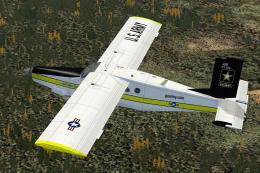
US Army Golden Knights Pilatus PC-6C. A Pilatus PC-6C H2 Turbo Porter by Tim …
 FSX Military Aircraft
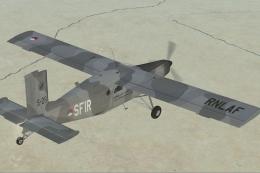
This freeware repaint offers a fictional Royal Netherlands Air Force scheme f…
 FSX Military Aircraft
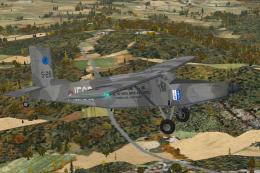
This detailed repaint package brings a "what-if" Royal Netherlands Air Force …
 FSX Military Aircraft
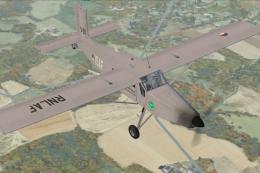
This refined repaint depicts a Pilatus PC-6C H2 Turbo Porter—originally desig…
 FSX Military Aircraft
This freeware package introduces a finely detailed Royal Netherlands Air Forc…
Be the first to leave a comment on this download.
Be the first to share your thoughts on this download.