

 FSX Military Aircraft
KLU Pilatus PC-6C H2
KLU Pilatus PC-6C H2. Turbo Porter for FSX by Tim Conrad in a Royal Netherlan…
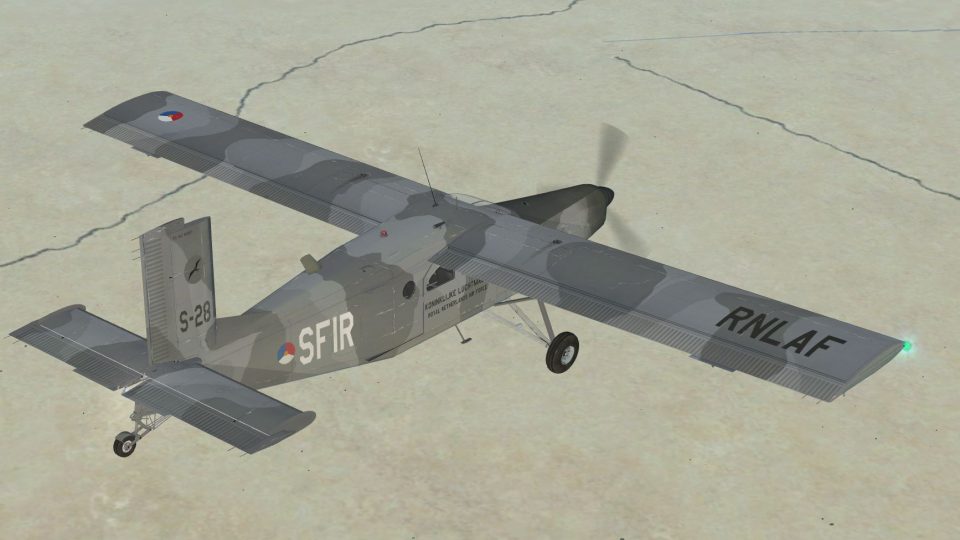
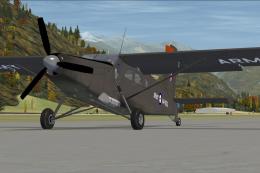
Pilatus PC-6C H2 Turbo Porter wears a fictional Royal Netherlands Air Force SFIR scheme with weathered camouflage and subdued markings, evoking 336 Squadron-style operations in austere 2004 Middle East settings. Built for Microsoft Flight Simulator X, it requires Tim “Piglet” Conrad’s base model and suits immersive STOL flying from rough strips.
 Rate
Rate
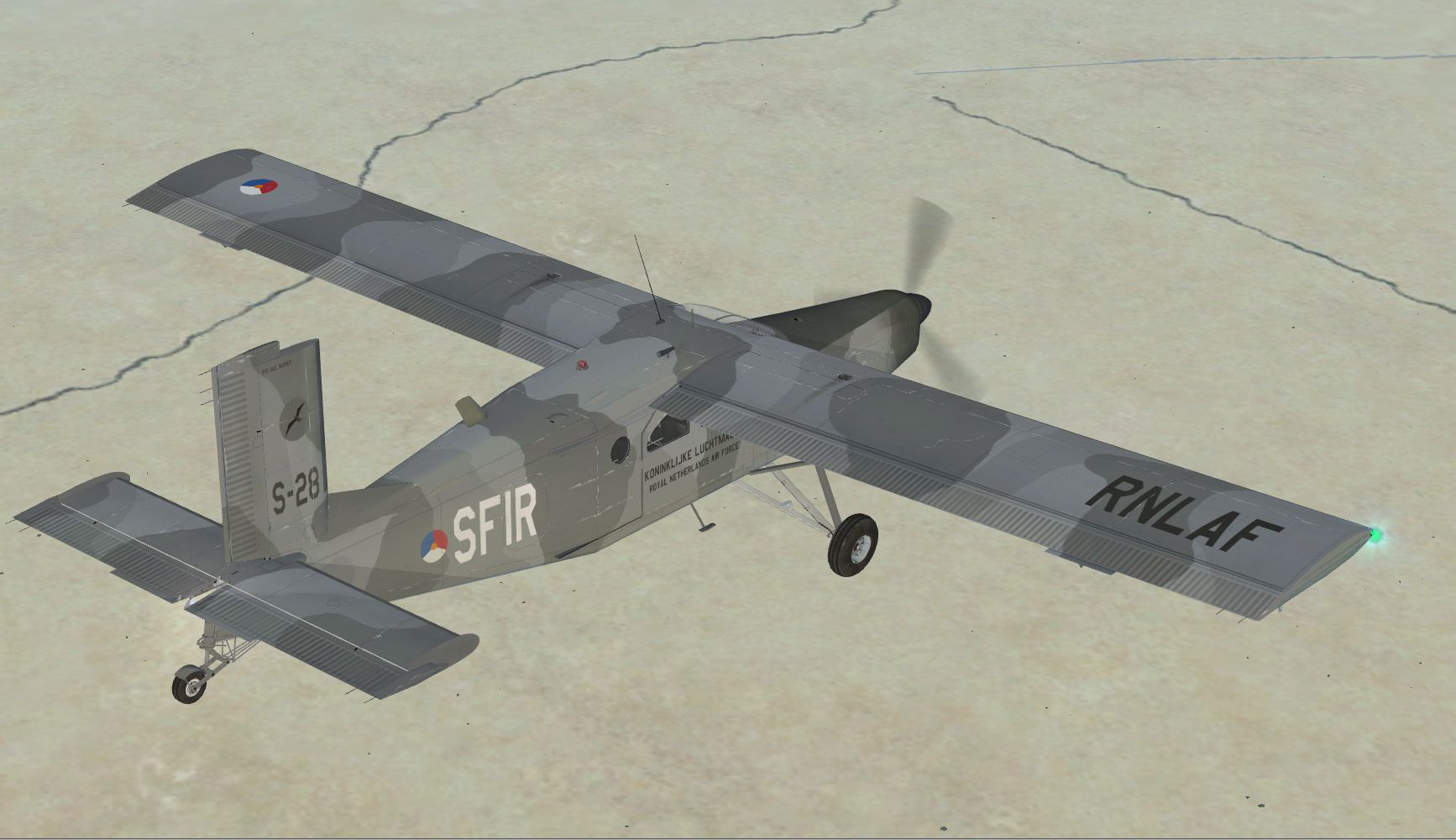
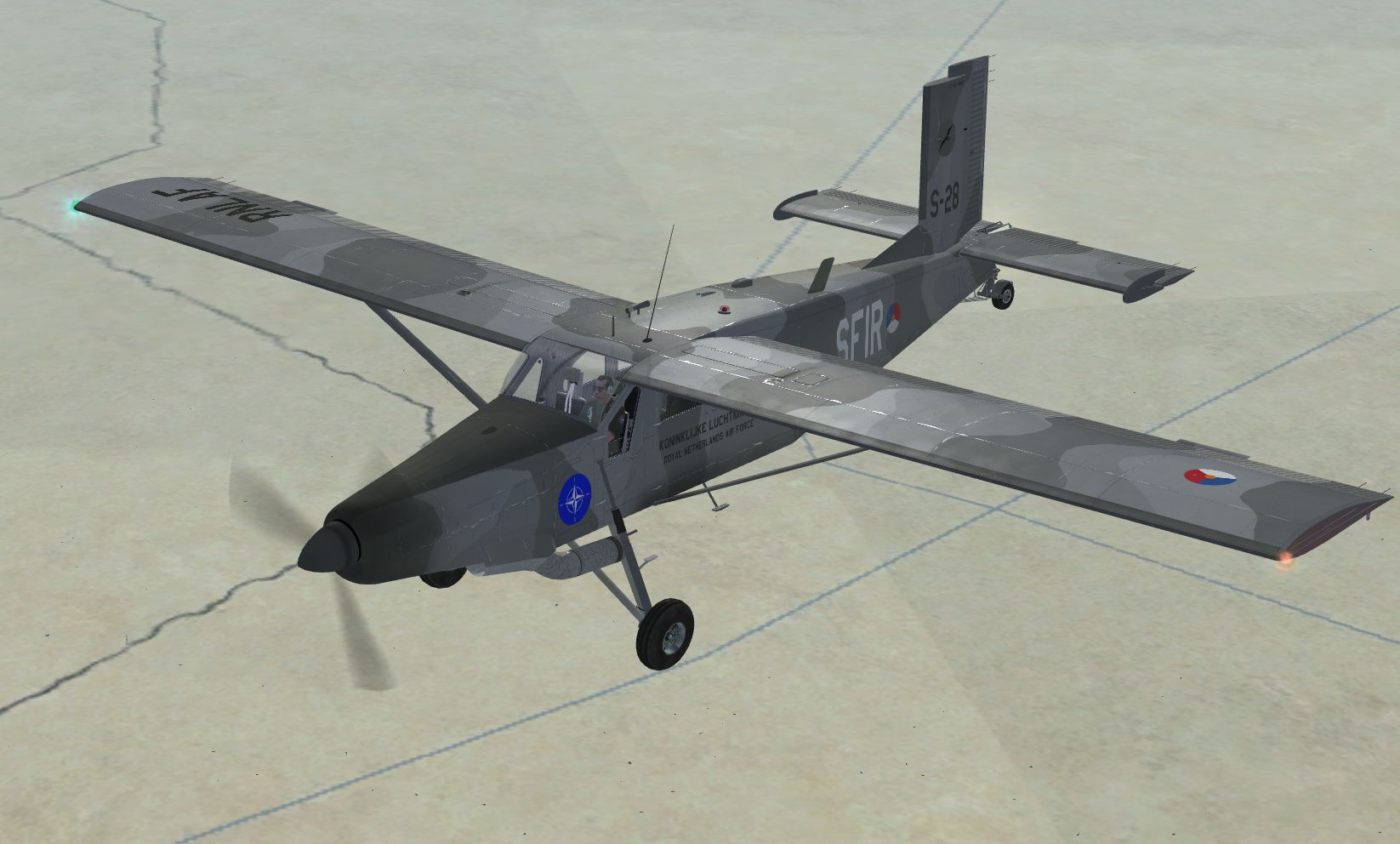
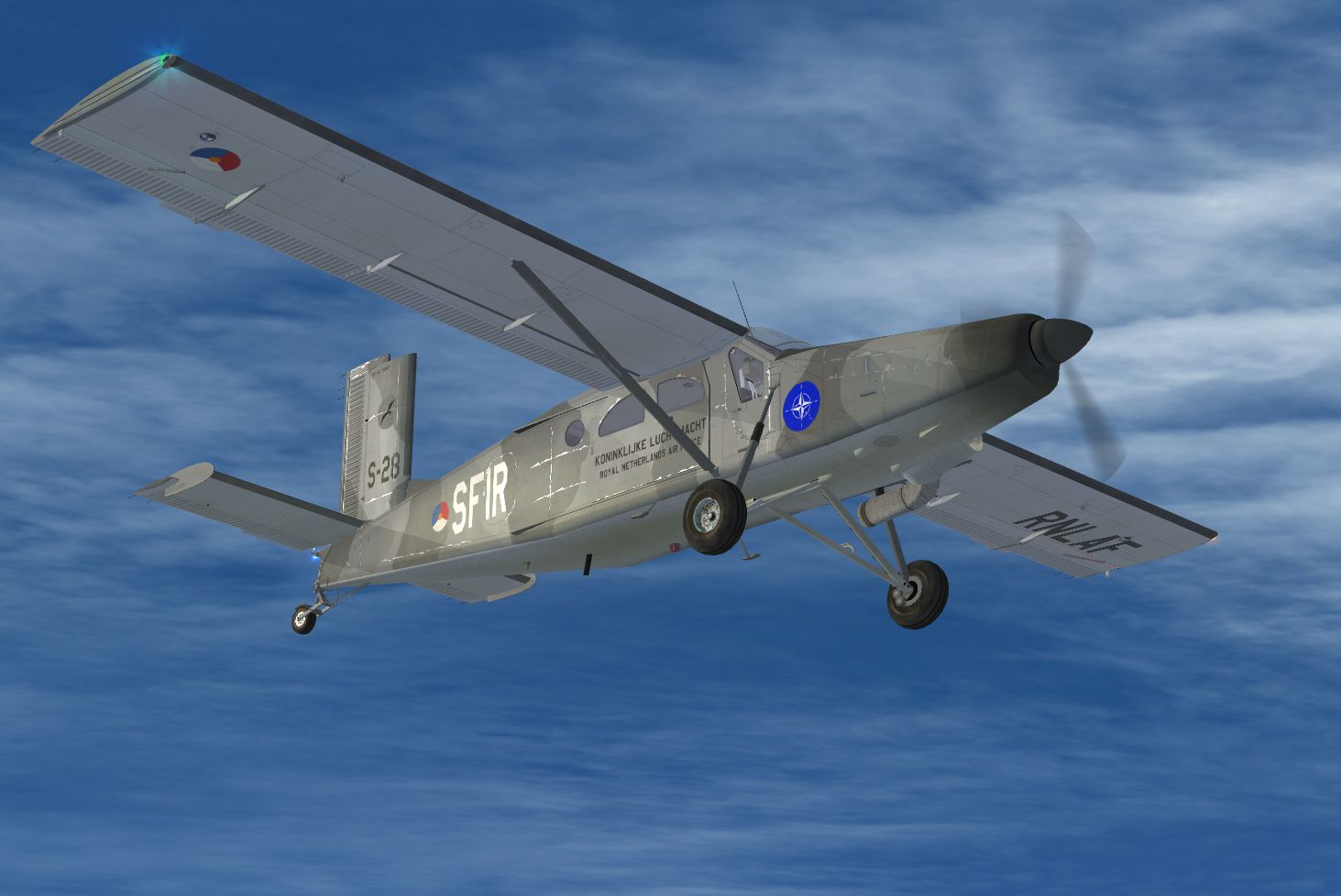
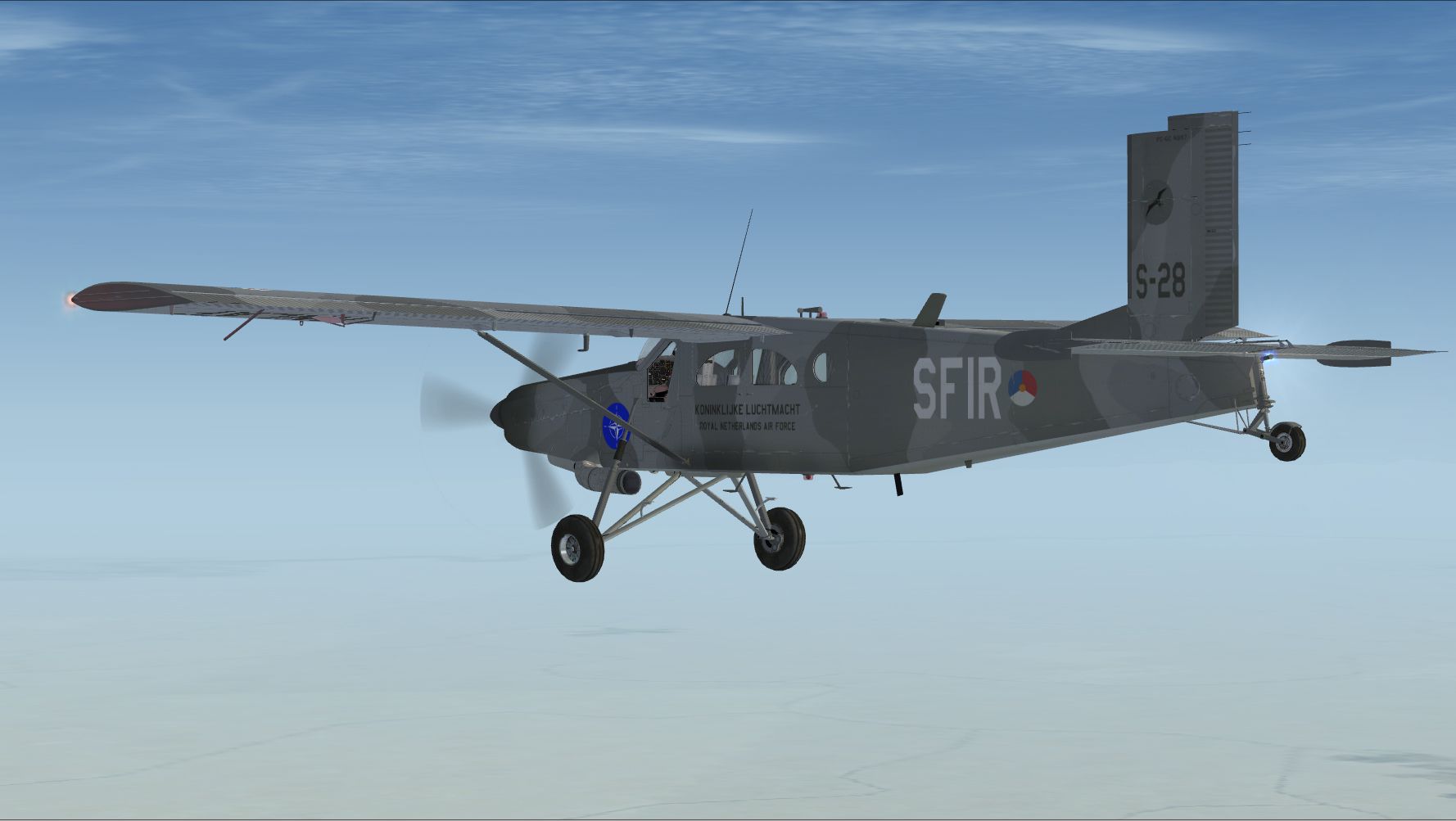
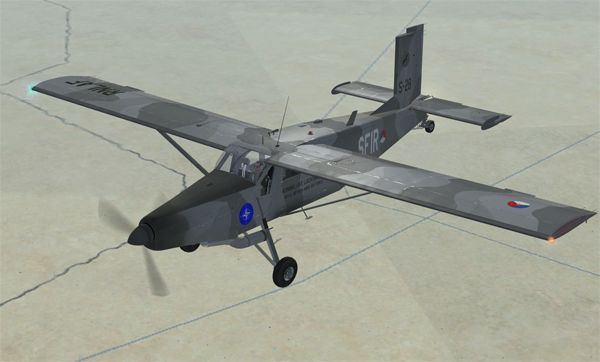
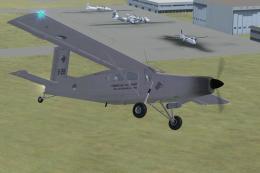
This freeware repaint offers a fictional Royal Netherlands Air Force scheme for the Pilatus PC-6C H2 Turbo Porter, carefully created for use in Microsoft Flight Simulator X. Its design reflects potential deployment under SFIR mandate, showcasing a rugged aesthetic and weathered camouflage. Developed by Tim “Piglet” Conrad (base model) and repainted by René Spaan, this package provides an immersive short takeoff and landing [STOL] experience in any challenging environment.
The Pilatus PC-6C Turbo Porter has long been revered for its STOL capabilities and robust airframe. Operators around the globe utilize this aircraft for tasks such as para-dropping, medical transportation, and cargo delivery in remote regions. This repaint envisions a “what-if” Royal Netherlands Air Force service under the 336 Squadron (Sqn), with a specific reference to operations in the Middle East during 2004. Historically, 336 Sqn fleets have included the F-27MPA, flown in Dutch Antilles maritime roles, and the unit currently runs C-130s from Eindhoven Air Base. This fictional repaint builds on the concept of 2 ULF (Utility and Liaison Flight), indicating a versatile division ready to deploy worldwide. Here, the chosen livery integrates subdued markings and unique wear to emulate repeated missions in austere conditions.
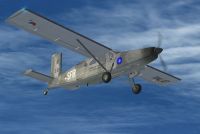
KLU SFIR Pilatus PC-6C in flight.
Microsoft Flight Simulator X/SimObjects/Airplanes path.aircraft.cfg file within the same PC-6C_H2 folder using a text editor. Append the below entry under the existing [fltsim.X] sections, then replace “X” with the correct numeric sequence:
[fltsim.X]
title=PC-6C_H2 KLU SFIR
sim=PC-6C_H2
model=
panel=
sound=
texture=KLU_SFIR
kb_checklists=
kb_reference=
atc_id_color=0x00ff0000
atc_id=S28
ui_manufacturer=Pilatus
ui_type="PC-6C"
ui_variation="RNLAF 336Sqn, 2ULF, SFIR Tallil, Iraq 2004"
description="RNLAF SFIR livery by René Spaan"
atc_heavy=0
atc_id_font=Verdana,-11,1,600,0
ui_createdby="Piglet's Peculiar Planes"
visual_damage=1
prop_anim_ratio = 1.72
Once inserted, save the file to complete the process.This repaint requires the freeware Pilatus PC-6C H2 Turbo Porter by Tim Conrad, obtainable in the Fly Away Simulation library. After installation, experience unique scenarios simulating 336 Sqn missions and enjoy the precise STOL performance for which the PC-6C platform is widely recognized.
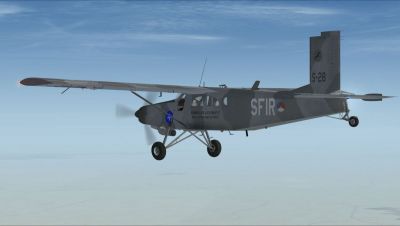
KLU SFIR Pilatus PC-6C in flight.
Free for all simmers · 7.3 MB · Scanned clean Oct 2026
Download speed: Free tier is capped at 0.5 Mbps (this file takes approximately 2 mins at the cap). PRO members download at full line speed.
This file is a repaint — the packages below are the base model it paints onto. Install them first, or the textures will have nothing to load onto.
texture.{airline}) inside FSX\SimObjects\Airplanes\{base-aircraft}\.aircraft.cfg in Notepad. Add a new [fltsim.X] section per the readme.readme.txt or README file. It tells you exactly where files go, what dependencies are needed, and any quirks specific to this add-on.The archive pc-6c_klu_sfir.zip has 25 files and directories contained within it.
This list displays the first 500 files in the package. If the package has more, you will need to download it to view them.
| Filename/Directory | File Date | File Size |
|---|---|---|
| PC-6C_KLU_SFIR.jpg | 09.24.10 | 417.00 kB |
| PC-6C_KLU_SFIR.png | 09.24.10 | 265.79 kB |
| PC-6C_KLU_SFIR_small.png | 09.24.10 | 39.19 kB |
| PC-6C_KLU_SFIR1.jpg | 09.24.10 | 548.31 kB |
| PC-6C_KLU_SFIR2.jpg | 09.24.10 | 467.04 kB |
| PC-6C_KLU_SFIR3.jpg | 09.24.10 | 509.08 kB |
| Readme.txt | 09.24.10 | 2.76 kB |
| texture.KLU_SFIR | 09.28.10 | 0 B |
| pc6c_01.dds | 09.24.10 | 4.00 MB |
| pc6c_01_bump.dds | 08.19.10 | 4.00 MB |
| pc6c_01_spec.dds | 09.24.10 | 4.00 MB |
| pc6c_02.dds | 08.18.10 | 4.00 MB |
| pc6c_02_spec.dds | 08.25.10 | 4.00 MB |
| pc6c_aircrew.dds | 09.24.10 | 256.12 kB |
| pc6c_consoles.dds | 08.23.10 | 4.00 MB |
| pc6c_consoles_lm.dds | 08.25.10 | 4.00 MB |
| pc6c_consoles_spec.dds | 08.25.10 | 4.00 MB |
| pc6c_glass.dds | 08.27.10 | 64.12 kB |
| pc6c_panels.dds | 08.29.10 | 4.00 MB |
| pc6c_panels_lm.dds | 08.25.10 | 4.00 MB |
| pc6c_prop.dds | 07.31.10 | 64.12 kB |
| pc6c_reflect.dds | 08.25.10 | 64.12 kB |
| thumbnail.jpg | 09.24.10 | 46.57 kB |
| flyawaysimulation.txt | 10.29.13 | 959 B |
| Go to Fly Away Simulation.url | 01.22.16 | 52 B |
Only PRO members can place votes.
More FSX & P3D add-ons hand-picked based on this download.
FSX Military Aircraft
KLU Pilatus PC-6C H2. Turbo Porter for FSX by Tim Conrad in a Royal Netherlan…
 FSX Military Aircraft
This detailed repaint package brings a "what-if" Royal Netherlands Air Force …
 FSX Military Aircraft
This refined repaint depicts a Pilatus PC-6C H2 Turbo Porter—originally desig…
 FSX Military Aircraft
This freeware package introduces a finely detailed Royal Netherlands Air Forc…
 FSX Military Aircraft
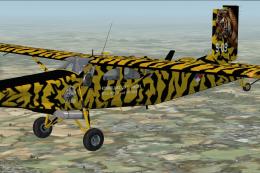
KLU PC-6C NATO Tiger Meet 2010. Pilatus PC-6C H2 Turbo Porter by Tim Conrad i…
 FSX Military Aircraft
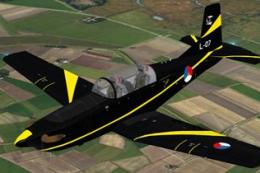
This repaint features the KLu 130 EMVO Pilatus PC-7 L-07, representing the Ro…
 FSX Military Aircraft
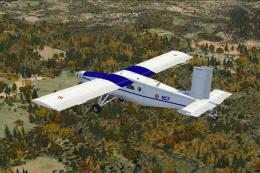
ALAT Pilatus PC-6C. Pilatus PC-6C H2 Turbo Porter by Tim Conrad in a fictiona…
 FSX Military Aircraft
RAAF Pilatus PC-6C. Pilatus PC-6C H2 Turbo Porter by Tim Conrad in a Vietnam …
Be the first to leave a comment on this download.
Be the first to share your thoughts on this download.