

 FSX Missions
Mission--Madagascar Mission
Madagascar Mission. The Madagascarian Military pays you for a transport fligh…
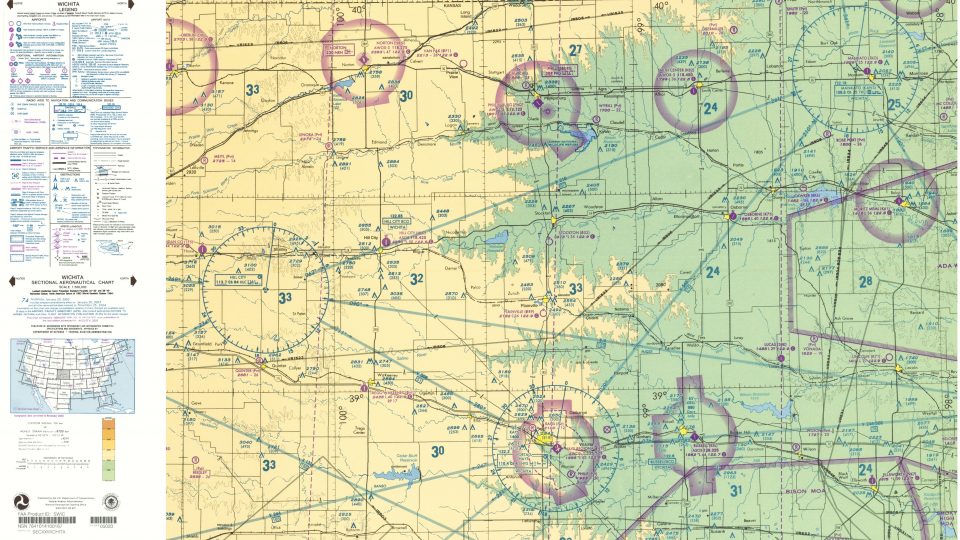
Easter Egg Hunt Mission turns rural Kansas into a chart-and-compass style navigation challenge for FSX, tasking pilots to use a sectional chart, provided coordinates, VOR cross-references, and visual landmarks to plot routes and discover nine hidden Easter eggs. The updated scenario rewards accurate planning, situational awareness, and careful flying.
 Rate
Rate
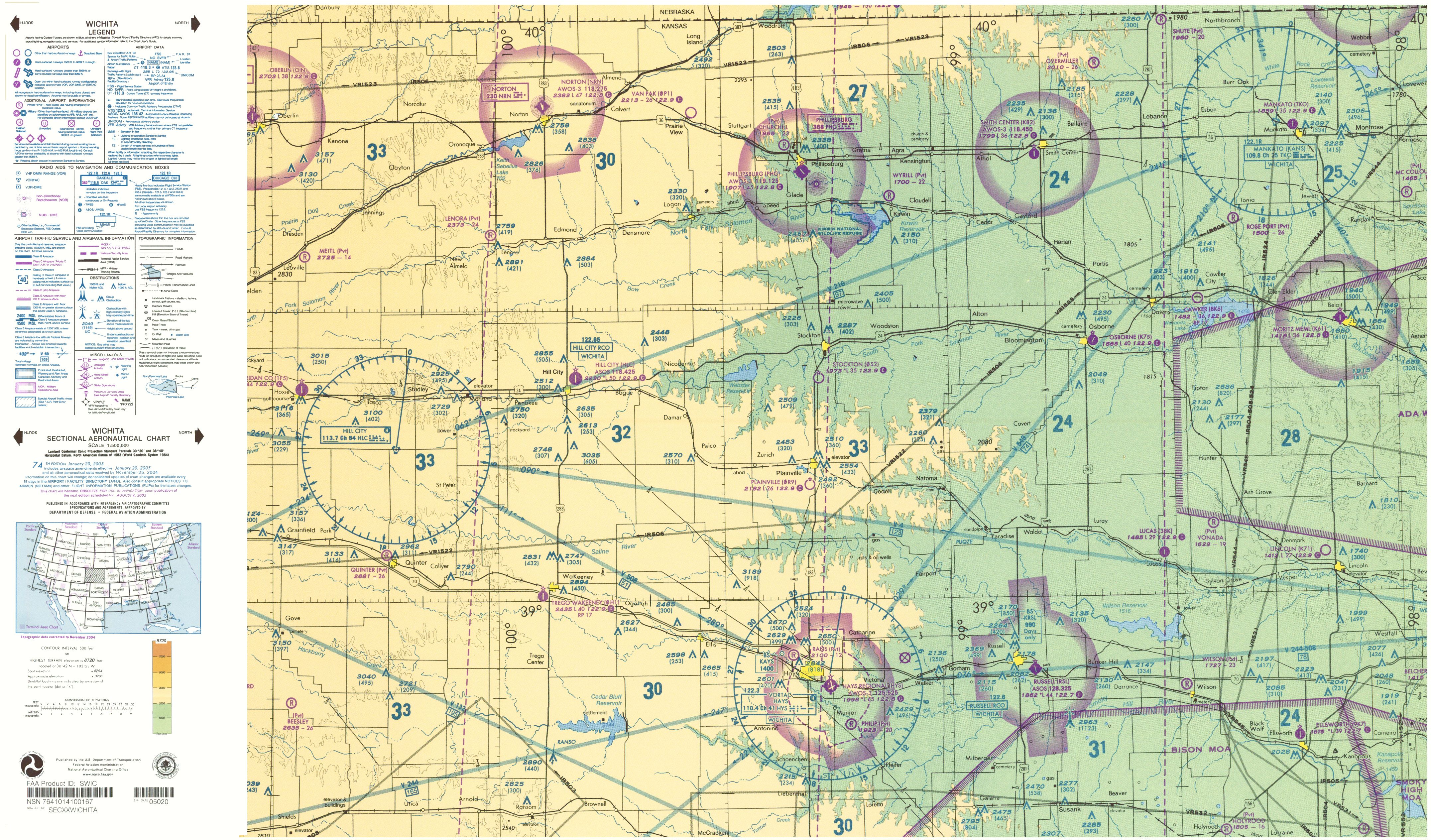
Easter Egg Hunt (updated). This is an Easter egg hunt in the fields of Kansas. Using a sectional chart and the coordinates provided, locate and plot your way to nine Easter eggs. You must be able to read and understand a sectional chart to play this mission. By David J. Crandall.
Easter Egg Hunt Mission.
INSTALLATION
Unzip the Egg hunt folder into a folder of your choice. DO NOT UNZIP INTO YOUR FS FOLDER.
1. Open the BGL folder from the folder you just unzipped into. Select ALL and COPY.
2. Open your FSX folder. Open the Addon Scenery folder, Open scenery folder, PASTE.
3. Go back to Egg Hunt folder, Open texture folder, Select ALL and COPY.
4. Open your FSX folder. Open the Addon Scenery folder, Open texture folder, PASTE.
6. Go back to Egg Hunt folder, open the Rewards folder, select ALL and COPY.
7. Open your FSX folder. Open the Rewards folder, PASTE.
8. Go back to Egg Hunt folder, Select DO NOT OPEN the Mission folder, and COPY.
9. Open your FSX folder. Open the Missions folder, Open Just For Fun folder and PASTE.
Prior to mission
1. Print the provided sectional chart.
2. During the briefing mark down all the egg locations on the chart.
3. Plot your way to each egg using VOR cross-reference and land marks.
David J Crandall
Free for all simmers · 25.09 MB · Scanned clean Oct 2026
Download speed: Free tier is capped at 0.5 Mbps (this file takes approximately 7 mins at the cap). PRO members download at full line speed.
FSX\Missions\ as a sub-folder. The folder must contain an XML file describing the mission.readme.txt or README file. It tells you exactly where files go, what dependencies are needed, and any quirks specific to this add-on.The archive fsxegght.zip has 10 files and directories contained within it.
This list displays the first 500 files in the package. If the package has more, you will need to download it to view them.
| Filename/Directory | File Date | File Size |
|---|---|---|
| BGL | 04.23.09 | 0 B |
| Egg Hunt.bgl | 03.23.09 | 72.21 kB |
| Egg Hunt.txt | 03.23.09 | 385 B |
| Easter Egg Hunt.zip | 04.09.09 | 13.70 MB |
| Texture | 04.23.09 | 0 B |
| Eggs.bmp | 03.23.09 | 65.07 kB |
| Chart.jpg | 04.05.09 | 11.39 MB |
| README.txt | 04.24.09 | 1.22 kB |
| flyawaysimulation.txt | 10.29.13 | 959 B |
| Go to Fly Away Simulation.url | 01.22.16 | 52 B |
Only PRO members can place votes.
More FSX & P3D add-ons hand-picked based on this download.
FSX Missions
Madagascar Mission. The Madagascarian Military pays you for a transport fligh…
 FSX Missions
Experience a daring alpine approach with this immersive mission set amid the …
 FSX Missions
Discover a daring and immersive freeware add-on that challenges your landing …
 FSX Missions
The Most Dangerous Airports: Lukla. The next in The Most Dangerous Airport Mi…
 FSX Missions
Hurricane Landing. Your task is to fly an Airbus A320 from Munich to Hamburg …
 FSX Missions
Welcome, Sir. In this mission you try to get from Gatwick to Dublin. It's ver…
 FSX Missions
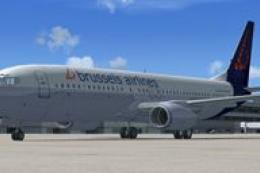
Fly your Brussels Airlines 737-800 from Brussels National airport to Rome Fiu…
 FSX Missions
The year is 1994 and you are a captain for America West airlines called Capta…
Be the first to leave a comment on this download.
Be the first to share your thoughts on this download.