

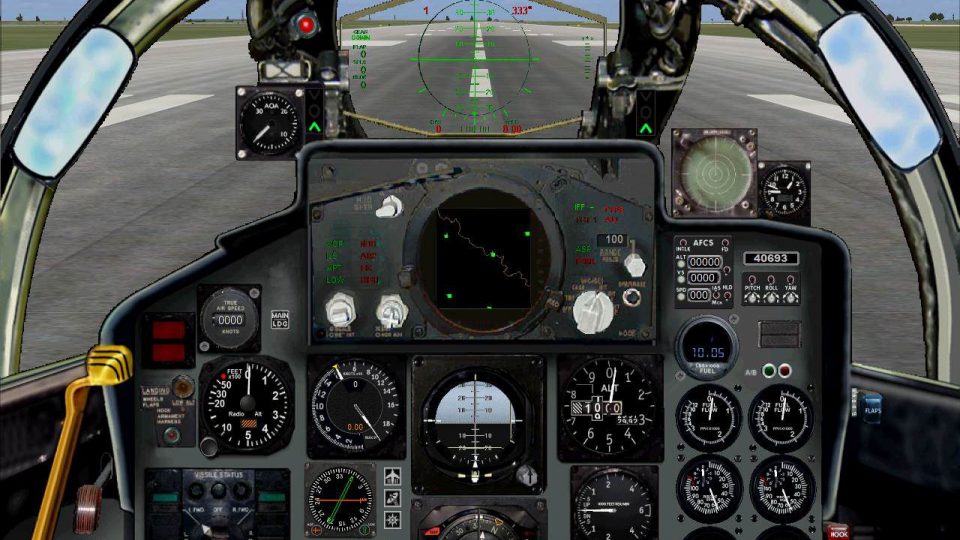
 FSX Panels & Gauges
Alphasim/Virtavia F-111 Panel
Alphasim/Virtavia F-111 Panel v2.6.7. Updates for the Alphasim/Virtavia Gener…
Virtavia F-4 Phantom II Pack 2 receives a complete replacement panel and custom gauge suite for FSX, adding a multifunction radar-style display, basic HUD, electrical and ground-power controls, red virtual cockpit night lighting, and revised afterburner effects with auto staging. Requires the freeware FS2004 Virtavia F-4 Pack 2 and its gauge CAB files.
 Rate
Rate
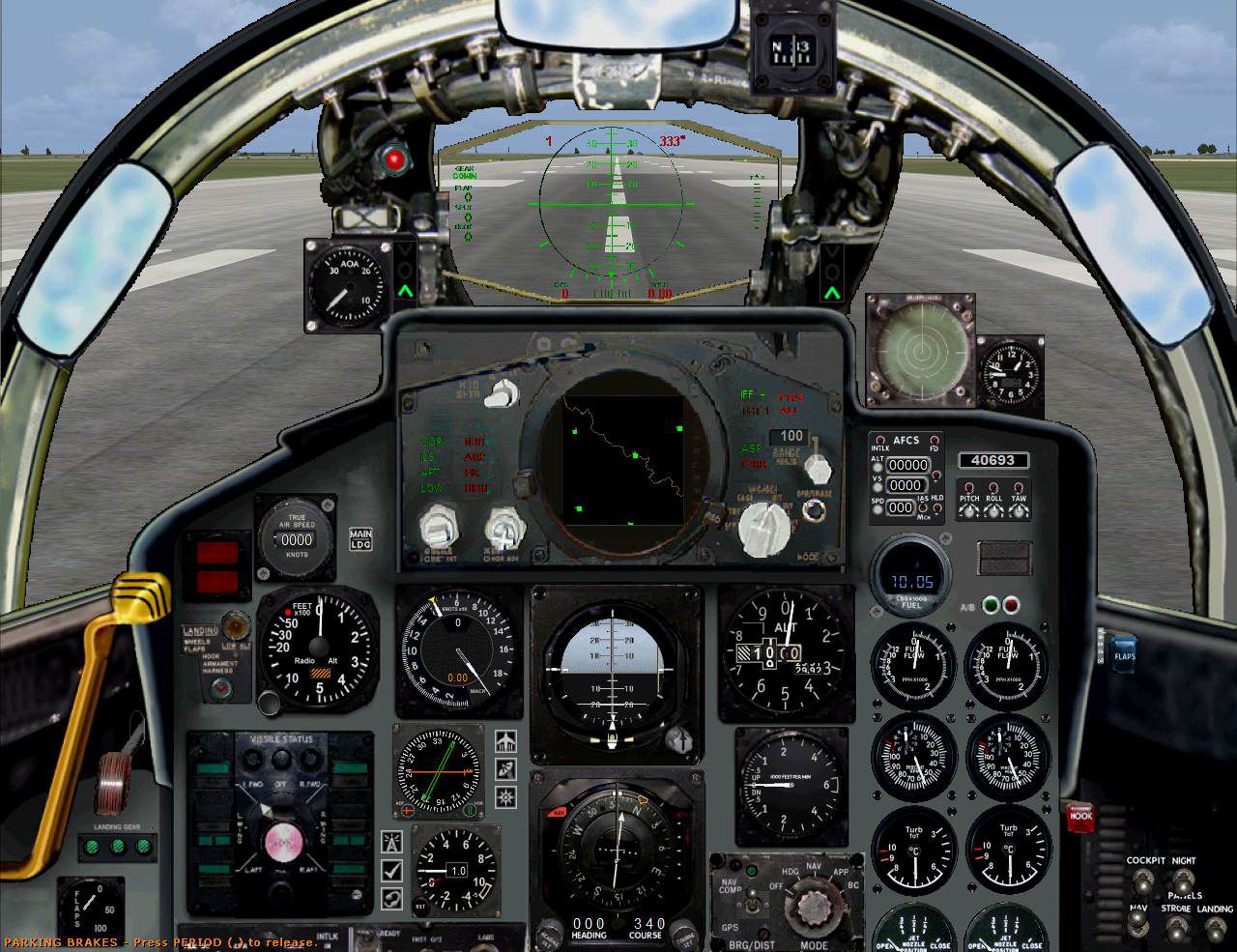
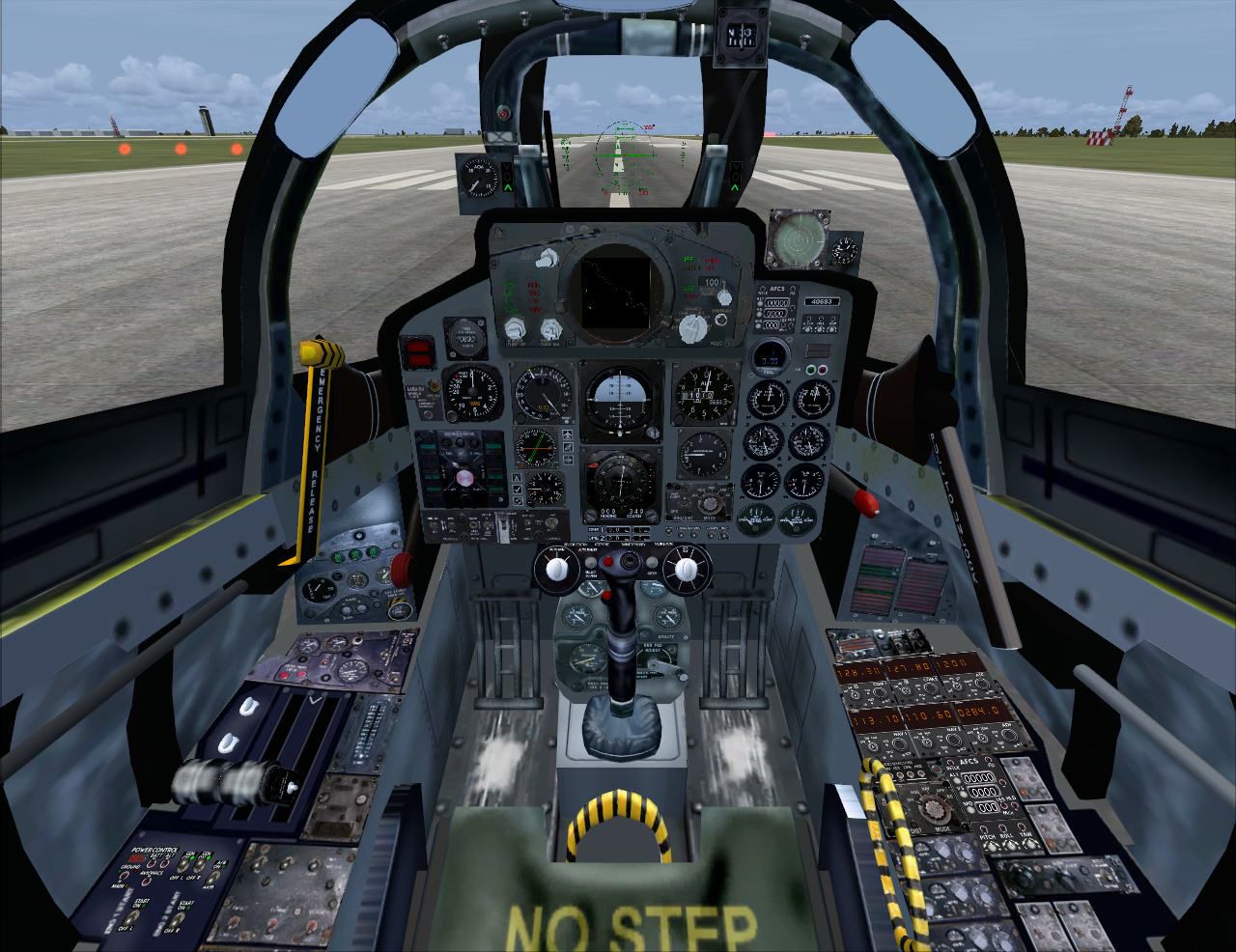
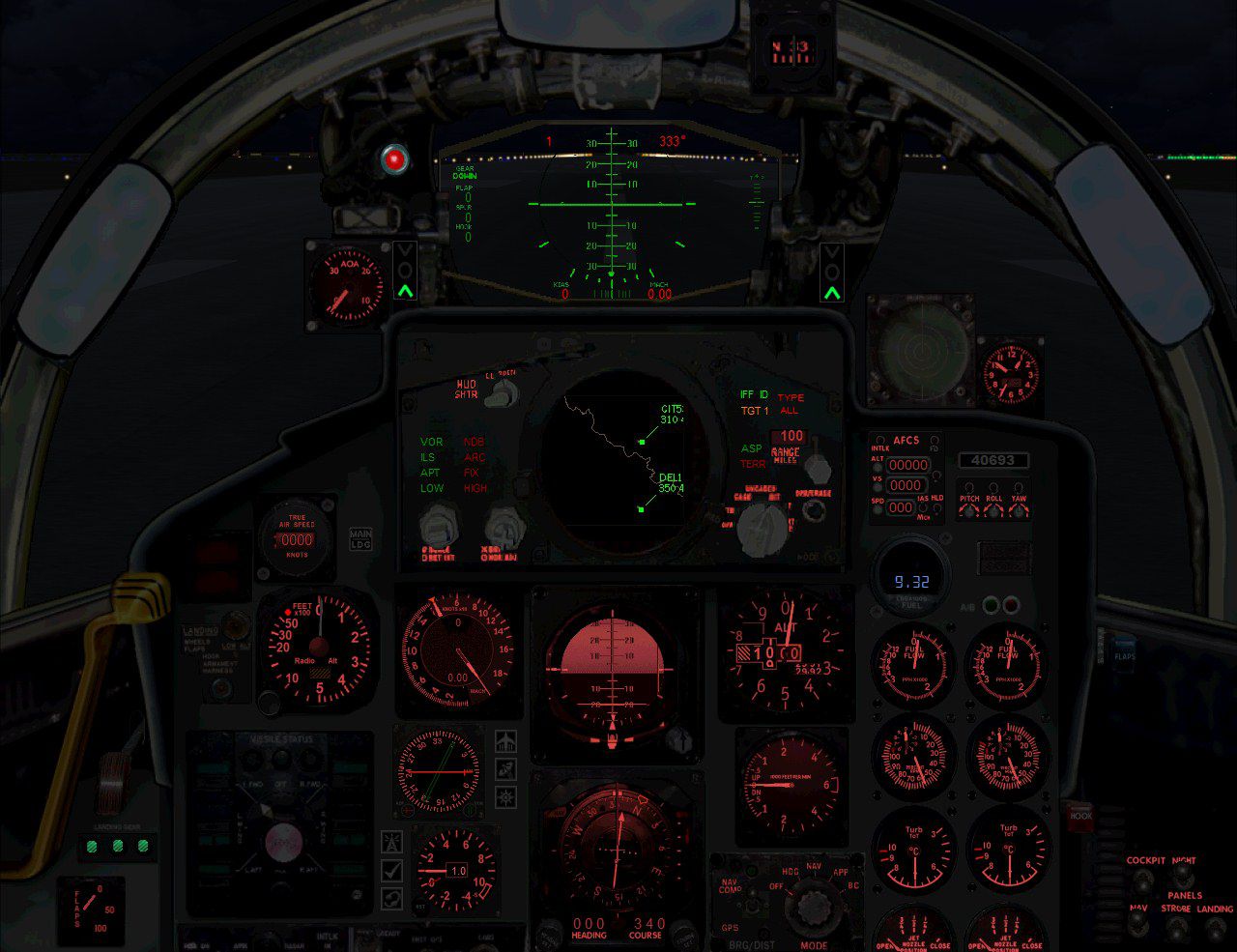
Panel--Virtavia F-4 Pack 2. This is a complete panel and gauge set for the now freeware FS2004 Virtavia F4 Phantom II Pack 2 in FSX. This is not for the purist! Quite a few functions are available in it that were not included by McDonnell Douglas/Boeing on the real deal. Note: This has the revised afterburners, and other updates done, and replaces the earlier versions released prior to August 19, 2011. By Don Bodenstedt.
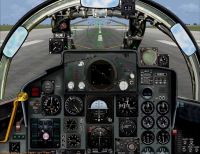
Virtavia F-4 Pack 2 Panel.
"Word Wrap!"
This is a Complete panel and gauge set for the now freeware FS9 Virtavia F-4 Phantom II Pack 2 in FSX. This isn't for the purist! Quite a few functions are available in it that were not included by McDonnell Douglas/Boeing on the real deal. The multifunction RADAR works similar to the FSX Tower's RADAR system, with the controls on the RADAR head itself. It has a red VC light effect to help with night Flying, though the 2D is better suited for Night Flight. Automatic individual afterburner controls(90% throttles), a basic HUD, electrical controls, and replacments for almost all of the unlabeled default switches is included.
For the panel tweaker in you, the package includes a collection of around 100 gauges that I have created for Phantoms and other planes from that era. Some have photo real backgrounds, some gauges come both with and without bezels, and some don't work!
NOTE: If you use the keyboard for throttle control, when the afterburners engage, you will NOT be able to reduce throttle from 100%. F1 will work to set idle throttle, so you can regain throttle control. My controller operates the throttle without lockup so I assume any external controller will work also.
The green and red indicators above the E2 Fuel Flow Gauge are for the afterburner. Click on it(green lit) and auto burners engage at 90% throttle(red lit). Without it enabled(green unlit) the throttle and fuel flow remain standard military power.
The colored lettering on the RADAR enables/changes the functions, and the main and HUD shutter knobs work for those items. You'll have to spend some time exploring the gauges to figure out which knob/switch/window does what.
On the left console where the start switches are is a Power Control module that connects and starts/stops ground power and has an avionics power switch.
The 2D is well suited for Night Flight and the landing panel gives superior vision for shooting traps.
Installation:
1) Place the Panel.Virt2DCB folder in your .../FSX/Airplanes/Virtavia F-4 Phantom II Pack 2 folder.
2) Place copies of all 3 .cabs from the Virtavia Phantom Pack 1, 2, and 3, either in the panel folder or FSX/Gauges.
3) Place PhantomGaugesDCBx.CAB where you put the above.
4) Place the contents of the Effects folder in .../FSX/Effects.
***The following changes are all in the aircraft.cfg***:
5) Change the "panel=" to "panel=Virt2DCB" in [fltsim.XX] for any livery you want this panel in.
6) For the afterburners to work correctly the lights section needs to replaced. Unfortunately with this change in the aircraft.cfg(which is not selectable), all of your liveries will need "panel=Virt2DCB", otherwise your lights and burners will NOT work properly because of the default Virtavia gauges in [Vcockpit01]:
[lights]

	//Types: 1=beacon, 2=strobe, 3=navigation, 4=cockpit, 5=landing

	//6=taxi light, 7=recognition light, 8=wing light, 9=logo light

	light.0 = 3, -6.8, -19.37, -0.58, fx_navred ,

	light.1 = 3, -6.8, 19.37, -0.58, fx_navgre ,

	light.2 = 2, -11.02, -19.30, -0.72, fx_recog ,

	light.3 = 2, -11.02, 19.30, -0.72, fx_recog ,

	light.4 = 3, -26.77, 0, 10.05, fx_navwhi ,

	light.5 = 4, 19.684, -0.723, 2.606, fx_vclight_nred, //fx_vclight = standard VC lighting,

	light.6 = 4, 14.72, 0, 2.606, fx_vclight_nred, //fx_vclight,

	light.7 = 1, 9.55, 0, 4.88, fx_beacon,

	light.8 = 1, -15.94, 0, 7.31, fx_beaconb,
//Afterburners Section: For you folks that only want/need that, copy/paste and renumber light.xx

	light.9=6, -15.00, -2.10, -1.60, fx_F14_Burn1, // Eng1 Afterburner Burn1

	light.10=6, -15.25, -2.10, -1.60, fx_F14_Burn2, // Eng1 Afterburner Burn2

	light.11=6, -16.25, -2.10, -1.60, fx_F14_Burnerflame, // Eng1 Afterburner Flame

	light.12=7, -15.00, 2.20, -1.60, fx_F14_Burn1, // Eng2 Afterburner Burn1

	light.13=7, -15.25, 2.20, -1.60, fx_F14_Burn2, // Eng2 Afterburner Burn2

	light.14=7, -16.25, 2.20, -1.60, fx_F14_Burnerflame, // Eng2 Afterburner Flame

	light.15=8, -13.10, -2.20, -0.75, fx_PhantomExhaustDCB, //fx_PhantomExhaustDCB= Eng 1 Exhaust haze, when engine 1 running, fx_F14_Blueflame= Eng 1 Blueflame, Eng 1 running

	light.16=9, -13.10, 2.20, -0.75, fx_PhantomExhaustDCB, //fx_PhantomExhaustDCB= Eng 2 Exhaust haze, when engine 2 running, fx_F14_Blueflame= Eng 2 Blueflame, Eng 2 running,
//For those that have the Doug Dawson / Rob Barendregt Sonic Boom setup, remove the comment "//" in front of light.17.

	//light.17= 10, -10.0, 0.0, 0.0, fx_RCB_machenvlop,1 // SonicBoom visual effect
7) and to enable the proper fuel flow with afterburners engaged:
[TurbineEngineData]

	fuel_flow_gain= 0.002

	inlet_area= 6.250

	rated_N2_rpm= 29920.000

	static_thrust= 11875.000

	afterburner_available = 1 //Afterburner stages available?

	afterburner_throttle_threshold = 1.10 //0.85, Percent of throttle, Over 0.990 disables the simulator control of AB range where a/b begins

	reverser_available = 0 //Thrust reverser available?

	ThrustSpecificFuelConsumption = 0.83 //Thrust specific fuel consumption (Jets)

	AfterBurnThrustSpecificFuelConsumption = 2.05 //TSFC with afterburn/reheat engaged
8) The Radio Stack also needs it's section replaced if it is setup to use radios that have standby/swap function:
[Radios]

	// Radio Type = available, standby frequency, has glide slope

	Audio.1= 1

	Com.1= 1, 0, 0

	Com.2= 1, 0, 0

	Nav.1= 1, 0, 1

	Nav.2= 1, 0, 0

	Adf.1= 1, 0

	Adf.2= 1, 0

	Transponder.1= 1

	Marker.1= 1
9) Not mandatory but I suggest adding a [flight_tuning] section if you haven't already done so:
[flight_tuning]

	cruise_lift_scalar=1.000

	parasite_drag_scalar=1.000

	induced_drag_scalar=1.000

	elevator_effectiveness=1.000

	aileron_effectiveness=1.000

	rudder_effectiveness=1.000

	pitch_stability=1.000

	roll_stability=1.000

	yaw_stability=1.000

	elevator_trim_effectiveness=1.000

	aileron_trim_effectiveness=1.000

	rudder_trim_effectiveness=1.000
10) Here is my effects section if you want Startup, Eng Fire, and Rain effects:
[effects]

	wake=fx_wake

	water=fx_spray

	dirt=fx_tchdrt

	concrete=fx_sparks

	touchdown=fx_tchdwn_s, 1

	startup=fx_F14_StartupHeat

	EngineFire=fx_engfire_f18

	windshield_rain_effect_available=1
11) Last, but not least, ENJOY! Don "fxsttcb" Bodenstedt.
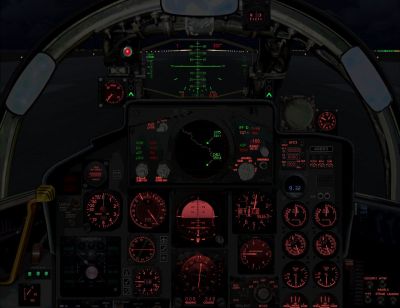
Virtavia F-4 Pack 2 Panel.
Free for all simmers · 4.36 MB · Scanned clean Oct 2026
Download speed: Free tier is capped at 0.5 Mbps (this file takes approximately 1 min at the cap). PRO members download at full line speed.
FSX\SimObjects\Airplanes\{aircraft}\panel\. Back up the existing panel folder first.readme.txt or README file. It tells you exactly where files go, what dependencies are needed, and any quirks specific to this add-on.The archive virtf4-2pandcbv2.zip has 24 files and directories contained within it.
This list displays the first 500 files in the package. If the package has more, you will need to download it to view them.
| Filename/Directory | File Date | File Size |
|---|---|---|
| Effects | 08.19.11 | 0 B |
| fx_F14_Blueflame.fx | 03.09.10 | 1.24 kB |
| fx_F14_Burn1.fx | 03.09.10 | 18.67 kB |
| fx_F14_Burn2.fx | 03.09.10 | 23.27 kB |
| fx_F14_BurnerFlame.fx | 03.09.10 | 22.10 kB |
| fx_F14_StartupHeat.fx | 03.09.10 | 10.36 kB |
| fx_PhantomExhaustDCB.fx | 08.19.11 | 1.29 kB |
| fx_vclight_nred.fx | 08.14.11 | 1.30 kB |
| FSX Virtavia Phantom Set 2 Full Panel | 08.19.11 | 0 B |
| Package 2 Complete Panel Readme.txt | 08.19.11 | 7.76 kB |
| panel.Virt2DCB | 08.19.11 | 0 B |
| ECU Backround D.bmp | 08.13.11 | 90.87 kB |
| Main Panel D.bmp | 08.13.11 | 2.25 MB |
| Package 2 Complete Panel Readme.txt | 08.14.11 | 6.92 kB |
| Panel.cfg | 08.19.11 | 12.39 kB |
| PhantomGaugesDCBx.CAB | 08.19.11 | 2.59 MB |
| VC2-2.bmp | 08.13.11 | 3.00 MB |
| VC3-2.bmp | 08.13.11 | 675.05 kB |
| VirtF4-2Pan2D.jpg | 08.14.11 | 191.55 kB |
| VirtF4-2Pan2DNight.jpg | 08.14.11 | 193.86 kB |
| VirtF4-2PanVC.jpg | 08.14.11 | 191.49 kB |
| Package 2 Complete Panel Readme.txt | 08.19.11 | 7.76 kB |
| flyawaysimulation.txt | 10.29.13 | 959 B |
| Go to Fly Away Simulation.url | 01.22.16 | 52 B |
Only PRO members can place votes.
More FSX & P3D add-ons hand-picked based on this download.
FSX Panels & Gauges
Alphasim/Virtavia F-111 Panel v2.6.7. Updates for the Alphasim/Virtavia Gener…
 FSX Panels & Gauges
Virtavia F-4 Phantom Package 1 Panel Fix. This is a simple VC panel fix to us…
 FSX Panels & Gauges
This freeware package adds new V(S)TOL and hover features to the V-22 Osprey.…
 FSX Panels & Gauges
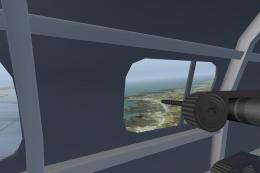
Added views for the payware Virtavia He-111. Of course you can also use as a …
 FSX Panels & Gauges
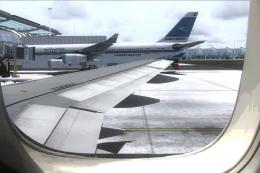
For use with wing views in FSX. As we all know, FSX doesn't provide this func…
 FSX Panels & Gauges
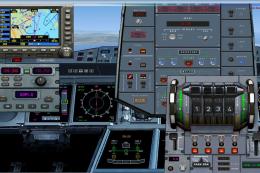
Airbus A380 Panel. Highly detailed panel for Airbus A380. By Pasquale Rinaldi…
 FSX Panels & Gauges
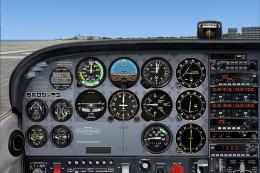
Panel And FDE For Default Cessna 172SP. This package includes new instrument …
 FSX Panels & Gauges
Boeing 767-300 Panel. Reworked B767-300 panel by M. Spada. Uses default and t…
Be the first to leave a comment on this download.
Be the first to share your thoughts on this download.