


 Australia
  FSX Scenery
Beijing Capital Airport
Scenery Beijing Capital Airport (ZBAA), Beijing, China. A total makeover of t…
Australian Capital City and regional airport AFCAD updates refine 15 key fields across Australia in Microsoft Flight Simulator X, resizing gates for widebodies up to the A380, adding extra stands, and aligning airline parking codes to the correct terminals. Several locations also gain military parking, with refreshed layouts for hubs such as Melbourne, Sydney, and Canberra.

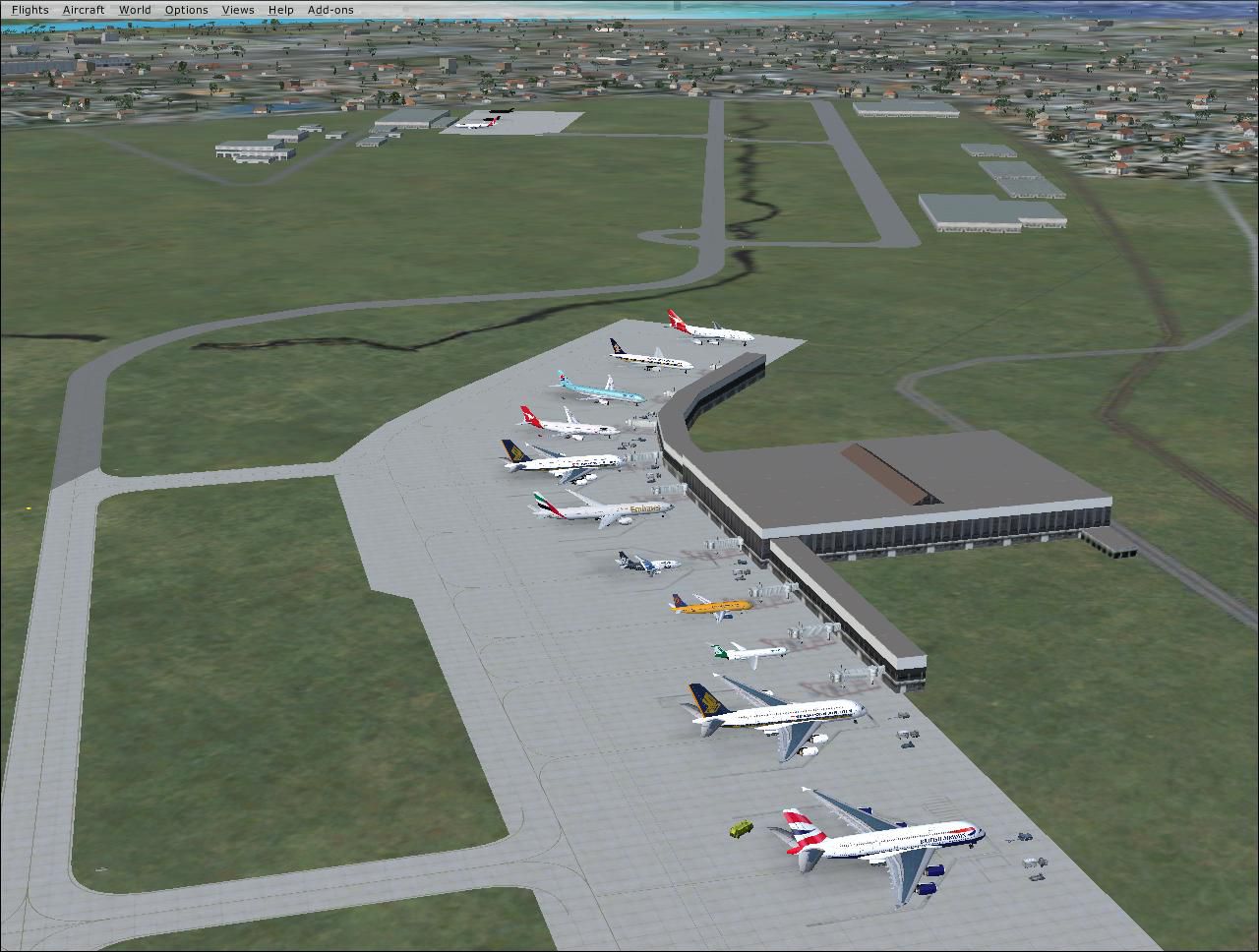
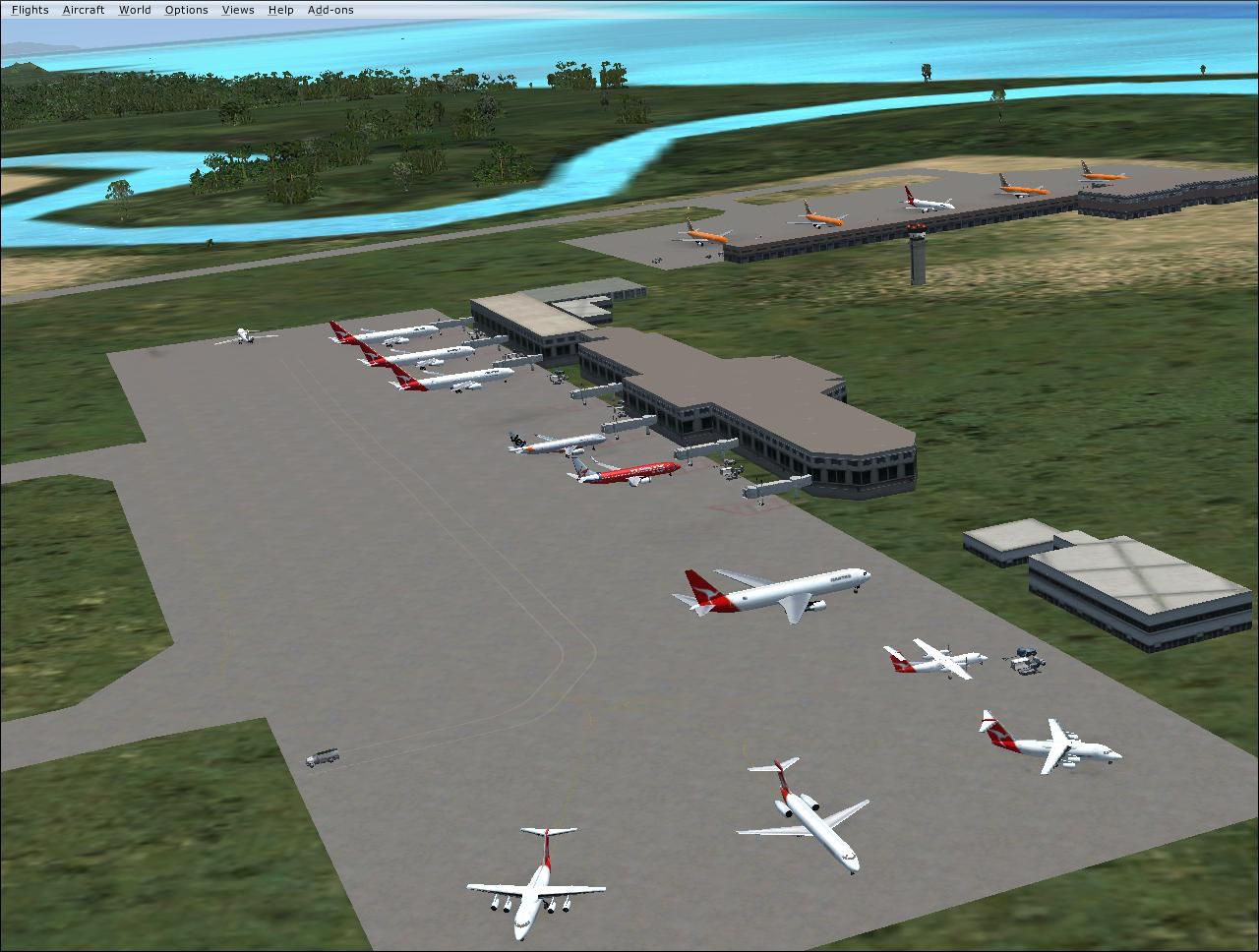
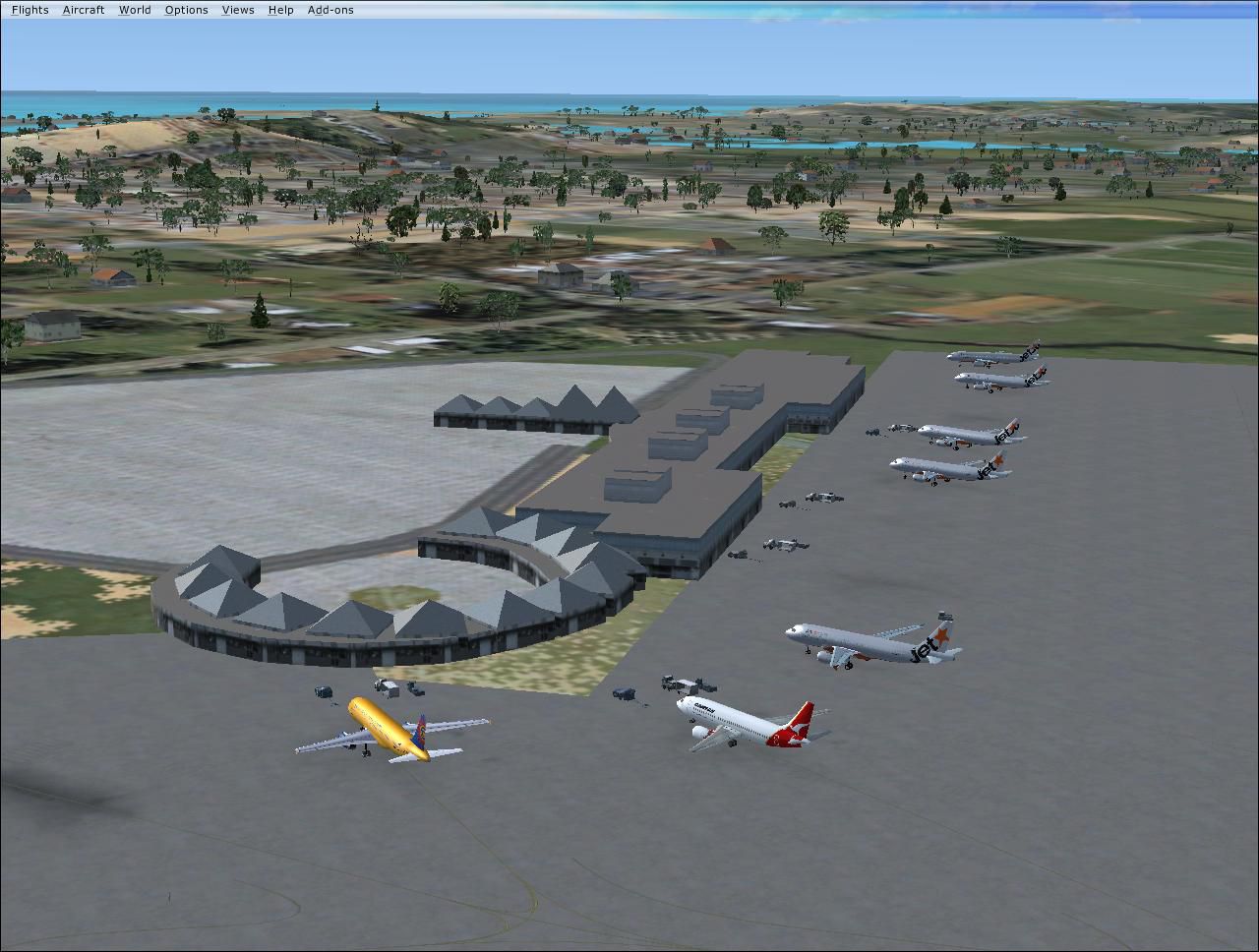
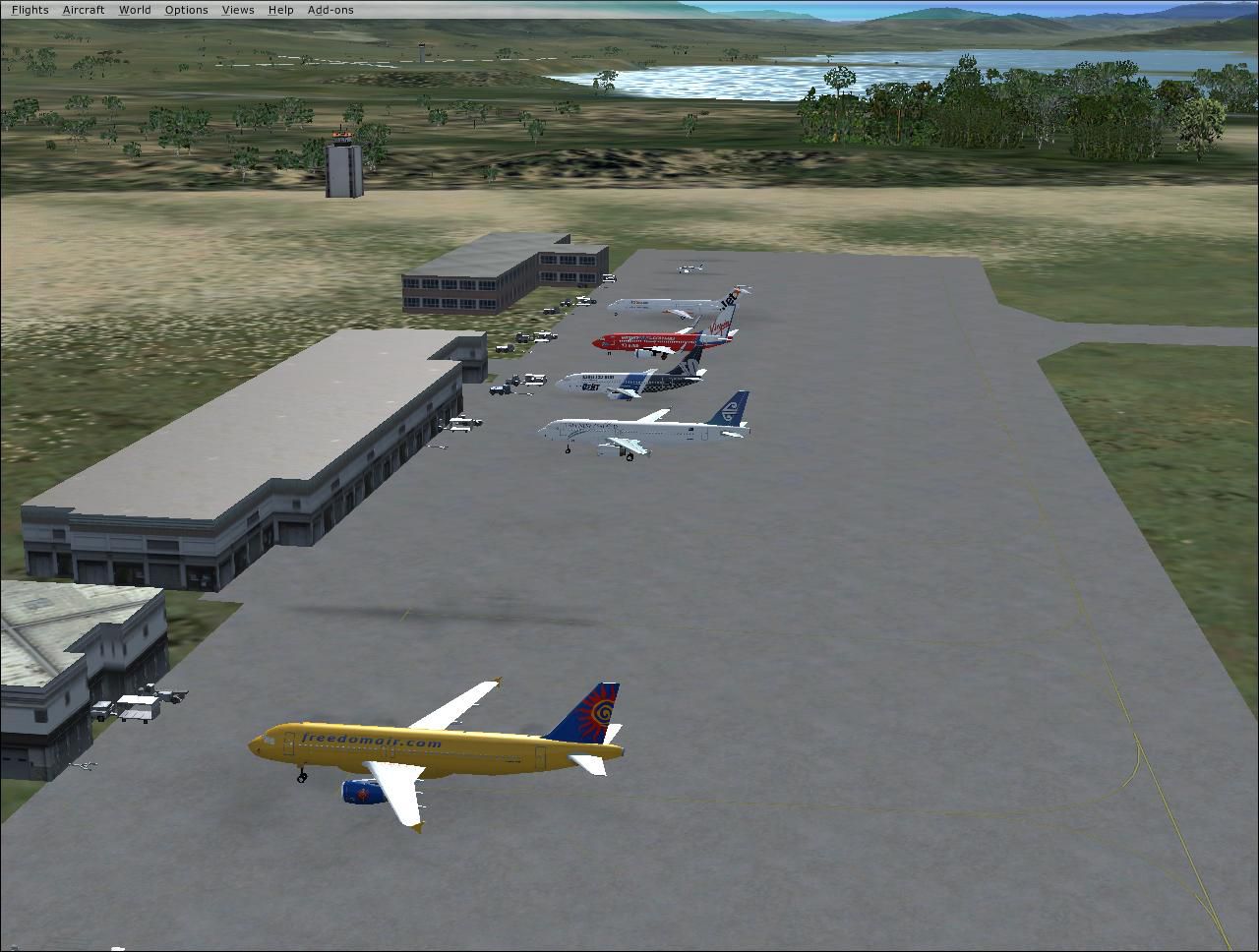
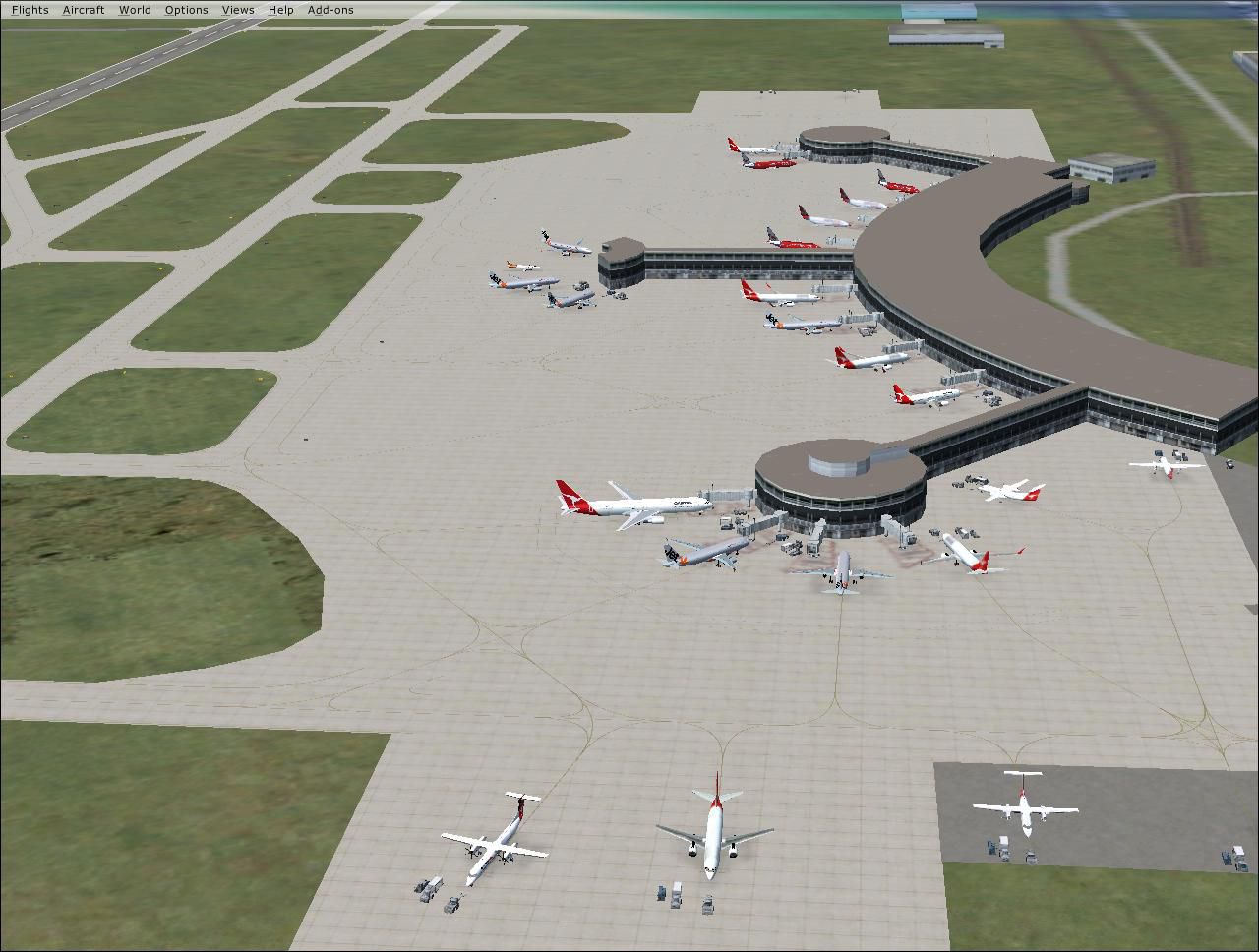
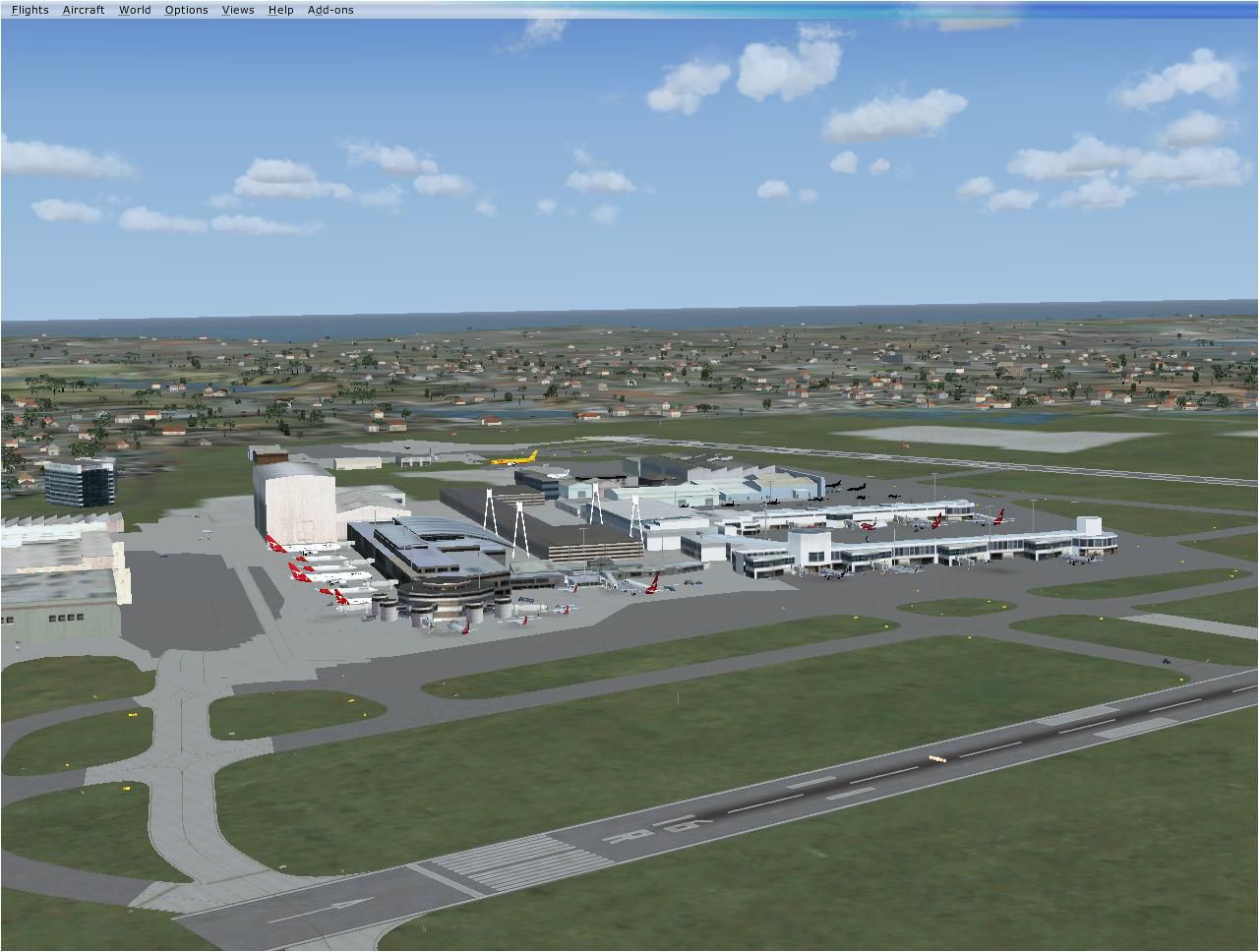

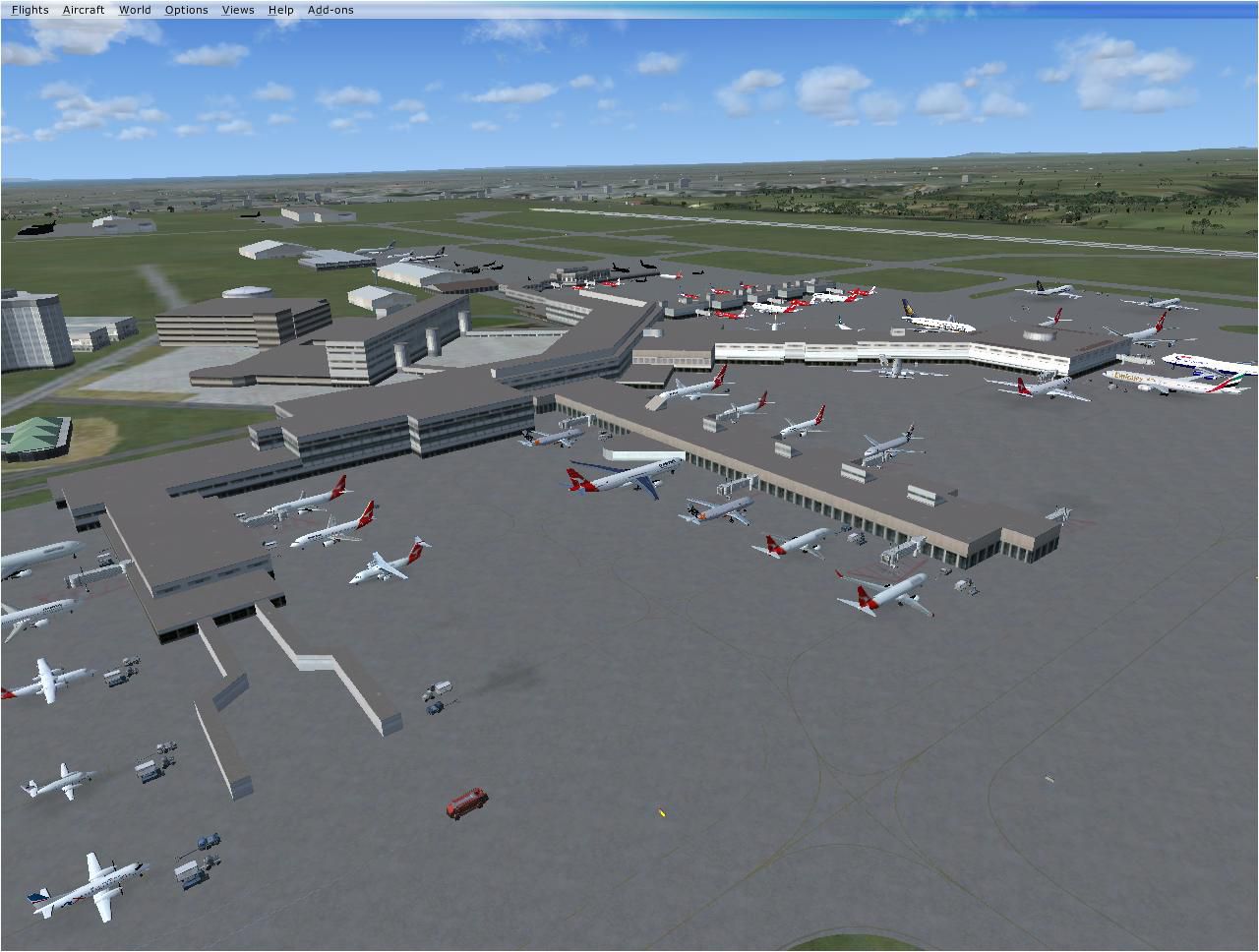
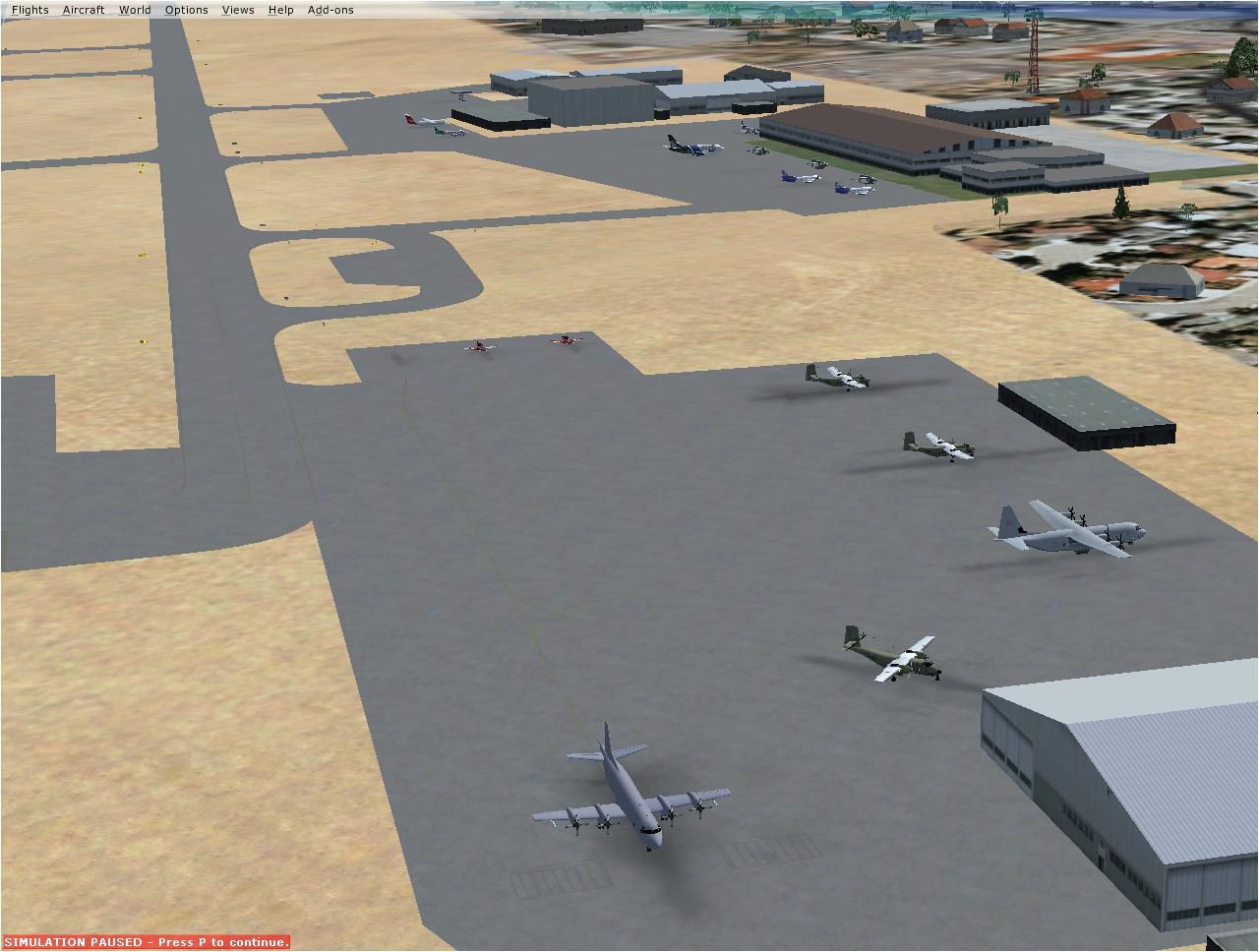
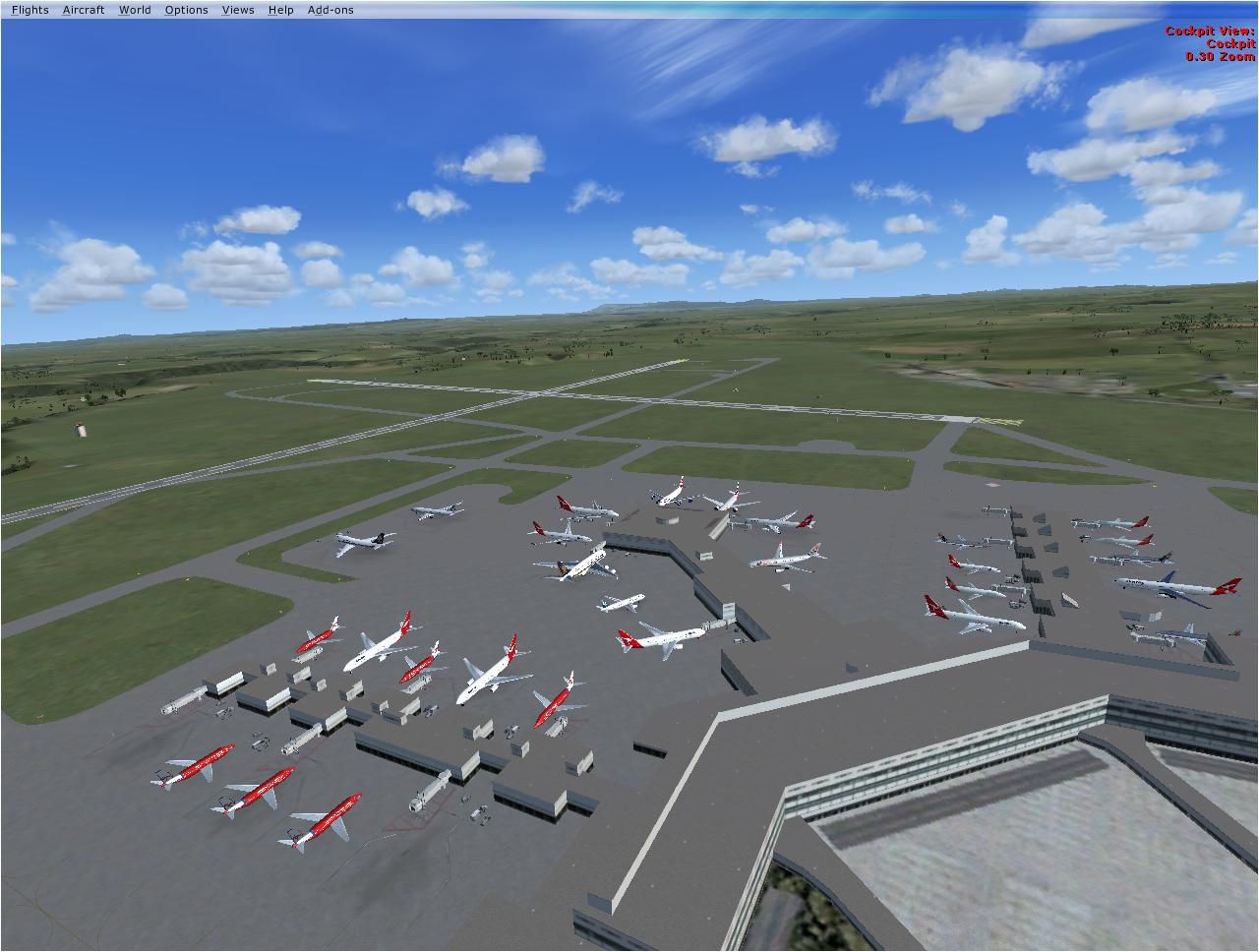


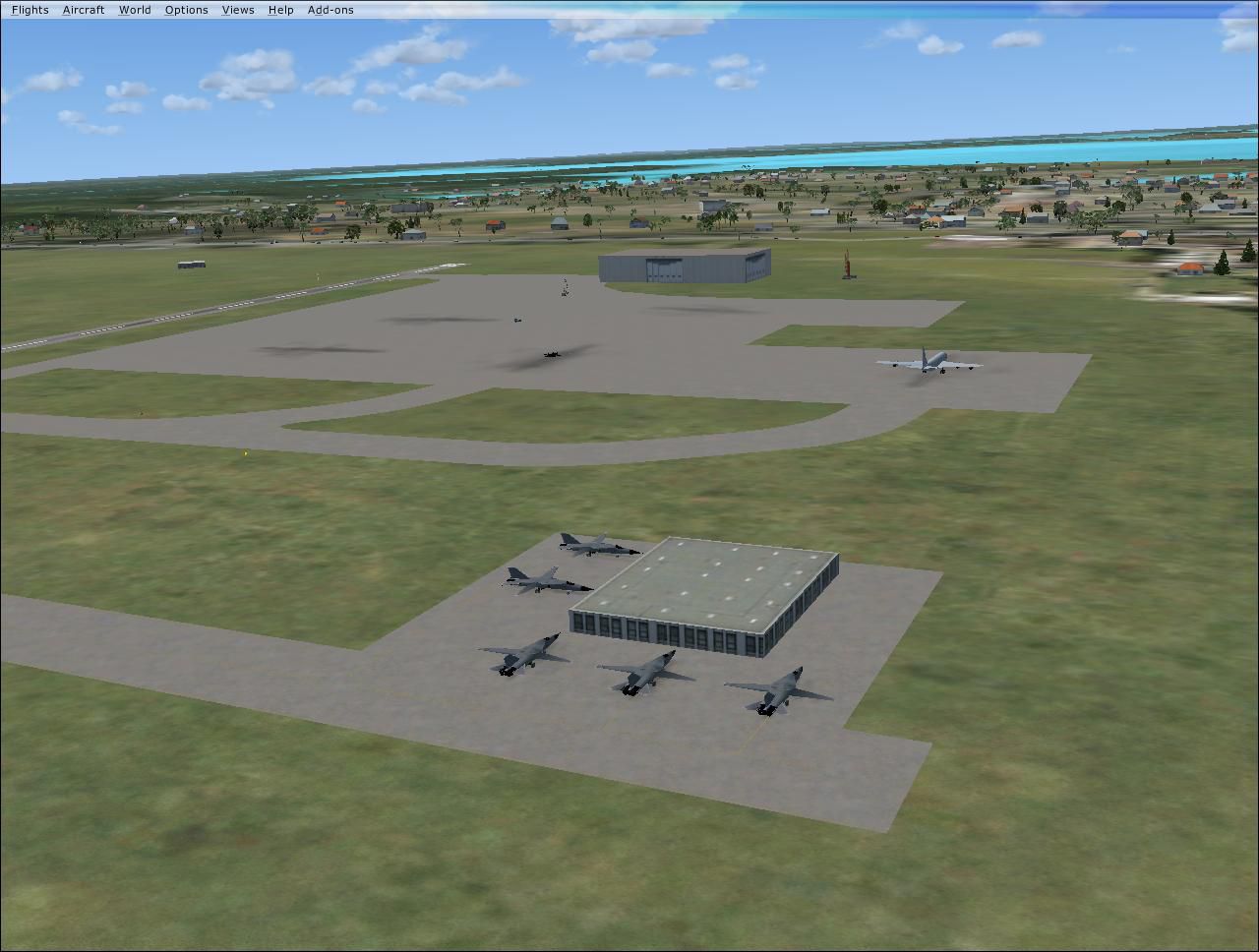
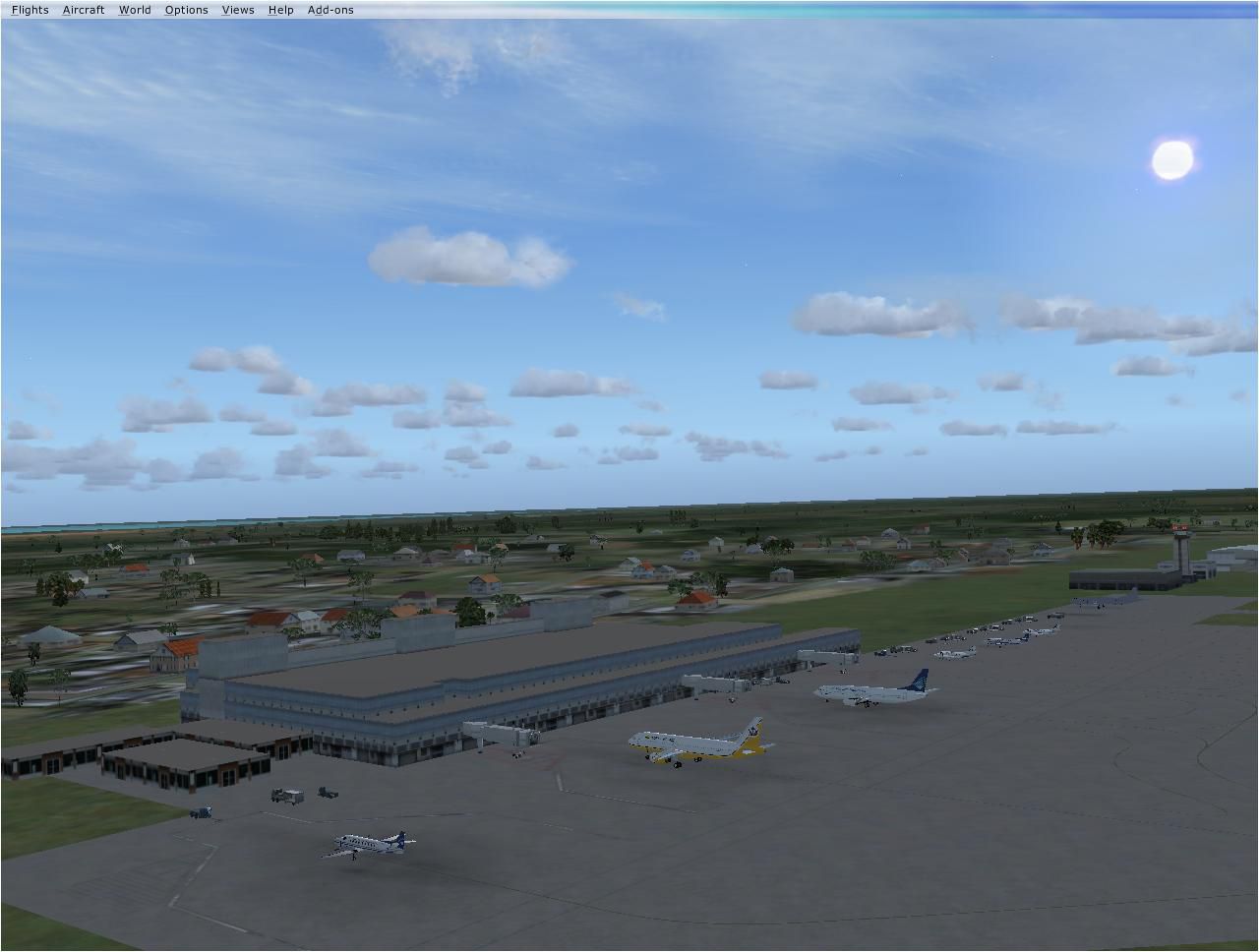
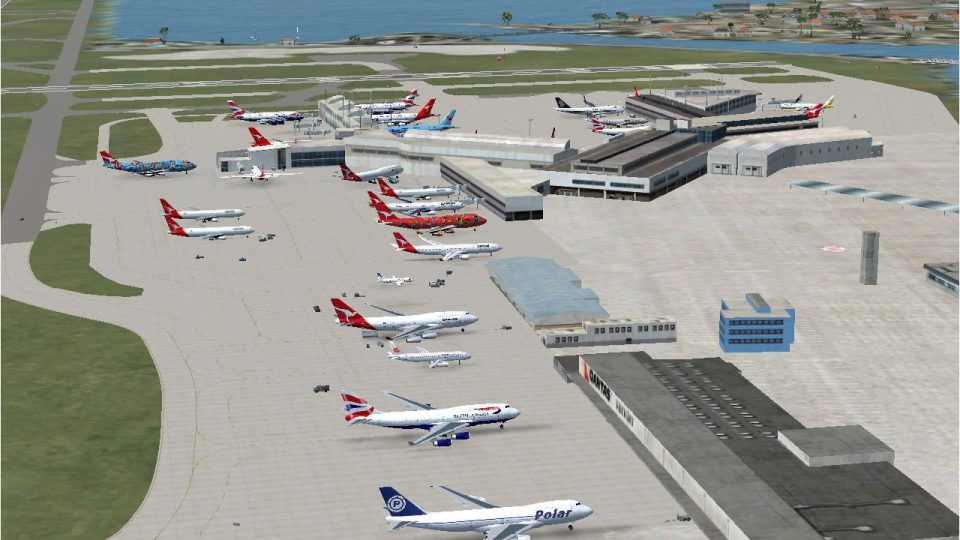
Australian Capital City and regional airports. A basic update of default airports. Many gates have been resize to enable larger aircraft to park at the terminals. Some airports have additional gates added and assigned parking codes. By Garry Appleby.
Australian Capital City Scenery.
Australian Capital City & Regional Airports by Garry Appleby.
This is a basic update of FSX default Australian Capital City & Regional Airports BGL airport files.
Many gates have been resized where possible to enable larger aircraft such as b747s, A380s park in the international terminals. I have also added several gates to a number of airports and assigned ATC (airline) parking codes to all the parking spots. These parking codes have been aligned to the correct terminals. Military parking spots have also been added to many airports.
Note Melbourne airport (YMML) has also been updated from my last posting.
The airports included in this pack include:
Melbourne Intl - YMML
Canberra - YSCB (includes military)
Sydney Intl - YSSY
Brisbane Intl - YBBN
Darwin Intl - YPDN (includes military)
Perth Intl - YPPH
Adelaide Intl - YPAD
Hobart Intl - YMHB
Albury - YMAY
Cairns Intl - YBSC
Townsville - YBTL (includes military)
Gold Coast - YBCG
Launceston - YMLT
Devonport - YDPO
East Sale (Military) - YMES
These BGL AFCAD files has been tested with VOZ, PAI and RAAF AI aircraft.
There are 15 BGL AFCAD files in this download.
NOTE: PLEASE ENSURE YOU DO NOT HAVE DUPLICATE BGL AFCAD FILEs IN YOUR FSX DIRECTORIES:
eg: make sure there is only ONE 'ymml.BGL' file in the C:\Program Files\Microsoft Games\Microsoft Flight Simulator X\Addon Scenery\scenery folder at any time; delete any others otherwise you will have problems if duplicate AFCAD files exist.
To Install:
1. Simply take the bgl zipped file, unzip it then put the unzipped bgl file into the Flight Simulator X -> Addon Scenery -> scenery folder.
2. Start up the FSX and the changes will be present.
To Uninstall:
1. Delete the bgl AFCAD file and the default will then be active.
I hope you like the improvements; this is only a basic gate change with several more minor changes added such as the ATC airline parking codes for those airlines that visit Australian airports.
These AFCAD files were editied and developed using FSX PLanner.
Happy flying
Regards,
Garry
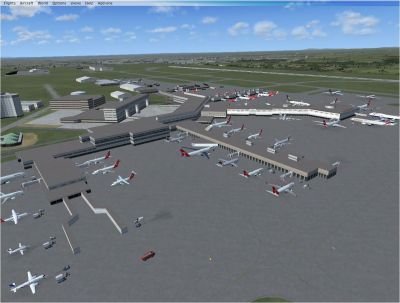
Australian Capital City Scenery.
Free for all simmers · 2.09 MB · Scanned clean Aug 2026
Download speed: Free tier is capped at 0.5 Mbps. PRO members download at full line speed.
FSX\Addon Scenery\ containing scenery and texture sub-folders.readme.txt or README file. It tells you exactly where files go, what dependencies are needed, and any quirks specific to this add-on.Use these coordinates to fly directly to this location once the mod is installed.
-35.30690000,149.19500000
Launch FSX or Prepar3D and use Flights → Load to open the downloaded .pln file. Your aircraft will be positioned at this location.
The archive austrapt.zip has 33 files and directories contained within it.
This list displays the first 500 files in the package. If the package has more, you will need to download it to view them.
| Filename/Directory | File Date | File Size |
|---|---|---|
| Perth Intl YPPH.bgl | 10.10.07 | 19.40 kB |
| Townsville Intl YBTL.bgl | 10.13.07 | 19.66 kB |
| fsx Brisbane 1.jpg | 10.12.07 | 145.04 kB |
| fsx Brisbane 2.jpg | 10.12.07 | 154.31 kB |
| fsx Cairns 1.jpg | 10.12.07 | 136.32 kB |
| fsx Cairns 2.jpg | 10.12.07 | 149.02 kB |
| fsx Canberra.jpg | 10.12.07 | 131.00 kB |
| fsx Darwin 1.jpg | 10.12.07 | 93.04 kB |
| fsx East Sale.jpg | 10.12.07 | 127.52 kB |
| fsx Gold Coast.jpg | 10.12.07 | 148.72 kB |
| fsx Hobart.jpg | 10.12.07 | 144.92 kB |
| fsx Melb 1.jpg | 10.12.07 | 133.37 kB |
| fsx Melb 2.jpg | 10.12.07 | 135.62 kB |
| fsx Sydney 1.jpg | 10.12.07 | 143.47 kB |
| fsx Sydney 2.jpg | 10.12.07 | 173.29 kB |
| fsx Townsville.jpg | 10.13.07 | 134.36 kB |
| fsxDarwin 2.jpg | 10.12.07 | 122.33 kB |
| ReadMe.txt | 10.13.07 | 2.07 kB |
| Adelaide Intl YPAD.bgl | 10.10.07 | 15.13 kB |
| Albury YMAY.bgl | 10.01.07 | 8.25 kB |
| Brisbane Intl YBBN.bgl | 10.12.07 | 25.94 kB |
| Cairns Intl YBCS.bgl | 10.12.07 | 16.23 kB |
| Canberra YSCB.bgl | 10.12.07 | 15.10 kB |
| Darwin Intl YPDN.bgl | 10.12.07 | 19.42 kB |
| Devonport YDPO.bgl | 10.02.07 | 3.33 kB |
| East Sale (Military) YMES.bgl | 10.12.07 | 9.90 kB |
| Gold Coast YBCG.bgl | 10.11.07 | 9.07 kB |
| Hobart YMHB.bgl | 10.12.07 | 6.60 kB |
| Kingsford Smith Intl YSSY.bgl | 09.30.07 | 55.12 kB |
| Launceston YMLT.bgl | 10.12.07 | 5.72 kB |
| Melbourne Intl YMML.bgl | 10.11.07 | 25.23 kB |
| flyawaysimulation.txt | 10.29.13 | 959 B |
| Go to Fly Away Simulation.url | 01.22.16 | 52 B |
Only PRO members can place votes.
More FSX & P3D add-ons hand-picked based on this download.
FSX Scenery
Scenery Beijing Capital Airport (ZBAA), Beijing, China. A total makeover of t…
 FSX Scenery
Abraham Lincoln Capital Airport (KSPI), Springfield, Illinois (IL), USA. Incl…
 FSX Scenery
West Australian Landing Areas. Set containing textures, strips and object lib…
 FSX Scenery
Australia is a large place measuring 4000kms wide and 3800kms high (2500 x 23…
 FSX Scenery
City of Paris - France v1.2 The scenery of Paris is for FSX. It covers about …
 FSX Scenery
Toronto City Centre Scenery, Ontario, Canada. Updated scenery for downtown To…
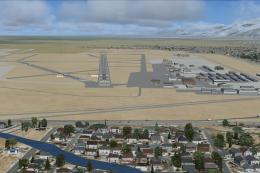 FSX Scenery
KSLC - Salt Lake City Intl Airport 2020, Utah, USA by Ray Smith I have been a…
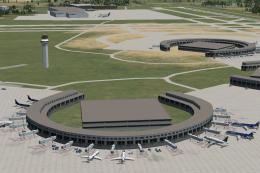 FSX Scenery
Kansas City Int'l Airport (KMCI), Missouri (MO). Several improvements have be…
Read what other simmers think, or add your own.

Thanks Gary,
For YSSY, I get a plane crash (crash detect) when I taxi over the cars that go under the taxiway at Wentworth Avenue. Is it possible to fix this?