


 China
China  FSX Scenery
Abraham Lincoln Capital Airport
Abraham Lincoln Capital Airport (KSPI), Springfield, Illinois (IL), USA. Incl…
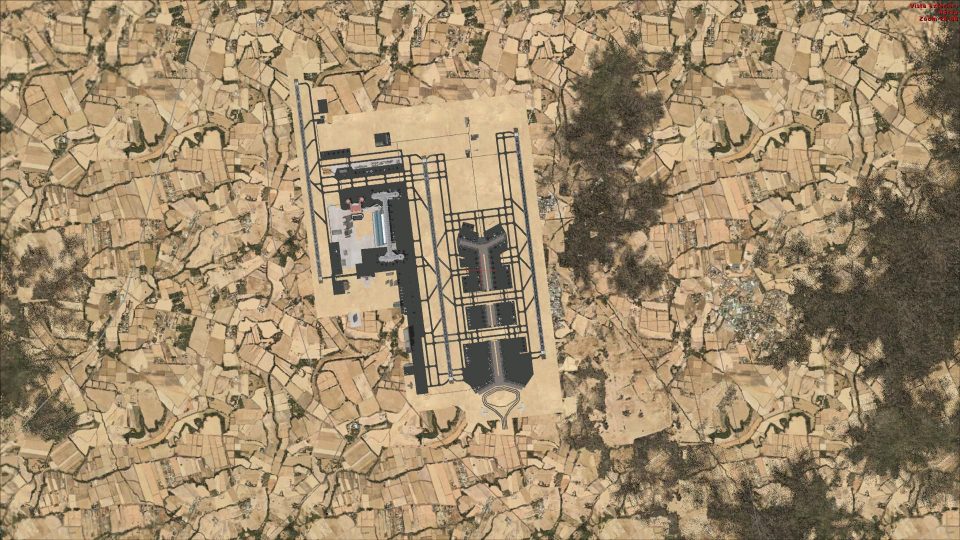
Beijing Capital Airport (ZBAA) receives a full rebuild for FSX, adding Terminal 3, the new runway 1/19 with ILS, updated taxiways and signage, and a redesigned control tower to better match real-world operations. Correctly ordered, assigned gate parking, rebuilt service roads, and refined ground clutter round out a more believable hub.
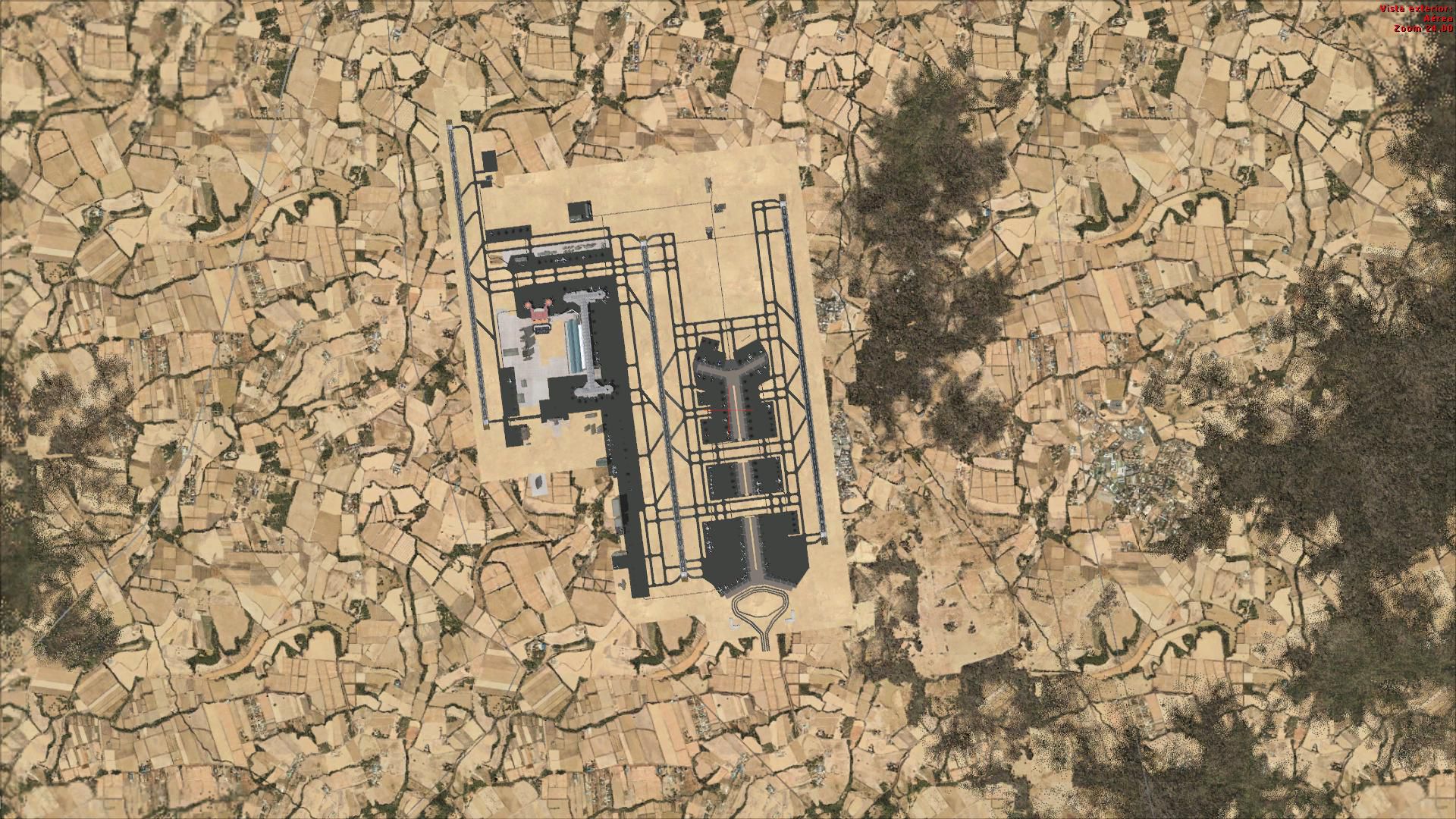
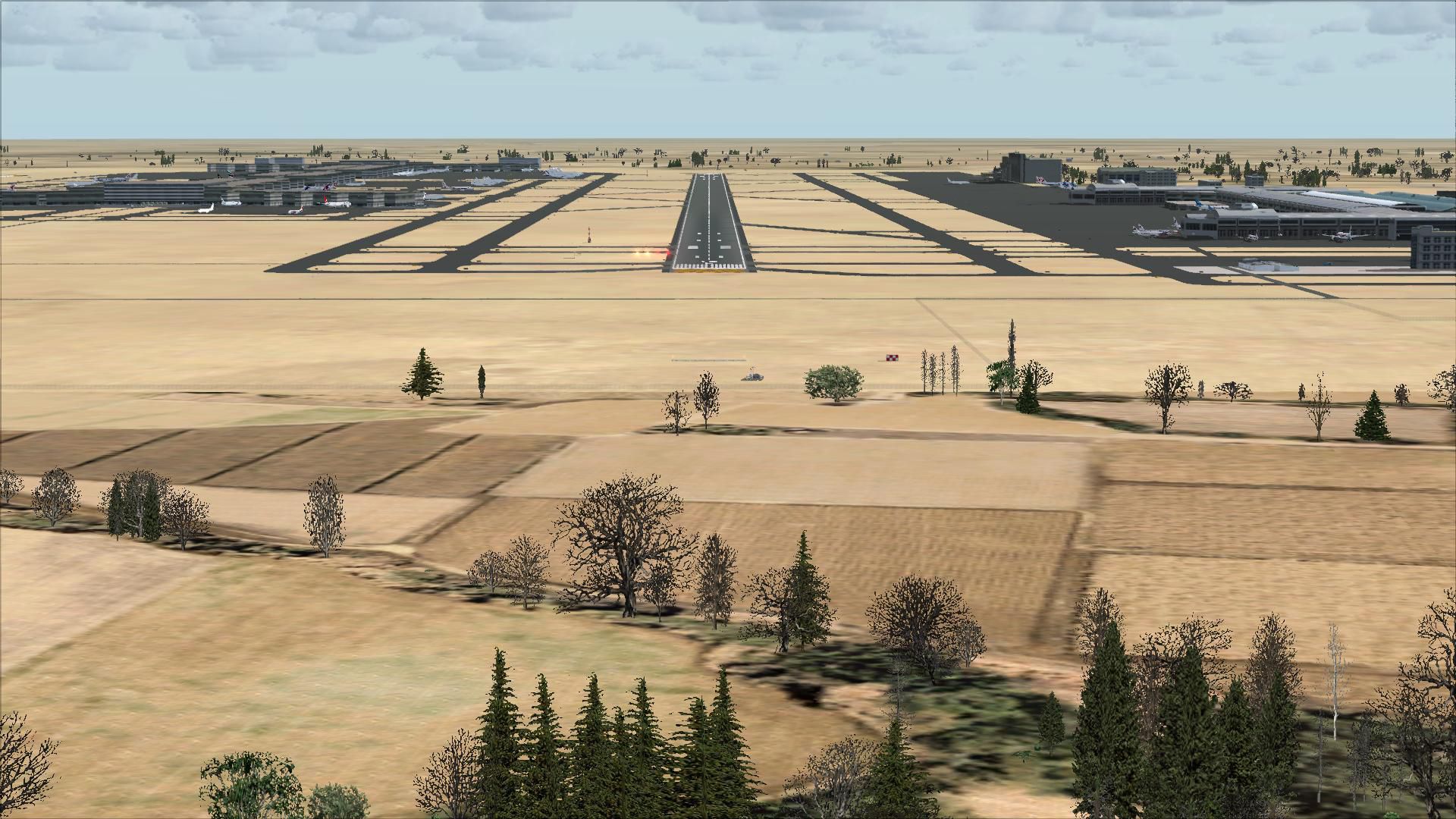
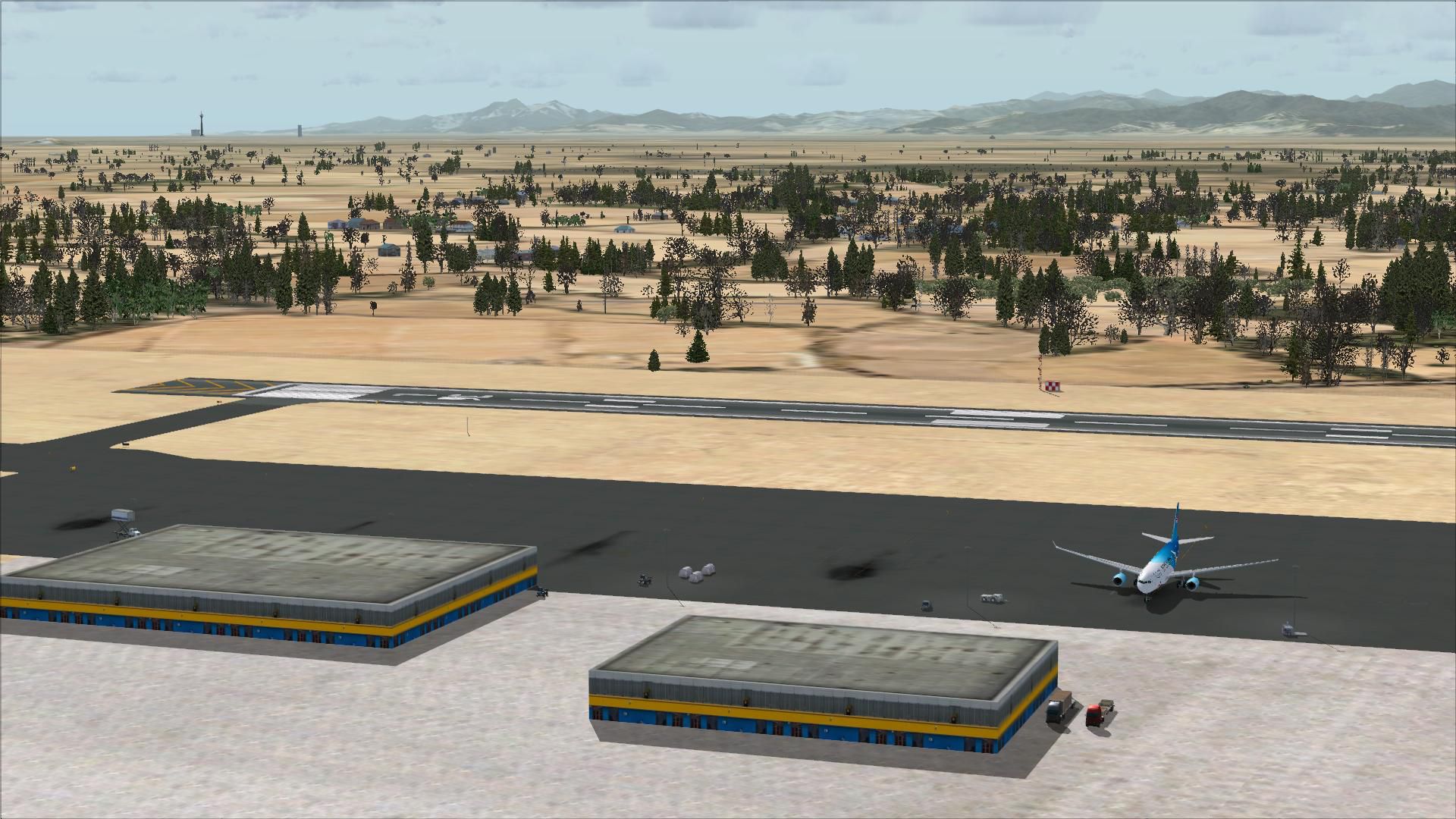

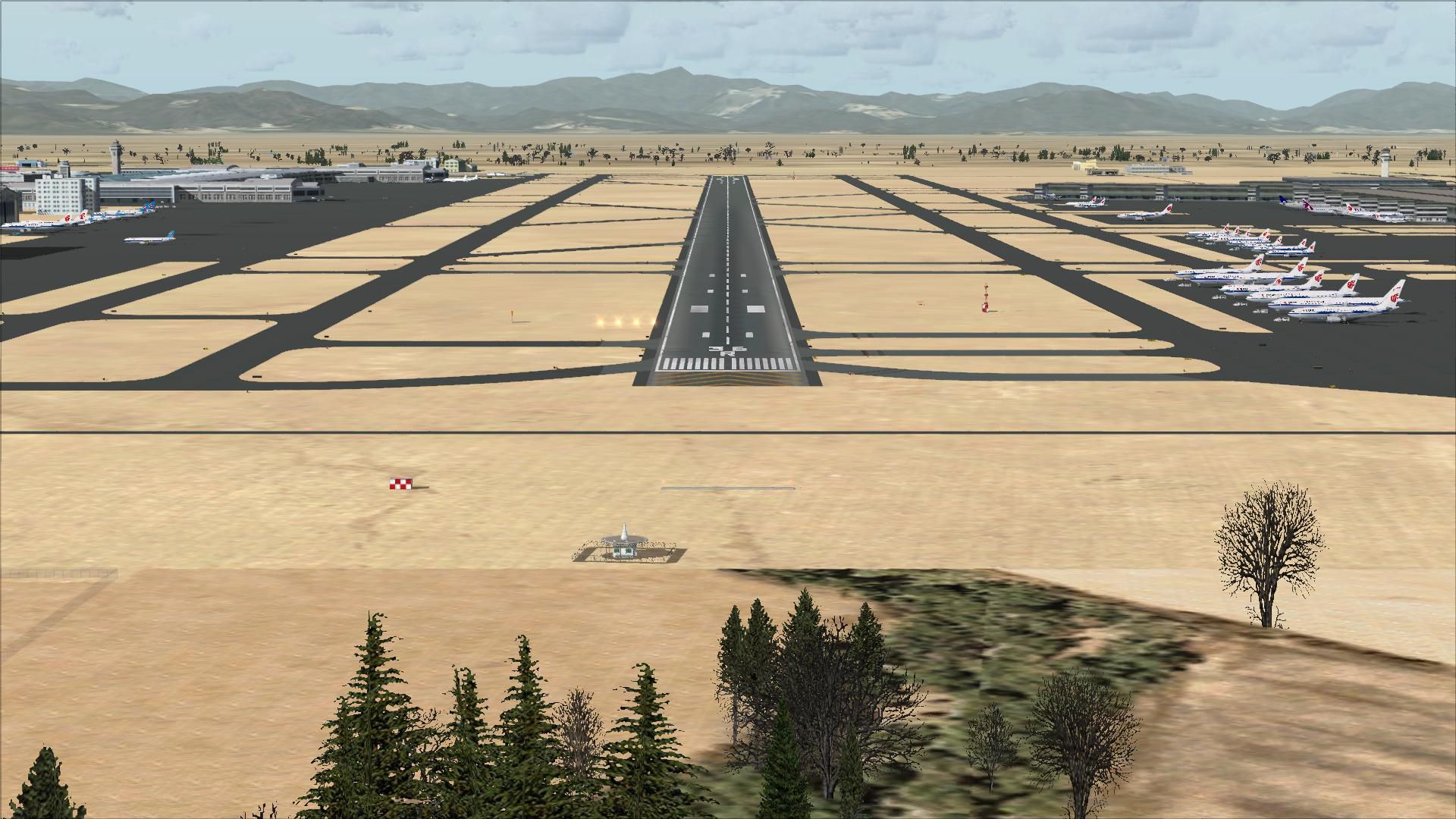
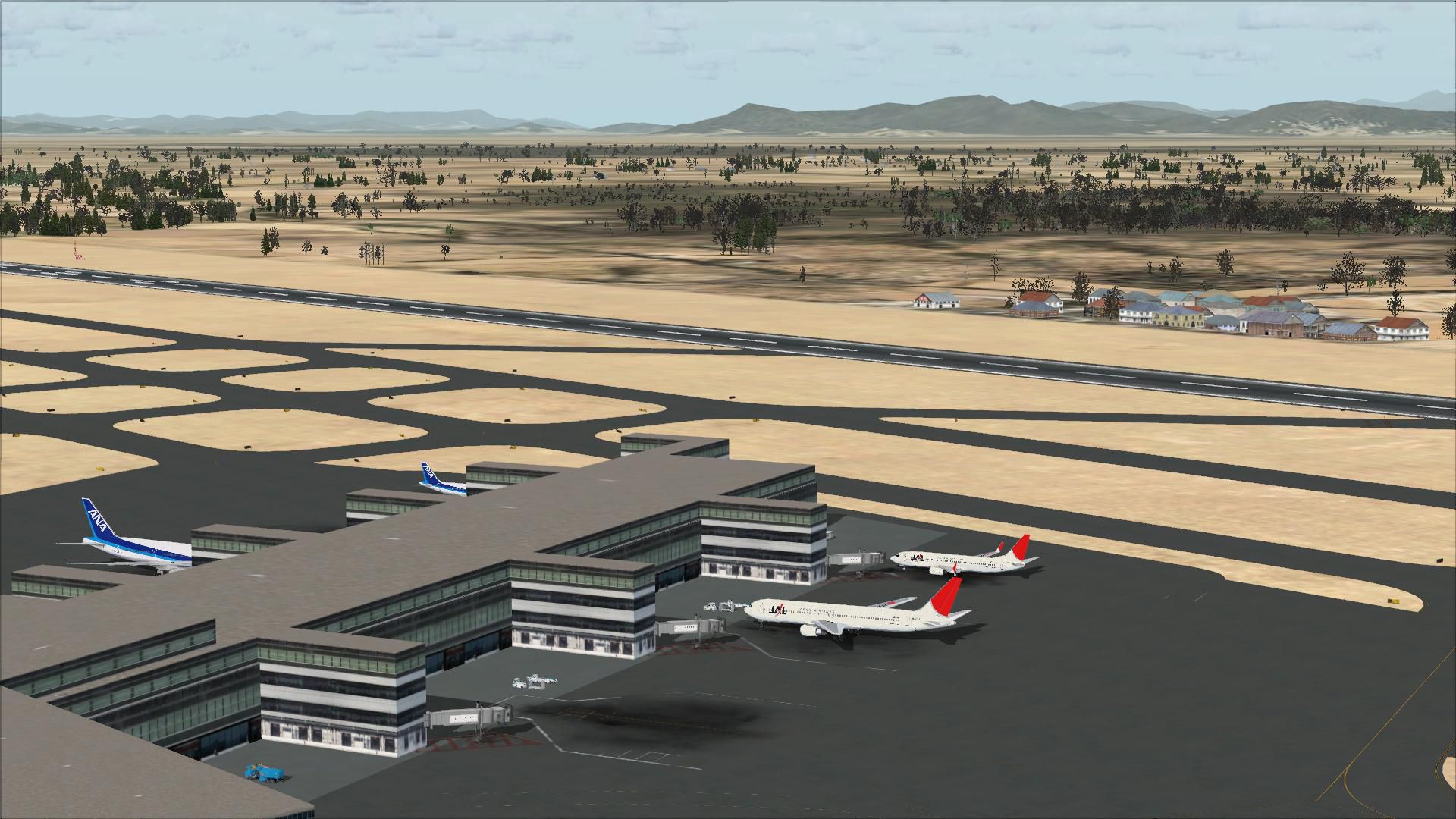
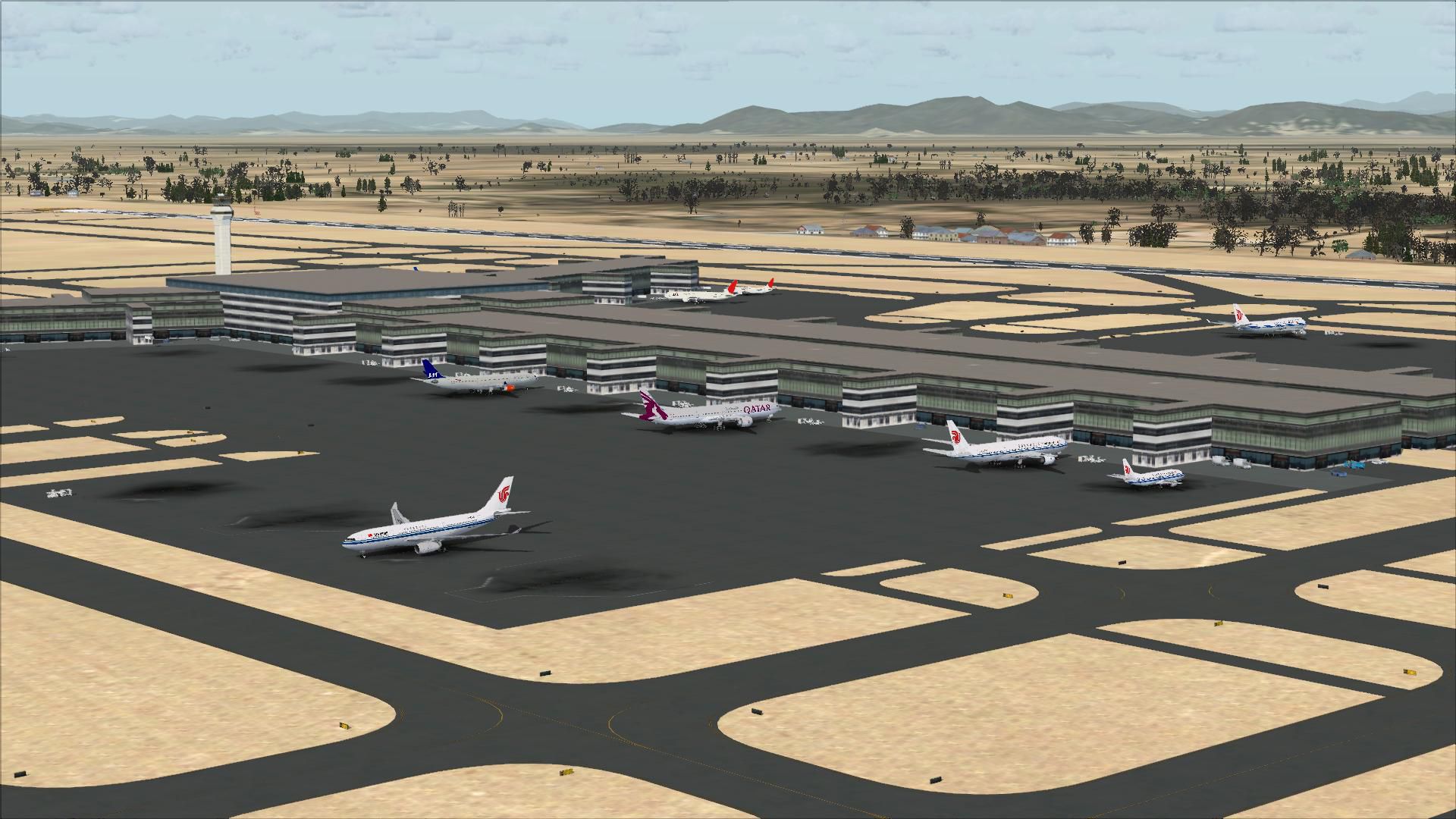
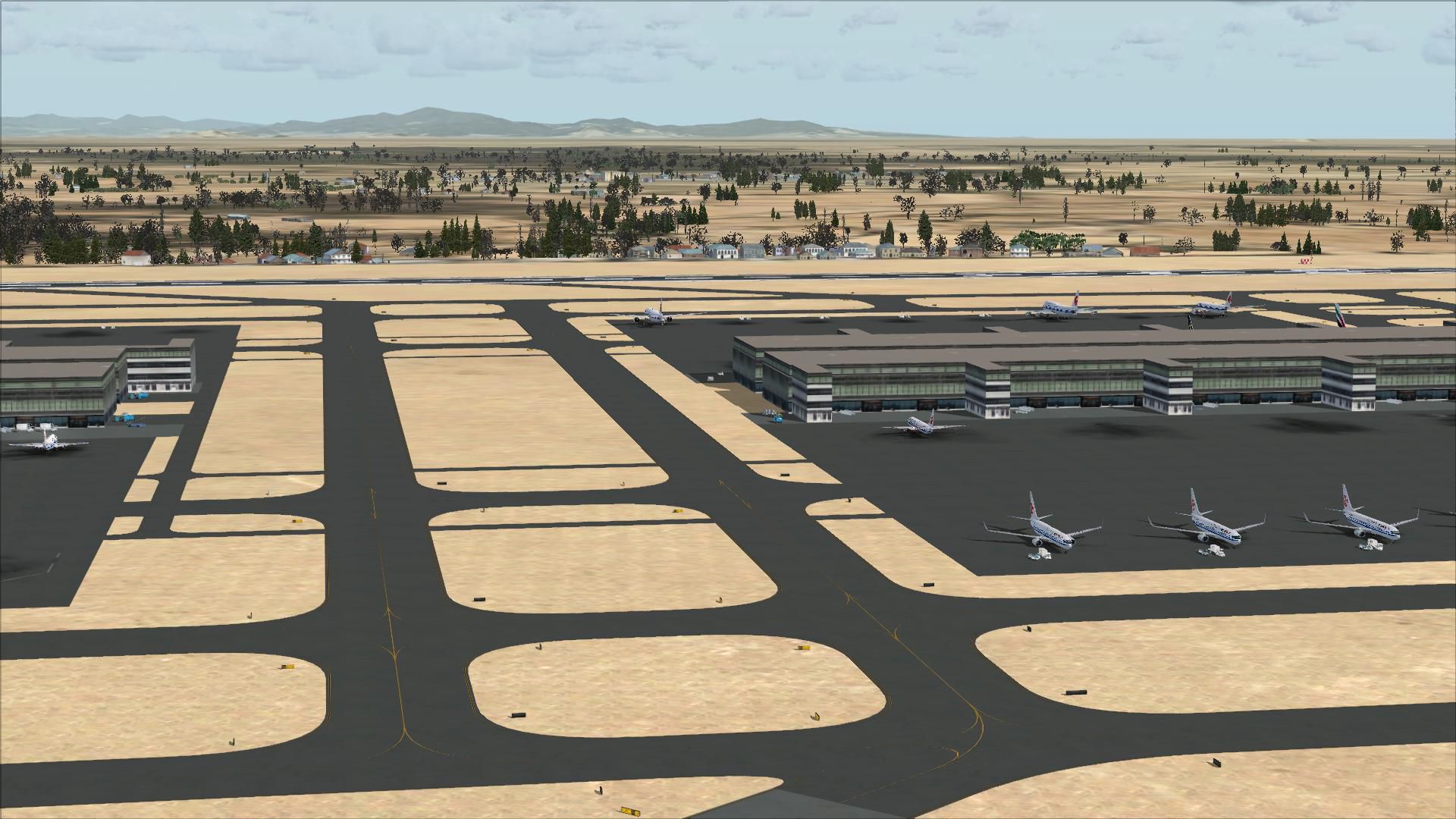


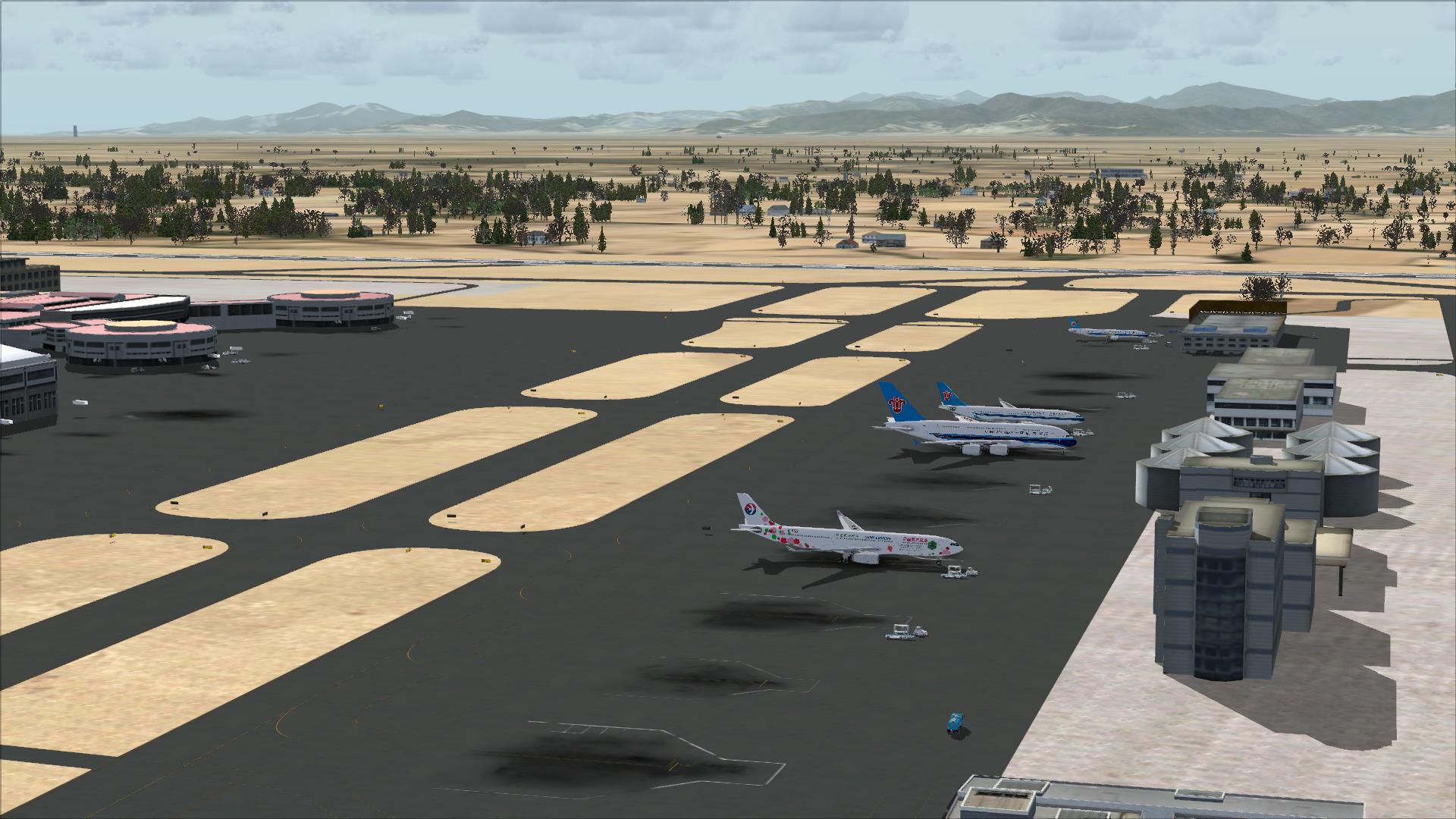
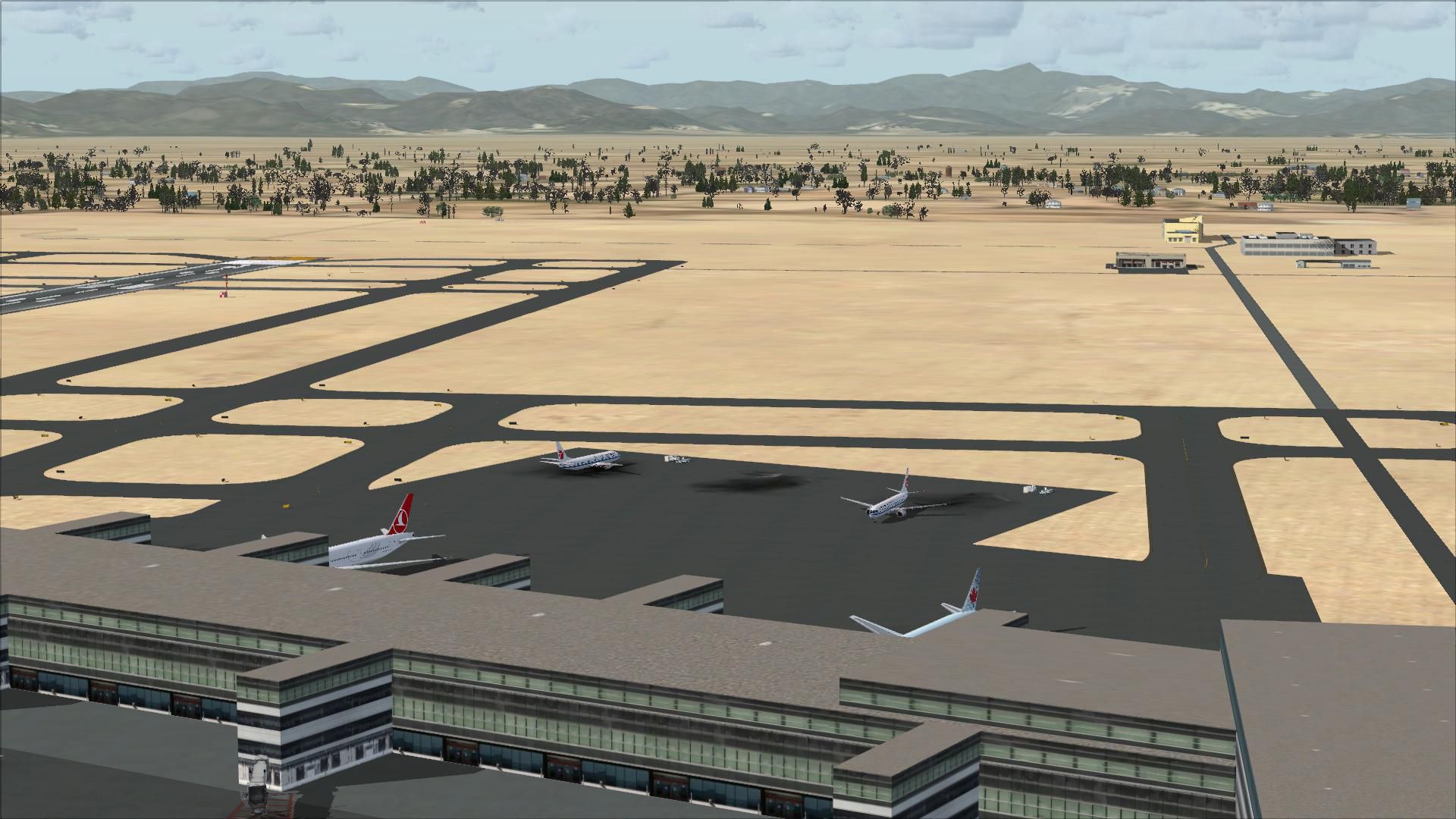

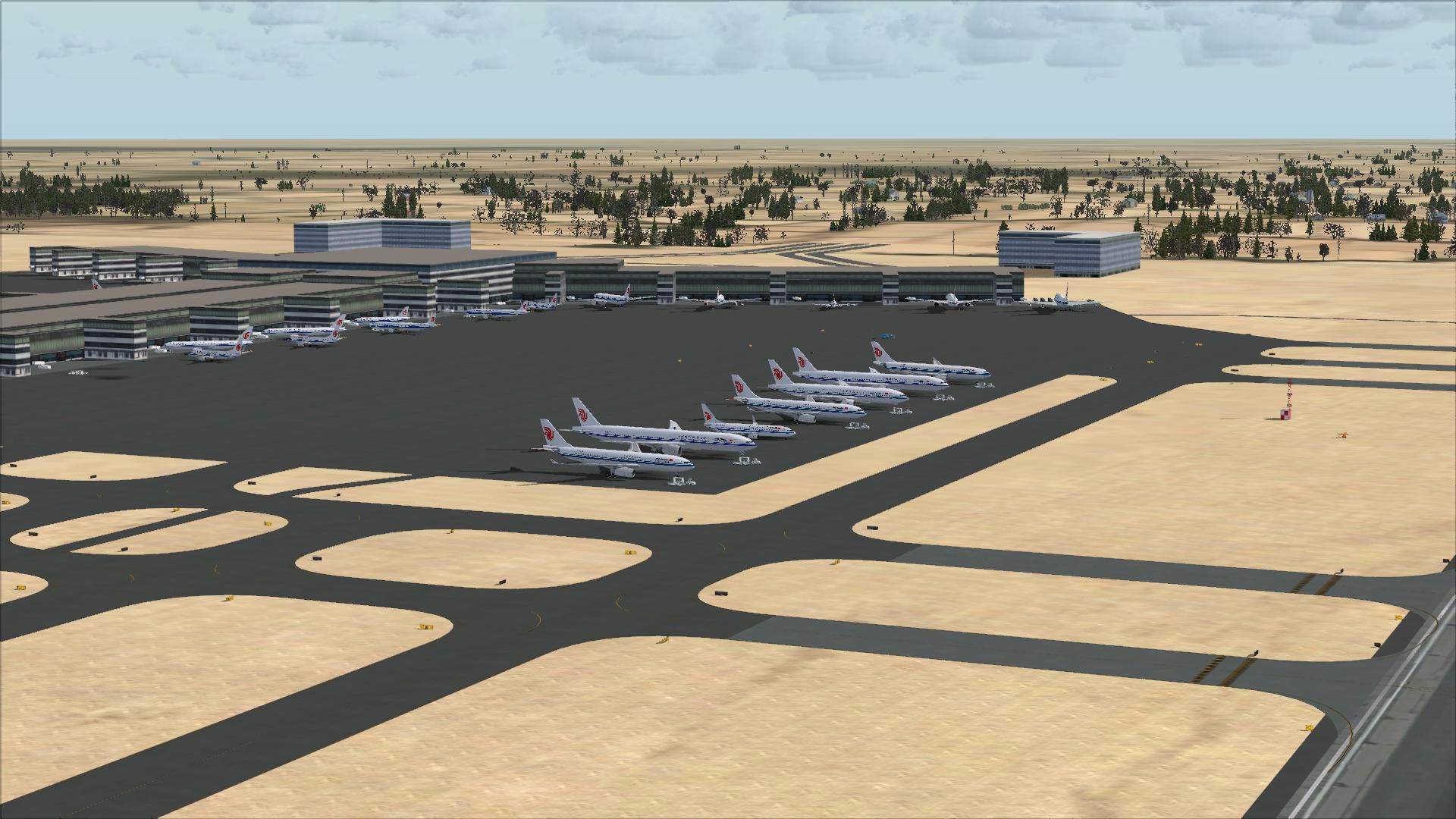
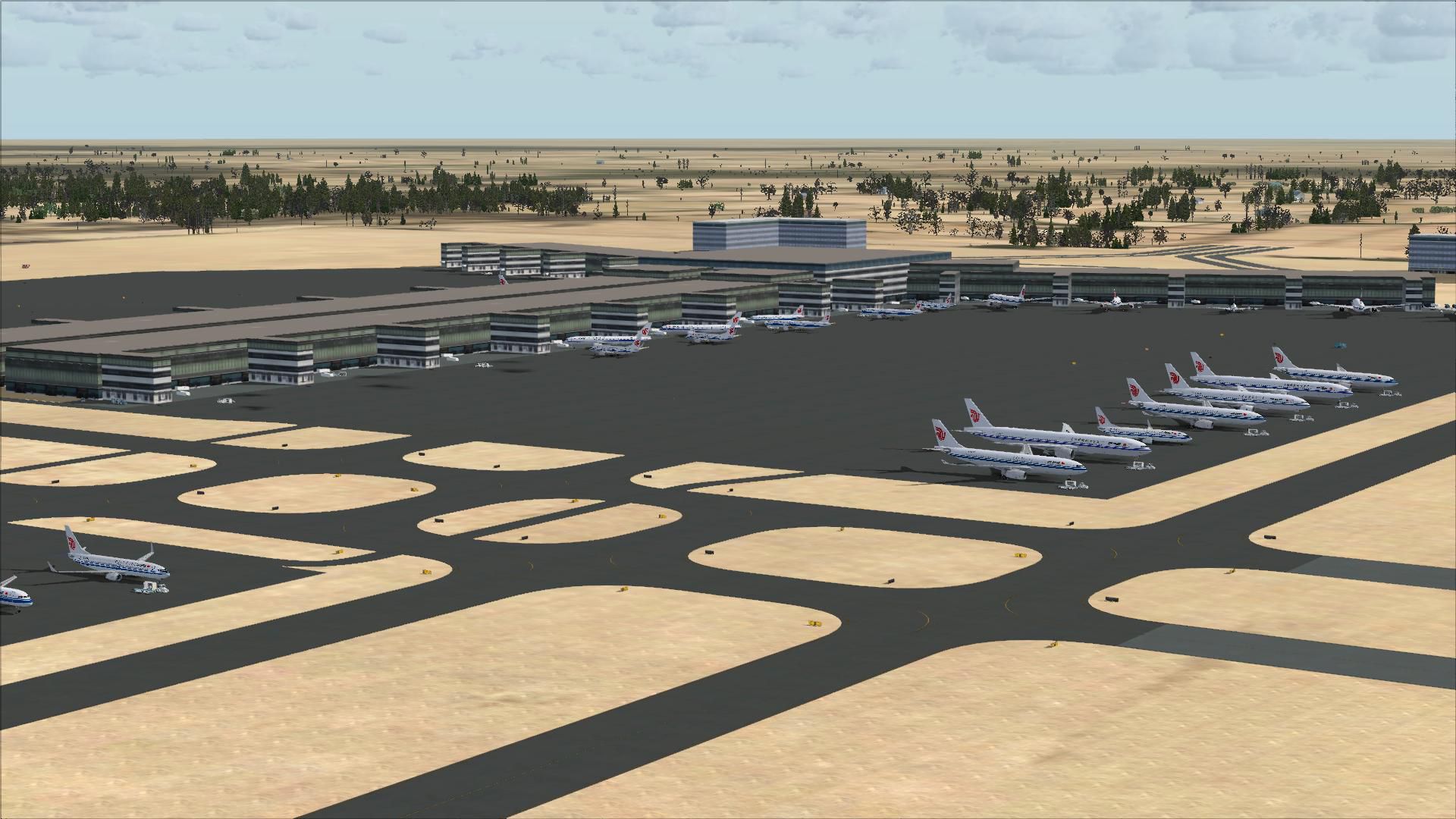
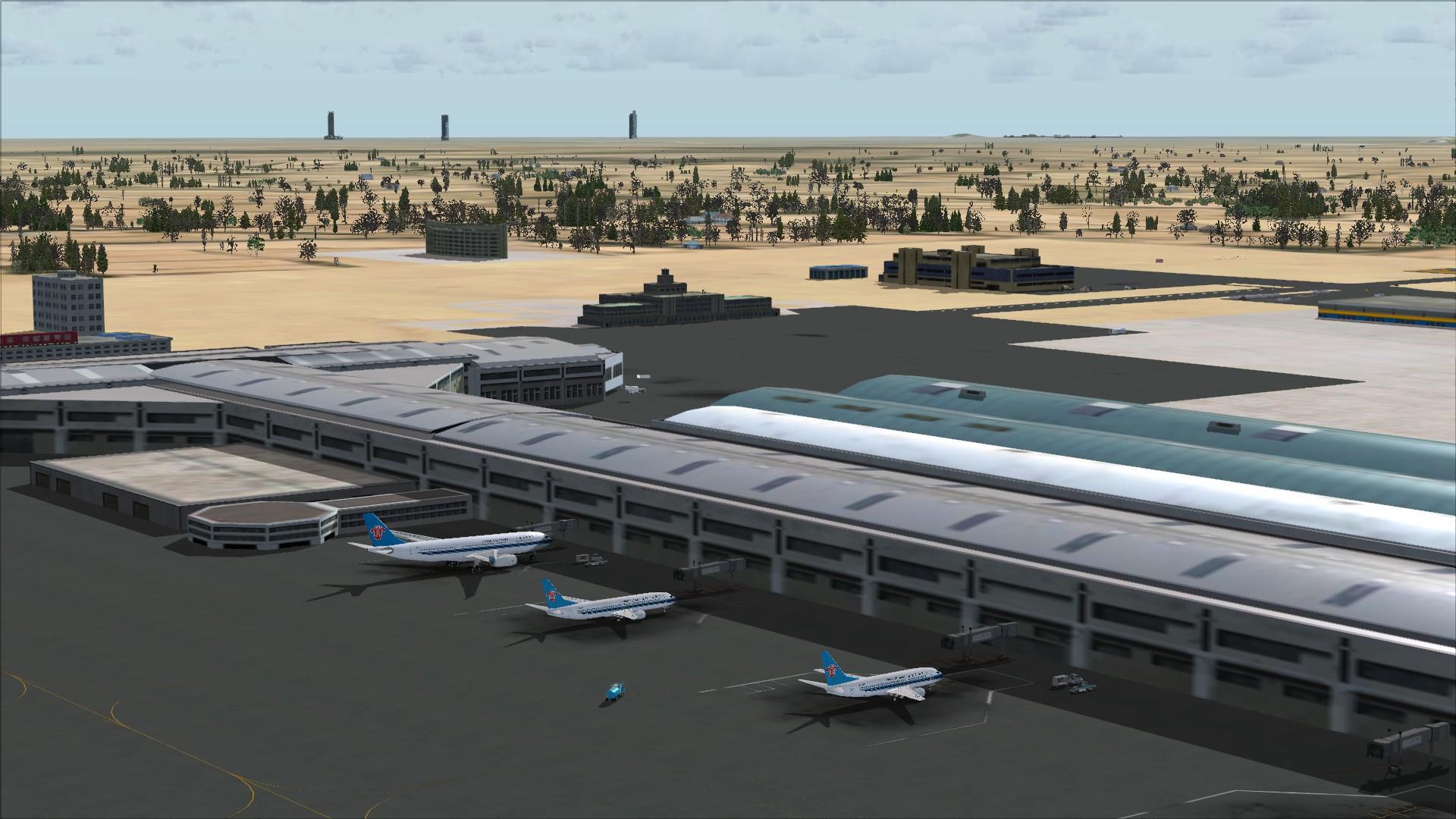
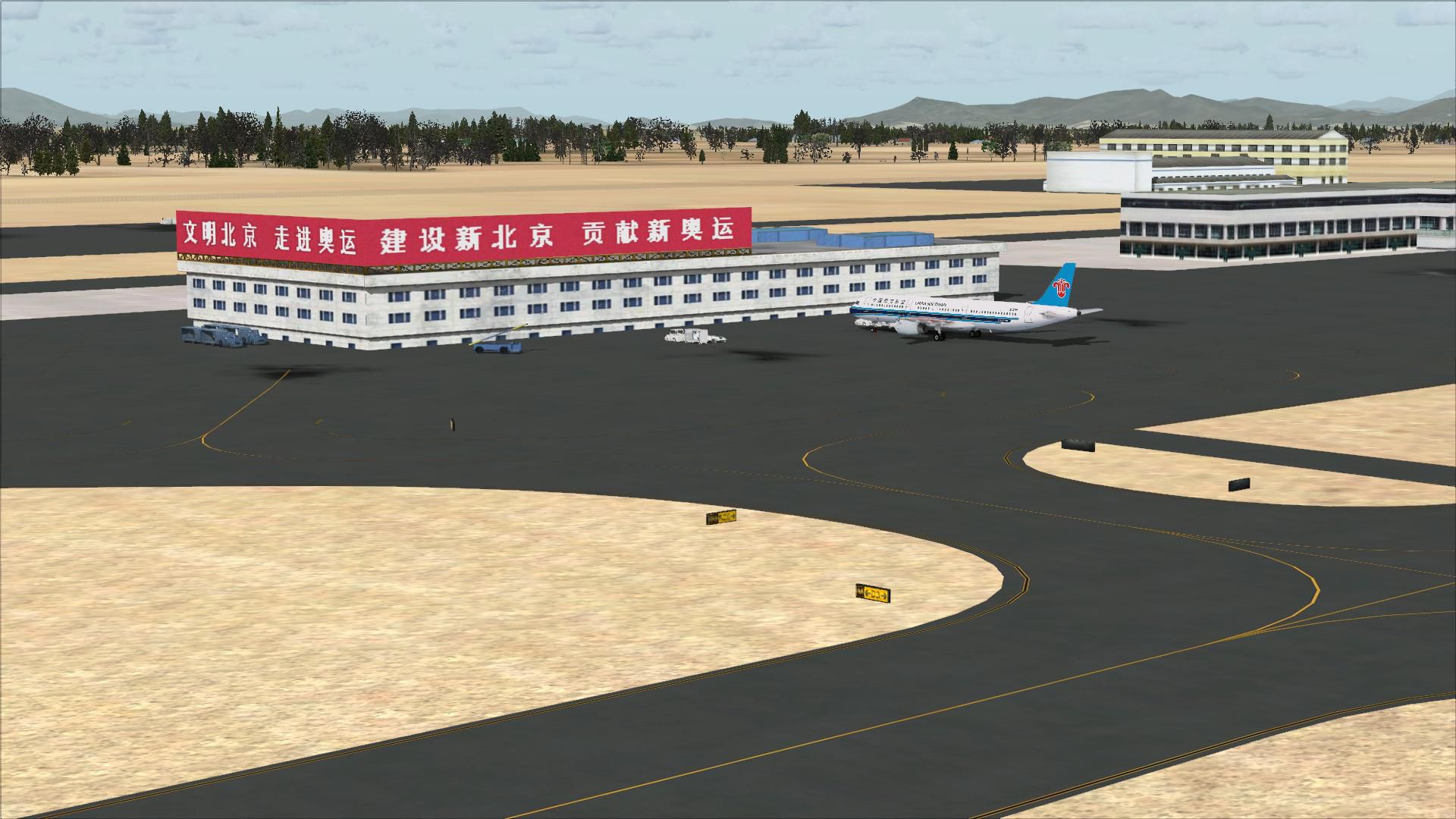
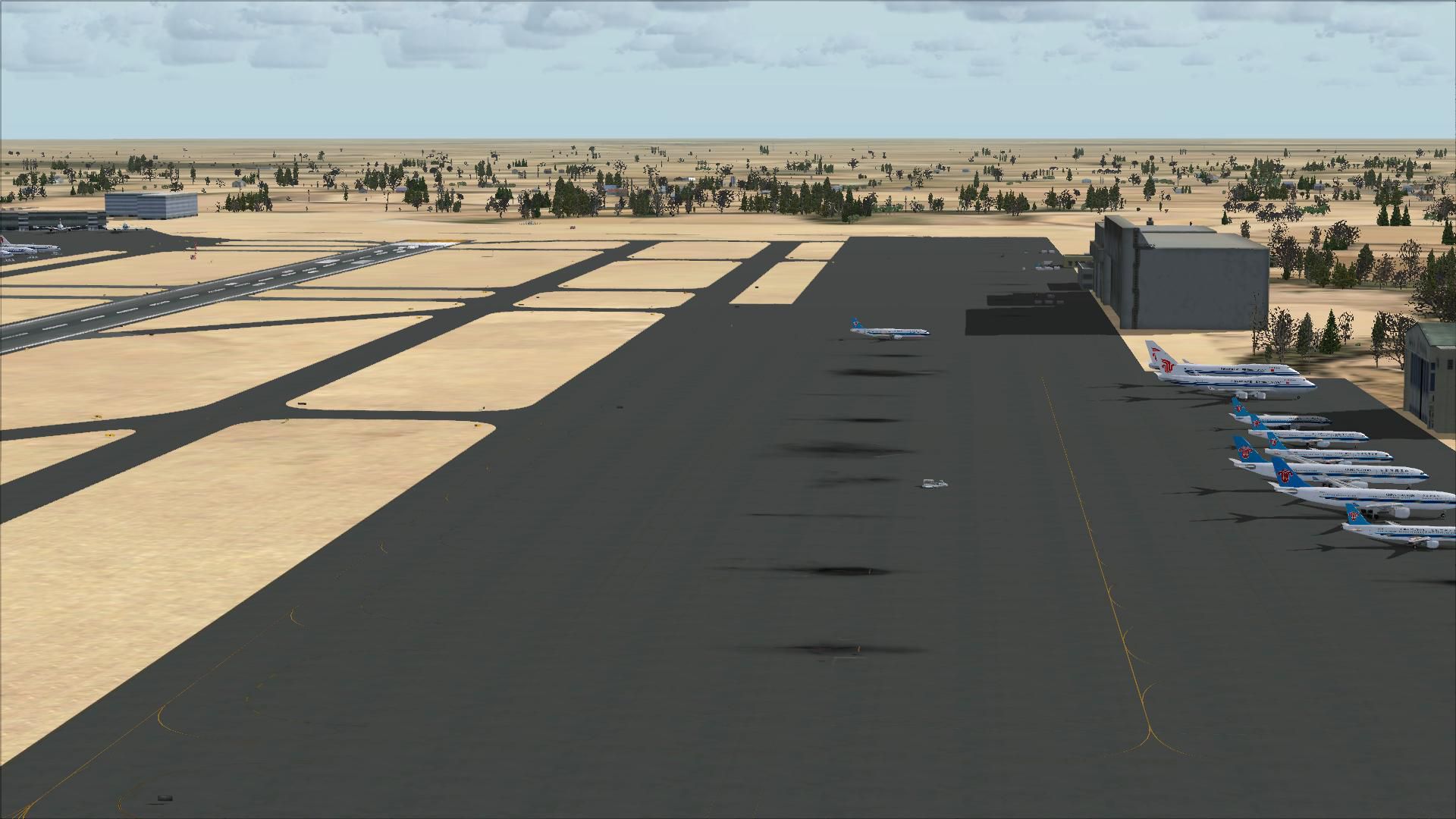
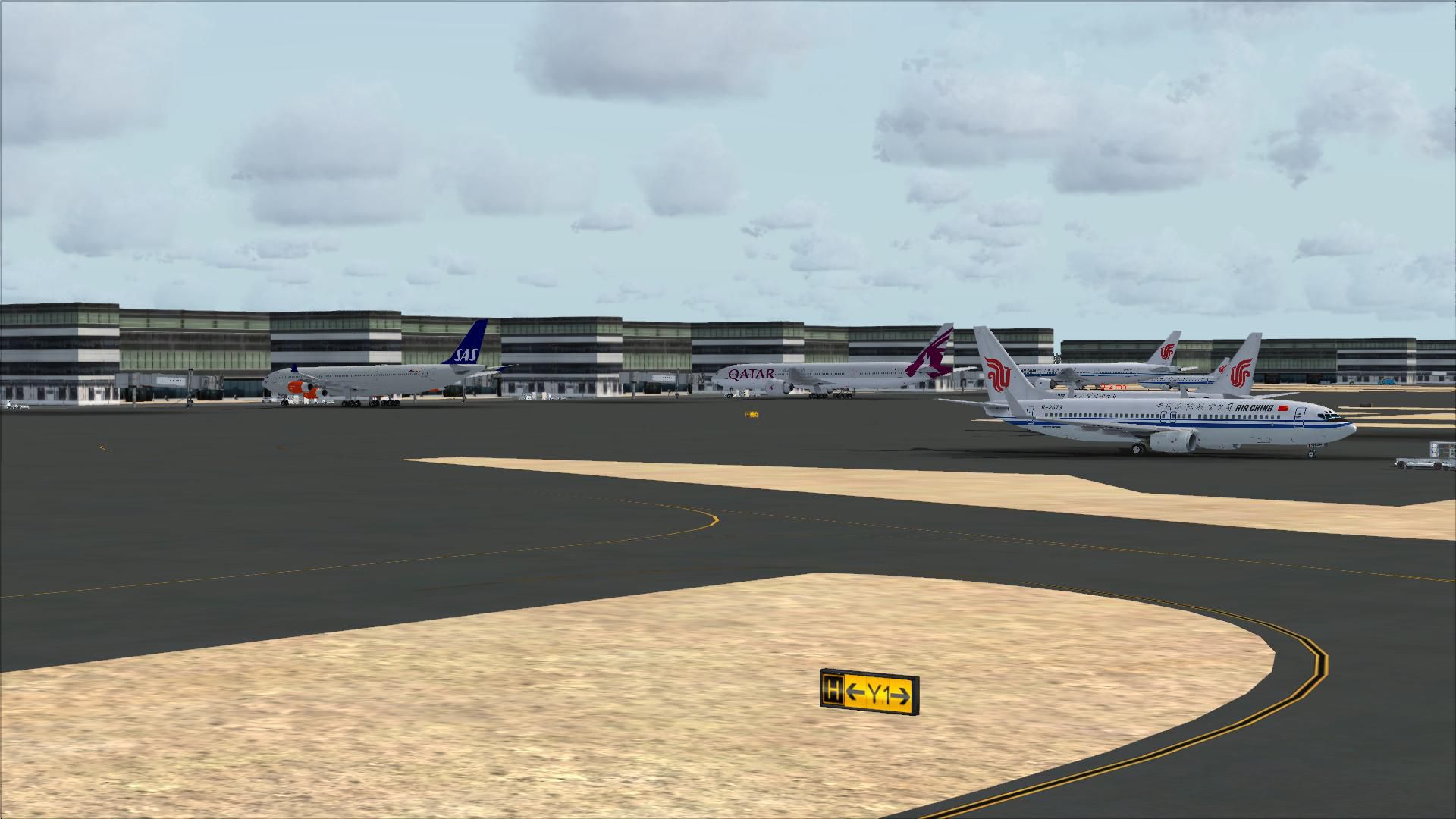
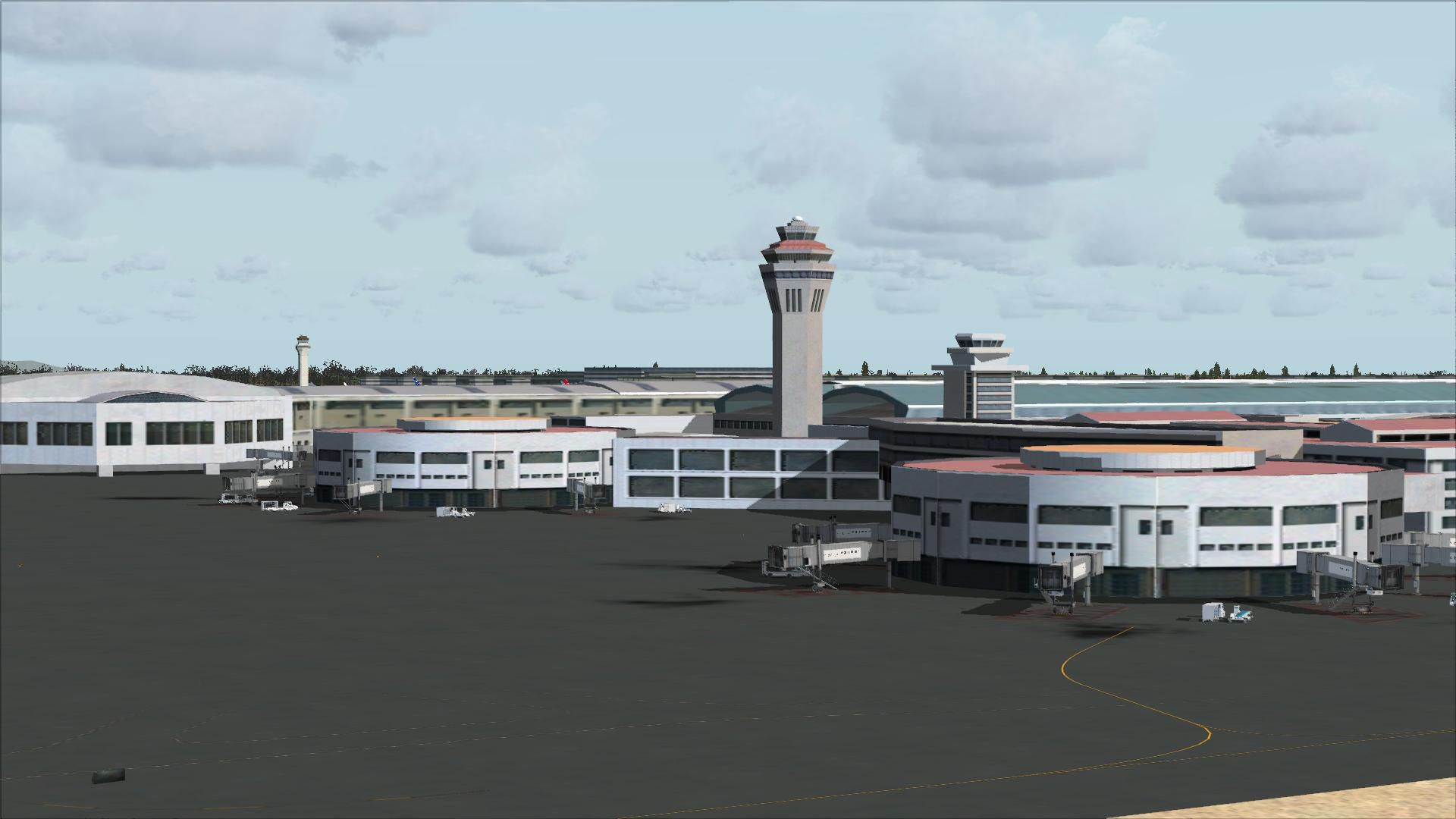
Scenery Beijing Capital Airport (ZBAA), Beijing, China. A total makeover of the airport, now including the new terminal 3. Also assigned parking, new runway 1/19 and associated taxiways, new control tower, rebuilt roads and more.
 I have given this airport a total makeover designed with the latest version of ADE (v1.47) and made only for the FSX default airport: now included is the new terminal 3 which was built in time for the Beijing Olympics and constructed from the FSX buildings library, assigned parking with extra parking with gates numbered in the correct order, the new rwy 1/19 also added along with taxiways and taxi signs for it, ILS also added for 1/19 by ADE, all other taxiways and taxi signs also updated, new control tower, extra fuel trucks, support vehicle roads rebuilt and many other improvements, airport views are from inside the control tower (when in tower view) this airport now has the 3 runway's operating very close to the real world, please view the readme before installation.
There are 3 BGL files: ZBAA_ADE_RS.BGL, ZBAA_ADE_CVX.bgl and a ZBAA_ADE_OBJ.BGL file.
To Install:
IMPORTANT NOTE: PLEASE ONLY USE ONE BGL for ZBAA:
i.e: make sure there is only THE ZBAA_ADE_RS.BGL FILE and the CVX.bgl file in the Addon Scenery/scenery folder at any time, remove/delete any other ZBAA.bgl to avoid incorrect parking, the CVX.bgl file has no effect on the airport operation and is only a file that removes the autogen for the new terminal and runway 1/19 and should always be used.
To Uninstall:
Acknowledgments:
ADE Utility (freeware) by Jon Masterson.
Matthew Brooks (Hornets Nest) of AIG for airport information.
And my ever enduring wife to put up with the hours spent making these files.
TIP: when at ZBAA in tower view: go to your control settings and look for the "View track/pan Toggle" allocate a keyboard keystroke to it (I allocated a button on my controller) this will unlock the user aircraft, then you can use the hat switch to pan 360 degrees around the airport, hitting the keystroke again (in my case a button) will return you to the user aircraft position.
Enjoy and Happy flying,
Developer: Ray Smith.
Free for all simmers · 5.11 MB · Scanned clean Oct 2026
Download speed: Free tier is capped at 0.5 Mbps (this file takes approximately 1 min at the cap). PRO members download at full line speed.
FSX\Addon Scenery\ containing scenery and texture sub-folders.readme.txt or README file. It tells you exactly where files go, what dependencies are needed, and any quirks specific to this add-on.Use these coordinates to fly directly to this location once the mod is installed.
40.08000000,116.60000000
Launch FSX or Prepar3D and use Flights → Load to open the downloaded .pln file. Your aircraft will be positioned at this location.
The archive zbaa_ade_rs_fsx.zip has 28 files and directories contained within it.
This list displays the first 500 files in the package. If the package has more, you will need to download it to view them.
| Filename/Directory | File Date | File Size |
|---|---|---|
| ReadMe.txt | 01.22.10 | 3.13 kB |
| ZBAA_ADE_CVX.bgl | 12.28.09 | 481 B |
| ZBAA_ADE_OBJ.BGL | 01.22.10 | 40.35 kB |
| ZBAA_ADE_RS.BGL | 01.22.10 | 112.05 kB |
| FSX_zbaa_ade_rs | 01.22.10 | 0 B |
| flyawaysimulation.txt | 10.29.13 | 959 B |
| Go to Fly Away Simulation.url | 01.22.16 | 52 B |
| Screenshots | 10.05.19 | 0 B |
| screen-1.jpg | 10.03.19 | 302.21 kB |
| screen-10.jpg | 10.03.19 | 253.59 kB |
| screen-11.jpg | 10.03.19 | 265.34 kB |
| screen-12.jpg | 10.03.19 | 266.81 kB |
| screen-13.jpg | 10.03.19 | 268.97 kB |
| screen-14.jpg | 10.03.19 | 250.18 kB |
| screen-15.jpg | 10.03.19 | 492.49 kB |
| screen-16.jpg | 10.03.19 | 313.34 kB |
| screen-17.jpg | 10.03.19 | 309.38 kB |
| screen-18.jpg | 10.03.19 | 236.75 kB |
| screen-19.jpg | 10.03.19 | 138.56 kB |
| screen-2.jpg | 10.03.19 | 336.10 kB |
| screen-20.jpg | 10.03.19 | 179.56 kB |
| screen-3.jpg | 10.03.19 | 253.33 kB |
| screen-4.jpg | 10.03.19 | 249.45 kB |
| screen-5.jpg | 10.03.19 | 236.59 kB |
| screen-6.jpg | 10.03.19 | 257.33 kB |
| screen-7.jpg | 10.03.19 | 194.08 kB |
| screen-8.jpg | 10.03.19 | 248.87 kB |
| screen-9.jpg | 10.03.19 | 248.74 kB |
Only PRO members can place votes.
More FSX & P3D add-ons hand-picked based on this download.
FSX Scenery
Abraham Lincoln Capital Airport (KSPI), Springfield, Illinois (IL), USA. Incl…
 FSX Scenery
Australian Capital City and regional airports. A basic update of default airp…
 FSX Scenery
Princess Juliana International Airport (TNCM) in Saint Marteen, Netherlands A…
 FSX Scenery
Los Angeles Airport Scenery v3, California (CA). This photoreal scenery is a …
 FSX Scenery
Barbados International Airport (TBPB). Grantley Adams International Airport f…
 FSX Scenery
Paris Charles de Gaulle Airport (CDG, LFPG), France. The entire airport has b…
 FSX Scenery
John F. Kennedy Airport (KJFK), New York, NYU. This is a photoreal scenery re…
 FSX Scenery
Dubai International Airport (OMDB), Dubai. Includes a new passenger terminal …
Read what other simmers think, or add your own.

Did not see the new runways 1 and 19 after installing. Running win 7, FSX gold with acceleration.