

 FSX Scenery
Alf's UK Airfields Volume 3
Alf's UK Airfields Volume 3. Upgrades many small UK airfields whose default v…
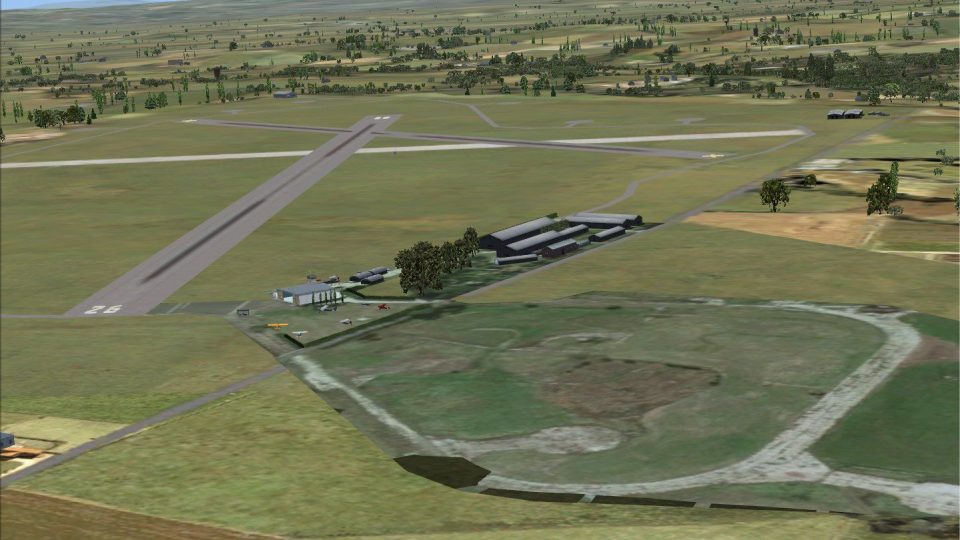
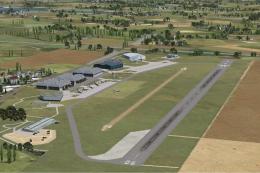
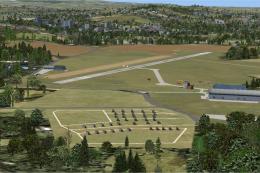
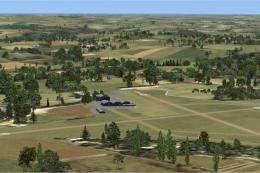
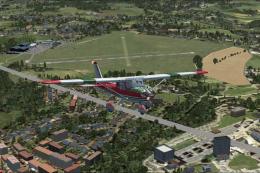
Alf’s UK Airfields Volume 16 refreshes Bourne Park X2BP, Stoke Golding X3NN, and Tatenhill EGBM with custom buildings, refined object placement, and terrain and runway tweaks that bring these under-the-radar strips to life for general aviation flying in Microsoft Flight Simulator X. The scenery aligns closely with real-world layouts for clearer visual cues on approach.
 Rate
Rate
 United Kingdom
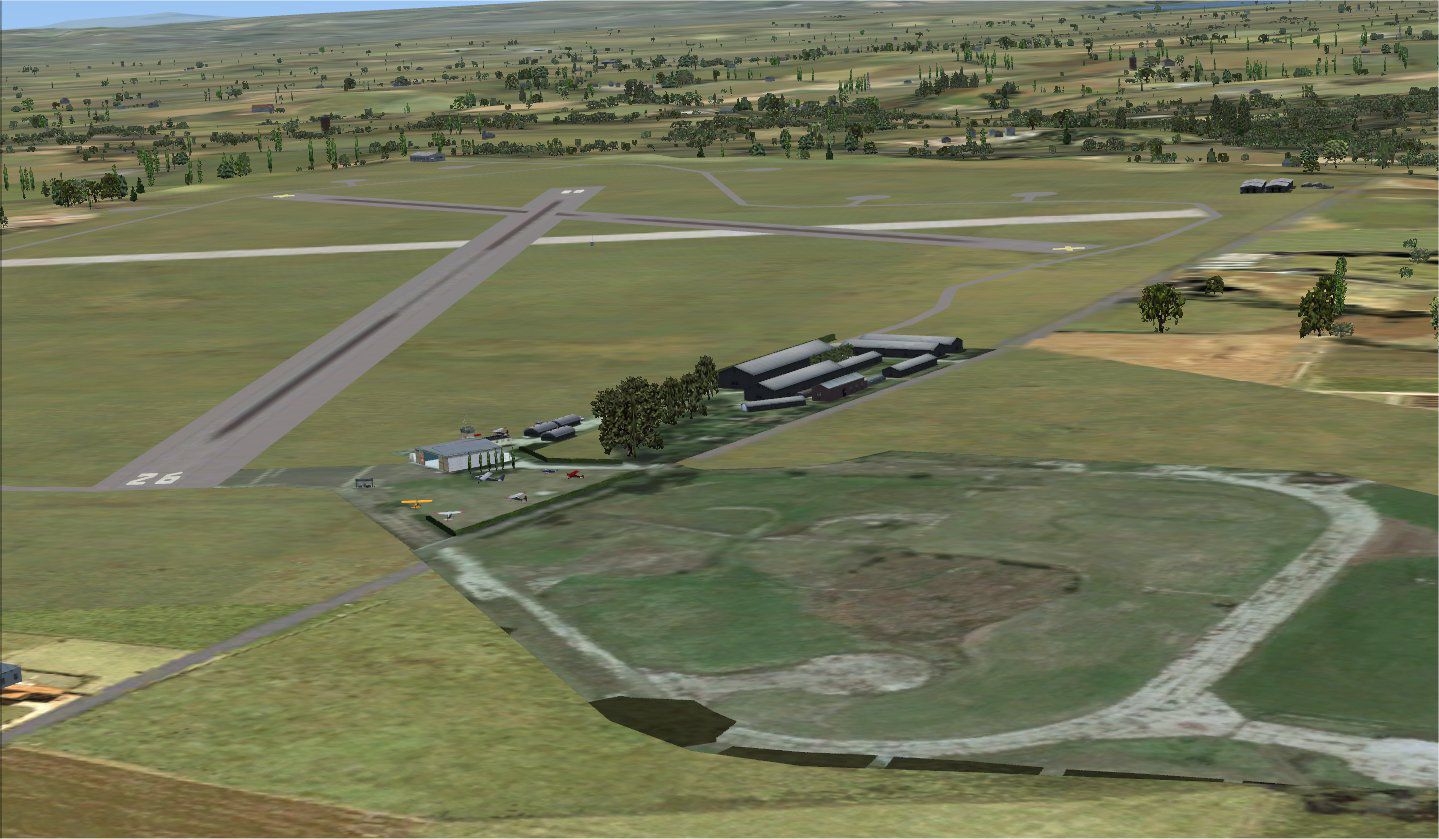
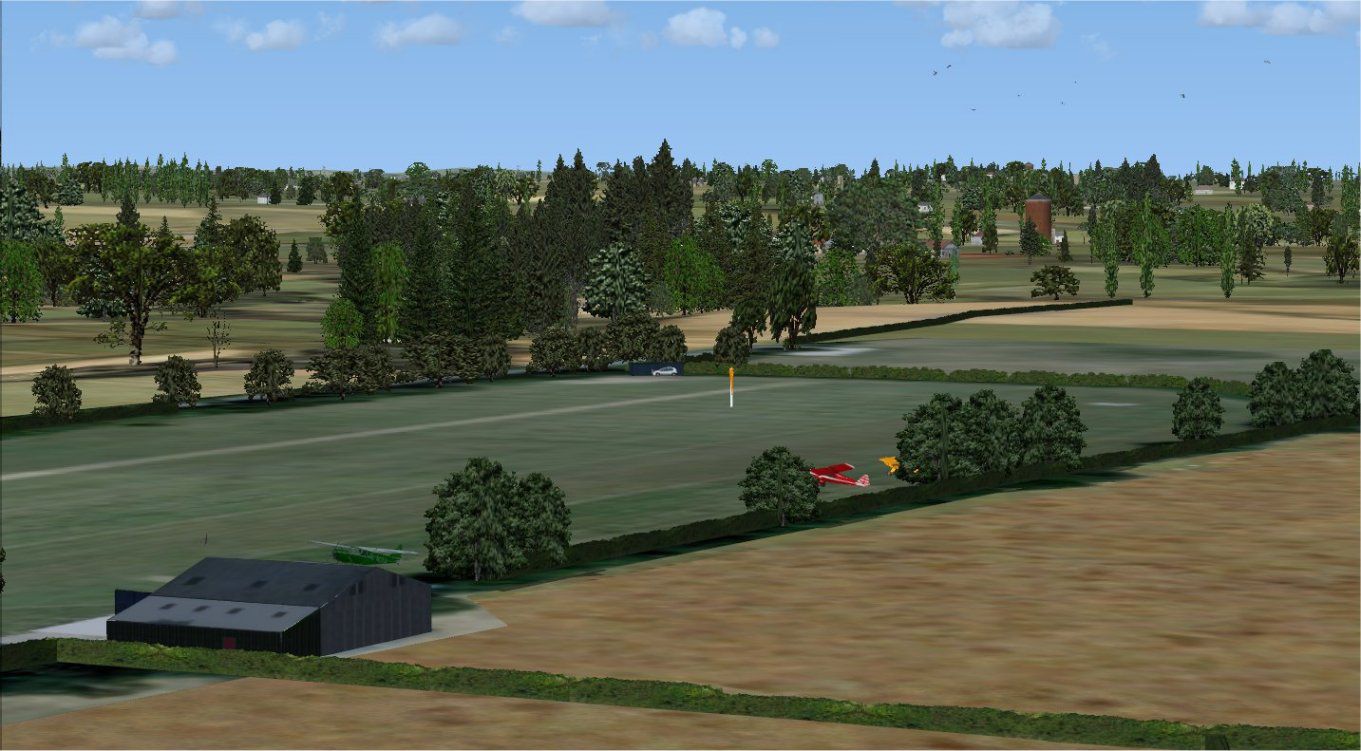
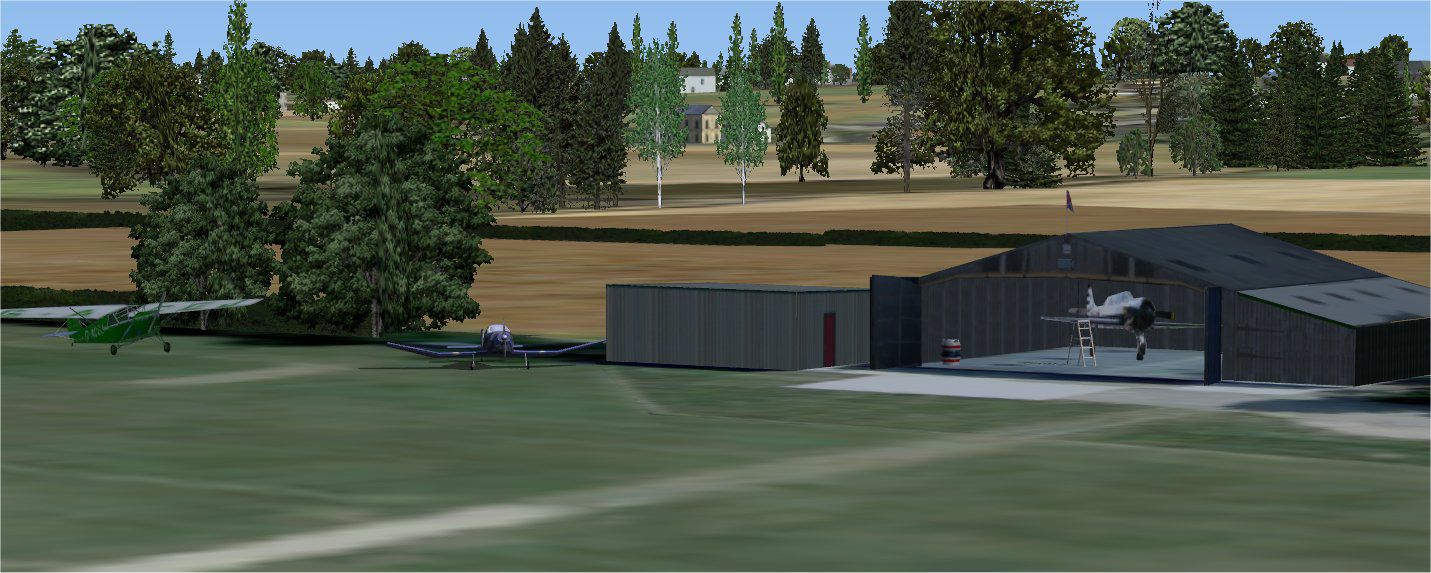
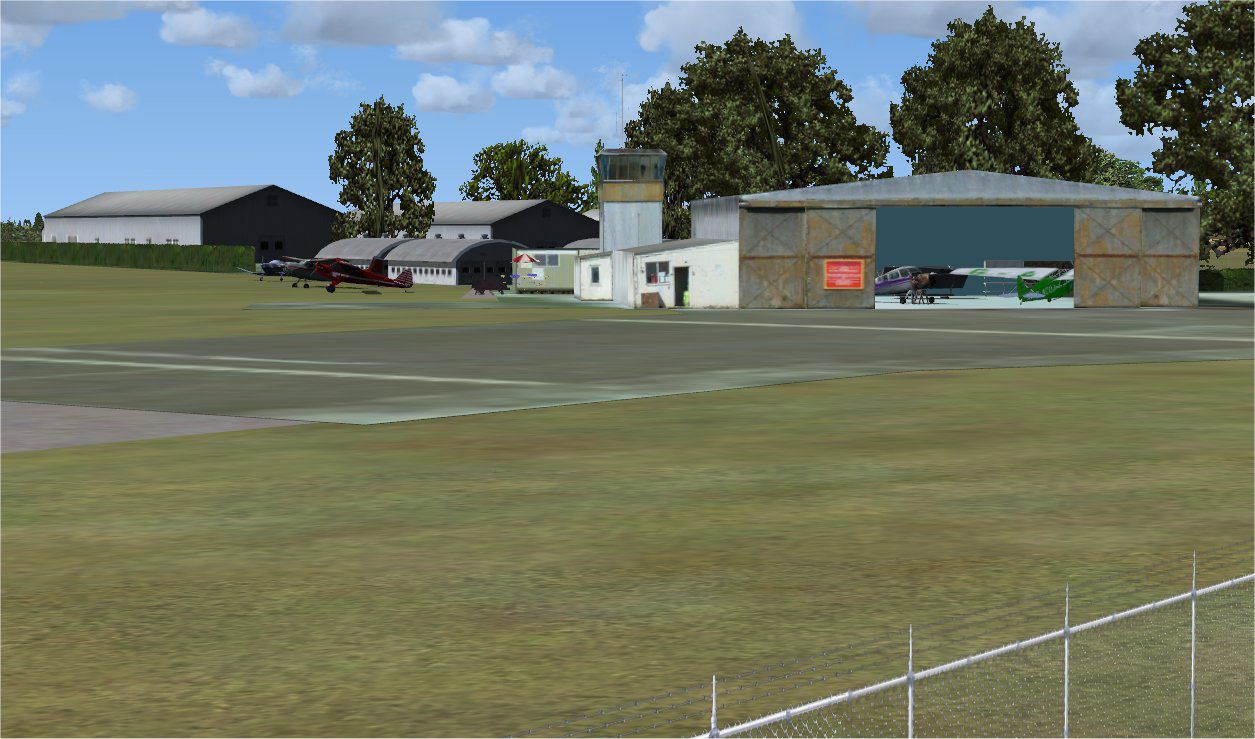

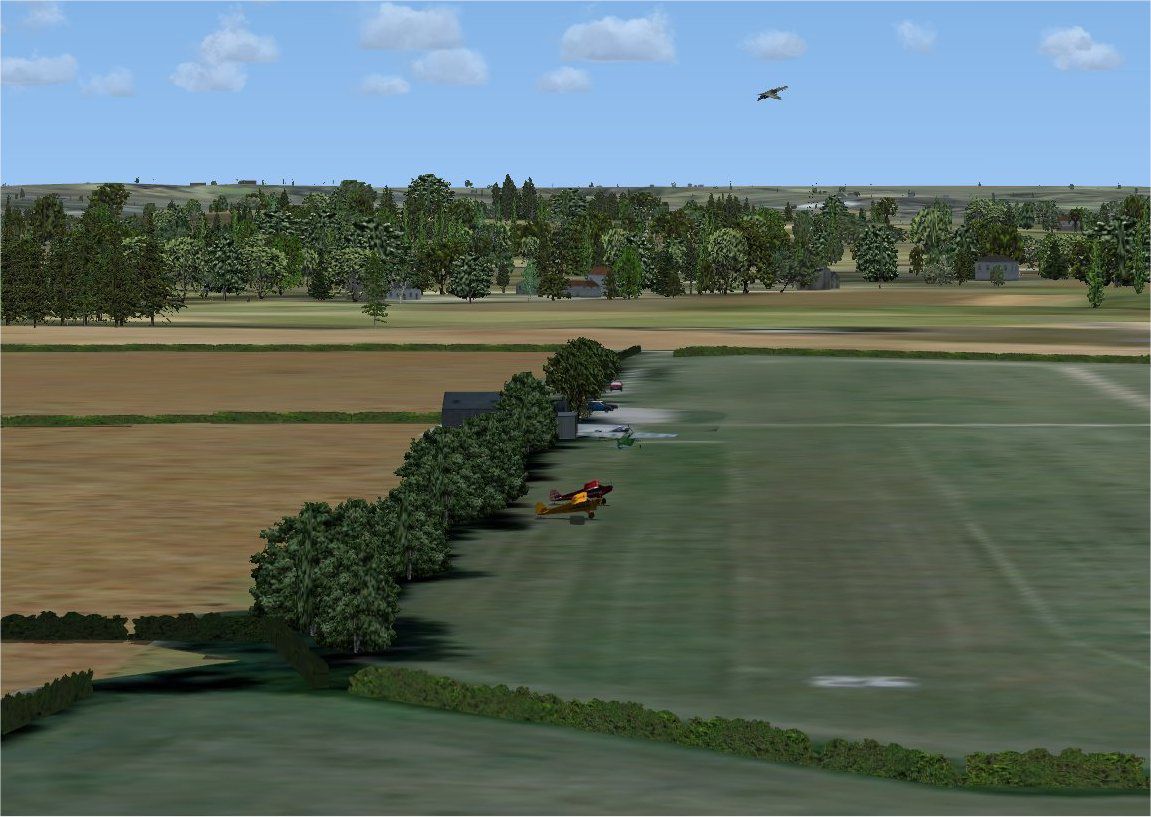

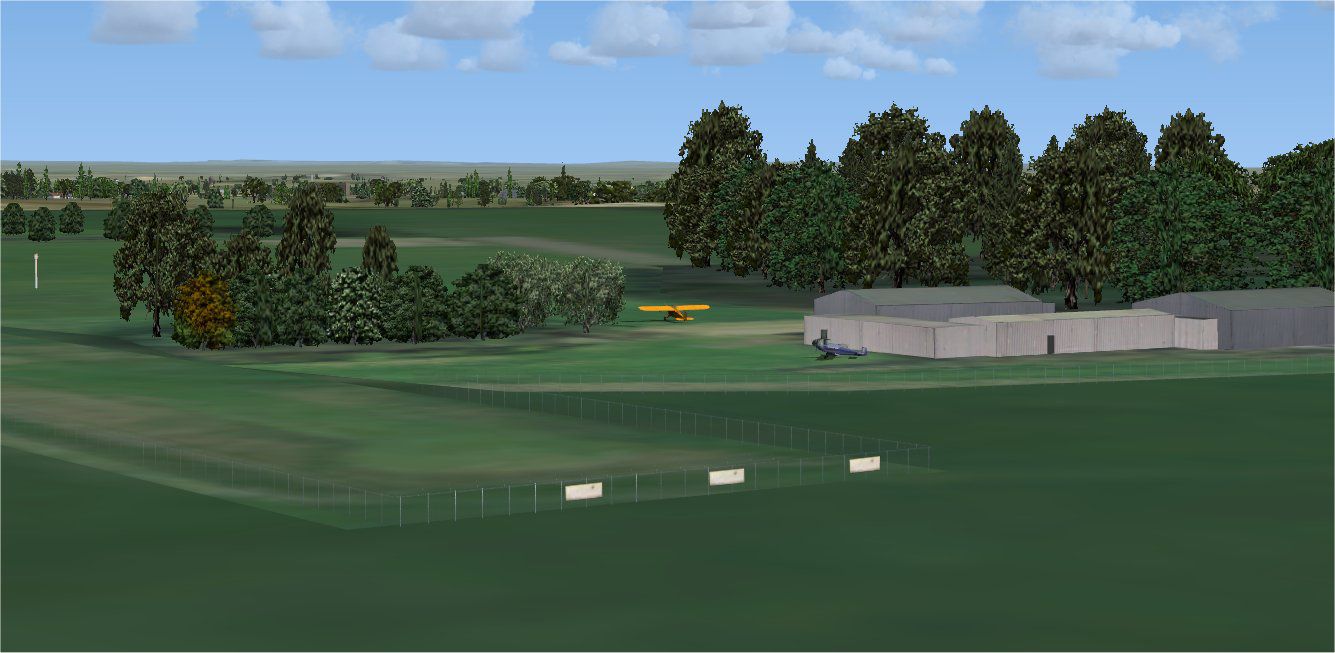
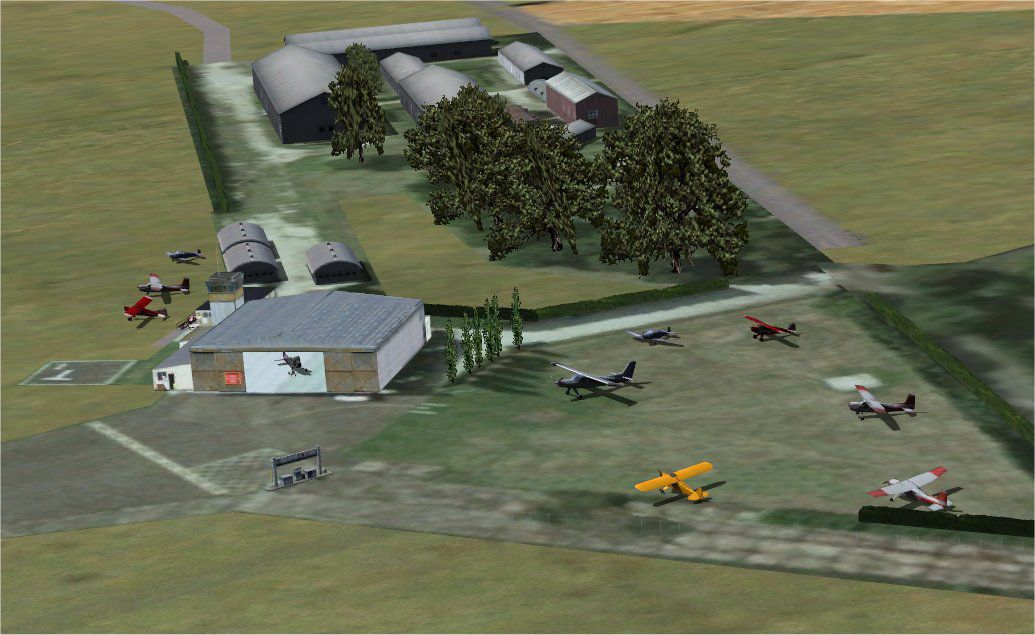
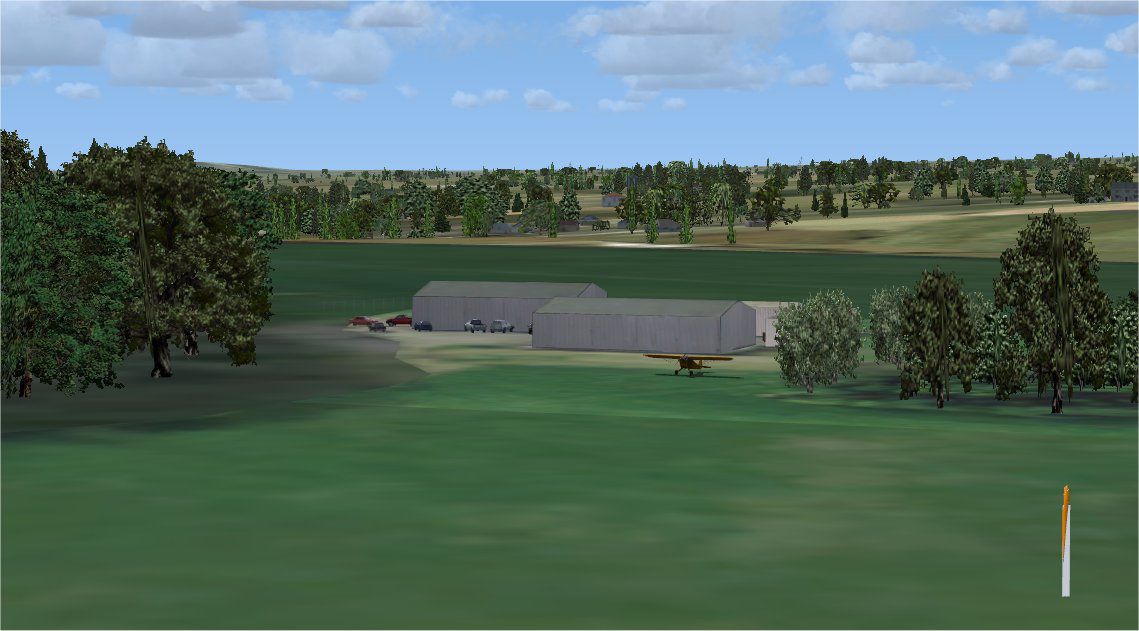
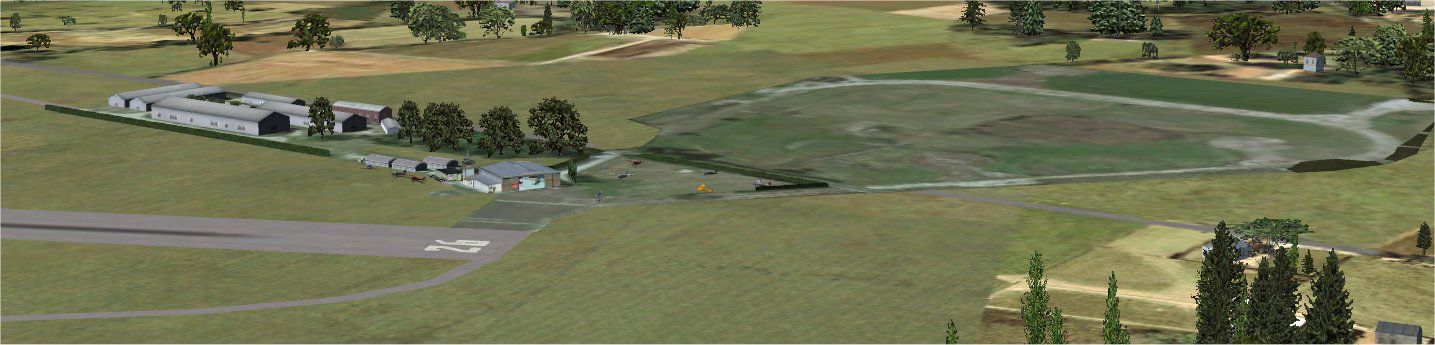
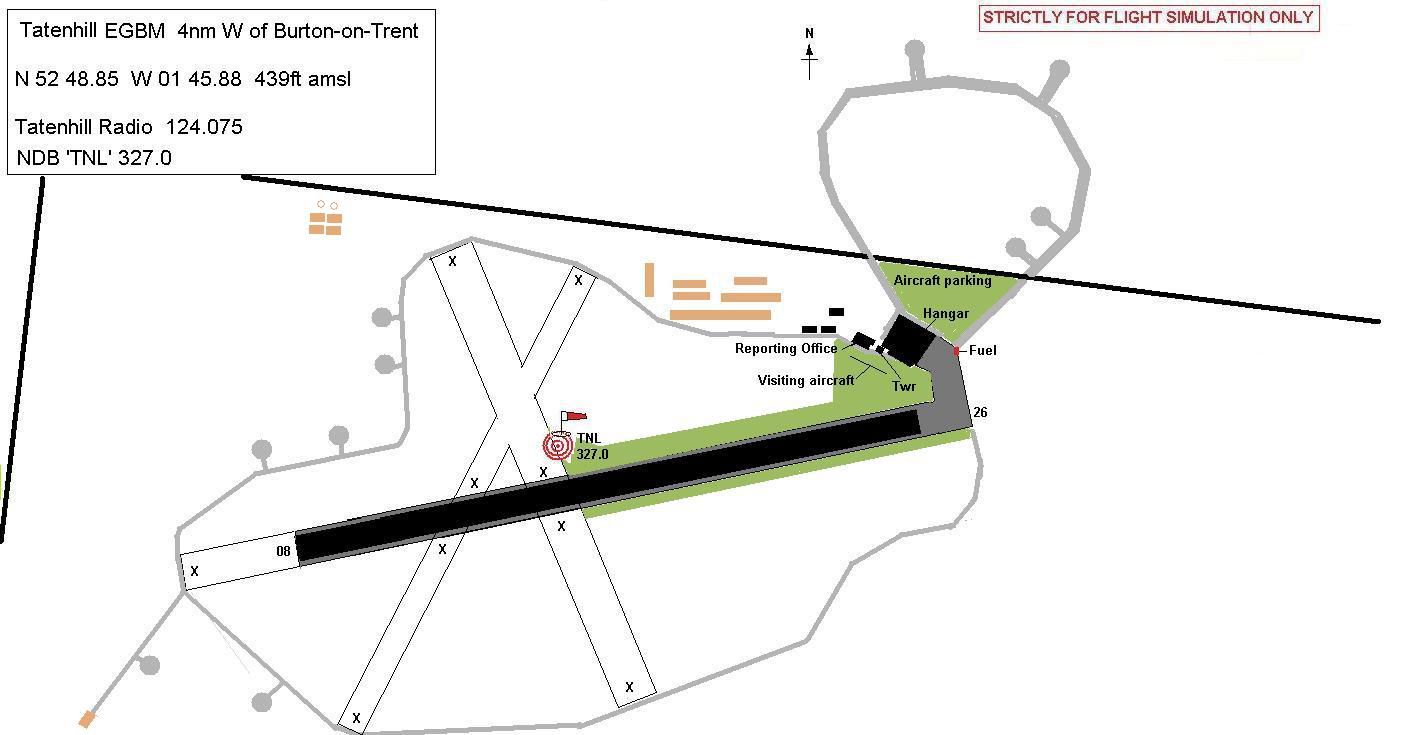

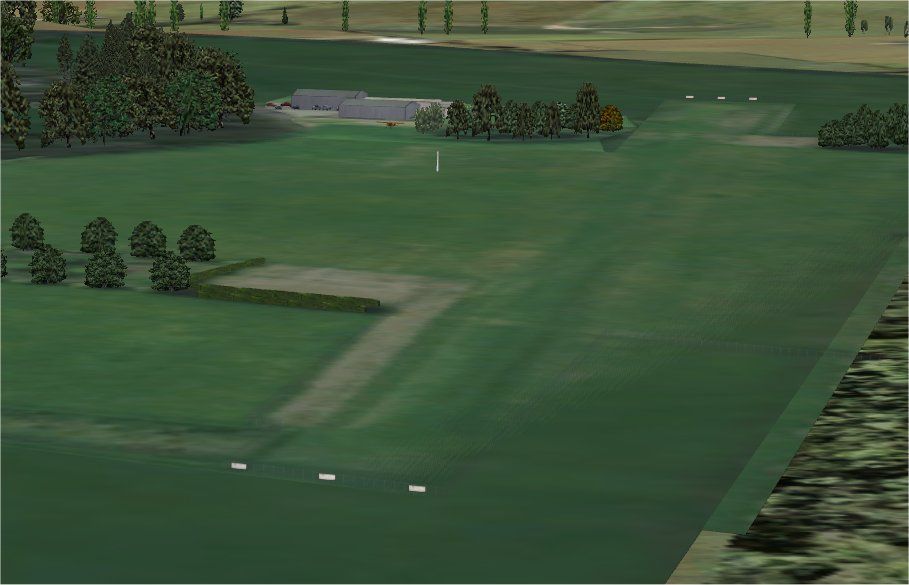
This freeware package enhances several lesser-known UK aerodromes within Microsoft Flight Simulator X, boosting their realism considerably by introducing custom details, buildings, and terrain adjustments. It strives to refine fields that originally had minimal default scenery, ensuring a more engaging experience across these underrated airstrips. Created by Alf Denham, it offers practical improvements for general aviation enthusiasts.
This volume covers three distinct UK sites:
Alf's UK Airfields Volume 16 Scenery.
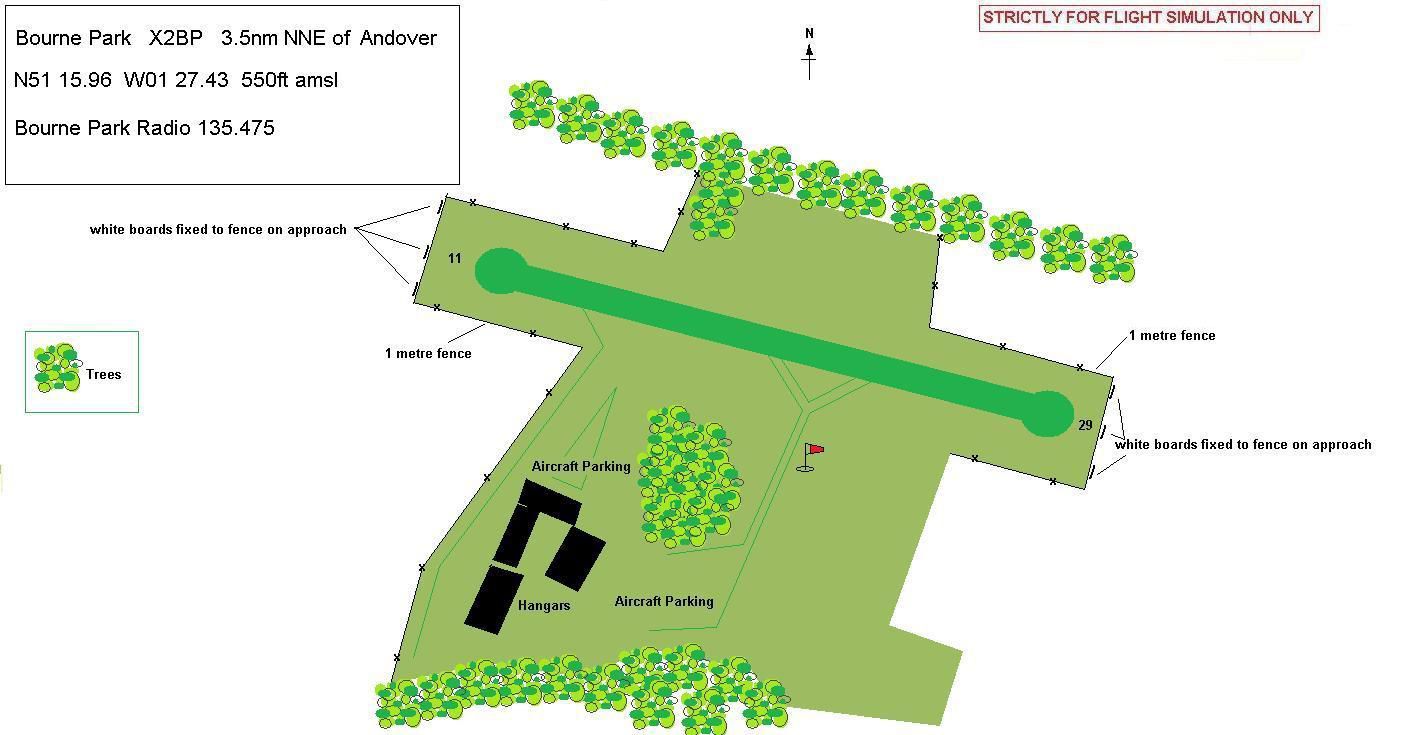
The scenery adjustments are informed by Google Earth (an aerial imagery and mapping platform) along with guidance from published airport charts. (Airport charts provide runway dimensions, reference points, and other crucial data.) The developer used these resources to model the airfields with higher detail, prioritizing accuracy to each airstrip’s layout.
Moreover, the updates were assembled using:
The entire package was tested with the FSX service packs installed (SP2 in particular). It is fully compatible with the simulator’s default scenery layers, though there could be minor alignment issues if you utilize photo-real terrain add-ons. Removing the mod is straightforward—simply delete the corresponding files.
To set up the enhancements, extract the downloadable file into a temporary folder, then follow the relevant ReadMe guidelines located in each of the included subdirectories. These files explain folder destinations and scenery library adjustments.
All improvements included here are intended to enrich small airfields that otherwise lack essential detail. Alf Denham combined default FSX assets with handcrafted objects to simulate realistic structures. The result is an immersive set of locations that better reflect their real-world counterparts, offering a fresh perspective for general aviation flights around the UK.
Free for all simmers · 8.64 MB · Scanned clean Oct 2026
Download speed: Free tier is capped at 0.5 Mbps (this file takes approximately 2 mins at the cap). PRO members download at full line speed.
FSX\Addon Scenery\ containing scenery and texture sub-folders.readme.txt or README file. It tells you exactly where files go, what dependencies are needed, and any quirks specific to this add-on.Use these coordinates to fly directly to this location once the mod is installed.
51.50740000,-0.12780000
Launch FSX or Prepar3D and use Flights → Load to open the downloaded .pln file. Your aircraft will be positioned at this location.
The archive alfsuk16.zip has 142 files and directories contained within it.
This list displays the first 500 files in the package. If the package has more, you will need to download it to view them.
| Filename/Directory | File Date | File Size |
|---|---|---|
| Bourne Park_X2BP | 05.12.09 | 0 B |
| Bourne Park#1.jpg | 05.09.09 | 166.02 kB |
| Bourne Park#2.jpg | 05.09.09 | 106.19 kB |
| Bourne Park#3.jpg | 05.09.09 | 120.70 kB |
| Bourne Park#4.jpg | 05.09.09 | 64.39 kB |
| Bourne Park_Map.jpg | 05.12.09 | 101.44 kB |
| Bourne Park_ReadMe.txt | 05.09.09 | 1.51 kB |
| scenery | 05.03.09 | 0 B |
| BourneP#1.bgl | 04.24.09 | 1.57 kB |
| BourneP#1.txt | 04.24.09 | 42 B |
| BourneP#2.bgl | 05.13.09 | 1.20 kB |
| BourneP#2.txt | 05.13.09 | 42 B |
| BourneP#3.bgl | 05.13.09 | 1.33 kB |
| BourneP#3.txt | 05.13.09 | 42 B |
| bournepkhangar#1.bgl | 04.25.09 | 8.53 kB |
| bournepkhangar#1.txt | 04.25.09 | 100 B |
| bournepkhangar#2.bgl | 04.25.09 | 5.17 kB |
| bournepkhangar#2.txt | 04.25.09 | 49 B |
| bournepkhangar#3.bgl | 04.25.09 | 2.95 kB |
| bournepkhangar#3.txt | 04.25.09 | 49 B |
| bournepkhangar#4.bgl | 04.25.09 | 1.57 kB |
| bournepkhangar#4.txt | 04.25.09 | 49 B |
| bplandingsign.bgl | 04.25.09 | 768 B |
| bplandingsign.txt | 04.25.09 | 46 B |
| hedge30.bgl | 08.25.08 | 111.27 kB |
| hedge30.txt | 08.25.08 | 40 B |
| X2BP_ADE_AED.BGL | 05.03.09 | 1.00 kB |
| X2BP_ADE_AED_CVX.bgl | 05.03.09 | 536 B |
| X2BP_extra.BGL | 05.03.09 | 6.32 kB |
| texture | 05.03.09 | 0 B |
| BourneP#1_00.bmp | 04.24.09 | 341.40 kB |
| BourneP#2_00.bmp | 05.13.09 | 1.33 MB |
| BourneP#3_00.bmp | 05.13.09 | 1.33 MB |
| bournepkhangar#1_00.bmp | 04.25.09 | 85.40 kB |
| bournepkhangar#1_01.bmp | 04.25.09 | 85.40 kB |
| bournepkhangar#2_00.bmp | 04.25.09 | 85.40 kB |
| bournepkhangar#2_01.bmp | 04.25.09 | 85.40 kB |
| bournepkhangar#2_02.bmp | 04.25.09 | 85.40 kB |
| bournepkhangar#3_00.bmp | 04.25.09 | 85.40 kB |
| bournepkhangar#4_00.bmp | 04.25.09 | 85.40 kB |
| bplandingsign_00.bmp | 04.25.09 | 85.40 kB |
| hedge30_00.bmp | 08.25.08 | 341.40 kB |
| hedge30_01.bmp | 08.25.08 | 341.40 kB |
| License.txt | 10.18.08 | 631 B |
| PreviousUploads.txt | 06.08.09 | 2.50 kB |
| READ_ME_FIRST.txt | 06.08.09 | 1.37 kB |
| Stoke Golding_X3NN | 05.09.09 | 0 B |
| scenery | 02.24.09 | 0 B |
| sg1.bgl | 05.13.09 | 1.10 kB |
| sg1.txt | 05.13.09 | 36 B |
| sg2.bgl | 05.13.09 | 1.61 kB |
| sg2.txt | 05.13.09 | 36 B |
| sg3.bgl | 02.22.09 | 1022 B |
| sg3.txt | 02.22.09 | 36 B |
| sg4.bgl | 02.21.09 | 1.99 kB |
| sg4.txt | 02.21.09 | 36 B |
| sghangar1.bgl | 02.21.09 | 8.63 kB |
| sghangar1.txt | 02.21.09 | 42 B |
| sghangar2.bgl | 02.21.09 | 1.16 kB |
| sghangar2.txt | 02.21.09 | 42 B |
| ThangarClosed.bgl | 08.31.08 | 22.42 kB |
| ThangarClosed.txt | 08.31.08 | 46 B |
| thinhedge10.bgl | 09.01.08 | 39.30 kB |
| thinhedge10.txt | 09.01.08 | 44 B |
| thinhedge10+90.bgl | 10.10.08 | 39.30 kB |
| thinhedge10+90.txt | 10.10.08 | 47 B |
| thinhedge30.bgl | 09.01.08 | 117.79 kB |
| thinhedge30.txt | 09.01.08 | 44 B |
| thinhedge50.bgl | 09.01.08 | 185.72 kB |
| thinhedge50.txt | 09.01.08 | 44 B |
| X3NN_ADE_AED.BGL | 02.28.09 | 1.06 kB |
| X3NN_ADE_AED_CVX.bgl | 02.28.09 | 1.03 kB |
| X3NN_extra.BGL | 05.09.09 | 7.50 kB |
| yak52.bgl | 02.21.09 | 9.14 kB |
| yak52.txt | 02.21.09 | 38 B |
| Stoke Golding#1.jpg | 05.09.09 | 147.67 kB |
| Stoke Golding#2.jpg | 05.09.09 | 172.28 kB |
| Stoke Golding#3.jpg | 05.09.09 | 172.39 kB |
| Stoke Golding_Map.jpg | 05.03.09 | 74.31 kB |
| Stoke Golding_ReadMe.txt | 05.09.09 | 1.58 kB |
| texture | 02.24.09 | 0 B |
| sg1_00.bmp | 05.13.09 | 1.33 MB |
| sg2_00.bmp | 05.13.09 | 1.33 MB |
| sg3_00.bmp | 02.22.09 | 341.40 kB |
| sg4_00.bmp | 02.21.09 | 341.40 kB |
| sghangar1_00.bmp | 02.21.09 | 341.40 kB |
| sghangar2_00.bmp | 02.21.09 | 341.40 kB |
| ThangarClosed_00.bmp | 08.31.08 | 341.40 kB |
| ThangarClosed_01.bmp | 08.31.08 | 341.40 kB |
| ThangarClosed_02.bmp | 08.31.08 | 85.40 kB |
| ThangarClosed_03.bmp | 08.31.08 | 85.40 kB |
| thinhedge10_00.bmp | 09.01.08 | 341.40 kB |
| thinhedge10+90_00.bmp | 10.10.08 | 341.40 kB |
| thinhedge30_00.bmp | 09.01.08 | 341.40 kB |
| thinhedge30_01.bmp | 09.01.08 | 341.40 kB |
| thinhedge50_00.bmp | 09.01.08 | 341.40 kB |
| thinhedge50_01.bmp | 09.01.08 | 341.40 kB |
| thinhedge50_02.bmp | 09.01.08 | 341.40 kB |
| yak52_00.bmp | 02.21.09 | 341.40 kB |
| Tatenhill.gif | 05.10.09 | 12.90 kB |
| Tatenhill_EGBM | 05.10.09 | 0 B |
| scenery | 05.12.09 | 0 B |
| EGBM_ADE_AED.BGL | 05.10.09 | 8.78 kB |
| EGBM_ADE_AED_CVX.bgl | 05.10.09 | 618 B |
| EGBM_extra.BGL | 05.10.09 | 3.61 kB |
| hedge30.bgl | 08.25.08 | 111.27 kB |
| hedge30.txt | 08.25.08 | 40 B |
| hedge50.bgl | 08.25.08 | 182.39 kB |
| hedge50.txt | 08.25.08 | 40 B |
| hedge50x3.bgl | 08.23.08 | 182.39 kB |
| hedge50x3.txt | 08.23.08 | 42 B |
| tatenhill1.bgl | 02.22.09 | 1.63 kB |
| tatenhill1.txt | 02.22.09 | 43 B |
| tatenhill2.bgl | 02.22.09 | 1.47 kB |
| tatenhill2.txt | 02.22.09 | 43 B |
| tatenhill3.bgl | 05.13.09 | 844 B |
| tatenhill3.txt | 05.13.09 | 43 B |
| tatenhillC.bgl | 02.18.09 | 1.71 kB |
| tatenhillC.txt | 02.18.09 | 43 B |
| tatenhillHangar.bgl | 02.18.09 | 30.60 kB |
| tatenhillHangar.txt | 02.18.09 | 48 B |
| Tatenhill#1.jpg | 05.10.09 | 132.09 kB |
| Tatenhill#2.jpg | 05.10.09 | 100.66 kB |
| Tatenhill#3.jpg | 05.10.09 | 212.86 kB |
| Tatenhill#4.jpg | 05.10.09 | 115.21 kB |
| Tatenhill#5.jpg | 05.10.09 | 168.69 kB |
| Tatenhill_Map.jpg | 05.10.09 | 86.13 kB |
| Tatenhill_ReadMe.txt | 05.09.09 | 1.40 kB |
| texture | 05.12.09 | 0 B |
| hedge30_00.bmp | 08.25.08 | 341.40 kB |
| hedge30_01.bmp | 08.25.08 | 341.40 kB |
| hedge50_00.bmp | 08.25.08 | 1.33 MB |
| hedge50x3_00.bmp | 08.23.08 | 1.33 MB |
| tatenhill1_00.bmp | 02.22.09 | 1.33 MB |
| tatenhill2_00.bmp | 02.22.09 | 341.40 kB |
| tatenhill3_00.bmp | 05.13.09 | 1.33 MB |
| tatenhillC_00.bmp | 02.18.09 | 341.40 kB |
| tatenhillHangar_00.bmp | 02.18.09 | 1.33 MB |
| tatenhillHangar_01.bmp | 02.18.09 | 1.33 MB |
| tatenhillHangar_02.bmp | 02.18.09 | 1.33 MB |
| flyawaysimulation.txt | 10.29.13 | 959 B |
| Go to Fly Away Simulation.url | 01.22.16 | 52 B |
Only PRO members can place votes.
More FSX & P3D add-ons hand-picked based on this download.
FSX Scenery
Alf's UK Airfields Volume 3. Upgrades many small UK airfields whose default v…
 FSX Scenery
Experience a refined set of smaller United Kingdom airfields in Microsoft Fli…
 FSX Scenery
This freeware package upgrades three lesser-modeled UK airfields in Microsoft…
 FSX Scenery
This freeware package offers enhanced depictions of three smaller UK airfield…
 FSX Scenery
Experience refined depictions of smaller UK airfields in a freeware scenery p…
 FSX Scenery
Alf's UK Airfields Volume 4. Upgrades many small UK airfields whose default v…
 FSX Scenery
Experience refined recreations of three smaller British airfields with this f…
 FSX Scenery
Alf's UK Airfields Volume 11. Upgrades many small UK airfields whose default …
Be the first to leave a comment on this download.
Be the first to share your thoughts on this download.