

 FSX Scenery
San Antonio International Airport TX
San Antonio International Airport, modern era, Texas (TX). KSAT before the re…
San Antonio International Airport (KSAT) scenery for FSX upgrades the default field with custom terminal models, full gate layouts, and working jetways. It also reroutes ground vehicle paths away from taxiways, activates optional crosswind Runway 3/21 operations, adds extra GA parking and flight plans, and adjusts surrounding landclass to keep autogen off airport grounds.
 Rate
Rate
 United States of America
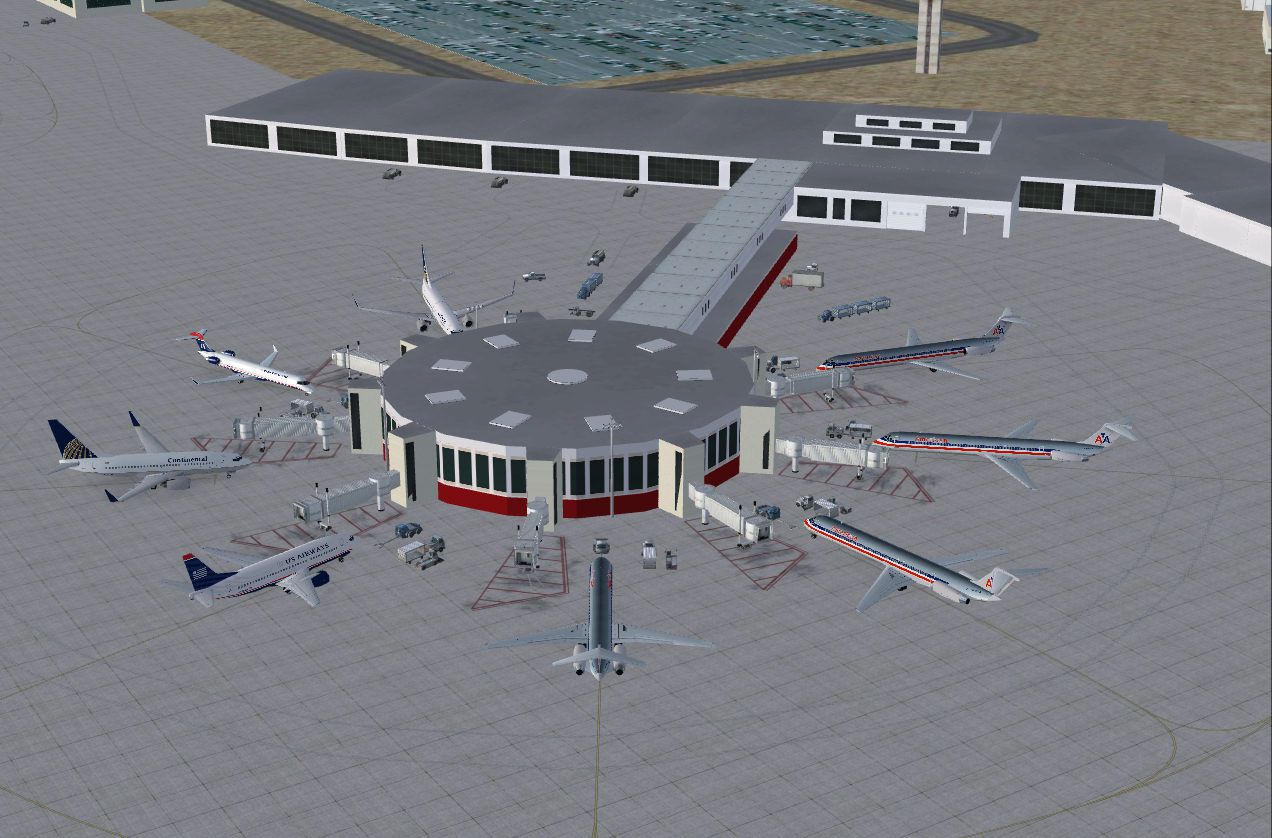
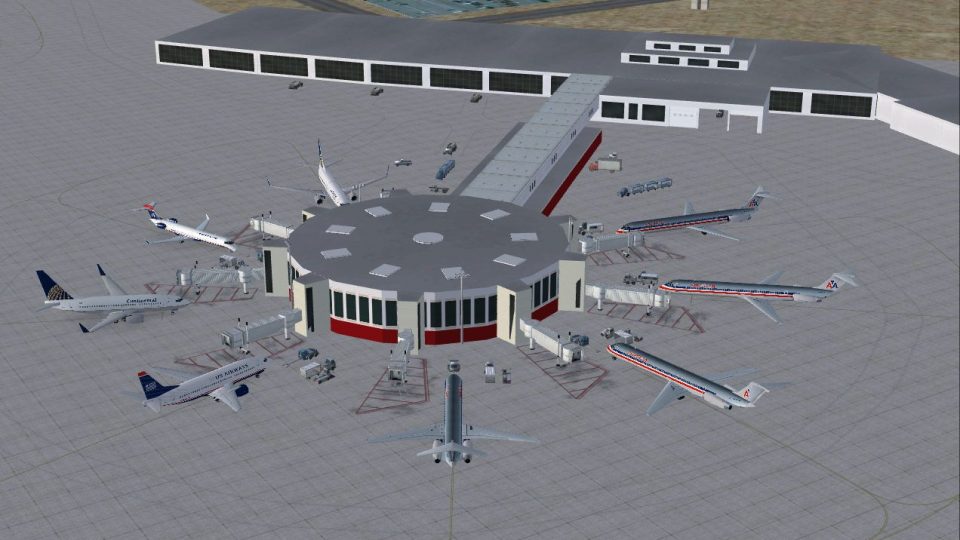
San Antonio Int'l Airport, Texas (TX). Many improvements have been made over the default KSAT version, including the following: both passenger terminals have been replaced with custom made new buildings; all passenger gates are displayed, along with jetways for each gate. All jetways will display as long as scenery complexity in FSX is set at normal or higher; the vehicle paths have been rerouted so as not to allow airport vehicles to access any taxiways; the crosswind runway 3/21 has been activated, allowing aircraft to take off and land on this runway. Using this runway is optional, as will be explained in the installation instructions; multiple additional parking spots have been added for GA aircraft. A set of GA flight plans, all using default FSX aircraft and compiled in FSX format, is included and will be installed by default; and the land class surrounding the airport has been changed so as not to allow any autogen objects to display on the airport grounds. By Patrick Finch.
San Antonio Int'l Airport Scenery.
San Antonio, TX International Airport for FSX. Description and installation information can be found in the README.doc file.
Free for all simmers · 1.56 MB · Scanned clean Oct 2026
Download speed: Free tier is capped at 0.5 Mbps. PRO members download at full line speed.
FSX\Addon Scenery\ containing scenery and texture sub-folders.readme.txt or README file. It tells you exactly where files go, what dependencies are needed, and any quirks specific to this add-on.Use these coordinates to fly directly to this location once the mod is installed.
29.53395800,-98.46905600
Launch FSX or Prepar3D and use Flights → Load to open the downloaded .pln file. Your aircraft will be positioned at this location.
The archive ksat_fsx.zip has 8 files and directories contained within it.
This list displays the first 500 files in the package. If the package has more, you will need to download it to view them.
| Filename/Directory | File Date | File Size |
|---|---|---|
| README.doc | 06.23.09 | 119.50 kB |
| xwind_runway.zip | 06.23.09 | 28.22 kB |
| ksat.jpg | 06.17.09 | 185.56 kB |
| no_xwind_runway.zip | 06.22.09 | 28.08 kB |
| README FIRST.txt | 06.22.09 | 261 B |
| ksat.zip | 06.23.09 | 1.26 MB |
| flyawaysimulation.txt | 10.29.13 | 959 B |
| Go to Fly Away Simulation.url | 01.22.16 | 52 B |
Only PRO members can place votes.
More FSX & P3D add-ons hand-picked based on this download.
FSX Scenery
San Antonio International Airport, modern era, Texas (TX). KSAT before the re…
 FSX Scenery
San Antonio International Airport (KSAT), Texas (TX). This airport was design…
 FSX Scenery
San Antonio Airport (SVSA), Venezuela. A national public commercial airport l…
 FSX Scenery
Experience a meticulously upgraded version of Galeão–Antonio Carlos Jobim Int…
 FSX Scenery
General Jose Antonio Anzoategui International Airport (SVBC) in Barcelona, Ve…
 FSX Scenery
San Diego International Airport, California (CA), USA. This photoreal scenery…
 FSX Scenery
San Juan de los Morros Airport (SVJM), Venezuela. Small regional airport loca…
 FSX Scenery
Venezuela. Regional airport located to the west of San Felipe city. Used for …
Be the first to leave a comment on this download.
Be the first to share your thoughts on this download.