


FSX Ing. Taravella Airport Scenery
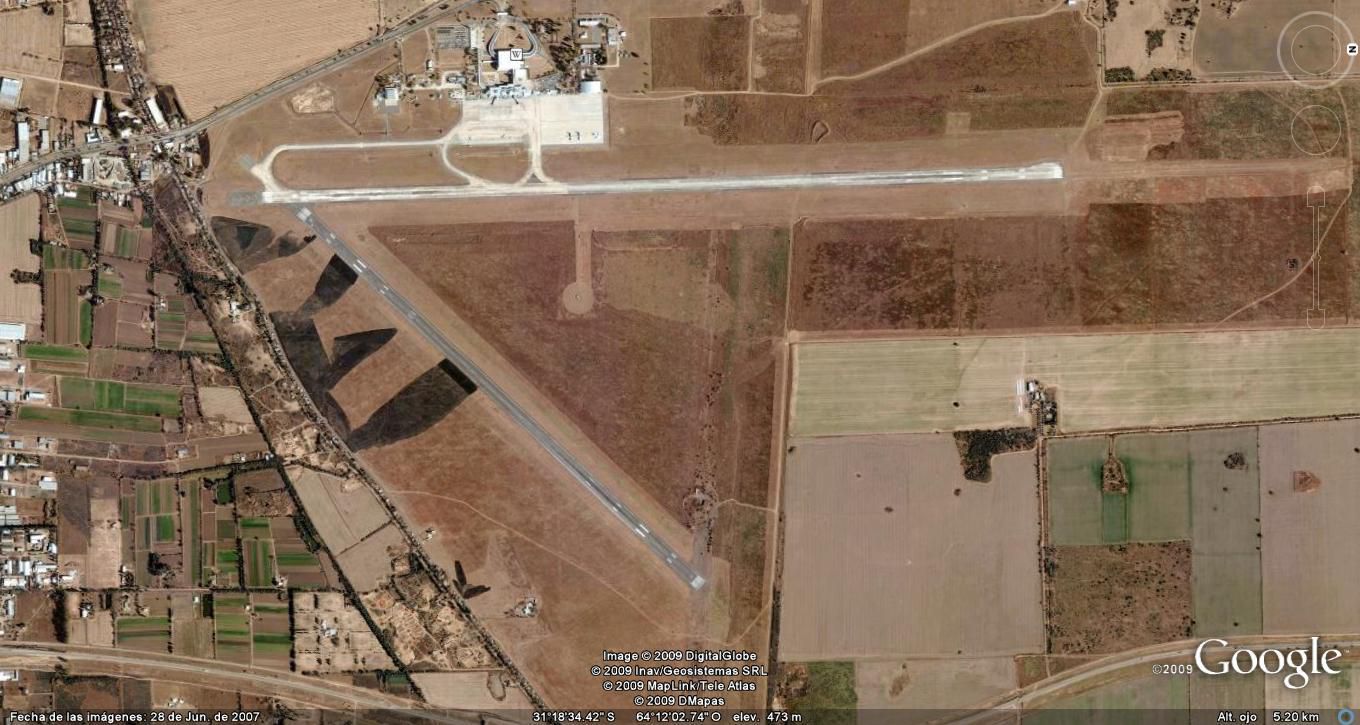
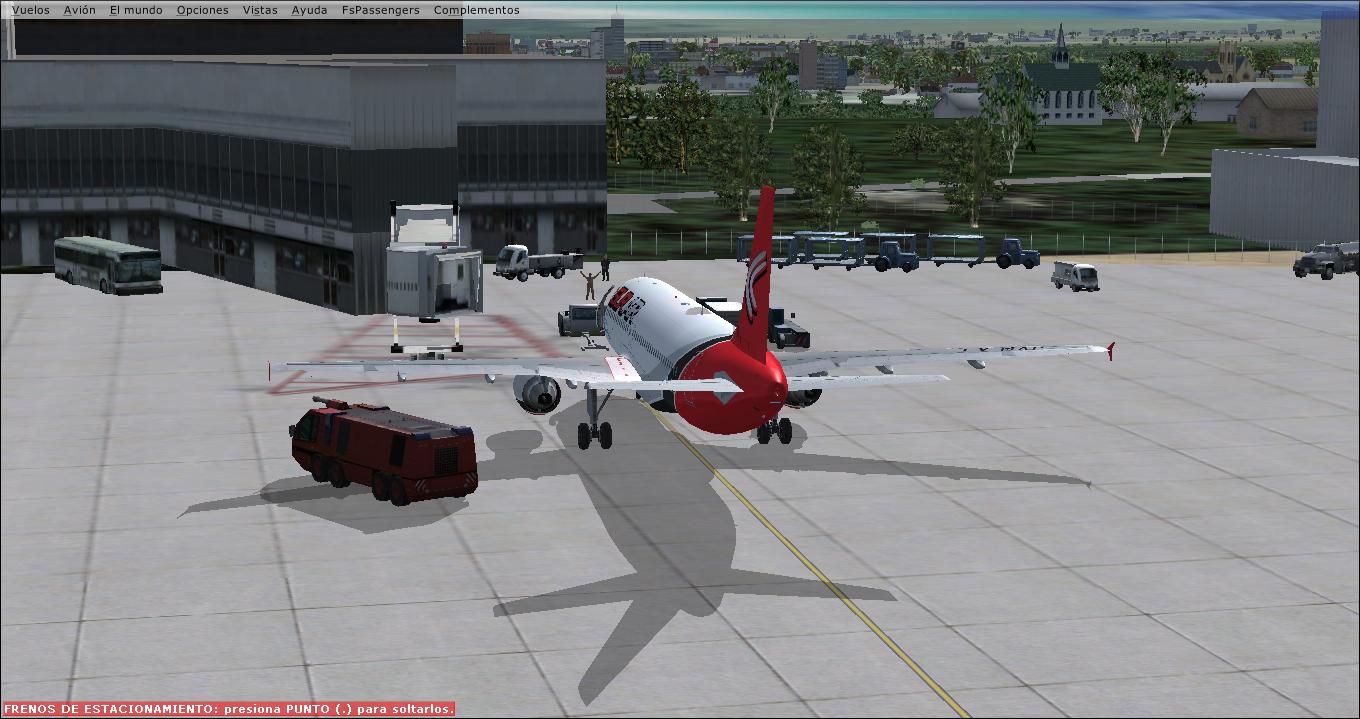
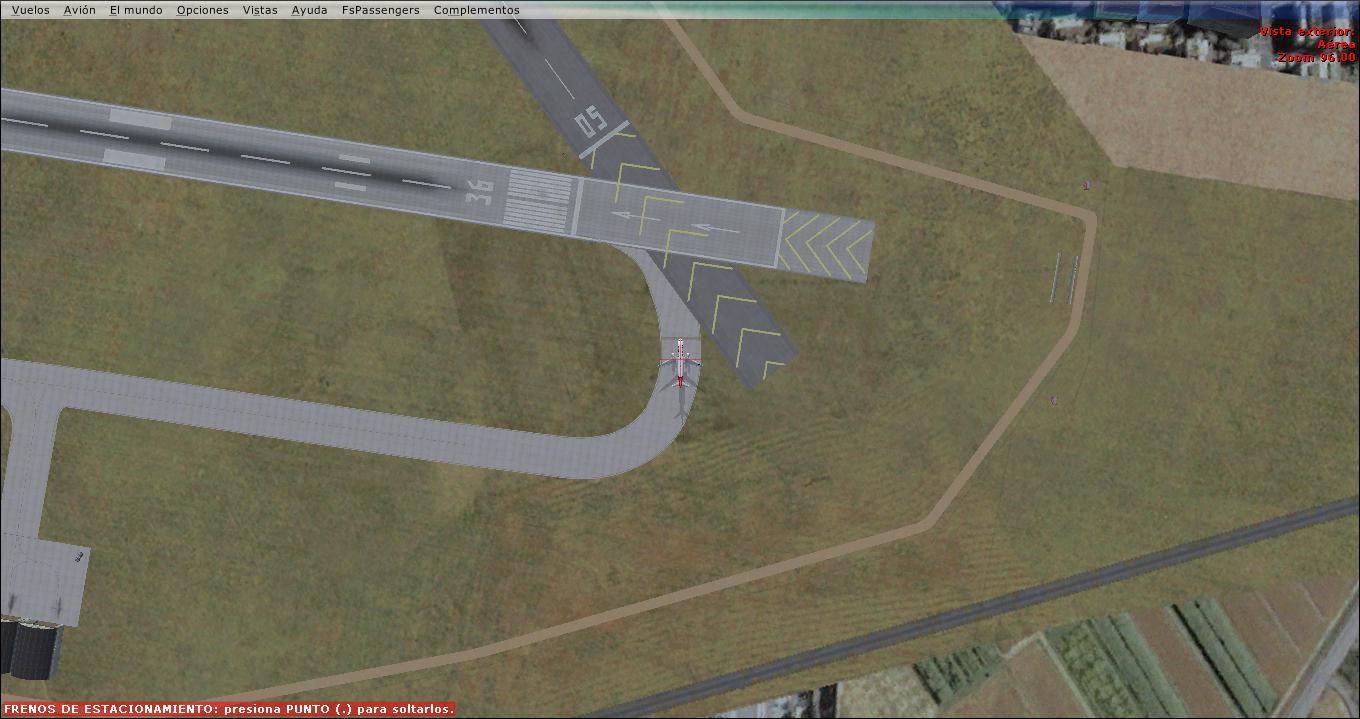
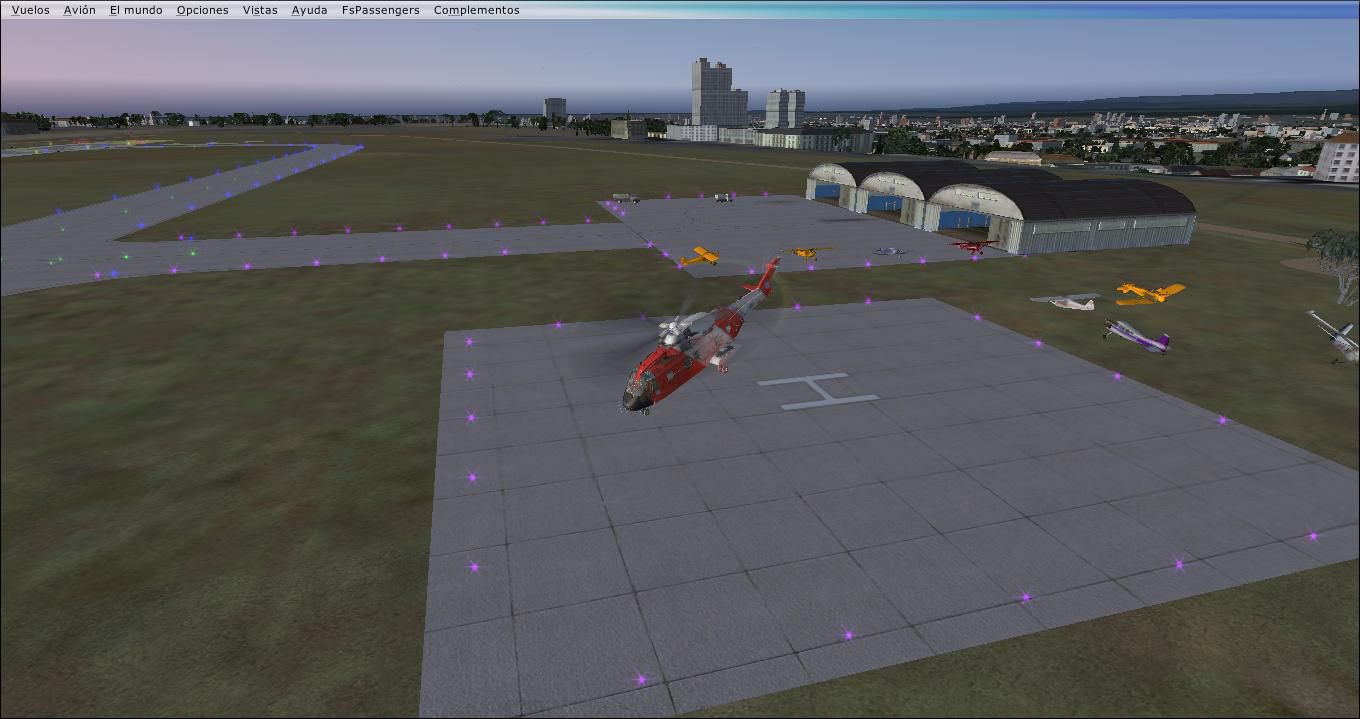
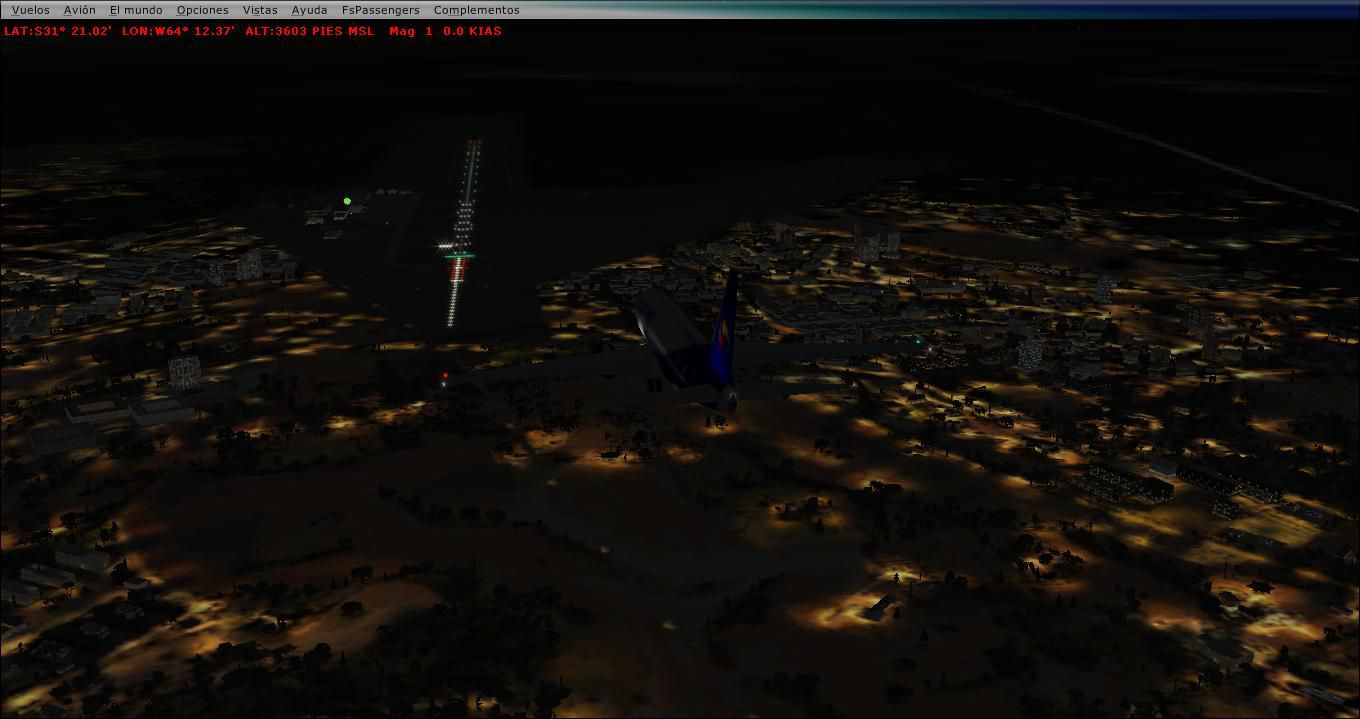
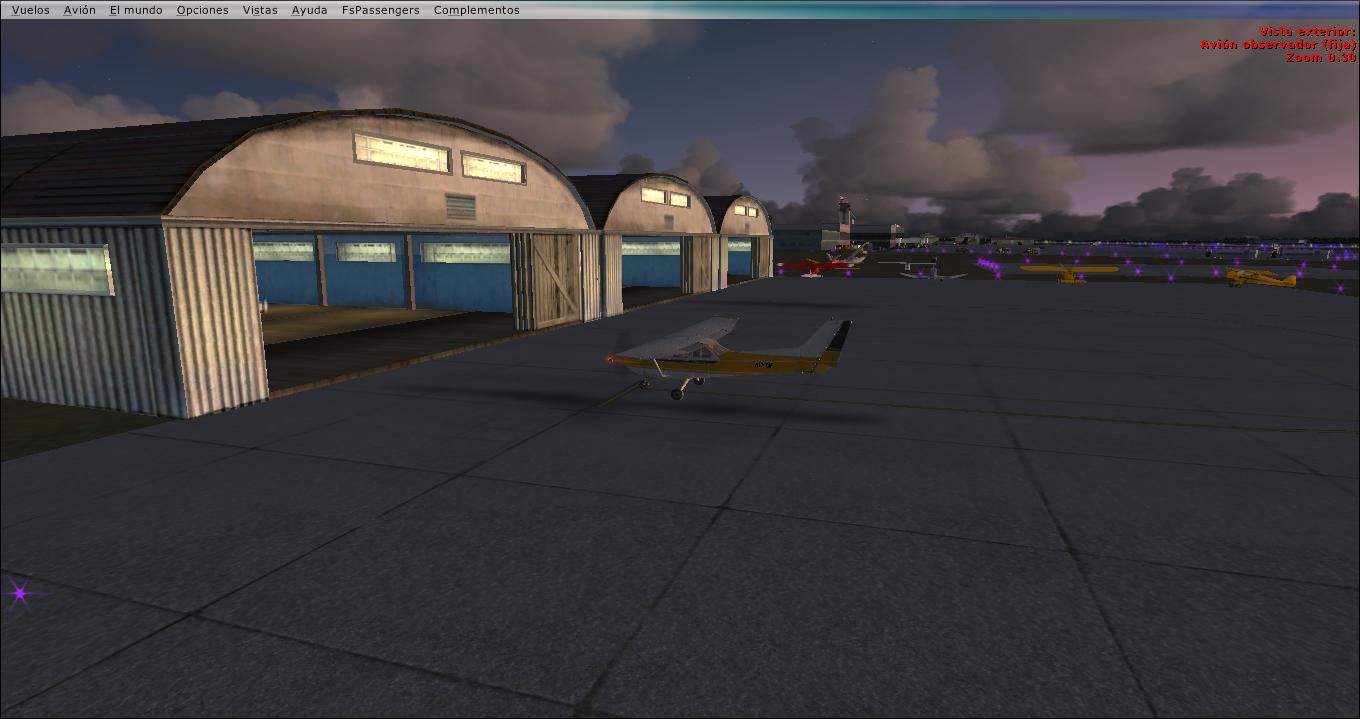
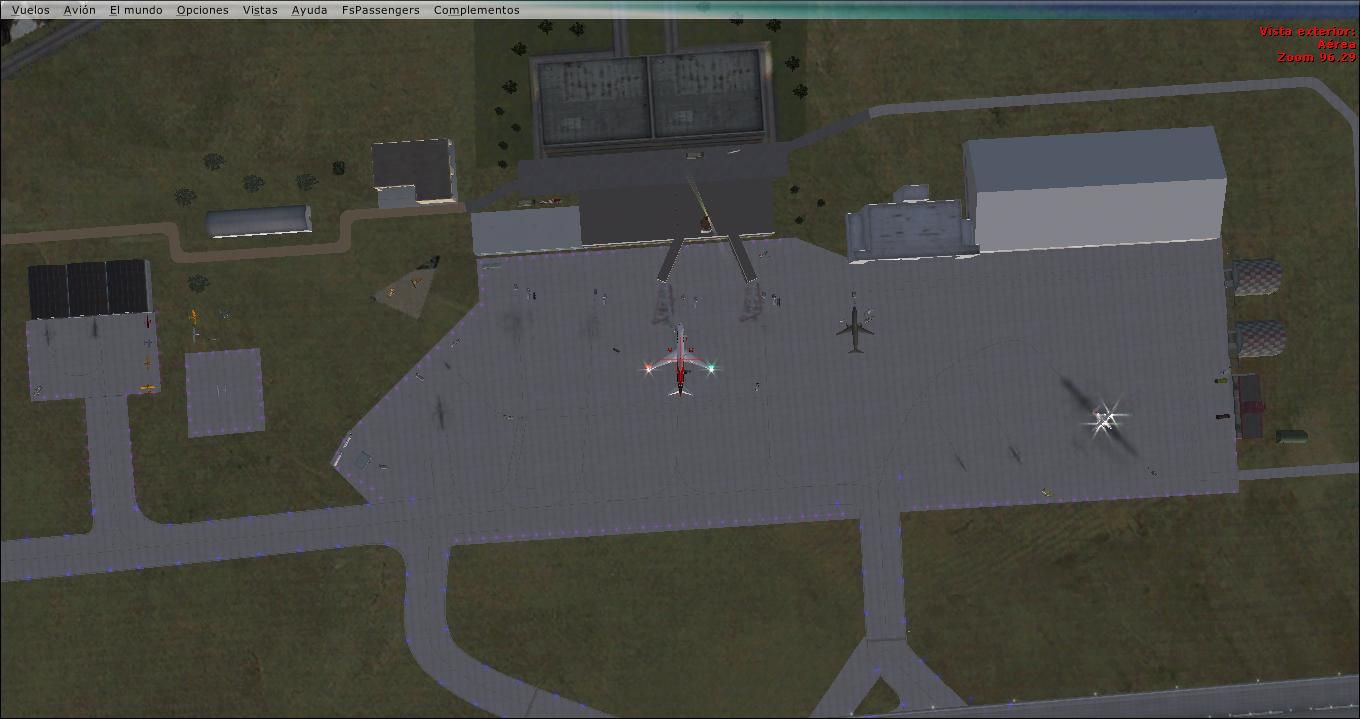
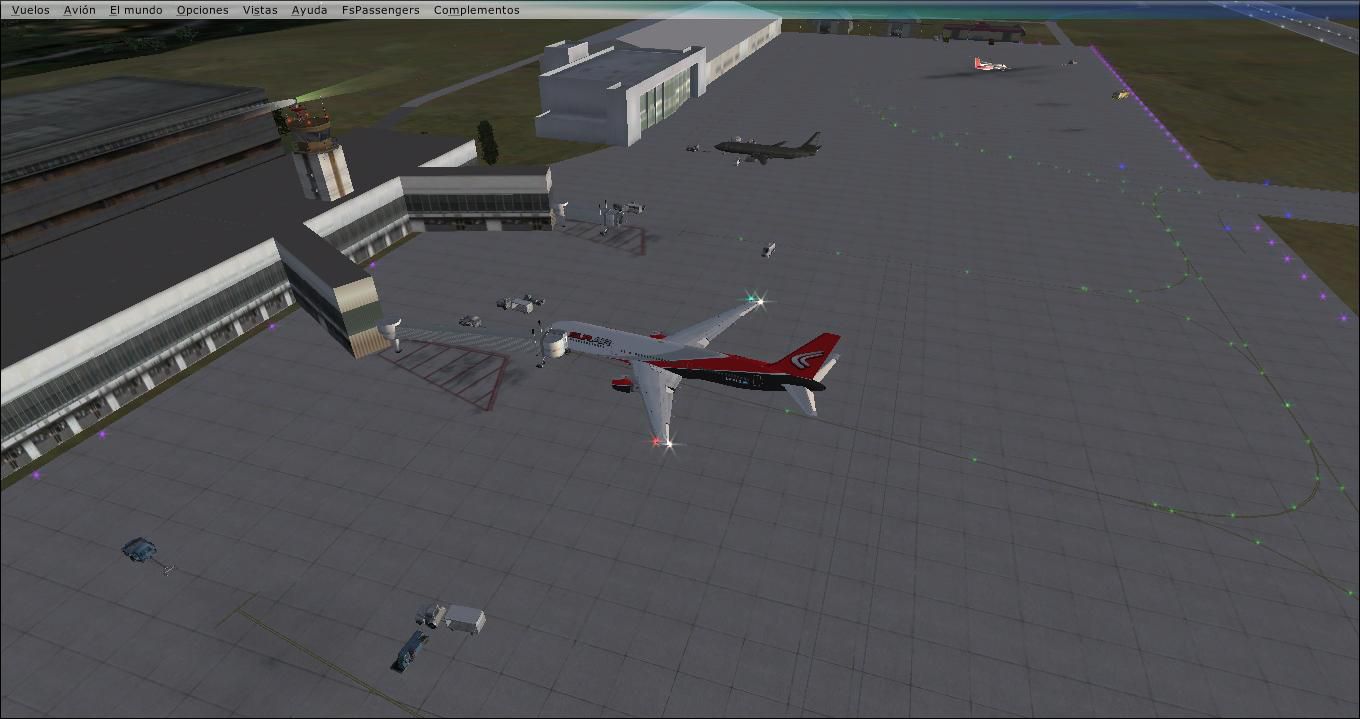
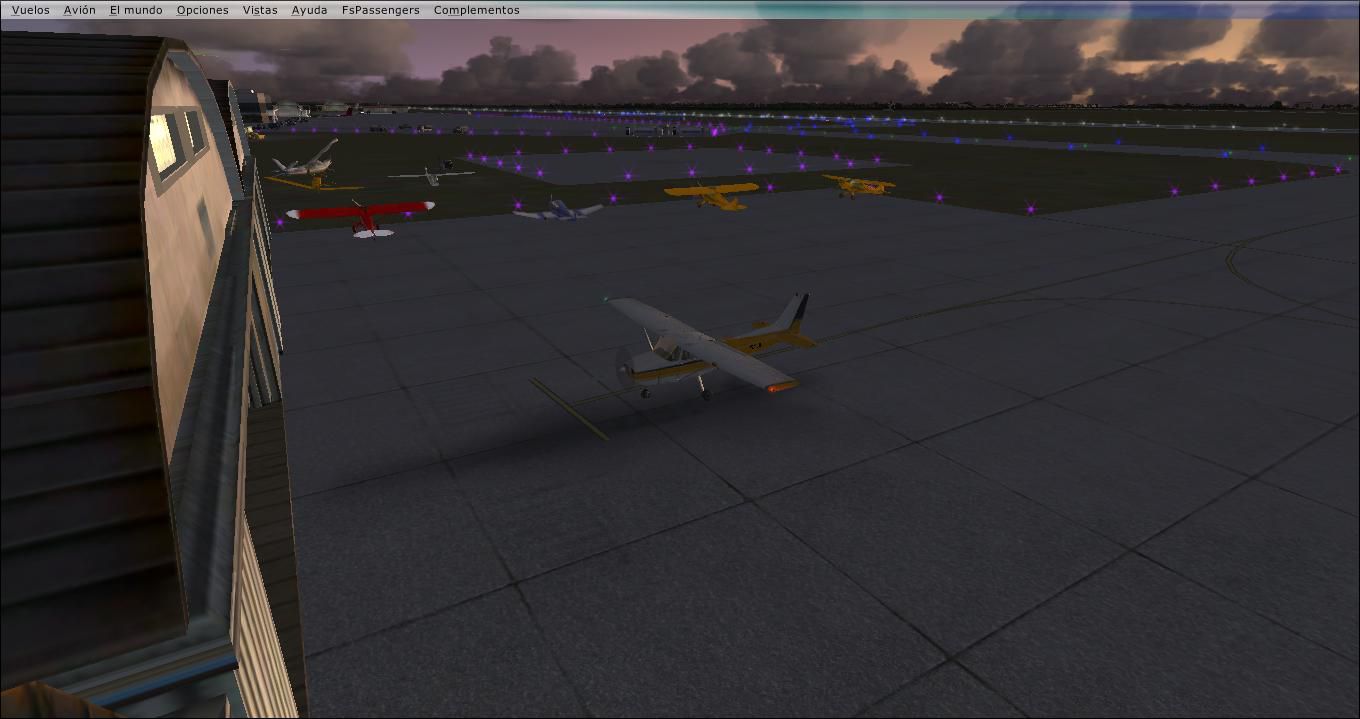
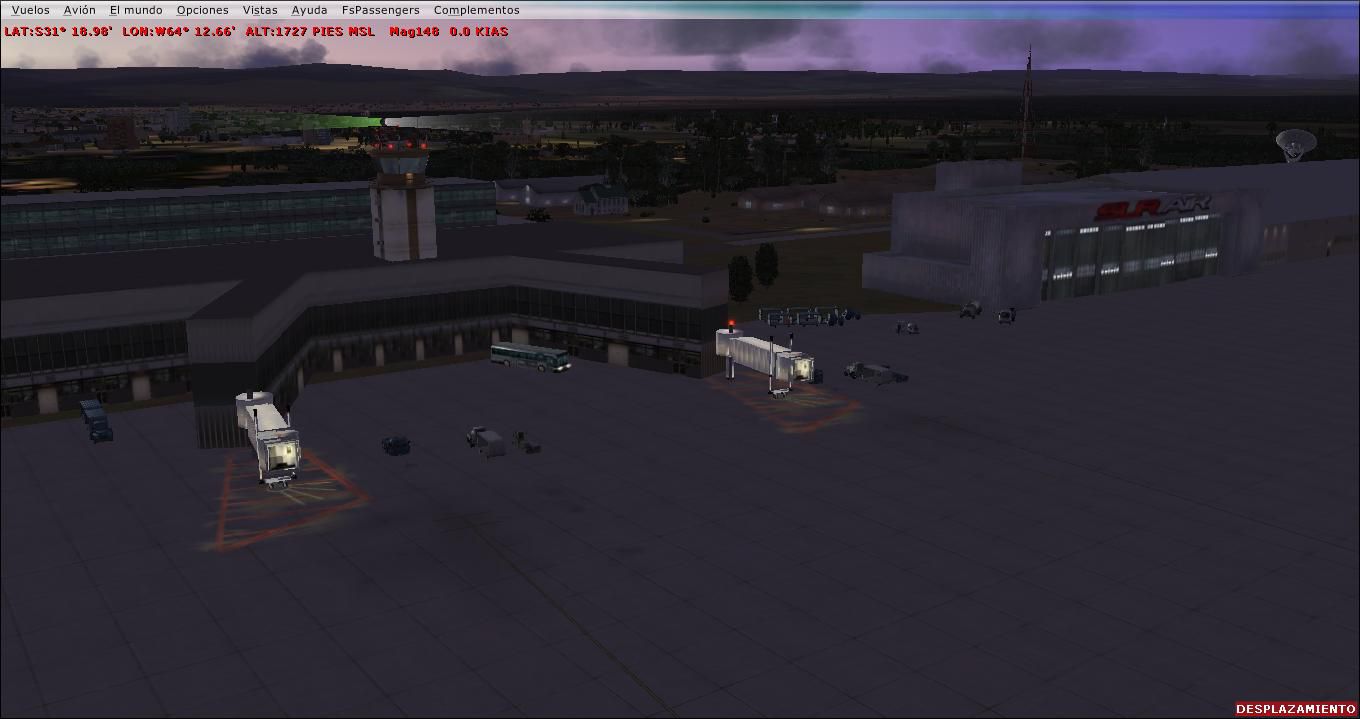
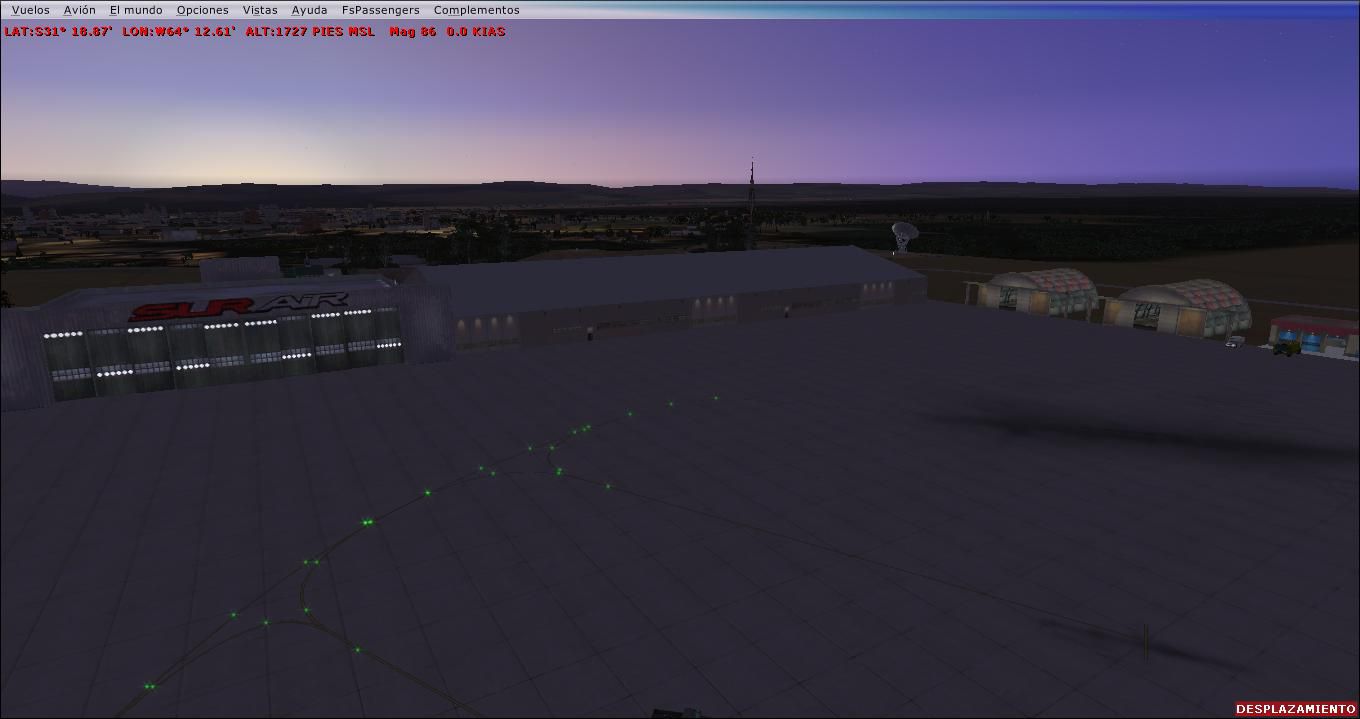
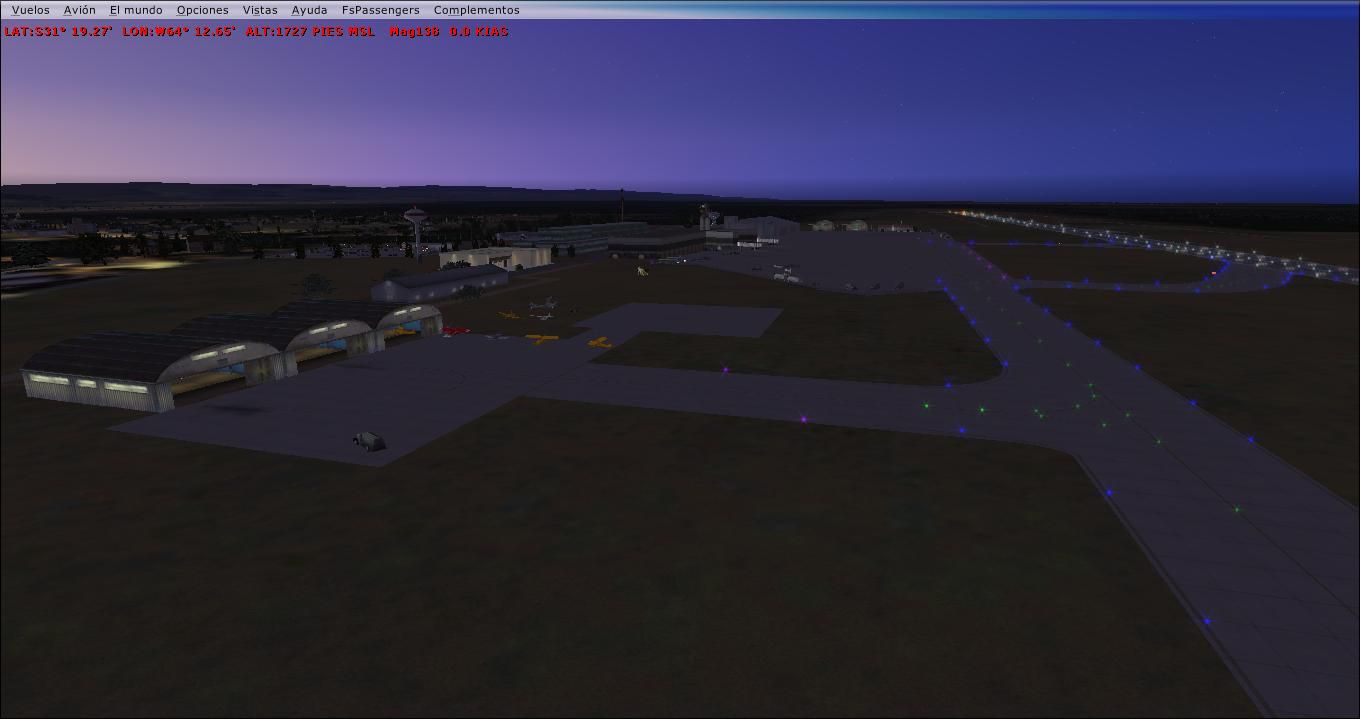
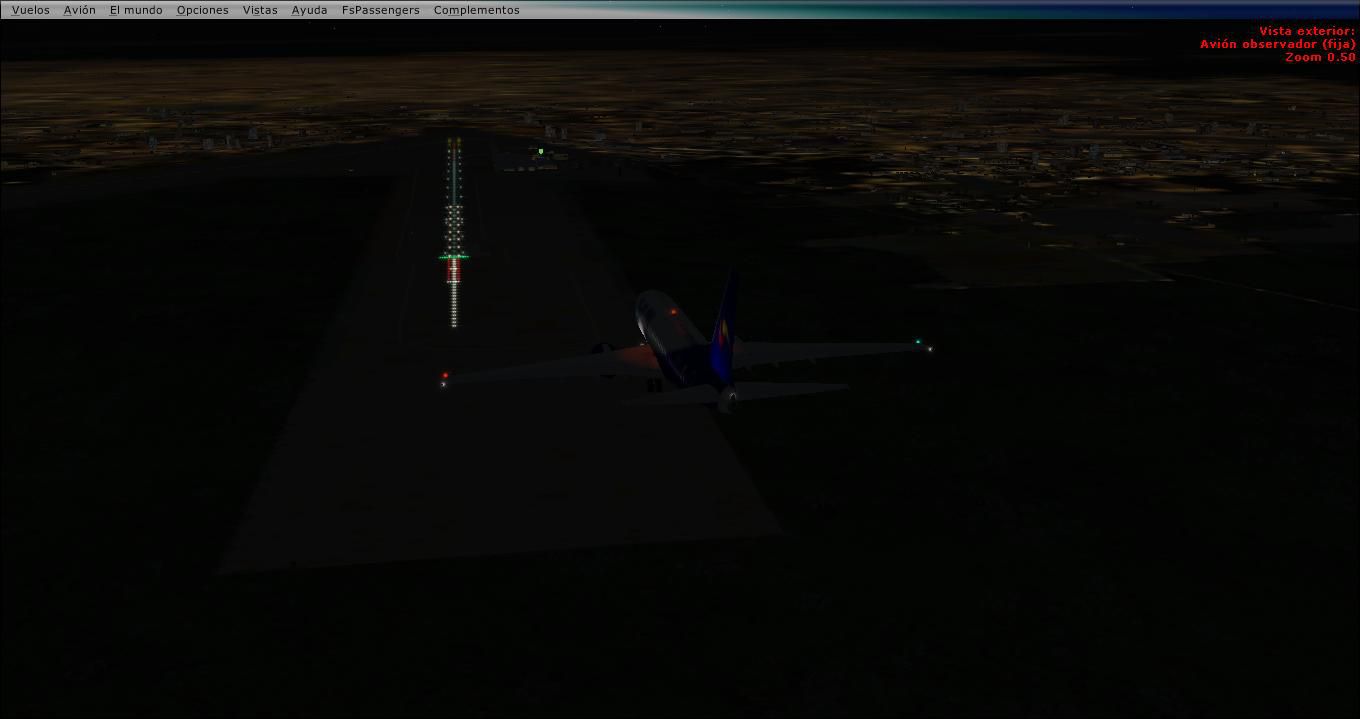
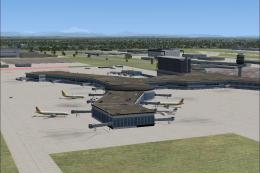
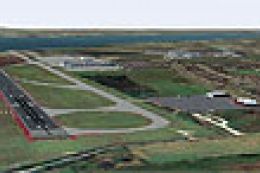
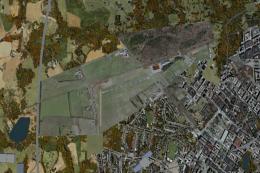
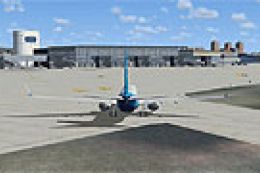
Ing. Taravella Airport (SACO) scenery brings Córdoba, Argentina to life with accurate airfield layout, detailed airport surroundings, and lighting upgrades for more authentic approaches and night operations in FSX. It requires the Acceleration object libraries and includes an ASR-9 radar model plus optional light poles for a richer ramp environment.

 Argentina
 - File: saco.zip
- Size:2.45 MB
- Scan:
Clean (2d)

- Access:Freeware
- Content:Everyone

 Description
 Comments
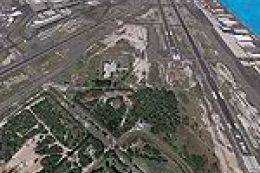
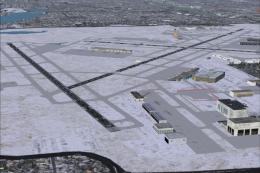
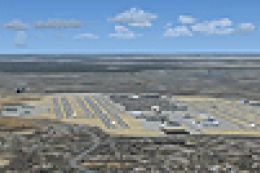
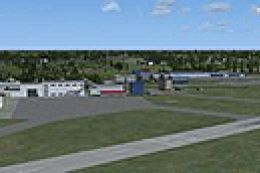
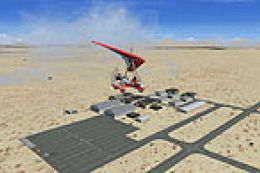
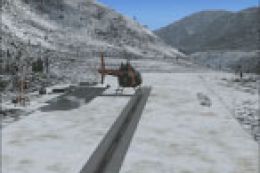
 Ing. Taravella Airport (SACO), Cordoba, Argentina. By Cristobal Laje.
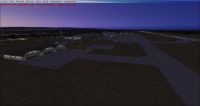
Ing. Taravella Airport Scenery.
Requirements for use and you'll enjoy the scenery: The scenario was made with default objects for Flight Simulator X (R) Acceleration (R) pack. It has not been tested with others versions of FSX! All items except the radar that is attached to this folder, belong to the libraries of fsx acceleration pack. For the proper use of radar ASR9, read the instructions for installation, in the txt file from that folder. For show the light poles, please install the fsx_lts archives in the scenary and textures folders.
Enjoy!
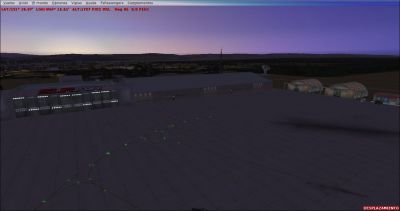
Ing. Taravella Airport Scenery.
Images & Screenshots



Finding the Scenery
- FSX/Prepar3D Coordinates:
-
-31.31940000,-64.20920000
Use the downloaded flight plan file by launching FSX/P3D, selecting "Load Flight Plan" in the flight planner, and choosing the .pln file. Your aircraft will be positioned directly at the add-on’s location. - Decimal Degrees (DD):
-
Latitude: -31.319400°
Longitude: -64.209200° - Degrees, Minutes, Seconds (DMS):
-
Latitude: 31° 19' 09.840" S
Longitude: 64° 12' 33.120" W
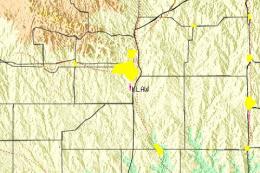
Map Location

The archive saco.zip has 40 files and directories contained within it.
File Contents
This list displays the first 500 files in the package. If the package has more, you will need to download it to view them.
| Filename/Directory | File Date | File Size |
|---|---|---|
| AEROPUERTO ING. TARAVELLA | 10.13.09 | 0 B |
| Description.txt | 10.13.09 | 4.11 kB |
| LEAME-READ.txt | 10.13.09 | 706 B |
| SACO_ADEX_SUR.BGL | 10.10.09 | 49.58 kB |
| SACO_ADEX_SUR_CVX.bgl | 10.10.09 | 934 B |
| Description.txt | 10.13.09 | 4.11 kB |
| Fotos | 09.20.09 | 0 B |
| 18 noc.JPG | 09.12.09 | 46.29 kB |
| autogen.JPG | 09.12.09 | 129.04 kB |
| cabecera rwy 36 y 05.JPG | 09.12.09 | 115.61 kB |
| HANGAR SUR AIR.JPG | 09.13.09 | 92.27 kB |
| Hangares pequeños 2.JPG | 09.11.09 | 85.69 kB |
| Hangares pequeños.JPG | 09.11.09 | 81.49 kB |
| Helipuerto.JPG | 09.11.09 | 97.91 kB |
| Panorama1.JPG | 09.20.09 | 58.69 kB |
| Panorama2.JPG | 09.20.09 | 60.99 kB |
| Panorama3.JPG | 09.20.09 | 73.08 kB |
| Panorama4.JPG | 09.20.09 | 95.90 kB |
| Parking mediano-grande con mangas activas.JPG | 09.11.09 | 81.60 kB |
| rwy 36 noc.JPG | 09.12.09 | 89.17 kB |
| SACO sat real.JPG | 09.12.09 | 162.53 kB |
| satelital.JPG | 09.12.09 | 248.22 kB |
| Thumbs.db | 09.20.09 | 101.50 kB |
| Vista Aerea del Parking Principal.JPG | 09.11.09 | 83.16 kB |
| fsx_lts.zip | 09.24.09 | 374.09 kB |
| Install.txt | 10.13.09 | 1.21 kB |
| RADAR ASR9 MOVIL | 09.17.09 | 0 B |
| asr9.dds | 10.29.08 | 128.12 kB |
| RADAR.bgl | 10.29.08 | 524.90 kB |
| RADAR.txt | 10.29.08 | 118 B |
| readme.txt | 10.13.09 | 1.93 kB |
| Small Hangars.JPG | 09.11.09 | 85.69 kB |
| Terminal.JPG | 09.20.09 | 73.08 kB |
| TEXTURA HANGAR | 09.14.09 | 0 B |
| gen_hangar_edwards_D.dds | 09.13.09 | 170.80 kB |
| gen_hangar_edwards_D_lm.dds | 09.13.09 | 170.80 kB |
| LEAME.txt | 10.13.09 | 896 B |
| SACO | 10.13.09 | 0 B |
| flyawaysimulation.txt | 10.29.13 | 959 B |
| Go to Fly Away Simulation.url | 01.22.16 | 52 B |

Installation Instructions
Most of the freeware add-on aircraft and scenery packages in our file library come with easy installation instructions which you can read above in the file description. For further installation help, please see our Flight School for our full range of tutorials or view the README file contained within the download. If in doubt, you may also ask a question or view existing answers in our dedicated Q&A forum.
0 comments
Leave a Response