

 FSX Scenery
NAS Jacksonville V1.2
NAS Jacksonville (KNIP), Florida (FL). This is the third rendition of NAS Jac…
Jacksonville Naval Air Station (KNIP) traffic behavior improves with an updated airport file that guides AI IFR flights to runway 27 for consistent takeoffs and full-stop arrivals, avoiding unwanted touch-and-go patterns. For FSX, it adds an ILS to runway 27 and requires KNIP_Enhanced.zip for proper integration.
 Rate
Rate
 United States of America
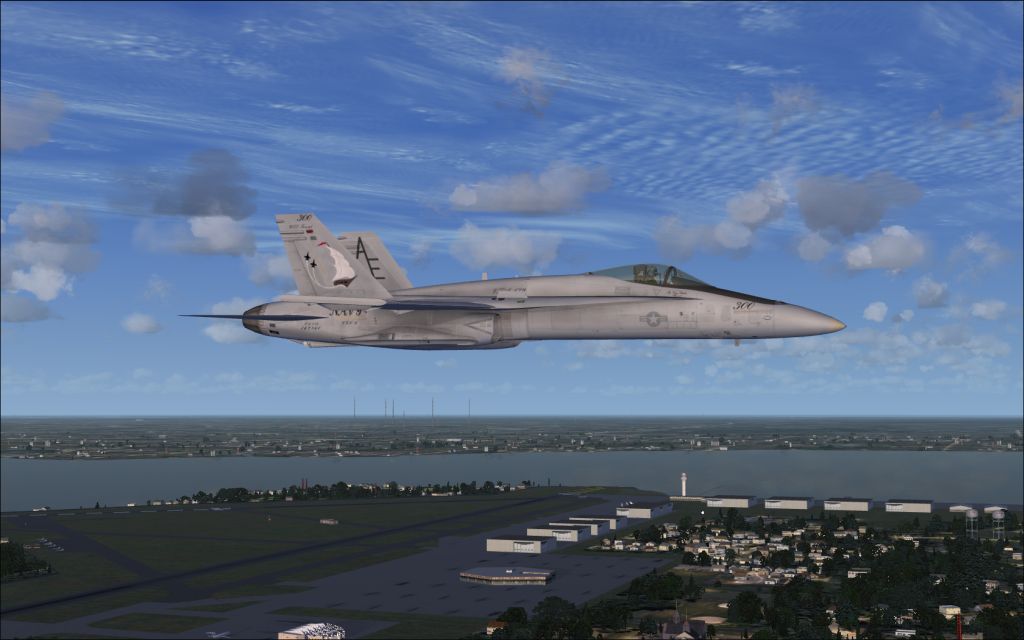
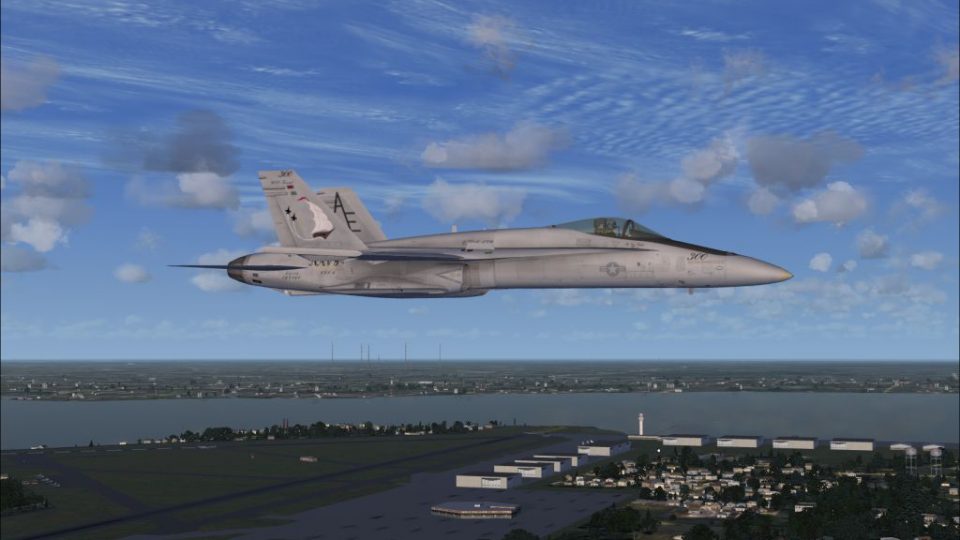
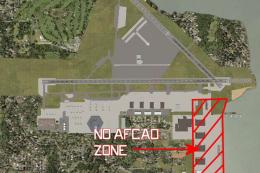
Jacksonville NAS Update, for use with KNIP_ENHANCED.ZIP. Without this update some AI IFR aircraft in FSX will do only touch-and-go landings at Jacksonville Naval Air Station (KNIP), Florida (FL). This update enables full-stop landings for all AI IFR aircraft by adding an ILS to runway 27 to make it the runway used for all AI IFR takeoffs and landings. By Dan Mesmer.
Jacksonville NAS Update Scenery.
O V E R V I E W
This is an update only, and it requires prior installation of KNIP_Enhanced.zip. Without this update, some AI IFR aircraft were doing touch-and-go landings rather than full-stop landings at Jacksonville NAS.
R U N W A Y 2 7
AI IFR flights now take off from and land on runway 27.
An ILS has been added to runway 27. The ILS frequency for user aircraft is 109.30.
I N S T A L L A T I O N
Simply copy the new KNIP_ADEX_DM.BGL file to the folder where the original file was installed, and overwrite the original file with the new file.
This software is freeware and may be distributed only with permission of the author. No commercial use is allowed without the author's permission.
This software is distributed without warranty of any kind either expressed or implied. The author is not responsible for any damage caused by this software.
Free for all simmers · 354.26 KB · Scanned clean Oct 2026
Download speed: Free tier is capped at 0.5 Mbps. PRO members download at full line speed.
This add-on may require the following files to function properly. If this is a repaint, the dependency below is likely the base aircraft package.
FSX\Addon Scenery\ containing scenery and texture sub-folders.readme.txt or README file. It tells you exactly where files go, what dependencies are needed, and any quirks specific to this add-on.Use these coordinates to fly directly to this location once the mod is installed.
30.23580000,-81.68060000
Launch FSX or Prepar3D and use Flights → Load to open the downloaded .pln file. Your aircraft will be positioned at this location.
The archive knip_enhanced_update_1.zip has 6 files and directories contained within it.
This list displays the first 500 files in the package. If the package has more, you will need to download it to view them.
| Filename/Directory | File Date | File Size |
|---|---|---|
| Jacksonville NAS.jpg | 09.25.09 | 344.79 kB |
| KNIP_ADEX_DM.BGL | 10.13.09 | 24.52 kB |
| ReadMe.txt | 10.13.09 | 1.07 kB |
| file_id.diz | 10.13.09 | 380 B |
| flyawaysimulation.txt | 10.29.13 | 959 B |
| Go to Fly Away Simulation.url | 01.22.16 | 52 B |
Only PRO members can place votes.
More FSX & P3D add-ons hand-picked based on this download.
FSX Scenery
NAS Jacksonville (KNIP), Florida (FL). This is the third rendition of NAS Jac…
 FSX Scenery
NAS Jacksonville (KNIP), Florida (FL). An improved version with added parking…
 FSX Scenery
Jacksonville Naval Air Station, Florida (FL). This is an enhanced version of …
 FSX Scenery
Jacksonville International Airport (KJAX), Florida (FL). Requires Acceleratio…
 FSX Scenery
This freeware scenery package by Ray Smith creates a comprehensive overhaul o…
 FSX Scenery
This package updates and refines Jacksonville Craig Municipal Airport (KCRG) …
 FSX Scenery
EGRA Cardington NAS Update, UK. Update to EGRA_FSX.ZIP. Provides the missing …
 FSX Scenery
NAS Pensacola (KNPA), Florida (FL). An improved version with added parking, r…
Be the first to leave a comment on this download.
Be the first to share your thoughts on this download.