

 FS2004 Military Aircraft
Atlas Impala MkI
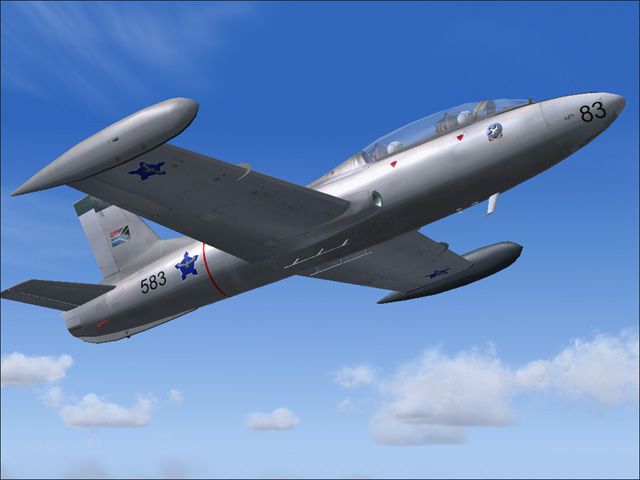
South Africa was the largest operator of the Aermacchi MB-326 type, even surp…
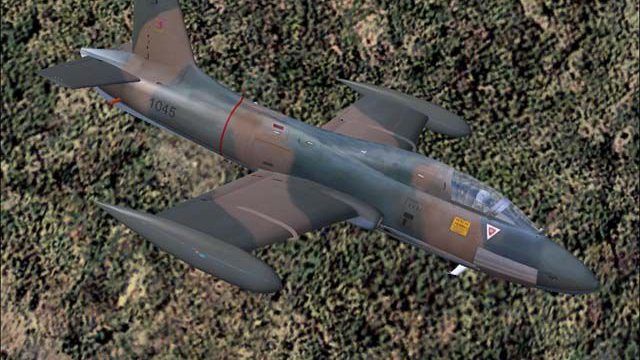
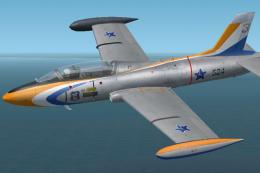
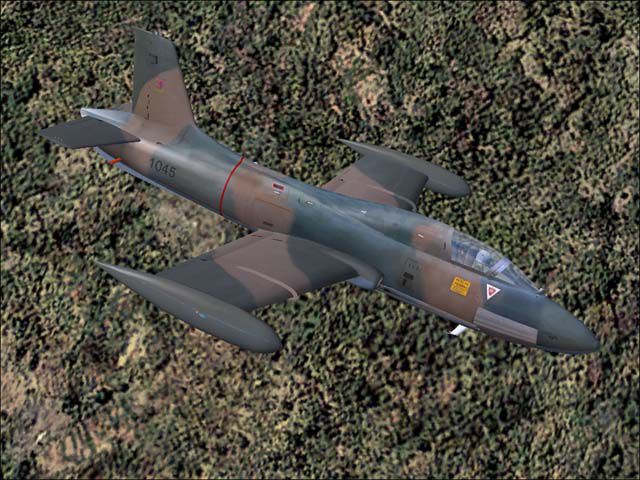
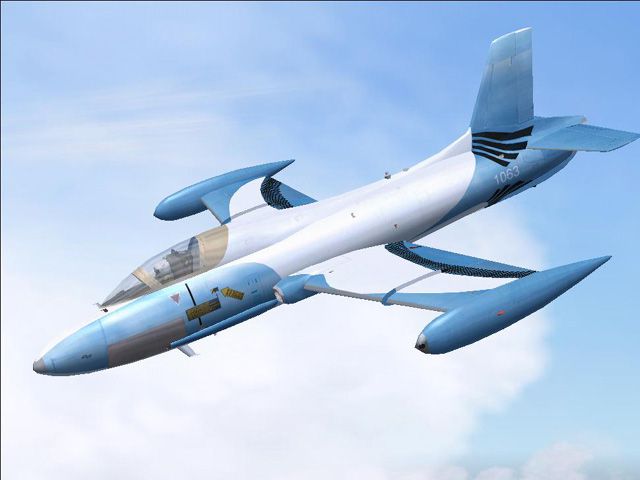
Atlas Impala MkI and MkII variants bring the South African Air Force’s licence-built MB-326 into FS2004, covering jet training and light-attack roles with authentic 8 Squadron, 85AFS, Silver Falcons, and “Gannet” liveries. A detailed virtual cockpit, custom panel, dynamic shine, full animations, and revised flight dynamics round out the package.
 Rate
Rate
Free for all simmers · 8.45 MB · Scanned clean Sep 2026
Download speed: Free tier is capped at 0.5 Mbps (this file takes approximately 2 mins at the cap). PRO members download at full line speed.
FS9\Aircraft\, FS9\Addon Scenery\, FS9\Gauges\, or FS9\Effects\.readme.txt or README file. It tells you exactly where files go, what dependencies are needed, and any quirks specific to this add-on.The archive imppack.zip has 84 files and directories contained within it.
This list displays the first 500 files in the package. If the package has more, you will need to download it to view them.
| Filename/Directory | File Date | File Size |
|---|---|---|
| Imp85AFS.jpg | 06.21.04 | 66.85 kB |
| Impala_README.txt | 06.27.04 | 1.78 kB |
| Impgannt.jpg | 06.21.04 | 67.12 kB |
| Impala_MkI | 06.27.04 | 0 B |
| aircraft.cfg | 06.21.04 | 10.79 kB |
| Impala_MkI.air | 06.21.04 | 8.36 kB |
| Impala_MkI_notes.txt | 09.28.03 | 0 B |
| model.2 | 06.27.04 | 0 B |
| Impala_MkI_2.mdl | 06.03.04 | 1013.86 kB |
| model.cfg | 06.03.04 | 31 B |
| model | 06.27.04 | 0 B |
| Impala_MkI.mdl | 06.08.04 | 970.61 kB |
| model.cfg | 09.06.03 | 29 B |
| panel | 06.27.04 | 0 B |
| panel.cfg | 06.21.04 | 33 B |
| sound | 06.27.04 | 0 B |
| sound.cfg | 06.27.04 | 49 B |
| texture.85AFS | 06.27.04 | 0 B |
| Imp_fuse_T.bmp | 06.11.04 | 1.00 MB |
| Imp_tailplane_T.bmp | 06.03.04 | 256.07 kB |
| Imp_wing_left_T.bmp | 06.11.04 | 1.00 MB |
| Imp_wing_right_T.bmp | 06.11.04 | 1.00 MB |
| texture | 06.27.04 | 0 B |
| Imp_fuse_T.bmp | 06.24.03 | 1.00 MB |
| Imp_tailplane_T.bmp | 06.24.03 | 256.07 kB |
| Imp_wing_left_T.bmp | 09.16.03 | 1.00 MB |
| Imp_wing_right_T.bmp | 09.16.03 | 1.00 MB |
| Impala_MkII | 06.27.04 | 0 B |
| aircraft.cfg | 06.21.04 | 10.29 kB |
| Impala_MkII.air | 06.21.04 | 8.36 kB |
| Impala_MkII_notes.txt | 09.28.03 | 0 B |
| model | 06.27.04 | 0 B |
| Impala_MkII.mdl | 06.08.04 | 854.54 kB |
| model.cfg | 05.31.04 | 30 B |
| panel | 06.27.04 | 0 B |
| 188-N2-1.GAU | 12.13.97 | 128.00 kB |
| 188-N2-1_0001.GAU | 05.31.04 | 128.00 kB |
| Aoa-1.gau | 10.15.98 | 14.50 kB |
| Aoa-1_0001.GAU | 05.31.04 | 14.50 kB |
| cf707EGT1.gau | 10.08.01 | 128.00 kB |
| cf707EGT1_0001.GAU | 05.31.04 | 128.00 kB |
| CONCORDE.GAU | 03.08.00 | 3.60 MB |
| Imp_panel.bmp | 09.09.03 | 1.27 MB |
| l188-n1-1.gau | 04.20.99 | 102.50 kB |
| l188-n1-1_0001.GAU | 05.31.04 | 102.50 kB |
| panel.cfg | 10.26.03 | 3.08 kB |
| sound | 06.27.04 | 0 B |
| sound.cfg | 06.27.04 | 49 B |
| texture.8sqdn | 06.27.04 | 0 B |
| Imp_fuse_T.bmp | 06.11.04 | 1.00 MB |
| Imp_Mk2_T.bmp | 06.11.04 | 256.07 kB |
| Imp_tailplane_T.bmp | 06.10.04 | 256.07 kB |
| Imp_wing_left_T.bmp | 06.10.04 | 1.00 MB |
| Imp_wing_right_T.bmp | 06.11.04 | 1.00 MB |
| texture | 06.27.04 | 0 B |
| Imp_fuse_T.bmp | 06.07.04 | 1.00 MB |
| Imp_Mk2_T.bmp | 06.07.04 | 256.07 kB |
| Imp_tailplane_T.bmp | 06.07.04 | 256.07 kB |
| Imp_wing_left_T.bmp | 06.07.04 | 1.00 MB |
| Imp_wing_right_T.bmp | 06.07.04 | 1.00 MB |
| Imp_black_T.bmp | 06.19.03 | 4.07 kB |
| Imp_cockpit_1_T.bmp | 09.16.03 | 2.00 MB |
| Imp_cockpit_2_T.bmp | 09.16.03 | 2.00 MB |
| Imp_cord_T.bmp | 08.03.03 | 2.07 kB |
| Imp_exhaust_T.bmp | 09.29.03 | 64.07 kB |
| Imp_flap_bay_T.bmp | 09.30.03 | 4.07 kB |
| Imp_gearbay_T.bmp | 06.21.03 | 256.07 kB |
| Imp_grey_T.bmp | 09.16.03 | 4.07 kB |
| Imp_light_T.bmp | 06.21.03 | 8.07 kB |
| Imp_nav_T.bmp | 06.21.03 | 4.07 kB |
| Imp_pilot_T.bmp | 06.03.04 | 256.07 kB |
| Imp_red_T.bmp | 06.21.03 | 4.07 kB |
| Imp_seat_T.bmp | 08.03.03 | 512.07 kB |
| Imp_silver_T.bmp | 06.21.03 | 4.07 kB |
| Imp_well_T.bmp | 06.20.03 | 8.07 kB |
| Imp_wheelblurred_T.bmp | 06.20.03 | 128.07 kB |
| Imp_wheelstill_T.bmp | 06.20.03 | 128.07 kB |
| Imp_white_T.bmp | 06.20.03 | 4.07 kB |
| Imp_window_T.bmp | 02.26.03 | 4.07 kB |
| Imp_yellow_T.bmp | 06.21.03 | 4.07 kB |
| FILE_ID.DIZ | 06.27.04 | 426 B |
| Imp8sqdn.jpg | 06.21.04 | 77.57 kB |
| flyawaysimulation.txt | 10.29.13 | 959 B |
| Go to Fly Away Simulation.url | 01.22.16 | 52 B |
Only PRO members can place votes.
More FS2004 add-ons hand-picked based on this download.
FS2004 Military Aircraft
South Africa was the largest operator of the Aermacchi MB-326 type, even surp…
 FS2004 Military Aircraft
Accurate Gmax F14 model with full moving parts, virtual cockpit and photoreal…
 FS2004 Military Aircraft
Four classical different models by David Bushell. Panel by Harald Hartl. Ful…
 FS2004 Military Aircraft
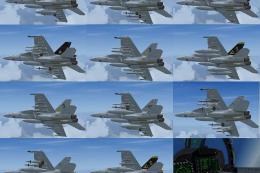
Boeing F/A-18E Super Hornet. The Super Hornet has a square intake duct which …
 FS2004 Military Aircraft
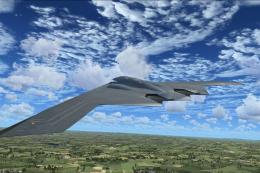
Stealth B2 full package 3.0 for FS9. New accurate GMAX Model full moving part…
 FS2004 Military Aircraft
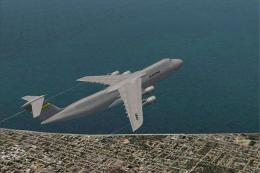
The Largest cargo aircraft of the United States, the C-5 Galaxy. This is my s…
 FS2004 Military Aircraft
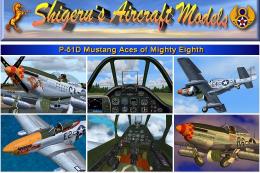
P-51D Mustang Aces of Mighty Eighth compilation package. Created by a talente…
 FS2004 Military Aircraft
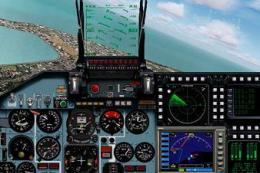
FS2004 Sukhoi Su-35 LEX, a Russian fighter/bomber with full animation. Includ…
Be the first to leave a comment on this download.
Be the first to share your thoughts on this download.