

 FSX Historic & Vintage Aircraft
Native Swingman J2F Duck Panel And FDE
A new 2D panel, VC, checklist, and FDE created for SWingman's now FSX native,…
Grumman J2F Duck repaint package refreshes Swingman’s J2F4 and J2F6 with FSX-optimized DXT5 textures and extended bitmaps, preserving the original look while sharpening performance and clarity. It also adds a Murphy’s War-inspired scheme tailored for the cowled variant, expanding era-accurate naval and cinematic options.
 Rate
Rate
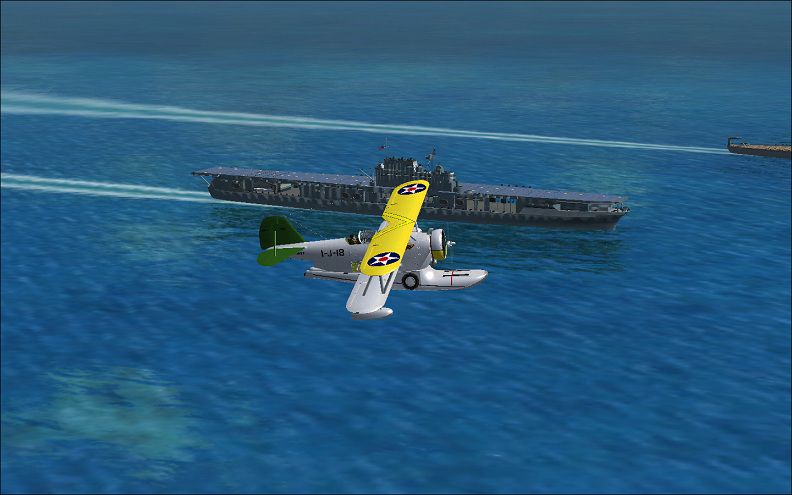
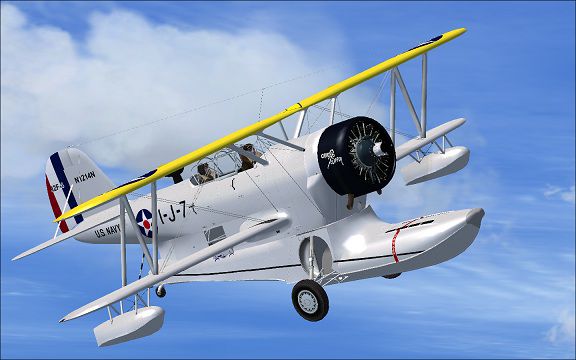
Grumman J2F Duck DXT5 textures. FSX optimized DXT5 format extended bitmap for Swingman's Grumman J2F4/J2F6 Duck. These are the original textures reformatted, plus an additional Murphys War texture, modified for the cowled, By Mike Barnes.
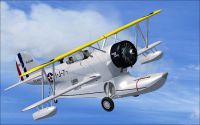
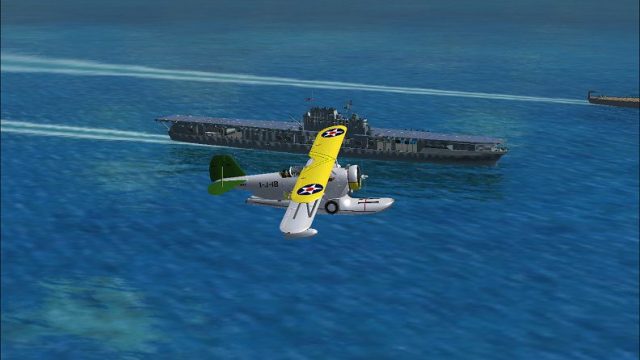
Screenshot of Grumman J2F Duck in flight.
Installation: Extract the files, place in the J2F4 and J2F6 folders, replacing the original folder and files. You will have to add the section below to the J2F6 Config file, and renumber in sequence.
[fltsim.xx]

title=J2F6 Duck RN

sim=J2F

model=2

panel=1

sound=

texture=RN

kb_checklists=

kb_reference=

ui_manufacturer=Grumman

ui_type=J2F6 Duck

ui_variation=RN

description=JF\J2F Duck was the first amphibian aircraft from young Grumman Aircraft Engineering Company. Most surviving Ducks are now in civilian\military museums. The best known J2F6 was N67790 (ex BuNo 33587) wich starred in the 1974 movie Murphy's War.

atc_heavy=0

atc_airline=NAVY

atc_flight_number=

atc_id=N67790

atc_id_font=Verdana,-11,1,600,0
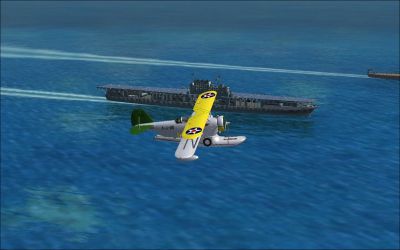
Screenshot of Grumman J2F Duck flying over water.
Free for all simmers · 13.33 MB · Scanned clean Oct 2026
Download speed: Free tier is capped at 0.5 Mbps (this file takes approximately 4 mins at the cap). PRO members download at full line speed.
texture.{airline}) inside FSX\SimObjects\Airplanes\{base-aircraft}\.aircraft.cfg in Notepad. Add a new [fltsim.X] section per the readme.readme.txt or README file. It tells you exactly where files go, what dependencies are needed, and any quirks specific to this add-on.The archive fsxduckdxt5textures.zip has 7 files and directories contained within it.
This list displays the first 500 files in the package. If the package has more, you will need to download it to view them.
| Filename/Directory | File Date | File Size |
|---|---|---|
| FSX J2F Duck re formated textures | 04.11.11 | 0 B |
| a.jpg | 04.11.11 | 95.88 kB |
| FSX J2F Duck re formated textures.zip | 04.11.11 | 13.32 MB |
| h.jpg | 04.11.11 | 64.82 kB |
| readme.txt | 04.11.11 | 1008 B |
| flyawaysimulation.txt | 10.29.13 | 959 B |
| Go to Fly Away Simulation.url | 01.22.16 | 52 B |
Only PRO members can place votes.
More FSX & P3D add-ons hand-picked based on this download.
FSX Historic & Vintage Aircraft
A new 2D panel, VC, checklist, and FDE created for SWingman's now FSX native,…
 FSX Historic & Vintage Aircraft
FSX Only Grumman Mallard G-73AT v1.1 (There is also an FS9 specific version a…
 FSX Historic & Vintage Aircraft
Full package including detailed model, four liveries: Marines, US Navy, Blue …
 FSX Historic & Vintage Aircraft
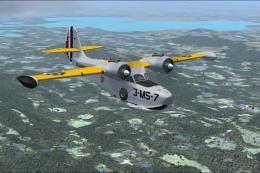
This a repaint of the default Grumman G-21 as a US Marines JRF-1A assigned to…
 FSX Historic & Vintage Aircraft
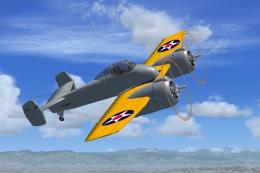
The Skyrocket first flew in 1940 and was very fast and otherwise advanced for…
 FSX Historic & Vintage Aircraft
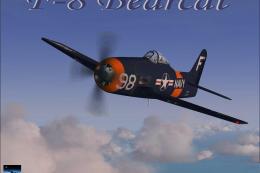
A repaint of Michel Migaud's GrummanF8F2 Bearcat. This repaint is Grumman F8F…
 FSX Historic & Vintage Aircraft
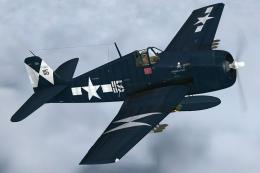
A repaint of the RealFlight Simulations F6F Hellcat. These textures represent…
 FSX Historic & Vintage Aircraft
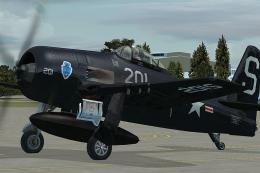
This repaint of the Vertigo Studios Grumman F8F "Bearcat" represent a Bearcat…
Be the first to leave a comment on this download.
Be the first to share your thoughts on this download.