







 FSX Civil Aircraft
Turkish Airlines iFly Boeing 737-800
Turkish Airlines Boeing 737-800. Turkish Airlines repaint for the iFly B737-8…
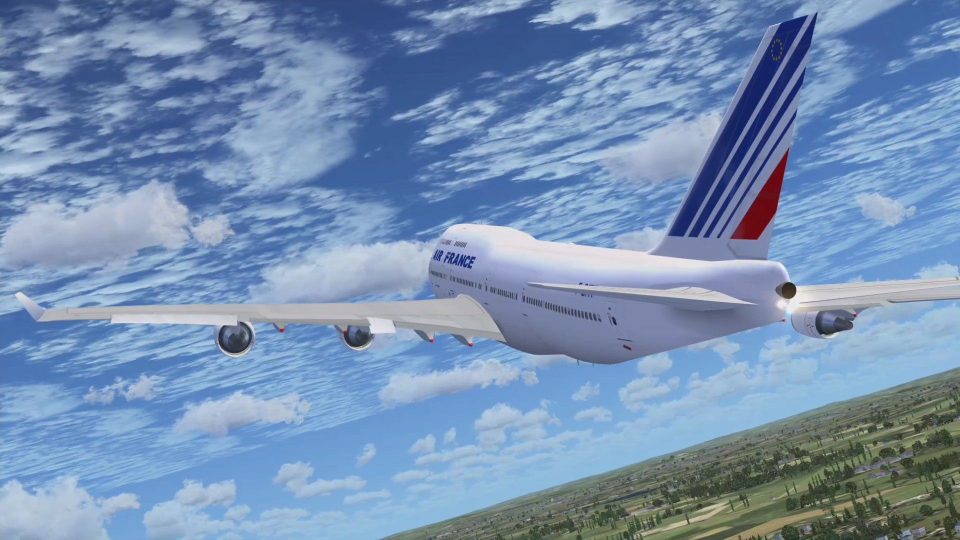
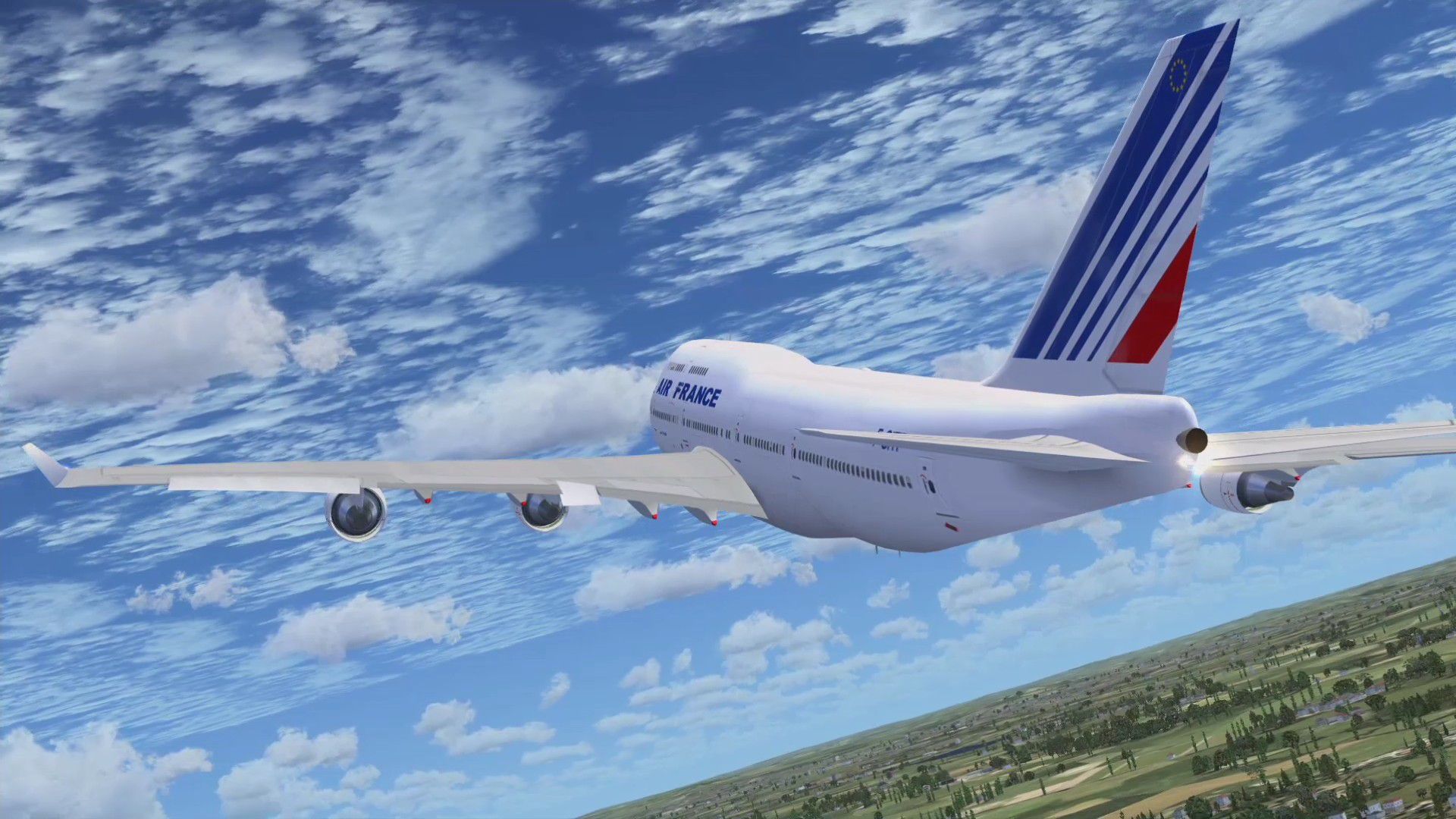
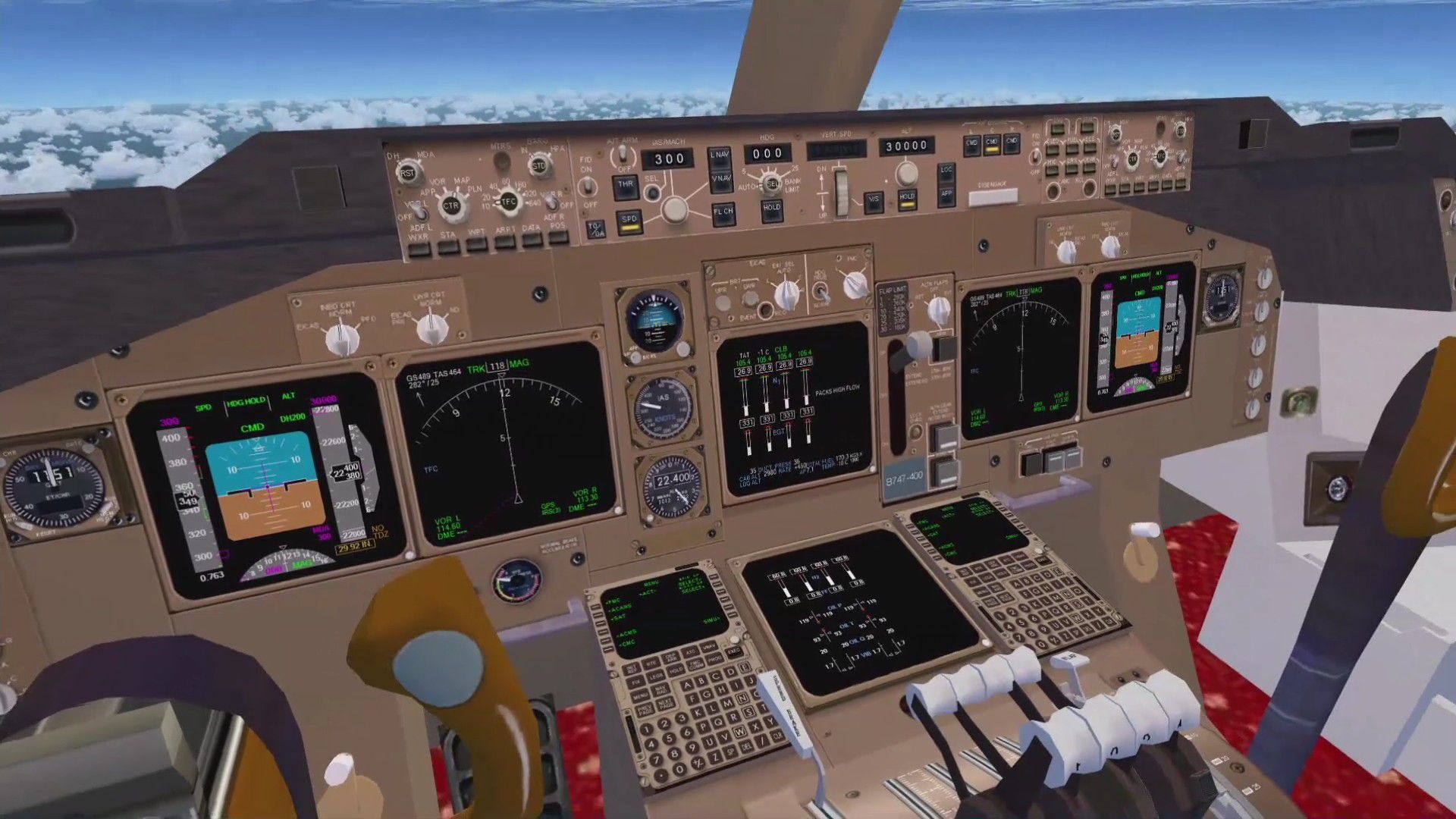
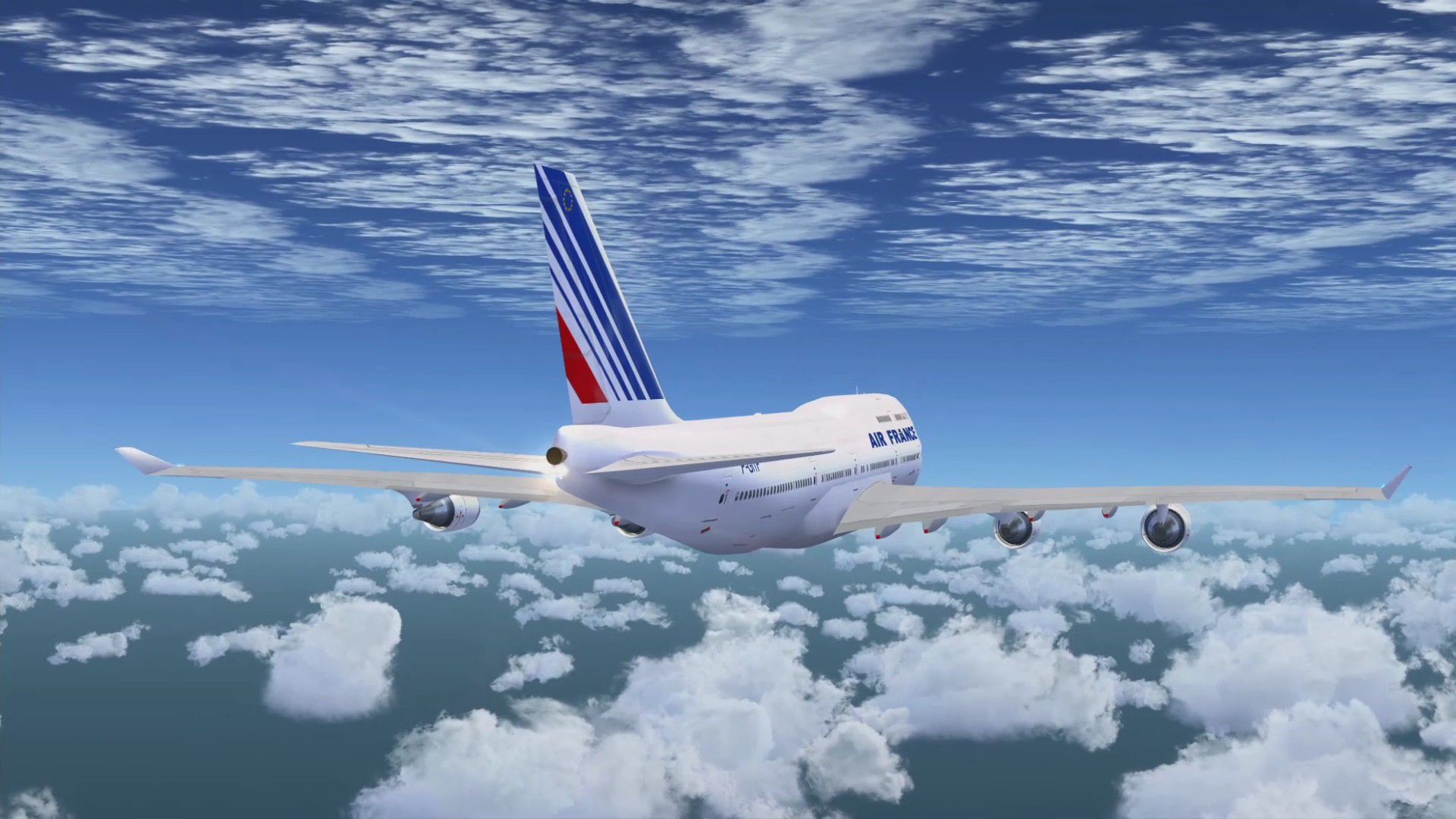
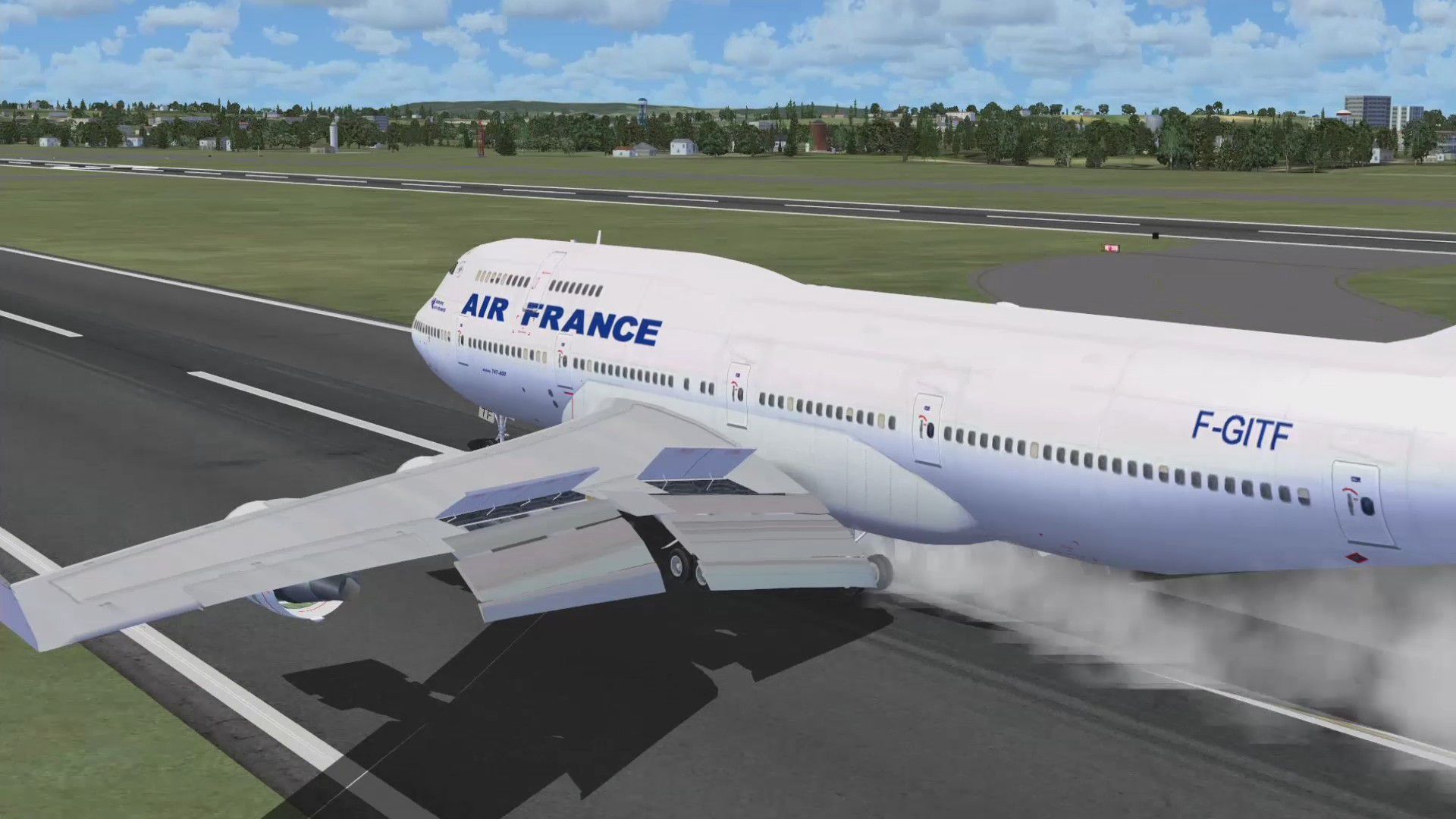
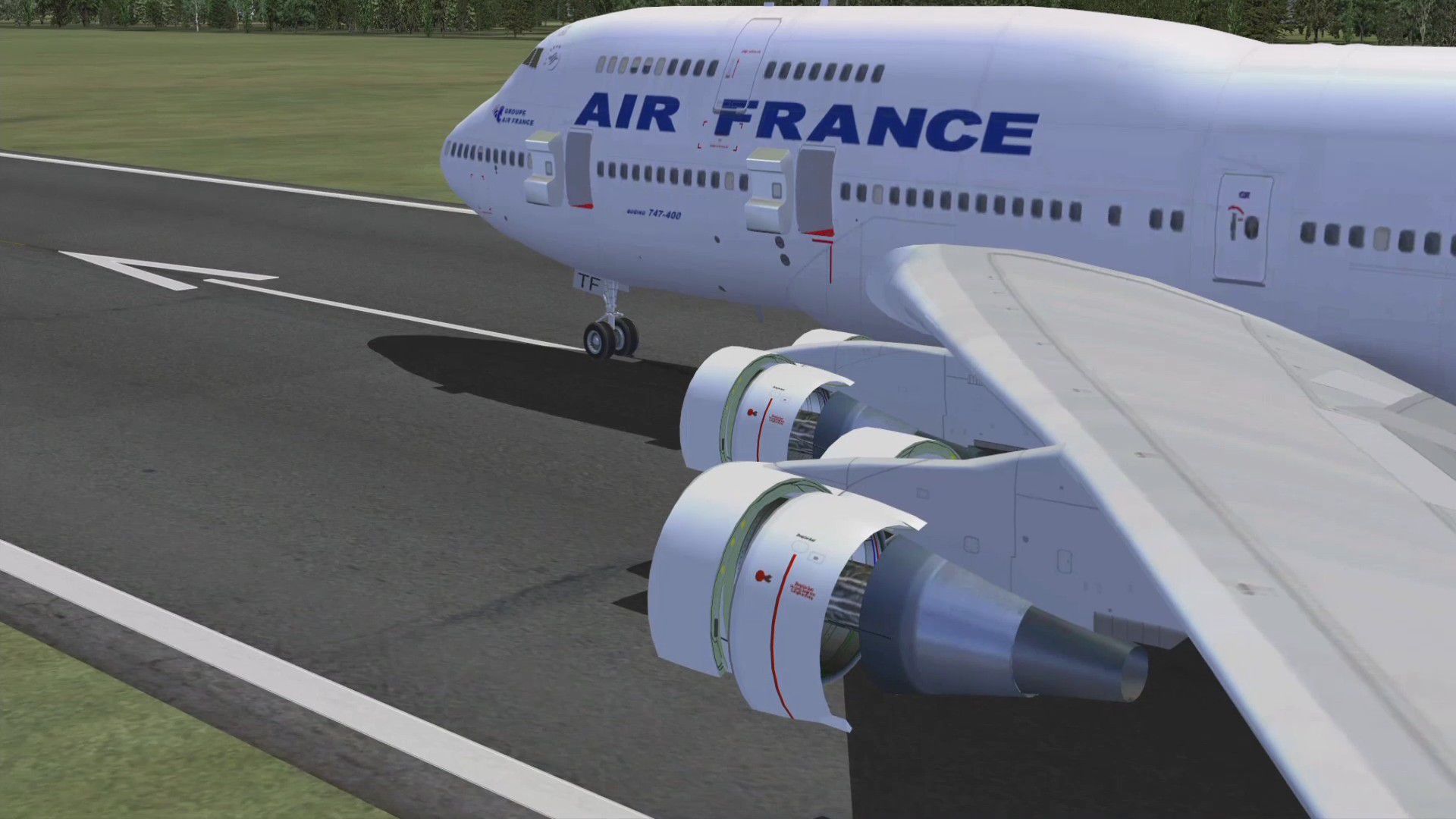
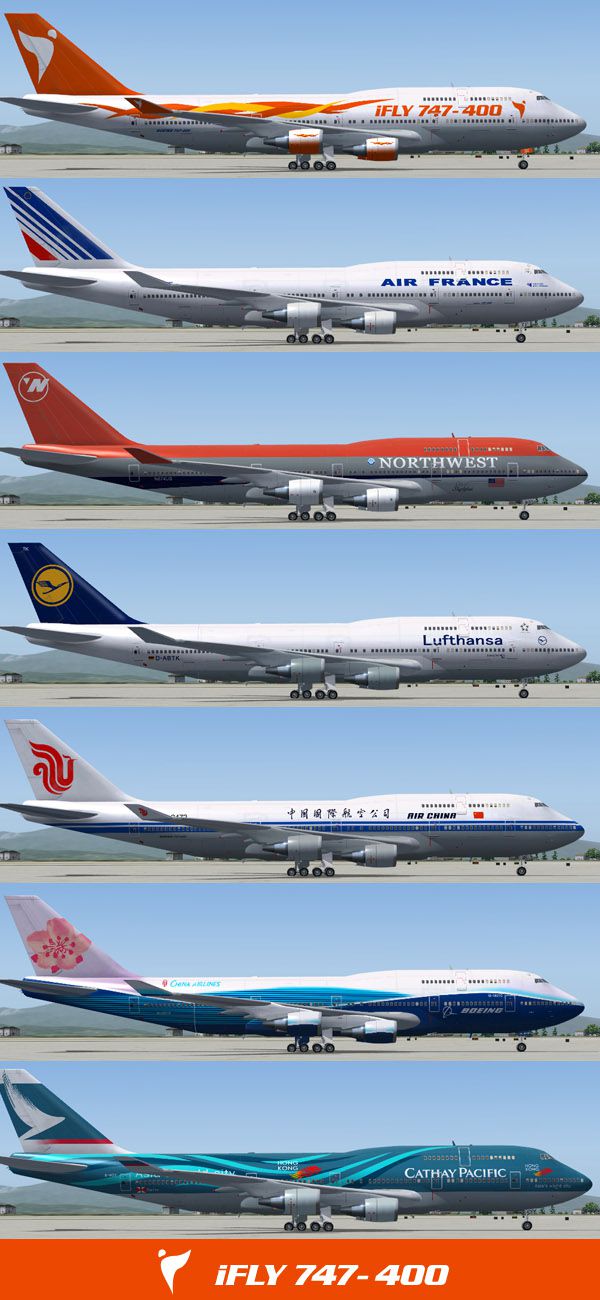
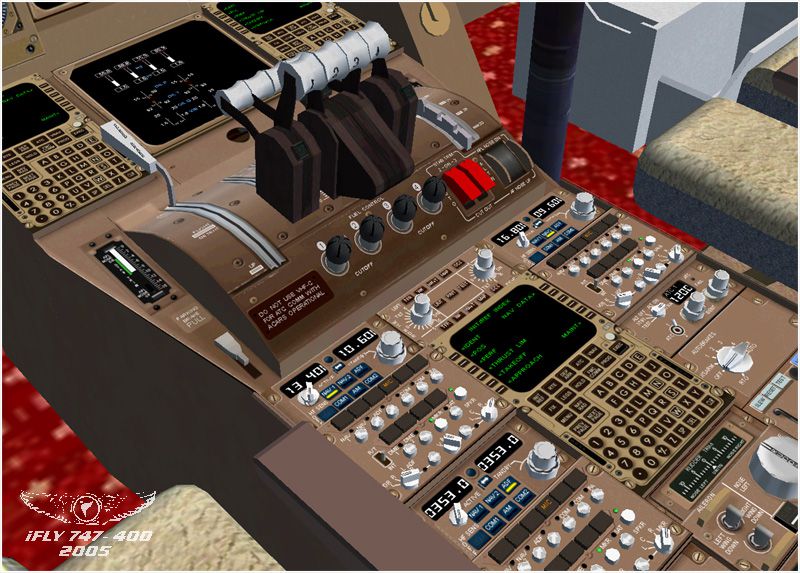
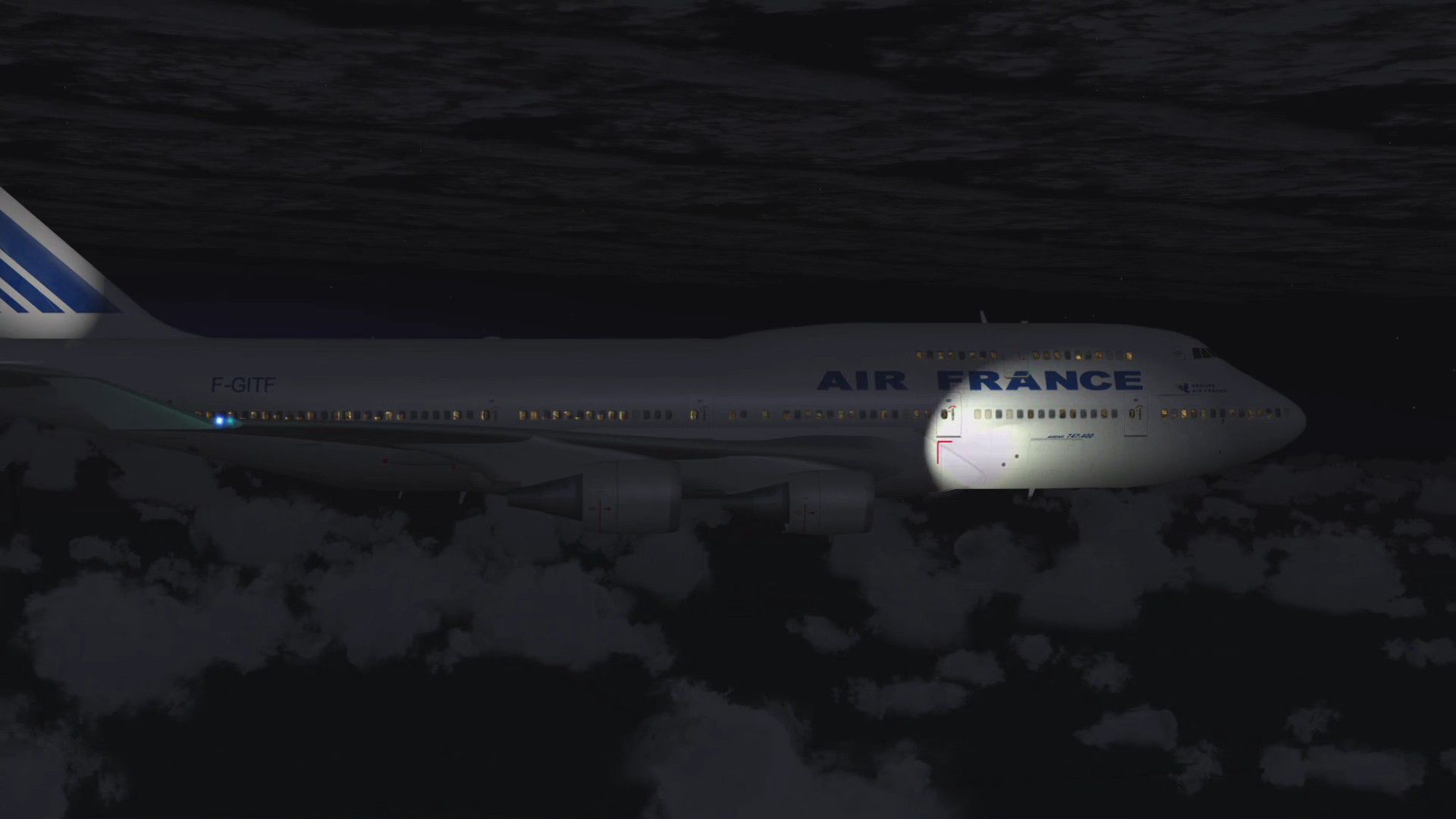
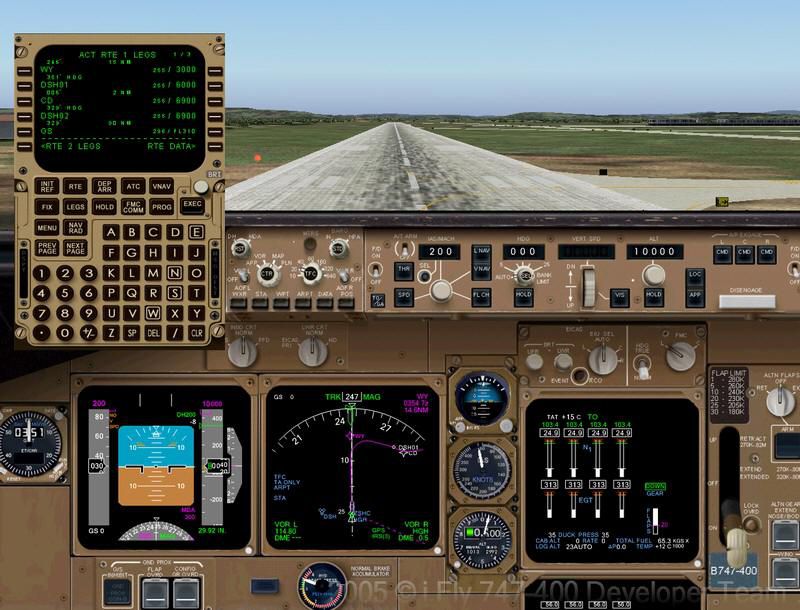
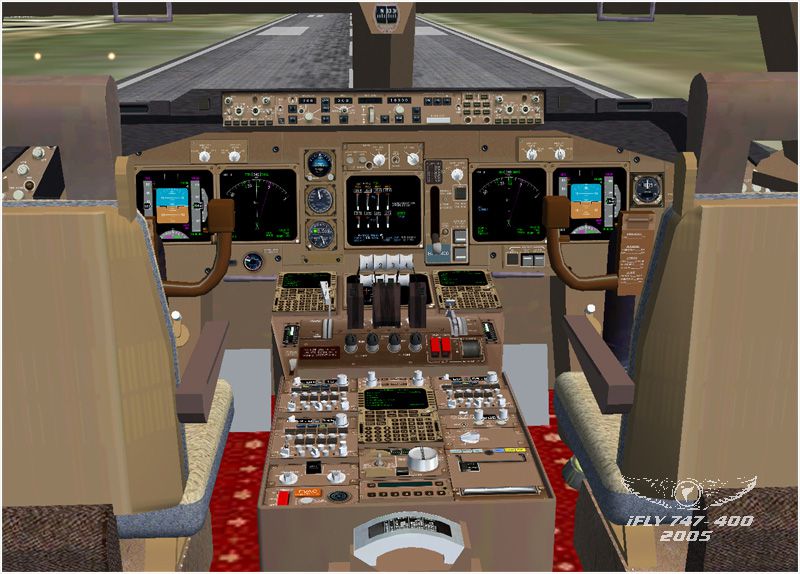
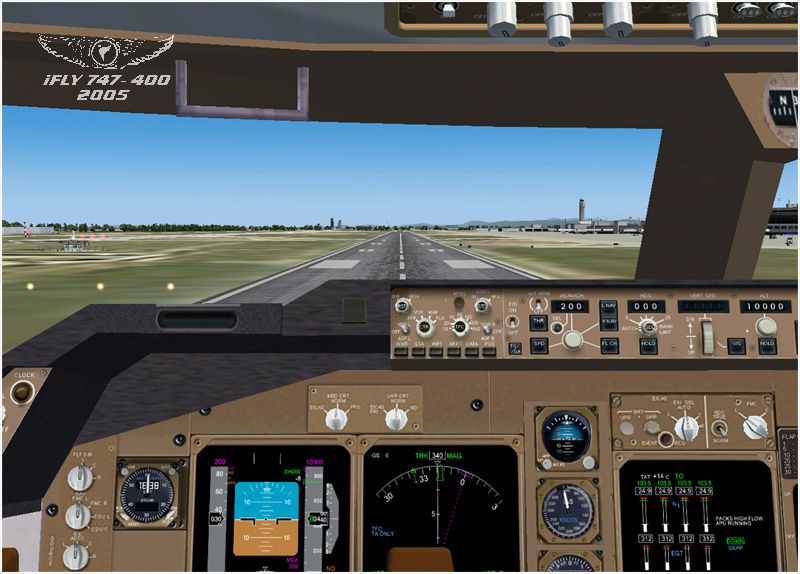
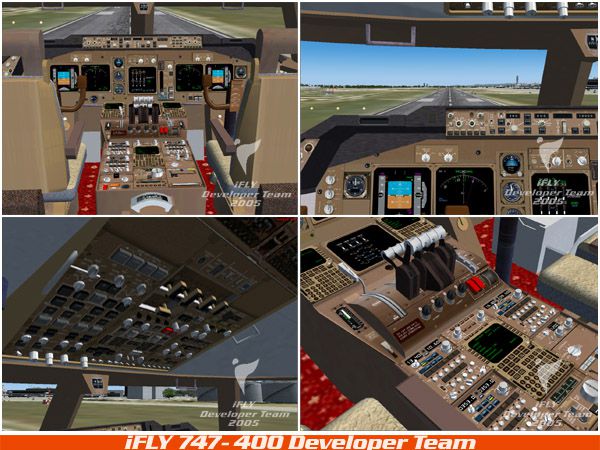
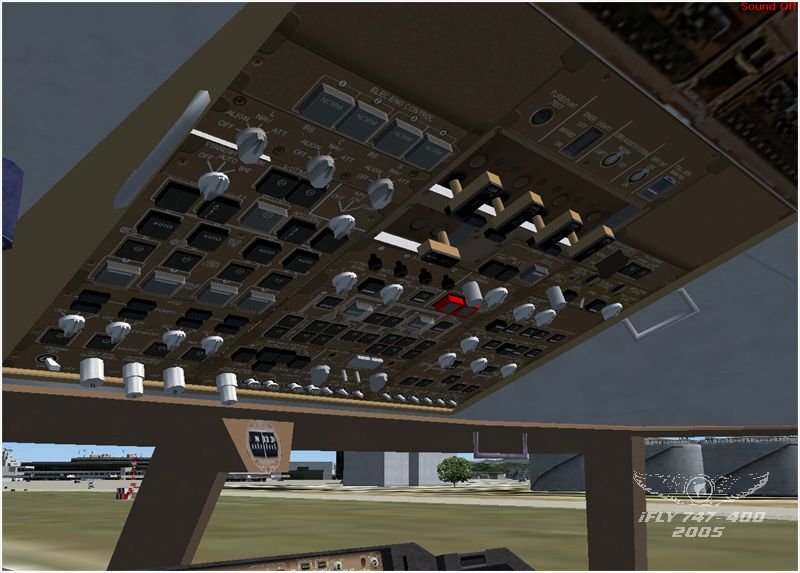
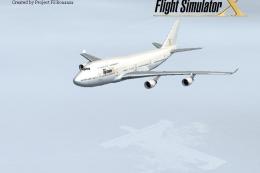
iFly’s Boeing 747-400 for FSX delivers a study-level long-haul experience with an extremely detailed virtual cockpit, a fully simulated FMC, realistic TCAS with TA/RA alerts, and an accurate inertial reference system. Most 3D cockpit controls operate as in the real aircraft, with performance-tuned model options and seven included liveries; requires FSUIPC4 4.12+.
Features extremely detailed cockpit with fully simulated FMC, complete TCAS simulation with audio and visual TA and RA system. Also fully simulated Inertial Reference System. 90% of 3D fully operational buttons in VC mode. Three model configuration for better performance. Included are seven liveries. By the iFly Developer Team.
This is the first version of iFly 747-400 and there are some main features:
IMPORTANT: The iFly 747-400 WILL NOT FUNCTION PROPERLY without FSUIPC4 4.12 or higher.
This product is only compatible with FSX, so of course, FSX is required. For your computer, we recommend you have a P4 2.8 GHz machine, with a 256 Mb memory video card. System memory should be a minimum of 1G. HD should be a minimum of 250MB. Low-end onboard sound chips are NOT recommended. A plugin sound card, such as a Soundblaster Audigy, is recommended.
Q1. I have installed the FSUIPC. however, all displays in the cockpit don't show anything except on PFD says that I need to install FSUIPC with version number 4.1. Why?
A: If you already have FSUIPC version 4.1 or later, then this problem indicates that you are using unauthorized FSUIPC registration code. However, actually, you don't need to use a registered copy of FSUIPC for iFly 747-400 (because iFly 747-400 can function normally with an unregistered copy of FSUIPC). The solution is to simply re-install the FSUIPC.
Q2. The sound volume seems quite low after I entered in iFly 747-400 2D cockpit. How to fix this?
A: Select the FS menu to "select aircraft", and select iFly 747-400 to load this aircraft again.
Q3. With selected ILS Frequency, PDF/ND displays this ILS and iFly 747-400 is also in GS mode. But why it doesn't descend to intercept the GS? Strange that the aircraft just keeps the current flight level...
A: In some special cases, the GS station in FSX gives incorrect coordinates (due to FSX's own problem). You can select NAV RAD page in CDU, and insert any frequency to NAV 1, then insert "DELETE" to delete this frequency. By this way, it can force FS to refresh the GS's coordinates. Please note, it is not recommended to use this method in SLEW mode or in PAUSE state.
Q4. Why there is nothing shown on displays in VC mode?
A: It is possible that your default flying setting is to use VC mode. You need to first 2D cockpit and then switch to VC, so after the displays in VC mode should function normally.
Credits
Free for all simmers · 50.95 MB · Scanned clean
Download speed: Free tier is capped at 0.5 Mbps (this file takes approximately 14 mins at the cap). PRO members download at full line speed.
This add-on may require the following files to function properly. If this is a repaint, the dependency below is likely the base aircraft package.
FSX\SimObjects\Airplanes\. The folder must contain an aircraft.cfg file. Effects go into FSX\Effects\; gauges go into FSX\Gauges\.readme.txt or README file. It tells you exactly where files go, what dependencies are needed, and any quirks specific to this add-on.The archive fly74711.zip has 34 files and directories contained within it.
This list displays the first 500 files in the package. If the package has more, you will need to download it to view them.
| Filename/Directory | File Date | File Size |
|---|---|---|
| logo_iFly_744_01.jpg | 12.18.05 | 24.71 kB |
| logo_iFly_744_02.jpg | 12.18.05 | 31.09 kB |
| readme.txt | 08.12.07 | 4.79 kB |
| setup.exe | 08.13.07 | 43.88 MB |
| FILE_ID.DIZ | 08.12.07 | 348 B |
| Fly74711.gif | 12.18.05 | 23.96 kB |
| FSUIPC4.zip | 06.15.07 | 2.94 MB |
| iFly744_01.jpg | 12.19.05 | 83.70 kB |
| iFly744_02.jpg | 12.19.05 | 92.73 kB |
| iFly744_03.jpg | 12.19.05 | 108.93 kB |
| iFly744_04.jpg | 12.18.05 | 181.41 kB |
| iFly744_05.jpg | 12.18.05 | 100.97 kB |
| iFly744_06.jpg | 12.18.05 | 138.59 kB |
| iFly744_07.jpg | 12.18.05 | 167.83 kB |
| iFly744_08.jpg | 12.18.05 | 267.05 kB |
| iFly744_09.jpg | 12.18.05 | 212.79 kB |
| iFly744_10.jpg | 12.18.05 | 180.11 kB |
| iFly744_11.jpg | 12.18.05 | 152.87 kB |
| iFly744_12.jpg | 12.18.05 | 141.41 kB |
| iFly744_13.jpg | 12.18.05 | 119.63 kB |
| iFly744_14.jpg | 12.18.05 | 153.06 kB |
| flyawaysimulation.txt | 10.29.13 | 959 B |
| Go to Fly Away Simulation.url | 01.22.16 | 52 B |
| Screenshots | 06.20.16 | 0 B |
| 001.jpg | 06.20.16 | 289.91 kB |
| 002.jpg | 06.20.16 | 243.88 kB |
| 003.jpg | 06.20.16 | 353.24 kB |
| 004.jpg | 06.20.16 | 333.08 kB |
| 005.jpg | 06.20.16 | 261.43 kB |
| 006.jpg | 06.20.16 | 208.52 kB |
| 007.jpg | 06.20.16 | 305.08 kB |
| 008.jpg | 06.20.16 | 132.90 kB |
| 009.jpg | 06.20.16 | 337.09 kB |
| 010.jpg | 06.20.16 | 257.67 kB |
More FSX & P3D add-ons hand-picked based on this download.
FSX Civil Aircraft
Turkish Airlines Boeing 737-800. Turkish Airlines repaint for the iFly B737-8…
 FSX Civil Aircraft
FSX Aerolineas Argentinas Boeing 747-400 GE, registration LV-BBU. Textures on…
 FSX Civil Aircraft
FSX Korean Airlines Boeing 747-400 "Mona Lisa". Textures only for the payware…
 FSX Civil Aircraft
This carefully crafted repaint for the default Boeing 747-400 in Microsoft Fl…
 FSX Civil Aircraft
This repaint set introduces a custom Jet Hops livery to the Boeing 747-400 in…
 FSX Civil Aircraft
KLM Boeing 747-400 in Boeing livery. Textures only for the default B747-400. …
 FSX Civil Aircraft
Elevate your virtual flight experience with this specialized repaint designed…
 FSX Civil Aircraft
This repaint package offers a distinctive Portuguese-themed livery for the de…
Read what other simmers think, or add your own.


It’s not really very difficult to install. It can seem that way from the first glance from somebody who isn’t used to installing freeware, but the instructions are plain and simple and easy to follow.
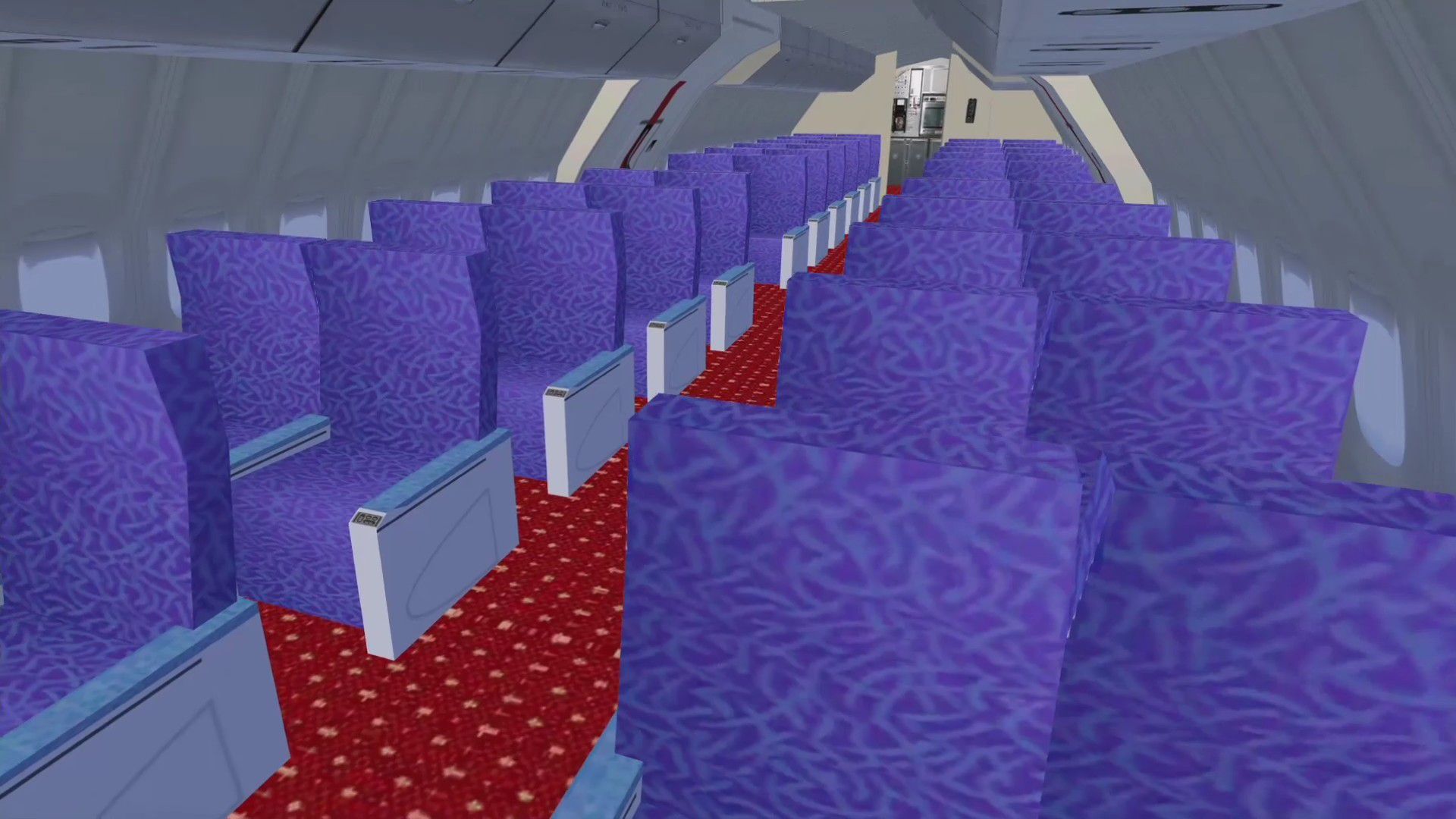
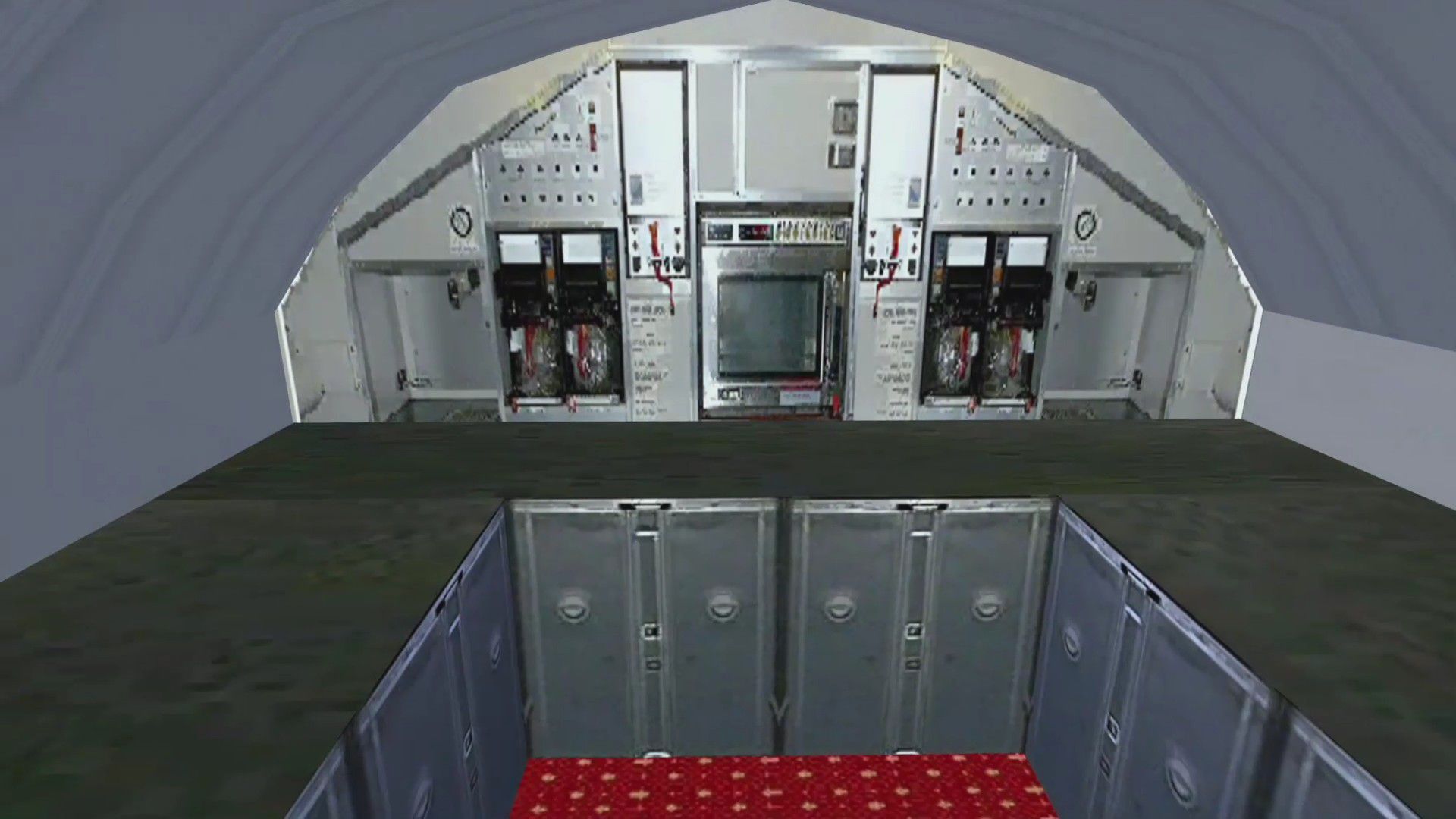
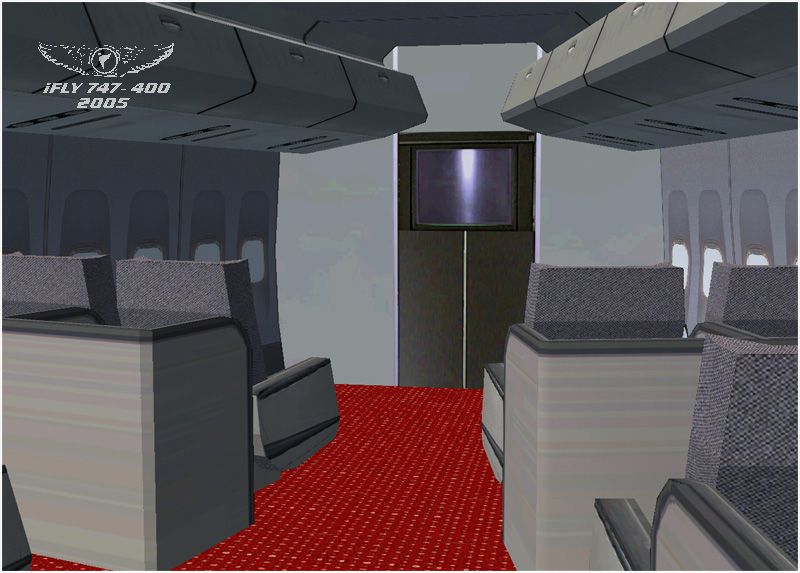
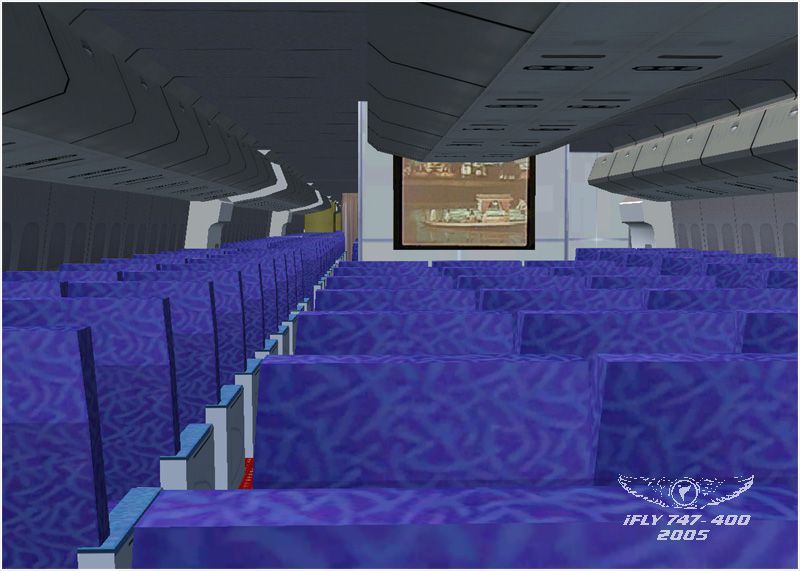
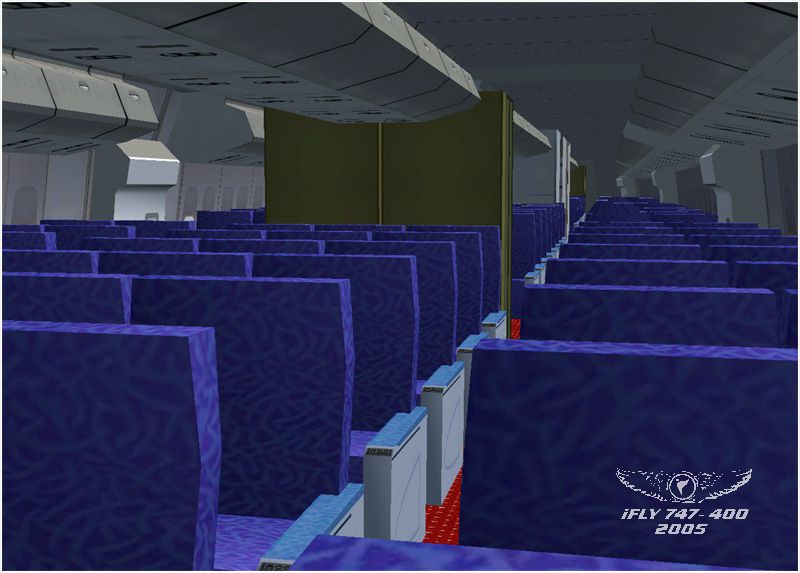
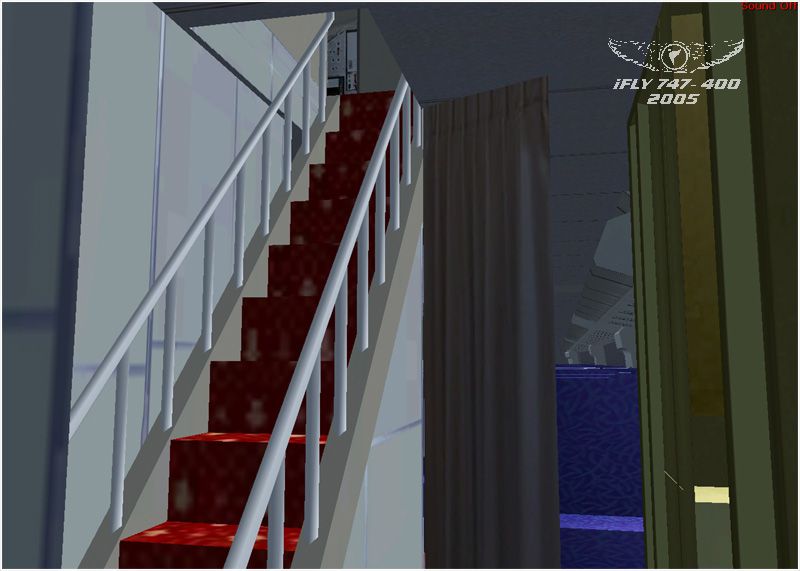
The virtual cockpits are fair and pretty accurate but not as many clickable items as I had expected. Cargo doors do not open, but the passenger entry and all 4 engines open by the same door opening command. The passenger views are pretty cool, that’s something we don’t see very often with freeware.
Just note that the only way to view any passenger perspectives requires you to move the camera for the pilot or copilot. That’s not exactly hard to do or anything but if you were expecting a dedicated view you can forget about that. Still pretty cool to walk the length of the 747-400.
It’s easy on the frame rates, I detected no impact that related to the performance of any kind. All in all, this is a mediocre plus offering and is worth a try out at least. I might keep it since this model is a little hard to come by with a VC.

Installed this aircraft (fly74711.zip).
FMC.Erased it again. Ok, it is freeware, but it is not possible to fly with.

I’ve just installed this plane because there is a working FMC.
When I started my flight:

Sadly it's not working for me, fresh new install of FSX Steam, so the last version, the last update, since I just installed
I can't install the FSUIPC that comes with the pack, gives me errors
the pack itself iFLy B747-400 I've used it with the original FSX game on DVD on an older PC, but now, on a newer and more powerful PC will not work, the VC - virtual cockpit - will not load at all, and loading the panel's gauges are blank, also not working
I'm a big, huge fan of B747 all variations, and of iFly team, but sadly on FSX SE I can't make it work, at least not yet, I'm open to suggestions to fix it.

I had a problem with FSUIPC and black screens in the 3D cockpit, but I downloaded it manually FSUIPC and it works perfectly now great freeware.

A fantastic piece of work and the self-install really works. Can one import an FSX Flight Plan and how do you engage GPS...Roger Stubbs.

Wow, seems like there's a lot of misgivings with this aircraft, I've never seen anything written like this about n IFLY add on. In the situation of the FSUIPC, you have a choice but to make the choice you have to bring the file up, you either accept the free version or go with the trial version, when it comes to cockpits there are multiple ways to use various cockpits if there are alternates, the most common is when in the cockpit to switch tap the key A, when you want to switch back from that cockpit click key S, and note keys F10 down thru f7 has to do with views.
In some of these situations, the aircraft is in the wrong file, it's not in the airplane or aircraft file it's in the main Microsoft Flight Simulator File.
Now another issue is whether the file reads aircraft or airplane, they are referred to differently in the FSX version and the Version Prior. SP2 has to be added as not much will work on anything new after 2007. When placing files in FSX it's always better to cut and paste, otherwise, files have a tendency to corrupt or vanish. There is freeware out there, one is an aircraft carrier that when you go to delete or uninstall it will take every file you have in your aircraft files and will either delete them or take cfg files.
So not ever add any FS9 scenery or other files into your FSX as this will cause all ai to vanish. When installing ORBX make sure you read the directions on ai and the files, and make a backup, in the Northwest freeware of Washington State it will deny all AI so as to run smoothly with their AI, the only issue is you'll lose all of your default ai and you'll have to repair and that will cause issues with all of your add ons.
When installing anything make sure that YOU direct the download to the correct FSX file in the correct (86) don't put anything in that has a heading on the main file that says FSX in short, and if you let it create a new file that it says doesn't exist it will send it to the correct drive but to the base Microsoft Game file which won't show up. Most of the issues have to do with using the configuration files to your advantage. Any questions leave em here. Although the newest versions coming out, this is the best way to learn the CFG as the new version will be a lot different.
A good example is where is the SDK and how do I do object placement or what is a paint kit, the SDK will teach you, when you know how to find it and set it up, you're ready to deal with the CFG.
To note, it's taken the community 14 years to unravel the mysteries of the FSX, and you'll have an easier time getting an answer than we ever did.

Oh ya, I forgot: my second phone number digits are 747, and I wasn't expecting that. Even cooler, huh?
Here is an awesome event that took place while I was working at Seattle–Tacoma International Airport. The test flight was out of Boeing Field, and I just happened to be on I-5 southbound. There had to have been at least 10 cars, including myself, pulled over to see her rotate, and I’ll tell you what: I think we all had goosebumps. It was beautiful. I love my girl, and I’m very angry that Boeing stopped her production line.
So anyway, I love to brag about this. Northwest Airlines was the first airline to receive her. Her first flight was from MSP to Tokyo the next day. There were big wigs looking at her. I had an AOA badge, which means I could go where I wanted except runways. I walked up the jetway, and I had to take off my boots and wear foot protection, and I’ll tell you all what: I was in heaven. I got to sit in the pilot’s seat, and it going to two-three. I was so impressed and so much in love and felt like a big wig myself. They were touring with me, and I got led as they showed me everything, and they said that I should not have had access to this but said I was the actual civilian on the ramp supervisor to have a look at her. I was in a dreamland and have always remembered that and always will, the interaction with even the airline that wrote the check or pulled out the American Express card.
I thought I would share the best story of my life. So ha, how’s them apples? Ha ha. I hope that you’ll all enjoy this dream that happened in my life, so anyone who wants to comment on this, feel free: jimmylewis747@gmail.com. Check out that email address. ........... Jimmy
Here is an awesome event that took place while I was working at Seattle-Tacoma International Airport. The test flight was out of Boeing Field, and I just happened to be on I-5 southbound. There had to have been at least 10 cars, including myself, pulled over to see her rotate, and I'll tell you what—we all had goosebumps. It was beautiful. I love my girl. I'm very angry that Boeing stopped her production line.
Anyway, I love to brag about this. Northwest Airlines was the first airline to receive her. Her first flight was from MSP to Tokyo, the next day. There were big wigs looking at her.
I had an AOA badge, which means I could go where I wanted except the runways. I walked up the jetway and had to take off my boots and wear foot protection, and I'll tell you all: I was in heaven. I got to sit in the pilot's seat, and it going to two-three. I was so impressed and so much in love, and felt like a big wig myself. They were touring with me and I got led as they showed me everything, and they said that I should not have had access to this, but said I was the actual civilian on the ramp supervisor to have a look at her. I was in a dreamland and have always remembered that, and always will—the interaction with even the airline that wrote the check or pulled out the American Express card.
I thought I would share the best story of my life. So, ha, how's them apples? Ha ha. I hope that you'll all enjoy this dream that happened in my life. Anyone who wants to comment on this, feel free: jimmylewis747@gmail.com
Check out that email address... Jimmy


Freeware aircraft with virtual cabin and cockpit... I was so excited to enjoy the cabin but you can see out through windows which has just made me upset.

I wanted to install this primarily to be able to install AIR INDIA livery on it, but after reading the insanely complex installation instructions (install this, update that, etc.) I think I will need to obtain a CPL first. Jeepers man! So many warnings, so many things to update including the NAV database. I give up!

I do not know how use external power. Sometimes it appears, sometimes not. What do I need to do to appear? When I saw tutorials they use FMC, but in this version doesnt have this option.

Great freeware 747 addon. It's not as good as payware quality but it does come close.

Did as instructed for VC and it still doesn't work. Any suggestions? Also says I don't need a subscription for FSUICP but it keeps asking for one and won't let me do anything. What's up with that?


When I try to download any aircraft I get a message telling me that the download is not 32bit download. And yet I am running windows 7 64 bit.

THIS IS GREAT!!!!!!! This is what ive been looking for a boeing 747 with a virtual 3d cabin. only two flaws there is only two seats by the window when there should be three and the cabin windows aren't see through, other than that its perfect

I have followed the intructions, still no VC. I have FSUIPC4.939 installed. Please, some assistance would be of great value.
Athena

Allo, Where is the Operations Manual for FSX iFly Boeing 747-400 Sorry I can not find it

This is not a comment but a question. Does this software work with Microsoft FSX Steam version?

This is not a comment but a question. Does this software work with Microsoft FSX Steam version?

The iFly documentation installs in your FSX directory under an "iFly" folder, not in the airplanes directory nor a documents directory.

hi...i had downloaded ifly 747-400 and also installed it..but when i start ifly 747-400 it shows nothing in vc.please help

well what can I say , hum. I have PMDG,777-200-300ext ,747-400, MD-11 fsx most of the airbuses 318.320 ect A-380 you get the point , Well now comes IFly Just when you thought you had all your birds in a cage ,I saw your introductory video of this bird and know I had to have it . I just installed it and this baby is the sh-- no joke serious sh-- if you don.t have it you can,t fill in the blanks. However if you do you'll know what I'm saying, Trust me I know my planes and this one has moved to the top of the list and if it where not so , I would simply say so. over and out.

8. Operations Manual with 330 pages? But where can I find this 330 pages manual? Download and working OK, but I want to know how to use the FMS and IRS?

I use FSX SE, installed it just as instructed. No sign of it at all when I look for it in aircraft. Help Please?


Have a problem, need help. How do you shut off the engines once a flight is complete. I can only get engines 2 and 3 to turn off but engines 1 and 4 continue to try and re-light and continuous ignition is turned off. Also is there service pack updates and if so where do I find those.

I have no VC AF all, the 2D cockpit works fine but when you switch to the VC all you can see is the scenery ahead. Can anyone help please?

Wow, several models, detailed 350 plus page manual, claims of realism, tons of eye candy.
Too bad the aircraft doesn't work.
Undocumented procedure to make the VC and 2D panel displays and gauges to work: View Instruments, DUMMP, then after everything loads switch views. Panel displays and gauges should work now, until you change aircraft of exit FSX.
REQUIRES PAID VERSION OF FSUIPC for many functions to work as described in the manual, and to program the FMC.
FMC uses ONLY seriously outdated AIRACS BGL files (they were 10 years outdated when this aircraft was released). This makes the aircraft unusable in multiplayer flights using VATSIM and IVAO, and even in the now defunct Gamespy. If you have updated these files in FSX at all, you will need to uninstall FSX, then reinstall without ANY updates, to create the two flightplans so they work together.
Flight planning requires both FSX Flight Planner AND the FMC be programmed manually, they don't talk to each other, and the aircraft will either stall, refuse to climb, or dive for the ground if you don't.
I've been using MSFS since the original version (1980's). Never once have I come across a "freeware" aircraft so ridiculous. My guess is it was intended to be a demo for an internally proposed project, one that flopped badly. Only serious simmers pay for aircraft, and then we only buy them from serious developers.
My advice? Don't bother with this one, it isn't worth it.

It works great but 3 problems I've came across 1.guages don't work the vc is textureless and grey
2.it wont take off (need Very long runway)
3 sometimes it go's nose down when trying to lane
Please fix

Can this 747-400 be flown without having to use the FMC like the FSX default 747-400 using the GPS, NAV and Auto Pilot.


IMHO this is the top add on for FSX. It set's the standard for freeware add ons for FSX. Just make sure you run FSX in administrator mode to use the FMC. It's auto land capability is the best there is. I can land this plane in fully auopilot in zero visibility, just like a real Cat III C landing. That is simulated very well with this model.

guages ect didn't work, put MS 747 dash in it works, then aircraft sinks with stick all the way back. Every aircraft in this site has problems with something.


got 1 prob cant seem to get the gages working any help please reply to Blades_2@hotmail.co.uk thanks
