

 FSX Civil Aircraft
AirAsia Airbus A320-200 100th Dragon
AirAsia Airbus A320-200 100th Dragon, registration 9M-AQH. Model by Project A…
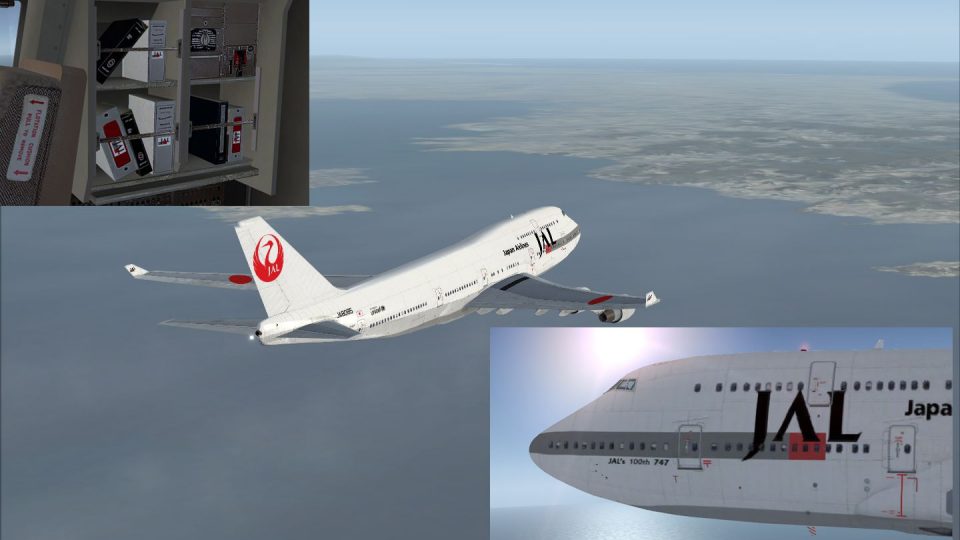
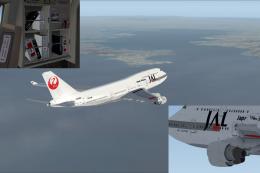
Japan Airlines’ “100th 747” commemorative livery brings authentic anniversary markings, crisp tail emblems, and accurately matched red-and-white tones to the default Boeing 747-400 in Microsoft Flight Simulator X. It requires the FSX base 747-400 model and delivers a faithful jumbo-jet look for long-haul operations with a clean, high-resolution finish.
 Rate
Rate
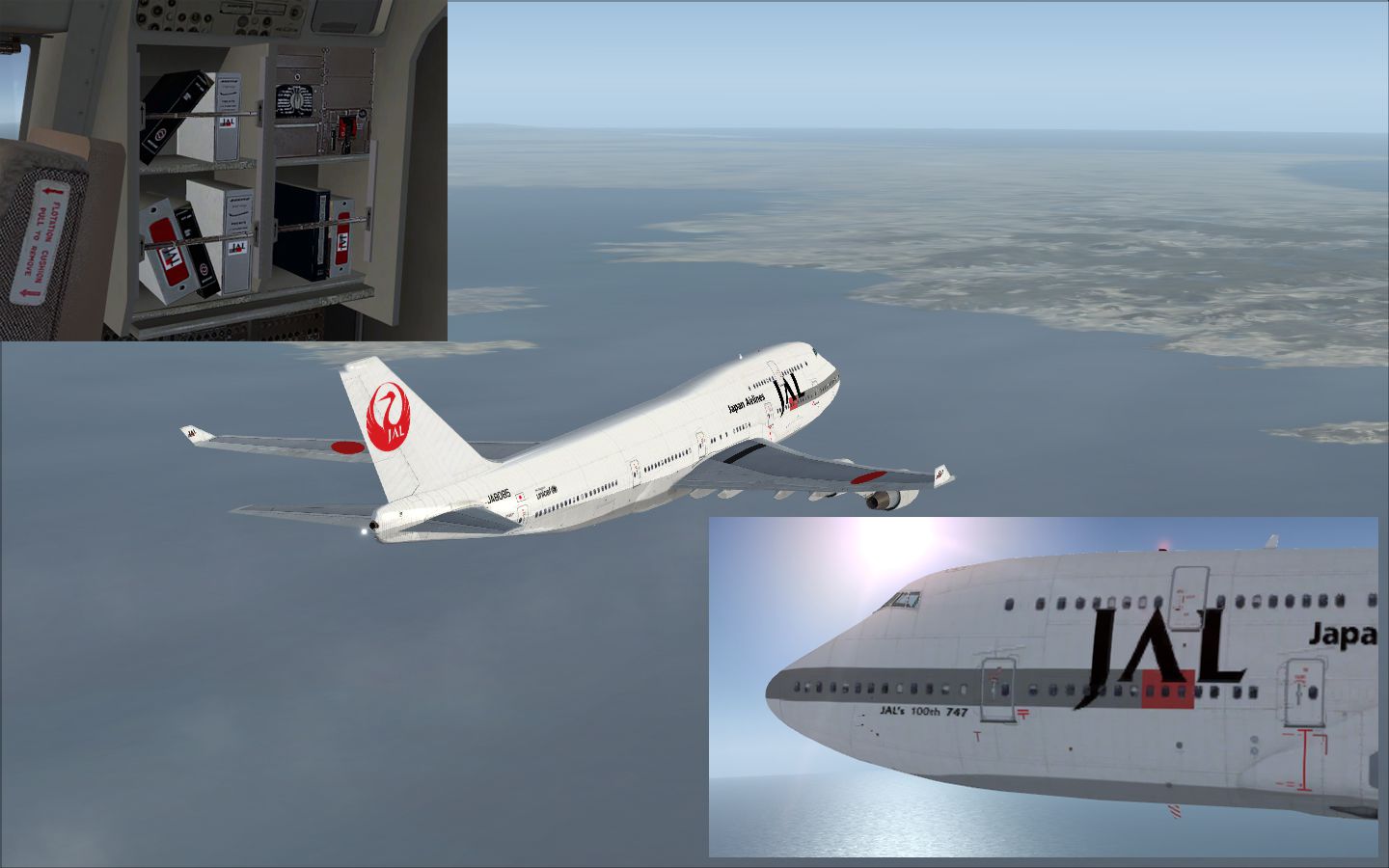

This carefully crafted repaint for the default Boeing 747-400 in Microsoft Flight Simulator X replicates Japan Airlines’ celebrated “100th 747” markings. It is designed to capture the iconic look of JAL’s milestone-model jumbo jet with precise texture details and authentic color schemes. The livery is entirely freeware, yet the base 747-400 package is not bundled. You can obtain the freeware base model from the Fly Away Simulation mod library. Developed by Yosuke, this add-on hopes to enrich your flight simulation experience without any installed modifications to core systems.
The Boeing 747-400, often regarded as the “Queen of the Skies,” features an expansive double-deck layout and renowned intercontinental range. Japan Airlines (JAL) extensively utilized this wide-body jet on various long-haul routes, making it a hallmark of global commercial aviation. This repaint pays tribute to the 100th 747 used by JAL by preserving signature markings and logos that highlight the airline’s historic relationship with the jumbo jet.
Install this add-on by placing the repaint folder into the relevant SimObjects directory. Refer to your aircraft configuration files to register the new texture entry correctly. Because this package is only a repaint, ensure the default Boeing 747-400 from Microsoft Flight Simulator X is present. If needed, grab the essential freeware base model from the Fly Away Simulation library to finalize your setup.
Please note that incorporating this repaint is undertaken at your own discretion. Should any unusual effects on your hardware or peripherals occur, no financial or technical compensation can be provided. By Yosuke has devoted meticulous effort to ensure stability, but unforeseen complications can arise.
This release comes from Yosuke, who solely retains all creative rights for the texture design. The project is distributed as freeware, aligning with community-driven ideals to expand flight simulation offerings for all enthusiasts.
Free for all simmers · 2.57 MB · Scanned clean Oct 2026
Download speed: Free tier is capped at 0.5 Mbps. PRO members download at full line speed.
texture.{airline}) inside FSX\SimObjects\Airplanes\{base-aircraft}\.aircraft.cfg in Notepad. Add a new [fltsim.X] section per the readme.readme.txt or README file. It tells you exactly where files go, what dependencies are needed, and any quirks specific to this add-on.The archive jal100th.zip has 14 files and directories contained within it.
This list displays the first 500 files in the package. If the package has more, you will need to download it to view them.
| Filename/Directory | File Date | File Size |
|---|---|---|
| B747_1_T.dds | 12.22.08 | 512.12 kB |
| B747_1_T_Specular.dds | 05.17.08 | 1.33 MB |
| B747_2_T.dds | 12.22.08 | 512.12 kB |
| B747_400_4_C.dds | 12.22.08 | 1.00 MB |
| Fresnel_Ramp.dds | 05.17.08 | 640 B |
| Fresnel_Ramp_1.dds | 05.17.08 | 640 B |
| texture.cfg | 05.17.08 | 137 B |
| thumbnail.jpg | 11.25.08 | 28.69 kB |
| ìòæ╤é╚é╡ü@B747_2_T.dds | 12.22.08 | 512.12 kB |
| 2009-2-6_19-0-26-505.jpg | 02.06.09 | 528.27 kB |
| Readme Japanese.txt | 02.06.09 | 2.72 kB |
| Readme English.txt | 05.07.09 | 3.12 kB |
| flyawaysimulation.txt | 10.29.13 | 959 B |
| Go to Fly Away Simulation.url | 01.22.16 | 52 B |
Only PRO members can place votes.
More FSX & P3D add-ons hand-picked based on this download.
FSX Civil Aircraft
AirAsia Airbus A320-200 100th Dragon, registration 9M-AQH. Model by Project A…
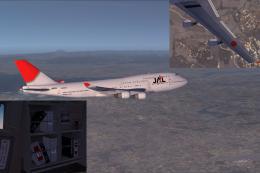 FSX Civil Aircraft
This downloadable livery showcases the Japan Airlines “new color” scheme spec…
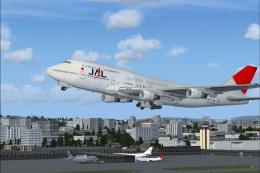 FSX Civil Aircraft
FSX JAL Boeing 747-400. A repaint of the default B747-400.
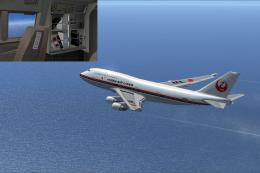 FSX Civil Aircraft
JAL Boeing 747-400 (first color). A repaint of the default B747-400. Repaint …
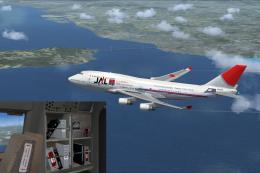 FSX Civil Aircraft
Experience a collector’s piece of aviation heritage with this free repaint pa…
 FSX Civil Aircraft
This repaint offers Japan Airlines’ classic livery for the default Boeing 747…
 FSX Civil Aircraft
JAL Cargo Boeing 747-400 in metal color. A repaint of the default B747-400. T…
 FSX Civil Aircraft
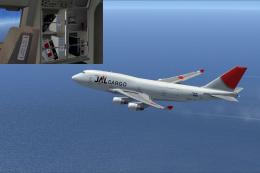
JAL Cargo Boeing 747-400BCF. Textures only for the default B747-400. Repaint …
Read what other simmers think, or add your own.
