


 FSX Civil Aircraft
Default Boeing 737-800 Blurred Texture Fix
This add-on patch enhances the default Boeing 737-800 in Microsoft Flight Sim…
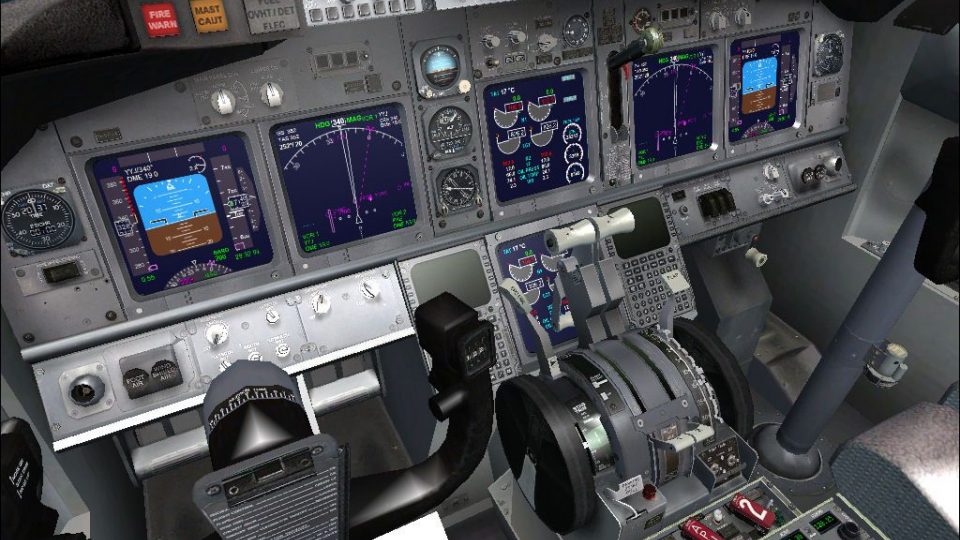
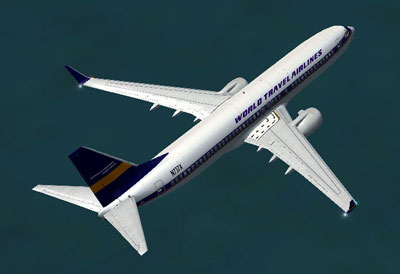
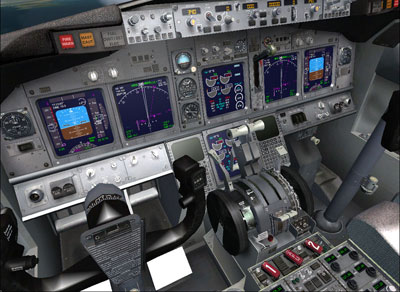
Boeing 737-800 Texture Fix sharpens the default aircraft’s exterior and virtual cockpit visuals by replacing blurred bitmap textures with corrected versions for a cleaner, more readable finish. Designed for Microsoft Flight Simulator X, it refreshes the stock 737-800 look while preserving the original model and layout.
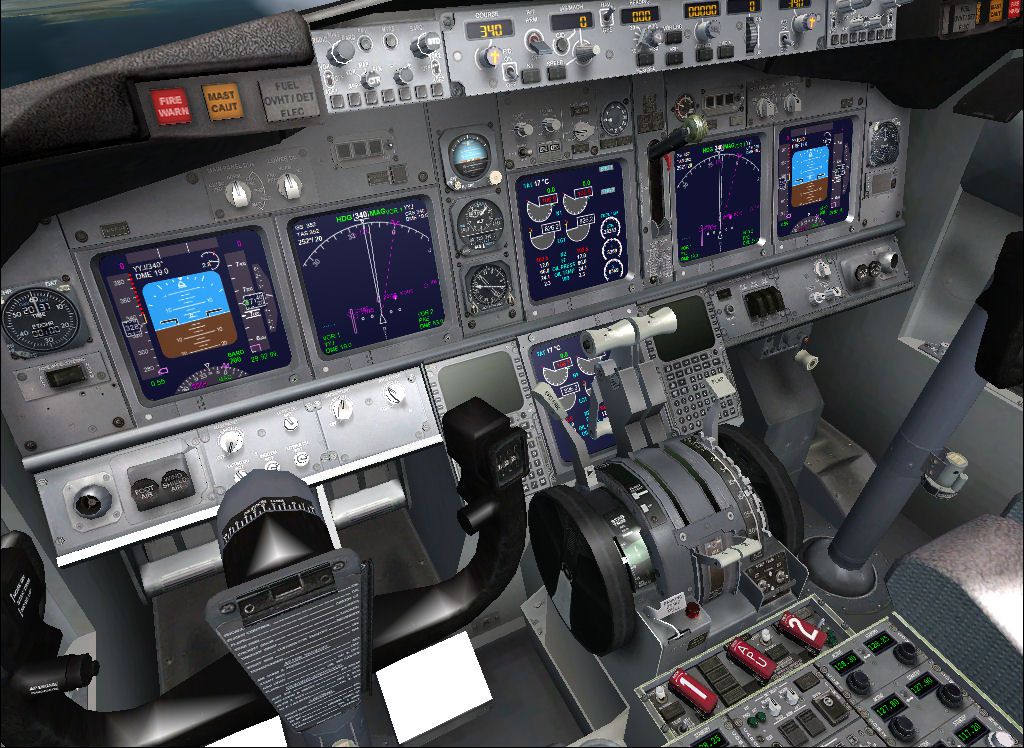
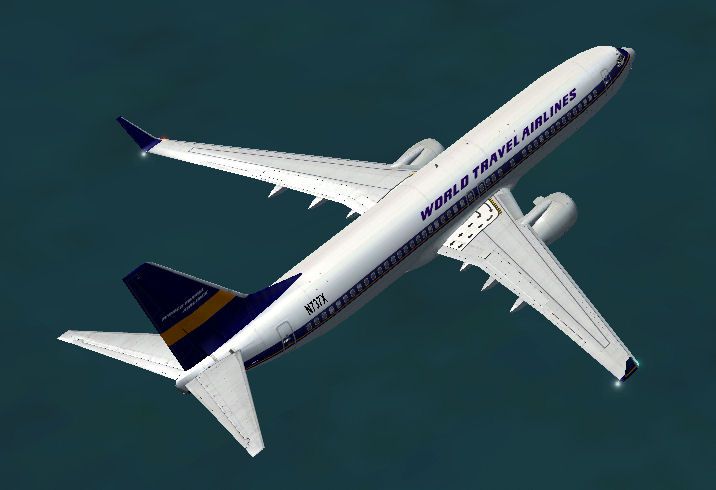
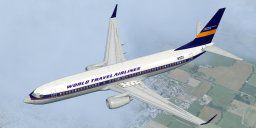
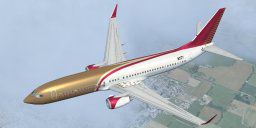
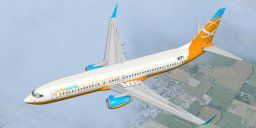
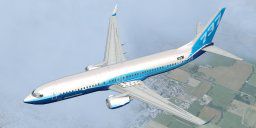
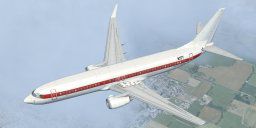

Boeing 737-800 Texture Fix. These files will fix default FSX textures for this aircraft that appear blurred. They are replacements for the default texures of this aircraft. Original aircraft by Microsoft. By Andrew McGowin.
Boeing 737-800 texture fix
These files will fix default FSX textures for this aircraft that appear blurred. They are replacements for the default texures of this aircraft. Original aircraft by Microsoft.
By Andrew McGowin
INSTALLATION:
1.Unzip the textures into a temporary folder.
2.Backup all the folders that start with "textures." in aircraftB737_800
3.Copy the files that start with "texture." from the downloaded file to the default aircraftB737_800.
4.Have Fun!
Free for all simmers · 19.9 MB · Scanned clean
Download speed: Free tier is capped at 0.5 Mbps (this file takes approximately 6 mins at the cap). PRO members download at full line speed.
FSX\SimObjects\Airplanes\. The folder must contain an aircraft.cfg file. Effects go into FSX\Effects\; gauges go into FSX\Gauges\.readme.txt or README file. It tells you exactly where files go, what dependencies are needed, and any quirks specific to this add-on.The archive b737_800-1.zip has 71 files and directories contained within it.
This list displays the first 500 files in the package. If the package has more, you will need to download it to view them.
| Filename/Directory | File Date | File Size |
|---|---|---|
| B737_800_1.jpg | 07.12.09 | 39.81 kB |
| B737_800_2.jpg | 07.12.09 | 214.73 kB |
| file_ID.txt | 07.12.09 | 223 B |
| texture.1 | 07.12.09 | 0 B |
| b737_800_1_T.dds | 07.12.09 | 1.00 MB |
| b737_800_1_T_Specular.dds | 07.12.09 | 1.00 MB |
| b737_800_2_T.dds | 07.12.09 | 1.00 MB |
| b737_800_2_T_Specular.dds | 07.12.09 | 1.00 MB |
| Fresnel_Ramp.dds | 09.04.06 | 640 B |
| texture.cfg | 08.14.06 | 137 B |
| thumbnail.jpg | 08.13.06 | 6.04 kB |
| texture.2 | 07.12.09 | 0 B |
| b737_800_1_T.dds | 07.12.09 | 1.00 MB |
| b737_800_1_T_Specular.dds | 07.12.09 | 1.00 MB |
| b737_800_2_T.dds | 07.12.09 | 1.00 MB |
| b737_800_2_T_Specular.dds | 07.12.09 | 1.00 MB |
| Fresnel_Ramp.dds | 09.04.06 | 640 B |
| texture.cfg | 08.14.06 | 137 B |
| thumbnail.jpg | 08.13.06 | 6.34 kB |
| texture.4 | 07.12.09 | 0 B |
| b737_800_1_T.dds | 07.12.09 | 1.00 MB |
| b737_800_1_T_Specular.dds | 07.12.09 | 1.00 MB |
| b737_800_2_T.dds | 07.12.09 | 1.00 MB |
| b737_800_2_T_Specular.dds | 07.12.09 | 1.00 MB |
| Fresnel_Ramp.dds | 09.04.06 | 640 B |
| texture.cfg | 08.14.06 | 137 B |
| thumbnail.jpg | 08.13.06 | 6.17 kB |
| Texture.5 | 07.12.09 | 0 B |
| b737_800_1_T.dds | 07.12.09 | 1.00 MB |
| b737_800_1_T_Specular.dds | 07.12.09 | 1.00 MB |
| b737_800_2_T.dds | 07.12.09 | 1.00 MB |
| b737_800_2_T_Specular.dds | 07.12.09 | 1.00 MB |
| Fresnel_Ramp.dds | 09.04.06 | 640 B |
| texture.cfg | 08.14.06 | 137 B |
| thumbnail.jpg | 08.13.06 | 6.32 kB |
| Texture.6 | 07.12.09 | 0 B |
| b737_800_1_T.dds | 07.12.09 | 1.00 MB |
| b737_800_1_T_Specular.dds | 07.12.09 | 1.00 MB |
| b737_800_2_T.dds | 07.12.09 | 1.00 MB |
| b737_800_2_T_Specular.dds | 07.12.09 | 1.00 MB |
| Fresnel_Ramp.dds | 09.04.06 | 640 B |
| texture.cfg | 08.14.06 | 137 B |
| thumbnail.jpg | 08.13.06 | 5.66 kB |
| texture | 07.12.09 | 0 B |
| 737_Refection.dds | 07.11.09 | 128.12 kB |
| B737_800_1_C.dds | 07.11.09 | 512.12 kB |
| b737_800_1_LM.dds | 07.11.09 | 128.12 kB |
| B737_800_1_night_C.dds | 07.11.09 | 512.12 kB |
| b737_800_1_T.dds | 07.11.09 | 1.00 MB |
| b737_800_1_T_Bump.dds | 07.11.09 | 1.00 MB |
| b737_800_1_T_Specular.dds | 07.11.09 | 1.00 MB |
| B737_800_2_C.dds | 07.11.09 | 512.12 kB |
| B737_800_2_night_C.dds | 07.11.09 | 512.12 kB |
| b737_800_2_T.dds | 07.11.09 | 1.00 MB |
| b737_800_2_T_Bump.dds | 07.11.09 | 1.00 MB |
| b737_800_2_T_Specular.dds | 07.11.09 | 1.00 MB |
| B737_800_3_C.dds | 07.11.09 | 512.12 kB |
| B737_800_3_night_C.dds | 07.11.09 | 512.12 kB |
| B737_800_4_C.dds | 07.11.09 | 512.12 kB |
| B737_800_4_night_C.dds | 07.11.09 | 512.12 kB |
| B737_800_5_C.dds | 07.11.09 | 128.12 kB |
| B737_800_5_night_C.dds | 07.11.09 | 128.12 kB |
| B737_800_C.bmp | 07.11.09 | 512.07 kB |
| B737_800_Interior.dds | 07.11.09 | 128.12 kB |
| Fresnel_Ramp.dds | 09.04.06 | 640 B |
| Pilots_737.dds | 07.11.09 | 32.12 kB |
| texture.cfg | 08.14.06 | 137 B |
| thumbnail.jpg | 08.13.06 | 5.46 kB |
| ReadMe-Installation.txt | 07.12.09 | 798 B |
| flyawaysimulation.txt | 10.29.13 | 959 B |
| Go to Fly Away Simulation.url | 01.22.16 | 52 B |
More FSX & P3D add-ons hand-picked based on this download.
FSX Civil Aircraft
This add-on patch enhances the default Boeing 737-800 in Microsoft Flight Sim…
 FSX Civil Aircraft
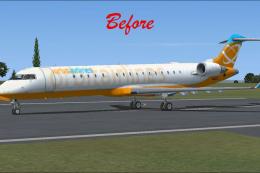
This package resolves the blurry exterior textures that sometimes appear on t…
 FSX Civil Aircraft
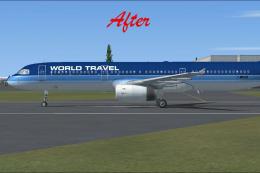
This freeware package provides replacement surface detail files for the stand…
 FSX Civil Aircraft
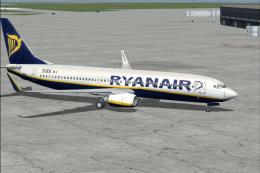
This freeware package, developed by Paul Craig, provides replacement texture …
 FSX Civil Aircraft
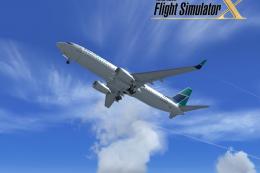
registration EI-DCK. Revised textures for the default B737-800 with better bl…
 FSX Civil Aircraft
FSX WestJet Boeing 737-800. A repaint for the default B737. The first 737-800…
 FSX Civil Aircraft
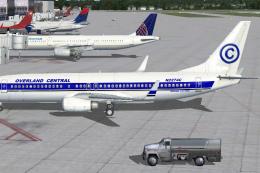
Default Boeing 737-800 Repaint 11-Pack. The U.S. Government decommissions Jan…
 FSX Civil Aircraft
This add-on features an authentic repaint of the default Boeing 737-800 in My…
Be the first to leave a comment on this download.
Be the first to share your thoughts on this download.