





 FSX Military Aircraft
Lockheed YF-12 Blackbird Updated
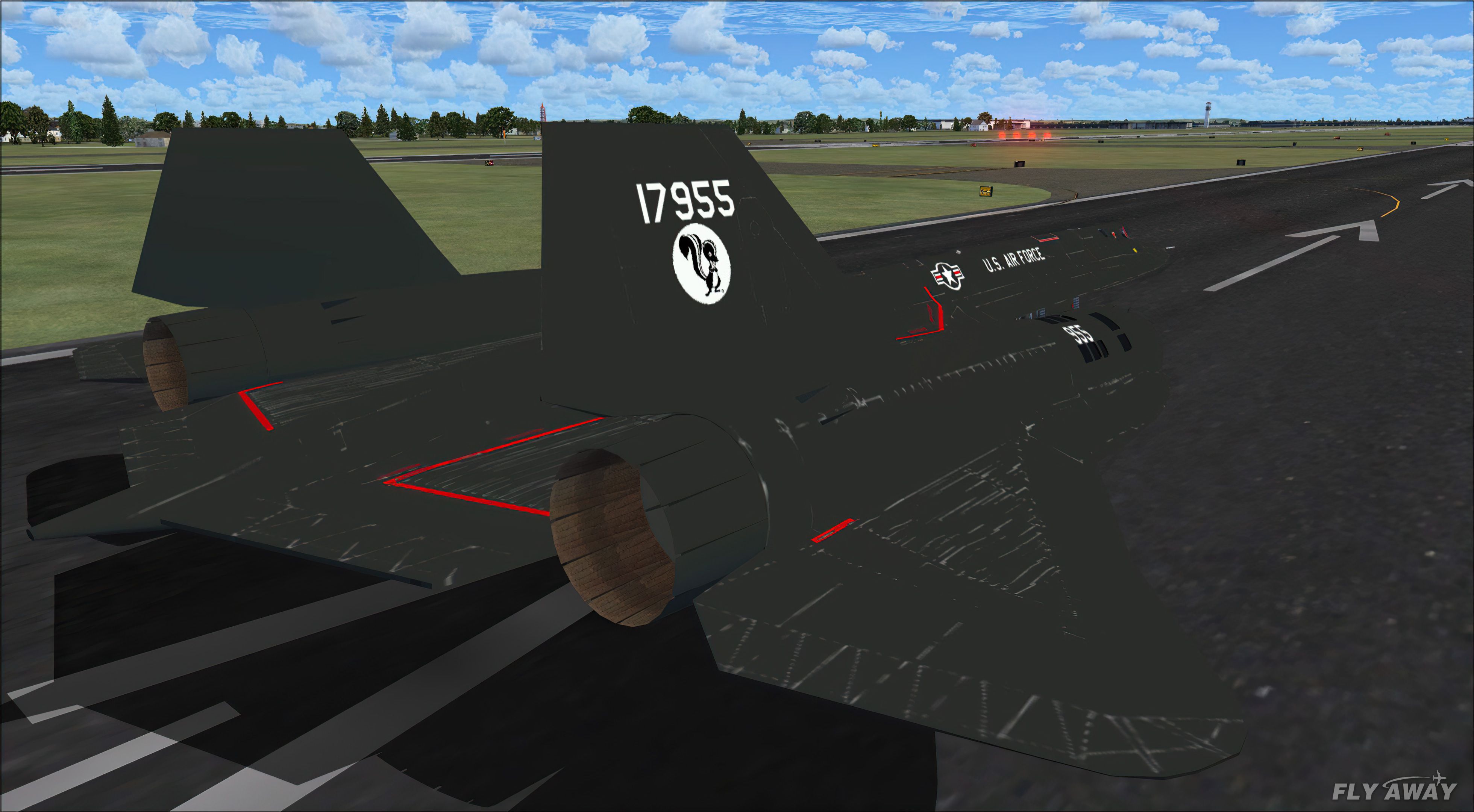
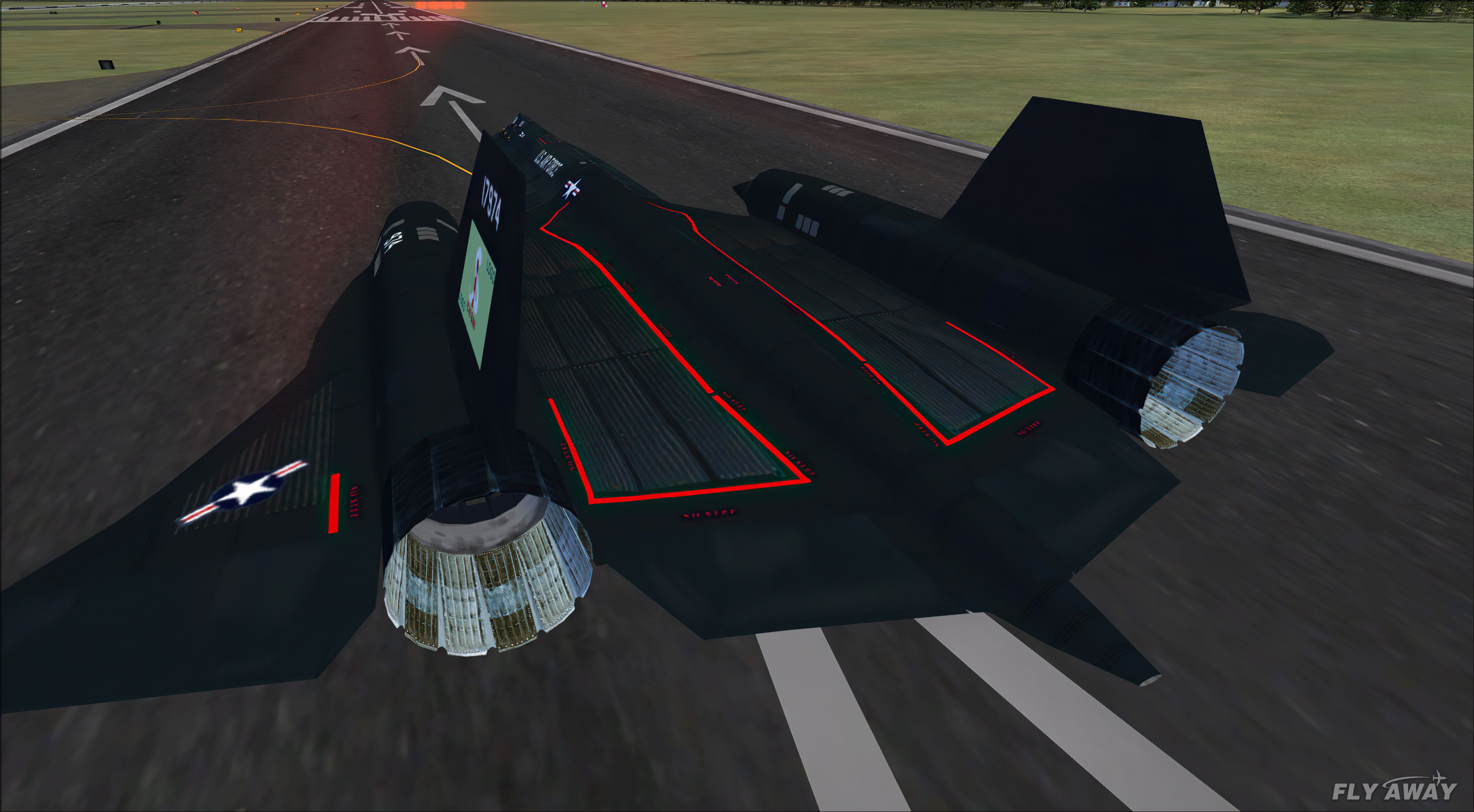
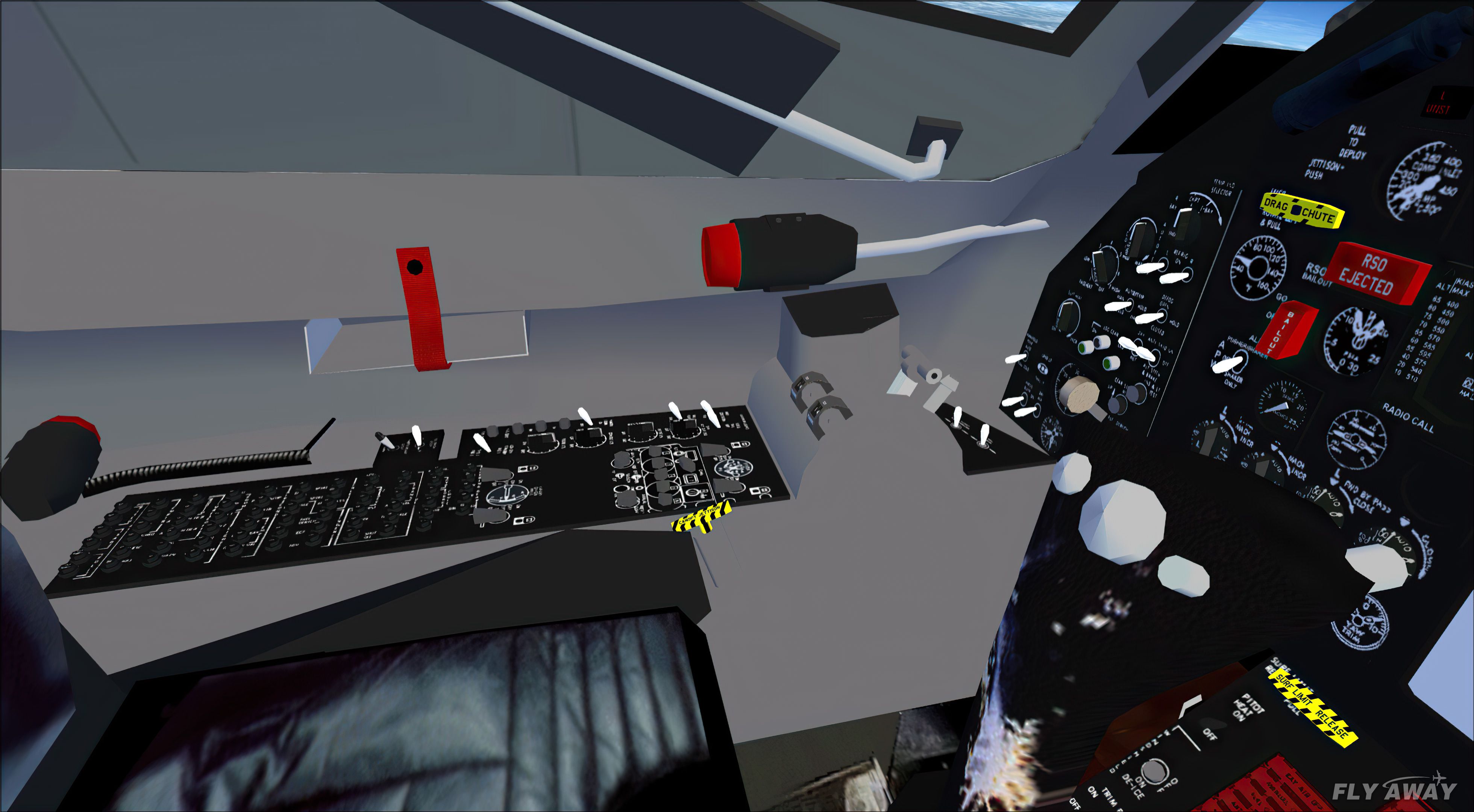
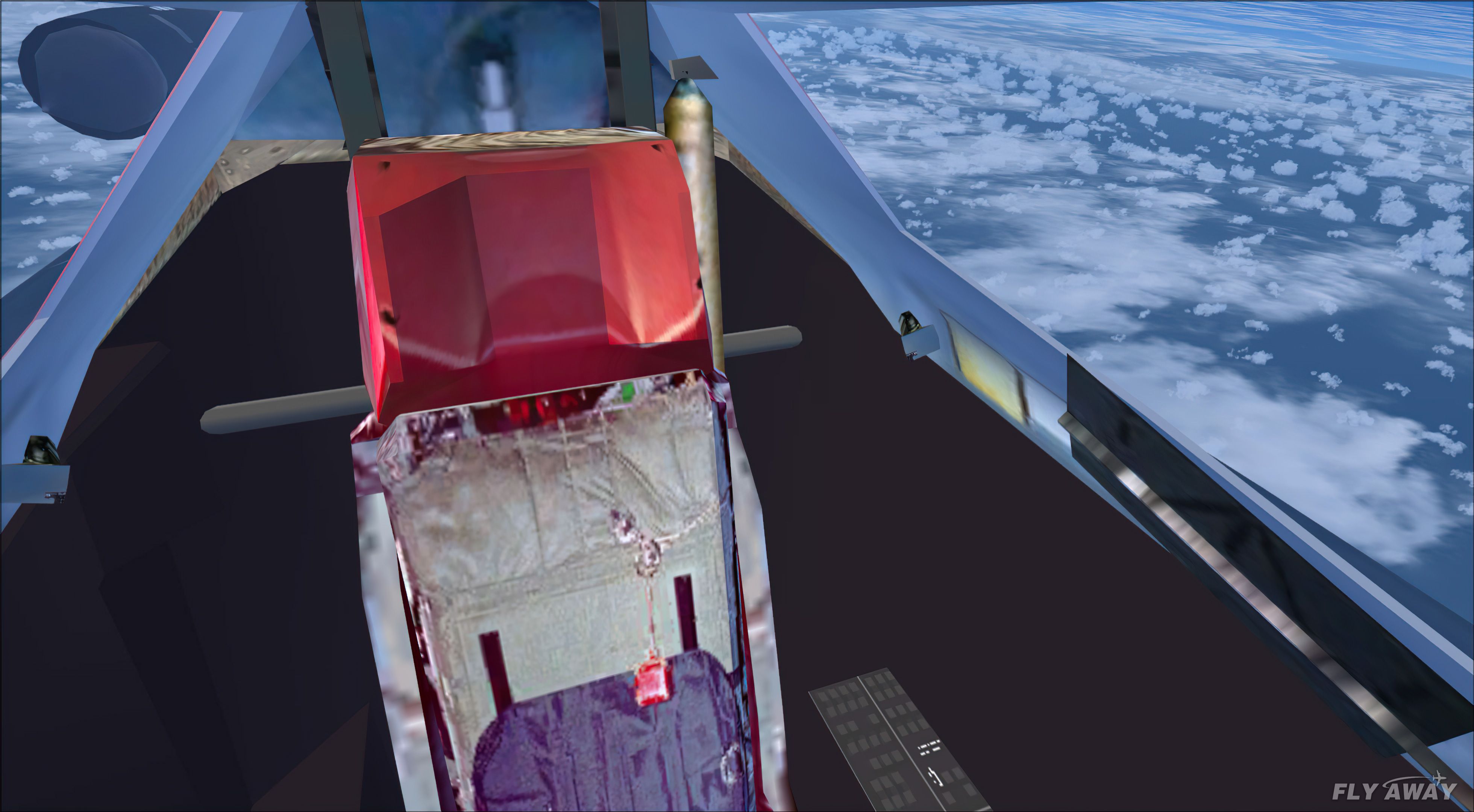
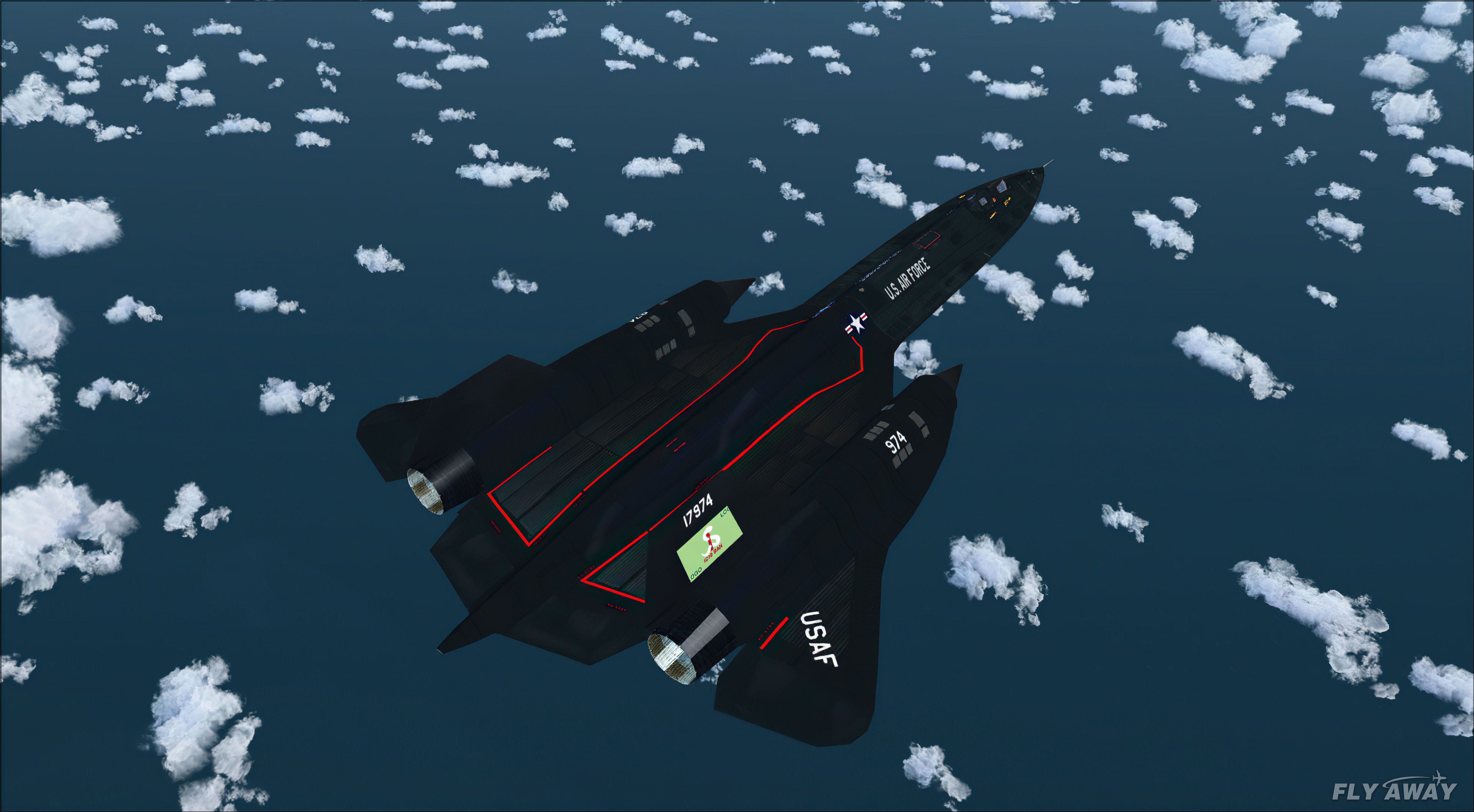
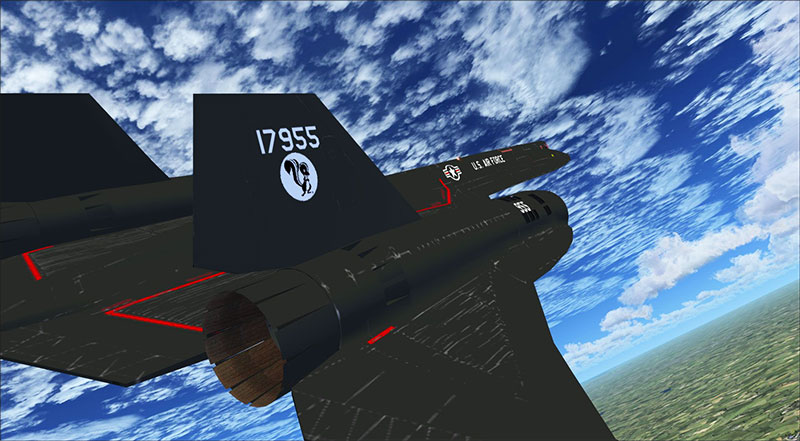
The YF12 was an experimental interceptor version of the Lockheed A-12. It ver…
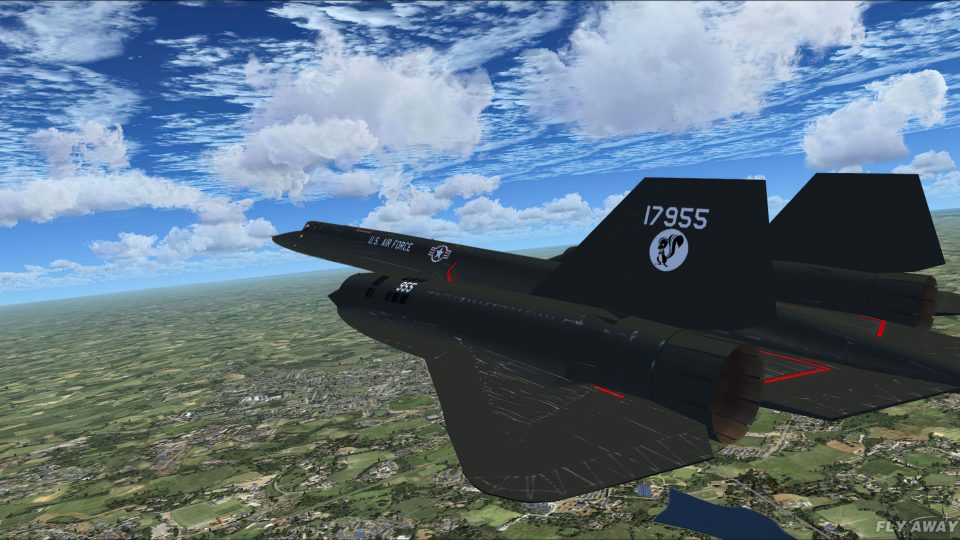
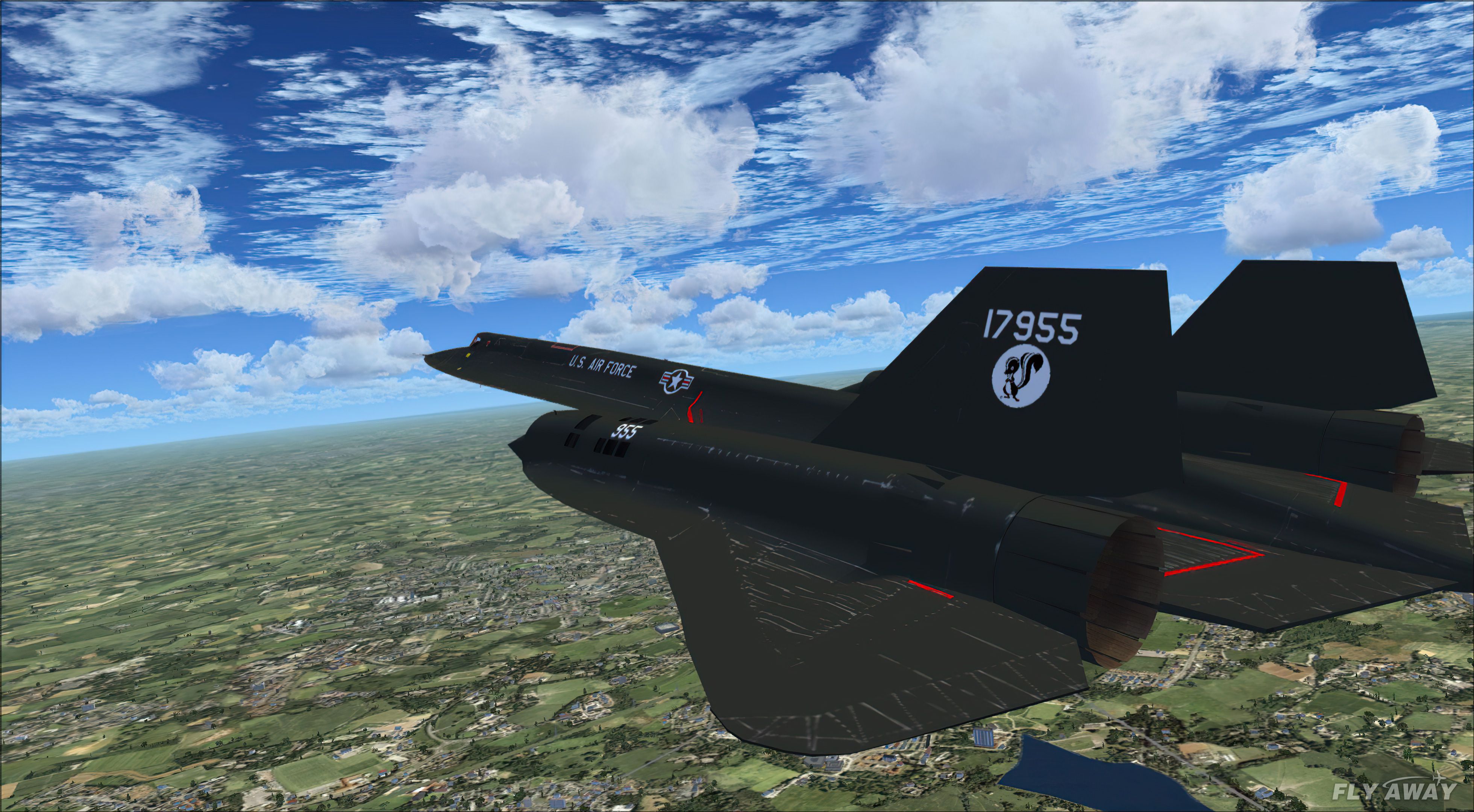
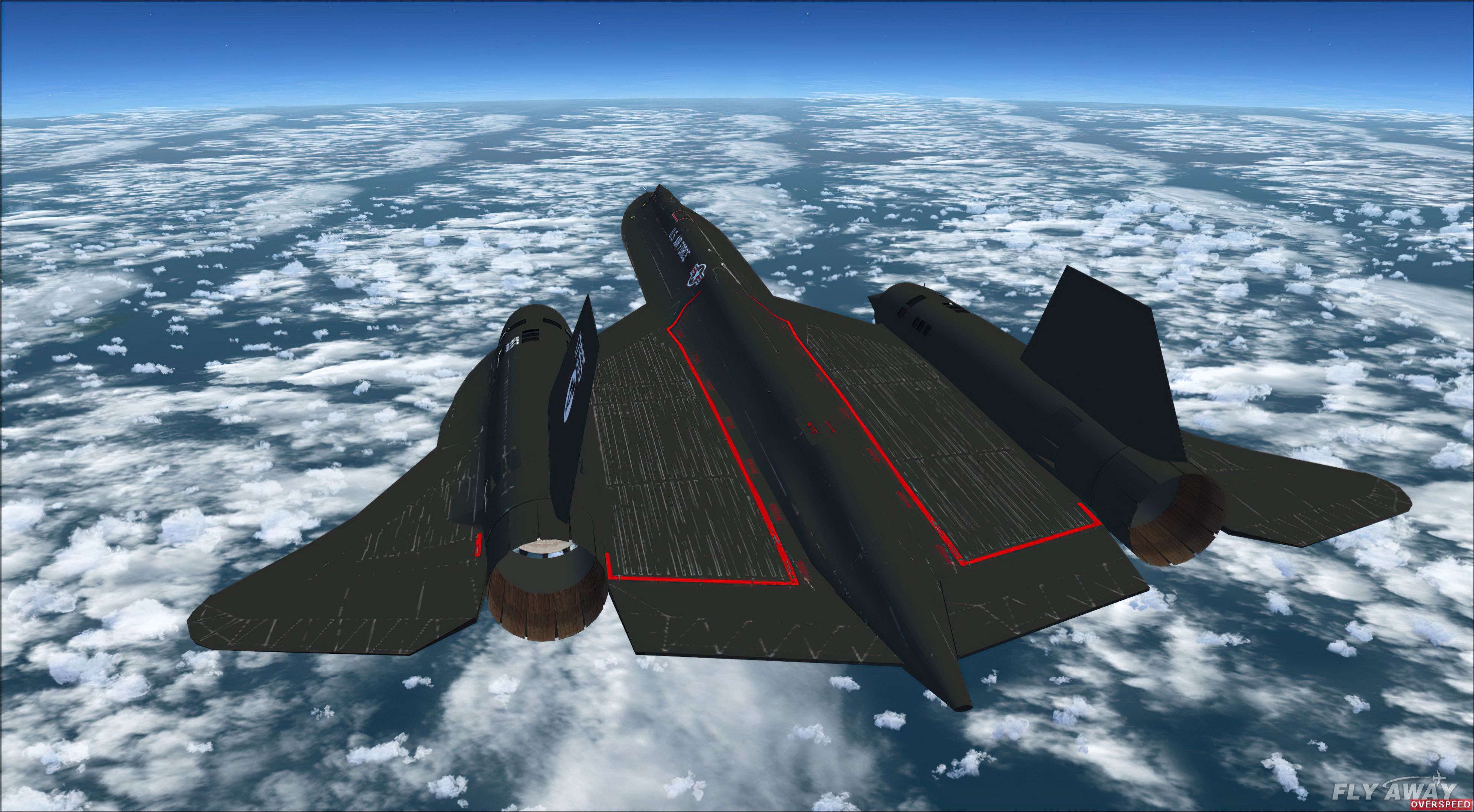
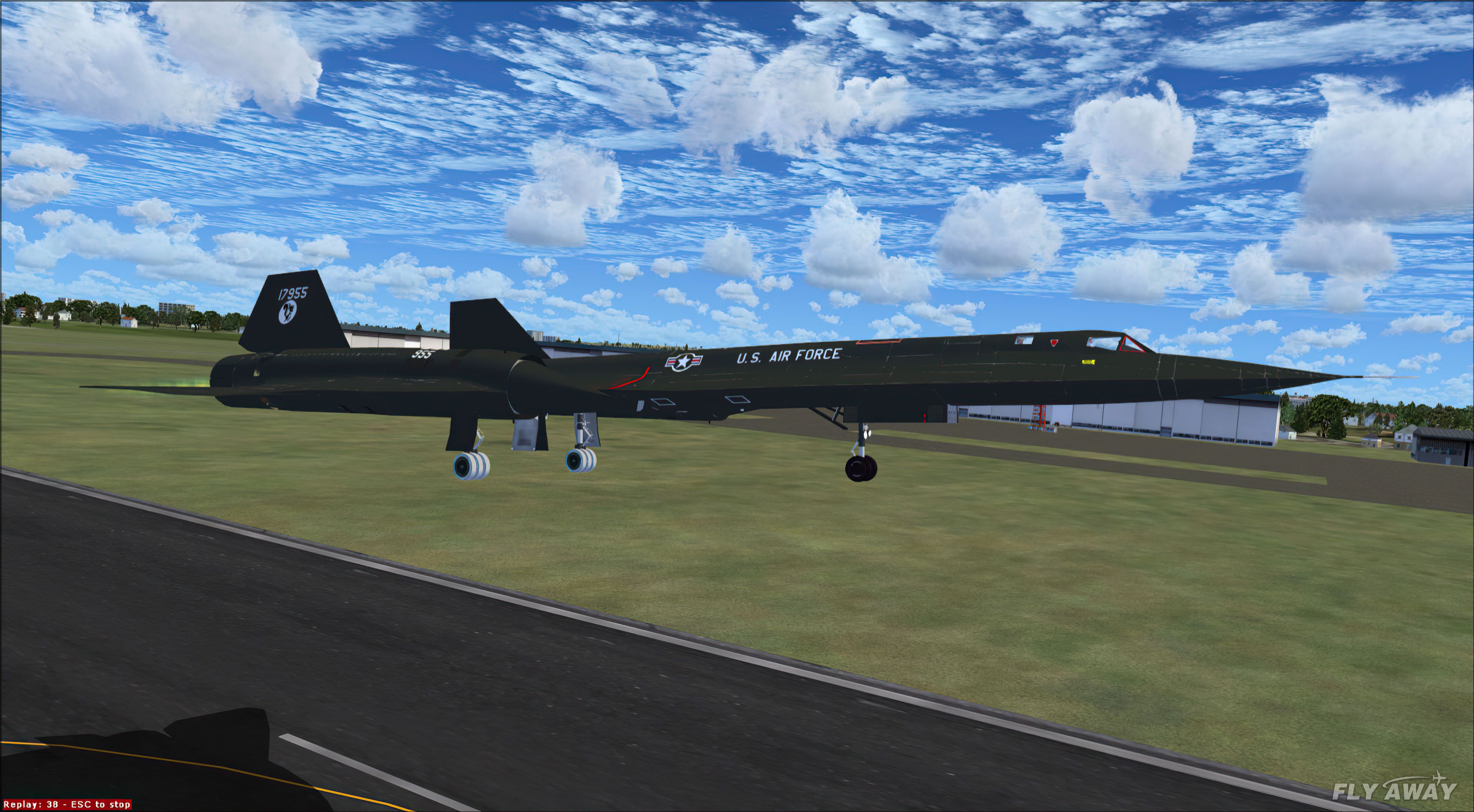
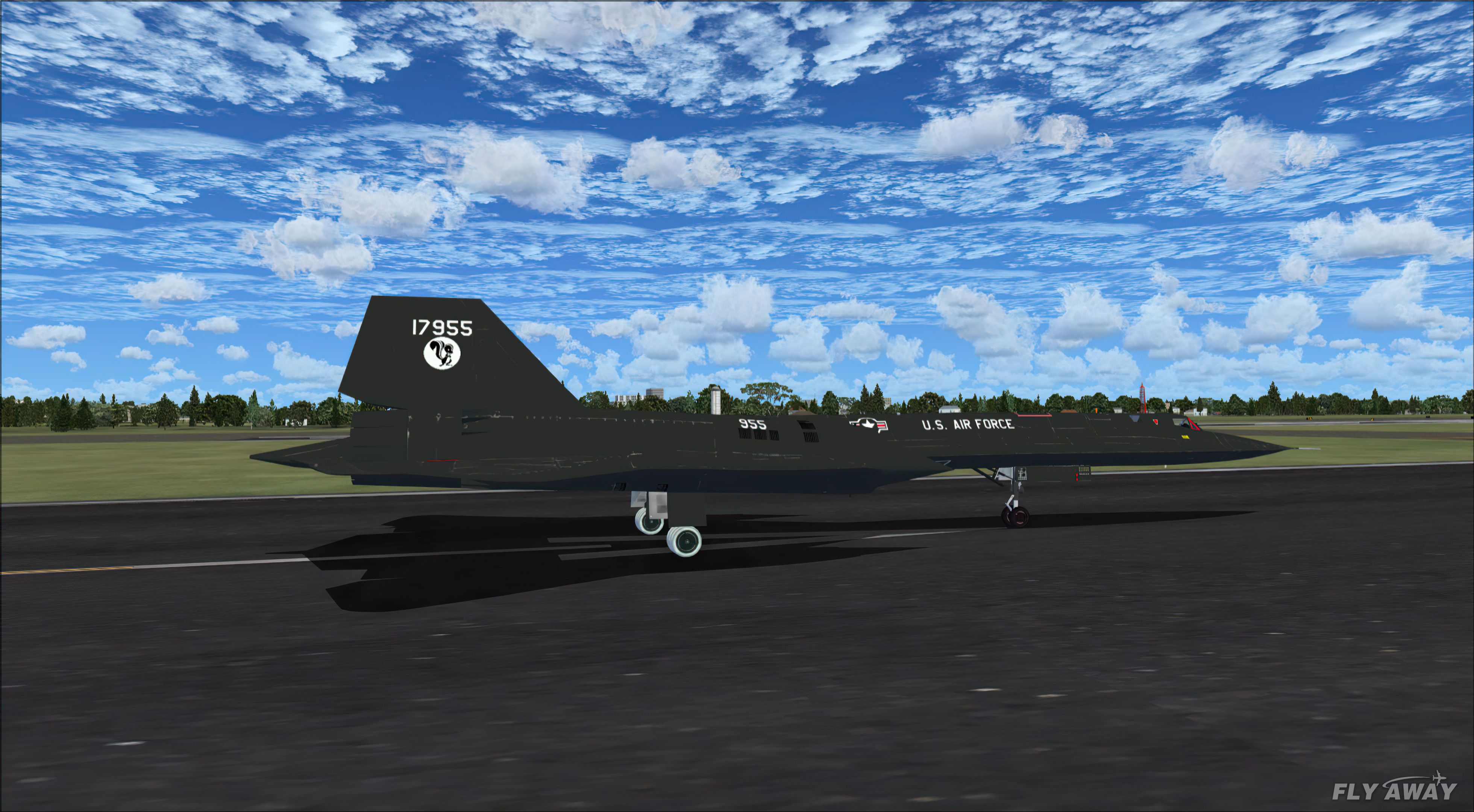
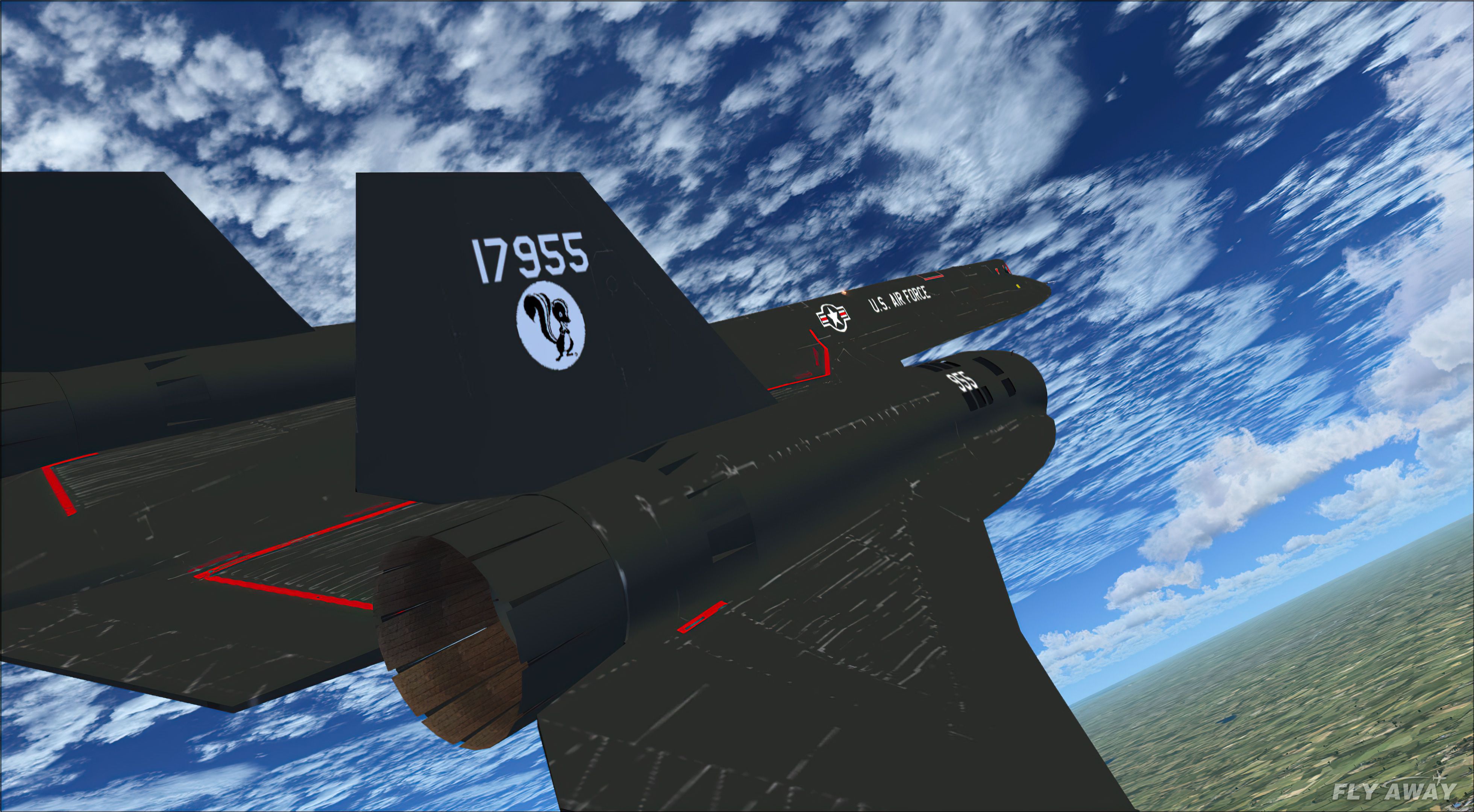
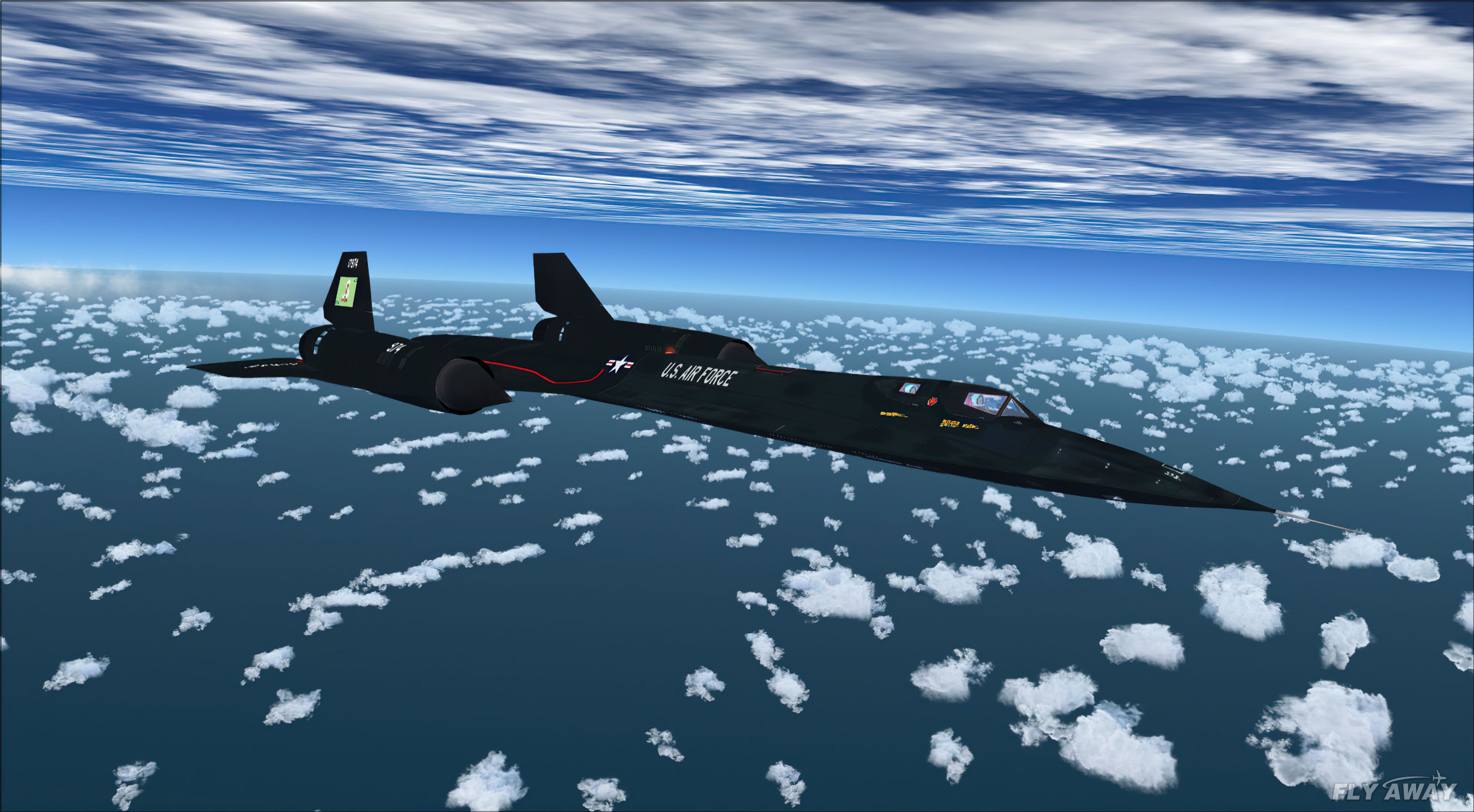
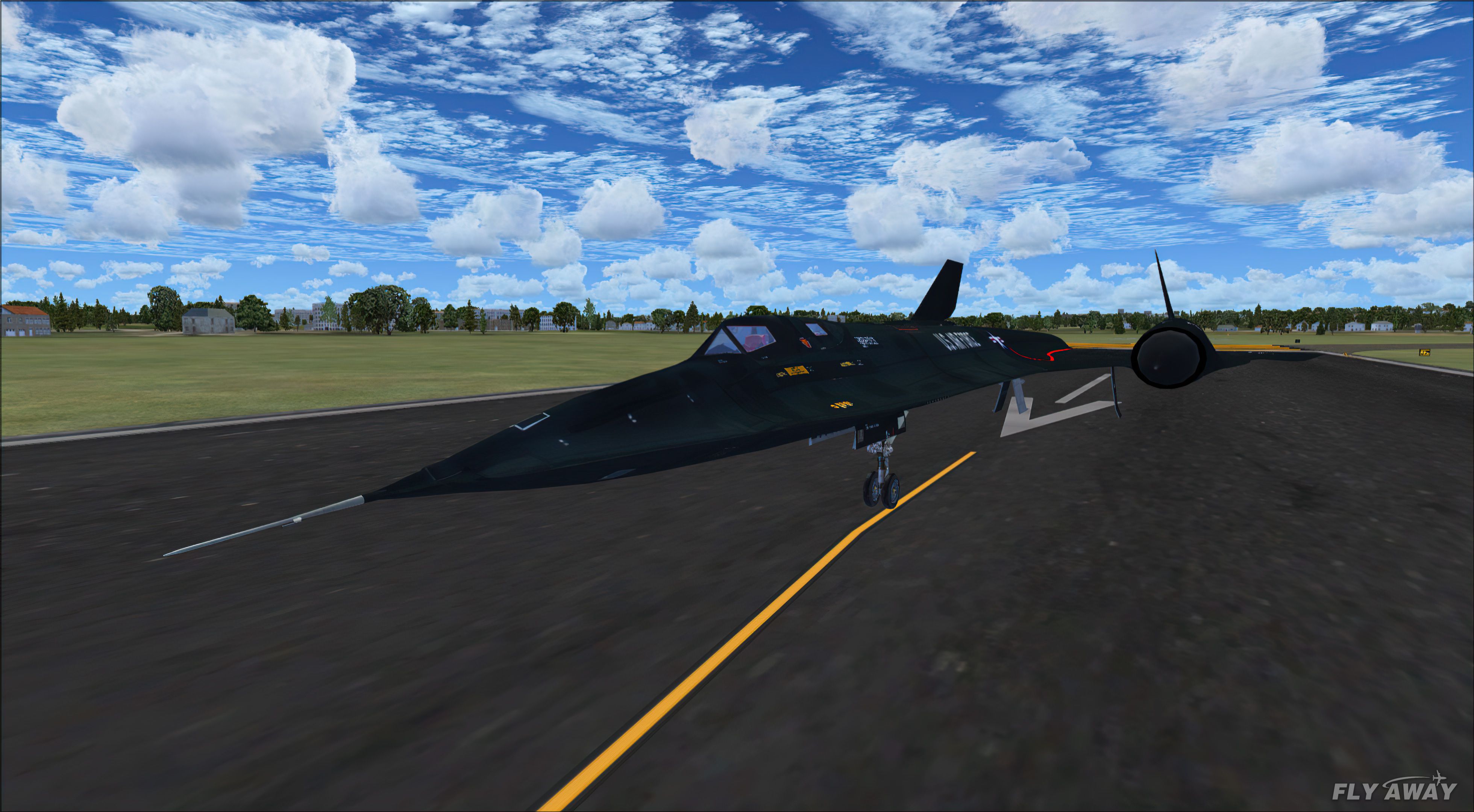
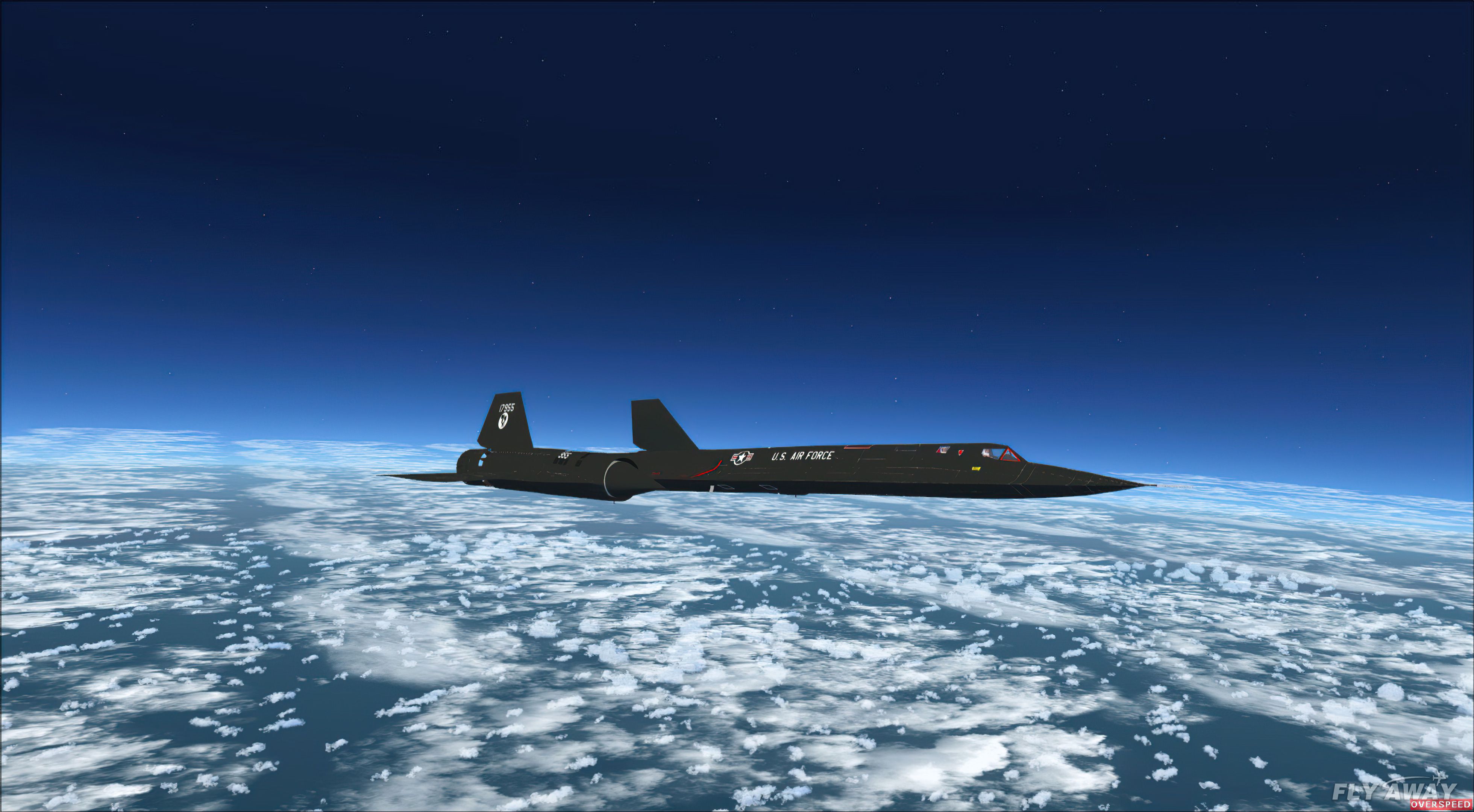
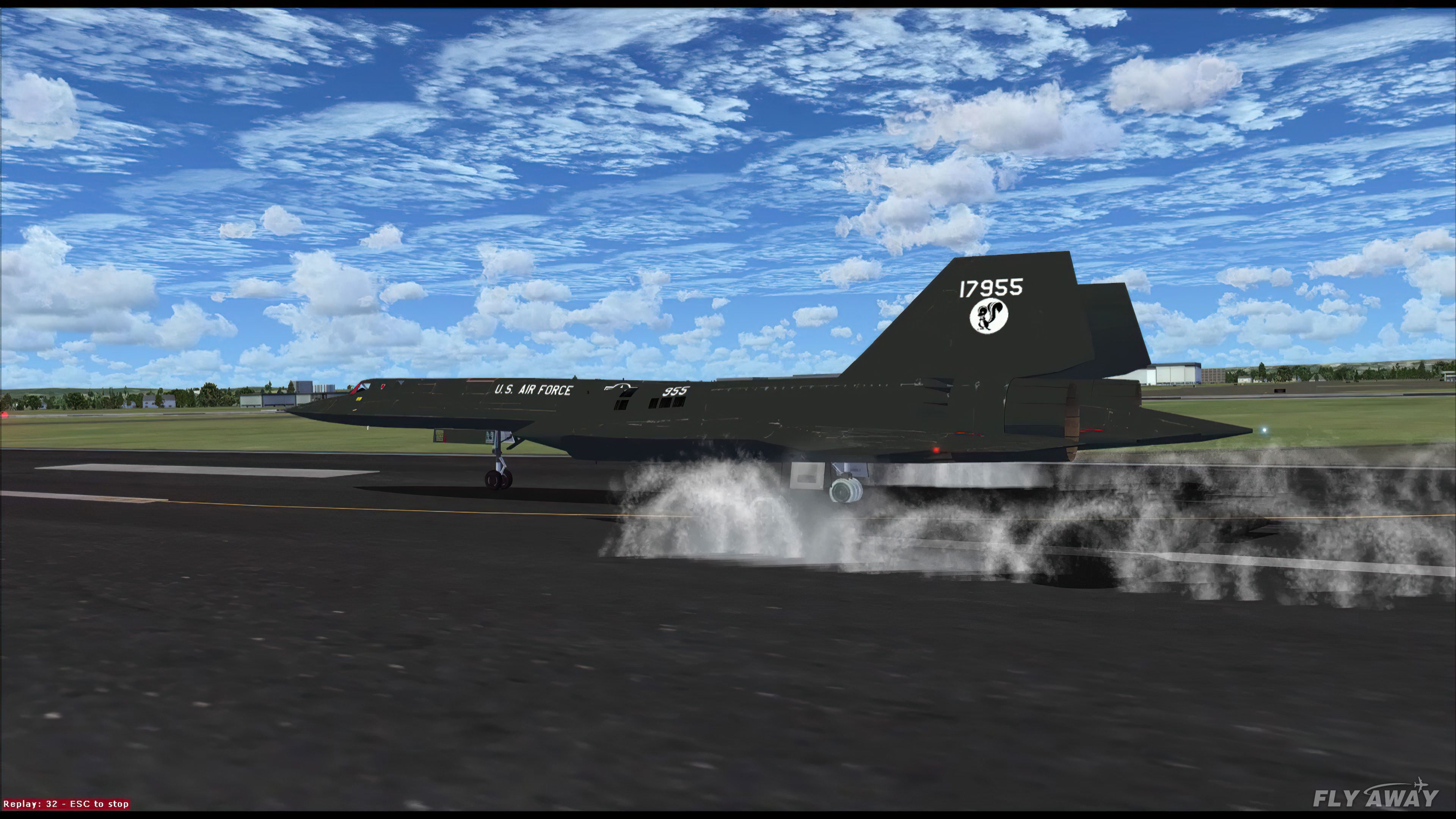
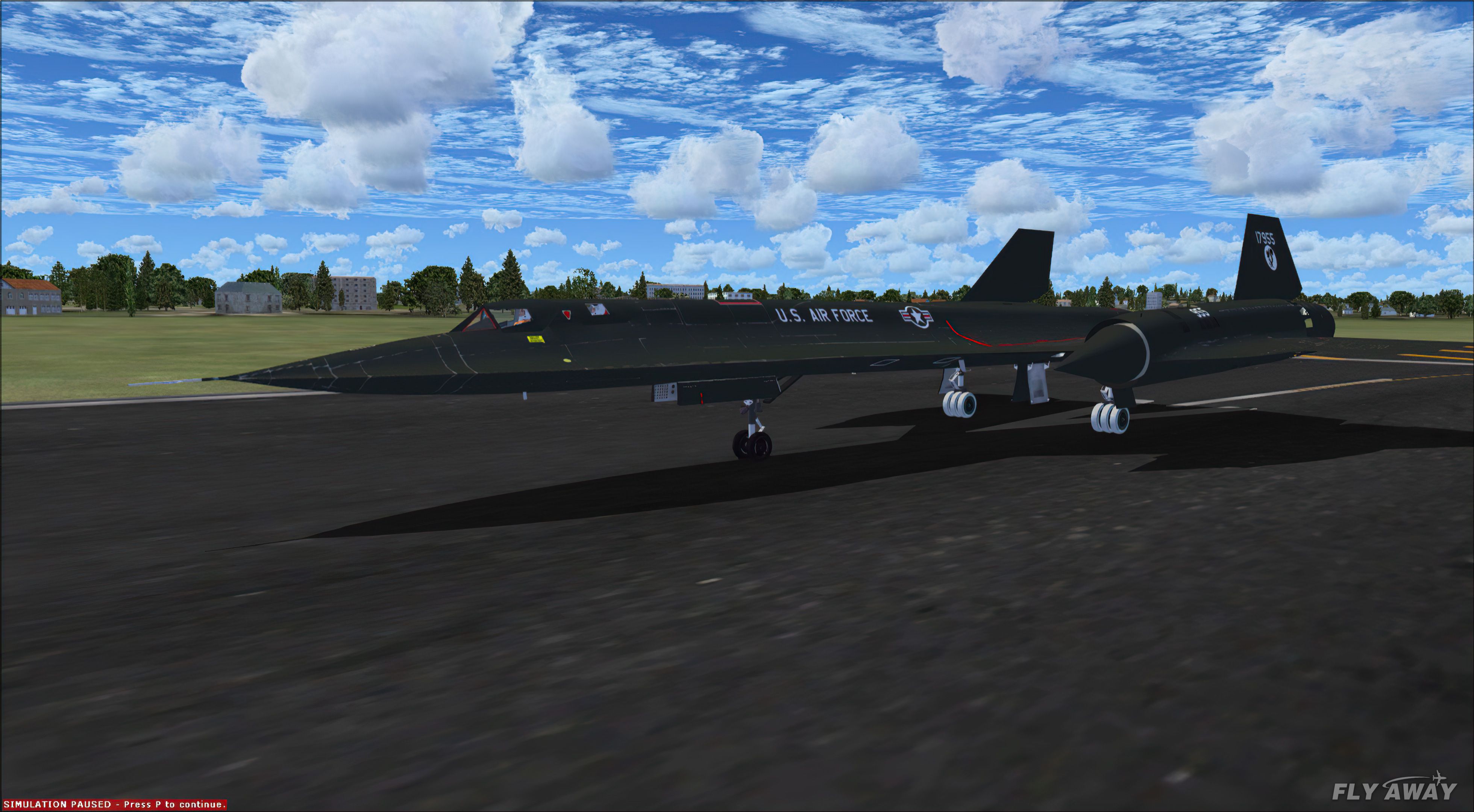
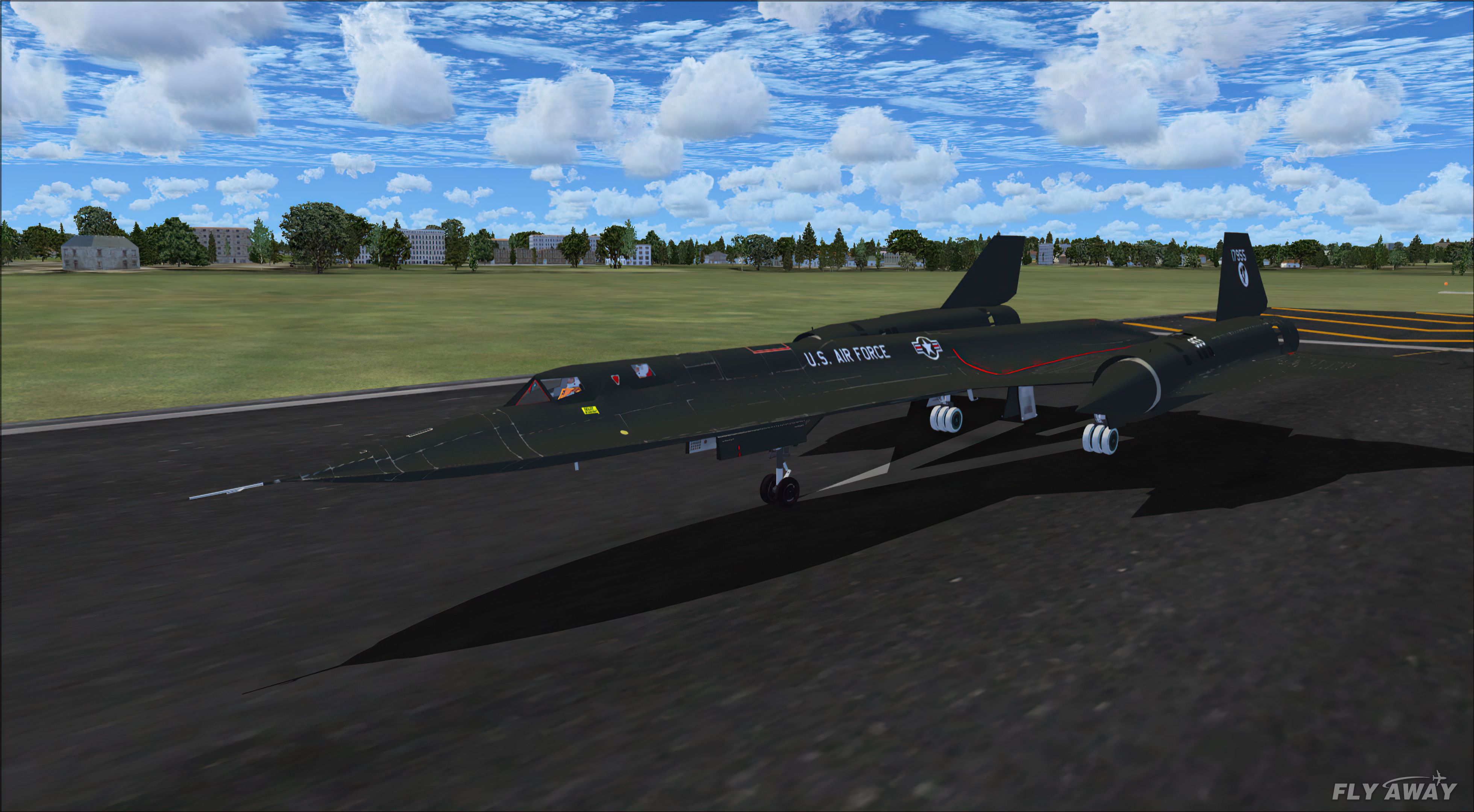
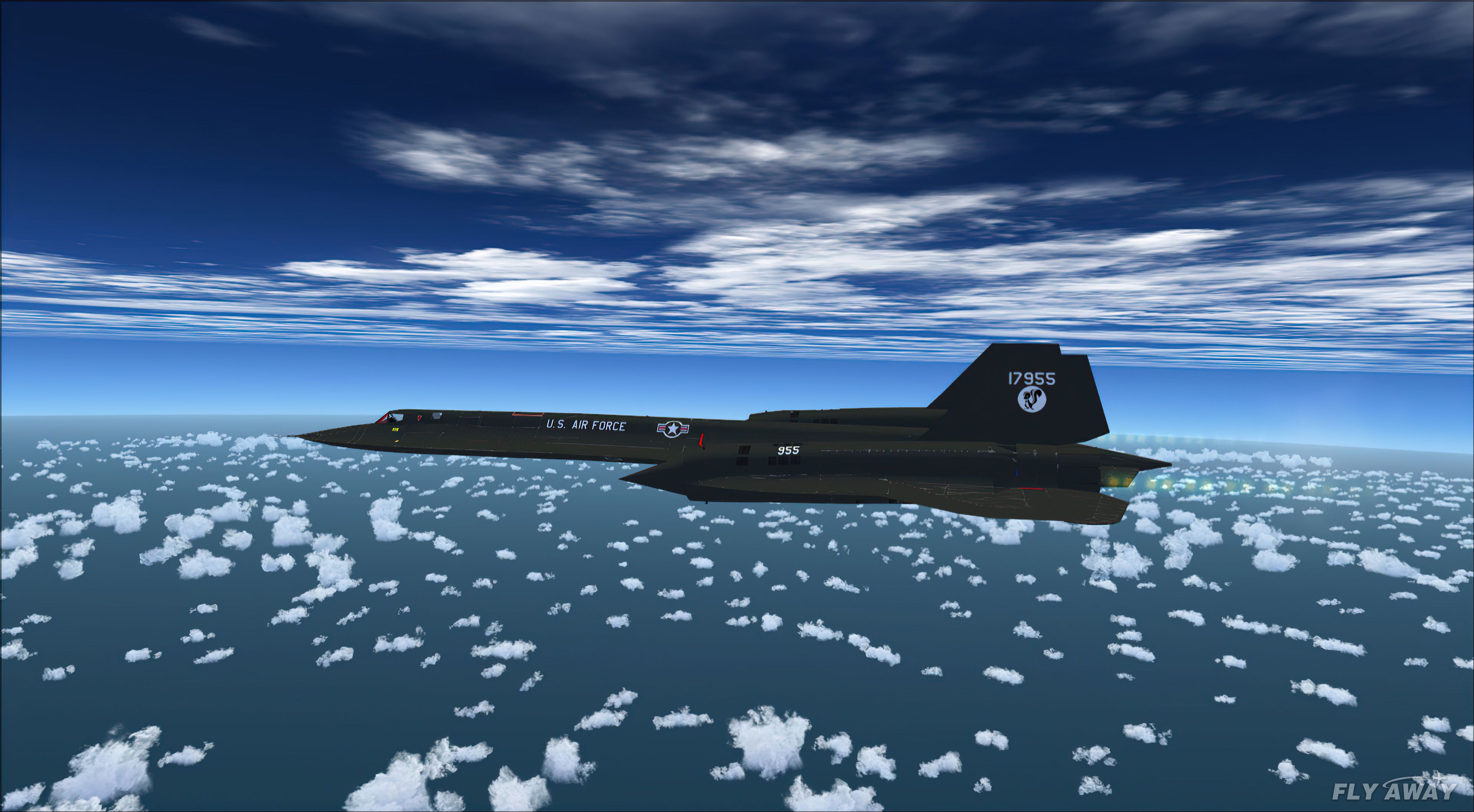
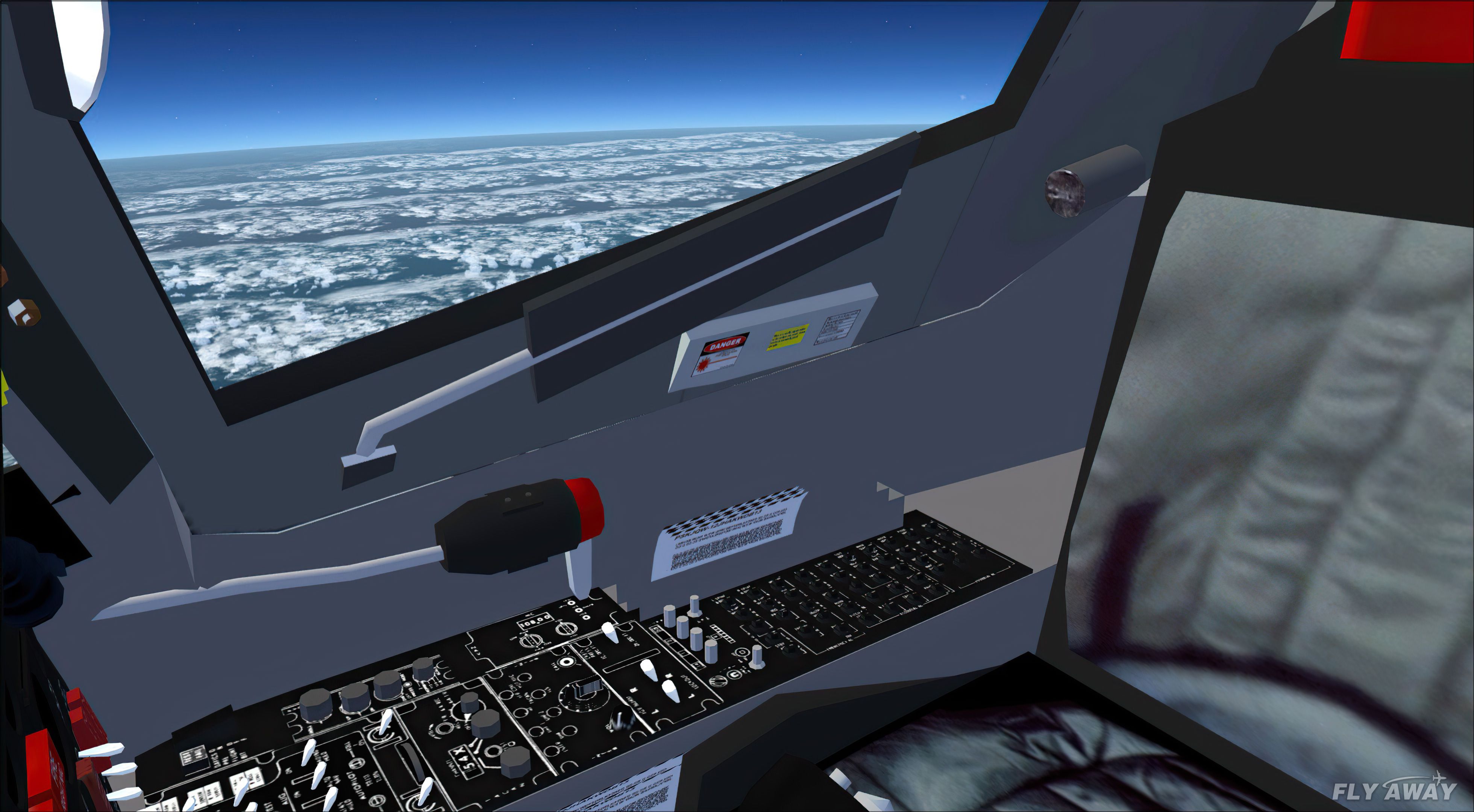
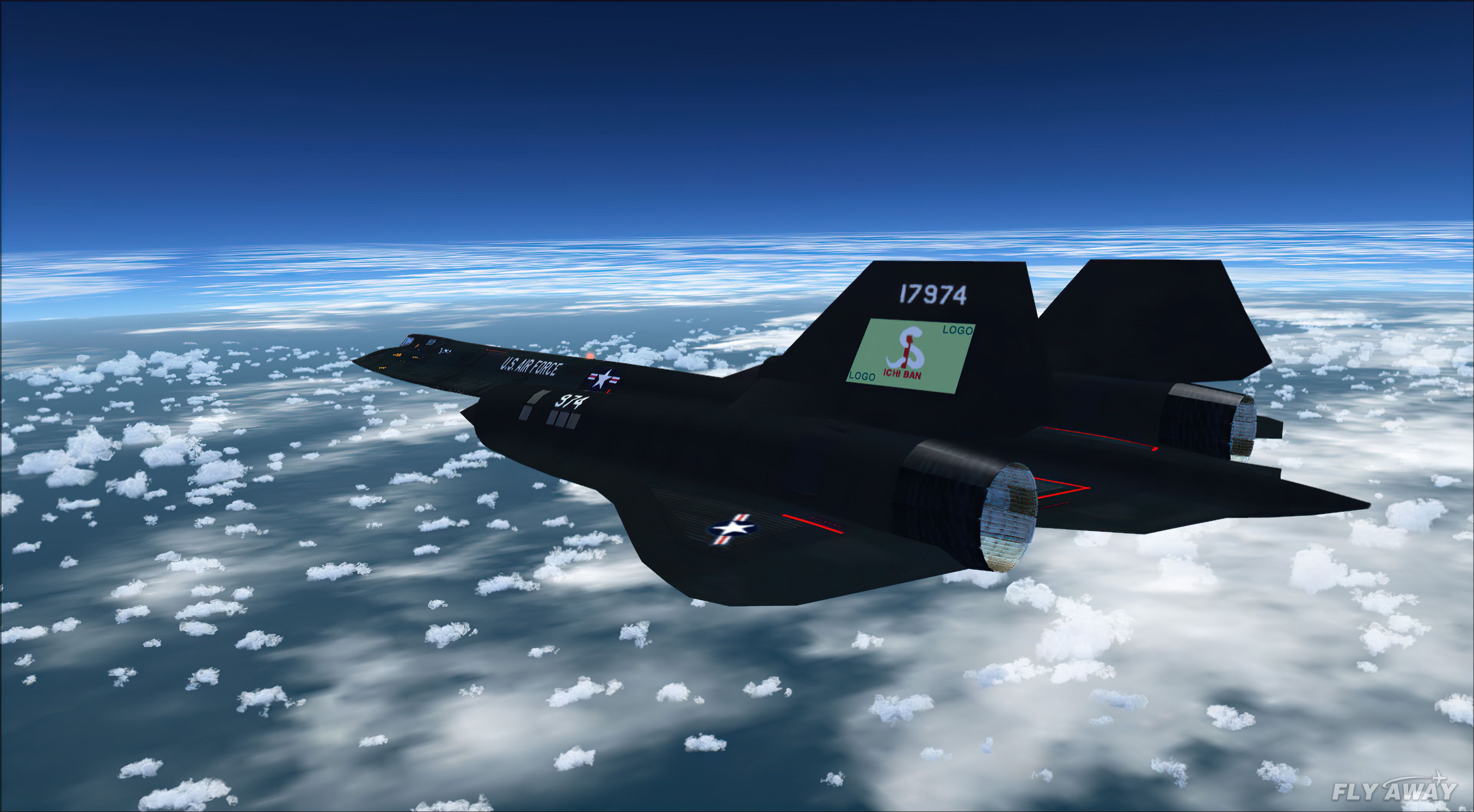
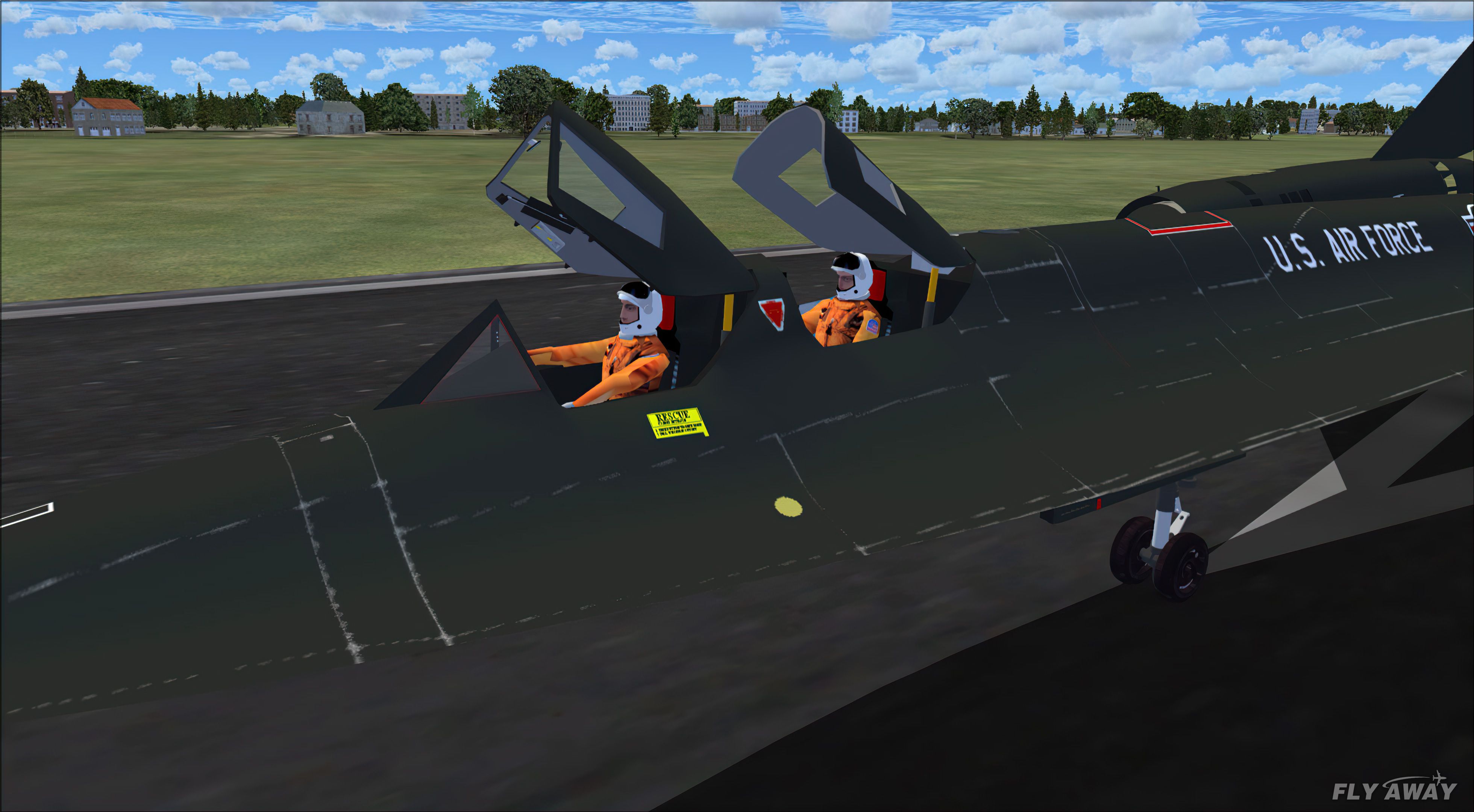
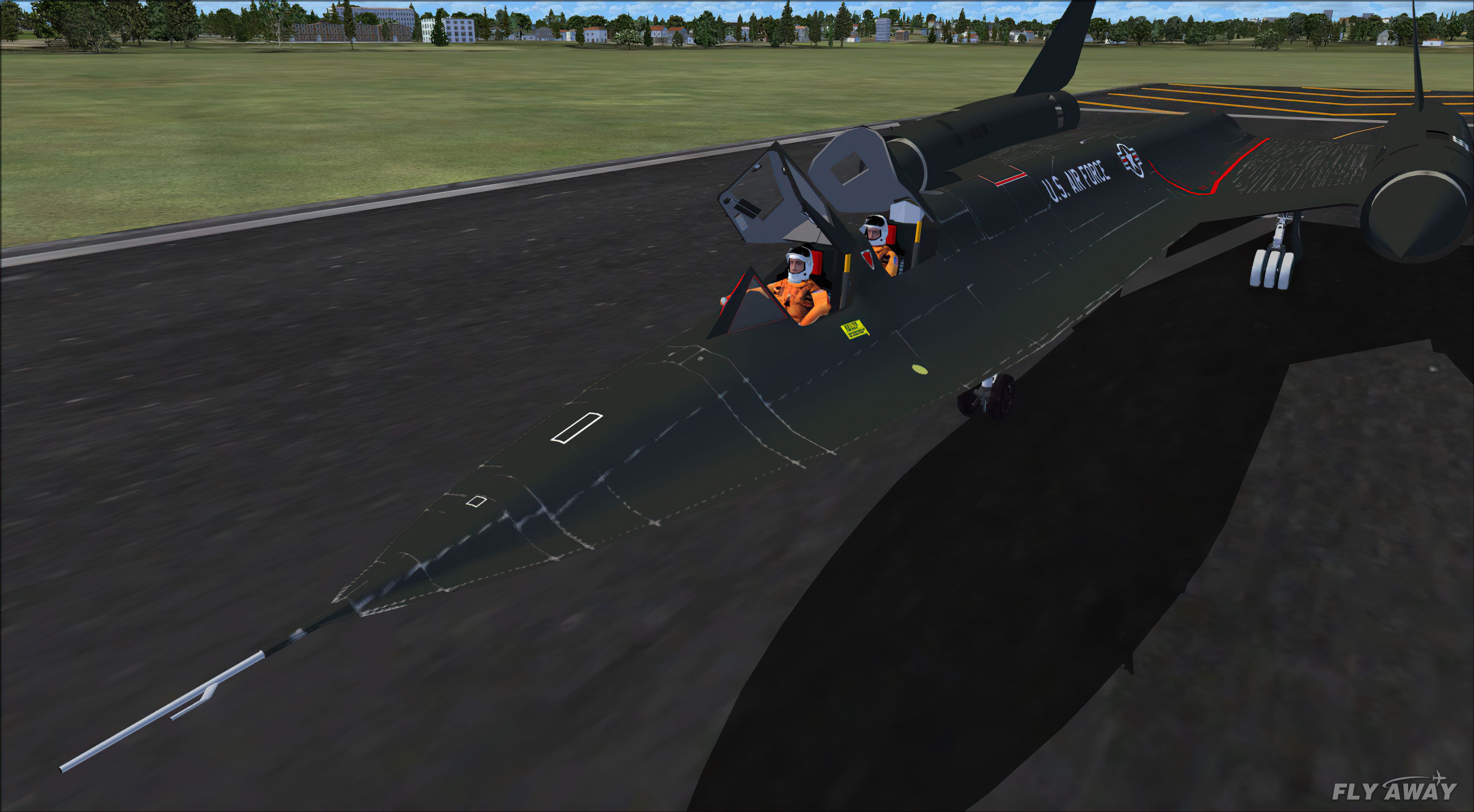
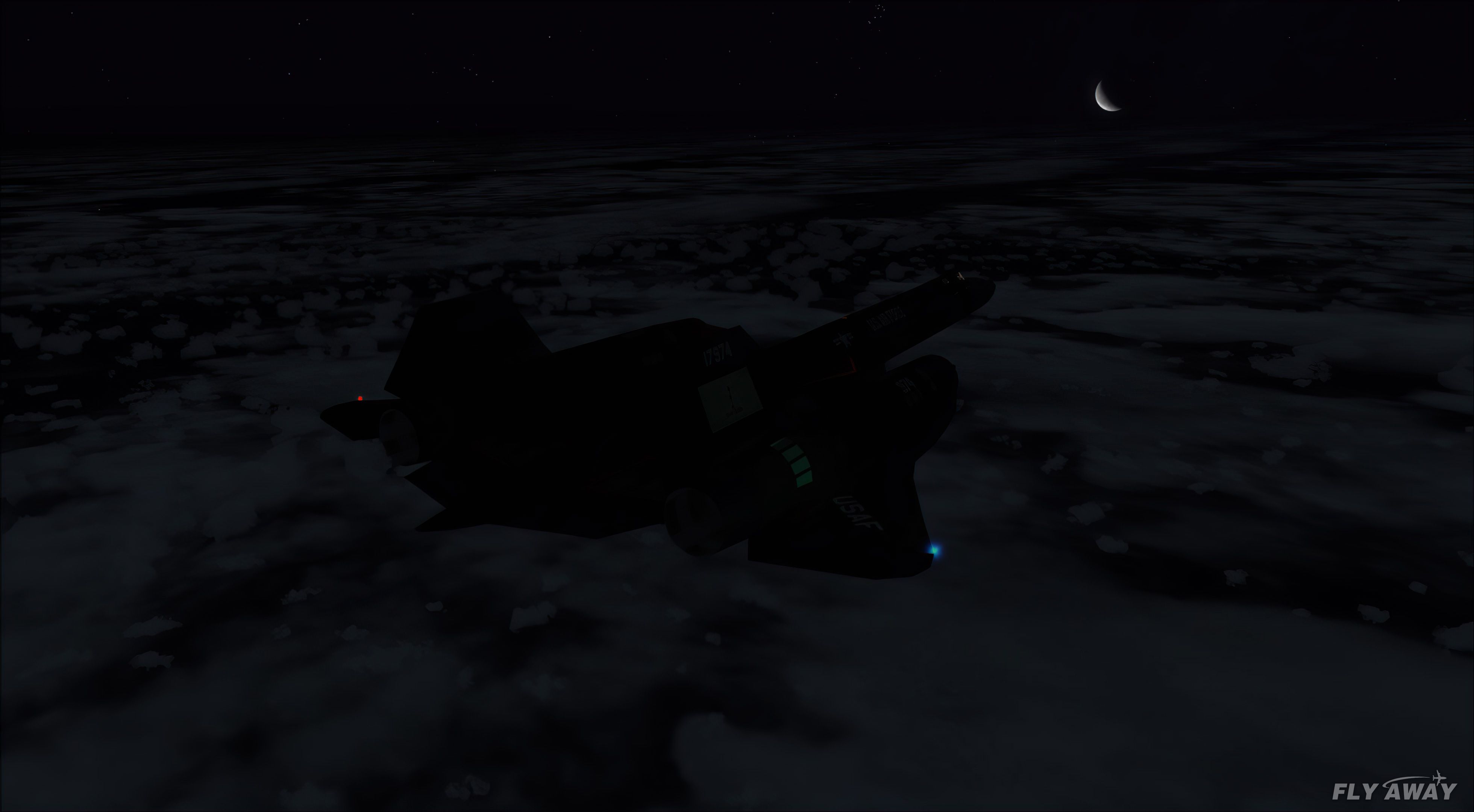
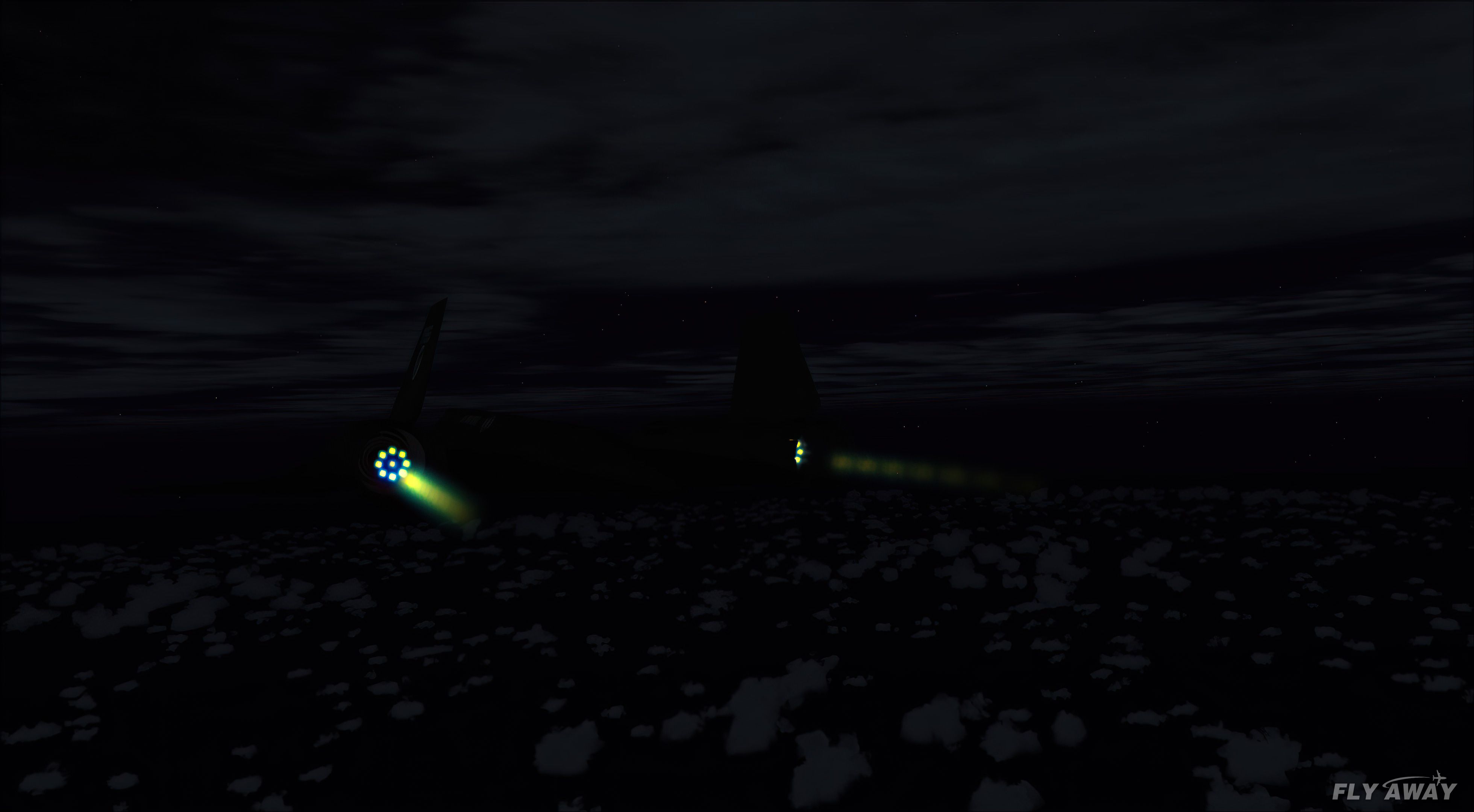
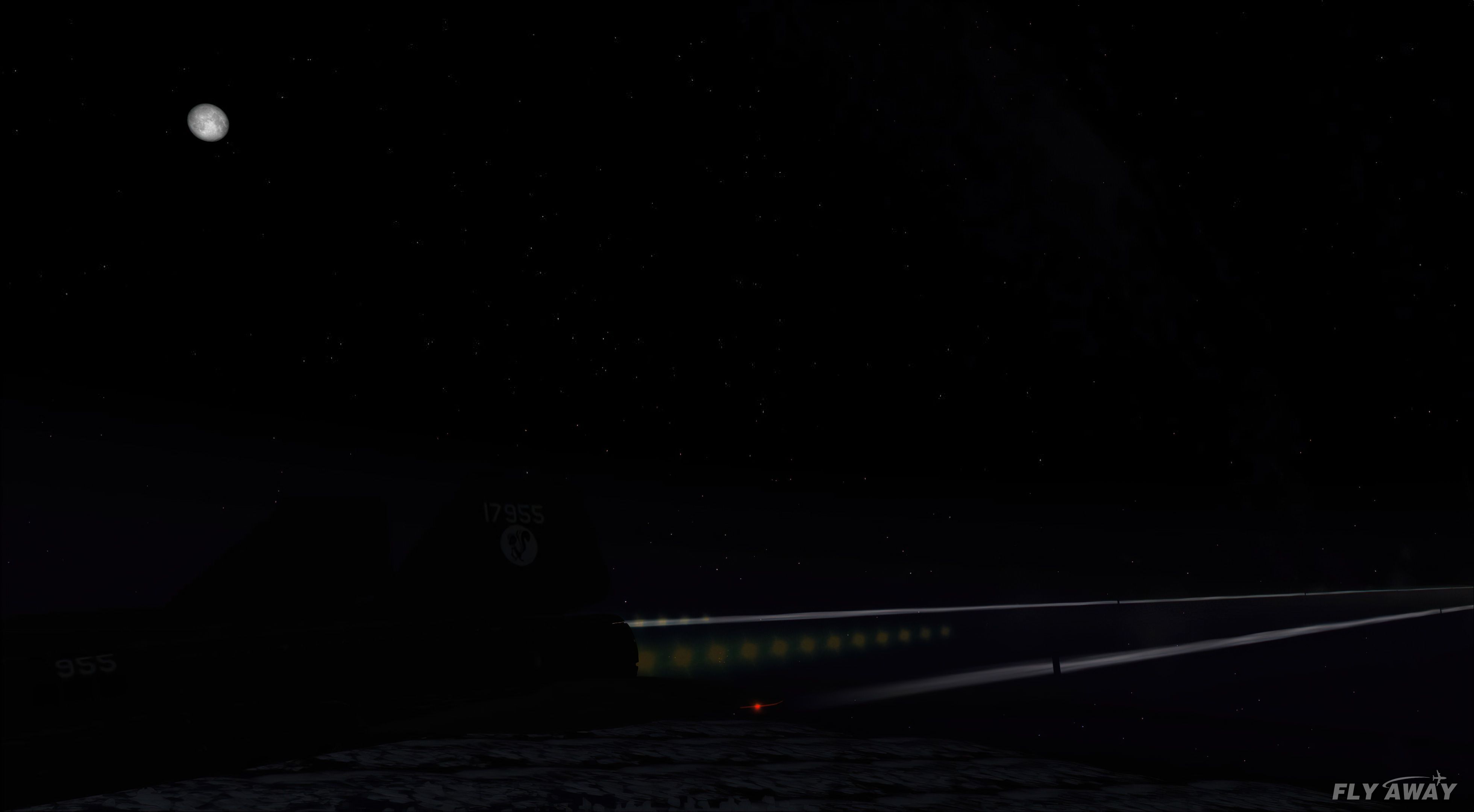
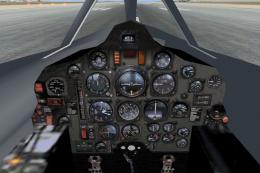
Lockheed SR-71 Blackbird Triple Pack delivers three distinct freeware Blackbird models in Microsoft Flight Simulator X, giving simmers a choice of flight dynamics, visuals, and handling styles. Each aircraft includes a detailed virtual cockpit, 2D panel options, and bespoke animations, with known compatibility through Prepar3D v3 for extended simulator use.
A pack containing three different Lockheed SR-71 add-ons from three different developers for Microsoft Flight Simulator X.
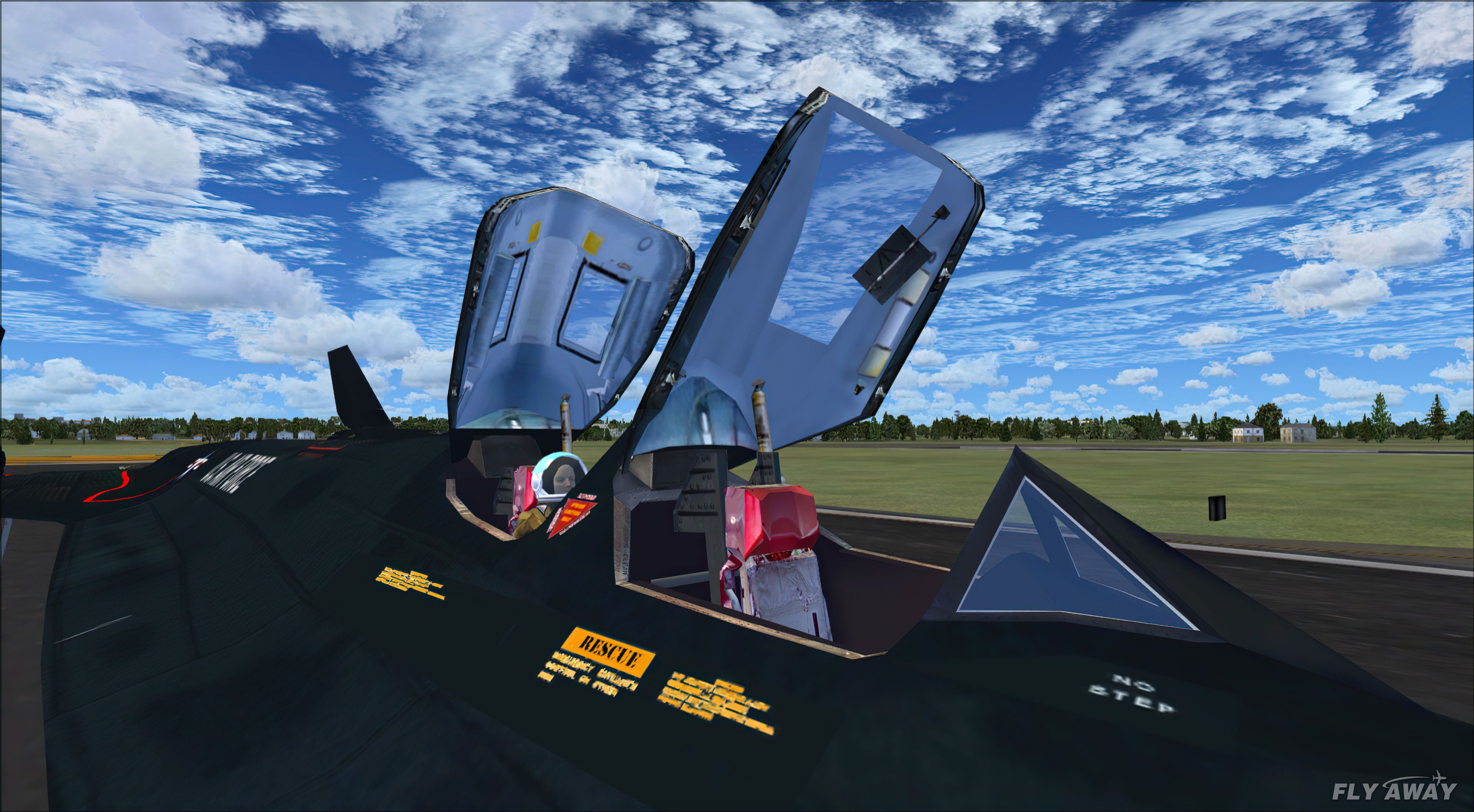
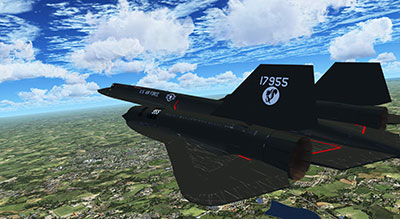 All three feature special animations and 3D VCs (virtual cockpits). This add-on has been tested in Prepar3D and is compatible up to P3Dv3. We have not tested compatibility with P3Dv4 or P3Dv5.
This pack includes three different models by three different developers so you have a huge selection (and you can choose/use your favorite).
This is an update of the GMax Academy SR-71 so it will run in FSX without a problem.
This is the best freeware SR-71 originally design by Stephane Masset et Pierre Marchadier for FS2004.
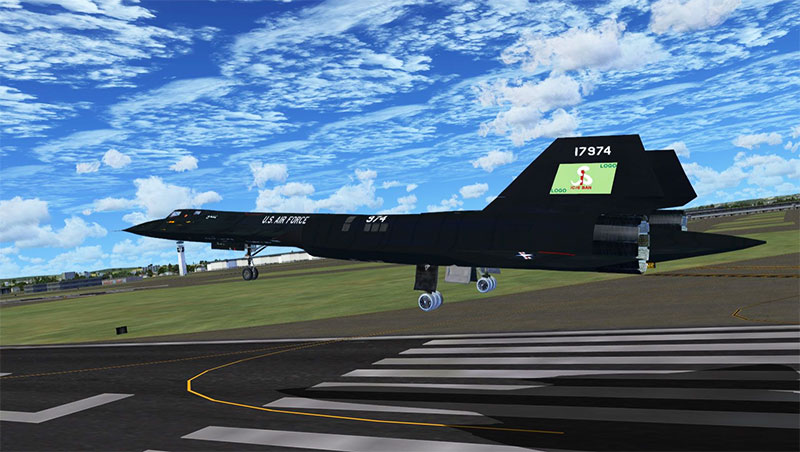
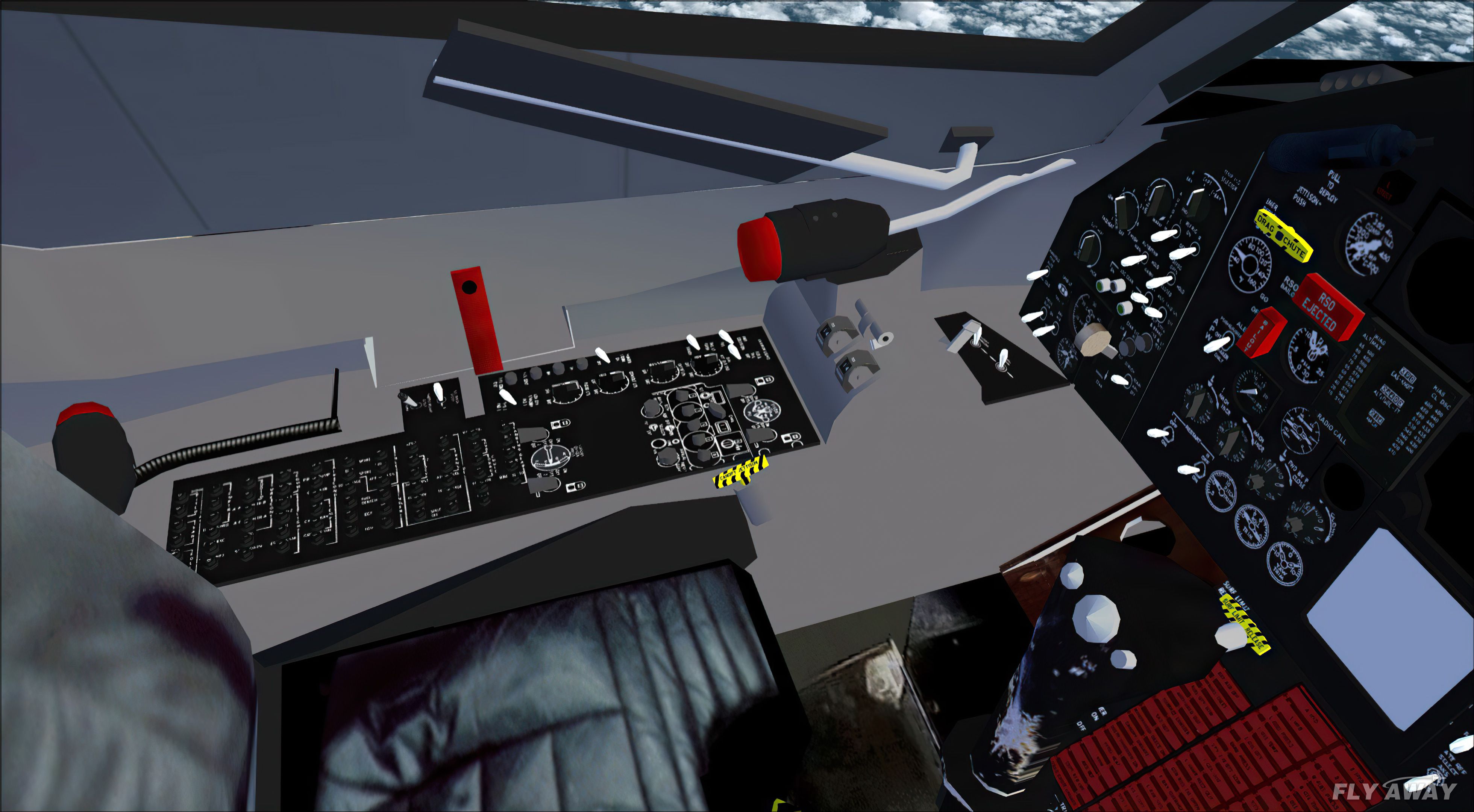
Now updated to work with FSX with all incompatible gauges replaced with FSX XML gauges. The package includes complete aircraft with VC and 2D panels.
The previous listing hits: 38,000
A very big thank you to anyone having flown my project in FS9. You will find this aircraft totally different and more user friendly.
The zip file you downloaded should be extracted to a clean temp folder. It will have the following folders:
0_Images (ref): Four larger images for reference.
Effects: copy and past the CONTENTS to the FSX effects folder. DO NOT OVERWRITE any files.
Flight Simulator X Files: copy and past the CONTENTS to your Documents folder of the same name.
SimObjectsAirplanes: copy the aircraft file within, to your FSX airplanes folder.
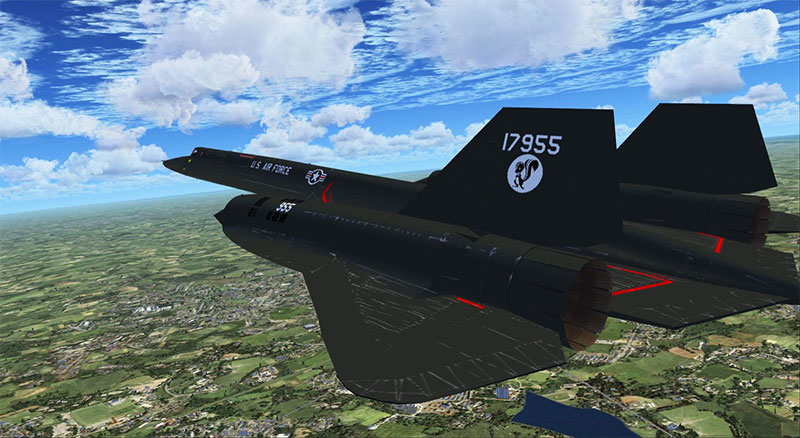
NOTE: The gauges in this project are in both panel folders. DO NOT TRANSFER them to the FSX Gauges folder. When activating say yes to the run question.
There may be some misalignment with runways in flights that start from an airfield as alignment will depend on what scenery you are using.
Be very sure to follow the taxi and takeoff instructions.
Whilst this project is based on saved flight plans to replicate the performance given in the email on page 6 of the Manual you can of course follow the flying instructions: takeoff from your favorite airfield, climb to a subsonic 40000ft as instructed, go supersonic and climb to say 84000ft, achieve at least Mach 3.2, take a screengrab of the territory below, then turn 180 degrees and find your way back to your airfield and land.
You will find that will not be easy without GPS guidance back to your home base as you will probably be 800Nm away when you start your return.
The previous listing hits: 43,000
This is an update of the Alphasim SR-71A Blackbird for FSX. I have fixed the smoke, done the best I can for now with updating the panel, and updated the flight dynamics a bit. This is the whole aircraft.
Unzip to a folder of your choice. Copy the aircraft folder to the SimObjects\airplanes folder. Copy the gauges and effects to the main FS gauges and effects folders. If you have not already done so, copy the [.cab files] from the B737-800; and the Lear45 panel folders to the main FS gauges folder. No need to overwrite anything already there.
When you first go into the sim with the aircraft there might be messages asking if you wish to run some of the gauges, say yes, both times, for each gauge. You only have to do this once for each gauge, no matter how many aircraft use that particular gauge.
Any gauge you get a message saying it was made for fs98, that gauge won't show, and might as well be deleted from the main FS gauges folder. I mention this so you know for any updates you try by bringing FS9 aircraft into FSX.
Most will be usable, but few will have panels that are completely usable. One that is completely usable is the A-10 clean, by Mike Stone. I have included a thumbnail that can be copied to the A-10 texture folder so you can have a picture for the choose the aircraft page.
The light above the radios is the speed brake indicator.
There is a Machmeter that comes on when at, or above, Mach 0.4; it is below the speed tape on the left of the PDF gauge. There is a verticle speed gauge to the right of the PDF gauge that has a digital read-out above and below the moving needle when climbing or descending.
The old readme file is included so you know how to get full speed with the flaps controls. This works at any altitude, not just high altitude.
You can do an approach at 160 knots, or less, with most of the fuel still on board.
I wrote the following about FSX in the update for this aircraft for FS9: If you switch to the main panel from the virtual panel, the virtual panel is still there in the background and therefore may show up if any part of it is not COMPLETELY covered by the main panel.
This only happens when you are in the virtual cockpit view as the default view and switch to the main view. If you make the 2D cockpit the default view, this does not happen.
The previous listing hits: 23,000
Developers: Danny Garnier, Ross McLennan, Bob Chicilo (Alphasim Update).
Free for all simmers · 133.07 MB · Scanned clean
Download speed: Free tier is capped at 0.5 Mbps (this file takes approximately 37 mins at the cap). PRO members download at full line speed.
SimObjects\Airplanes\, Addon Scenery\, Effects\, or Gauges\.readme.txt or README file. It tells you exactly where files go, what dependencies are needed, and any quirks specific to this add-on.The archive sr-71-triple-pack.zip has 407 files and directories contained within it.
This list displays the first 500 files in the package. If the package has more, you will need to download it to view them.
| Filename/Directory | File Date | File Size |
|---|---|---|
| Go to Fly Away Simulation.url | 08.22.19 | 52 B |
| SR-71 Add-ons | 10.07.20 | 0 B |
| SR-71upX | 10.07.20 | 0 B |
| A-10clean | 10.07.20 | 0 B |
| Thumbnail.jpg | 10.16.06 | 30.72 kB |
| ALPHA SR-71A Blackbird | 10.07.20 | 0 B |
| Aircraft.cfg | 10.23.06 | 10.59 kB |
| Lockheed SR-71A.air | 10.22.06 | 8.41 kB |
| Lockheed SR-71A_check.htm | 11.04.03 | 68.06 kB |
| Lockheed SR-71A_check_files | 10.22.06 | 0 B |
| image001.jpg | 11.04.03 | 2.07 kB |
| Lockheed SR-71A_ref.htm | 11.04.03 | 19.25 kB |
| Lockheed SR-71A_ref_files | 10.22.06 | 0 B |
| image001.jpg | 11.04.03 | 2.07 kB |
| model | 10.22.06 | 0 B |
| Lockheed SR-71A.mdl | 12.01.03 | 3.15 MB |
| Model.cfg | 05.05.03 | 34 B |
| panel.71 | 10.22.06 | 0 B |
| SR71pnl.bmp | 11.29.05 | 469.56 kB |
| panel.cfg | 10.30.06 | 5.06 kB |
| sound | 10.22.06 | 0 B |
| sound.cfg | 10.10.06 | 30 B |
| texture.17955 | 10.22.06 | 0 B |
| MISCVC.bmp | 11.29.03 | 1.00 MB |
| canopy.bmp | 10.16.03 | 257.05 kB |
| cockpitfloorandsills.bmp | 09.03.03 | 257.05 kB |
| consoles.bmp | 11.29.03 | 1.00 MB |
| danger.bmp | 09.07.03 | 65.05 kB |
| dangerb.bmp | 09.07.03 | 65.05 kB |
| drag chute doors.bmp | 09.07.03 | 65.05 kB |
| elevons.bmp | 09.08.03 | 65.05 kB |
| engine1.bmp | 10.25.03 | 257.05 kB |
| engine2.bmp | 10.25.03 | 257.05 kB |
| engineB1.bmp | 09.07.03 | 257.05 kB |
| engineB2.bmp | 09.07.03 | 257.05 kB |
| face1.bmp | 08.31.03 | 17.05 kB |
| face2.bmp | 11.02.03 | 17.05 kB |
| forwardfues.bmp | 10.23.03 | 1.00 MB |
| forwardfues_L.bmp | 09.09.03 | 341.43 kB |
| front.bmp | 10.23.03 | 1.00 MB |
| geardoors.bmp | 09.07.03 | 257.05 kB |
| geardoors_lm.bmp | 09.13.03 | 257.05 kB |
| glass.BMP | 05.09.03 | 65.05 kB |
| habupatch.bmp | 08.31.03 | 65.05 kB |
| injetpipe.bmp | 08.10.03 | 65.05 kB |
| intake.bmp | 10.25.03 | 65.05 kB |
| j58.bmp | 07.26.03 | 65.05 kB |
| jetpipe.bmp | 09.07.03 | 65.05 kB |
| landlight.BMP | 09.29.01 | 17.05 kB |
| laser.bmp | 10.13.03 | 257.05 kB |
| mainwheel.bmp | 07.27.03 | 85.40 kB |
| miscvc2.bmp | 11.03.03 | 65.05 kB |
| namepatch.bmp | 08.31.03 | 65.05 kB |
| nosewheel.BMP | 07.08.03 | 85.40 kB |
| rearandwings.bmp | 09.07.03 | 1.00 MB |
| rearandwingsb.bmp | 11.02.03 | 1.00 MB |
| rescue1.bmp | 09.07.03 | 65.05 kB |
| rescue2.bmp | 09.07.03 | 65.05 kB |
| rsodash.bmp | 07.08.03 | 341.40 kB |
| rudder.bmp | 09.07.03 | 257.05 kB |
| rudder2.bmp | 10.26.03 | 257.05 kB |
| rudderpedal.bmp | 05.10.03 | 257.05 kB |
| seat.bmp | 10.13.03 | 257.05 kB |
| struts.BMP | 05.09.03 | 65.05 kB |
| suits.bmp | 05.17.03 | 65.05 kB |
| testdash.bmp | 12.01.03 | 1.00 MB |
| texture.cfg | 08.14.06 | 137 B |
| thumbnail.jpg | 10.22.06 | 9.75 kB |
| topfues.bmp | 11.02.03 | 1.00 MB |
| SR-71_27.jpg | 10.22.06 | 78.70 kB |
| SR-71_28.jpg | 10.22.06 | 36.93 kB |
| SR-71panel.jpg | 10.30.06 | 114.41 kB |
| effects | 10.07.20 | 0 B |
| fx_F14_Blueflame.fx | 08.10.02 | 1.24 kB |
| fx_F14_Burn1.fx | 10.19.03 | 18.67 kB |
| fx_F14_Burn2.fx | 10.12.03 | 23.27 kB |
| fx_F14_BurnerFlame.fx | 10.12.03 | 22.10 kB |
| fx_smoke_f6.fx | 04.19.04 | 1.17 kB |
| gauges | 10.07.20 | 0 B |
| F-86D Gauges.cab | 09.30.05 | 296.31 kB |
| rcb-gauges | 10.22.06 | 0 B |
| F14BurnerLight.xml | 10.21.03 | 1.76 kB |
| F14EffectControl.xml | 12.23.03 | 3.30 kB |
| F14Reheat1.bmp | 10.20.03 | 2.11 kB |
| F14Reheat2.bmp | 10.20.03 | 2.11 kB |
| F14ReheatBoth.bmp | 10.10.03 | 2.11 kB |
| F14ReheatOff.bmp | 10.10.03 | 2.11 kB |
| oldReadme.txt | 07.01.06 | 2.45 kB |
| read me.txt | 10.30.06 | 2.32 kB |
| xsr71 | 10.07.20 | 0 B |
| XSR71.GIF | 06.02.09 | 10.38 kB |
| XSR71aBlackbird | 10.07.20 | 0 B |
| Readme.txt | 05.03.09 | 640 B |
| SR71A_Blackbird | 10.07.20 | 0 B |
| Aircraft.cfg | 03.27.09 | 11.13 kB |
| Effects | 10.07.20 | 0 B |
| fx_augmentor2.fx | 03.29.04 | 18.85 kB |
| fx_contrail_s_short.fx | 03.28.04 | 1.31 kB |
| fx_flame2_mid.fx | 03.27.04 | 2.37 kB |
| fx_smoke_eng_fa18.fx | 03.28.04 | 2.45 kB |
| fx_vapor_fa18.fx | 03.30.04 | 27.43 kB |
| Lockheed SR-71A.air | 10.09.06 | 8.41 kB |
| eula.txt | 04.12.08 | 1.76 kB |
| model | 10.07.20 | 0 B |
| Model.cfg | 12.02.07 | 26 B |
| SR71A.mdl | 12.08.07 | 3.77 MB |
| panel | 10.07.20 | 0 B |
| $vcmain.bmp | 12.05.07 | 3.00 MB |
| $vcside1.bmp | 12.05.07 | 3.00 MB |
| $vcside2.bmp | 12.05.07 | 3.00 MB |
| 666-SR-71.CAB | 04.19.06 | 656.47 kB |
| ALPHA_F-107A.cab | 03.28.05 | 402.86 kB |
| AUTOPILO.BMP | 01.16.00 | 31.93 kB |
| Alpha FSX SR71.cab | 03.09.08 | 232.95 kB |
| Hawk_Gauges.cab | 05.18.04 | 225.92 kB |
| MainVC_T.bmp | 03.24.06 | 3.00 MB |
| Mig29.CAB | 05.27.08 | 270.03 kB |
| Radios.BMP | 01.07.00 | 26.25 kB |
| SR71_PNL.BMP | 04.01.00 | 769.05 kB |
| Sr71rso4.bmp | 04.18.00 | 769.05 kB |
| p3.cab | 06.16.05 | 1.26 MB |
| panel.cfg | 05.03.09 | 8.24 kB |
| panelmisc_T.bmp | 05.18.06 | 768.05 kB |
| rollusgauges.CAB | 03.15.05 | 1.66 MB |
| readme.txt | 04.12.08 | 509 B |
| sound | 10.07.20 | 0 B |
| BMGEARDN.WAV | 05.17.98 | 151.30 kB |
| BMGEARUP.WAV | 05.17.98 | 137.88 kB |
| Sr71-1.wav | 10.11.98 | 52.82 kB |
| Sr71-2.wav | 10.11.98 | 90.19 kB |
| Sr71-cockp.wav | 09.19.98 | 257.69 kB |
| Sr71-flaps.wav | 12.02.96 | 114.51 kB |
| Sr71-idle.wav | 10.11.98 | 135.41 kB |
| Sr71-ltdn.wav | 08.27.98 | 14.22 kB |
| Sr71-rtdn.wav | 08.27.98 | 35.98 kB |
| Sr71-rumble.wav | 08.28.98 | 126.25 kB |
| Sr71-wind.wav | 09.01.98 | 161.75 kB |
| Sr71-xidle.wav | 09.09.98 | 123.26 kB |
| sound.cfg | 03.31.00 | 1.28 kB |
| touchdown.wav | 05.11.99 | 160.86 kB |
| xSr71-1.wav | 01.11.00 | 103.16 kB |
| xSr71-2.wav | 09.01.98 | 127.54 kB |
| sound_fs | 10.07.20 | 0 B |
| Brakes_Sound.wav | 11.27.99 | 67.04 kB |
| aircond.wav | 08.21.99 | 426.61 kB |
| click.wav | 06.14.98 | 3.78 kB |
| texture | 10.07.20 | 0 B |
| Decals_b.BMP | 12.08.07 | 512.07 kB |
| MainVC32.bmp | 12.08.07 | 1.00 MB |
| MainVC_T.bmp | 05.21.06 | 1.00 MB |
| SideVC26.bmp | 12.08.07 | 1.00 MB |
| SideVC_T.bmp | 05.21.06 | 1.00 MB |
| VIZOR_T.bmp | 04.29.09 | 21.43 kB |
| VIZOR_t1.bmp | 09.27.02 | 341.40 kB |
| VIZOR_t2.bmp | 04.09.09 | 85.43 kB |
| astro_T.bmp | 05.21.06 | 256.07 kB |
| decals.BMP | 05.21.06 | 32.07 kB |
| decals_d.BMP | 12.08.07 | 256.07 kB |
| fuse_arback_t.BMP | 05.21.06 | 1.00 MB |
| fuse_artop_t.BMP | 05.21.06 | 1.00 MB |
| fuse_t.BMP | 05.21.06 | 1.00 MB |
| glass_t.bmp | 10.04.04 | 1.00 MB |
| panel_T.bmp | 12.08.07 | 256.07 kB |
| panelmisc_T.bmp | 05.21.06 | 256.07 kB |
| texture_equipe_T.BMP | 05.21.06 | 1.00 MB |
| texture_equipeb_t.bmp | 05.21.06 | 256.07 kB |
| texture_reac_t.bmp | 05.21.06 | 1.00 MB |
| thumbnail.jpg | 05.03.09 | 3.90 kB |
| sr7125.jpg | 05.03.09 | 114.83 kB |
| sr7126.jpg | 05.03.09 | 45.56 kB |
| sr7127.jpg | 05.03.09 | 139.48 kB |
| sr712dp.jpg | 05.03.09 | 147.40 kB |
| sr71vc5.jpg | 05.03.09 | 66.28 kB |
| z_sr71_81 | 10.07.20 | 0 B |
| 0_Images (Ref) | 10.07.20 | 0 B |
| SR71_EGUN.jpg | 11.15.12 | 216.34 kB |
| SR71_Flight-Maps.jpg | 11.15.12 | 772.66 kB |
| SR71_Norway.jpg | 11.15.12 | 551.56 kB |
| SR71_Project_2012.jpg | 11.16.12 | 643.42 kB |
| Flight Simulator X Files | 10.07.20 | 0 B |
| 71X_01 Blackbird Training Flight Beale AFB.FLT | 11.16.12 | 14.15 kB |
| 71X_01 Blackbird Training Flight Beale AFB.FSSAVE | 03.05.12 | 157.06 kB |
| 71X_02 The Blackbird Goes Supersonic.FLT | 11.16.12 | 15.40 kB |
| 71X_02 The Blackbird Goes Supersonic.FSSAVE | 03.01.12 | 144.91 kB |
| 71X_03 Blackbird go North or land Vandenberg.FLT | 11.16.12 | 11.54 kB |
| 71X_03 Blackbird go North or land Vandenberg.FSSAVE | 01.18.10 | 48.38 kB |
| 71X_04 Blackbird Touch & Go at RAF Mildenhall.FLT | 11.16.12 | 11.83 kB |
| 71X_04 Blackbird Touch & Go at RAF Mildenhall.FSSAVE | 03.08.12 | 111.66 kB |
| 71X_05 Blackbird Recon to Libya - near Genoa.FLT | 11.16.12 | 14.66 kB |
| 71X_05 Blackbird Recon to Libya - near Genoa.FSSAVE | 03.05.12 | 84.40 kB |
| 71X_06 Blackbird Recon to Libya - 81000ft.FLT | 11.16.12 | 19.14 kB |
| 71X_06 Blackbird Recon to Libya - 81000ft.FSSAVE | 03.08.12 | 104.59 kB |
| 71X_07 Blackbird Approach Gibraltar Fuel - 34000ft.FLT | 11.16.12 | 14.55 kB |
| 71X_07 Blackbird Approach Gibraltar Fuel - 34000ft.FSSAVE | 03.08.12 | 127.67 kB |
| 71X_08 Blackbird Land Gibraltar 2.FLT | 11.16.12 | 14.64 kB |
| 71X_08 Blackbird Land Gibraltar 2.FSSAVE | 03.01.12 | 51.81 kB |
| 71X_09 Blackbird Returning to Mildenhall - Channel.FLT | 11.16.12 | 14.49 kB |
| 71X_09 Blackbird Returning to Mildenhall - Channel.FSSAVE | 03.08.12 | 163.42 kB |
| VFR Beale AFB to Beale AFB.pln | 03.01.12 | 5.31 kB |
| VFR Mildenhall AB to Mildenhall AB.pln | 03.09.12 | 4.42 kB |
| SR71 BLACKBIRD NOTES FOR FSX.pdf | 11.16.12 | 923.12 kB |
| SimObjectsAirplane | 10.07.20 | 0 B |
| z_SR71A Blackbird 61-7955 FSX | 11.16.12 | 0 B |
| Aircraft.cfg | 11.16.12 | 16.16 kB |
| Lockheed-Martin SR-71a 'BLACKBIRD'.air | 08.30.09 | 8.52 kB |
| RM_SR71_C1d.jpg | 03.08.12 | 74.79 kB |
| RM_SR71_C2.jpg | 03.05.12 | 48.70 kB |
| SR71-80_ref.htm | 11.15.12 | 668 B |
| SR71_17955_check.htm | 11.15.12 | 703 B |
| SR71_EGUM.jpg | 11.15.12 | 180.42 kB |
| SR71_Norway.jpg | 11.15.12 | 257.41 kB |
| model.17955 | 11.16.12 | 0 B |
| Lockheed SR-71A.mdl | 12.01.03 | 3.15 MB |
| Model.cfg | 05.05.03 | 34 B |
| panel.RMcL_SR71_17955_FSX2 | 11.16.12 | 0 B |
| Boeing777-300.gau | 06.13.03 | 4.26 MB |
| CONCORDE.GAU | 03.05.03 | 3.60 MB |
| Cessna208.gau | 06.14.03 | 2.71 MB |
| DM_COMET1.cab | 06.28.04 | 825.22 kB |
| Extra_XML.cab | 09.26.07 | 513.42 kB |
| F-86D Gauges.cab | 02.26.12 | 296.31 kB |
| Lear_45_XML.cab | 09.26.07 | 1.58 MB |
| SR71_HL | 11.16.12 | 0 B |
| Hood_Light.xml | 11.13.12 | 825 B |
| Hood_down.bmp | 11.22.05 | 2.58 kB |
| Hood_up.bmp | 11.22.05 | 2.65 kB |
| Spitfire_Instr.gau | 12.27.03 | 1.07 MB |
| Tornado_Gauges.CAB | 06.30.07 | 2.11 MB |
| panel.cfg | 11.16.12 | 17.46 kB |
| rcb-gauges | 11.16.12 | 0 B |
| F14BurnerLight.xml | 10.21.03 | 1.76 kB |
| F14EffectControl.xml | 12.23.03 | 3.30 kB |
| F14Reheat1.bmp | 10.21.03 | 2.11 kB |
| F14Reheat2.bmp | 10.21.03 | 2.11 kB |
| F14ReheatBoth.bmp | 10.10.03 | 2.11 kB |
| F14ReheatOff.bmp | 10.10.03 | 2.11 kB |
| z_Distance_patch.bmp | 08.21.09 | 916 B |
| z_IAS2.bmp | 03.07.12 | 42.24 kB |
| z_NotActive.bmp | 05.27.08 | 7.19 kB |
| z_Rear_Blank.bmp | 03.07.12 | 2.25 MB |
| z_SR71_PNL_a.bmp | 11.11.12 | 2.25 MB |
| z_Sr71rso4.bmp | 03.07.12 | 2.25 MB |
| z_TR71_Blank.bmp | 08.21.09 | 2.25 MB |
| panel.RMcL_SR71_Rapid_Rabbit_FSX1 | 11.16.12 | 0 B |
| B737_800.cab | 09.26.07 | 2.01 MB |
| Blank.BMP | 02.24.08 | 900.05 kB |
| Boeing777-300.gau | 06.13.03 | 4.26 MB |
| CONCORDE.GAU | 03.05.03 | 3.60 MB |
| Cessna208.gau | 06.14.03 | 2.71 MB |
| DM_COMET1.cab | 06.28.04 | 825.22 kB |
| Extra_XML.cab | 09.26.07 | 513.42 kB |
| F-86D Gauges.cab | 02.26.12 | 296.31 kB |
| Lear_45_XML.cab | 09.26.07 | 1.58 MB |
| SR71_HL | 11.16.12 | 0 B |
| Hood_Light.xml | 11.13.12 | 825 B |
| Hood_down.bmp | 11.22.05 | 2.58 kB |
| Hood_up.bmp | 11.22.05 | 2.65 kB |
| Spitfire_Instr.gau | 12.27.03 | 1.07 MB |
| Tornado_Gauges.CAB | 06.30.07 | 2.11 MB |
| panel.cfg | 11.15.12 | 7.42 kB |
| rcb-gauges | 11.16.12 | 0 B |
| F14BurnerLight.xml | 10.21.03 | 1.76 kB |
| F14EffectControl.xml | 12.23.03 | 3.30 kB |
| F14Reheat1.bmp | 10.21.03 | 2.11 kB |
| F14Reheat2.bmp | 10.21.03 | 2.11 kB |
| F14ReheatBoth.bmp | 10.10.03 | 2.11 kB |
| F14ReheatOff.bmp | 10.10.03 | 2.11 kB |
| z_GS Patch.bmp | 02.29.12 | 2.87 kB |
| z_NotActive.bmp | 05.27.08 | 7.19 kB |
| z_SR71pnl.bmp | 11.15.12 | 469.80 kB |
| sound | 11.16.12 | 0 B |
| A_COMB_1.wav | 03.02.12 | 691.51 kB |
| A_EFSC.wav | 03.02.12 | 691.51 kB |
| A_sr71_0.wav | 03.02.12 | 478.59 kB |
| B_COMB_1.wav | 03.02.12 | 691.51 kB |
| B_EFSC.wav | 03.02.12 | 691.51 kB |
| B_sr71_0.wav | 03.02.12 | 334.80 kB |
| FLAPS.wav | 03.02.12 | 103.55 kB |
| GEARDOWN.wav | 03.02.12 | 753.89 kB |
| NEWWIND.WAV | 03.02.12 | 858.65 kB |
| Sound.cfg | 03.02.12 | 10.61 kB |
| Sound_forUpload.cfg | 01.16.10 | 32 B |
| T_COMB_SHUT.wav | 03.02.12 | 5.66 MB |
| T_COMB_START.wav | 03.02.12 | 1.43 MB |
| T_sr71_START.wav | 03.02.12 | 5.66 MB |
| X_A_COMB_1.wav | 03.02.12 | 669.98 kB |
| X_A_EFSC.wav | 03.02.12 | 952.33 kB |
| X_A_sr71_0.wav | 03.02.12 | 669.98 kB |
| X_A_sr71_1.wav | 03.02.12 | 691.52 kB |
| X_A_sr71_2.wav | 03.02.12 | 1.35 MB |
| X_A_sr71_3.wav | 03.02.12 | 1.31 MB |
| X_B_COMB_1.wav | 03.02.12 | 669.98 kB |
| X_B_EFSC.wav | 03.02.12 | 952.33 kB |
| X_B_sr71_0.wav | 03.02.12 | 669.98 kB |
| X_B_sr71_1.wav | 03.02.12 | 691.52 kB |
| X_B_sr71_2.wav | 03.02.12 | 1.35 MB |
| X_B_sr71_3.wav | 03.02.12 | 1.31 MB |
| X_T_COMB_START.wav | 03.02.12 | 1.75 MB |
| X_T_sr71_SHUT.wav | 03.02.12 | 4.88 MB |
| X_T_sr71_START.wav | 03.02.12 | 5.66 MB |
| burnera.wav | 03.02.12 | 1.18 MB |
| burnerb.wav | 03.02.12 | 1.18 MB |
| canopy.wav | 03.02.12 | 1.26 MB |
| enginea in.wav | 03.02.12 | 691.51 kB |
| engineb in.wav | 03.02.12 | 691.51 kB |
| f4 afterburner1.wav | 03.02.12 | 1.35 MB |
| gearup.wav | 03.02.12 | 753.89 kB |
| ilt.wav | 03.02.12 | 818.39 kB |
| int. turbine A.wav | 03.02.12 | 626.91 kB |
| int. turbine B.wav | 03.02.12 | 626.91 kB |
| roll1.wav | 03.02.12 | 126.91 kB |
| roll2.wav | 03.02.12 | 130.57 kB |
| sr71 afterburner2.wav | 03.02.12 | 1.35 MB |
| touchc.wav | 03.02.12 | 10.85 kB |
| touchl.wav | 03.02.12 | 10.85 kB |
| touchr.wav | 03.02.12 | 10.85 kB |
| wind.wav | 03.02.12 | 858.65 kB |
| texture.17955 | 11.16.12 | 0 B |
| MISCVC.bmp | 11.29.03 | 1.00 MB |
| Thumbnail.jpg | 01.16.10 | 17.36 kB |
| Thumbs.db | 11.28.03 | 192.00 kB |
| canopy.bmp | 10.16.03 | 257.05 kB |
| cockpitfloorandsills.bmp | 09.03.03 | 257.05 kB |
| consoles.bmp | 11.29.03 | 1.00 MB |
| danger.bmp | 09.07.03 | 65.05 kB |
| dangerb.bmp | 09.07.03 | 65.05 kB |
| drag chute doors.bmp | 09.07.03 | 65.05 kB |
| elevons.bmp | 09.08.03 | 65.05 kB |
| engine1.bmp | 10.25.03 | 257.05 kB |
| engine2.bmp | 10.25.03 | 257.05 kB |
| engineB1.bmp | 09.07.03 | 257.05 kB |
| engineB2.bmp | 09.07.03 | 257.05 kB |
| face1.bmp | 08.31.03 | 17.05 kB |
| face2.bmp | 11.02.03 | 17.05 kB |
| forwardfues.bmp | 10.23.03 | 1.00 MB |
| forwardfues_L.bmp | 09.09.03 | 341.43 kB |
| front.bmp | 10.23.03 | 1.00 MB |
| geardoors.bmp | 09.07.03 | 257.05 kB |
| geardoors_lm.bmp | 09.13.03 | 257.05 kB |
| glass.BMP | 05.09.03 | 65.05 kB |
| habupatch.bmp | 08.31.03 | 65.05 kB |
| injetpipe.bmp | 08.10.03 | 65.05 kB |
| intake.bmp | 10.25.03 | 65.05 kB |
| j58.bmp | 07.26.03 | 65.05 kB |
| jetpipe.bmp | 09.07.03 | 65.05 kB |
| landlight.BMP | 09.29.01 | 17.05 kB |
| laser.bmp | 10.13.03 | 257.05 kB |
| mainwheel.bmp | 07.27.03 | 85.40 kB |
| miscvc2.bmp | 11.03.03 | 65.05 kB |
| namepatch.bmp | 08.31.03 | 65.05 kB |
| nosewheel.BMP | 07.08.03 | 85.40 kB |
| rearandwings.bmp | 09.07.03 | 1.00 MB |
| rearandwingsb.bmp | 11.02.03 | 1.00 MB |
| rescue1.bmp | 09.07.03 | 65.05 kB |
| rescue2.bmp | 09.07.03 | 65.05 kB |
| rsodash.bmp | 07.08.03 | 341.40 kB |
| rudder.bmp | 09.07.03 | 257.05 kB |
| rudder2.bmp | 10.26.03 | 257.05 kB |
| rudderpedal.bmp | 05.10.03 | 257.05 kB |
| seat.bmp | 10.13.03 | 257.05 kB |
| struts.BMP | 05.09.03 | 65.05 kB |
| suits.bmp | 05.17.03 | 65.05 kB |
| testdash.bmp | 12.01.03 | 1.00 MB |
| topfues.bmp | 11.02.03 | 1.00 MB |
| effects | 10.07.20 | 0 B |
| fx_Bob_SR-71Blueflame.fx | 11.28.07 | 1.24 kB |
| fx_Bob_SR-71_Burn.fx | 11.28.07 | 41.90 kB |
| fx_SR-71_burnerflame.fx | 11.28.07 | 15.52 kB |
| fx_contrail_s.fx | 05.14.03 | 1.17 kB |
| fx_smoke_f6.fx | 04.19.04 | 1.17 kB |
| z_SR71_81_1.jpg | 11.15.12 | 28.99 kB |
| z_SR71_81_2.jpg | 11.15.12 | 27.64 kB |
| z_SR71_81_3.jpg | 11.15.12 | 26.83 kB |
| z_SR71_81_4.jpg | 11.15.12 | 24.47 kB |
| zz_READ_ME.txt | 11.16.12 | 2.31 kB |
| Screenshots | 10.09.20 | 0 B |
| screen-10ai.jpg | 10.09.20 | 2.09 MB |
| screen-11ai.jpg | 10.09.20 | 1.72 MB |
| screen-12ai.jpg | 10.09.20 | 1.27 MB |
| screen-13ai.jpg | 10.09.20 | 1.99 MB |
| screen-14ai.jpg | 10.09.20 | 1.67 MB |
| screen-15ai.jpg | 10.09.20 | 1.07 MB |
| screen-16ai.jpg | 10.09.20 | 1.27 MB |
| screen-17ai.jpg | 10.09.20 | 435.88 kB |
| screen-18ai.jpg | 10.09.20 | 1.07 MB |
| screen-19ai.jpg | 10.09.20 | 1.12 MB |
| screen-1ai.jpg | 10.09.20 | 1.61 MB |
| screen-20ai.jpg | 10.09.20 | 2.01 MB |
| screen-21ai.jpg | 10.09.20 | 1.63 MB |
| screen-22ai.jpg | 10.09.20 | 1.25 MB |
| screen-23ai.jpg | 10.09.20 | 1.27 MB |
| screen-24ai.jpg | 10.09.20 | 2.22 MB |
| screen-25ai.jpg | 10.09.20 | 1.73 MB |
| screen-26ai.jpg | 10.09.20 | 2.05 MB |
| screen-27ai.jpg | 10.09.20 | 1.31 MB |
| screen-28ai.jpg | 10.09.20 | 1.43 MB |
| screen-29ai.jpg | 10.09.20 | 290.34 kB |
| screen-2ai.jpg | 10.09.20 | 1.95 MB |
| screen-30ai.jpg | 10.09.20 | 1.64 MB |
| screen-3ai.jpg | 10.09.20 | 1.23 MB |
| screen-4ai.jpg | 10.09.20 | 1.75 MB |
| screen-5ai.jpg | 10.09.20 | 1.40 MB |
| screen-6ai.jpg | 10.09.20 | 1.52 MB |
| screen-7ai.jpg | 10.09.20 | 1.09 MB |
| screen-8ai.jpg | 10.09.20 | 1.33 MB |
| screen-9ai.jpg | 10.09.20 | 397.93 kB |
| flyawaysimulation.txt | 10.02.20 | 1.20 kB |
More FSX & P3D add-ons hand-picked based on this download.
FSX Military Aircraft
The YF12 was an experimental interceptor version of the Lockheed A-12. It ver…
 FSX Military Aircraft
The Avro 730 Vigilant B.IA/SR. I/II is a freeware supersonic strategic bomber…
 FSX Military Aircraft
Texture for Spanish Air Force EF-18B, 15-71, Ala 15, based in Zaragoza AB. St…
 FSX Military Aircraft
A fully-featured Lockheed P-3C Orion package for Microsoft Flight Simulator X…
 FSX Military Aircraft
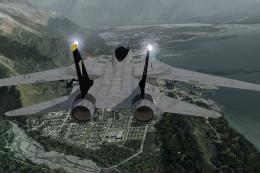
This is the full package for the F-14D Tomcat developed by Dino Cattaneo for …
 FSX Military Aircraft
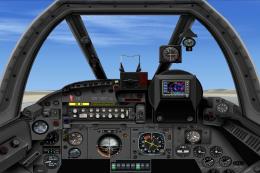
This package features a fully FSX compatible English Electric / BAC Lightning…
 FSX Military Aircraft
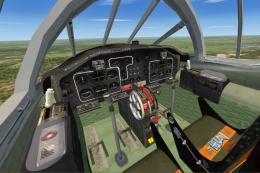
Delve into the world of aviation history with the Fokker S-14 Mach-Trainer Me…
 FSX Military Aircraft
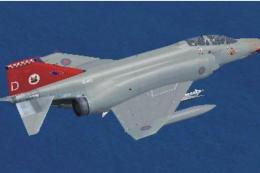
Virtavia F-4 Phantom II Pack 3 Update. The author has updated the flight dyna…
Read what other simmers think, or add your own.


I don't understand why but only a few pieces of the plane appear, it is mostly invisible, and there is no cabin view. Am I doing something wrong? I followed the installation instructions correctly but it seems that files are missing. Is it a complete pack or just an update of another model? and if so where is the whole model?

It's an OK addon. It's now literally the only SR71 addon that I was able to find here. Only really want one version of the SR71l(the original) and the best-looking one doesn't have the main gauges, they just appear as blank black circles with only a handful of other secondary gauges that appear.
The exterior looks great and most of the VR cockpit looks decent just wish the gauges worked. I think it may be a poorly pieced together and or poorly coded gauges file but no matter what I do or how I try to move the gauges file I still get the same issue so I think it may be faulty line of code somewhere. Also, a way to switch to the radar room behind the cockpit would be cool.

Nicely detailed but I noticed a serious flaw in the flight dynamics models. The actual SR-71 could cruise at 80,000 feet and had an operational ceiling of 85,000 feet along with a cruising speed of 1,976 knots or Mach 3.35 but most of the aircraft stall out at 44,500 feet even with a climb rate as low as 3,000 feet.

This is my second attempt to give a fair review for others using FSX Steam like me. This pack has a solid modeled plane exterior but all three have severe VC issues. 1 model has missing instruments, another has Non-functioning instruments, and the third has NO VC at all. None of them can get anywhere near Mach 3.
Only one can even break Mach 1 but has a top speed of M1.5. Terrible. Of all the SR71 add ons I've tried this is right in the middle of an already very mediocre pack found around the web. My issue isn't on my end, I know what I'm doing and can install even the more complicated add ons with little concern.
This is just flat out a bad offering of a classic and legendary aircraft that deserves so much better. Let's face it a nice exterior but no true VC and grossly underpowered performance are an insult to this icon of aviation.
AGAIN this is based on experience with FSX Steam specifically. Perhaps it is perfect on other versions or maybe even pre Win10 OS? I cant know? But it is totally incompatible with FSX Steam, period.


Please credit the original modeler back in the early 2000s, ie myself. Working on a new payware one, look at Glowingheat's Facebook page.

I found it a fun aircraft to fly, definitely enjoyable to fly over Russia at 84,000ft taking photos

The easiest way to correct flight controls for any issues such as reverse thrust. Go into FSX, FSXA in-game menu to settings to controllers and scroll down to issue such as reverse thrust and or whatever you would like changed, erase the present setting and then set the one key you chose, I would set f2 as reverse thrust for use upon landing then tap f1 to shut off reverse thrust.
Make sure to save the setting on the next page. I found that it's less tedious and time-consuming during inflight to go onto the keyboard do I do setups on my Nintendo controller for everything and make appropriate changes on my flight stick.
Having glitches ruining your near-perfect landings? Go to search type in %temp% before starting FSX, do a right-click erase everything. What isn't erased are necessary files like Adobe arm which is needed to read files.
Another way to free up space on the hard drive is to right-click on the trash bin, scroll to delete files permanently. To note, these files won't be recovered but will not affect your backups. You will always notice changes in regards to the Windows 10 issues.
To have top graphics in win 10 go to settings, game graphics and set on, and for even better graphics go to control feature in Windows to appearances go to advanced and set for performance, this will take away the bling out of things like mouse transparency and stuff you don't need, another is using USB memory as ram, one thing you need is ram, another tip is FSX cfg. Just below Graphics setting place HIGHMEMFIX=10. That's done like this, place your cursor NEXT to the last space at the word Graphics, tap return key, now capitalize and place HIGHMEMFIX=1 Now tap the red square upper right hand, it will ask you to save? Tap yes.
I have other space-saving ram insights and things that make FSX nearly perfect but then again the system, the screen, graphics card, etc have to be taken into consideration. Personally, with over 4 million files and a computer I've rebuilt and overclocked I can say I'm glad solid-state and better motherboards are on the market and yes, a new Flight Simulator 2020 is soon to arrive. From what I've seen with the graphics it'll be a worth it . SEMPER FIDELIS. Any questions leave em here.
An interesting history. The SR71 was a basic glitch from the beginning starting with the paperwork. Being a typo classified it as the SR rather than RS. RS is the coding given to recon aircraft and Helios. The typist an info NCO made the error and in short, was never corrected.
The public notated top speed attained was never truly made public, what was made public was the flight from the West Coast to the East coast and the total elapsed time was not considering a 242 nautical turn around to make the landing.
The data shows that the fuel cell membranes were leaking, so thin the fuel would seep through and immediately upon reaching an acceptable altitude then would fuel up. That's when the transition of the KC 135s we're refitted with a less fuel consuming yet more powerful thrust was added.
Of all of the situations, the RS71 Oxcart came into contact with the refueling was the most confounding as the top end of the tanker was close to the stall speed as without the speed the 71 being close to wingless could easily have an issue.
The top speed of the 71 was well over 3000 mph. I would watch the aircraft take-off and come in just before Dawn in Plattsburgh N.Y at least once a week and also out near S2 close to 51 Area. It wasn't uncommon to see the aircraft go through its changes at Palmdale as Palm Springs was but a hair away.
I still give credit to the X15 for the huge steps in experimental leading to the RS71. Even when you look back in flight and see the B1 it should be known we started those experimentally with props and cable controls then went on to jet propulsion. I
t didn't work out too well because the airframes were heavy and the cables couldn't handle the stress... then along came wireless and computers and FBW, that's fly by wire and contact point control thru a computer database.
It's amazing what you can recall and appreciate the move forward in the aeronautical field once you've become old.


RootBryceSun, 27 Nov 2016 19:29:38 GMT Reverse thrust is acting weird. I reinstalled this aircraft, and when I do reverse thrust, the aircraft speeds up forwards
SR71 does not have thrust reverse!

Can’t seem to get installed won’t show up in Microsoft FX WHAT DI I NEED TO DO. ? Using a 64 bit win 10. Or do you have to use win 7

I downloaded this file and installed it to find none of the controls match the fax system. I get one panel view with very few interactive controls. Any suggestions?

When I pull up the autopilot it just shows a blank window with no buttons or anything.

Must be missing something, but the airspeed indicator is rather limited and there is no Mach Meter. Could only get a top speed of 400 mph. Is there a way to kick the afterburners on?


Reverse thrust is acting weird. I reinstalled this aircraft, and when I do reverse thrust, the aircraft speeds up forwards...

I stalled out at 40 000 ft and don't know how to get afterburners on so didn't go fast for me , anyone have a solution?

I can not install the aircraft. I copied everything in the root, but unfortunately nothing happens? How should I do?

What is the deal with the morris code?! It beeps non-stop. Someone must know how to make it stop. Love the plane, but the incessant beeping has ruined the plane. Absolutely ruined.

Disappointed to see no virtual cockpit with this plane, though the exterior model is good I cannot fly planes in 2d cockpit, too unrealistic. As a top 20 plane I'm surprised & disappointed there is no better version available & I will not pay a bullsh*t amount of money on a payware plane some person spent a few days making...

I cant seem to install this aircraft on FSX, can someone just give me an overview of what files should be in what folder. Thanks in advance

It seems like the VC is infront of the plane. (instead of non-existant, but nonetheless, you cant see it) reg. cockpit is just fine, but its annoying not able to look around. :(


What a great effort by the creator of this plane - it brought a great smile to my face when I saw how great it looks. Two problems though: 1. How does one get the drogue-Shute to deploy? 2. Why isn't there a shut-down sequence sound file for use when one shuts off the engines? Please give feedback to andre.ludick@transnet.net if anyone has a solution?


I can't seem to stop after I land on the runway. Does this plane have thrusters (F2) It is going way too fast even with full flaps on. Any ideas ?


Tough to slow down and can't figure out the parachute yet but over all great plane fun to fly and FAST!!!!

Great sim of the real thing. Spent time at Kadena while in the USMC with F-4's. We were pulling R&R there for 30 days. We were next door to the Habu, less than a hundred feet away, and this sim holds true to the real Ichi Bon. I dont remember the flag around the two step snake, just the snake's body was on the tail in red, with the words Ichi Bon (#1) in bold caps underneath. Fly's like a dream, very smooth. Brake shute pops, canopy's work, flight deck needs some work with gauges, but all in all, a great addition to your Air Force. Don't pass this one up.


FANTASTIC!!!!!!!! I LOVE THIS PLANE AND WAS HOPING THAT IT WOULD BE MADE. EVERYTHING IS DONE VERY PROFESSIONALY AND I LOVED THE WAY IT FLYS. I WOULD HAVE PAID $15 FOR THIS ONE AND I HOPE EVERYONE DOWNLOADS IT.


HOW do you pull the parachute!!!!!!! HOW do you ask for air refuel and light the afterburner!!!!!!!!!!!!!!!!!!


Fun to fly but panel does not work. A little difficult without an ADI or Airspeed indicator.

Love This Plane!!!! Press "L" To Light The Afterburners. To Fix The Panal Problem, I Just Used The Leer 45's, Works Very Well

I love this jet but i am wondering how u can get the panel to work cause again it only works in the vertual cockpet and only some of the panels come up... its happerned to me on some other ones 2... another jet i prefere is the XB-70 Valkire but if u want good stablitty this is the way to go. but again some one plz help me...
My online name is Jman1334 try to tell me when i log on...TY
Jman1334

I love this plaine. But to answer some of the questions about flying it, follow these steps exactly! 1- fly to 5,000 feet and level out going full throttle.
2- hit 700 knots (true ground speed on GPS) and hold Shift and press f4. (this is the afterburner)
3- Wait till you go 1,400 kts and SLOWLY pitch up to a 15 degree angle of pitch and maintain that degree of pitch until your up about 150,000 feet. (Note: at about 70,000 feet, you should overspeed. This is completely natural and you won't overstress.)
4- Once your at 150,000 feet, level out, and you should be going mach 4.5 or so.
5- Have fun!

I go to about 50,000 feet then stall and drop out of the sky when a real SR-71 can go 125,000+... and how do you lite the afterburners

True, the plane panel only works in 2D cockpit view, however, found the the "mach" will only work, after complete pull in of cone darts (F6), then redeploy (F7 - F8). Slew on this plane runs rampant, but an overall joy to "climb through the roof". Use kneepad frequently to acclimate yourself with nuances of this fantastic bird. Great job Bob!
This plaine is satisfying for the most part, its just that the panel does not work and the only way to navigate is using the guages on the view after pressing W on the main Virt. Cockpit.


Great machine to fly in all respects. Although a few aspects could be better made, still great fun and very satisfying.
