

 FSX Military Aircraft
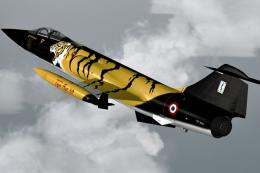
Sim Skunk Works F-104S "TigerMeet 88"
This repaint is representing F-104 S in "Tiger Meet 1988", a special color ma…
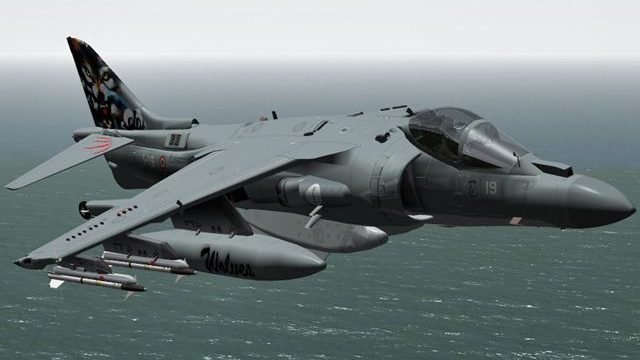
Italian Navy AV-8B Harrier II “Grupaer” special-commemorative repaint brings distinctive anniversary markings celebrating 20 years of service and 30,000 flight hours, with clean configuration details suited to military ramp and carrier operations. Built for FSX, it requires the Sim Skunk Works AV8B Harrier II base aircraft.
 Rate
Rate
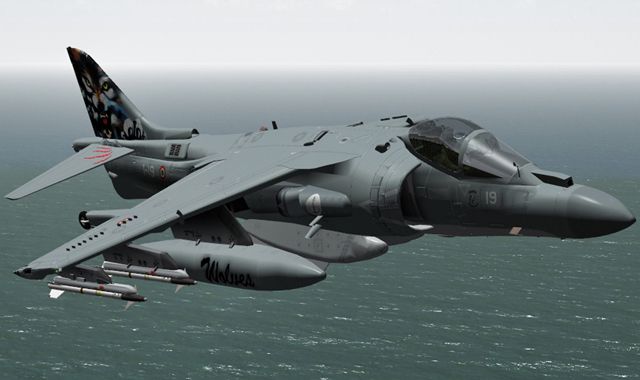
(Special color). This repaint represents an AV8B Harrier II in "Grupaer" Italian Navy special colors for 20 years of service and 30000 flight hours. Add-on livery only, original aircraft not included. By Alessandro Barbarini / Daniele Maltese.
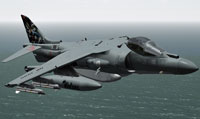
Screenshot of Sim Skunk Works AV8B "Grupaer" in flight.
To install simply drag&drop all directories under your Simobjects\Airplanes\ directory. The only file you have to change is the aircraft.cfg under \..\Airplanes\SSW-AV8B-HARRIER-IIB. Add the lines listed in the "add_to_aircraft_cfg" and substitute the "XX" with your progressive number.
[fltsim.XX]

title=AV8B-II ARMADA "01-919" CLEAN

sim=HARRIER_408

model=clean

panel=

sound=

texture=textures\ARMADA

kb_checklists=

ui_manufacturer=SIM SKUNK WORKS AV-8B II Harrier

ui_type="ARMADA"

ui_variation="01-919"

atc_parking_types=MIL_COMBAT

atc_heavy=0

atc_id=01919

atc_airline=SOLO

atc_flight_number=01919

description="McDonnel-Douglas AV8B II \nSIM SKUNK WORKS"

ui_createdby="Sim Skunk Works
Free for all simmers · 3.74 MB · Scanned clean Aug 2026
Download speed: Free tier is capped at 0.5 Mbps (this file takes approximately 1 min at the cap). PRO members download at full line speed.
texture.{airline}) inside FSX\SimObjects\Airplanes\{base-aircraft}\.aircraft.cfg in Notepad. Add a new [fltsim.X] section per the readme.readme.txt or README file. It tells you exactly where files go, what dependencies are needed, and any quirks specific to this add-on.The archive grupaer_20y.zip has 16 files and directories contained within it.
This list displays the first 500 files in the package. If the package has more, you will need to download it to view them.
| Filename/Directory | File Date | File Size |
|---|---|---|
| GRUPAER_20YEARS.jpg | 07.06.12 | 150.96 kB |
| readme.txt | 07.04.12 | 1.65 kB |
| SSW-AV8B-HARRIER-IIB | 07.07.12 | 0 B |
| add_to_aircraft_cfg.txt | 07.04.12 | 496 B |
| texture.textures | 07.07.12 | 0 B |
| GRUPAER.20Y | 07.07.12 | 0 B |
| texture.cfg | 07.04.12 | 280 B |
| thumbnail.jpg | 07.04.12 | 45.75 kB |
| SSW-AV8B-HARRIER-TEXTURES | 07.07.12 | 0 B |
| texture.GRUPAER.20Y | 07.07.12 | 0 B |
| av8_1_T.dds | 07.03.12 | 16.00 MB |
| av8_2_T.dds | 07.03.12 | 16.00 MB |
| av8_3_T.dds | 07.03.12 | 16.00 MB |
| thumbnail.gif | 07.06.12 | 10.91 kB |
| flyawaysimulation.txt | 10.29.13 | 959 B |
| Go to Fly Away Simulation.url | 01.22.16 | 52 B |
Only PRO members can place votes.
More FSX & P3D add-ons hand-picked based on this download.
FSX Military Aircraft
This repaint is representing F-104 S in "Tiger Meet 1988", a special color ma…
 FSX Military Aircraft
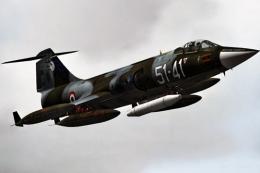
This high-fidelity repaint offers the “51-41” markings of 155 Gruppo, 51 Stor…
 FSX Military Aircraft
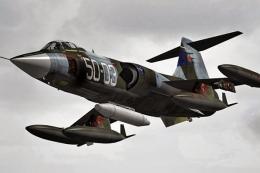
This add-on package showcases a meticulously crafted repaint of the F-104S in…
 FSX Military Aircraft
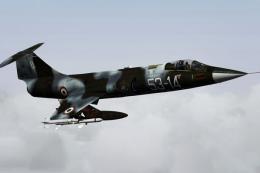
This high-fidelity repaint reproduces the distinctive livery of the Aeritalia…
 FSX Military Aircraft
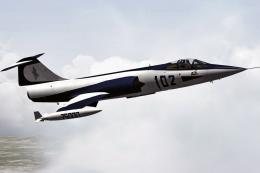
This repaint is representing F-104 S in "75000", a special color made during …
 FSX Military Aircraft
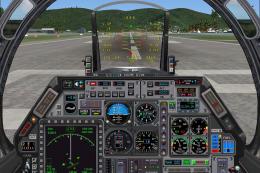
Newly updated flying and hovering performance. Full control at high or low sp…
 FSX Military Aircraft
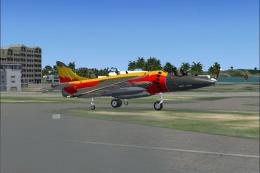
Remanufactured aircraft dynamics, completely designed to work superbly in FSX…
 FSX Military Aircraft
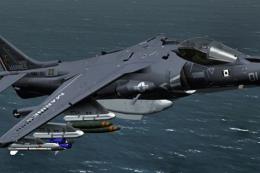
This specialized repaint introduces a striking visual update for the AV-8B Ha…
Be the first to leave a comment on this download.
Be the first to share your thoughts on this download.