

 FSX Military Aircraft
Sim Skunk Works F-104S "50-03" V3.2
This add-on package showcases a meticulously crafted repaint of the F-104S in…
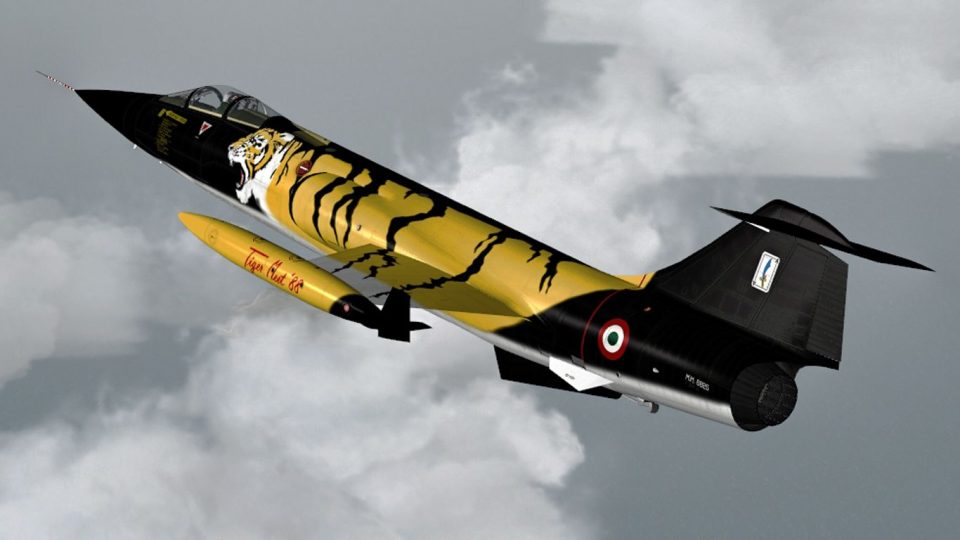
Italian Air Force flair comes to the Sim Skunk Works F-104S with the Tiger Meet 1988 special scheme from Cameri AFB, capturing 21 Gruppo and 53 Stormo markings with crisp, period-accurate detailing for screenshots and formation flights. Designed for FSX, this livery requires the original Sim Skunk Works F-104S package.
 Rate
Rate

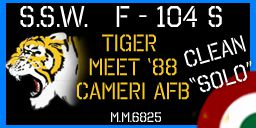
This repaint is representing F-104 S in "Tiger Meet 1988", a special color made during this meeting in Cameri AFB, home of 21 Gruppo / 53 Stormo - Aeronautica Militare Italiana / Italian Air Force. Add-on livery only, original aircraft not included. By Alessandro Barbarini.
Screenshot of Sim Skunk Works F-104S "TigerMeet 88" in flight.
To install simply drag&drop all directories under your Simobjects\Airplanes\ directory. The only file you have to change is the aircraft.cfg file under your \CLEAN and directory. Add the lines listed in the "add_to_aircraft_cfg" and substitute the "XX" with your progressive number.
[fltsim.XX]

title=SSW F104S CLEAN UBUNTU 51-12

sim=f104s_clean

model=S-clean_cio_ubuntu

panel=S-model

sound=

texture=textures\5112

kb_checklists=F104_check

description="Aeritalia-Lockeed F104 S SuperStarfighter version 2\nSIM SKUNK WORKS"

kb_reference=F104_ref

ui_manufacturer=SIM SKUNK WORKS F-104S

ui_type=CLEAN CIO UBUNTU

ui_variation=5112

atc_heavy=0

atc_parking_types=MIL_COMBAT

atc_id=6716

// do not change this line

// used by system gauge

atc_flight_number=CLCIO

visual_damage=1

// do not change this line

// used by system gauge

atc_airline=UBUNTU

ui_createdby="Sim Skunk Works"
Free for all simmers · 5.27 MB · Scanned clean Oct 2026
Download speed: Free tier is capped at 0.5 Mbps (this file takes approximately 1 min at the cap). PRO members download at full line speed.
texture.{airline}) inside FSX\SimObjects\Airplanes\{base-aircraft}\.aircraft.cfg in Notepad. Add a new [fltsim.X] section per the readme.readme.txt or README file. It tells you exactly where files go, what dependencies are needed, and any quirks specific to this add-on.The archive tigermeet88.zip has 14 files and directories contained within it.
This list displays the first 500 files in the package. If the package has more, you will need to download it to view them.
| Filename/Directory | File Date | File Size |
|---|---|---|
| AERIT-F104S-V3-CLEAN | 07.07.12 | 0 B |
| ADD_TO_AIRCRAFT_CFG.txt | 07.02.12 | 697 B |
| texture.textures | 07.07.12 | 0 B |
| TIGERMEET88 | 07.07.12 | 0 B |
| texture.cfg | 07.02.12 | 210 B |
| thumbnail.jpg | 07.02.12 | 55.76 kB |
| AERIT-F104S-V3-TEXTURES | 07.07.12 | 0 B |
| texture.TIGERMEET88 | 07.07.12 | 0 B |
| F104S_T_01.dds | 07.02.12 | 16.00 MB |
| readme.txt | 07.02.12 | 1.66 kB |
| thumbnail.gif | 07.02.12 | 11.60 kB |
| tigermeet88.jpg | 07.02.12 | 443.05 kB |
| flyawaysimulation.txt | 10.29.13 | 959 B |
| Go to Fly Away Simulation.url | 01.22.16 | 52 B |
Only PRO members can place votes.
More FSX & P3D add-ons hand-picked based on this download.
FSX Military Aircraft
This add-on package showcases a meticulously crafted repaint of the F-104S in…
 FSX Military Aircraft
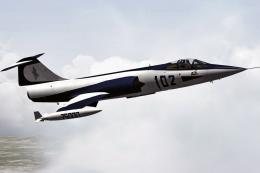
This repaint is representing F-104 S in "75000", a special color made during …
 FSX Military Aircraft
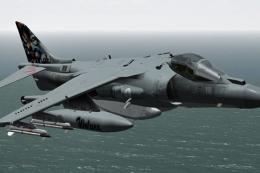
(Special color). This repaint represents an AV8B Harrier II in "Grupaer" Ital…
 FSX Military Aircraft
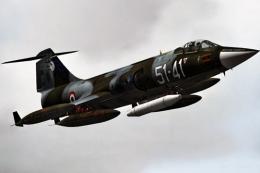
This high-fidelity repaint offers the “51-41” markings of 155 Gruppo, 51 Stor…
 FSX Military Aircraft
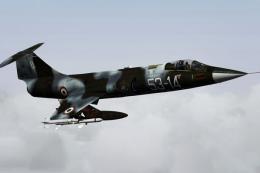
This high-fidelity repaint reproduces the distinctive livery of the Aeritalia…
 FSX Military Aircraft
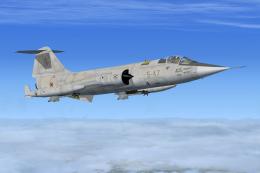
This is a repaint of the Sim Skunkworks F-104S to represent the aircraft in i…
 FSX Military Aircraft
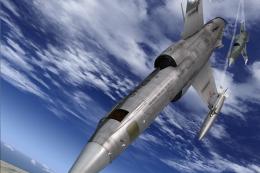
This repaint represents an F-104 S in "37-23", 18A Gruppo "Ocio che te copo" …
 FSX Military Aircraft
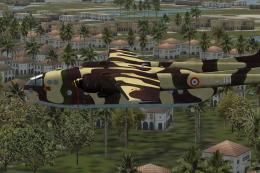
A repaint for Nordaviation Nord-2501 Noratlas from Jean-Francois Martin and G…
Be the first to leave a comment on this download.
Be the first to share your thoughts on this download.