


 FSX Civil Aircraft
Vietnam Airlines Boeing 787-8
This refined Vietnam Airlines Boeing 787-8 for FSX integrates a carefully enh…
Vietnam Airlines’ Boeing 787-9 V5 brings the Dreamliner’s long-haul look and ramp life to FSX with an updated exterior model, crisp high-definition livery, refined static details, and complete animations. Integrated Animated Ground Servicing covers doors, cargo handling, air stairs, and jetway-style boarding effects for a more convincing airline turnaround.
The latest Vietnam Airlines Boeing 787-9 update offers a refined wide-body Dreamliner experience for dedicated FSX pilots seeking a realistic commercial aircraft simulation. This version, crafted by Camil Valiquette of CamSim, integrates an enhanced model with sharper liveries, revised static elements on the ground, and full Animated Ground Servicing features. It provides a freeware base package that seamlessly fits into Microsoft Flight Simulator X’s environment while including all relevant effects and animations.
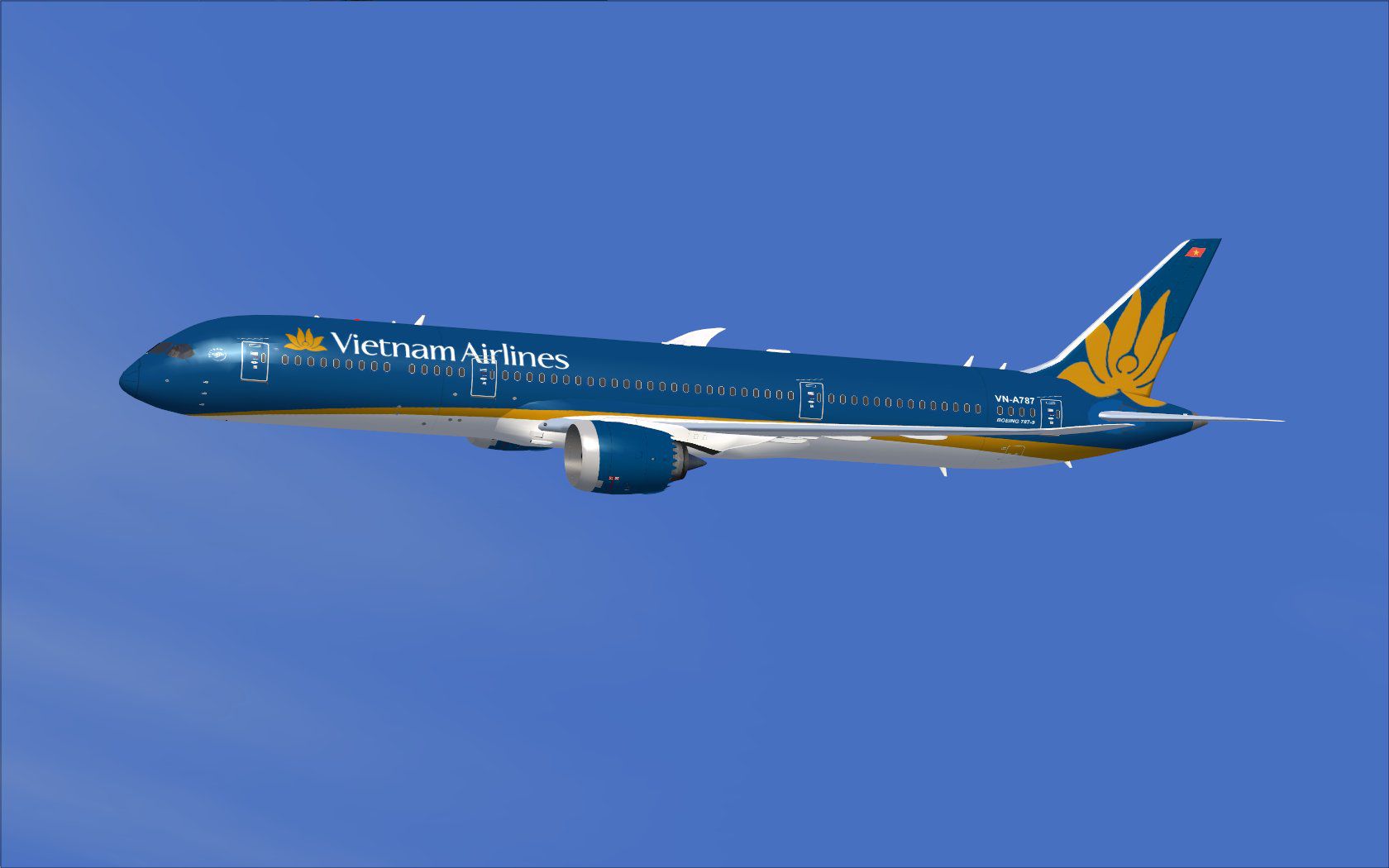
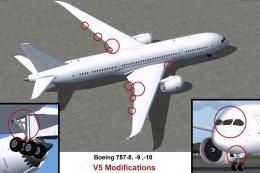
The V5 rendition showcases meticulous improvements to the fuselage and wings, capturing the sleek contours of Boeing’s next-generation long-haul aircraft. The livery replicates Vietnam Airlines’ signature color scheme with high-definition texturing, ensuring faithful representations of the national flag carrier’s aircraft. Users will also find that exterior additions, like extra rivet lines and nuanced shading, deliver a more authentic flight deck atmosphere.
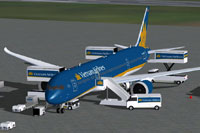
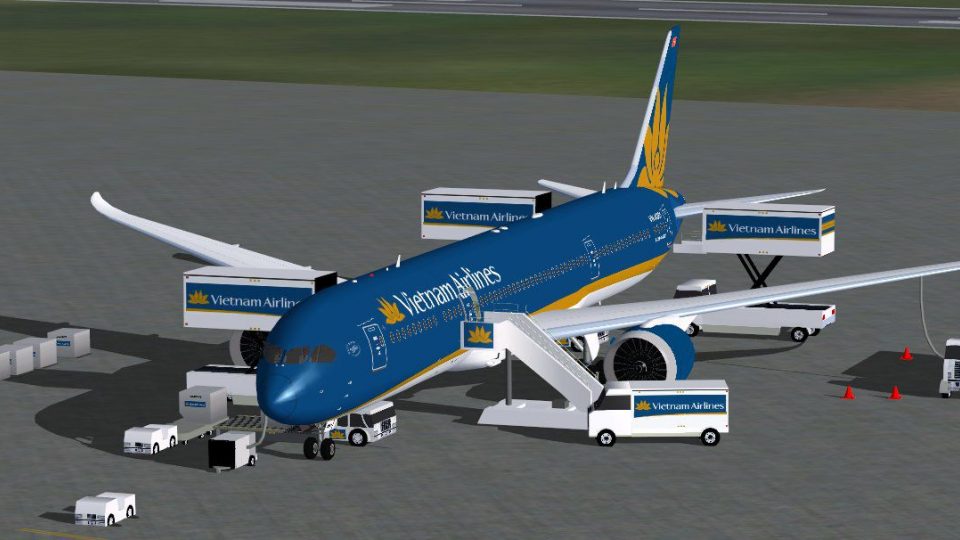
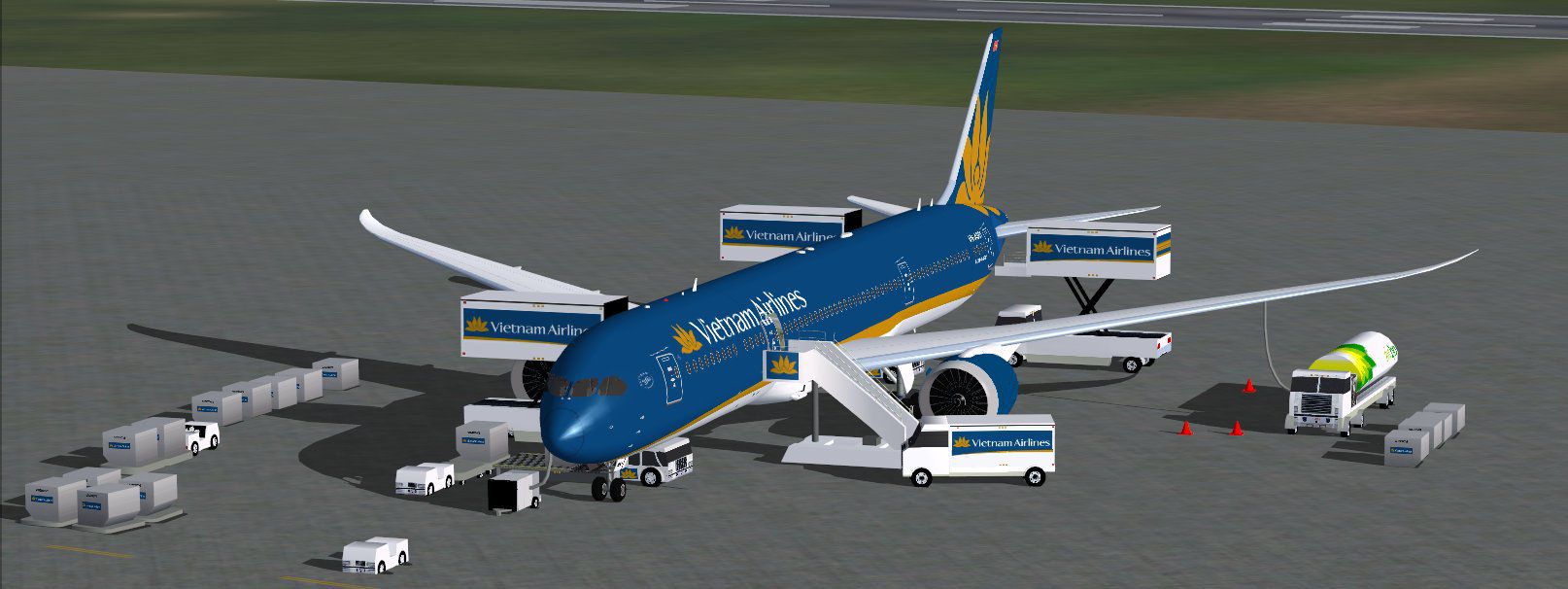
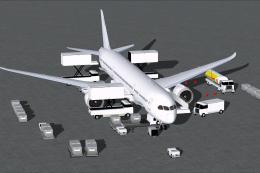
Preview of the Vietnam Airlines Boeing 787-9 next to animated ground support vehicles.
Once installed, the Dreamliner should appear in your FSX aircraft menu. You can load it just as you would any other default or add-on airplane.
This 787-9 model includes an integrated ground handling package, enabling detailed passenger and cargo operations without requiring third-party utilities. The publisher, CamSim, implemented dedicated animations to improve immersion and authenticity. These services encompass:
To leverage every movement and ground handling function, assign or confirm these control mappings within your simulation settings:
This dependable Vietnam Airlines Boeing 787-9 modification offers a comprehensive freeware package, ensuring you have everything needed right out of the box. Developed and painted by Camil Valiquette, it stands as an excellent addition to your FSX hangar for those who appreciate both technical detail and refined aesthetic touches when simulating the flag carrier of Vietnam.
Free for all simmers · 4.99 MB · Scanned clean
Download speed: Free tier is capped at 0.5 Mbps (this file takes approximately 1 min at the cap). PRO members download at full line speed.
This add-on may require the following files to function properly. If this is a repaint, the dependency below is likely the base aircraft package.
FSX\SimObjects\Airplanes\. The folder must contain an aircraft.cfg file. Effects go into FSX\Effects\; gauges go into FSX\Gauges\.readme.txt or README file. It tells you exactly where files go, what dependencies are needed, and any quirks specific to this add-on.The archive 789v5vnx.zip has 35 files and directories contained within it.
This list displays the first 500 files in the package. If the package has more, you will need to download it to view them.
| Filename/Directory | File Date | File Size |
|---|---|---|
| CamSim Boeing 787-9 V5 Vietnam Airlines | 04.27.15 | 0 B |
| 787-9.air | 02.28.12 | 12.76 kB |
| 789v5vn_.jpg | 04.22.15 | 70.56 kB |
| 789v5vn_ags_.jpg | 04.27.15 | 127.73 kB |
| aircraft.cfg | 04.27.15 | 15.53 kB |
| Effects.zip | 09.09.08 | 1.81 kB |
| file_id.diz | 04.27.15 | 252 B |
| FSX Installation Aircraft and AGS Animations Read Me.htm | 04.27.15 | 6.56 kB |
| model.787-9 ags V5 | 04.27.15 | 0 B |
| 787-9 ags V5.mdl | 04.15.15 | 2.91 MB |
| Model.cfg | 09.04.13 | 31 B |
| Panel | 04.27.15 | 0 B |
| 787_350_panel_background.bmp | 02.25.10 | 2.25 MB |
| 787_350_panel_background_night.bmp | 02.25.10 | 2.25 MB |
| Airbus_A321.cab | 09.04.06 | 2.72 MB |
| panel.cfg | 02.25.10 | 5.48 kB |
| Read Me How to setup Animations (AGS).txt | 10.30.13 | 875 B |
| Read Me_FSX.txt | 04.27.15 | 2.38 kB |
| sound | 04.27.15 | 0 B |
| Sound.cfg | 11.04.09 | 35 B |
| texture.vn | 04.27.15 | 0 B |
| 787eng_t.bmp | 03.18.15 | 1.00 MB |
| 787ext_L.bmp | 04.27.15 | 4.00 MB |
| 787ext_t.bmp | 04.27.15 | 1.00 MB |
| 787int_L.bmp | 04.27.15 | 4.00 MB |
| 787int_t.bmp | 04.27.15 | 1.00 MB |
| 787tail_t.bmp | 03.18.15 | 1.00 MB |
| 789fuse_t.bmp | 04.22.15 | 1.00 MB |
| 789wings_t.bmp | 08.21.13 | 1.00 MB |
| gris_t.bmp | 12.09.09 | 16.07 kB |
| tail.bmp | 12.02.12 | 1.00 MB |
| thumbnail.jpg | 04.27.15 | 3.55 kB |
| w_t.bmp | 10.22.13 | 16.07 kB |
| flyawaysimulation.txt | 10.29.13 | 959 B |
| Go to Fly Away Simulation.url | 01.22.16 | 52 B |
More FSX & P3D add-ons hand-picked based on this download.
FSX Civil Aircraft
This refined Vietnam Airlines Boeing 787-8 for FSX integrates a carefully enh…
 FSX Civil Aircraft
The latest release of this freeware Boeing 787-9 package features a more refi…
 FSX Civil Aircraft
The latest release of this freeware Japan Airlines Boeing 787-9 includes a re…
 FSX Civil Aircraft
This updated freeware release depicts the classic United Airlines Retro Jet l…
 FSX Civil Aircraft
Immerse yourself in the refined details of the Iberia Boeing 787-9 Version 5 …
 FSX Civil Aircraft
This updated freeware release delivers a refined paint kit for the Boeing 787…
 FSX Civil Aircraft
This complete package introduces the Boeing 787-9 ZB021 (registration N789ZB)…
 FSX Civil Aircraft
This freeware paint kit offers a streamlined way to customize the Boeing 787-…
Read what other simmers think, or add your own.

Please help me. I download the airplanes all the time into the SimObjects folder, but I can't see them in FSX. Can you help me?
