

 FSX Civil Aircraft
Hainan Airlines Boeing 787-9 V5
The latest release of this freeware Boeing 787-9 package features a more refi…
Japan Airlines’ Boeing 787-9 V5 for Microsoft Flight Simulator X pairs a refined wide-body model with sharper textures, corrected exterior details, and polished surface reflections for a more convincing Dreamliner look. Animated ground servicing adds deployable stairs, cargo doors, and ramp vehicles through default commands, backed by custom static objects and included lighting effects.
 Rate
Rate
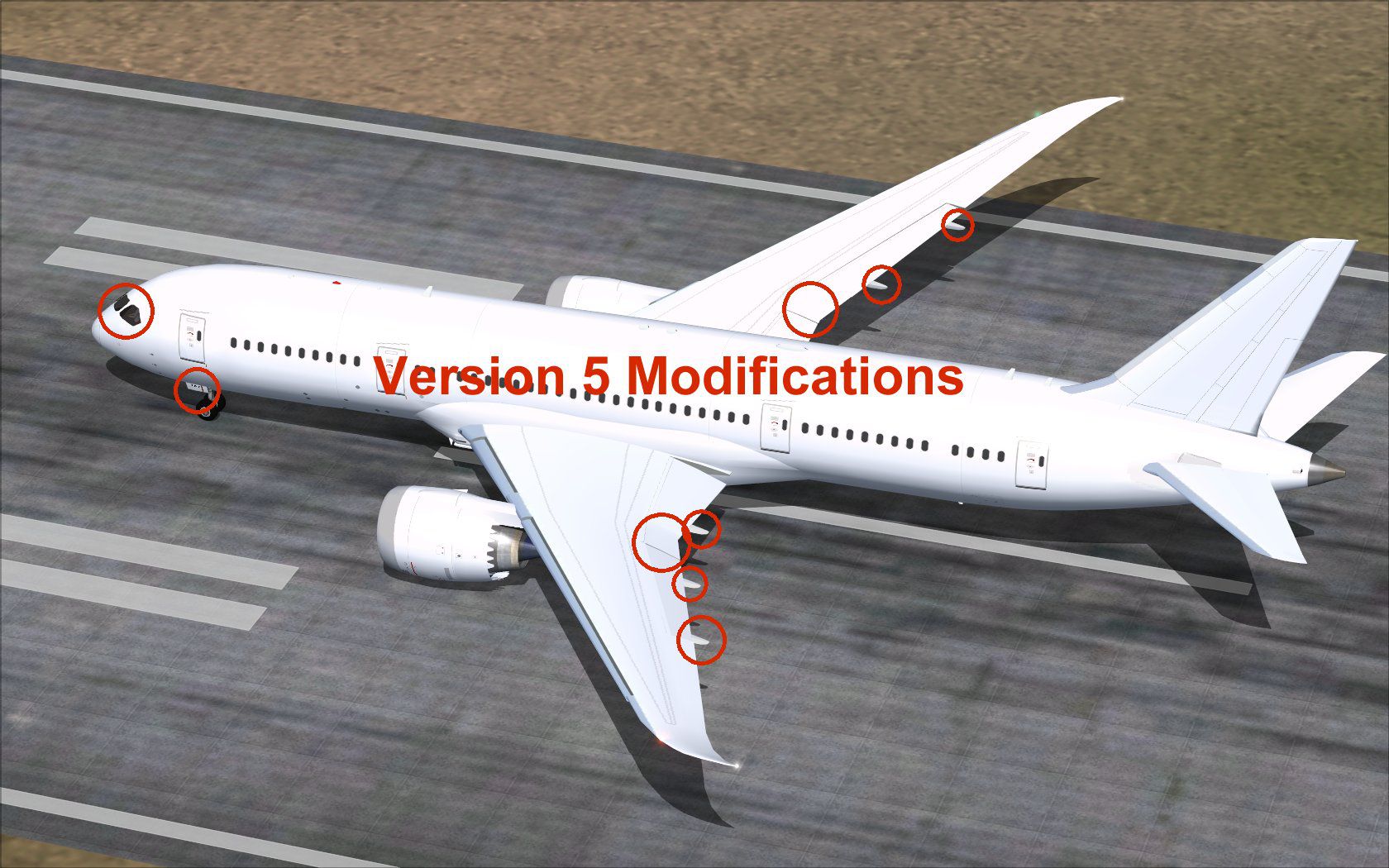
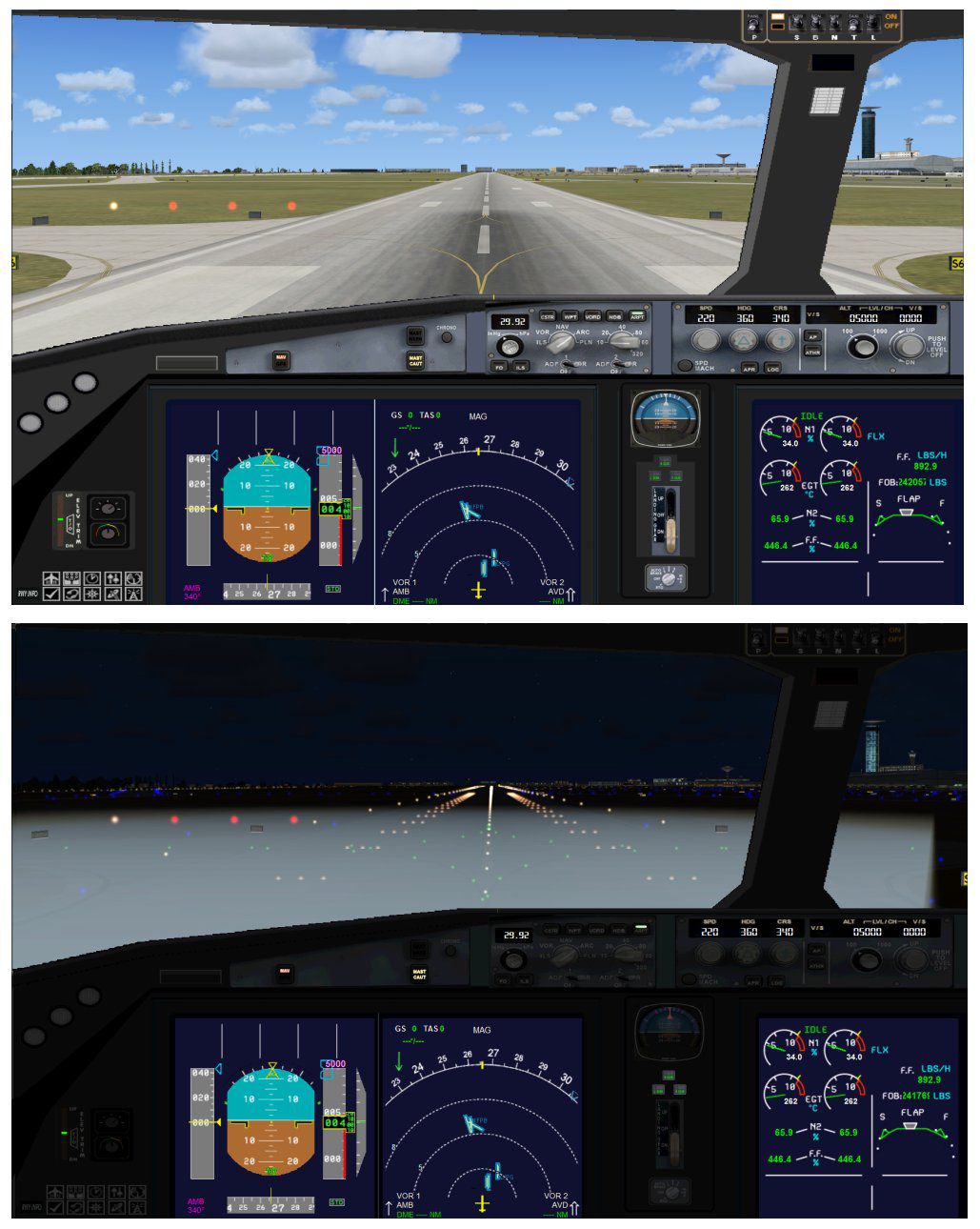
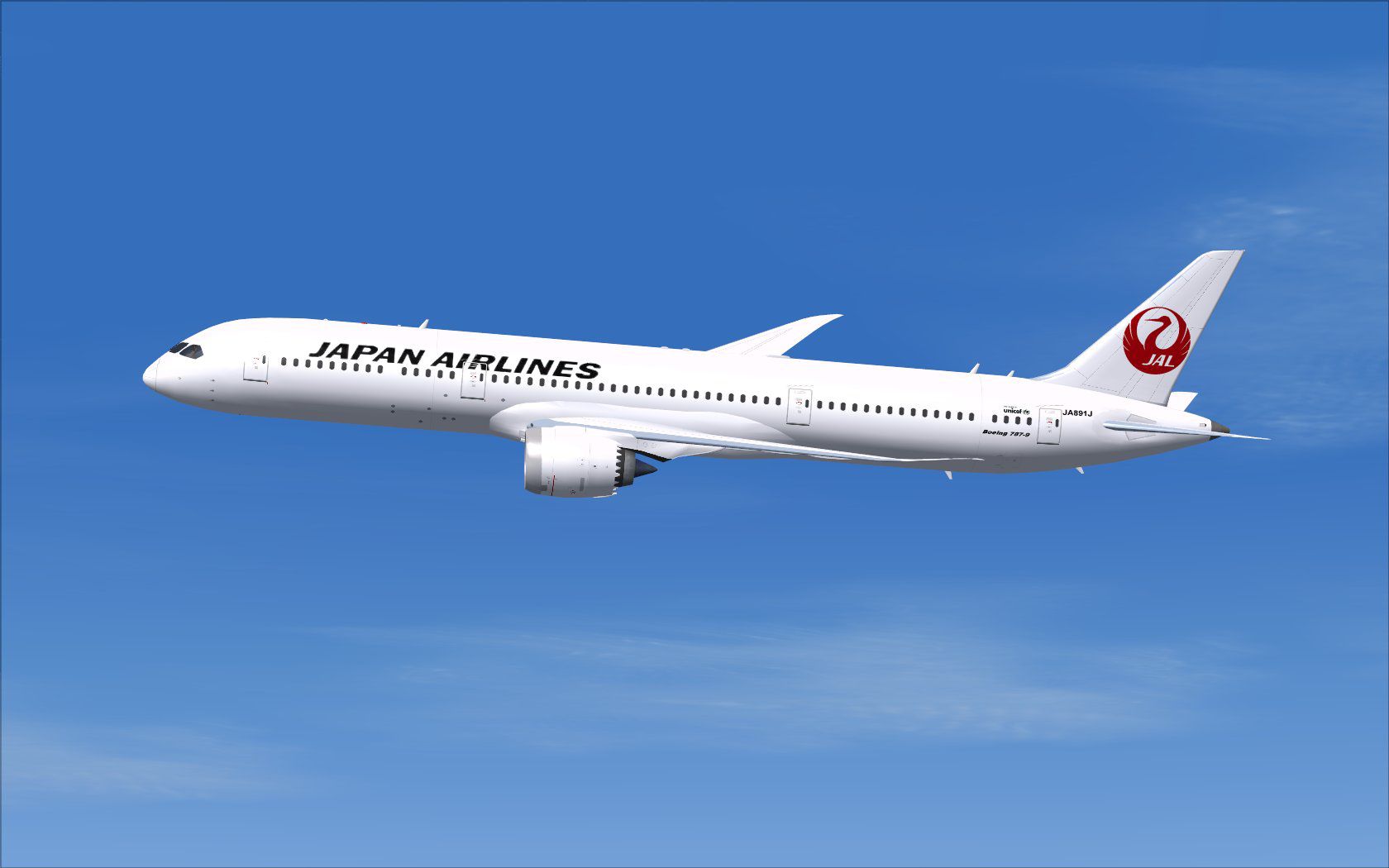
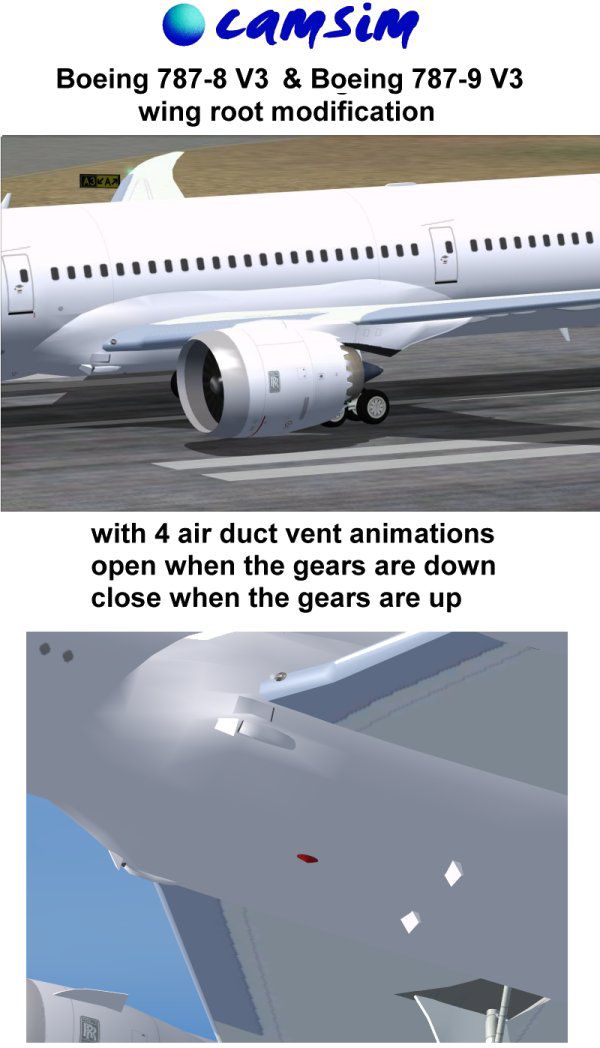
The latest release of this freeware Japan Airlines Boeing 787-9 includes a refined model with enhanced textures, custom static objects, and interactive ground services. This version 5 is derived from CamSim’s notable design work, with paint and model crafted by Camil Valiquette. It offers improved detailing, refined animation triggers, and a complete base package to simplify installation in FSX. Below, you will find all crucial steps and descriptions needed to get the full benefit from this modern wide-body airliner simulation.
The Boeing 787-9 is well-known for its cutting-edge composite structures and advanced propulsion systems. In this mod, those elements are highlighted with new texture detailing and reworked surface reflections. The visual enhancements (including updated fuselage lines and correct door placements) aim to provide a realistic portrayal of Japan Airlines’ livery. CamSim’s static ground objects, which include service carts and boarding stairs, anchor the aircraft in a believable airport setting.
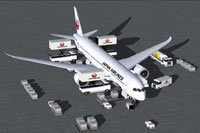
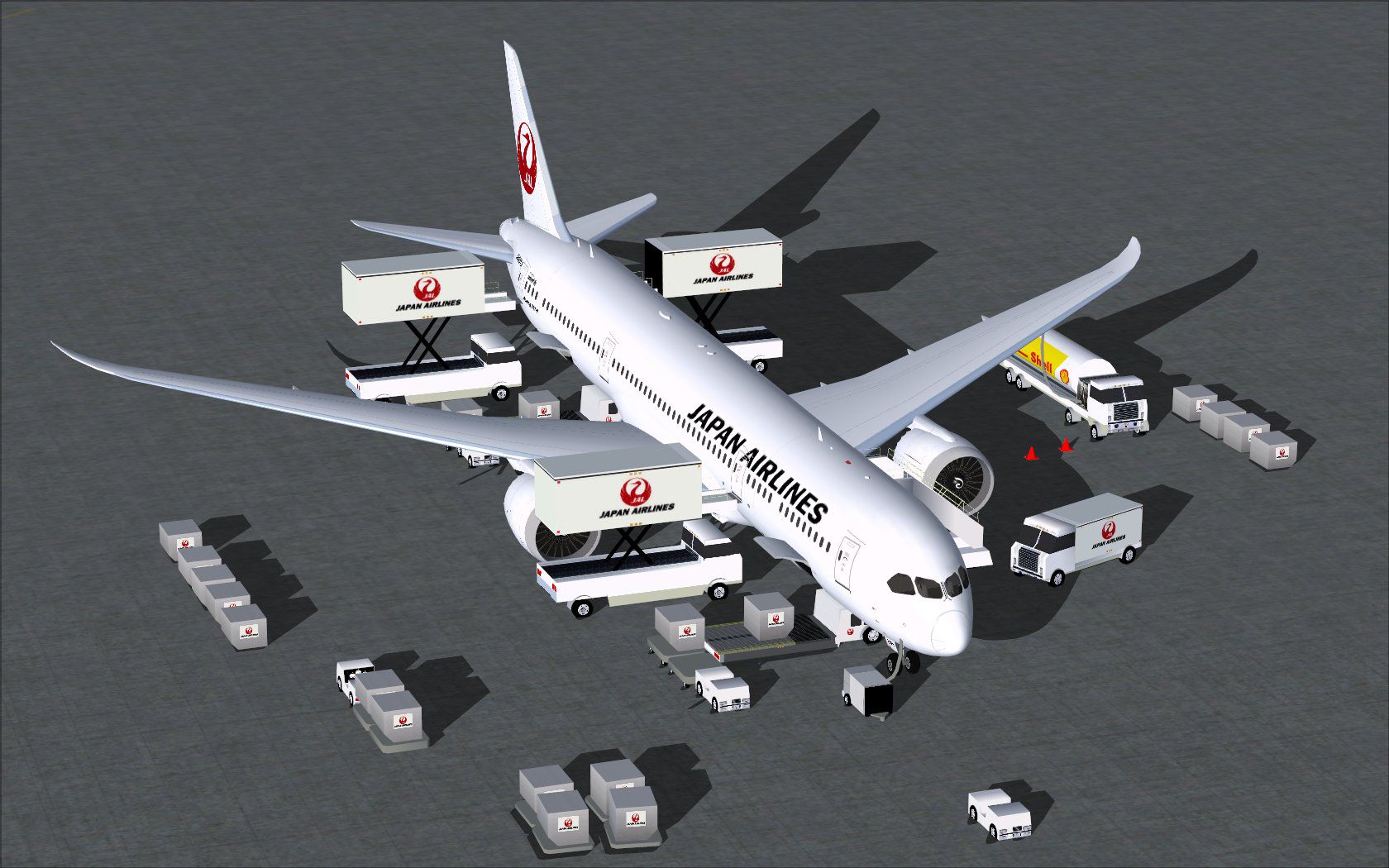
Visual representation of the aircraft on the ramp, showing various service vehicles and stair attachments.
AGS provides dynamic ramp operations, so you can simulate real-world turnaround procedures:
For smooth operation, configure these commands in your simulator’s options:
This Boeing 787-9 rendition is entirely free to download and use within Microsoft Flight Simulator X. Model design and paint were developed exclusively by Camil Valiquette, known for his meticulous attention to visual fidelity. Every animated feature integrates seamlessly with FSX default controls, ensuring a straightforward setup. Enjoy a faithful depiction of Japan Airlines’ modern long-haul aircraft and fully immerse yourself in realistic ground operations. Users are urged to explore the improved flight deck views and external angles for a comprehensive experience.
Free for all simmers · 5.61 MB · Scanned clean Oct 2026
Download speed: Free tier is capped at 0.5 Mbps (this file takes approximately 2 mins at the cap). PRO members download at full line speed.
This add-on may require the following files to function properly. If this is a repaint, the dependency below is likely the base aircraft package.
FSX\SimObjects\Airplanes\. The folder must contain an aircraft.cfg file. Effects go into FSX\Effects\; gauges go into FSX\Gauges\.readme.txt or README file. It tells you exactly where files go, what dependencies are needed, and any quirks specific to this add-on.The archive 789v5jalx.zip has 39 files and directories contained within it.
This list displays the first 500 files in the package. If the package has more, you will need to download it to view them.
| Filename/Directory | File Date | File Size |
|---|---|---|
| CamSim Boeing 787-9 V5 Japan Airlines | 10.08.13 | 0 B |
| 787-9.air | 02.28.12 | 12.76 kB |
| 788v5 mod.jpg | 09.05.13 | 271.89 kB |
| 789v5jal ags.jpg | 10.08.13 | 235.36 kB |
| 789v5jal.jpg | 10.07.13 | 76.93 kB |
| aircraft.cfg | 10.08.13 | 15.52 kB |
| Effects.zip | 09.09.08 | 1.81 kB |
| file_id.diz | 10.08.13 | 250 B |
| FSX Installation Aircraft and AGS Animations Read Me.htm | 10.08.13 | 6.56 kB |
| model.787-9 ags V5 | 10.08.13 | 0 B |
| 787-9 ags V5.mdl | 10.09.13 | 2.99 MB |
| Model.cfg | 09.04.13 | 31 B |
| Page design 787 v3_2 600.jpg | 12.28.11 | 77.35 kB |
| Panel | 10.08.13 | 0 B |
| 787_350_panel_background.bmp | 02.25.10 | 2.25 MB |
| 787_350_panel_background_night.bmp | 02.25.10 | 2.25 MB |
| Airbus_A321.cab | 09.04.06 | 2.72 MB |
| panel.cfg | 02.25.10 | 5.48 kB |
| panel camsim 787-350 afx_2.jpg | 04.09.10 | 182.86 kB |
| Read Me How to setup Animations (AGS).txt | 09.16.13 | 869 B |
| Read Me_FSX.txt | 10.08.13 | 2.38 kB |
| sound | 10.08.13 | 0 B |
| Sound.cfg | 11.04.09 | 35 B |
| texture.jal | 10.09.13 | 0 B |
| 787eng_t.bmp | 10.07.13 | 1.00 MB |
| 787ext_L.bmp | 10.08.13 | 4.00 MB |
| 787ext_t.bmp | 10.08.13 | 1.00 MB |
| 787int_L.bmp | 10.08.13 | 4.00 MB |
| 787int_t.bmp | 10.08.13 | 1.00 MB |
| 787tail_t.bmp | 10.07.13 | 1.00 MB |
| 789fuse_t.bmp | 10.07.13 | 1.00 MB |
| 789wings_t.bmp | 08.21.13 | 1.00 MB |
| gris_t.bmp | 12.09.09 | 16.07 kB |
| tail.bmp | 12.02.12 | 1.00 MB |
| thumbnail.jpg | 10.08.13 | 4.44 kB |
| w787x_t.bmp | 07.17.13 | 16.07 kB |
| w_t.bmp | 10.09.13 | 16.07 kB |
| flyawaysimulation.txt | 10.29.13 | 959 B |
| Go to Fly Away Simulation.url | 01.22.16 | 52 B |
Only PRO members can place votes.
More FSX & P3D add-ons hand-picked based on this download.
FSX Civil Aircraft
The latest release of this freeware Boeing 787-9 package features a more refi…
 FSX Civil Aircraft
The latest Vietnam Airlines Boeing 787-9 update offers a refined wide-body Dr…
 FSX Civil Aircraft
This updated freeware release depicts the classic United Airlines Retro Jet l…
 FSX Civil Aircraft
Immerse yourself in the refined details of the Iberia Boeing 787-9 Version 5 …
 FSX Civil Aircraft
This updated freeware release delivers a refined paint kit for the Boeing 787…
 FSX Civil Aircraft
This complete package introduces the Boeing 787-9 ZB021 (registration N789ZB)…
 FSX Civil Aircraft
This freeware paint kit offers a streamlined way to customize the Boeing 787-…
 FSX Civil Aircraft
This updated freeware release of the Thai Boeing 787-8 V5 by Camil Valiquette…
Be the first to leave a comment on this download.
Be the first to share your thoughts on this download.