

 FSX Civil Aircraft
Hainan Airlines Boeing 787-9 V5
The latest release of this freeware Boeing 787-9 package features a more refi…
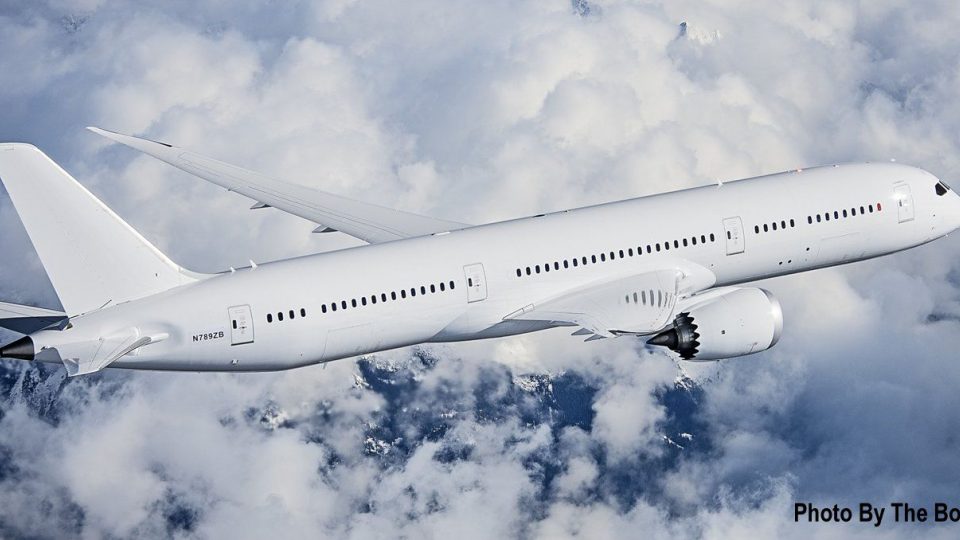
Boeing 787-9 ZB021 N789ZB V5 brings the Dreamliner test aircraft to FSX with GE GEnx power, a refined external model, sharper textures, improved reflections, and accurate control-surface shaping. Integrated Animated Ground Servicing adds interactive doors, cargo hatches, stairs, and parked ground equipment for realistic turnaround scenes.
 Rate
Rate
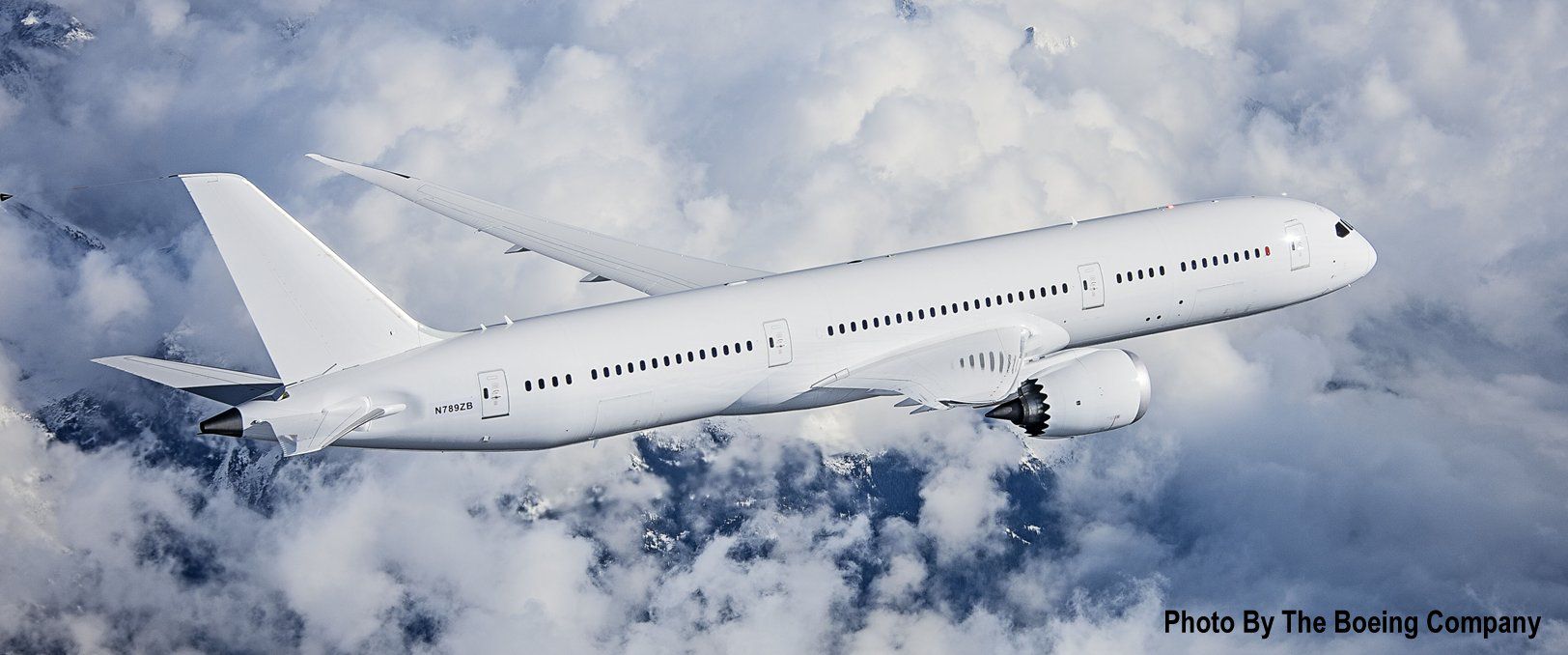
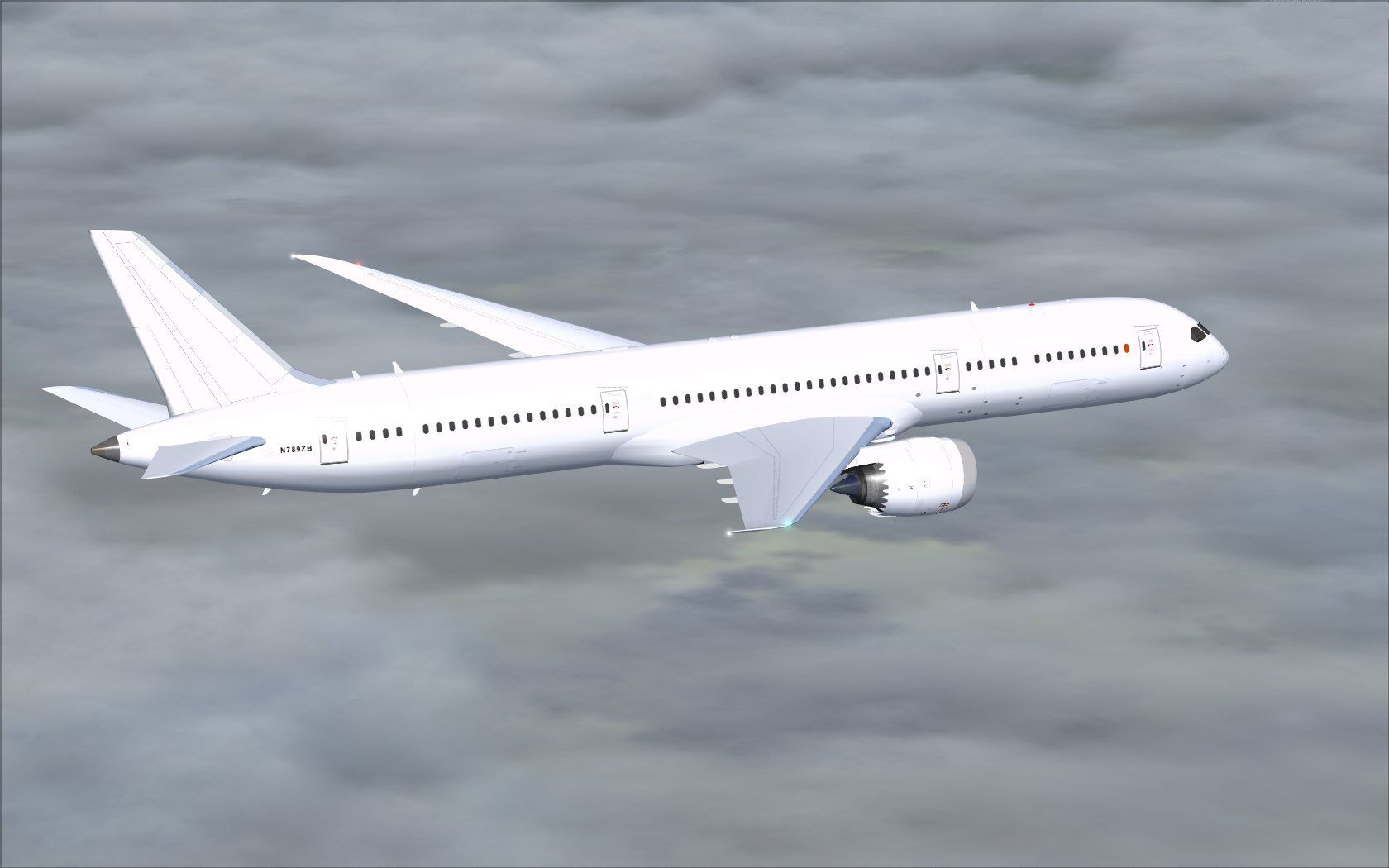
This complete package introduces the Boeing 787-9 ZB021 (registration N789ZB) in its fifth iteration, all powered by General Electric GEnx engines. Developed and painted by Camil Valiquette, it features refined external modeling, carefully enhanced textures, and fully integrated ground operations. The included files supply everything necessary to begin flying without needing extra downloads.
This release integrates significant updates to the core framework, ensuring the fuselage and control surfaces match real-world specifications for the 787-9 variant. Users will notice sharper surface detail, enhanced reflections, and richer color toning. Additionally, CamSim’s static displays are included, which portray ground equipment when parked.
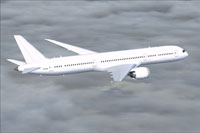
Depiction of the Boeing 787-9 cruising at altitude.
The Boeing 787-9 extends the Dreamliner design, accommodating more passengers and cargo than the 787-8. GEnx engines (General Electric Next-Generation) provide higher thrust with optimized fuel efficiency. In simulation, this translates into a prolonged flight range, refined handling, and realistic power management.
AGS merges dynamic services with your aircraft. It includes deployable stairs, service doors, and cargo hatches to simulate realistic airport procedures. This Boeing 787-9 package comes preconfigured with such features, showcasing cargo bay animations, gate interactions, and more.
To ensure these commands function, open your simulator’s Control Settings under the “Options” menu and assign:
This specialized version was designed and painted by Camil Valiquette of CamSim. Both the improved texture work and the thorough implementation of animated features represent his dedication to capturing the authenticity of Boeing’s 787-9 series.
Free for all simmers · 5.18 MB · Scanned clean Oct 2026
Download speed: Free tier is capped at 0.5 Mbps (this file takes approximately 1 min at the cap). PRO members download at full line speed.
This add-on may require the following files to function properly. If this is a repaint, the dependency below is likely the base aircraft package.
FSX\SimObjects\Airplanes\. The folder must contain an aircraft.cfg file. Effects go into FSX\Effects\; gauges go into FSX\Gauges\.readme.txt or README file. It tells you exactly where files go, what dependencies are needed, and any quirks specific to this add-on.The archive n789zb_x.zip has 34 files and directories contained within it.
This list displays the first 500 files in the package. If the package has more, you will need to download it to view them.
| Filename/Directory | File Date | File Size |
|---|---|---|
| CamSim Boeing 787-9 V5 N789ZB | 11.21.13 | 0 B |
| 787-9.air | 02.27.12 | 12.76 kB |
| aircraft.cfg | 11.21.13 | 15.50 kB |
| Effects.zip | 09.09.08 | 1.81 kB |
| file_id.diz | 11.21.13 | 309 B |
| model.787-9 ags V5 | 11.21.13 | 0 B |
| 787-9 ags V5.mdl | 10.17.13 | 2.99 MB |
| Model.cfg | 09.04.13 | 31 B |
| n7789zb_.jpg | 11.21.13 | 94.71 kB |
| N789ZB.jpg | 11.20.13 | 138.34 kB |
| Panel | 11.21.13 | 0 B |
| 787_350_panel_background.bmp | 02.25.10 | 2.25 MB |
| 787_350_panel_background_night.bmp | 02.25.10 | 2.25 MB |
| Airbus_A321.cab | 09.04.06 | 2.72 MB |
| panel.cfg | 02.25.10 | 5.48 kB |
| Read Me How to setup Animations (AGS).txt | 10.30.13 | 875 B |
| Read Me_FSX.txt | 11.21.13 | 2.37 kB |
| sound | 11.21.13 | 0 B |
| Sound.cfg | 11.04.09 | 35 B |
| texture.N789ZB | 11.21.13 | 0 B |
| 787eng_t.bmp | 11.21.13 | 1.00 MB |
| 787ext_L.bmp | 07.20.09 | 4.00 MB |
| 787ext_t.bmp | 06.12.12 | 1.00 MB |
| 787int_L.bmp | 03.27.06 | 4.00 MB |
| 787int_t.bmp | 08.09.13 | 1.00 MB |
| 787tail_t.bmp | 08.13.13 | 1.00 MB |
| 789fuse_t.bmp | 11.21.13 | 1.00 MB |
| 789wings_t.bmp | 08.21.13 | 1.00 MB |
| gris_t.bmp | 12.09.09 | 16.07 kB |
| tail.bmp | 12.02.12 | 1.00 MB |
| thumbnail.jpg | 11.21.13 | 5.60 kB |
| w_t.bmp | 10.22.13 | 16.07 kB |
| flyawaysimulation.txt | 10.29.13 | 959 B |
| Go to Fly Away Simulation.url | 01.22.16 | 52 B |
Only PRO members can place votes.
More FSX & P3D add-ons hand-picked based on this download.
FSX Civil Aircraft
The latest release of this freeware Boeing 787-9 package features a more refi…
 FSX Civil Aircraft
The latest Vietnam Airlines Boeing 787-9 update offers a refined wide-body Dr…
 FSX Civil Aircraft
Immerse yourself in the refined details of the Iberia Boeing 787-9 Version 5 …
 FSX Civil Aircraft
The latest release of this freeware Japan Airlines Boeing 787-9 includes a re…
 FSX Civil Aircraft
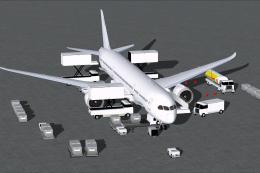
This updated freeware release delivers a refined paint kit for the Boeing 787…
 FSX Civil Aircraft
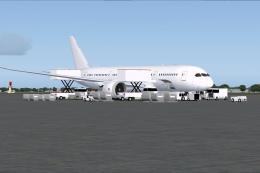
This freeware paint kit offers a streamlined way to customize the Boeing 787-…
 FSX Civil Aircraft
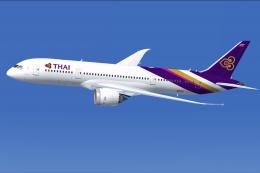
This updated freeware release of the Thai Boeing 787-8 V5 by Camil Valiquette…
 FSX Civil Aircraft
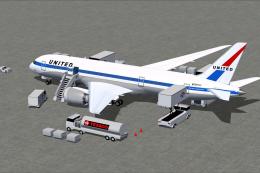
This updated freeware release depicts the classic United Airlines Retro Jet l…
Be the first to leave a comment on this download.
Be the first to share your thoughts on this download.