

 FSX Civil Aircraft
BOAC Retro Jet Series Boeing 787-8 V5
Experience a refined Boeing 787-8 in a classic BOAC Retro Jet Series finish. …
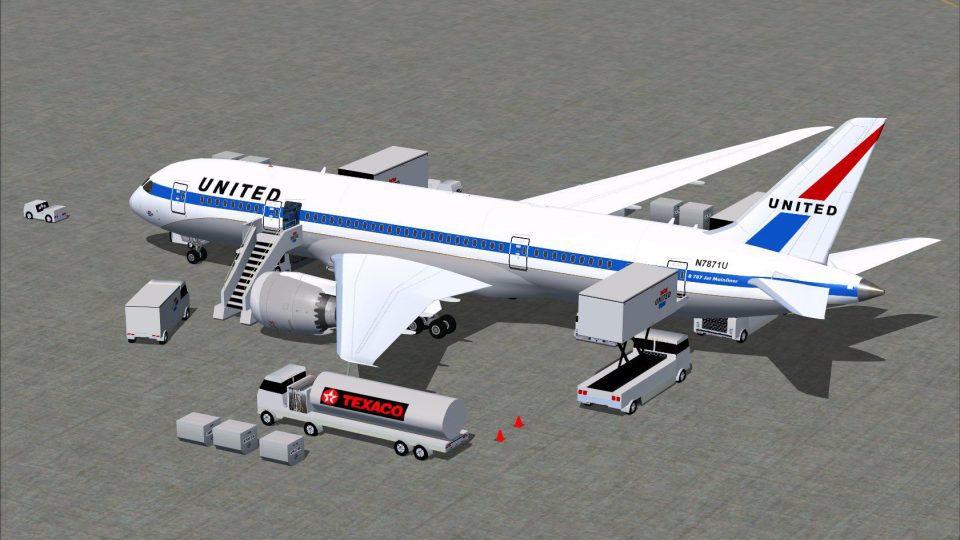
United Airlines’ Retro Jet livery brings a heritage look to the Boeing 787-8 V5 with a refined 3D airframe, crisp texture mapping, and smoother animations for Microsoft Flight Simulator X. CamSim static displays and Animated Ground Servicing add deployable gate vehicles, service equipment, and lighting effects to complete realistic turnaround scenes.
 Rate
Rate
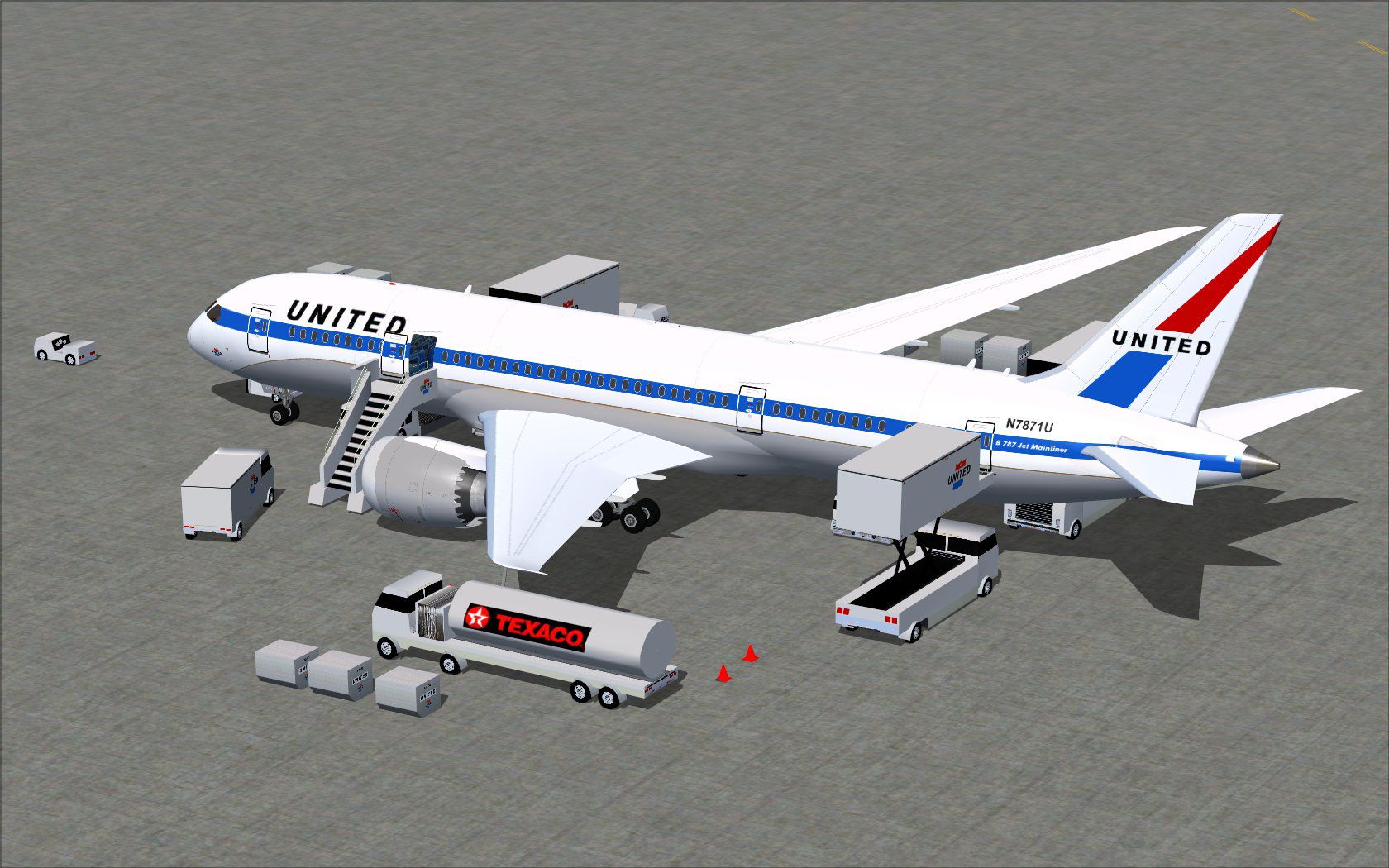

This updated freeware release depicts the classic United Airlines Retro Jet livery on a Boeing 787-8 V5, integrating a refined 3D airframe, precise texture mapping, and enhanced animations. It also includes CamSim’s proprietary static displays and Animated Ground Servicing (AGS). Model design and livery are the work of Camil Valiquette.
The Boeing 787-8 is a wide-body twin-engine aircraft known for its high-efficiency composite fuselage and modern aerodynamics. In this version, you will notice sharper fuselage lines and improved panel accuracy that elevate visual fidelity in Microsoft Flight Simulator X. Each surface reflects the retro United Airlines color scheme, capturing every detail of the airline’s heritage-inspired paintwork.
United Airlines Retro Jet Series Boeing 787-8 displaying animated ground equipment.
CamSim’s Animated Ground Servicing brings a bustling environment around the aircraft. Ground vehicles and service equipment can be deployed or stowed to simulate typical operations at the gate. This inclusion offers added realism for those who enjoy detailed turnarounds between flights.
For these controls to function correctly, assign the following within your simulator menu under Options > Settings > Controls > Buttons/Keys > Change Assignment:
The package contains dedicated light effects that complement the Boeing 787’s distinctive windows and external lighting features. Ensure your “Effects” folder has received the necessary files for accurate dusk and dawn visuals.
Some missing fuselage elements at dawn or dusk can appear if “Preview DirectX 10” is active. To circumvent this, go to Options > Settings > Display > Global and uncheck “Preview DirectX 10.” This step ensures proper rendering of the aircraft’s geometry during low-light conditions.
Free for all simmers · 5.07 MB · Scanned clean Oct 2026
Download speed: Free tier is capped at 0.5 Mbps (this file takes approximately 1 min at the cap). PRO members download at full line speed.
This add-on may require the following files to function properly. If this is a repaint, the dependency below is likely the base aircraft package.
FSX\SimObjects\Airplanes\. The folder must contain an aircraft.cfg file. Effects go into FSX\Effects\; gauges go into FSX\Gauges\.readme.txt or README file. It tells you exactly where files go, what dependencies are needed, and any quirks specific to this add-on.The archive 788v5adx.zip has 34 files and directories contained within it.
This list displays the first 500 files in the package. If the package has more, you will need to download it to view them.
| Filename/Directory | File Date | File Size |
|---|---|---|
| CamSim Retro Jet Boeing 787-8 V5 UNITED | 09.17.14 | 0 B |
| 787-8.air | 03.24.09 | 12.76 kB |
| aircraft.cfg | 09.17.14 | 15.58 kB |
| Effects.zip | 03.25.06 | 1.80 kB |
| file_id.diz | 09.17.14 | 257 B |
| model.787-8 ags v5 | 09.17.14 | 0 B |
| 787-8 ags v5.mdl | 10.17.13 | 2.92 MB |
| Model.cfg | 09.04.13 | 31 B |
| Panel | 09.17.14 | 0 B |
| 787_350_panel_background.bmp | 02.25.10 | 2.25 MB |
| 787_350_panel_background_night.bmp | 02.25.10 | 2.25 MB |
| Airbus_A321.cab | 09.04.06 | 2.72 MB |
| panel.cfg | 02.25.10 | 5.48 kB |
| Read Me How to setup Animations (AGS).txt | 10.30.13 | 875 B |
| Read Me_FSX.txt | 09.17.14 | 2.36 kB |
| retro jet 787ua ags.jpg | 09.02.14 | 270.68 kB |
| retro jet 787ua fsx.jpg | 09.02.14 | 99.88 kB |
| sound | 09.17.14 | 0 B |
| Sound.cfg | 11.04.09 | 35 B |
| texture.united | 09.17.14 | 0 B |
| 787eng_t.bmp | 09.02.14 | 1.00 MB |
| 787ext_L.bmp | 09.05.14 | 4.00 MB |
| 787ext_t.bmp | 09.17.14 | 1.00 MB |
| 787int_L.bmp | 09.05.14 | 4.00 MB |
| 787int_t.bmp | 09.17.14 | 1.00 MB |
| 787tail_t.bmp | 09.02.14 | 1.00 MB |
| 788fuse_t.bmp | 09.05.14 | 1.00 MB |
| 789wings_t.bmp | 08.21.13 | 1.00 MB |
| gris_t.bmp | 12.09.09 | 16.07 kB |
| tail.bmp | 12.02.12 | 1.00 MB |
| thumbnail.jpg | 09.17.14 | 5.02 kB |
| w_t.bmp | 10.22.13 | 16.07 kB |
| flyawaysimulation.txt | 10.29.13 | 959 B |
| Go to Fly Away Simulation.url | 01.22.16 | 52 B |
Only PRO members can place votes.
More FSX & P3D add-ons hand-picked based on this download.
FSX Civil Aircraft
Experience a refined Boeing 787-8 in a classic BOAC Retro Jet Series finish. …
 FSX Civil Aircraft
This freeware add-on introduces a striking throwback skin depicting the iconi…
 FSX Civil Aircraft
United Airlines Airbus A320 in retro colors, with updated views. Model by Pro…
 FSX Civil Aircraft
The latest release of this freeware Boeing 787-9 package features a more refi…
 FSX Civil Aircraft
The latest Vietnam Airlines Boeing 787-9 update offers a refined wide-body Dr…
 FSX Civil Aircraft
The latest release of this freeware Japan Airlines Boeing 787-9 includes a re…
 FSX Civil Aircraft
This updated freeware release of the Thai Boeing 787-8 V5 by Camil Valiquette…
 FSX Civil Aircraft
This freeware aircraft add-on offers a retro-inspired Trans Canada Air Lines …
Be the first to leave a comment on this download.
Be the first to share your thoughts on this download.