


 FSX Civil Aircraft
Airblue Airlines Airbus A321 AP-BJB
This enhanced repaint package features Airblue Airlines’ Airbus A321 (registr…
Airblue Airlines’ vibrant Airbus A321 repaint brings a Pakistani private carrier look to your narrow-body fleet in Microsoft Flight Simulator X, with reflective winglets, fuselage panels, and engines that catch changing light for a convincing metallic sheen. It requires the freeware base model, and pairs cleanly with the default virtual cockpit for authentic short-to-medium-haul routes.
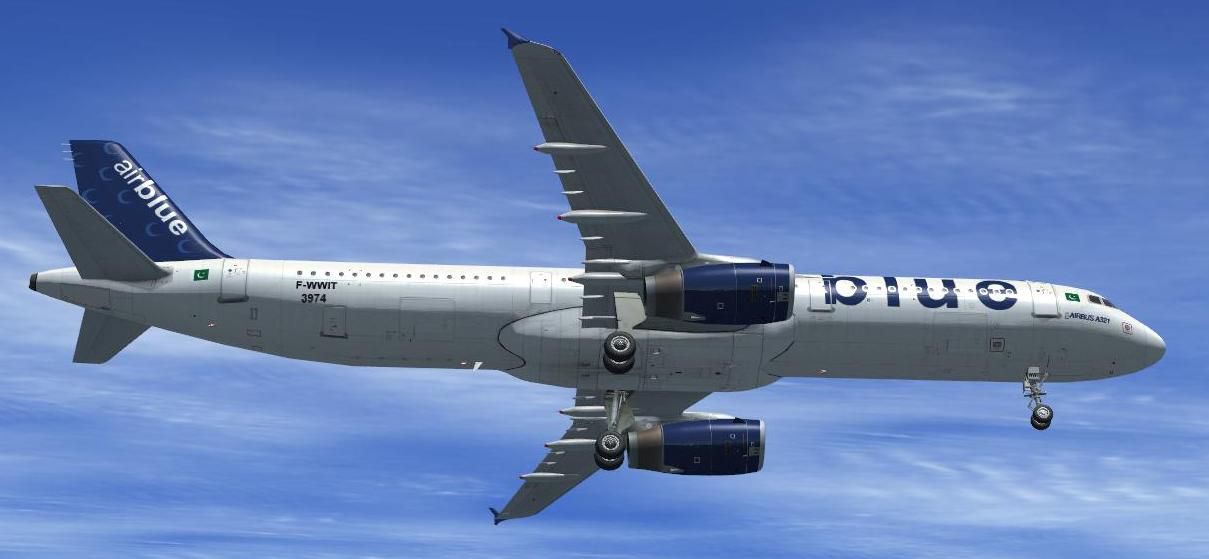
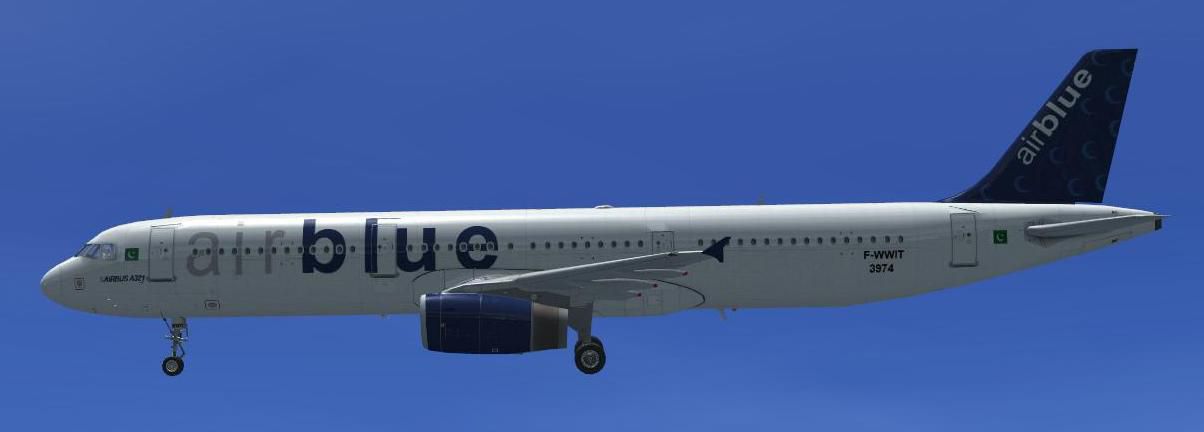
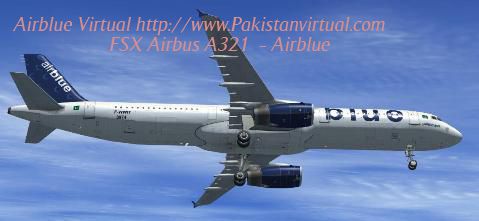
This user-created repaint brings the Airblue Airlines livery to an Airbus A321 within Microsoft Flight Simulator X. Airblue, one of the prominent private carriers based in Pakistan, often operates short-to-medium-haul routes using aircraft from the A320 family. The designer, Rashad Waseem, crafted this texture set to showcase reflective surfaces, ultimately adding extra detail and authenticity to your virtual flights. This package requires the freeware base model located in the Fly Away Simulation mod library. Below, you will find installation instructions as well as the necessary additions for your aircraft configuration file.
C:\Program Files\Microsoft Games\Microsoft Flight Simulator X\SimObjects\Airplanes\Airbus_A321 (actual path may vary).Airbus_A321 directory.aircraft.cfg file inside the Airbus_A321 folder, then insert the provided [fltsim.x] entry. Make sure to change “X” to the subsequent number in sequence.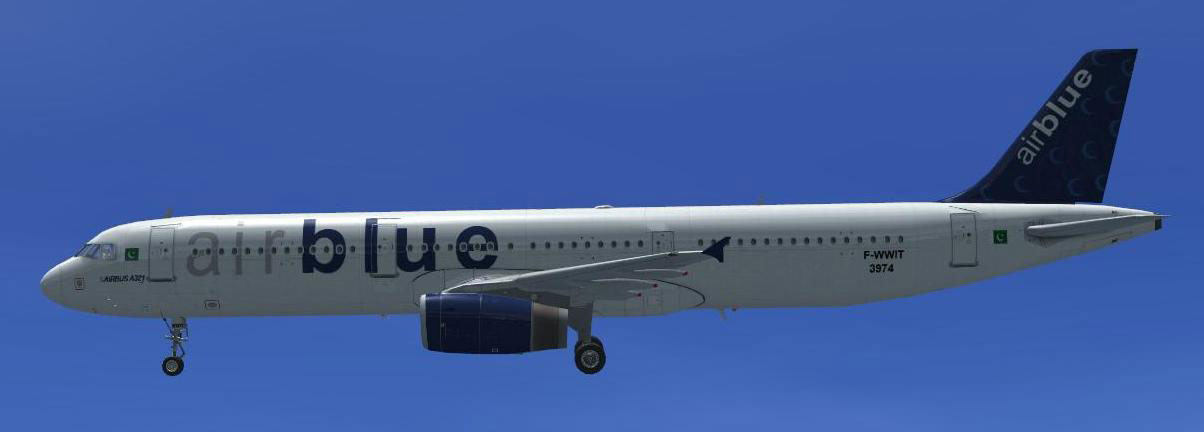
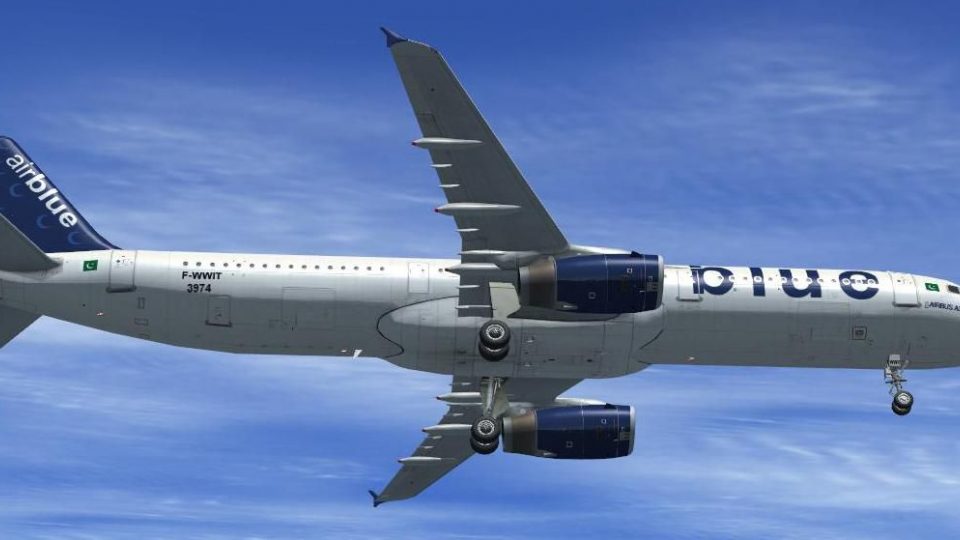
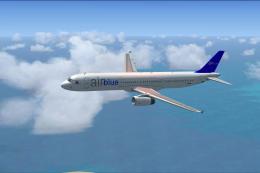
Airblue Airlines Airbus A321 in flight.
Add the following lines to your aircraft.cfg, replacing X with the correct sequence number:
[fltsim.X]
title=Airbus A321 Airblue F-WWIT
sim=Airbus_A321
model=
panel=
sound=
texture=AirblueF-WWIT
kb_checklists=AirbusA321_check
kb_reference=AirbusA321_ref
atc_id=
atc_airline=
atc_flight_number=
ui_manufacturer="Airbus"
ui_type="A321"
ui_variation="Airblue"
ui_typerole="Commercial Airliner"
ui_createdby="Rashad Waseem"
description="The Airbus A321 Reg F-WWIT Airblue Livery Created by Rashad Waseem on Behalf of pakistanvirtual."
This custom livery features luminous winglets, fuselage sections, and engines painted in reflective textures, ensuring they glisten realistically under sunlight. When viewed from various angles, these surfaces will exhibit enhanced metallic effects, especially noticeable during dawn and dusk.
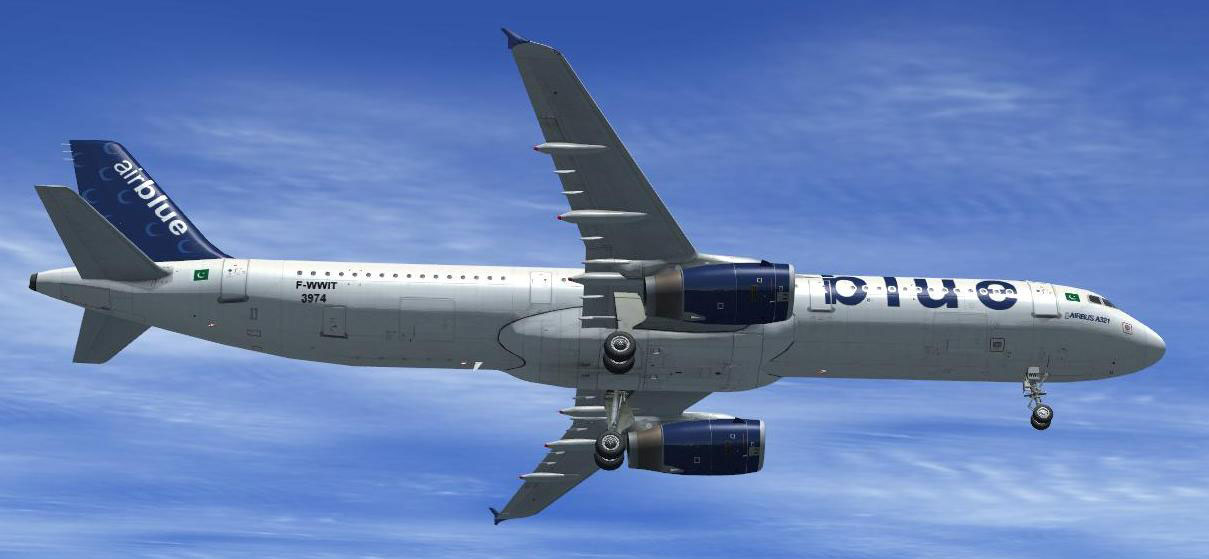
Airblue Airlines Airbus A321 in flight.
Upon successful installation, load the aircraft via your simulator’s aircraft selection interface and enjoy the enhanced external visuals with this unique Airblue Airlines repaint. If you have not yet installed the base model, ensure you acquire it from the Fly Away Simulation mod library before applying this livery. Happy flying, and enjoy the vibrant, reflective finish in your virtual skies!
Free for all simmers · 6.2 MB · Scanned clean
Download speed: Free tier is capped at 0.5 Mbps (this file takes approximately 2 mins at the cap). PRO members download at full line speed.
FSX\SimObjects\Airplanes\. The folder must contain an aircraft.cfg file. Effects go into FSX\Effects\; gauges go into FSX\Gauges\.readme.txt or README file. It tells you exactly where files go, what dependencies are needed, and any quirks specific to this add-on.The archive fsxairbluea321-3.zip has 31 files and directories contained within it.
This list displays the first 500 files in the package. If the package has more, you will need to download it to view them.
| Filename/Directory | File Date | File Size |
|---|---|---|
| FILE_ID.DIZ | 10.13.10 | 137 B |
| FILE_ID.txt | 10.13.10 | 137 B |
| instructions aircraft cfg to add.txt | 10.13.10 | 1.14 kB |
| screenshot 1.jpg | 10.13.10 | 53.81 kB |
| screenshot 2.jpg | 10.13.10 | 26.99 kB |
| Texture.AirblueF-WWIT | 10.13.10 | 0 B |
| A321_1_T.dds | 10.13.10 | 1.00 MB |
| A321_1_T_Bump.dds | 09.04.06 | 1.00 MB |
| A321_1_T_LM.dds | 09.04.06 | 170.79 kB |
| A321_1_T_spec.dds | 09.04.06 | 1.33 MB |
| A321_2_T.dds | 10.11.10 | 1.00 MB |
| A321_2_T_Bump.dds | 09.04.06 | 1.00 MB |
| A321_2_T_LM.dds | 09.04.06 | 170.79 kB |
| A321_2_T_spec.dds | 09.04.06 | 1.33 MB |
| A321_Interior_T.dds | 09.04.06 | 341.45 kB |
| A321_reflection.dds | 09.04.06 | 170.79 kB |
| Airbus_A321_1_C.dds | 10.13.10 | 512.12 kB |
| Airbus_A321_1_night_C.dds | 09.04.06 | 682.79 kB |
| Airbus_A321_2_C.dds | 10.13.10 | 512.12 kB |
| Airbus_A321_2_night_C.dds | 09.04.06 | 682.79 kB |
| Airbus_A321_3_C.dds | 10.13.10 | 512.12 kB |
| Airbus_A321_3_night_C.dds | 09.04.06 | 682.79 kB |
| Airbus_A321_4_C.dds | 09.04.06 | 682.79 kB |
| Airbus_A321_4_night_C.dds | 09.04.06 | 682.79 kB |
| Airbus_Pilots.dds | 09.04.06 | 42.79 kB |
| Fresnel_Ramp.dds | 09.04.06 | 640 B |
| texture.cfg | 08.14.06 | 137 B |
| thumbnail.jpg | 10.13.10 | 56.89 kB |
| thumbnail.jpg | 10.13.10 | 56.89 kB |
| flyawaysimulation.txt | 10.29.13 | 959 B |
| Go to Fly Away Simulation.url | 01.22.16 | 52 B |
More FSX & P3D add-ons hand-picked based on this download.
FSX Civil Aircraft
This enhanced repaint package features Airblue Airlines’ Airbus A321 (registr…
 FSX Civil Aircraft
This freeware package features a dedicated repaint of the Airbus A321 with Ai…
 FSX Civil Aircraft
FSX Airblue Airbus A321. Textures only. Repaint by Pakistan Mujtabu.
 FSX Civil Aircraft
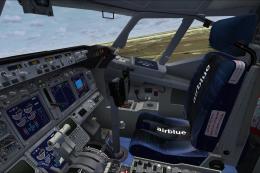
FSX Airblue Pakistan Airlines Boeing 737-800. Added livery features: custom A…
 FSX Civil Aircraft
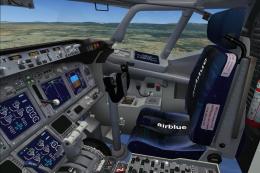
Airblue Airlines Boeing 737-800. Textures for the default FSX 737 final. Incl…
 FSX Civil Aircraft
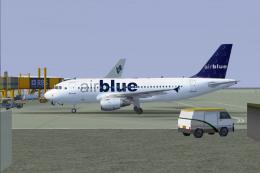
Airblue Airbus A319-112, registration AP-BIF. Virtual Airblue in association …
 FSX Civil Aircraft
Swiss International Airlines Airbus A321, registration HB-IOL. Textures and t…
 FSX Civil Aircraft
This freeware release brings a detailed Scandinavian Airlines (SAS) Airbus A3…
Be the first to leave a comment on this download.
Be the first to share your thoughts on this download.