

 FSX Civil Aircraft
Airblue Airlines Airbus A321 AP-BJB
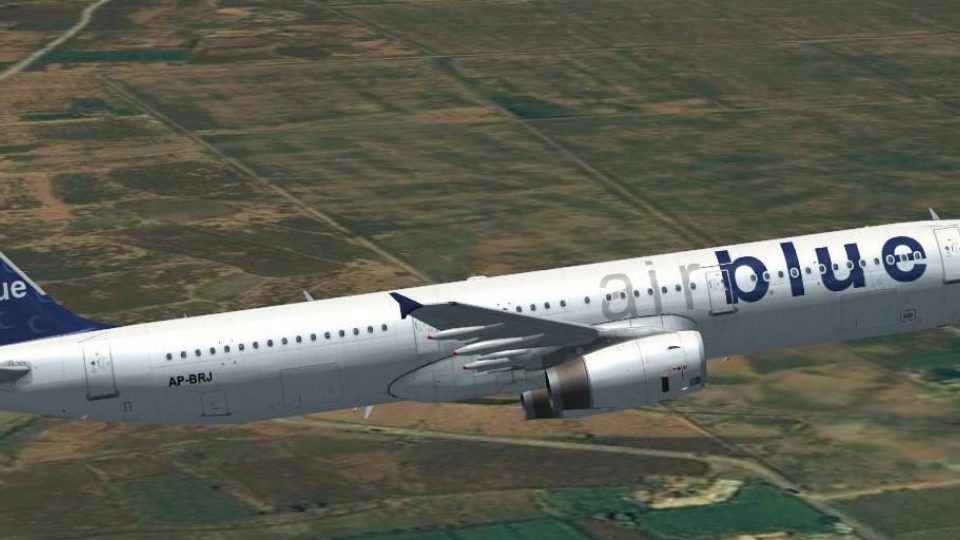
This enhanced repaint package features Airblue Airlines’ Airbus A321 (registr…
Airblue’s Airbus A321 registration AP-BRJ arrives as a detailed repaint with accurate Pakistani carrier markings and a reflective exterior that pops under changing light. Built for the default A321 in Microsoft Flight Simulator X, it integrates cleanly into existing fleets and requires the base aircraft model to be installed separately.
 Rate
Rate
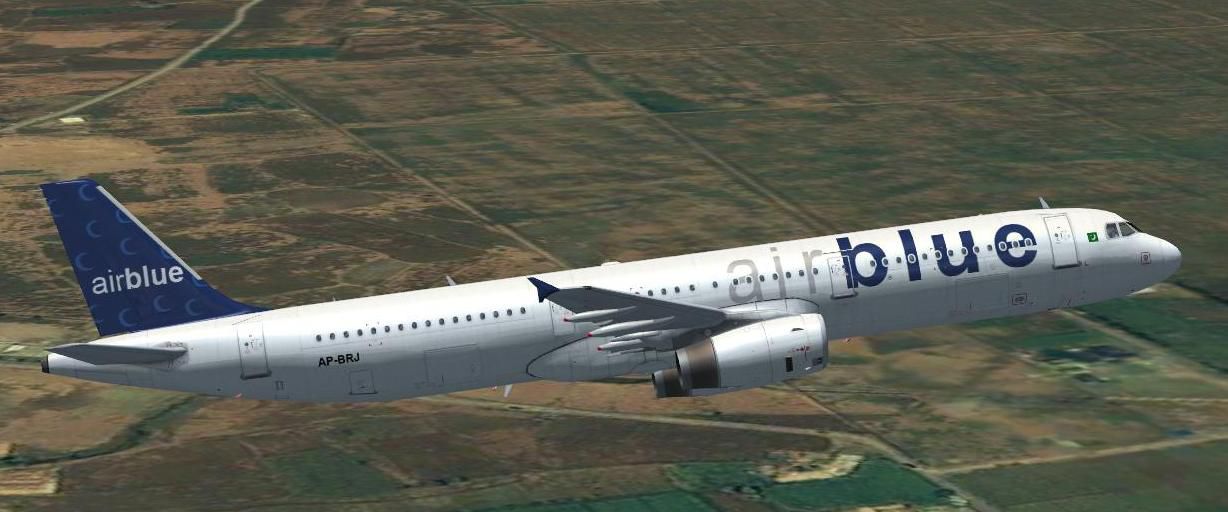
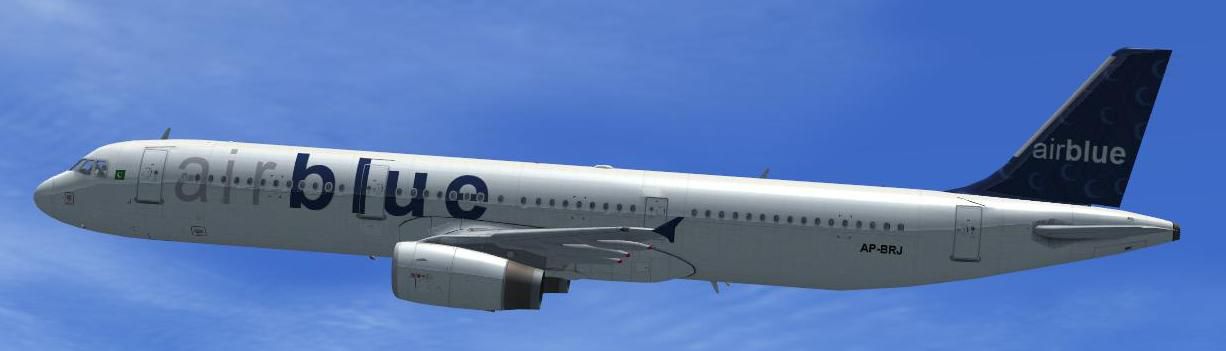
This freeware package features a dedicated repaint of the Airbus A321 with Airblue Airlines markings (registration AP-BRJ), fully compatible with the default Airbus A321 in Microsoft Flight Simulator X. Created by developer Rashad Waseem, it embraces a reflective exterior finish and brings a strong sense of authenticity. Enthusiasts familiar with Pakistani aviation may recognize Airblue as a prominent carrier known for operating modern Airbus aircraft across domestic and international routes.
This repaint reproduces the Airblue identity with careful attention to the airline’s characteristic colors, highlighting registration AP-BRJ. The fuselage surfaces incorporate an enhanced shine effect, achieved through reflective textures that capture and scatter sunlight realistically. Operators will appreciate how this modeling approach re-creates the real-world appearance, thereby delivering a more immersive outlook.
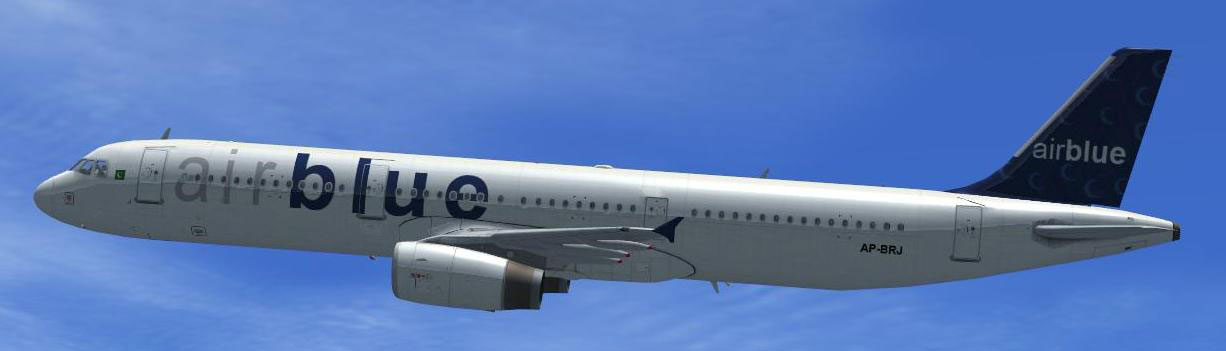
View of the Airblue texture soaring in-game.
The underlying files for the default A321 in FSX are not included here. The core aircraft must be acquired separately from the Fly Away Simulation library, which hosts the freeware base model. Once the base package is installed, this livery can be merged to complete your fleet of Pakistani operators. Ensure you have a properly functioning version of the default Airbus in your “SimObjects” directory before adding this repaint.
Airbus_A321 folder, typically under: C:\Program Files\Microsoft Games\Microsoft Flight Simulator X\Simobjects\Airplanes\Airbus_A321.Airbus_A321 directory.X in [fltsim.X] with the next available number in your configuration.[fltsim.X]
title=Airbus A321 Airblue AP-BRJ
sim=Airbus_A321
model=
panel=
sound=
texture=AirblueAP-BRJ
kb_checklists=AirbusA321_check
kb_reference=AirbusA321_ref
atc_id=
atc_airline=
atc_flight_number=
ui_manufacturer="Airbus"
ui_type="A321"
ui_variation="Airblue AP-BRJ"
ui_typerole="Commercial Airliner"
ui_createdby="Rashad Waseem"
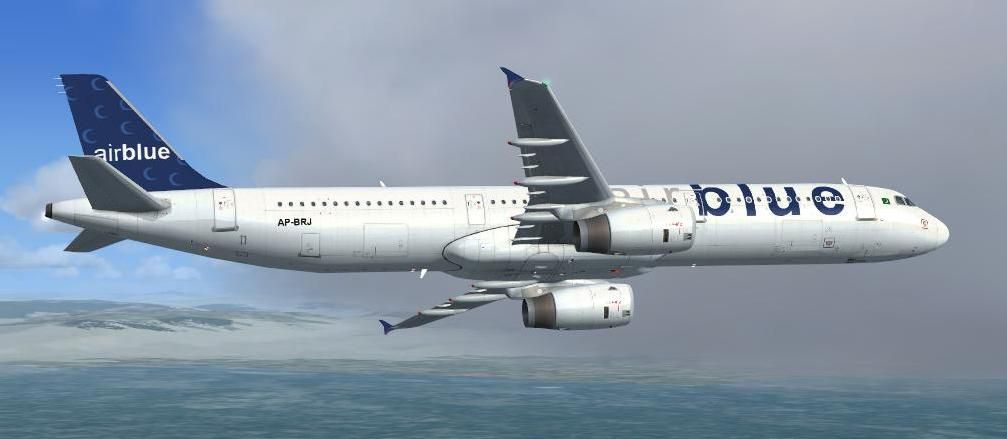
description="The Airbus A321 Reg AP-BRJ Airblue Livery Created by Rashad Waseem on Behalf of pakistanvirtual"
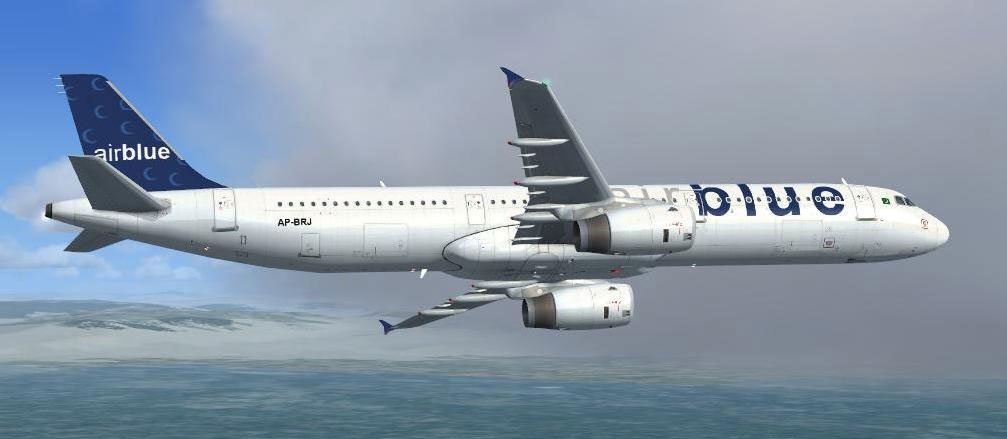
An external angle showcasing the Airblue textures.
After updating the configuration file appropriately, you can load the repaint in Microsoft Flight Simulator X and explore regional routes or longer segments. This pattern offers flight deck immersion for any simmer seeking to replicate Pakistan’s robust commercial traffic. With just a few steps, you will be able to experience this striking livery developed by Rashad Waseem — ideal for anyone interested in realistic liveries, especially those representing South Asian airlines.
Free for all simmers · 6.25 MB · Scanned clean Oct 2026
Download speed: Free tier is capped at 0.5 Mbps (this file takes approximately 2 mins at the cap). PRO members download at full line speed.
texture.{airline}) inside FSX\SimObjects\Airplanes\{base-aircraft}\.aircraft.cfg in Notepad. Add a new [fltsim.X] section per the readme.readme.txt or README file. It tells you exactly where files go, what dependencies are needed, and any quirks specific to this add-on.The archive fsxairbluea321-2.zip has 32 files and directories contained within it.
This list displays the first 500 files in the package. If the package has more, you will need to download it to view them.
| Filename/Directory | File Date | File Size |
|---|---|---|
| FILE_ID.DIZ | 10.13.10 | 137 B |
| FILE_ID.txt | 10.13.10 | 137 B |
| instructions aircraft cfg to add.txt | 10.13.10 | 1.12 kB |
| screenshot 1.jpg | 10.13.10 | 81.85 kB |
| screenshot 2.jpg | 10.13.10 | 29.47 kB |
| screenshot 3.jpg | 10.13.10 | 38.46 kB |
| Texture.AirblueAP-BRJ | 10.13.10 | 0 B |
| A321_1_T.dds | 10.13.10 | 1.00 MB |
| A321_1_T_Bump.dds | 09.04.06 | 1.00 MB |
| A321_1_T_LM.dds | 09.04.06 | 170.79 kB |
| A321_1_T_spec.dds | 09.04.06 | 1.33 MB |
| A321_2_T.dds | 10.11.10 | 1.00 MB |
| A321_2_T_Bump.dds | 09.04.06 | 1.00 MB |
| A321_2_T_LM.dds | 09.04.06 | 170.79 kB |
| A321_2_T_spec.dds | 09.04.06 | 1.33 MB |
| A321_Interior_T.dds | 09.04.06 | 341.45 kB |
| A321_reflection.dds | 09.04.06 | 170.79 kB |
| Airbus_A321_1_C.dds | 10.13.10 | 512.12 kB |
| Airbus_A321_1_night_C.dds | 09.04.06 | 682.79 kB |
| Airbus_A321_2_C.dds | 10.13.10 | 512.12 kB |
| Airbus_A321_2_night_C.dds | 09.04.06 | 682.79 kB |
| Airbus_A321_3_C.dds | 10.13.10 | 512.12 kB |
| Airbus_A321_3_night_C.dds | 09.04.06 | 682.79 kB |
| Airbus_A321_4_C.dds | 09.04.06 | 682.79 kB |
| Airbus_A321_4_night_C.dds | 09.04.06 | 682.79 kB |
| Airbus_Pilots.dds | 09.04.06 | 42.79 kB |
| Fresnel_Ramp.dds | 09.04.06 | 640 B |
| texture.cfg | 08.14.06 | 137 B |
| thumbnail.jpg | 10.13.10 | 45.87 kB |
| thumbnail.jpg | 10.13.10 | 45.87 kB |
| flyawaysimulation.txt | 10.29.13 | 959 B |
| Go to Fly Away Simulation.url | 01.22.16 | 52 B |
Only PRO members can place votes.
More FSX & P3D add-ons hand-picked based on this download.
FSX Civil Aircraft
This enhanced repaint package features Airblue Airlines’ Airbus A321 (registr…
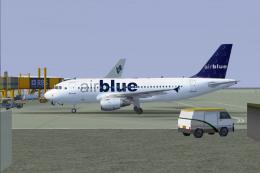 FSX Civil Aircraft
Airblue Airbus A319-112, registration AP-BIF. Virtual Airblue in association …
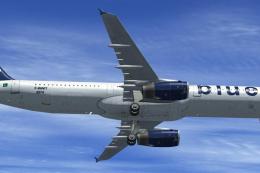 FSX Civil Aircraft
This user-created repaint brings the Airblue Airlines livery to an Airbus A32…
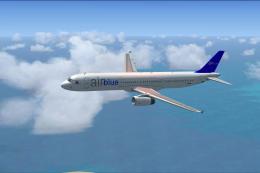 FSX Civil Aircraft
FSX Airblue Airbus A321. Textures only. Repaint by Pakistan Mujtabu.
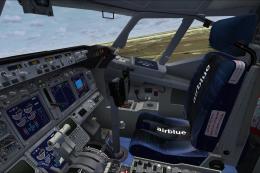 FSX Civil Aircraft
FSX Airblue Pakistan Airlines Boeing 737-800. Added livery features: custom A…
 FSX Civil Aircraft
Airblue Airlines Boeing 737-800. Textures for the default FSX 737 final. Incl…
 FSX Civil Aircraft
It wears PIA's new livery, which was introduced in place of the provincial ta…
 FSX Civil Aircraft
Pakistan International Airlines Boeing 777-200ER. This aircraft, registered a…
Be the first to leave a comment on this download.
Be the first to share your thoughts on this download.