


 FSX Civil Aircraft
TDS Air France Boeing 787-9 F-HRBA
Tenkuu Developers Studio - Boeing 787-9 Dreamliner Air France Boeing 787-9 "F…
Air France’s Boeing 787-9 arrives as a complete freeware aircraft for FSX, combining an updated CamSim model with crisp airline textures and a modern long-haul feel. Animated passenger and cargo doors plus integrated ground-service sequences add apron realism, while enhanced night lighting and a refined virtual cockpit keep the Dreamliner convincing from gate to cruise.
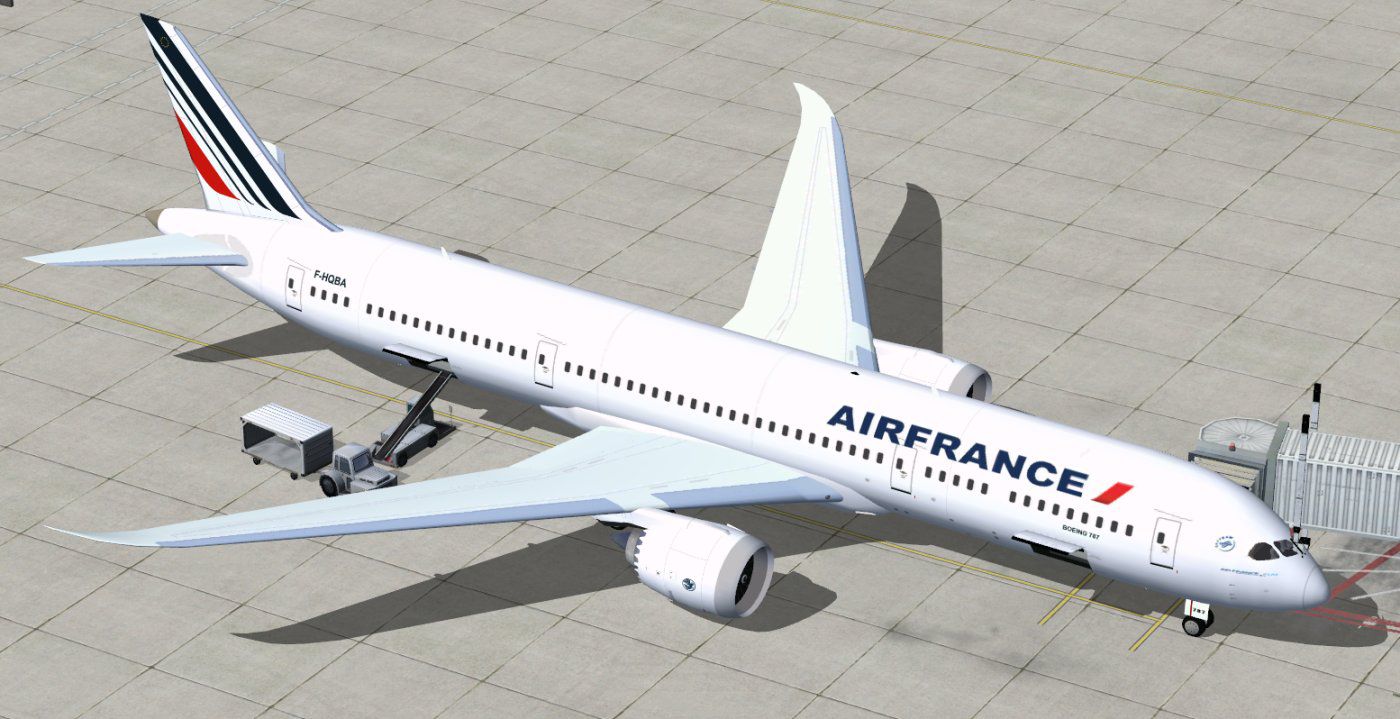
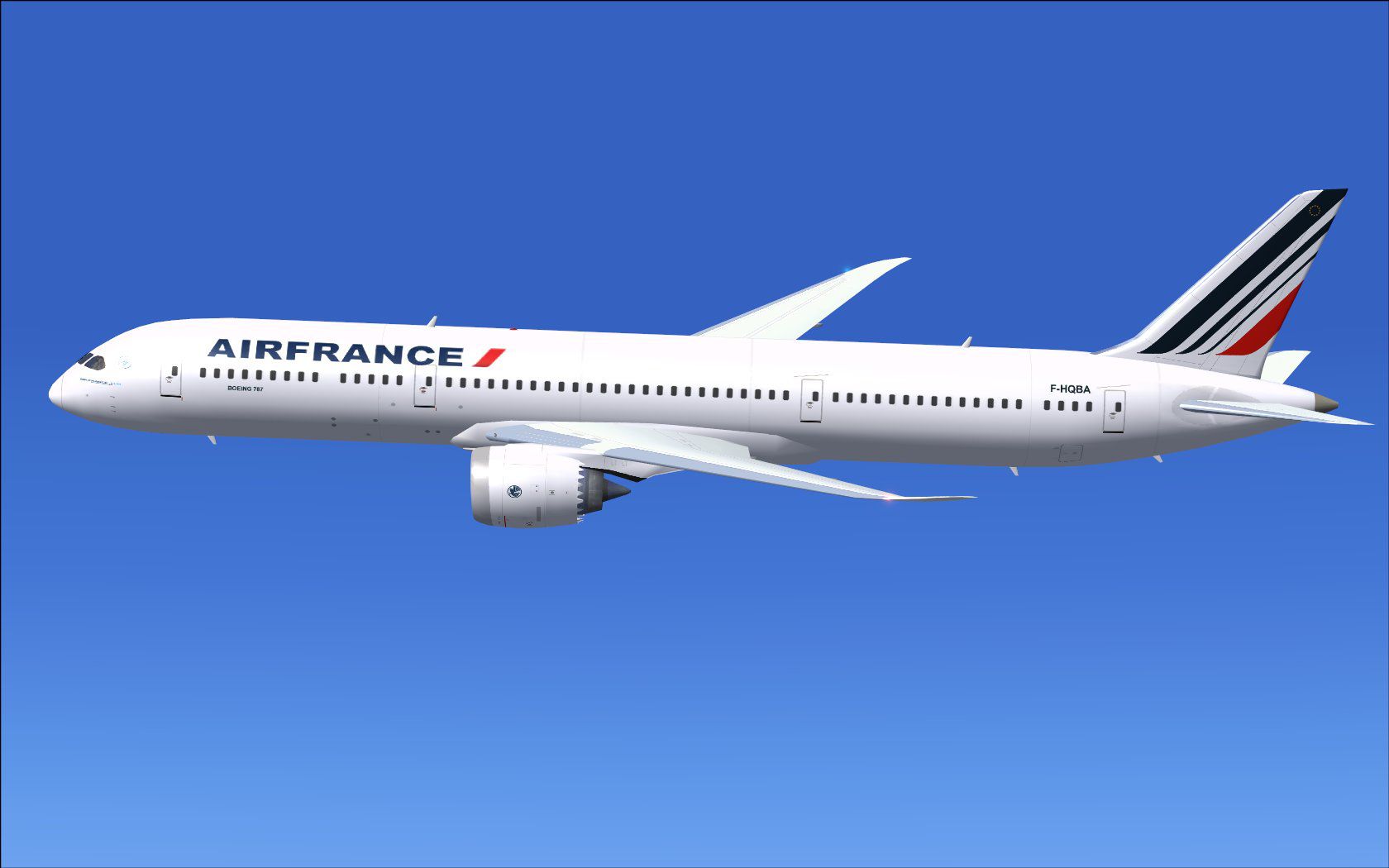
Immerse yourself in a streamlined simulation experience by exploring this updated freeware package that depicts the Boeing 787-9 in the iconic Air France livery. The creators, Camil Valiquette and the CamSim team, have refined the virtual airframe to incorporate new ground service animation features, making every phase of the simulation more engaging. This release includes the entire base model, expertly designed textures, and dynamic servicing elements that operate seamlessly within your chosen setup.
The Boeing 787-9, recognized for its improved fuel efficiency and modern aerodynamics, offers long-haul capabilities suited to Air France’s extensive network. Air France, a renowned French airline, has been using the real-world counterpart to connect major global destinations. In this simulation model, you will find a faithfully replicated fuselage shape, augmented details across the exterior surfaces, and polished engine inlets. Textural enhancements also enrich the lifelike appearance of cabin windows, wing sections, and distinctive airline branding.
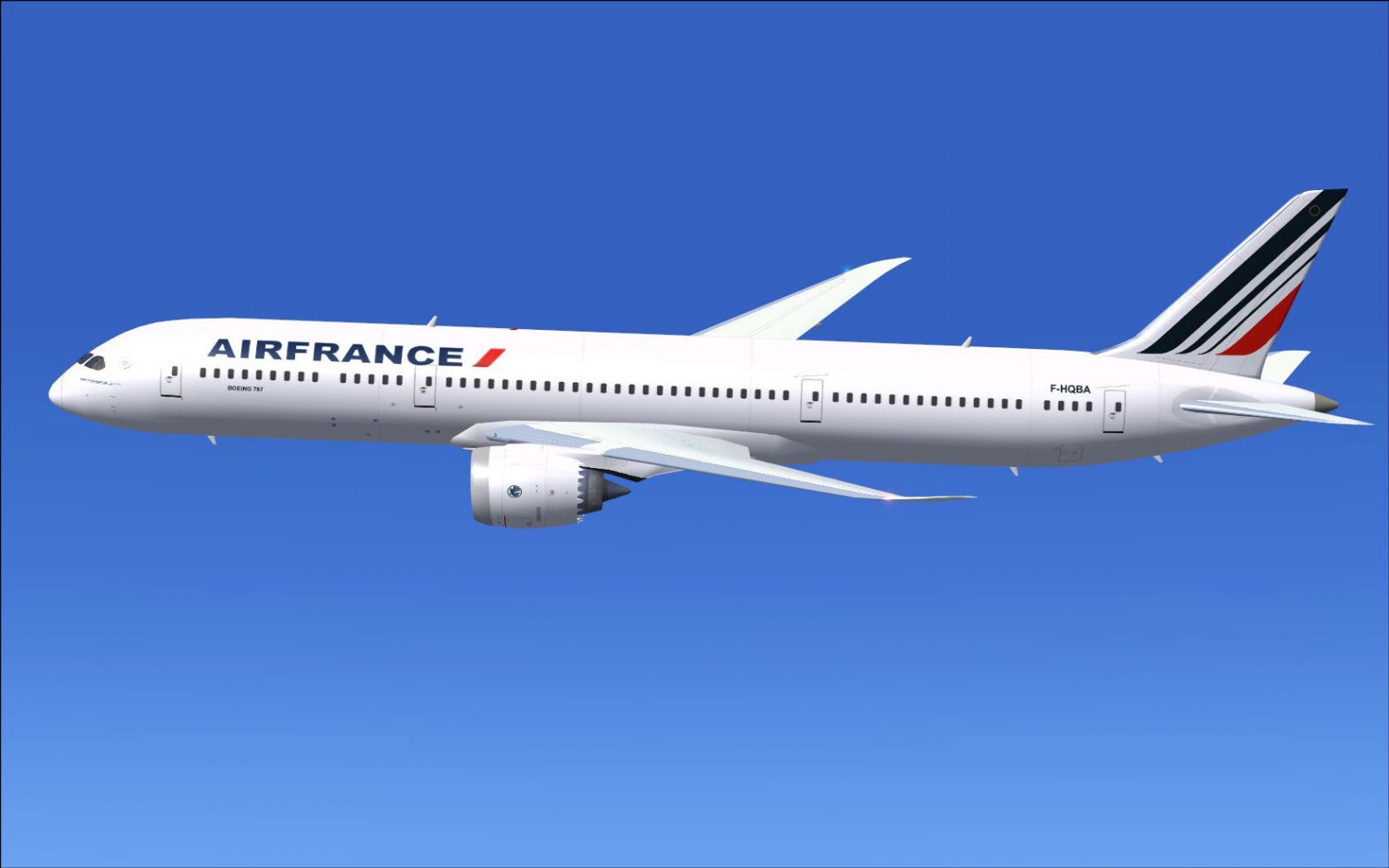
Air France Boeing 787-9 in flight.
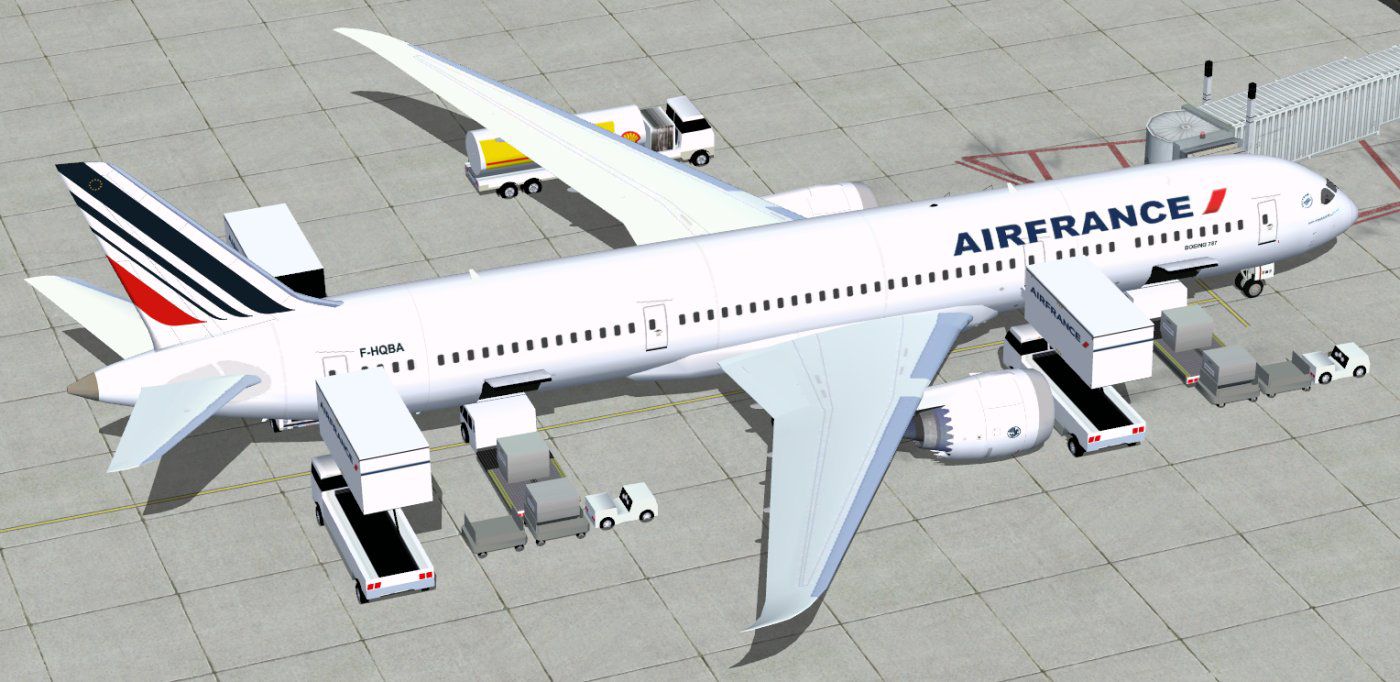
Utilizing the advanced ground servicing framework, numerous moving components have been integrated into the exterior model. This configuration adds another layer of realism to apron operations. By using specified controls, you can engage passenger doors, cargo holds, and detailed ground-service units. This setup blends visually appealing animations with practical functionality, allowing flexible ground routines.
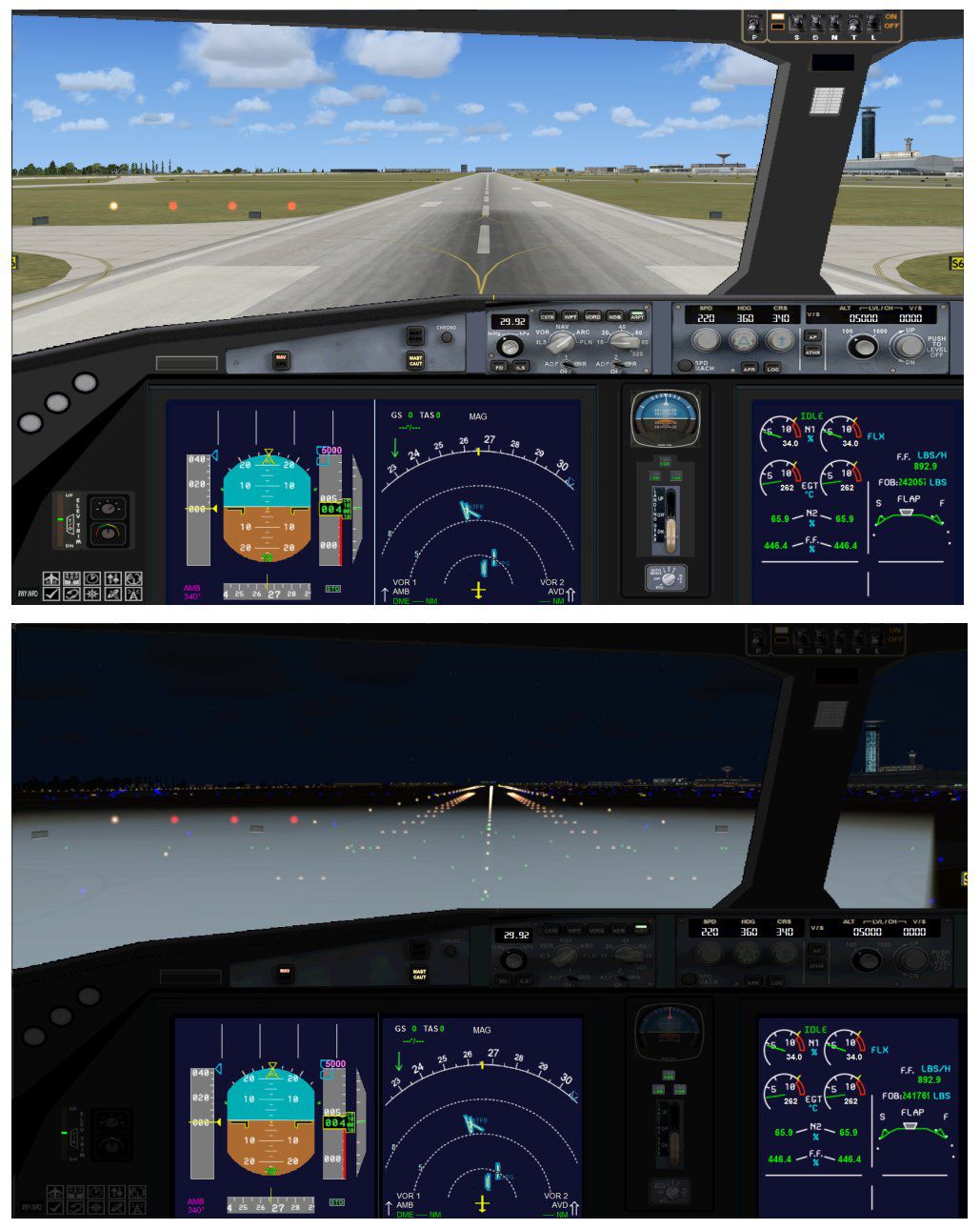
Moreover, the developers have added enhanced night effects for those seeking immersion during low-light conditions. These new textures and lighting functionalities activate once the corresponding effects are placed in the correct folder. Each avionics element is calibrated for smooth integration with FSX systems, bringing clearer flight instrumentation and refined cockpit perspectives.
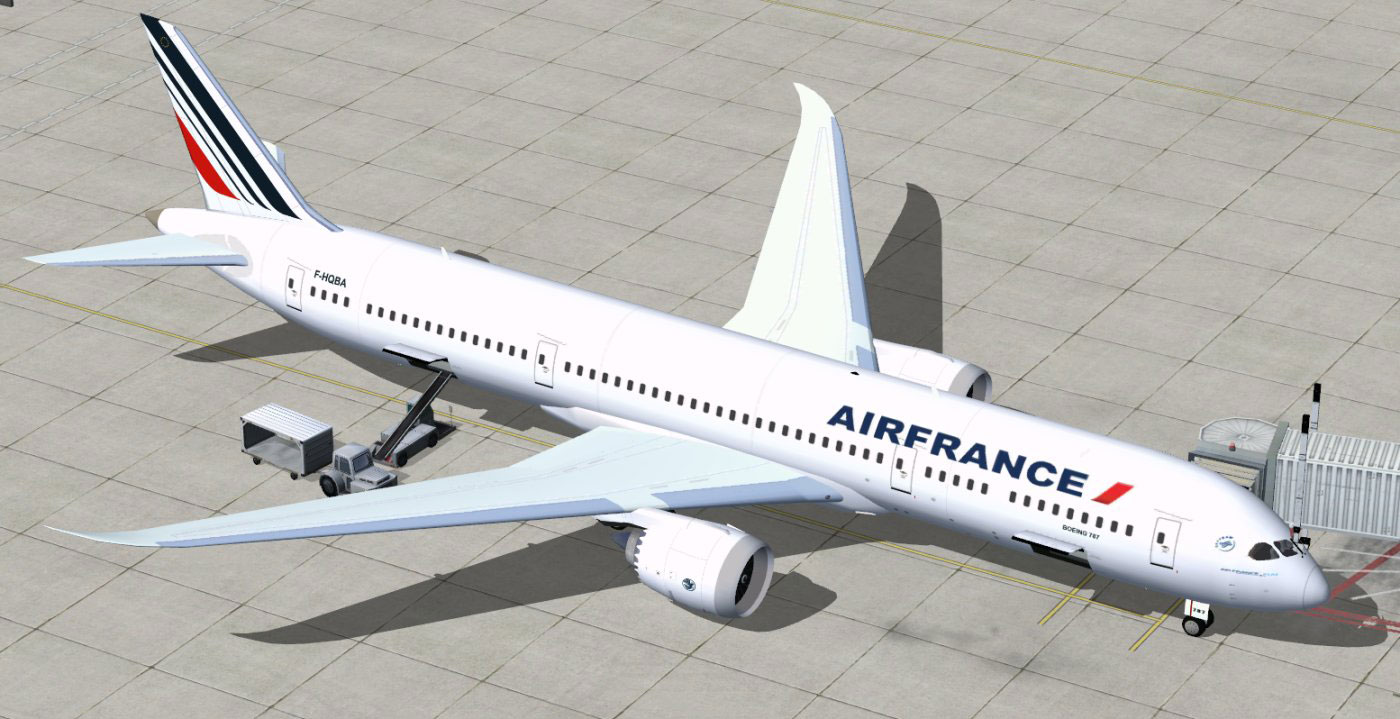
Air France Boeing 787-9 at boarding gate.
Unzip and place all bundled files into the “Airplane” directory within your main FSX installation folder to complete the basic setup. If you have never installed one of Camil Valiquette’s animated ground servicing aircraft before, you should also unpack the “Effects.zip” contents to your simulator’s root directory, ensuring that all assets go into the existing “Effects” subfolder. By following this sequence, necessary night textures and other visual elements remain fully operational.
To fly and manage these animations effectively, map specific key commands through the built-in control assignments. Reference these steps for quick access:
For these to function optimally, confirm the following in the “Options” controls setup:
With these calibrations, you can witness the loading and unloading stages, ground support vehicles, and additional servicing animations that enrich the virtual aviation routine. This package stands as a complete freeware representation of modern French long-haul operations, integrating new structural enhancements and refined looks brought to life by Camil Valiquette.
Free for all simmers · 5.27 MB · Scanned clean
Download speed: Free tier is capped at 0.5 Mbps (this file takes approximately 1 min at the cap). PRO members download at full line speed.
This add-on may require the following files to function properly. If this is a repaint, the dependency below is likely the base aircraft package.
FSX\SimObjects\Airplanes\. The folder must contain an aircraft.cfg file. Effects go into FSX\Effects\; gauges go into FSX\Gauges\.readme.txt or README file. It tells you exactly where files go, what dependencies are needed, and any quirks specific to this add-on.The archive 789v2afx.zip has 36 files and directories contained within it.
This list displays the first 500 files in the package. If the package has more, you will need to download it to view them.
| Filename/Directory | File Date | File Size |
|---|---|---|
| CamSim Boeing 787-9 V2 AIRFRANCE | 07.13.11 | 0 B |
| 787-9.air | 02.25.10 | 12.76 kB |
| 789af a fsx..jpg | 07.13.11 | 155.46 kB |
| 789af ags fsx.jpg | 07.13.11 | 157.98 kB |
| 789v2af_4x.jpg | 07.12.11 | 81.19 kB |
| aircraft.cfg | 07.13.11 | 15.45 kB |
| Effects.zip | 09.09.08 | 1.81 kB |
| file_id.diz | 07.13.11 | 189 B |
| model.787-9 ags | 07.13.11 | 0 B |
| 787-9 ags 1 pax stair 3 services.mdl | 02.12.10 | 2.67 MB |
| Model.cfg | 02.04.10 | 51 B |
| Panel | 07.13.11 | 0 B |
| 787_350_panel_background.bmp | 02.25.10 | 2.25 MB |
| 787_350_panel_background_night.bmp | 02.25.10 | 2.25 MB |
| Airbus_A321.cab | 09.04.06 | 2.72 MB |
| panel.cfg | 02.25.10 | 5.48 kB |
| panel camsim 787-350 afx_2.jpg | 04.09.10 | 182.86 kB |
| Read Me_FSX.txt | 07.13.11 | 2.45 kB |
| sound | 07.13.11 | 0 B |
| Sound.cfg | 08.30.09 | 35 B |
| texture.af | 07.13.11 | 0 B |
| 787eng_t.bmp | 07.08.11 | 1.00 MB |
| 787ext_L.bmp | 07.13.11 | 4.00 MB |
| 787ext_t.bmp | 07.13.11 | 1.00 MB |
| 787int_L.bmp | 07.13.11 | 4.00 MB |
| 787int_t.bmp | 07.13.11 | 1.00 MB |
| 787tail_t.bmp | 06.17.11 | 1.00 MB |
| 789fuse_t.bmp | 07.08.11 | 1.00 MB |
| 789wings_t.bmp | 11.24.09 | 1.00 MB |
| gris_t.bmp | 12.09.09 | 16.07 kB |
| pilot1.bmp | 09.11.09 | 257.05 kB |
| pilot1_L.bmp | 12.06.06 | 1.00 MB |
| thumbnail.jpg | 07.13.11 | 4.76 kB |
| w_t.bmp | 12.06.08 | 16.07 kB |
| flyawaysimulation.txt | 10.29.13 | 959 B |
| Go to Fly Away Simulation.url | 01.22.16 | 52 B |
More FSX & P3D add-ons hand-picked based on this download.
FSX Civil Aircraft
Tenkuu Developers Studio - Boeing 787-9 Dreamliner Air France Boeing 787-9 "F…
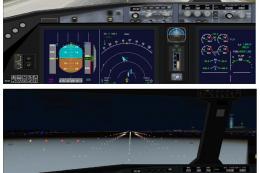 FSX Civil Aircraft
This updated freeware package introduces an Air France Boeing 787-10 variant …
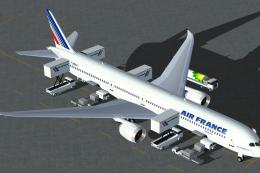 FSX Civil Aircraft
Immerse yourself in a high-capacity Boeing 787 variant specifically tailored …
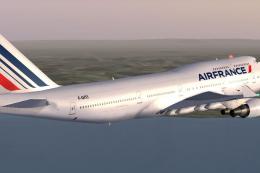 FSX Civil Aircraft
Air France Boeing 747-428. Complete package of the Project OpenSky B747-400 v…
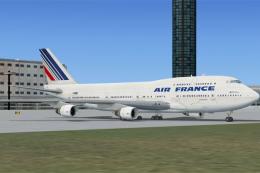 FSX Civil Aircraft
FSX Air France Boeing 747-400. Textures only for the default B747-400.
 FSX Civil Aircraft
This freeware package enhances the default Boeing 737-800 in Microsoft Flight…
 FSX Civil Aircraft
This is a repaint of the payware PMDG B777-200ER in the livery of Air France.…
 FSX Civil Aircraft
This comprehensive package brings the Air France Cargo Boeing 747-428 into yo…
Be the first to leave a comment on this download.
Be the first to share your thoughts on this download.