


 FSX General Aviation Aircraft
Dyn'Aero MCR-01 Ultralight
The MCR Ultralight is a side by side two-seater airplane with incredible perf…
Halcom Starlite is a fictional Special Light Sport Aircraft concept for Microsoft Flight Simulator X, blending composite and aluminum design cues with a 100 hp Rotax 912S-style setup. It features twin flying rudders, a full-flying elevator, an opening canopy, extensive animations, and a reflective exterior that highlights its inventive fuselage profile.
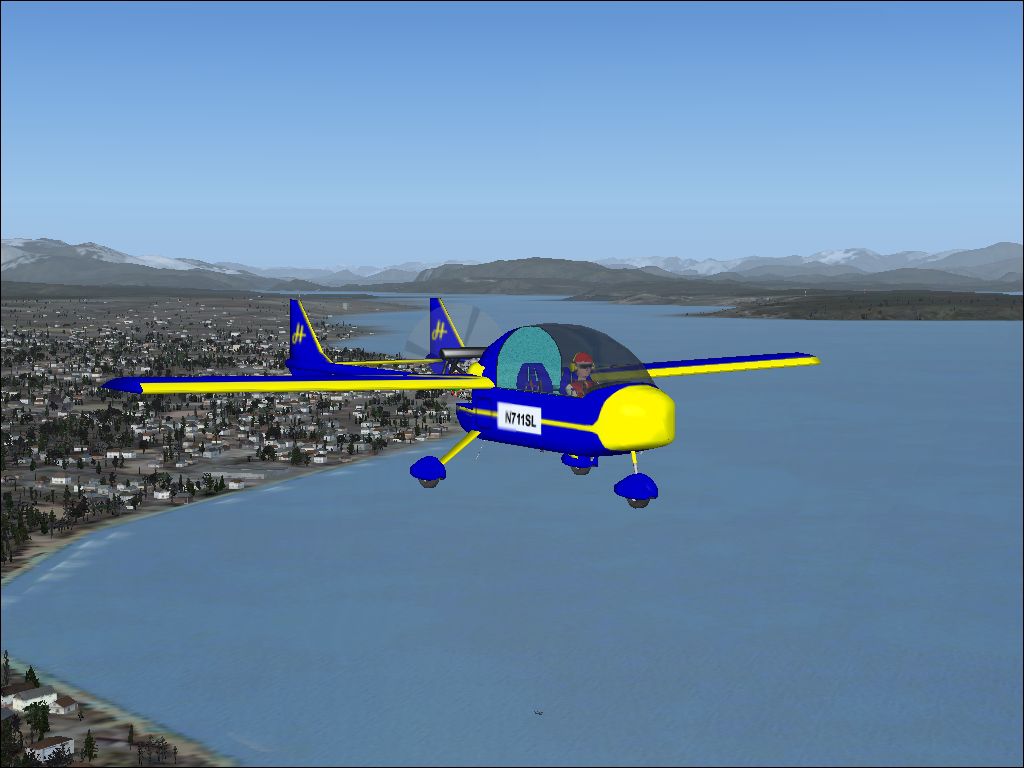
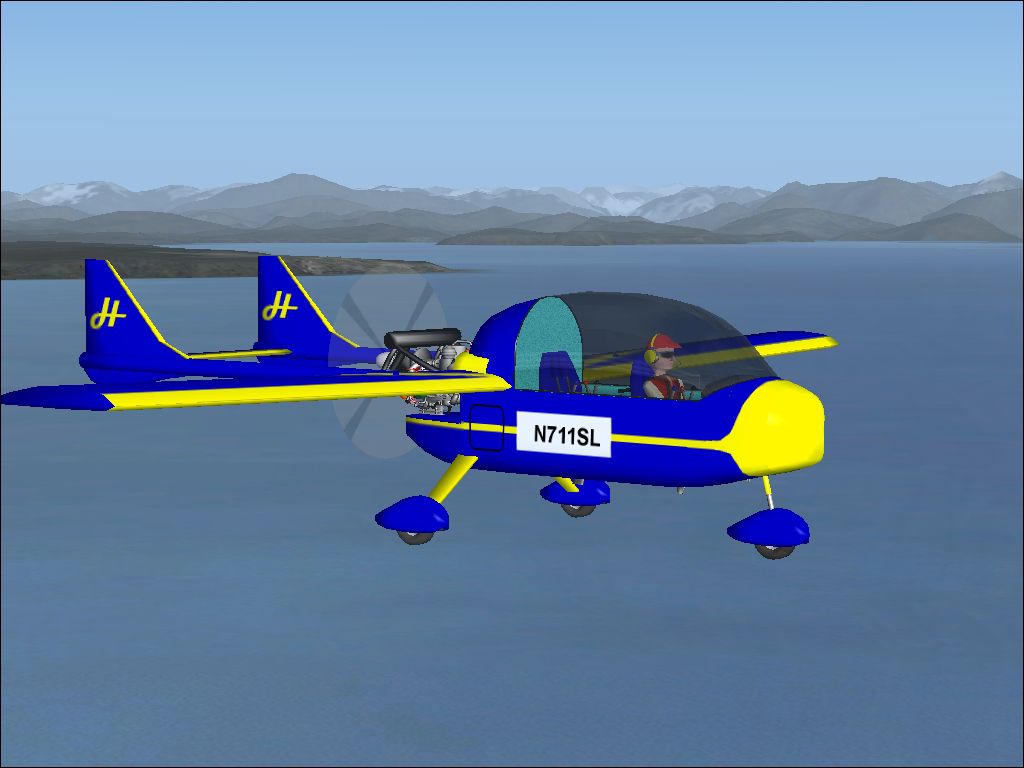
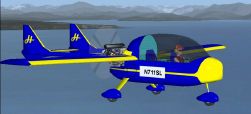
This lightweight concept aircraft offers an experimental blend of composite materials and aluminum, designed as a personal interpretation of what a Special Light Sport Aircraft (SLSA) could be. Created by Don Halcom, with engine elements by Byron Warwick, it brings a highly inventive fuselage profile to Microsoft Flight Simulator X. It incorporates twin flying rudders, a distinct flying elevator arrangement, and a vivid exterior showcasing reflective surfaces. While this virtual model is purely imaginary, it reflects genuine SLSA principles, including structural judgment and performance targets.
The underlying concept embraces modern construction strategies that rely on composite structures and aluminum reinforcements. In a real-world scenario, these materials would reduce weight while offering strength where needed. In this particular installation, the nose houses a 100 hp Rotax 912S powerplant. According to the designer, both the rear rudders and the elevator have been engineered as “flying” surfaces, meaning they pivot fully rather than hinging on fixed assemblies.
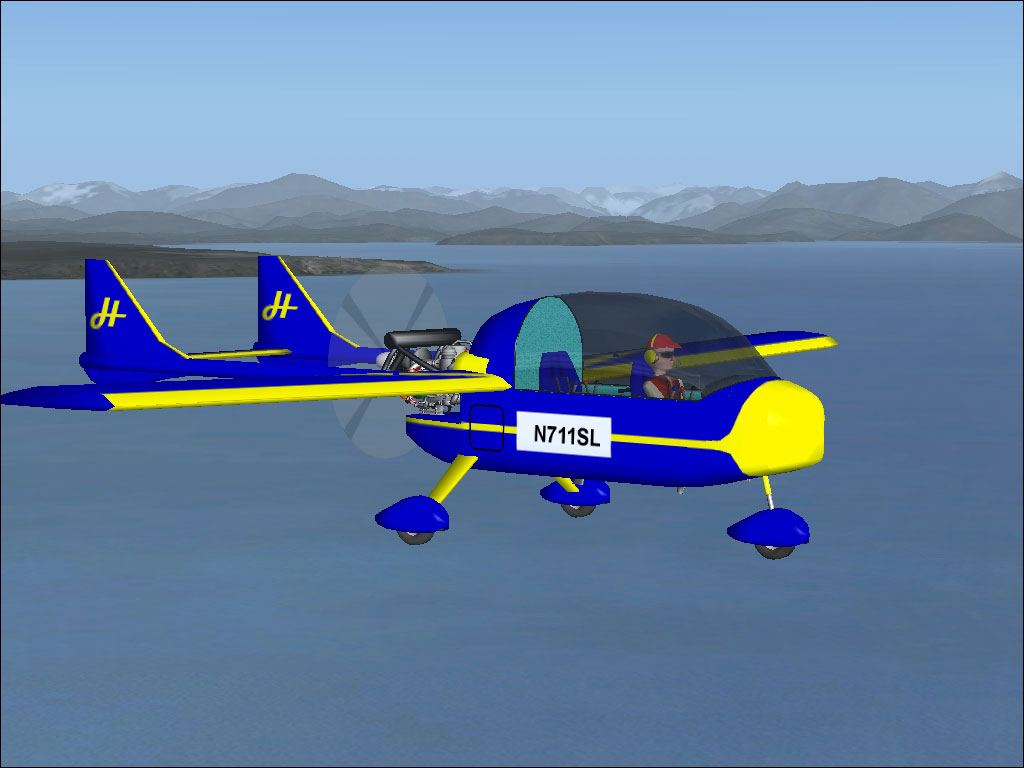
Ultralight Halcom Starlite during flight tests.
As an SLSA concept, this simulated aircraft maintains controlled weight and minimal stall speed, making it an approachable choice for flight sim pilots. Below is a concise overview of its core specifications:
The virtual fuselage exhibits a reflective exterior, especially visible under bright virtual skies. There is a known Microsoft Flight Simulator X limitation regarding nested part texturing, so you may notice slight anomalies on certain areas of the paintwork. Still, the developer integrated ample moving parts, including an opening canopy for added realism.
By following these steps, your ultralight will be ready to explore diverse virtual environments, reflecting Don Halcom’s vision of an advanced, minimalistic SLSA. Enjoy the steady performance, the Rotax 912S power, and the notably nimble handling that this imaginative project was specifically created to deliver.
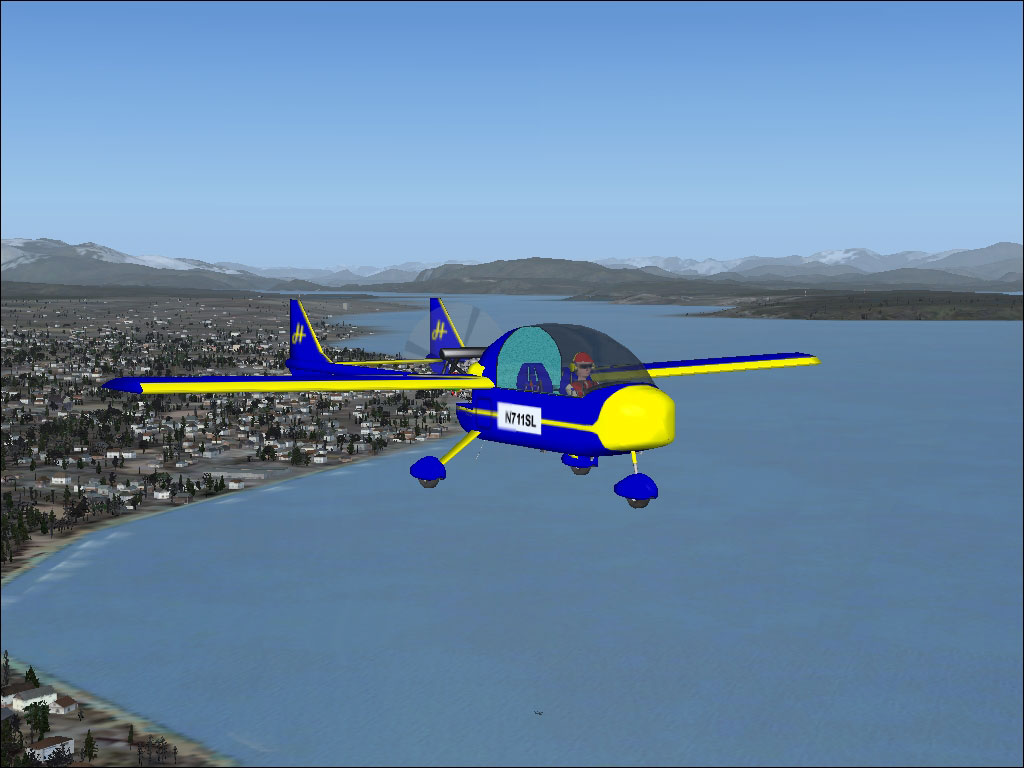
Another view of the Halcom Starlite soaring above scenic landscapes.
Free for all simmers · 7.01 MB · Scanned clean
Download speed: Free tier is capped at 0.5 Mbps (this file takes approximately 2 mins at the cap). PRO members download at full line speed.
SimObjects\Airplanes\, Addon Scenery\, Effects\, or Gauges\.readme.txt or README file. It tells you exactly where files go, what dependencies are needed, and any quirks specific to this add-on.The archive strltfsx.zip has 89 files and directories contained within it.
This list displays the first 500 files in the package. If the package has more, you will need to download it to view them.
| Filename/Directory | File Date | File Size |
|---|---|---|
| file_id.diz | 12.28.06 | 332 B |
| install.txt | 12.20.06 | 914 B |
| READ_ME.txt | 12.21.06 | 2.20 kB |
| starlite1.GIF | 12.19.06 | 8.38 kB |
| starlite1.JPG | 12.19.06 | 366.28 kB |
| starlite2.GIF | 12.19.06 | 7.67 kB |
| starlite2.JPG | 12.19.06 | 307.60 kB |
| aircraft.cfg | 12.24.06 | 11.60 kB |
| model | 12.24.06 | 0 B |
| model.cfg | 10.15.05 | 27 B |
| StarLite.mdl | 12.05.06 | 2.27 MB |
| panel | 12.24.06 | 0 B |
| ecu_background.bmp | 10.28.05 | 675.05 kB |
| panel.cfg | 12.24.06 | 3.65 kB |
| StarLite.CAB | 12.23.06 | 162.74 kB |
| StarLite_Panel.bmp | 12.20.06 | 2.25 MB |
| sound | 12.24.06 | 0 B |
| da20_apdisconnect.wav | 06.29.01 | 169.80 kB |
| da20_flaps.wav | 08.27.01 | 225.90 kB |
| DA20_noncombust.wav | 02.01.03 | 35.63 kB |
| DA20_prop.wav | 03.18.03 | 262.17 kB |
| DA20_rpm1.wav | 02.01.03 | 326.33 kB |
| DA20_rpm2.wav | 02.01.03 | 509.65 kB |
| DA20_rpm3.wav | 02.01.03 | 571.77 kB |
| DA20_rpm4.wav | 02.01.03 | 651.45 kB |
| DA20_shutdown.wav | 05.13.03 | 314.04 kB |
| da20_stallhorn.wav | 06.29.01 | 237.68 kB |
| DA20_starter.wav | 05.13.03 | 25.75 kB |
| DA20_startup.wav | 05.13.03 | 110.15 kB |
| door_small_close.wav | 04.09.03 | 55.99 kB |
| door_small_open.wav | 04.09.03 | 59.98 kB |
| sound.cfg | 12.28.03 | 8.65 kB |
| xDA20_noncombust.wav | 02.01.03 | 16.45 kB |
| xDA20_prop.wav | 03.18.03 | 262.17 kB |
| xDA20_rpm1.wav | 04.03.03 | 237.43 kB |
| xDA20_rpm2.wav | 02.01.03 | 271.77 kB |
| xDA20_rpm3.wav | 02.01.03 | 257.73 kB |
| xDA20_rpm4.wav | 02.01.03 | 244.47 kB |
| xDA20_shutdown.wav | 02.20.03 | 71.65 kB |
| xDA20_starter.wav | 05.13.03 | 15.66 kB |
| xDA20_startup.wav | 04.03.03 | 181.63 kB |
| StarLite.air | 12.24.06 | 11.23 kB |
| texture | 12.24.06 | 0 B |
| $panel | 10.21.05 | 1.00 MB |
| black80%.dds | 10.24.06 | 170.79 kB |
| buckle.dds | 10.24.06 | 42.79 kB |
| combo_rudder.bmp | 12.17.06 | 256.06 kB |
| earphone.dds | 10.24.06 | 42.79 kB |
| earphone_back.dds | 10.24.06 | 42.79 kB |
| ecu_backbround.dds | 10.24.06 | 170.79 kB |
| electric_blue.dds | 10.24.06 | 42.79 kB |
| elevator.dds | 10.24.06 | 42.79 kB |
| false_bottom_top.dds | 10.24.06 | 128.12 kB |
| fuselage_combo.bmp | 12.17.06 | 1.00 MB |
| gold_bmp.dds | 10.24.06 | 170.79 kB |
| grip_right.dds | 10.24.06 | 10.79 kB |
| metal.dds | 10.24.06 | 10.79 kB |
| m_back_of_head.dds | 10.24.06 | 42.79 kB |
| m_cream_lower.dds | 10.24.06 | 42.79 kB |
| m_cream_upper.dds | 10.24.06 | 42.79 kB |
| m_flesh.dds | 10.24.06 | 42.79 kB |
| m_front_face.dds | 10.24.06 | 42.79 kB |
| m_jean_lower.dds | 10.24.06 | 42.79 kB |
| m_jean_upper.dds | 10.24.06 | 42.79 kB |
| m_shoe.dds | 10.24.06 | 42.79 kB |
| m_torso.dds | 10.24.06 | 42.79 kB |
| m_torso_back.dds | 10.24.06 | 42.79 kB |
| orange.dds | 10.24.06 | 10.79 kB |
| panel_3d.dds | 10.24.06 | 512.12 kB |
| pedal_face.dds | 10.24.06 | 42.79 kB |
| poly_0_0_200.dds | 10.24.06 | 42.79 kB |
| poly_0_0_200_noise.dds | 10.24.06 | 170.79 kB |
| poly_255_245_0.dds | 10.24.06 | 42.79 kB |
| poly_baby_blue_noise.dds | 10.24.06 | 128.12 kB |
| poly_black80%.dds | 10.24.06 | 10.79 kB |
| poly_silver.dds | 10.24.06 | 10.79 kB |
| prop_disk.dds | 10.24.06 | 42.79 kB |
| radiator.dds | 10.24.06 | 170.79 kB |
| radio display.dds | 10.24.06 | 170.79 kB |
| red.dds | 10.24.06 | 170.79 kB |
| rocker end.dds | 10.24.06 | 42.79 kB |
| thumbnail.JPG | 12.20.06 | 24.70 kB |
| wheel.dds | 10.24.06 | 170.79 kB |
| window.bmp | 08.24.05 | 4.07 kB |
| wing_combo.dds | 10.24.06 | 170.79 kB |
| yellow.dds | 10.24.06 | 42.79 kB |
| Halcom StarLite | 12.24.06 | 0 B |
| flyawaysimulation.txt | 10.29.13 | 959 B |
| Go to Fly Away Simulation.url | 01.22.16 | 52 B |
More FSX & P3D add-ons hand-picked based on this download.
FSX General Aviation Aircraft
The MCR Ultralight is a side by side two-seater airplane with incredible perf…
 FSX General Aviation Aircraft
The ICP Savannah is one of the top selling ultralights in Europe. It is depen…
 FSX General Aviation Aircraft
SP2 Acceleration I.C.P. Savannah UltraLight v3.8. The ICP Savannah is one of …
 FSX General Aviation Aircraft
I.C.P. Savannah UltraLight (file version 3.7.1). The ICP Savannah is one of t…
 FSX General Aviation Aircraft
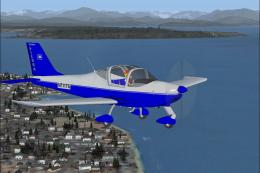
This freeware release brings the Italian-built Tecnam P2002 Sierra SLSA into …
 FSX General Aviation Aircraft
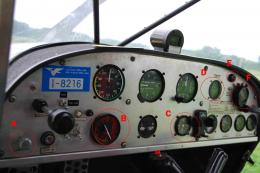
I.C.P. Bingo HKS Engine UltraLight (file version 1). The ICP Bingo, a lighten…
 FSX General Aviation Aircraft
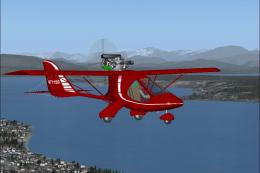
Experience the distinct capabilities of a Czech-designed, lightweight aircraf…
 FSX General Aviation Aircraft
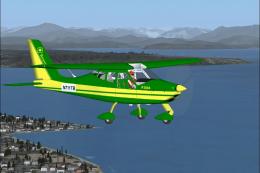
This freeware Tecnam P2004 Bravo S-LSA package, crafted by developer Don Halc…
Be the first to leave a comment on this download.
Be the first to share your thoughts on this download.