


 FSX Panels & Gauges
Airbus A321 VC Modification
Airbus A321 VC Modification. A modification for the default A321. Adds more r…
Bring Captain Sim’s 3D weapon HUD into the default Acceleration F/A-18 virtual cockpit for a cleaner, more aligned aiming and symbology view in FSX. The package provides edited configuration and XML entries to adjust the eyepoint and panel gauge placement, and requires Captain Sim Weapon for FSX.
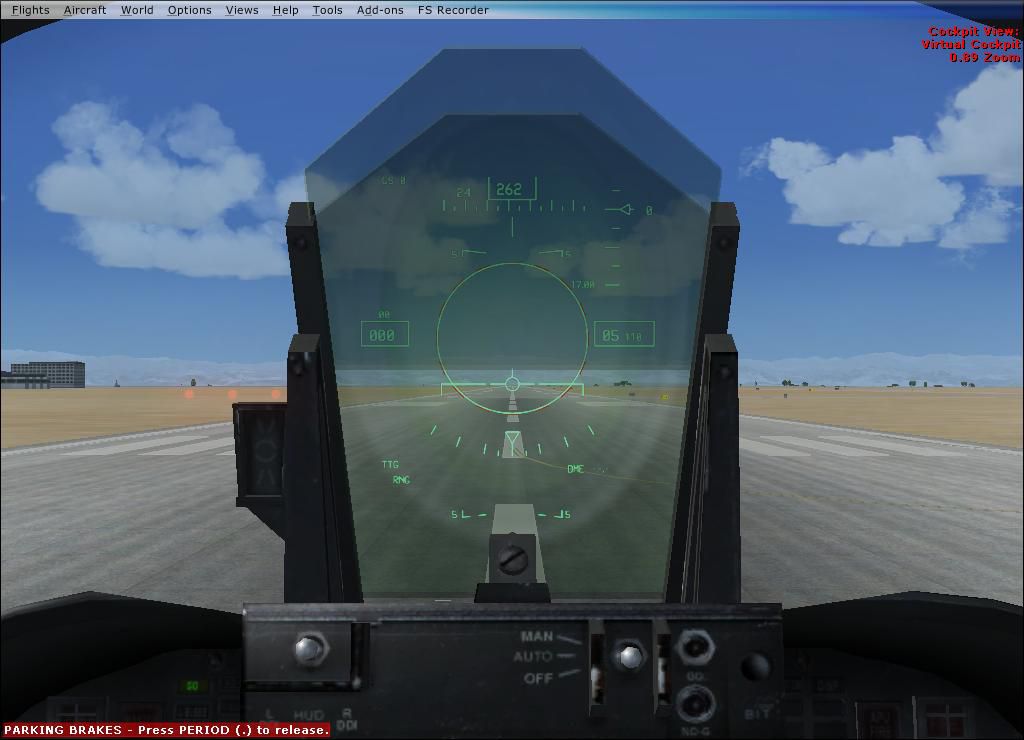
CS Weapon VC 3dHUD For Acceleration F/A-18. This mod will help you install the VC 3dHUD that comes with the CS Weapon in to your FSX Acceleration F/A-18, for Captain Sim "Weapon fot FSX" only. By T. Marson.
CS Weapon VC 3dHUD For Acceleration F/A-18.
How:
Use notepad to open all .cfg and .xml files.
1. Aircraft.CFG change eye point to:
[Views]

	eyepoint = -17.0, 0.0, 3.38 //-17.0, 0.0, 3.5
Had to, just was not looking at the cal. circle through the hud. Captain Sims eyepoint is -17.0, 0.0, 3.358.
2.CSWeapon.XML change under -in FA-18 folder:
0.0,14.40,3.38,0.310
"Do not edit while F/A-18 is loaded in FSX" notepad!
I've included the CSWeapon.XML so you can just swap em out if you want.
3.In FA-18 folder\panel.csweapon\Panel.CFG change:
[Vcockpit01]NO DELETE(//)
//gauge03=fa-18!MFD, 578, 579, 440, 440, 4 NOSCANLINES // Original F/A-18 Hud !!!
gauge03=CSWeapon!hud3d, 569.8, 523, 462, 500, 4 NOSCANLINES // CS Weapon VC hud3d !!! Width, height, hor. size, vert. size (all in pixels)
Thanks for all the help from the Captain Sim forum!
For any help with this consult the CAPTAIN SIM COMMUNITY FORUM › Weapon for FSX › General › USE WITH THIRD-PARTY AIRCRAFT - THE ONLY THREAD.
Credit goes to Captain Sim and microsoft, all I did was some figuring and editing.
Free for all simmers · 71.46 KB · Scanned clean
Download speed: Free tier is capped at 0.5 Mbps. PRO members download at full line speed.
SimObjects\Airplanes\, Addon Scenery\, Effects\, or Gauges\.readme.txt or README file. It tells you exactly where files go, what dependencies are needed, and any quirks specific to this add-on.The archive f18accweaponmod.zip has 5 files and directories contained within it.
This list displays the first 500 files in the package. If the package has more, you will need to download it to view them.
| Filename/Directory | File Date | File Size |
|---|---|---|
| CSWeapon.xml | 03.10.11 | 41.72 kB |
| FA-18_CShud.jpg | 03.10.11 | 66.97 kB |
| instl.txt | 03.10.11 | 1.38 kB |
| flyawaysimulation.txt | 10.29.13 | 959 B |
| Go to Fly Away Simulation.url | 01.22.16 | 52 B |
More FSX & P3D add-ons hand-picked based on this download.
FSX Panels & Gauges
Airbus A321 VC Modification. A modification for the default A321. Adds more r…
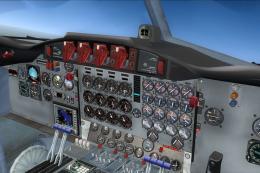 FSX Panels & Gauges
L-188 HD VC Textures for the Team FS KBT model (L-188_ELECTRA_X.ZIP). These a…
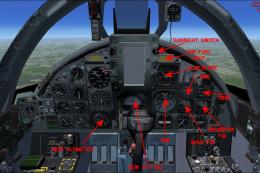 FSX Panels & Gauges
Chance Vought F-8E Crusader VC Panel. A new panel for the Rollus F-8 Crusader…
 FSX Panels & Gauges
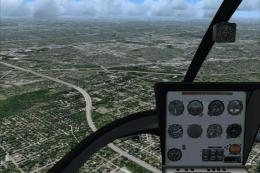
Enstrom 280 2D And VC Panels. Built on the Eagle Rotorcraft Simulation FSX mo…
 FSX Panels & Gauges
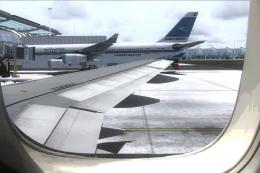
For use with wing views in FSX. As we all know, FSX doesn't provide this func…
 FSX Panels & Gauges
Airbus A380 Panel. Highly detailed panel for Airbus A380. By Pasquale Rinaldi…
 FSX Panels & Gauges
This archive contains version 5.0 of my "groundhandling" gauges, like automat…
 FSX Panels & Gauges
This package contains repaint textures that will make the default B737-800 co…
Read what other simmers think, or add your own.

Because I am thinking of equipping the Acceleration Hornet with the following weapons: 2x Aim-9 Sidewinder, 2x AGM-84 Harpoon, 2x AGM-65 Maverick, and 2x Aim-120 AMRAAM. Plus the 20mm cannon.

Only if you purchase the payware Captain Sim F-18D (it's actually a "B" model), you can configure the drop tanks/bombs/AIMs

I wonder if the flight model changes so it would be equipped with external weapons stations.