

 FSX Panels & Gauges
McDonnell Douglas MD-80-87 Panel Project
Four panels for the MD-80-87 (SGA MD-80 and MD-87 Series, or similar). Sub-pa…
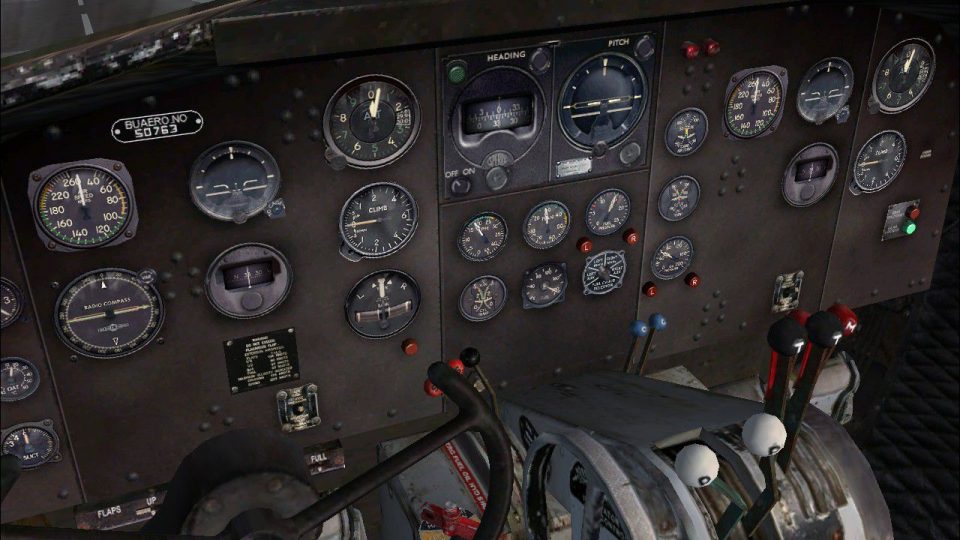
Douglas R4D panel refreshes the Manfred Jahn C-47 cockpit with a smarter layout of the default gauges, improving readability and making key instruments feel closer to a practical, working aircraft panel in FSX. It integrates Dave Bitzer and Mark Beaumont’s four-tank system and requires DCA_4TK.ZIP for full fuel functionality.
 Rate
Rate
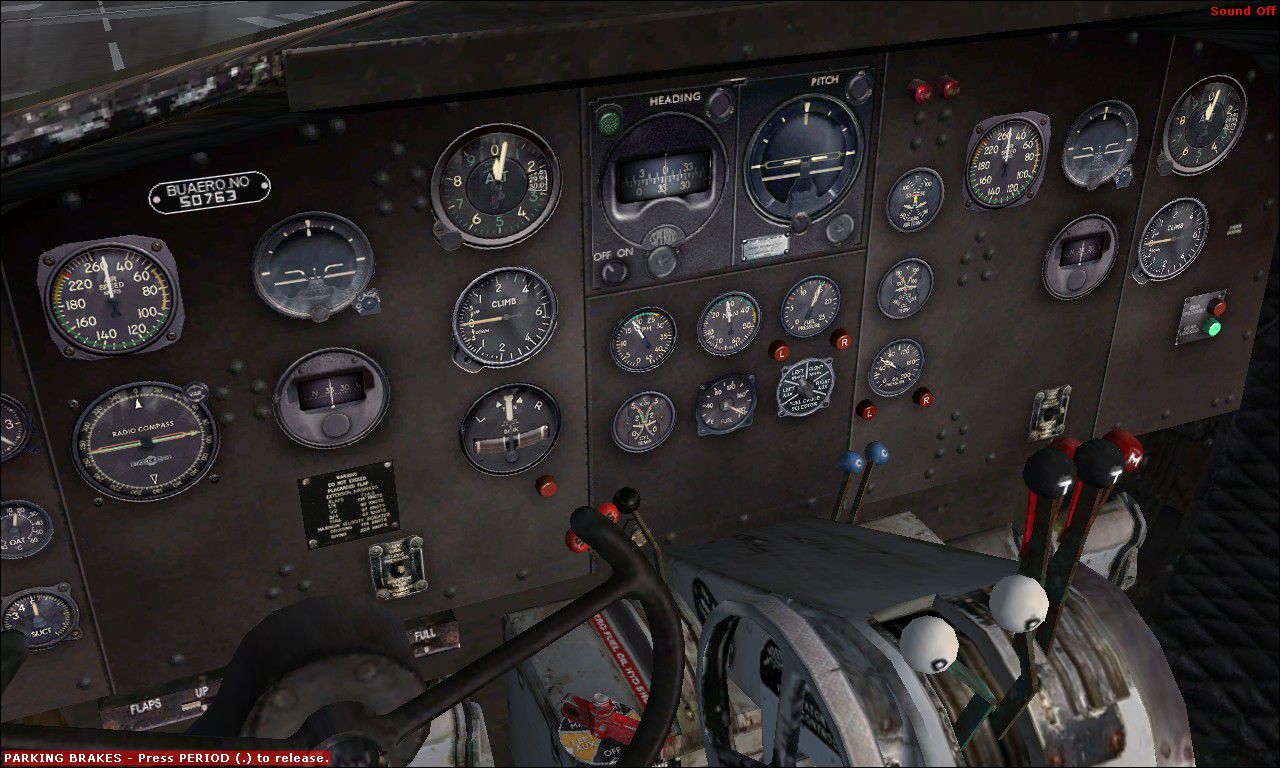
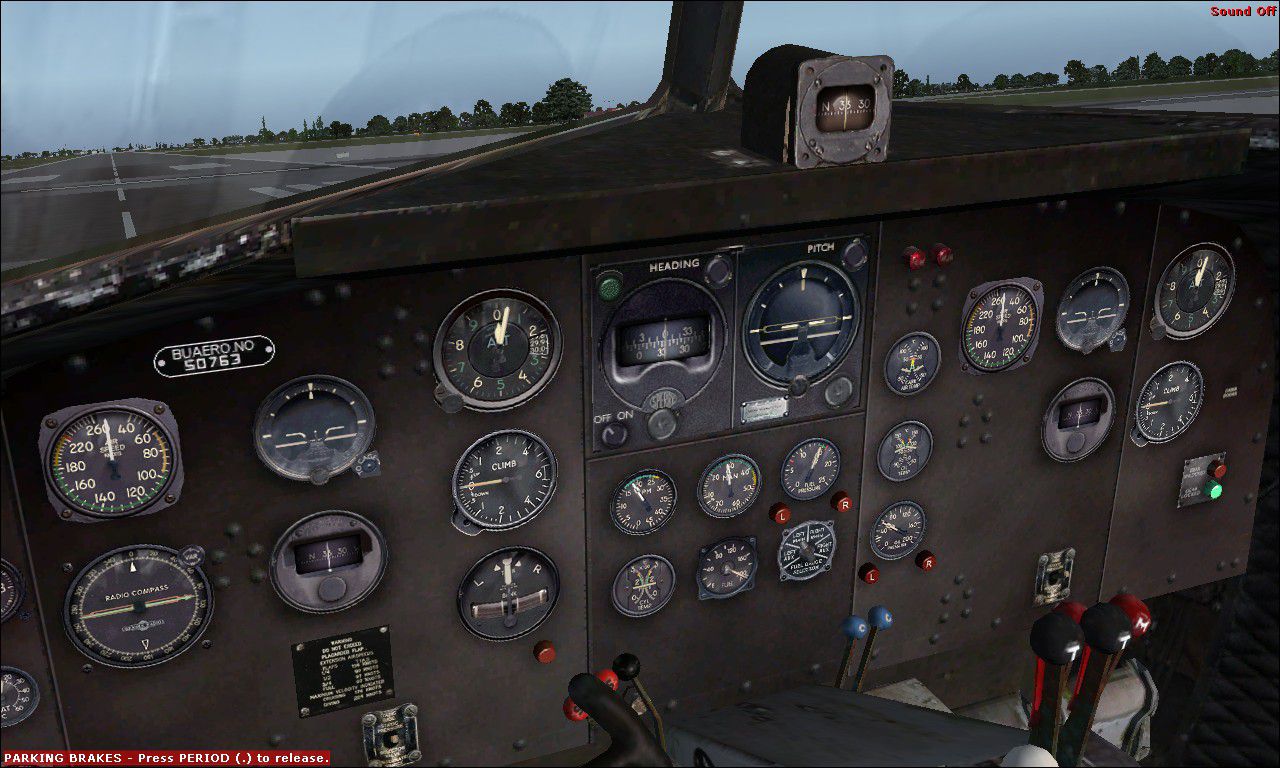
Douglas R4D Panel. Modified default panel for the Manfred Jahn C-47. This panel has the default gauges shifted around a bit to give a better representation of an actual usable panel. It also uses Dave Bitzer and Mark Beaumont's four tank mod and requires DCA_4TK.ZIP. By John Detrick.
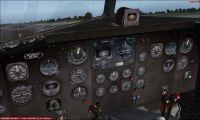
Douglas R4D Panel.
Instructions:
Copy and paste the folder panel.R4D into your Douglas_C47 folder. And then alias your panel to this.
Example:
[FLTSIM.4]

	Title = Douglas C-47J H&MS-32 1967

	Sim = Douglas_DC3

	Model = C47_2

	Panel =R4D ///Add this to your cfg to use this panel.

	Sound =

	Texture = HMS32

	kb_checklists = Douglas_DC3_check

	kb_reference = Douglas_DC3_ref

	atc_id =50753

	ui_manufacturer = DOUGLAS

	ui_type = C-47

	ui_variation = USMC H&MS 32 1967

	ui_typerole = Twin Engine Prop

	ui_createdby = Microsoft Corporation

	description = USMC C-47J Headquarters and Maintenance Squadron 32 (H&MS32) circa 1967.
John Detrick
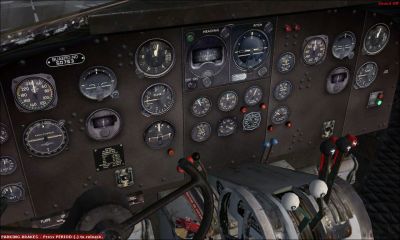
Douglas R4D Panel.
Free for all simmers · 3.48 MB · Scanned clean Oct 2026
Download speed: Free tier is capped at 0.5 Mbps. PRO members download at full line speed.
FSX\SimObjects\Airplanes\{aircraft}\panel\. Back up the existing panel folder first.readme.txt or README file. It tells you exactly where files go, what dependencies are needed, and any quirks specific to this add-on.The archive r4dpanel.zip has 14 files and directories contained within it.
This list displays the first 500 files in the package. If the package has more, you will need to download it to view them.
| Filename/Directory | File Date | File Size |
|---|---|---|
| File_id.diz.txt | 03.11.11 | 278 B |
| panel.R4D | 03.09.11 | 0 B |
| DC3_background.bmp | 05.12.06 | 769.05 kB |
| DC3_background_night.bmp | 05.12.06 | 769.05 kB |
| Douglas_DC3.cab | 12.10.07 | 2.51 MB |
| panel.cfg | 03.07.11 | 7.22 kB |
| Panel_Decals_DC3_1.bmp | 05.12.06 | 257.05 kB |
| Panel_Decals_DC3_2.bmp | 05.12.06 | 257.05 kB |
| R4D-72.jpg | 03.11.11 | 235.51 kB |
| R4D-73.jpg | 03.11.11 | 224.60 kB |
| R4DPANEL.gif | 03.11.11 | 11.51 kB |
| Read Me..txt | 03.11.11 | 938 B |
| flyawaysimulation.txt | 10.29.13 | 959 B |
| Go to Fly Away Simulation.url | 01.22.16 | 52 B |
Only PRO members can place votes.
More FSX & P3D add-ons hand-picked based on this download.
FSX Panels & Gauges
Four panels for the MD-80-87 (SGA MD-80 and MD-87 Series, or similar). Sub-pa…
 FSX Panels & Gauges
This is a free download for the McDonnell-Douglas MD-80 Instrument Panel brin…
 FSX Panels & Gauges
McDonnell Douglas MD-80 / MD-83 Panel. Reworked by adding new gauges and free…
 FSX Panels & Gauges
FSX sample Aircraft.cfg linking FSX DC-10 Panel Project (FSX_DC-10_PANEL_PROJ…
 FSX Panels & Gauges
Updated photorealistic panel for the Douglas DC6 from Jens B. Kristensen (DC6…
 FSX Panels & Gauges
Douglas DC-3 Widescreen 2D Panel. Original DC3 2D panel extended for use with…
 FSX Panels & Gauges
Panel--Douglas Boston. This alternative 2D and 3D panel is for Alphasim's fre…
 FSX Panels & Gauges
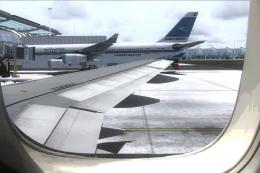
For use with wing views in FSX. As we all know, FSX doesn't provide this func…
Be the first to leave a comment on this download.
Be the first to share your thoughts on this download.