


 FSX Civil Aircraft
Boeing House Colors Boeing 797
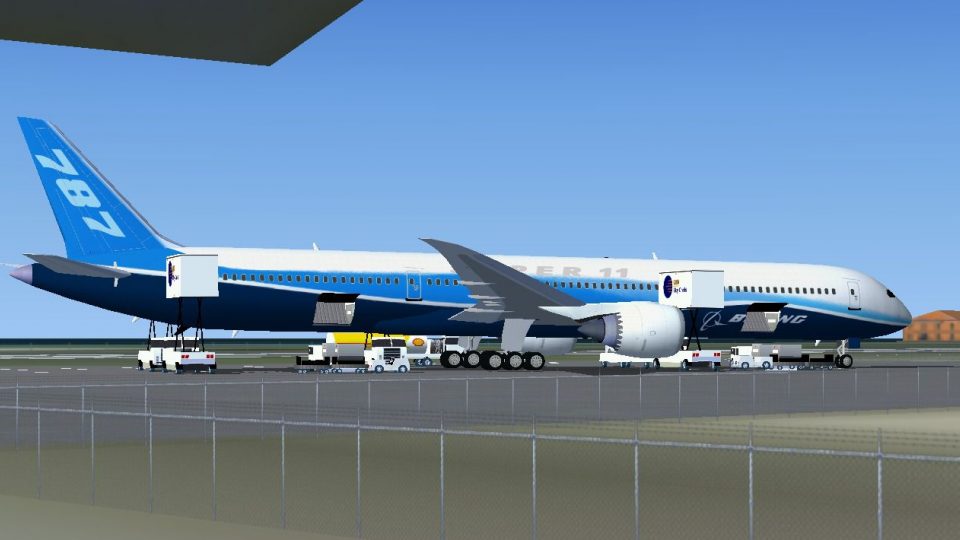
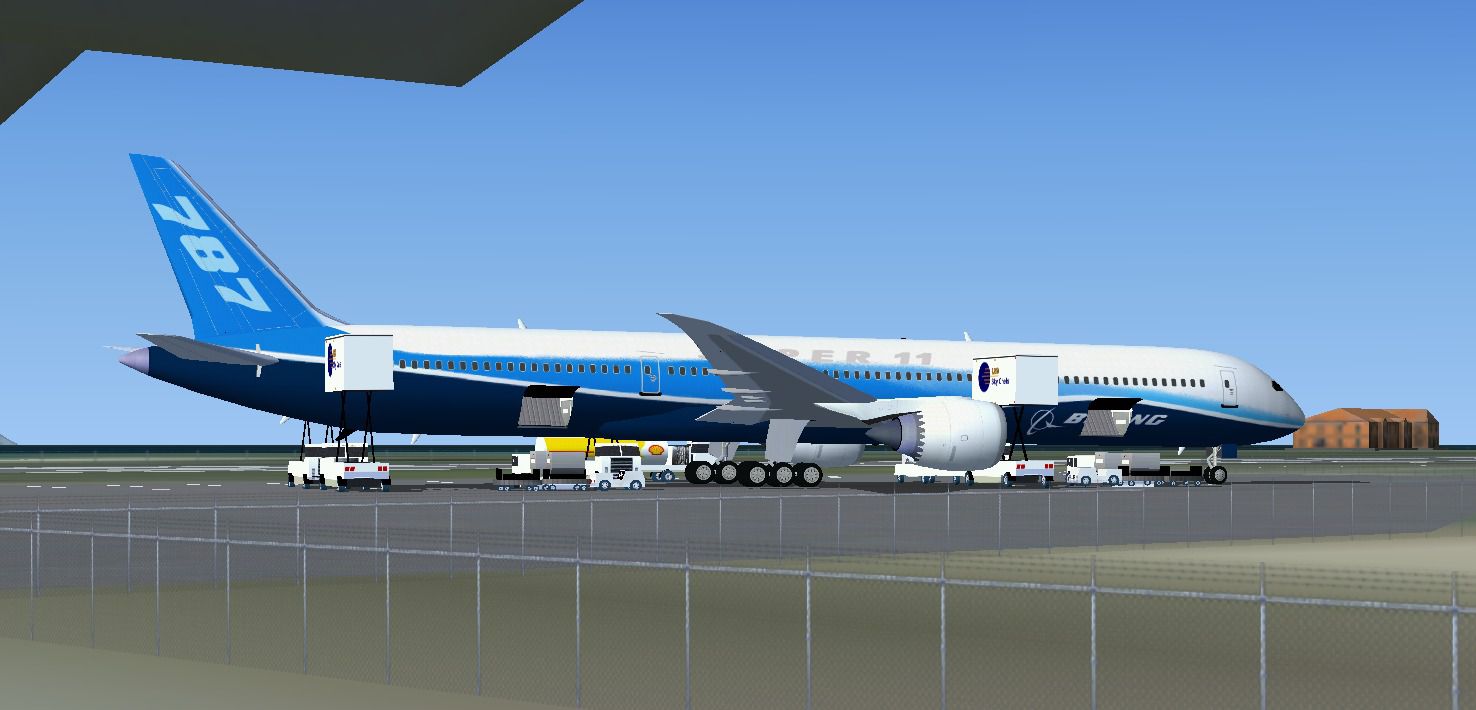
FSX Boeing House Colors Boeing 797. A future plane that should become, with a…
Boeing 787 Super 11 in Boeing house colors brings a fictional ultra-stretched twinjet concept to FSX, with a longer fuselage, expanded high-density cabin layouts, and the presence of a next-generation flagship airliner. A custom model and paint are paired with animated ground servicing for lively ramp and turnaround operations.


Free for all simmers · 1.85 MB · Scanned clean
Download speed: Free tier is capped at 0.5 Mbps. PRO members download at full line speed.
FSX\SimObjects\Airplanes\. The folder must contain an aircraft.cfg file. Effects go into FSX\Effects\; gauges go into FSX\Gauges\.readme.txt or README file. It tells you exactly where files go, what dependencies are needed, and any quirks specific to this add-on.The archive 7811bo_x.zip has 27 files and directories contained within it.
This list displays the first 500 files in the package. If the package has more, you will need to download it to view them.
| Filename/Directory | File Date | File Size |
|---|---|---|
| CamSim Boeing 787 Super-11 House Colors | 06.25.08 | 0 B |
| 7811bo_x.jpg | 06.25.08 | 156.67 kB |
| 787-11 s1.jpg | 03.30.08 | 55.42 kB |
| 787-11.air | 02.22.06 | 12.76 kB |
| aircraft.cfg | 06.25.08 | 14.75 kB |
| Effects.zip | 03.25.06 | 1.80 kB |
| file_id.diz | 06.25.08 | 646 B |
| model.787-11 ags | 06.25.08 | 0 B |
| 787-11.mdl | 06.20.08 | 2.63 MB |
| Model.cfg | 11.19.07 | 25 B |
| Panel | 06.25.08 | 0 B |
| panel.cfg | 02.12.07 | 40 B |
| Read Me_FSX_787.txt | 06.25.08 | 2.77 kB |
| SOUND | 06.25.08 | 0 B |
| Sound.cfg | 02.12.07 | 42 B |
| texture.bo | 06.25.08 | 0 B |
| 787eng_t.bmp | 03.30.08 | 1.00 MB |
| 787ext_t.bmp | 11.29.07 | 1.00 MB |
| 787int_t.bmp | 05.13.08 | 1.00 MB |
| 787tail_t.bmp | 03.30.08 | 1.00 MB |
| 789wings_t.bmp | 01.15.08 | 1.00 MB |
| 78Xfuse_t.bmp | 05.13.08 | 1.00 MB |
| gris_t.bmp | 03.17.06 | 16.07 kB |
| pilot1.bmp | 12.06.06 | 256.07 kB |
| thumbnail.jpg | 06.17.08 | 5.34 kB |
| flyawaysimulation.txt | 10.29.13 | 959 B |
| Go to Fly Away Simulation.url | 01.22.16 | 52 B |
More FSX & P3D add-ons hand-picked based on this download.
FSX Civil Aircraft
FSX Boeing House Colors Boeing 797. A future plane that should become, with a…
 FSX Civil Aircraft
A repaint of the payware Captain Sim B737-200 model in Boeing house color liv…
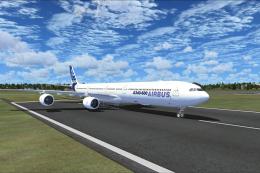 FSX Civil Aircraft
Discover a long-haul, four-engine airliner that emphasizes range and capacity…
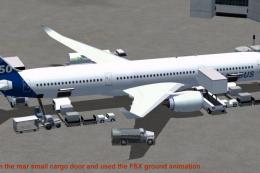 FSX Civil Aircraft
This package features the refined House Colors Airbus A350-900 XWB in Version…
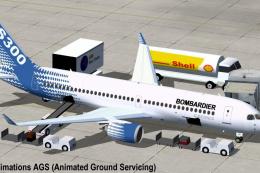 FSX Civil Aircraft
Discover an enhanced simulation of a modern regional jet that combines advanc…
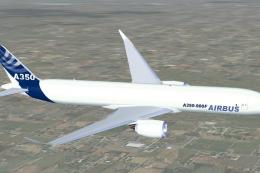 FSX Civil Aircraft
FSX Airbus House Colors A350-900F (cargo), with Animated Ground Servicing (AG…
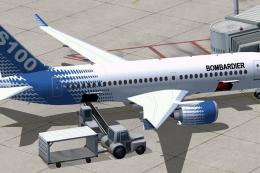 FSX Civil Aircraft
Immerse yourself in a refined simulation experience with this twin-engine sho…
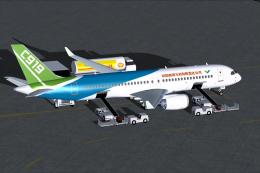 FSX Civil Aircraft
This complete package introduces an accurate rendition of the COMAC C919 in i…
Read what other simmers think, or add your own.

if i where u i would chang the cockpit to a boing and the sound becaues i have dounlded a feu of ur planes and they have the same sound with the same cockpit