
 FSX Civil Aircraft
Hainan Airlines Comac C919 V2
This enhanced freeware package features a meticulously updated rendition of t…
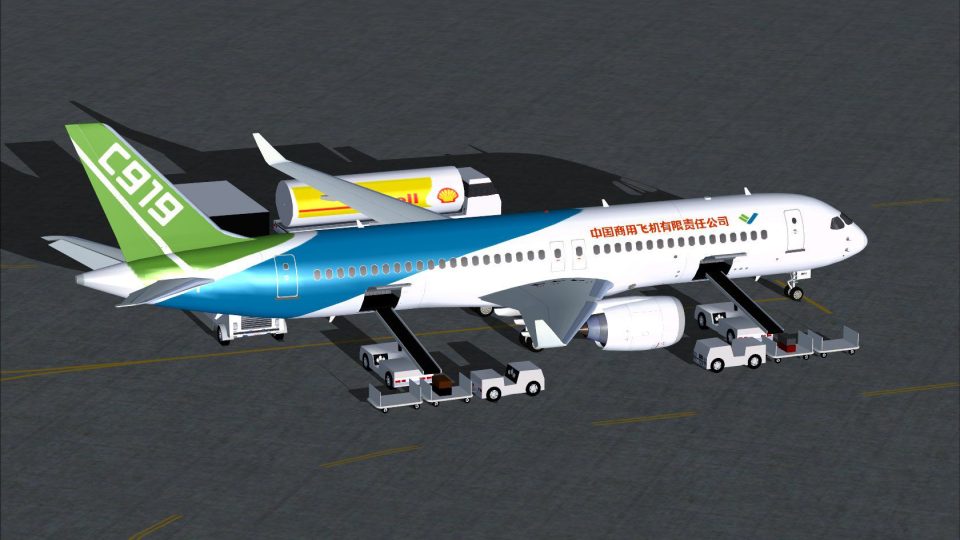
COMAC’s C919 in official house colors brings a modern single-aisle jet to Microsoft Flight Simulator X with a crisply detailed exterior model, high-resolution textures, transparent windows, and finely mapped control surfaces. Animated Ground Servicing adds door, cargo, and ramp-vehicle animations, plus effects files for enhanced night lighting.
 Rate
Rate
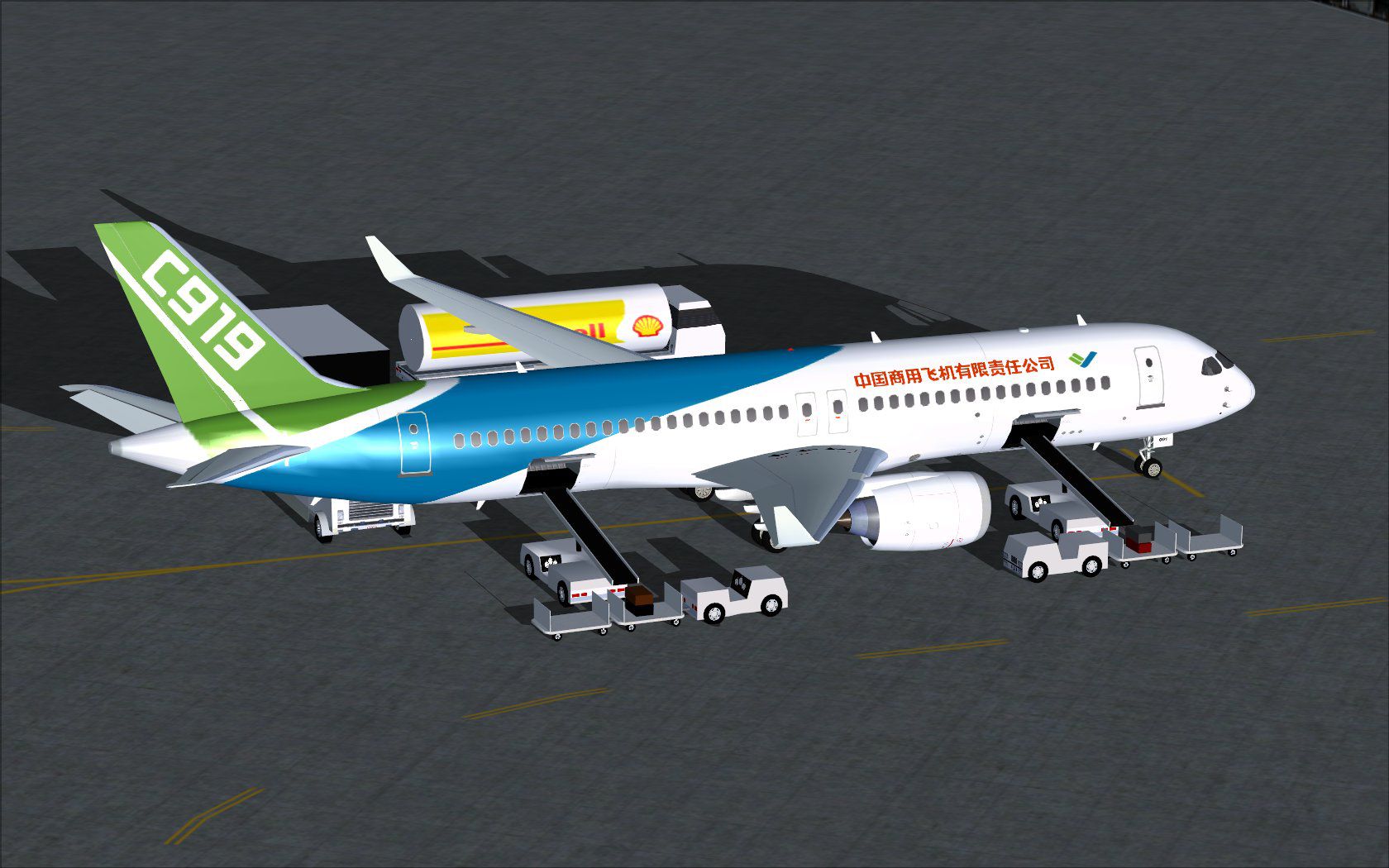
This complete package introduces an accurate rendition of the COMAC C919 in its official house-style paint scheme. Designed and painted by Camil Valiquette, it delivers a realistic freeware aircraft for Flight Simulator X, including a detailed exterior, integrated ground services, and specialized animations to enrich your virtual flying.
The C919 is a narrow-body commercial aircraft created by the Commercial Aircraft Corporation of China. It is designed to compete within the single-aisle market and features contemporary aerodynamics, advanced avionics, and an efficient powerplant configuration. In this add-on, the house livery showcases a distinctive paint job, highlighting the aircraft’s sleek contours and overall design intent.
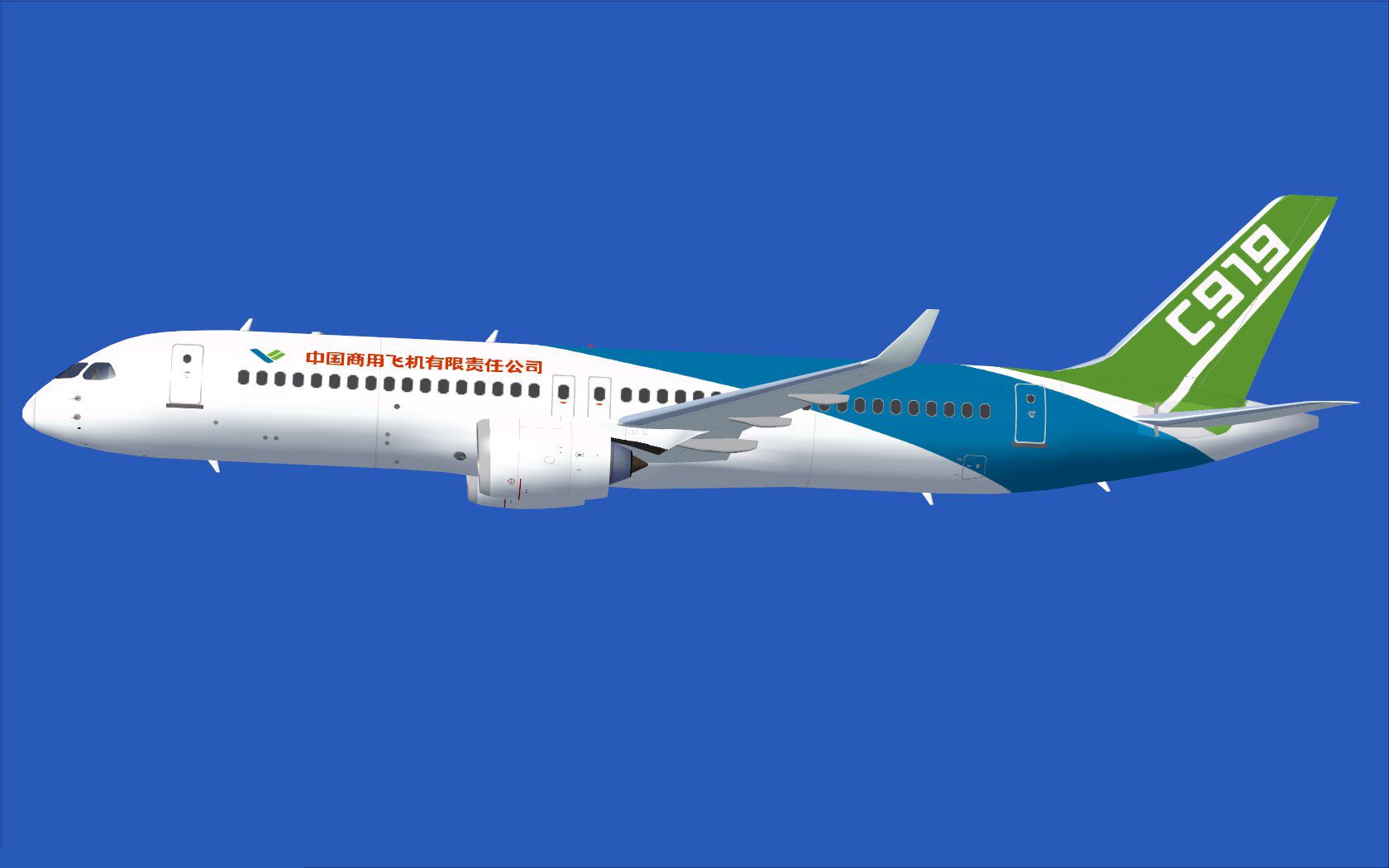
COMAC C919 demonstrating its in-flight profile.
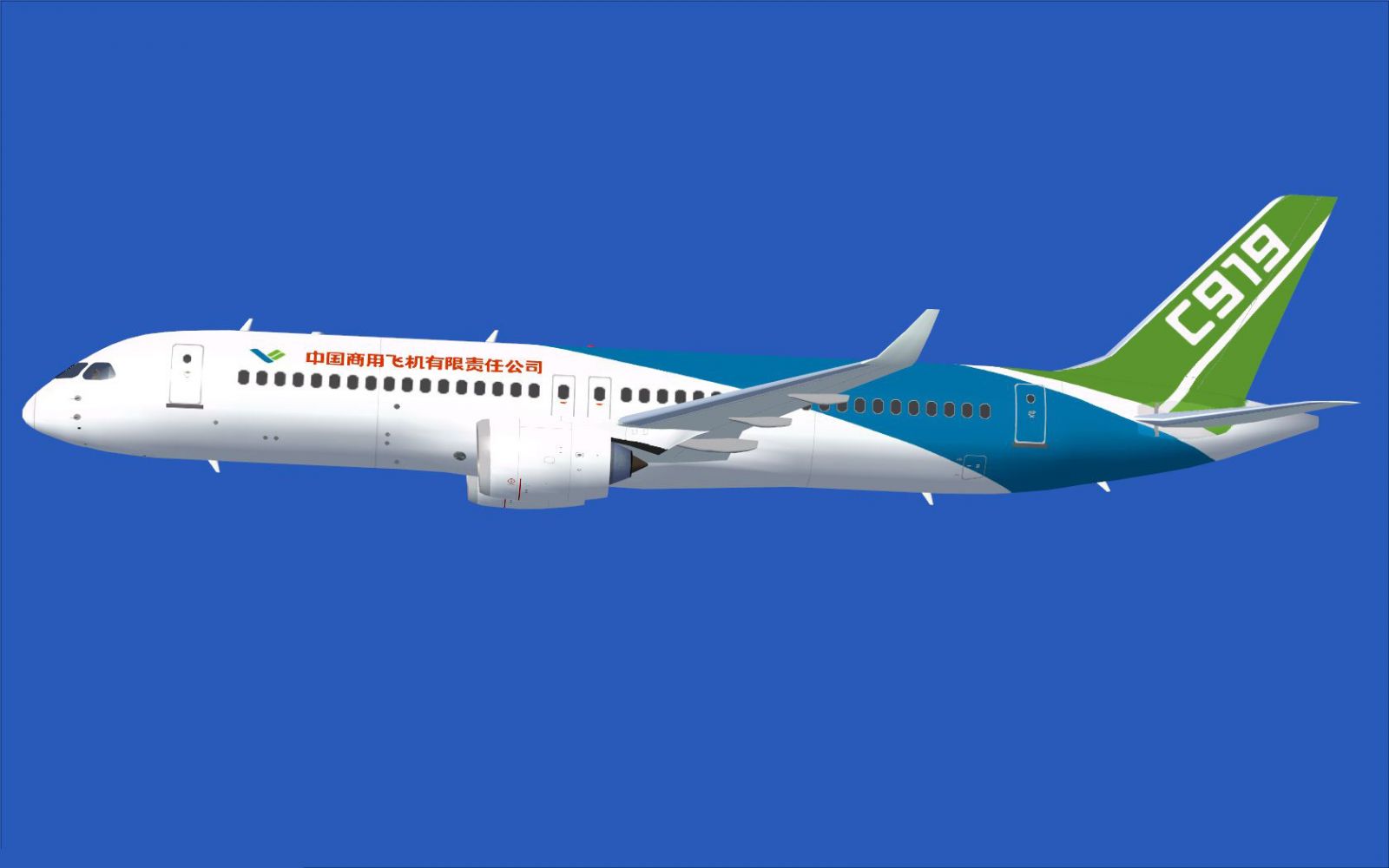
In addition, transparent windows, distinct engine nacelle details, and precisely mapped control surfaces enrich the overall look. The finely tuned paintwork accentuates the airframe’s lines and emphasizes the official house scheme.
This release integrates an Animated Ground Servicing system, providing interactive options on the ramp. You can open passenger doors, handle cargo compartment panels, and trigger support vehicles through specific keystrokes:
Before using these features, ensure you have the following assignments set in the FSX menu under Options > Settings > Controls > Buttons/Keys:
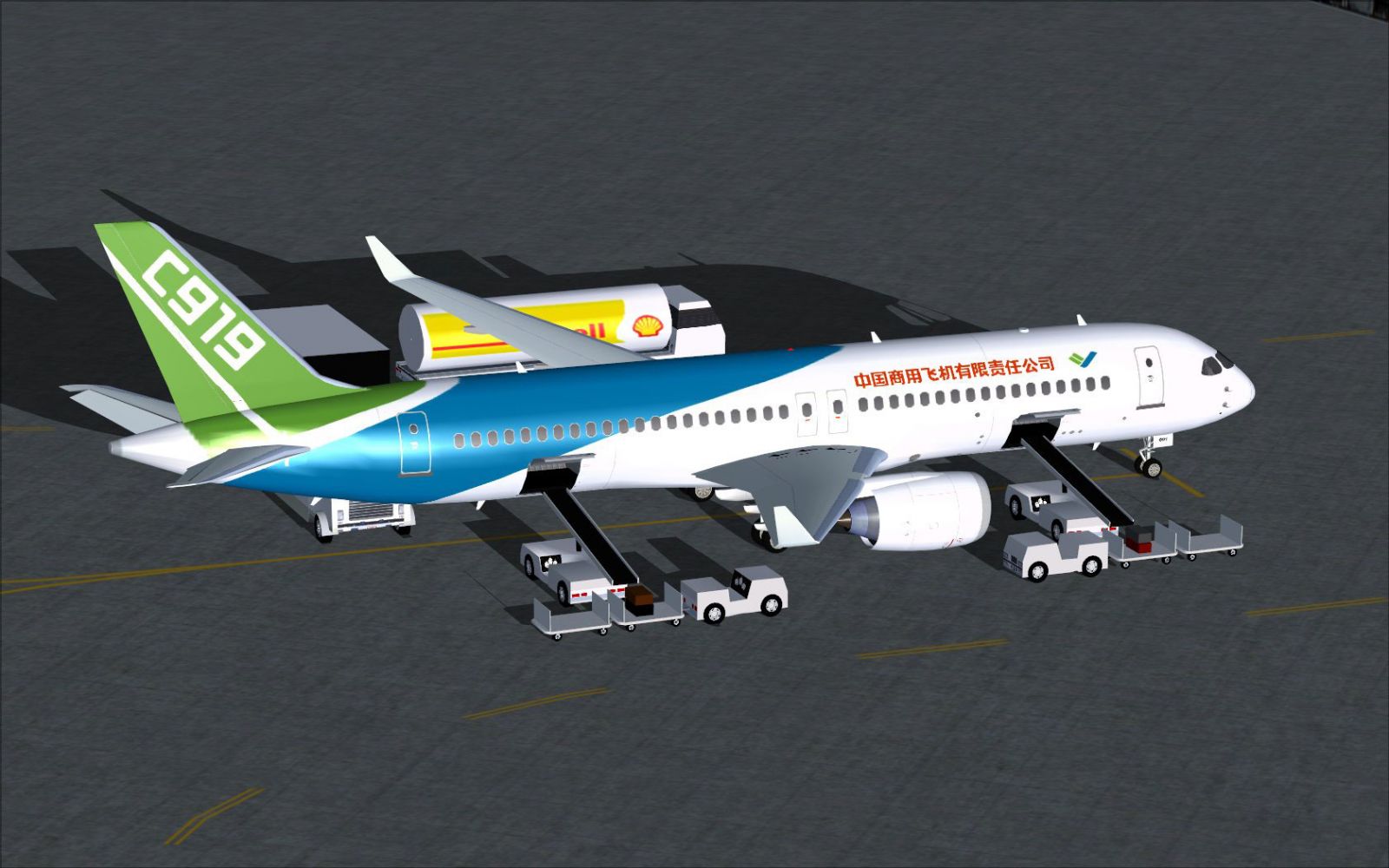
An additional view of the COMAC C919’s refined external detailing.
This standalone freeware installation includes the base model, so no extra downloads are needed. Model and textures remain the work of Camil Valiquette, ensuring authenticity and attention to technical detail for your virtual cockpit and external visuals.
Free for all simmers · 4.74 MB · Scanned clean Oct 2026
Download speed: Free tier is capped at 0.5 Mbps (this file takes approximately 1 min at the cap). PRO members download at full line speed.
This add-on may require the following files to function properly. If this is a repaint, the dependency below is likely the base aircraft package.
SimObjects\Airplanes\, Addon Scenery\, Effects\, or Gauges\.readme.txt or README file. It tells you exactly where files go, what dependencies are needed, and any quirks specific to this add-on.The archive c919hcx.zip has 34 files and directories contained within it.
This list displays the first 500 files in the package. If the package has more, you will need to download it to view them.
| Filename/Directory | File Date | File Size |
|---|---|---|
| CamSim Comac C919 House Colors | 08.02.11 | 0 B |
| aircraft.cfg | 08.02.11 | 15.30 kB |
| c919.air | 03.24.09 | 12.76 kB |
| comac c919_11 agsX.jpg | 07.26.11 | 205.52 kB |
| Comac c919_12.jpg | 07.26.11 | 72.74 kB |
| Effects.zip | 03.25.06 | 1.80 kB |
| file_id.diz | 08.02.11 | 168 B |
| model.c919 ags | 08.02.11 | 0 B |
| c919 ags.mdl | 08.02.11 | 2.05 MB |
| Model.cfg | 07.01.11 | 27 B |
| PANEL | 08.02.11 | 0 B |
| 787_350_panel_background.bmp | 02.25.10 | 2.25 MB |
| 787_350_panel_background_night.bmp | 02.25.10 | 2.25 MB |
| Airbus_A321.cab | 09.04.06 | 2.72 MB |
| panel.cfg | 02.25.10 | 5.48 kB |
| Read Me_FSX.txt | 08.02.11 | 2.50 kB |
| SOUND | 08.02.11 | 0 B |
| Sound.cfg | 11.04.09 | 35 B |
| texture.c919 | 08.02.11 | 0 B |
| 35tail_t.bmp | 07.21.11 | 1.00 MB |
| 787eng_t.bmp | 07.26.11 | 1.00 MB |
| 787ext_L.bmp | 08.01.11 | 4.00 MB |
| 787ext_t.bmp | 08.02.11 | 1.00 MB |
| 787int_L.bmp | 08.01.11 | 4.00 MB |
| 787int_t.bmp | 08.02.11 | 1.00 MB |
| 789wings_t.bmp | 07.22.11 | 1.00 MB |
| 797fuse_t.bmp | 07.26.11 | 1.00 MB |
| gris_t.bmp | 03.17.06 | 16.07 kB |
| pilot1.bmp | 03.04.10 | 257.05 kB |
| pilot1_l.bmp | 12.06.06 | 1.00 MB |
| thumbnail.jpg | 08.02.11 | 4.55 kB |
| w_t.bmp | 12.06.08 | 16.07 kB |
| flyawaysimulation.txt | 10.29.13 | 959 B |
| Go to Fly Away Simulation.url | 01.22.16 | 52 B |
Only PRO members can place votes.
More FSX & P3D add-ons hand-picked based on this download.
FSX Civil Aircraft
This enhanced freeware package features a meticulously updated rendition of t…
 FSX Civil Aircraft
The Comac ARJ-21 is a Chinese produced regional jet based on the MD-90/717 de…
 FSX Civil Aircraft
Discover a long-haul, four-engine airliner that emphasizes range and capacity…
 FSX Civil Aircraft
This package features the refined House Colors Airbus A350-900 XWB in Version…
 FSX Civil Aircraft
Discover an enhanced simulation of a modern regional jet that combines advanc…
 FSX Civil Aircraft
FSX Airbus House Colors A350-900F (cargo), with Animated Ground Servicing (AG…
 FSX Civil Aircraft
Immerse yourself in a refined simulation experience with this twin-engine sho…
 FSX Civil Aircraft
FSX Boeing House Colors Boeing 797. A future plane that should become, with a…
Read what other simmers think, or add your own.


Not suitable for P3D. No VC and no suitable textures. Would have liked this plane.