


 Malta
Malta  FSX Scenery
California Complete Photoreal
This is a complete package containing photoreal scenery for the whole state o…
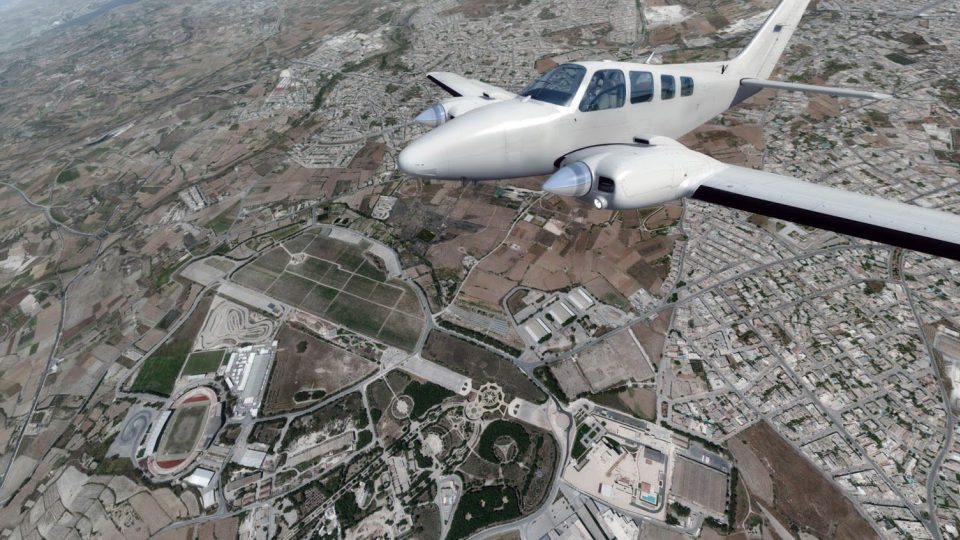
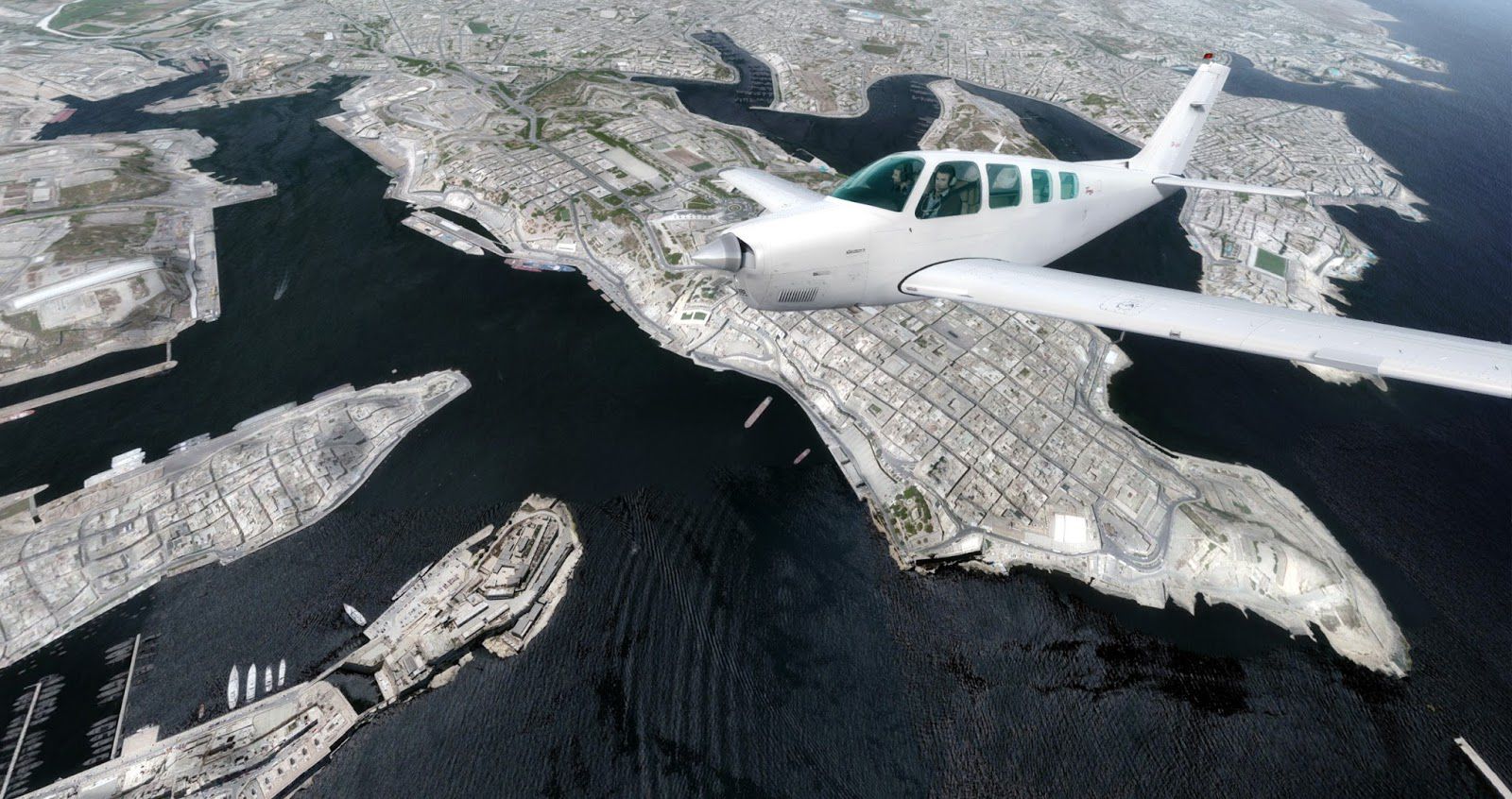
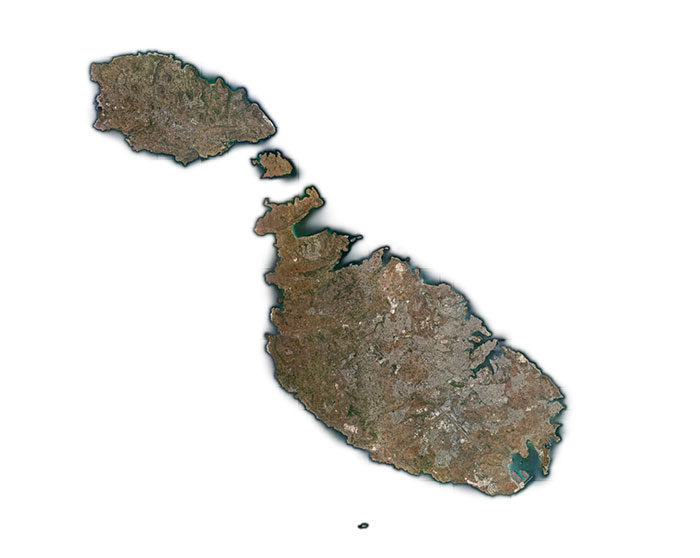
Malta’s entire island chain comes alive with 0.5 m/pixel photoreal ground textures, corrected terrain placement, and recognizable landmarks from Valletta to the rugged coastline, ideal for Mediterranean VFR touring. Built for FSX, FSX: Steam Edition, and Prepar3D v4, it plays well with common coastline and mesh enhancers and requires a high-quality terrain mesh for best results.
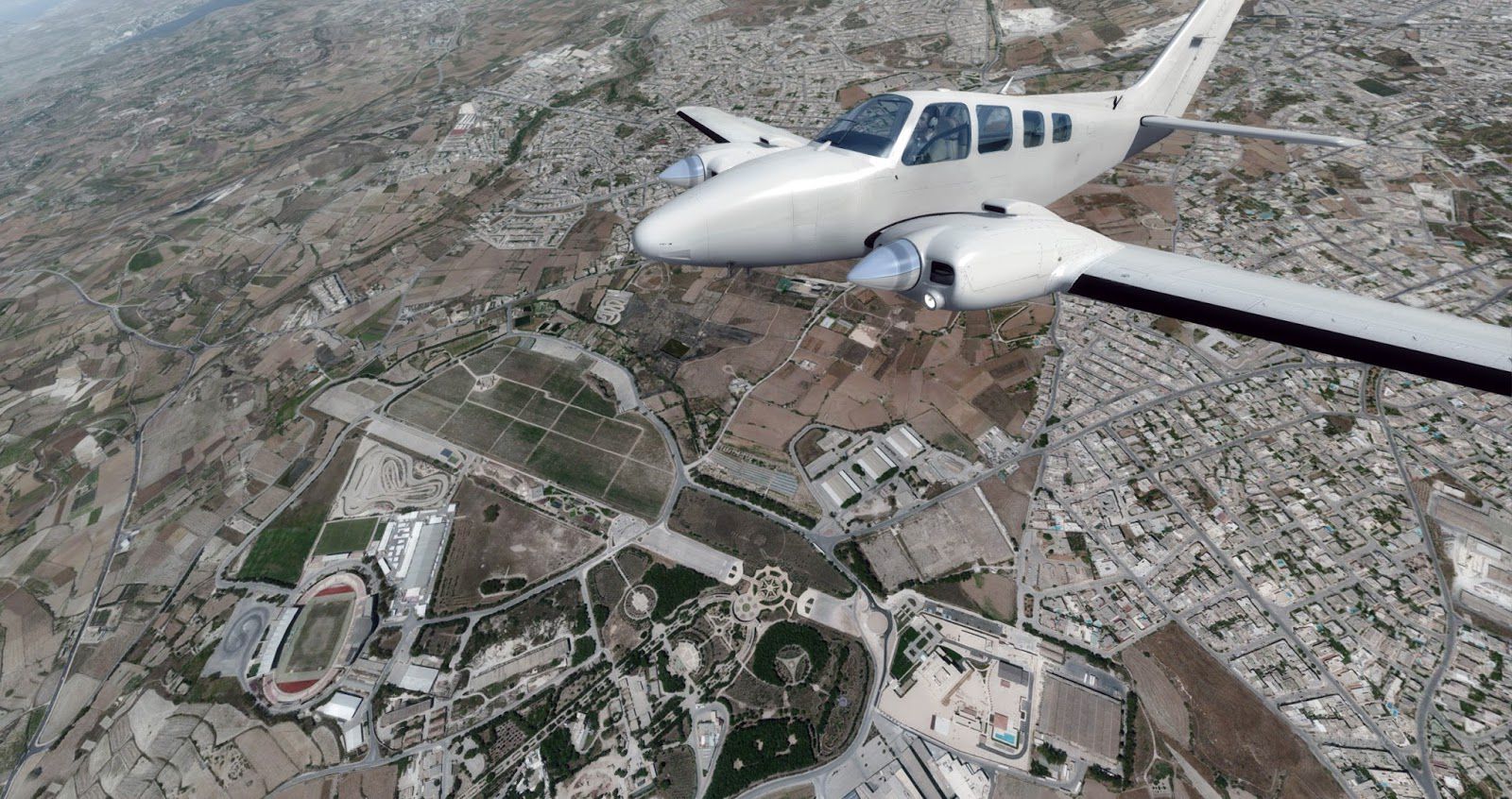

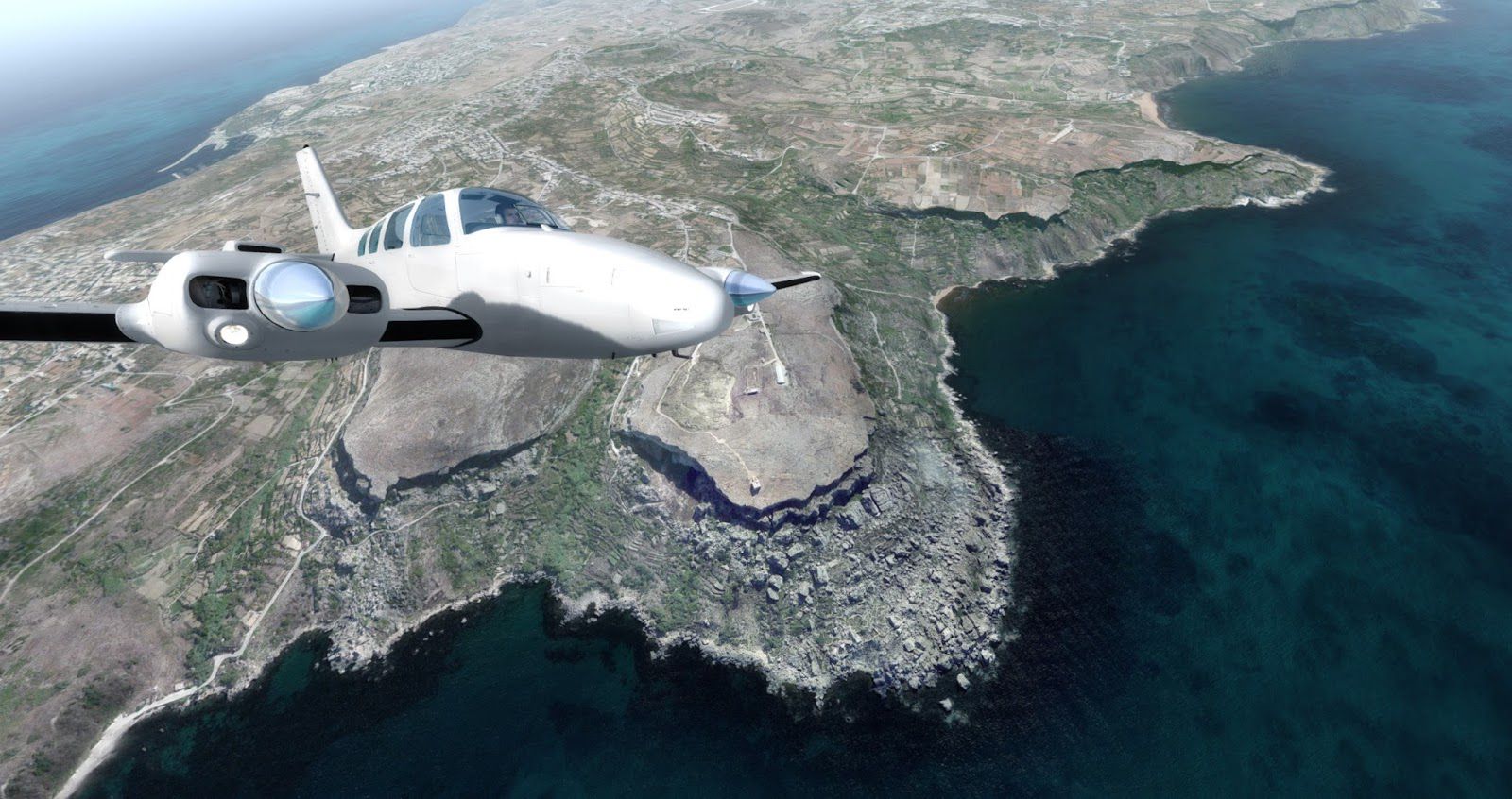

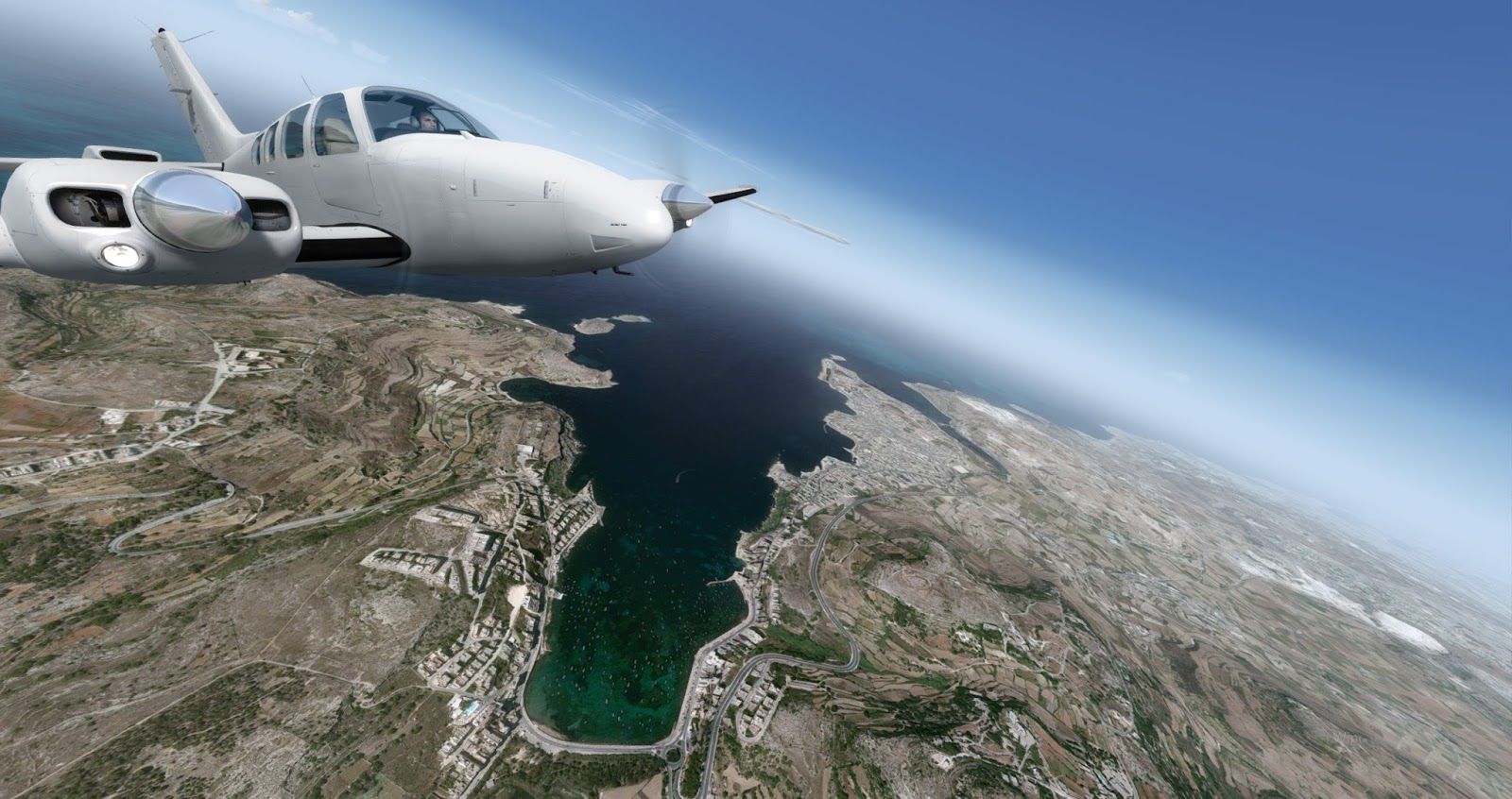
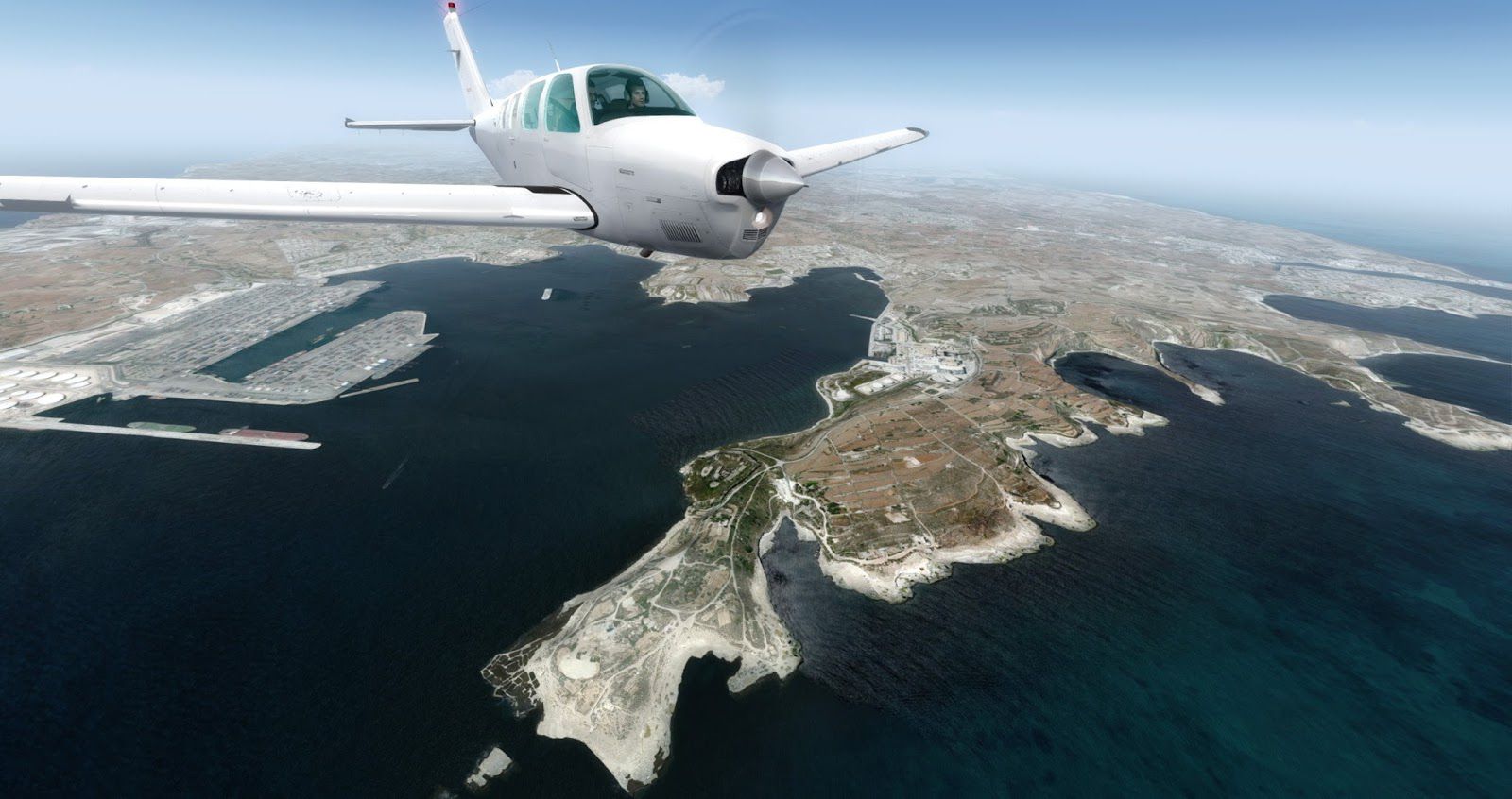
Take a trip to the small nation of Malta in any simulation package, and you will often be left disappointed. One of the big problems with smaller nations in the simulation is the lack of detail they receive. This add-on, though, looks to cover this important Southern European island nation in the necessary detail required.
 Despite being just 333km2 in size, Malta is a very important place for a good many people. The location is richly enjoyable to visit, with a huge amount of awesome sights. It’s based within the Mediterranean Sea and is often blessed with outstanding weather across the whole year. A population of around 450,000 live here, making it one of the smallest yet most densely populated locations on the planet.
Users of FSX, FSX: Steam Edition and Prepar3D (including version 4) can now fly and see it for all of its rich beauty. The island capital, Valletta, is very much worth your time coming to visit. It’s the smallest national capital in the European Union by area used, but it’s also one of the most enjoyable places to visit for historians and pilot alike.
With the whole of the island and area expertly covered here, you can enjoy flying to Malta and seeing it with more detail than this island has been covered with beforehand.
Tested with FSX, FSX: Steam Editon and Prepar3D v4. This is a very large file download.
Note: This scenery would work best with a high-quality mesh texture package. We recommend FreeMeshX Global (FreeMeshX-Global-2.0.zip) which you can download here.
Developer: FTXDes (Project Open Scenery)
Coverage Map
Free for all simmers · 1.47 GB · Scanned clean
Download speed: Free tier is capped at 2 Mbps (this file takes approximately 1h 45m at the cap). PRO members download at full line speed.
This add-on may require the following files to function properly. If this is a repaint, the dependency below is likely the base aircraft package.
FSX\Addon Scenery\ containing scenery and texture sub-folders.readme.txt or README file. It tells you exactly where files go, what dependencies are needed, and any quirks specific to this add-on.Use these coordinates to fly directly to this location once the mod is installed.
35.89890000,14.51460000
Launch FSX or Prepar3D and use Flights → Load to open the downloaded .pln file. Your aircraft will be positioned at this location.
The archive malta-photoreal.zip has 24 files and directories contained within it.
This list displays the first 500 files in the package. If the package has more, you will need to download it to view them.
| Filename/Directory | File Date | File Size |
|---|---|---|
| ReadMe _POS_Malta.pdf | 01.23.18 | 630.86 kB |
| Scenery | 01.23.18 | 0 B |
| Area_LP0_SnapOff_N035473231_N035465141_E014235488_E014251832.bgl | 01.23.18 | 18.44 MB |
| Area_Lp0_SnapOff_N035522500_N035481000_E014163125_E014224750.bgl | 01.23.18 | 47.78 MB |
| Area_Lp0_SnapOff_N035522500_N035481000_E014224750_E014290375.bgl | 01.23.18 | 188.51 MB |
| Area_Lp0_SnapOff_N035522500_N035481000_E014290375_E014352000.bgl | 01.23.18 | 209.57 MB |
| Area_Lp0_SnapOff_N035564000_N035522500_E014163125_E014224750.bgl | 01.23.18 | 138.18 MB |
| Area_Lp0_SnapOff_N035564000_N035522500_E014224750_E014290375.bgl | 01.23.18 | 223.07 MB |
| Area_Lp0_SnapOff_N035564000_N035522500_E014290375_E014352000.bgl | 01.23.18 | 127.71 MB |
| Area_Lp0_SnapOff_N036005500_N035564000_E014101500_E014163125.bgl | 01.23.18 | 29.08 MB |
| Area_Lp0_SnapOff_N036005500_N035564000_E014163125_E014224750.bgl | 01.23.18 | 137.31 MB |
| Area_Lp0_SnapOff_N036005500_N035564000_E014224750_E014290375.bgl | 01.23.18 | 90.26 MB |
| Area_Lp0_SnapOff_N036051000_N036005500_E014101500_E014163125.bgl | 01.23.18 | 202.20 MB |
| Area_Lp0_SnapOff_N036051000_N036005500_E014163125_E014224750.bgl | 01.23.18 | 112.56 MB |
| Screenshots | 12.14.18 | 0 B |
| 1.jpg | 12.14.18 | 353.09 kB |
| 2.jpg | 12.14.18 | 204.31 kB |
| 3.jpg | 12.14.18 | 282.73 kB |
| 4.jpg | 12.14.18 | 301.44 kB |
| 5.jpg | 12.14.18 | 419.03 kB |
| 6.jpg | 12.14.18 | 284.35 kB |
| 7.jpg | 12.14.18 | 374.49 kB |
| flyawaysimulation.txt | 10.29.13 | 959 B |
| Go to Fly Away Simulation.url | 01.22.16 | 52 B |
More FSX & P3D add-ons hand-picked based on this download.
FSX Scenery
This is a complete package containing photoreal scenery for the whole state o…
 FSX Scenery
A complete and fully featured photoreal, airport, building, and autogen scene…
 FSX Scenery
A trip to the Southern European nation of Cyprus in a flight simulator should…
 FSX Scenery
This is a complete package containing photoreal scenery for the whole state o…
 FSX Scenery
A complete photoreal scenery add-on for Microsoft Flight Simulator X covering…
 FSX Scenery
This is a complete package containing photoreal scenery for the whole state o…
 FSX Scenery
Take a trip to the Southern European nation of Slovenia, and you’ll soon see …
 FSX Scenery
For those looking to help make their FSX, FSX: Steam Edition and Prepar3D exp…
Read what other simmers think, or add your own.

I have just returned to Reno having spent a week in Malta where I served in the RAF in the 1950s. The fighter control ops room is situated in caves under the capital city of Valletta and is now a museum and is exactly as it was in the 40s and 50s. I sat in the chair where I worked as a fighter Marshall. Great memories.


Same as the above. There is no subfolder "project open scenery _ Malta in the download files. Any help would be greatly appreciated as it took me 10 hours to download.

Hello Kyle,
I have the same problem where the folder just isn't there. I can't find any help online, so I'm stuck without it. I hope I can find a way to fix it.

I have downloaded the malta photoreal scenery and in the readme pdf, it states to extract the folder "project open scenery Malta" however there is no folder with that name in the downloaded files. any help please?