

 FSX Scenery
Qualicum Beach Airport
Immerse yourself in a detailed representation of CAT4, also referred to as Qu…
Sunrise Beach Airport (2KL) brings the Central Texas grass strip at Sunrise Beach Village to life in FSX, with buildings positioned from overhead references plus added trees and nearby obstacles for authentic approaches. The short runway suits classic GA and even a DC-3, enhancing an otherwise sparse default area.
 Rate
Rate
 United States of America
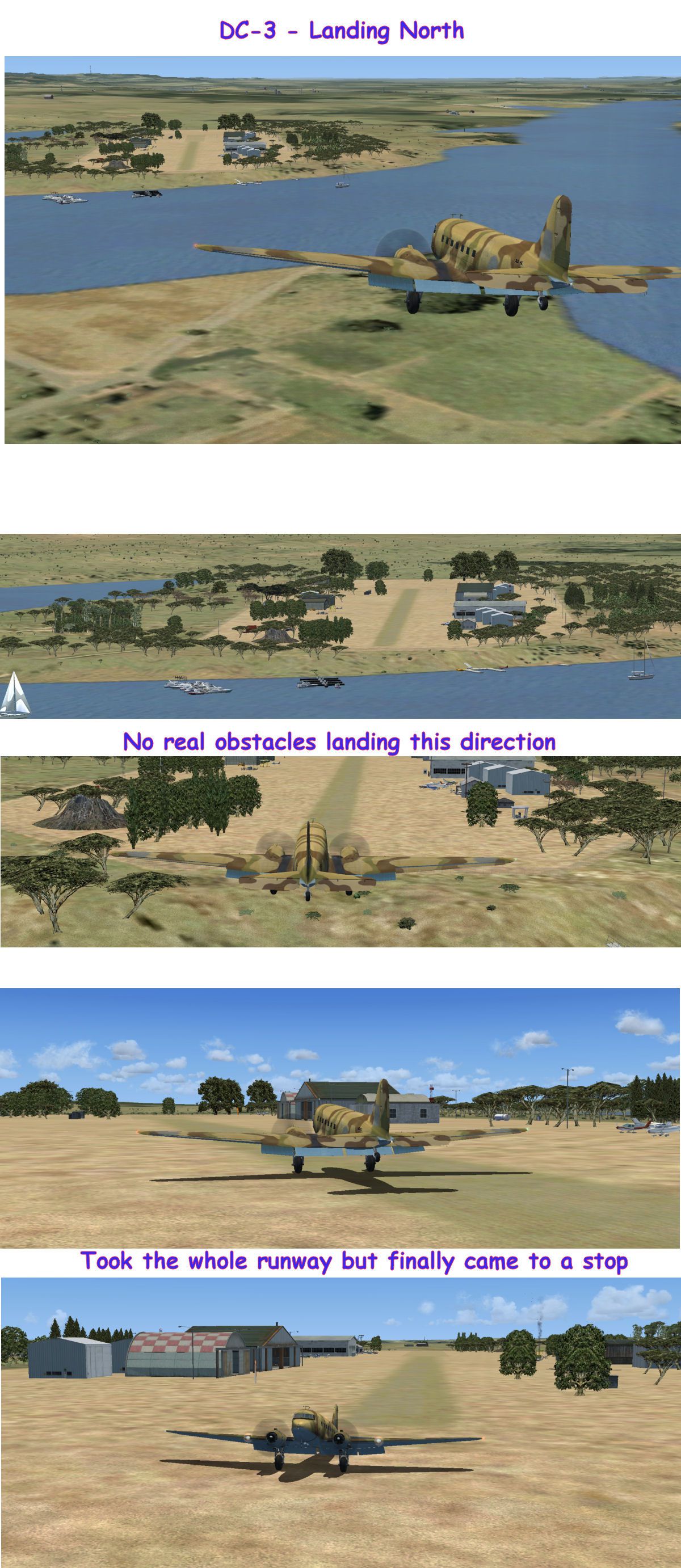
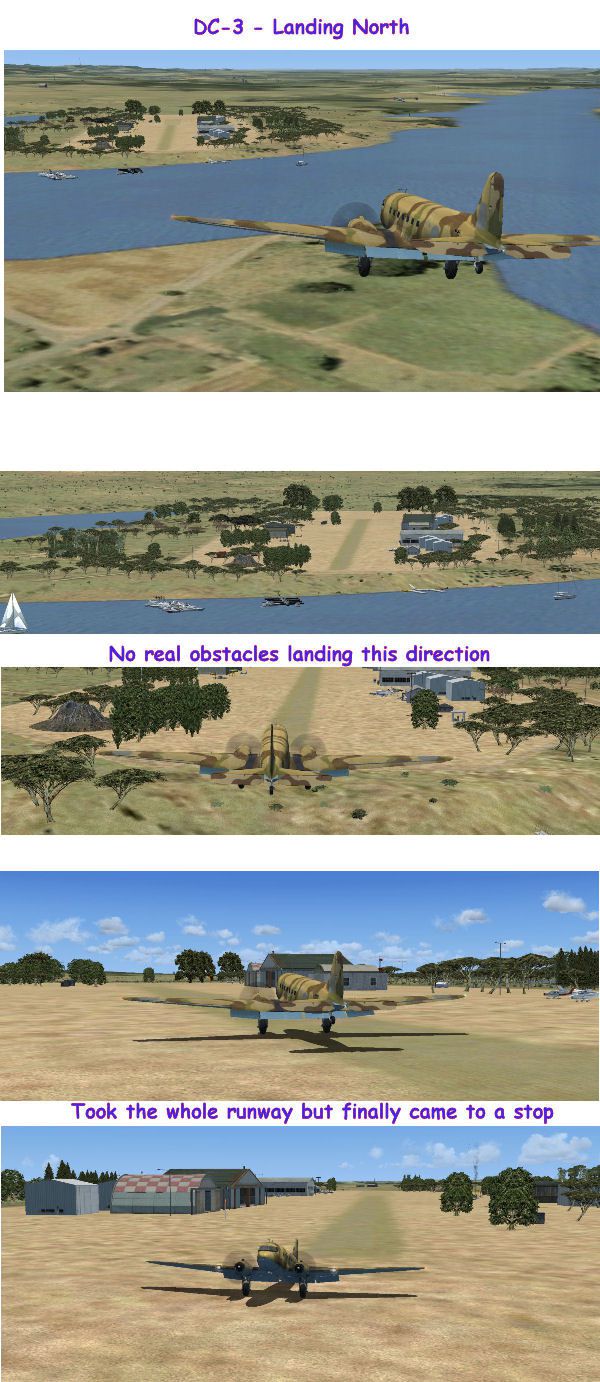
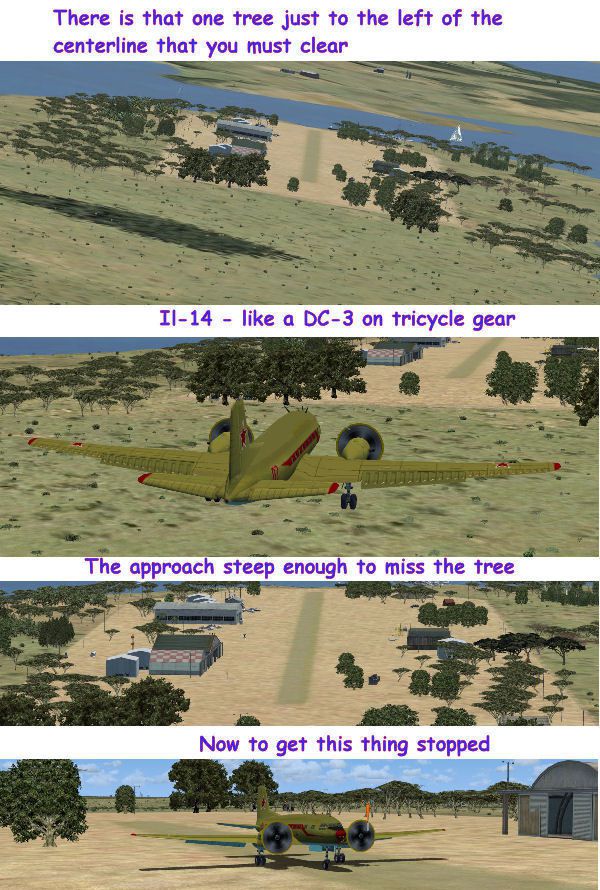

Sunrise Beach Airport (2KL), Texas (TX). This is a grass strip located in Central Texas named Sunrise Beach Village. Includes buildings placed by reference to overhead pictures. Default FSX scenery around this area is fairly bland to begin with so a few trees added tend to help a bit. By Bob Smith.
Sunrise Beach Airport Scenery.
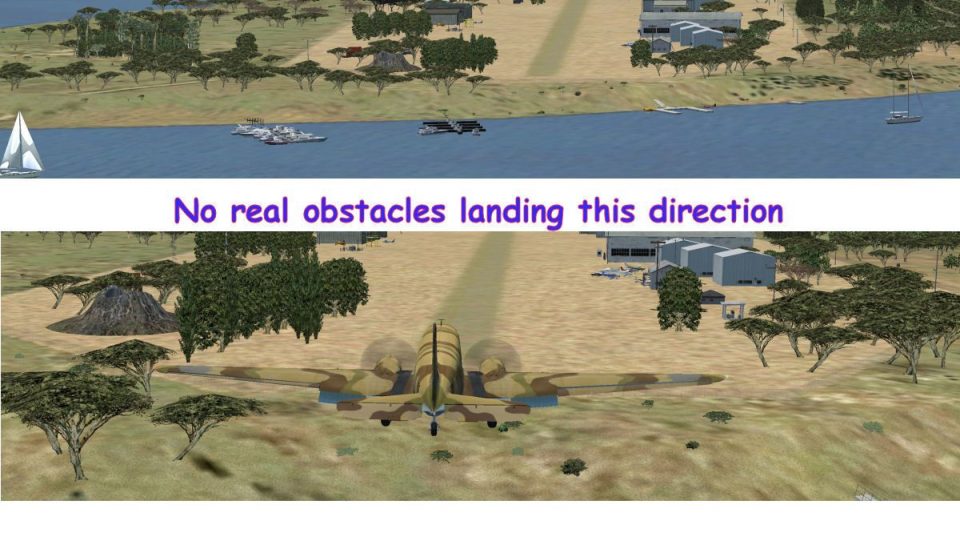
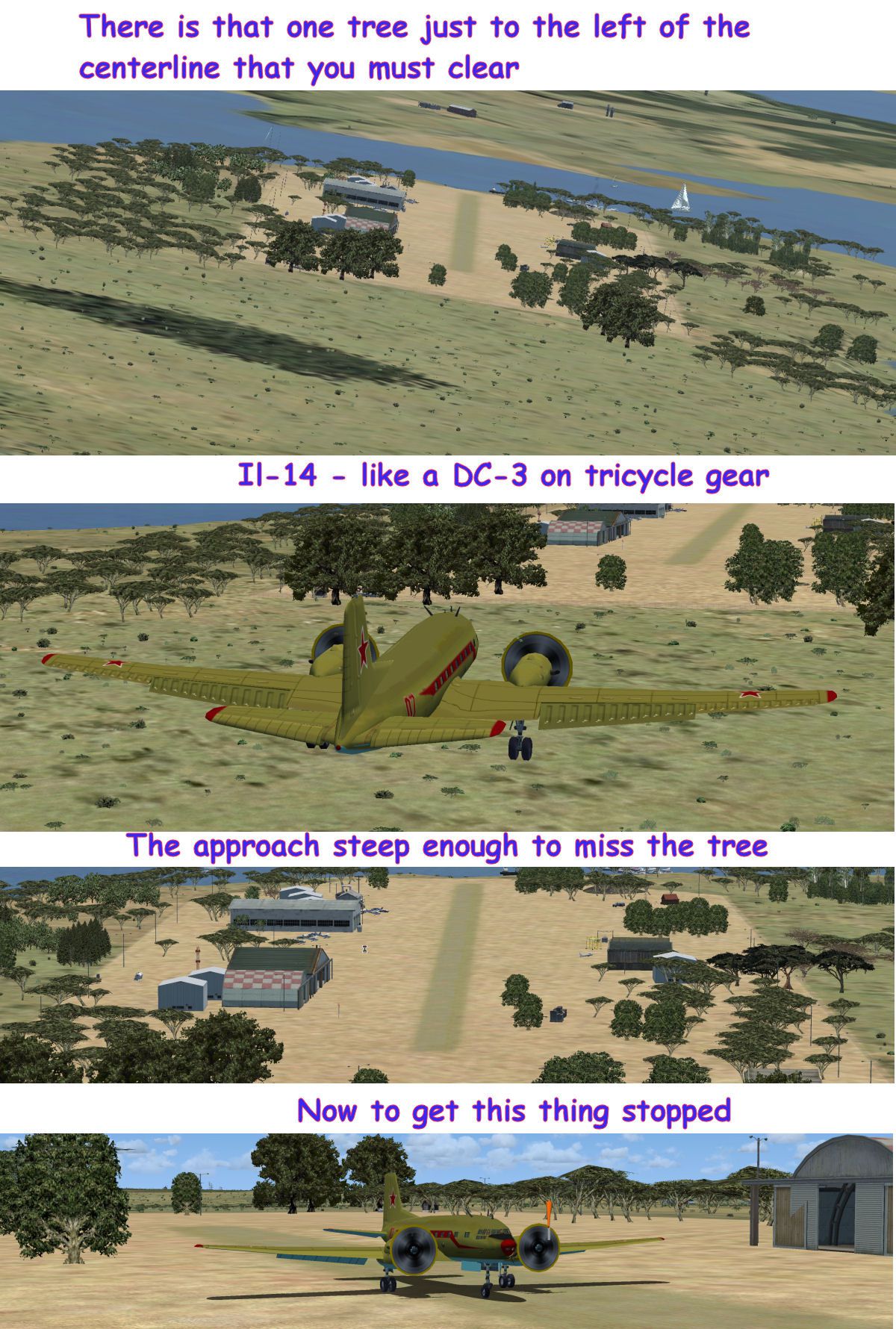
This is a grass strip located in Central Texas named Sunrise Beach Village. I tried to place the buildings where they were on the overhead picture found at airnav.com. The airport description says there are several obstacles around the airport and I have, for the most part, put them in place. Default FSX scenery around this area is fairly bland to begin with so a few trees added tend to help a bit. It's a short runway but DC-3s fit nicely.
20-30 FT TREES ALONG BOTH SIDES OF RY 75 FT EACH SIDE OF RY CNTRLN. TREES IN APCH AREA & HANGARS WITHIN 60 FT OF RY.
Created with the FSX Object Placement Tool found in FSX and using the FSX default terrain and mesh.
Installation:
Simply unzip the zip file to a temp directory and copy the *.bgl file(s) into the Addon Scenery/scenery folder.
Uninstall:
Remove the file(s) from the Addon Scenery/scenery folder.
These files are distributed as FREEWARE. No harm is intended or expected by this package. The use of this package is entirely the risk of the user.
Bob Smith
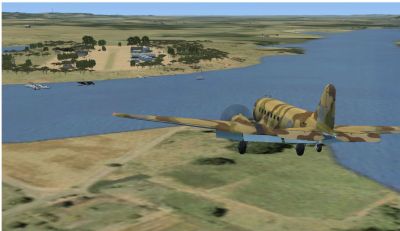
Sunrise Beach Airport Scenery.
Free for all simmers · 1.41 MB · Scanned clean Oct 2026
Download speed: Free tier is capped at 0.5 Mbps. PRO members download at full line speed.
FSX\Addon Scenery\ containing scenery and texture sub-folders.readme.txt or README file. It tells you exactly where files go, what dependencies are needed, and any quirks specific to this add-on.Use these coordinates to fly directly to this location once the mod is installed.
30.59870000,-98.42970000
Launch FSX or Prepar3D and use Flights → Load to open the downloaded .pln file. Your aircraft will be positioned at this location.
The archive 2klsunr.zip has 10 files and directories contained within it.
This list displays the first 500 files in the package. If the package has more, you will need to download it to view them.
| Filename/Directory | File Date | File Size |
|---|---|---|
| readme.txt | 01.16.08 | 1.24 kB |
| 2kl-overhead-picture.jpg | 01.16.08 | 21.77 kB |
| dc-3_2kl_landing_north_02.jpg | 01.19.08 | 584.98 kB |
| il-14_approach.jpg | 01.19.08 | 508.76 kB |
| 2kl_sunrise_beach_texas.gif | 01.19.08 | 8.70 kB |
| bs_sunrise-25.BGL | 01.18.08 | 9.84 kB |
| 2kl_landing_north.jpg | 01.19.08 | 194.80 kB |
| 2kl_landing_south.jpg | 01.19.08 | 171.95 kB |
| flyawaysimulation.txt | 10.29.13 | 959 B |
| Go to Fly Away Simulation.url | 01.22.16 | 52 B |
Only PRO members can place votes.
More FSX & P3D add-ons hand-picked based on this download.
FSX Scenery
Immerse yourself in a detailed representation of CAT4, also referred to as Qu…
 FSX Scenery
Palm Beach County Park Airport (KLNA) in Lantana, Florida offers a distinctiv…
 FSX Scenery
Mustang Beach Airport (KRAS), Port Aransas, Texas (TX). ADE created scenery u…
 FSX Scenery
This freeware package for Microsoft Flight Simulator X provides a full redesi…
 FSX Scenery
Daytona Beach Redone. This is a compilation of changes to scenery at Daytona …
 FSX Scenery
Daytona Beach, Florida (FL). Updated scenery for KDAB airport and surrounding…
 FSX Scenery
Long Beach Scenery, California (CA). A scenery enhancement for the default KL…
 FSX Scenery
Daytona Beach International Airport (KDAB), Florida (FL), revision 1. Adds Da…
Be the first to leave a comment on this download.
Be the first to share your thoughts on this download.