



X-Plane 11/10 Piper Pawnee
The Piper Pawnee brings a familiar, workmanlike towplane option to X-Plane 10, giving glider pilots an easy alternative to the default tug. Converted from a v8.50 aircraft and saved for v10, it includes a straightforward exterior model and virtual cockpit suited to launching sailplanes and general light-aircraft flying.

 2/5
(2)
3.2K downloads
X-Plane 11
2/5
(2)
3.2K downloads
X-Plane 11  X-Plane 10
- File: Piper_Pawnee_G-TOWS.zip
- Size:971.03 KB
- Scan:
Clean (25d)
- Access:Freeware
- Content:Everyone

 Description
 Comments
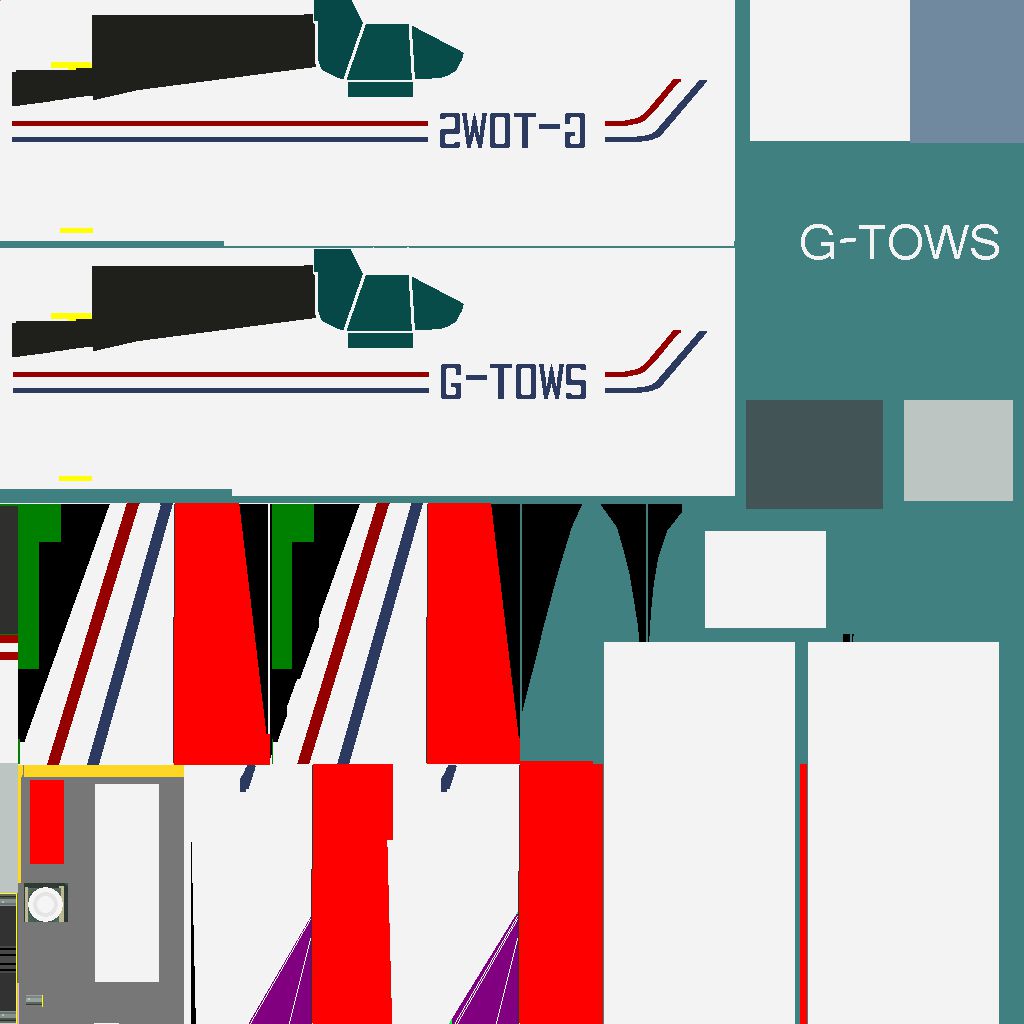
 This is a version 8.50 aircraft saved in version 10. No other changes. It flies, but I haven't verified its new performance or anything, as its main purpose is to be an alternate aircraft to select as a glider tow aircraft instead of the default.
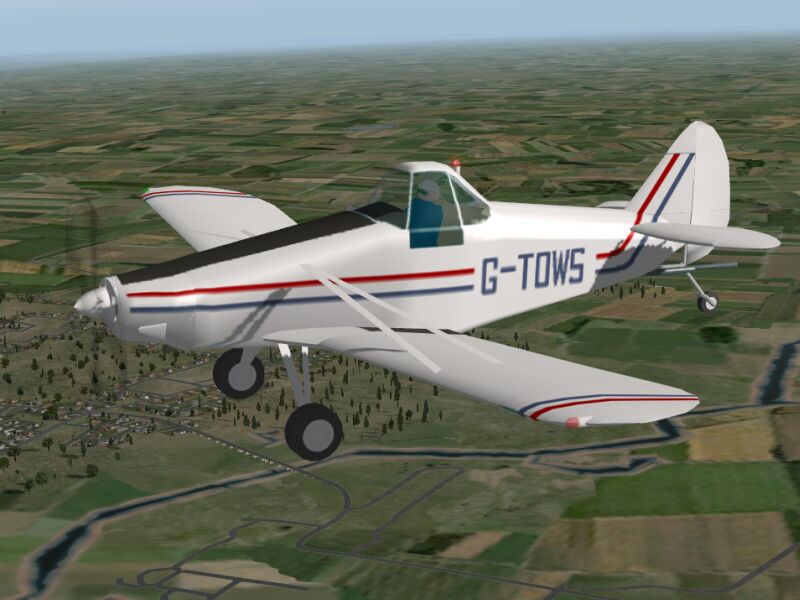
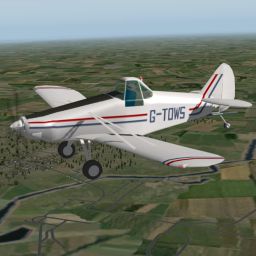
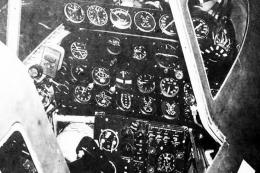
Screenshot of Piper Pawnee in flight.
Images & Screenshots




The archive Piper_Pawnee_G-TOWS.zip has 75 files and directories contained within it.
File Contents
This list displays the first 500 files in the package. If the package has more, you will need to download it to view them.
| Filename/Directory | File Date | File Size |
|---|---|---|
| Piper Pawnee G-TOWS | 12.19.11 | 0 B |
| about_and_flying_the_pawnee.txt | 01.03.07 | 851 B |
| airfoils | 12.17.11 | 0 B |
| ClarkY-35B.afl | 09.13.06 | 24.24 kB |
| URF-flat00.afl | 08.17.05 | 24.97 kB |
| cockpit | 12.17.11 | 0 B |
| -PANELS- | 12.17.11 | 0 B |
| panel.png | 12.29.06 | 6.82 kB |
| buttons | 12.17.11 | 0 B |
| but_brakes-1.png | 07.14.05 | 431 B |
| but_brakes.png | 07.14.05 | 82 B |
| landing gear | 12.17.11 | 0 B |
| gear_light_ALL_dn-1.png | 09.13.06 | 2.91 kB |
| gear_light_ALL_dn.png | 09.13.06 | 3.29 kB |
| compass | 12.17.11 | 0 B |
| compass_GA-1.png | 09.13.06 | 3.83 kB |
| compass_GA-3.png | 09.13.06 | 4.38 kB |
| compass_GA.png | 11.06.06 | 4.87 kB |
| engine | 12.17.11 | 0 B |
| engine round | 12.17.11 | 0 B |
| engine_batt_AMPS-2.png | 09.13.06 | 3.04 kB |
| engine_batt_AMPS-4.png | 09.13.06 | 3.16 kB |
| engine_batt_AMPS.png | 11.05.06 | 6.96 kB |
| engine_batt_AMPS.txt | 09.13.06 | 266 B |
| engine_batt_VOLT-2.png | 09.13.06 | 3.04 kB |
| engine_batt_VOLT-4.png | 09.13.06 | 3.16 kB |
| engine_batt_VOLT.png | 11.05.06 | 6.74 kB |
| engine_batt_VOLT.txt | 09.13.06 | 266 B |
| engine_CHT-2.png | 09.13.06 | 3.04 kB |
| engine_CHT-4.png | 09.13.06 | 3.16 kB |
| engine_CHT.png | 11.05.06 | 6.69 kB |
| engine_CHT.txt | 09.13.06 | 266 B |
| engine_OILP-2.png | 09.13.06 | 3.04 kB |
| engine_OILP-4.png | 09.13.06 | 3.16 kB |
| engine_OILP.png | 12.24.06 | 6.58 kB |
| engine_OILP.txt | 09.13.06 | 266 B |
| engine_OILT-2.png | 09.13.06 | 3.04 kB |
| engine_OILT-4.png | 09.13.06 | 3.16 kB |
| engine_OILT.png | 12.24.06 | 6.55 kB |
| engine_OILT.txt | 09.13.06 | 266 B |
| engine_RPM_prop-4.png | 09.13.06 | 3.16 kB |
| engine_RPM_prop.png | 11.05.06 | 6.82 kB |
| engine_RPM_prop.txt | 09.13.06 | 266 B |
| radios | 12.17.11 | 0 B |
| GPS FMS | 12.17.11 | 0 B |
| GPS_GA-1.png | 02.03.04 | 3.42 kB |
| GPS_GA-4.png | 01.01.07 | 3.17 kB |
| GPS_GA.png | 02.03.04 | 15.70 kB |
| NAV COM | 12.17.11 | 0 B |
| rad_ADF1_GA-4.png | 11.05.06 | 533 B |
| rad_ADF1_GA.png | 11.06.06 | 5.72 kB |
| rad_COM1_GA-4.png | 06.17.06 | 655 B |
| rad_COM1_GA.png | 11.06.06 | 6.82 kB |
| rad_NAV2_GA-4.png | 11.05.06 | 655 B |
| rad_NAV2_GA.png | 11.06.06 | 6.87 kB |
| transponder | 12.17.11 | 0 B |
| transponder_GA-1.png | 12.13.05 | 4.81 kB |
| transponder_GA-2.png | 12.13.05 | 3.00 kB |
| transponder_GA-4.png | 06.17.06 | 594 B |
| transponder_GA.png | 11.06.06 | 4.02 kB |
| supplement | 12.17.11 | 0 B |
| tailnum-4.png | 12.13.05 | 4.57 kB |
| tailnum.png | 06.18.06 | 1.45 kB |
| contact-credits_info.txt | 12.19.11 | 1.15 kB |
| icao=PA25 | 12.24.06 | 0 B |
| paint_template | 12.17.11 | 0 B |
| pawnee_paint.png | 01.01.07 | 14.39 kB |
| pawnee_paint2.png | 01.01.07 | 24.57 kB |
| pawnee.acf | 12.18.11 | 6.03 MB |
| pawnee.jpg | 12.19.11 | 66.01 kB |
| pawnee_icon.png | 12.19.11 | 85.80 kB |
| pawnee_paint.png | 01.03.07 | 17.14 kB |
| pawnee_paint2.png | 01.01.07 | 24.65 kB |
| flyawaysimulation.txt | 10.29.13 | 959 B |
| Go to Fly Away Simulation.url | 01.22.16 | 52 B |

Installation Instructions
Most of the freeware add-on aircraft and scenery packages in our file library come with easy installation instructions which you can read above in the file description. For further installation help, please see our Flight School for our full range of tutorials or view the README file contained within the download. If in doubt, you may also ask a question or view existing answers in our dedicated Q&A forum.

0 comments
Leave a Response