

 FS2004 Military Aircraft
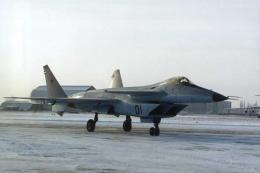
FS2002/2004 MiG-35 MFI
The Mikoyan Product 1.44 was the first prototype of the MiG-35 (MFI) Russian …
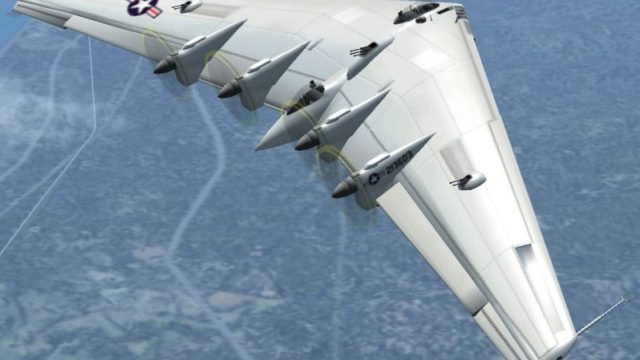
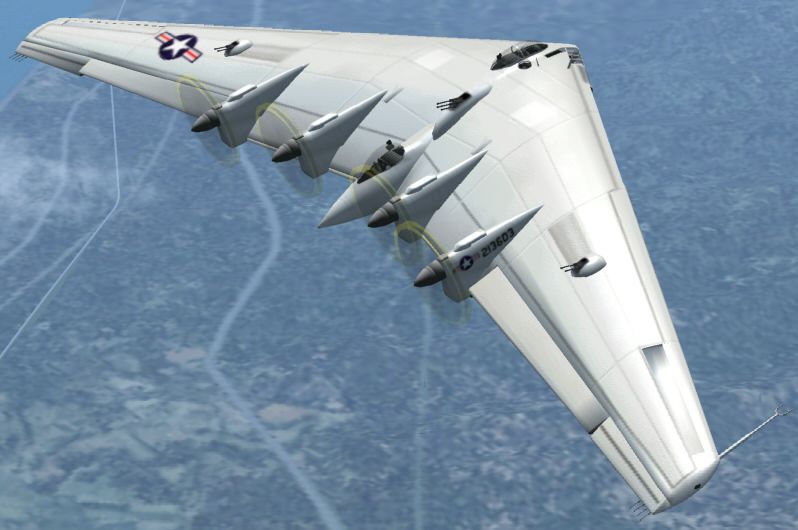
Northrop’s XB-35 Flying Wing brings a rare World War II-era bomber prototype to life in FS2004/FS2002, featuring the distinctive contra-rotating pusher prop layout and clean, tailless planform. The package captures the aircraft’s experimental character and the lineage that led to the later jet-powered YB-49 and YRB-49 variants.
 Rate
Rate
Free for all simmers · 1.76 MB · Scanned clean Sep 2026
Download speed: Free tier is capped at 0.5 Mbps. PRO members download at full line speed.
FS9\Aircraft\, FS9\Addon Scenery\, FS9\Gauges\, or FS9\Effects\.readme.txt or README file. It tells you exactly where files go, what dependencies are needed, and any quirks specific to this add-on.The archive XB35.zip has 35 files and directories contained within it.
This list displays the first 500 files in the package. If the package has more, you will need to download it to view them.
| Filename/Directory | File Date | File Size |
|---|---|---|
| Gauges | 12.14.03 | 0 B |
| p51d.gau | 11.28.01 | 829.50 kB |
| Spitfire.Altimeter.gau | 01.02.98 | 193.00 kB |
| f15j_compass.gau | 03.05.99 | 44.00 kB |
| f15j_clock.gau | 03.05.99 | 131.50 kB |
| Aoa-1.gau | 10.15.98 | 14.50 kB |
| HP61.DG.gau | 11.13.98 | 242.00 kB |
| t4_flap.gau | 03.05.99 | 14.50 kB |
| b58.amps-1.gau | 08.03.00 | 100.00 kB |
| 188-N2-1.GAU | 12.13.97 | 128.00 kB |
| 188-N2-2.GAU | 12.13.97 | 128.00 kB |
| 188-N2-3.GAU | 12.13.97 | 128.00 kB |
| 188-N2-4.GAU | 12.13.97 | 128.00 kB |
| gps.gau | 11.28.01 | 320.07 kB |
| XB-35 | 12.06.03 | 0 B |
| Aircraft.cfg | 12.13.03 | 6.83 kB |
| model | 12.06.03 | 0 B |
| Model.cfg | 12.13.03 | 24 B |
| XB-35.mdl | 12.13.03 | 1.52 MB |
| panel | 12.06.03 | 0 B |
| Main_Panel.bmp | 12.14.03 | 769.05 kB |
| PANEL.CFG | 12.14.03 | 1.22 kB |
| sound | 12.06.03 | 0 B |
| Sound.cfg | 12.06.03 | 28 B |
| texture | 12.06.03 | 0 B |
| Blade.bmp | 12.06.03 | 17.05 kB |
| PROP.BMP | 02.20.02 | 256.07 kB |
| Fuse01.bmp | 12.13.03 | 1.00 MB |
| PILOT.BMP | 12.13.03 | 257.05 kB |
| XB-35.air | 12.13.03 | 15.45 kB |
| for FS2004.txt | 12.14.03 | 1.36 kB |
| File_ID.DIZ | 12.13.03 | 593 B |
| XB-35.JPG | 12.13.03 | 127.12 kB |
| flyawaysimulation.txt | 10.29.13 | 959 B |
| Go to Fly Away Simulation.url | 01.22.16 | 52 B |
Only PRO members can place votes.
More FS2004 add-ons hand-picked based on this download.
FS2004 Military Aircraft
The Mikoyan Product 1.44 was the first prototype of the MiG-35 (MFI) Russian …
 FS2004 Military Aircraft
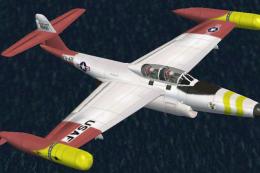
The F-89 was a twin-engine, all-weather fighter-interceptor designed to locat…
 FS2004 Military Aircraft
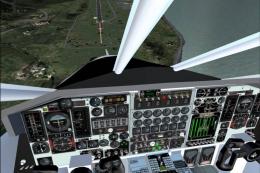
This aircraft was shaped to fly at MACH 3 remaining within its Mach cone thro…
 FS2004 Military Aircraft
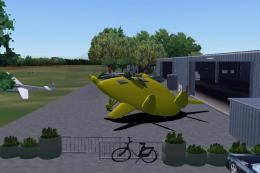
designed for FS2002/2004. Features inlcude moving control surfaces, working s…
 FS2004 Military Aircraft
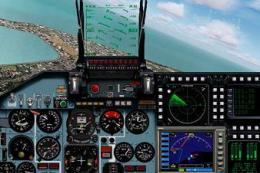
FS2004 Sukhoi Su-35 LEX, a Russian fighter/bomber with full animation. Includ…
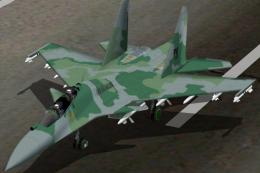 FS2004 Military Aircraft
a real model that is participating in the bidding for the FX Fighters for the…
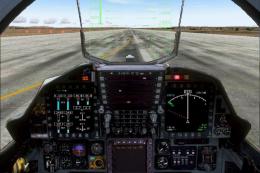 FS2004 Military Aircraft
The YF-23A Black Widow II, originally developed as an experimental stealth fi…
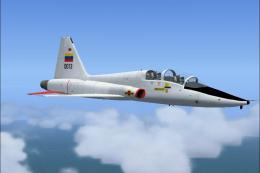 FS2004 Military Aircraft
VF-5D Ba. Landaeta, Barquisimeto. Edo. Lara - "Grupo Aéreo de Caza Nro. 12" T…
Read what other simmers think, or add your own.

the rendering of this airplane is, like the author's other add ons, excellent. but, its engines produce too much power at idle so that the airplane's main wheels won't touch down - the thing lands on its nose wheel - so the brakes won't stop it before the shrubbery arrives.


