

 FSX Business Jet Aircraft
Embraer Phenom 300 PP-XVJ
Embraer Phenom 300 PP-XVJ (experimental) biz jet by CamSim, including exterio…
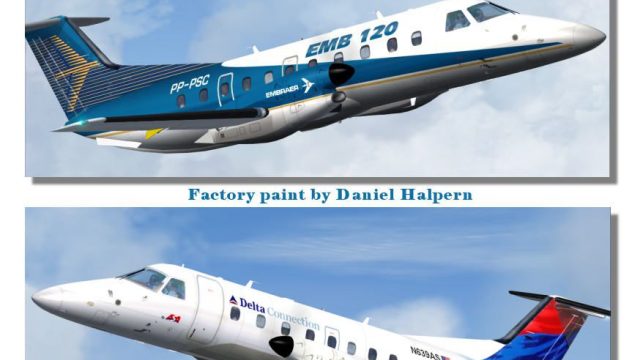
Embraer 120 twin‑turboprop commuter airliner brings classic regional operations to Microsoft Flight Simulator X with House Colors and Delta Connection-inspired blue‑white livery. The package includes a detailed exterior model and virtual cockpit suited to short hops, offering a 30‑seat layout and period-appropriate performance for authentic late‑1980s to modern feeder routes.
 Rate
Rate
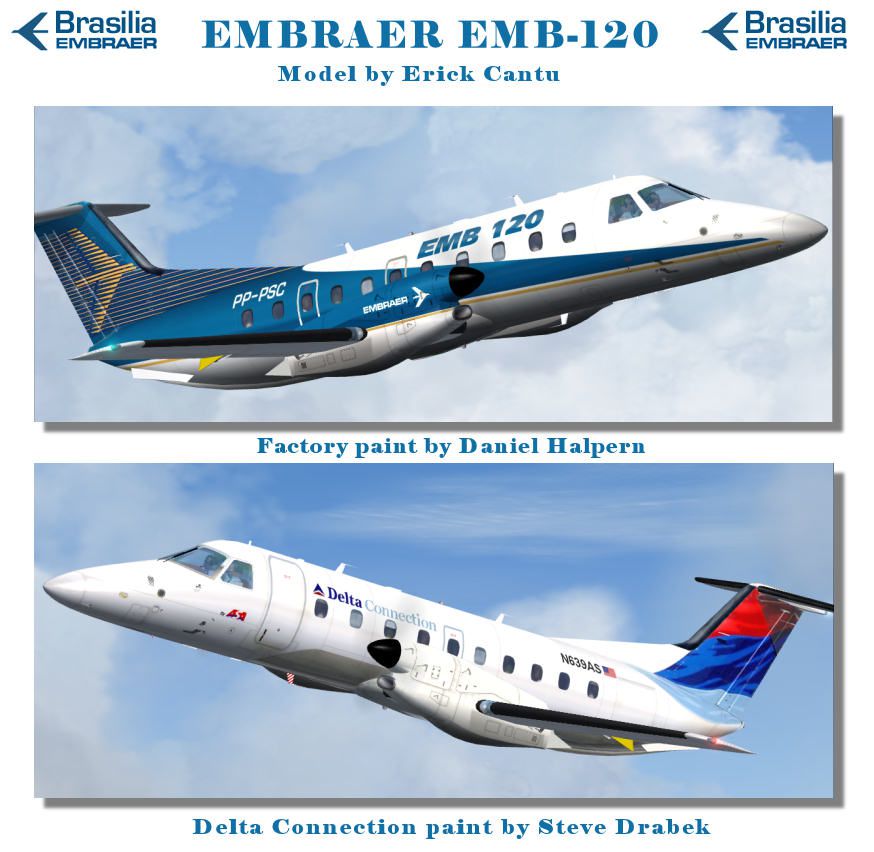
This is an aircraft file for Microsoft Flight Simulator. The file contains the Embraer 120 twin turboprop airliner. The file is compatible with Microsoft Flight Simulator X edition.
The model 120 featured in this file used the Delta Connection colors. The body of the plane is blue and white with a red and blue tail. The Embraer 120 is one of the oldest transport airliners produced by Brazilian Manufacturer Embraer.
The plane was first introduced in the late parts of 1985. The plane was in production for nearly twenty years and is still produced on individual orders as of 2007. The 120 was initially conceived as the replacement for the aging DC-3. The 120 can seat up to 30 people and has a top speed of 378 MPH.
The current largest operators of the plane are Air 26 in Angola and Network Aviation in Australia. The plane also has an all cargo version that is frequently used in Spain. Delta Connection is a grouping of regional airlines many of which are owned by Delta Air lines. The brand was founded in 1984 as a means of increasing the amount of business the company did with regional airports.
Most of the flight destinations featured by this airline are regional flights where it would not be cost effective to use large aircraft. The company owns a number of regional fleets with a total of 544 aircraft owned between them. Commonly flown planes for the Delta Connection airlines are the Embraer 170 and the Bombardier CRJ-200.
Free for all simmers · 2.17 MB · Scanned clean Oct 2026
Download speed: Free tier is capped at 0.5 Mbps. PRO members download at full line speed.
SimObjects\Airplanes\, Addon Scenery\, Effects\, or Gauges\.readme.txt or README file. It tells you exactly where files go, what dependencies are needed, and any quirks specific to this add-on.The archive emb120-2.zip has 32 files and directories contained within it.
This list displays the first 500 files in the package. If the package has more, you will need to download it to view them.
| Filename/Directory | File Date | File Size |
|---|---|---|
| Aircraft.cfg | 12.23.06 | 17.49 kB |
| EMB120.air | 06.12.03 | 14.35 kB |
| Model | 12.22.06 | 0 B |
| EMB120.mdl | 01.09.06 | 1.11 MB |
| model.cfg | 04.26.04 | 23 B |
| Panel | 02.04.06 | 0 B |
| panel.cfg | 01.16.06 | 40 B |
| Readme.txt | 12.23.06 | 1.84 kB |
| Sound | 02.04.06 | 0 B |
| SOUND.CFG | 01.16.06 | 40 B |
| texture.daldxt | 12.23.06 | 0 B |
| EMB120_A_L.bmp | 02.03.06 | 1.00 MB |
| EMB120_A_T.bmp | 12.23.06 | 1.00 MB |
| EMB120_B_L.bmp | 02.03.06 | 1.00 MB |
| EMB120_B_T.bmp | 12.23.06 | 1.00 MB |
| EMB_PROP.bmp | 04.27.04 | 512.07 kB |
| ENGINES_L.bmp | 12.10.04 | 1.00 MB |
| ENGINES_T.bmp | 12.06.04 | 1.00 MB |
| WINGS_T.bmp | 12.06.04 | 1.00 MB |
| texture.embraer_house | 12.23.06 | 0 B |
| EMB120_A_L.bmp | 12.23.06 | 1.00 MB |
| EMB120_A_T.bmp | 03.21.05 | 1.00 MB |
| EMB120_B_L.bmp | 03.25.05 | 1.00 MB |
| EMB120_B_T.bmp | 12.22.06 | 1.00 MB |
| EMB_PROP.bmp | 04.27.04 | 512.07 kB |
| engines_L.bmp | 12.10.04 | 1.00 MB |
| ENGINES_T.bmp | 03.21.05 | 1.00 MB |
| WINGS_T.bmp | 12.03.04 | 1.00 MB |
| EMB120 | 12.23.06 | 0 B |
| 120-release.jpg | 12.23.06 | 112.57 kB |
| flyawaysimulation.txt | 10.29.13 | 959 B |
| Go to Fly Away Simulation.url | 01.22.16 | 52 B |
Only PRO members can place votes.
More FSX & P3D add-ons hand-picked based on this download.
FSX Business Jet Aircraft
Embraer Phenom 300 PP-XVJ (experimental) biz jet by CamSim, including exterio…
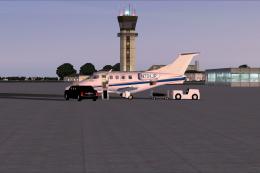 FSX Business Jet Aircraft
Experience a versatile private aviation adventure with this freeware Embraer …
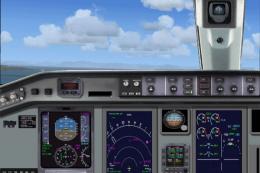 FSX Business Jet Aircraft
The bitmap and original gauge credit for this panel goes soley to Ken Mitchel…
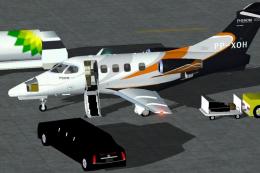 FSX Business Jet Aircraft
The Embraer Phenom 100 business jet, designated PP-XOH, is available here as …
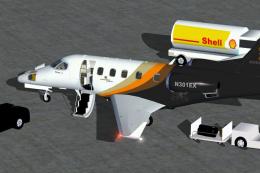 FSX Business Jet Aircraft
Executive Express Embraer Phenom 300 bizjet by CamSim, including exterior Ani…
 FSX Business Jet Aircraft
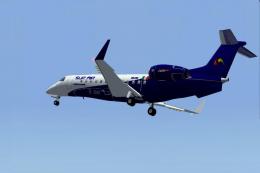
Sur Air Embraer 600 Legacy. For those who like luxury executive jets. By Igna…
 FSX Business Jet Aircraft
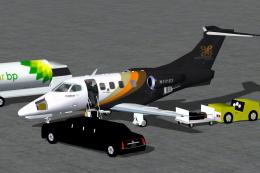
This freeware add-on features a custom Embraer Phenom 100 business jet in a f…
 FSX Business Jet Aircraft
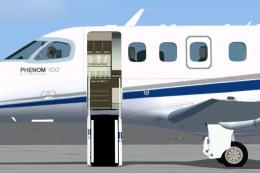
Embraer Phenom 100 biz jet ix for Windows 7 users only for the CamSim model (…
Read what other simmers think, or add your own.


Can anyone please give me a step by step detail of how to install aircraft after download, I can't get it right. Thanks.


Include a VC, does not matters if it is fraom the King Air or not, and then it is one of the greatest freeware downloads.


Very nice textured and flying aircraft I like it alot...only downside of course is the lack of a VC...top it off with a VC and you have yourself a high quality freeware download.