

 FSX Scenery
Johnson Creek Airport
(FAA ID: 3U2), a grass airstrip located in central Idaho (ID) three miles (5 …
Ryans Creek Airfield (NZRC) scenery brings Stewart Island’s rugged southern coastline to life with refined terrain flattens, accurate excludes, and dense custom vegetation and objects that frame challenging approaches in changeable weather. Built for Microsoft Flight Simulator X, it requires VECTOR LANDCLASS for the intended ground textures and seamless placement.
 Rate
Rate
 New Zealand
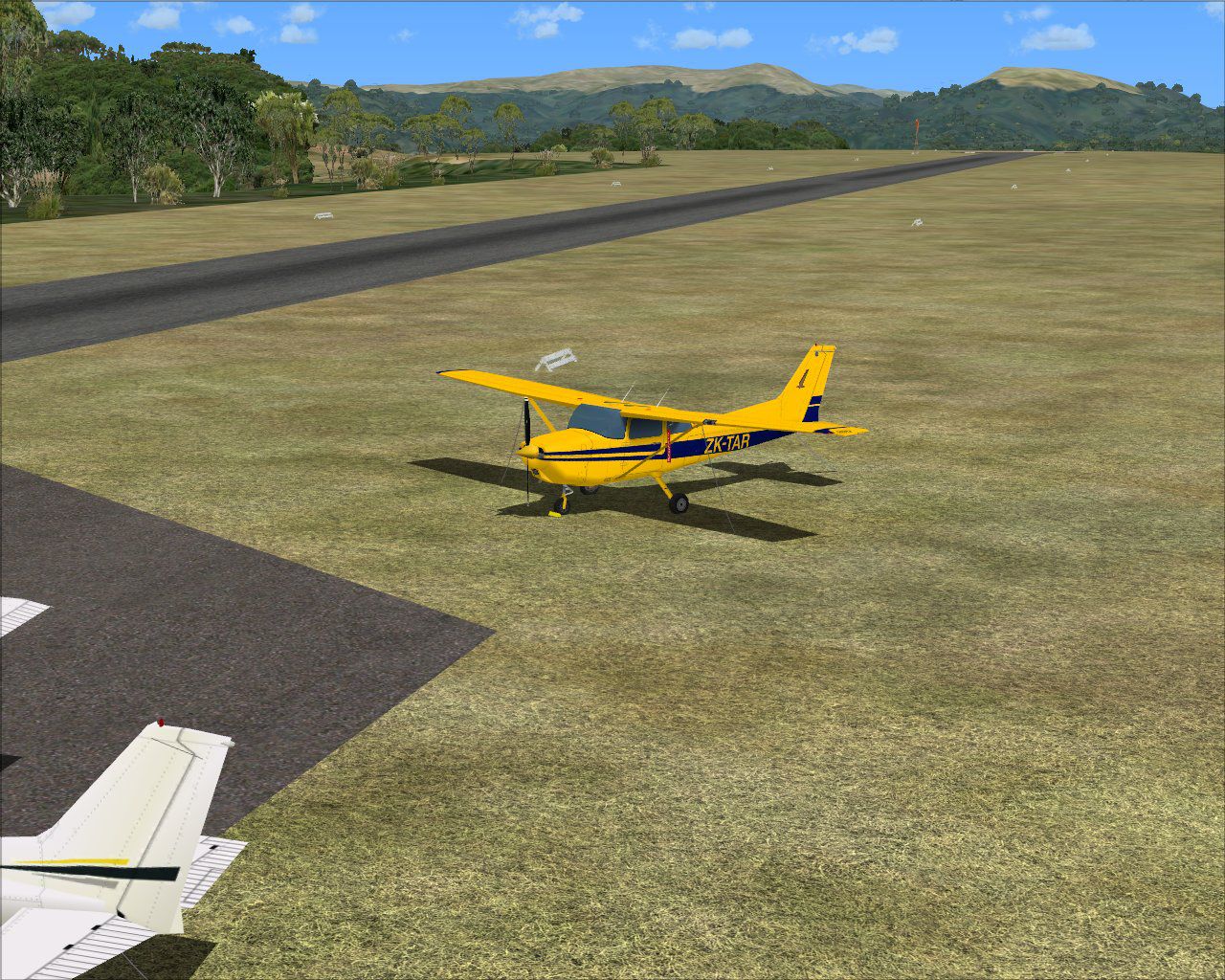

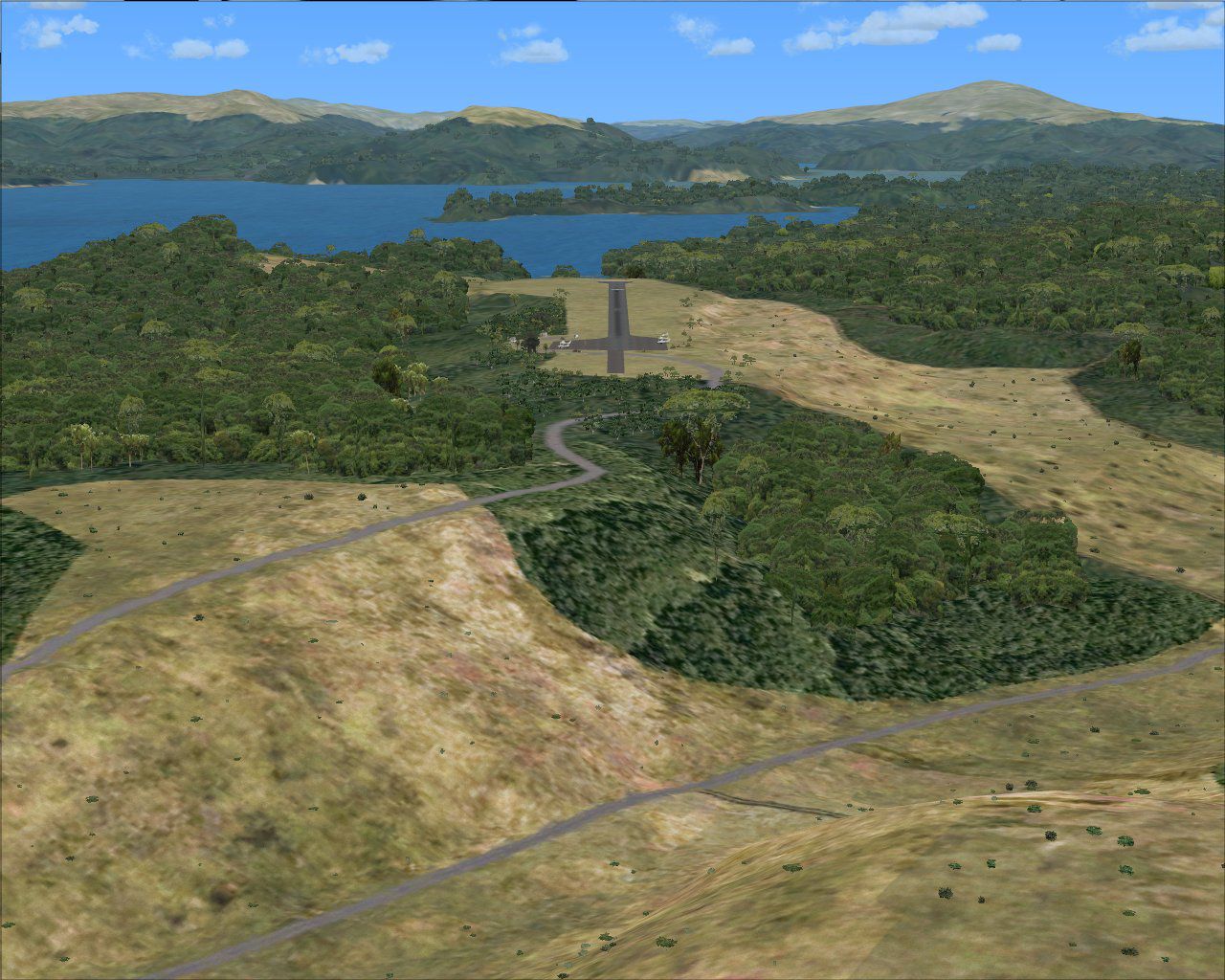
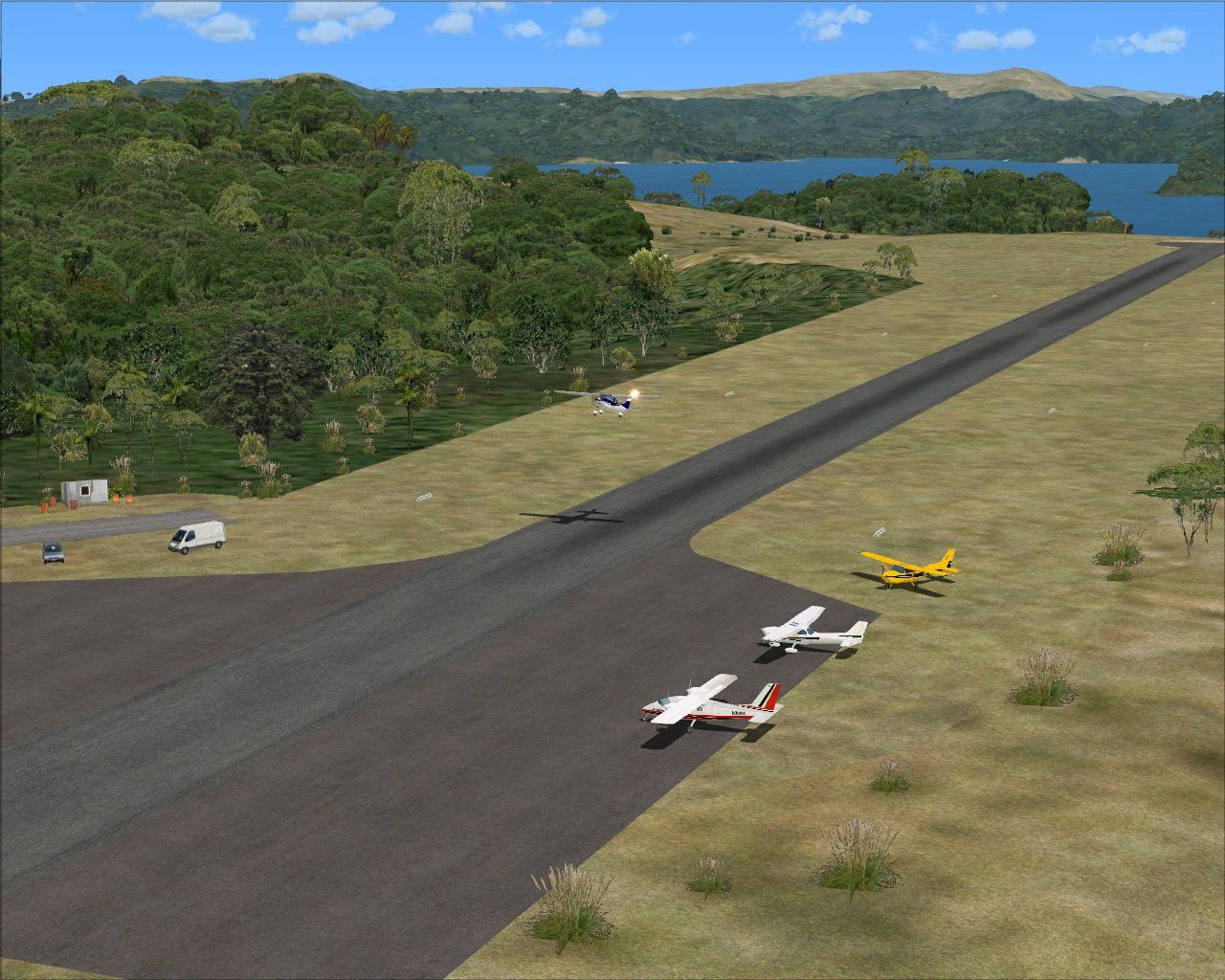
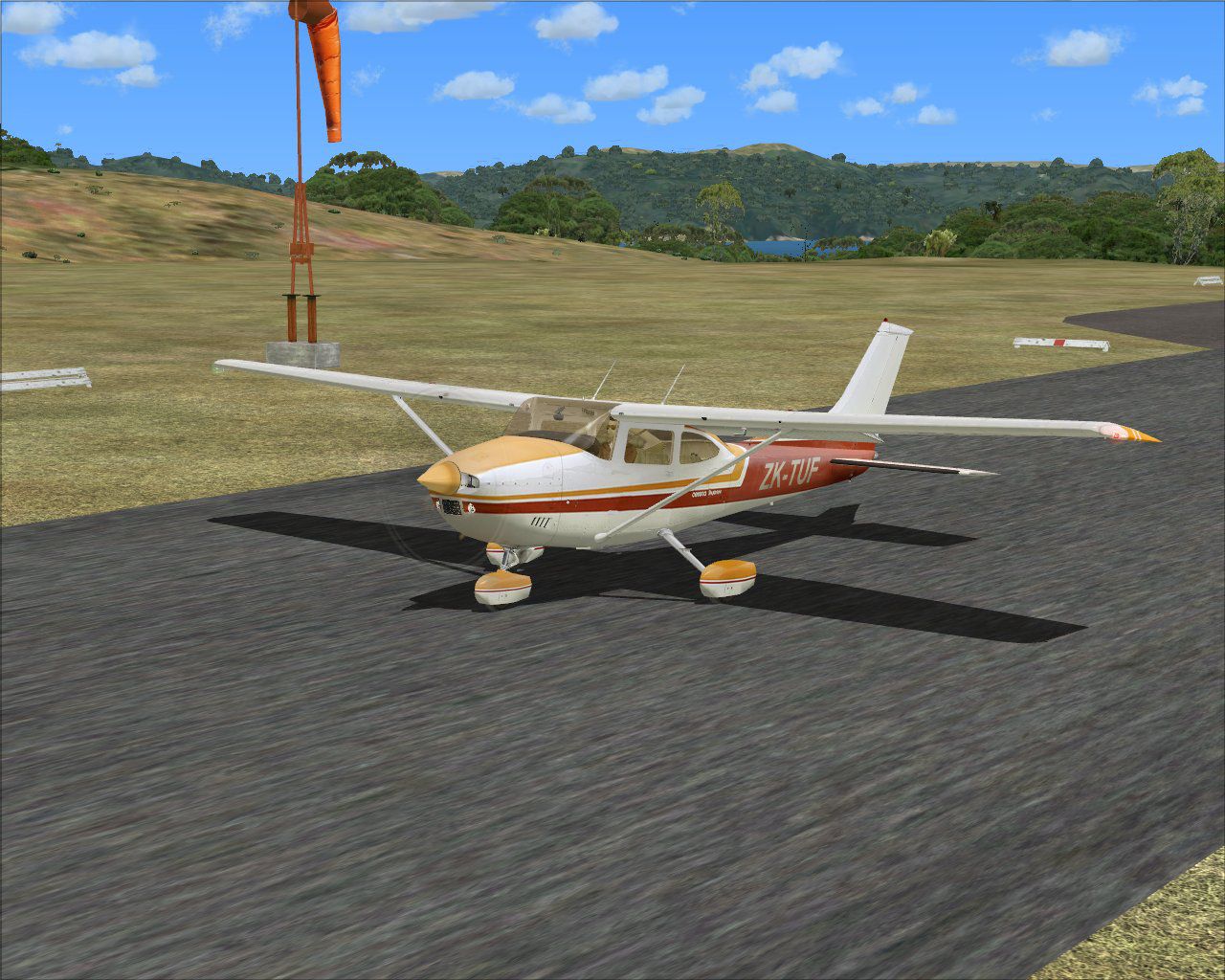
This freeware package transforms Ryans Creek Airfield (NZRC) on Stewart Island, the southernmost inhabited point of New Zealand, into a more immersive environment for Microsoft Flight Simulator X. The remote setting, just across the Foveaux Strait from Invercargill, is faithfully represented, featuring updated terrain details and custom object placements assembled by developers Lawrie Roache and Robin Corn.
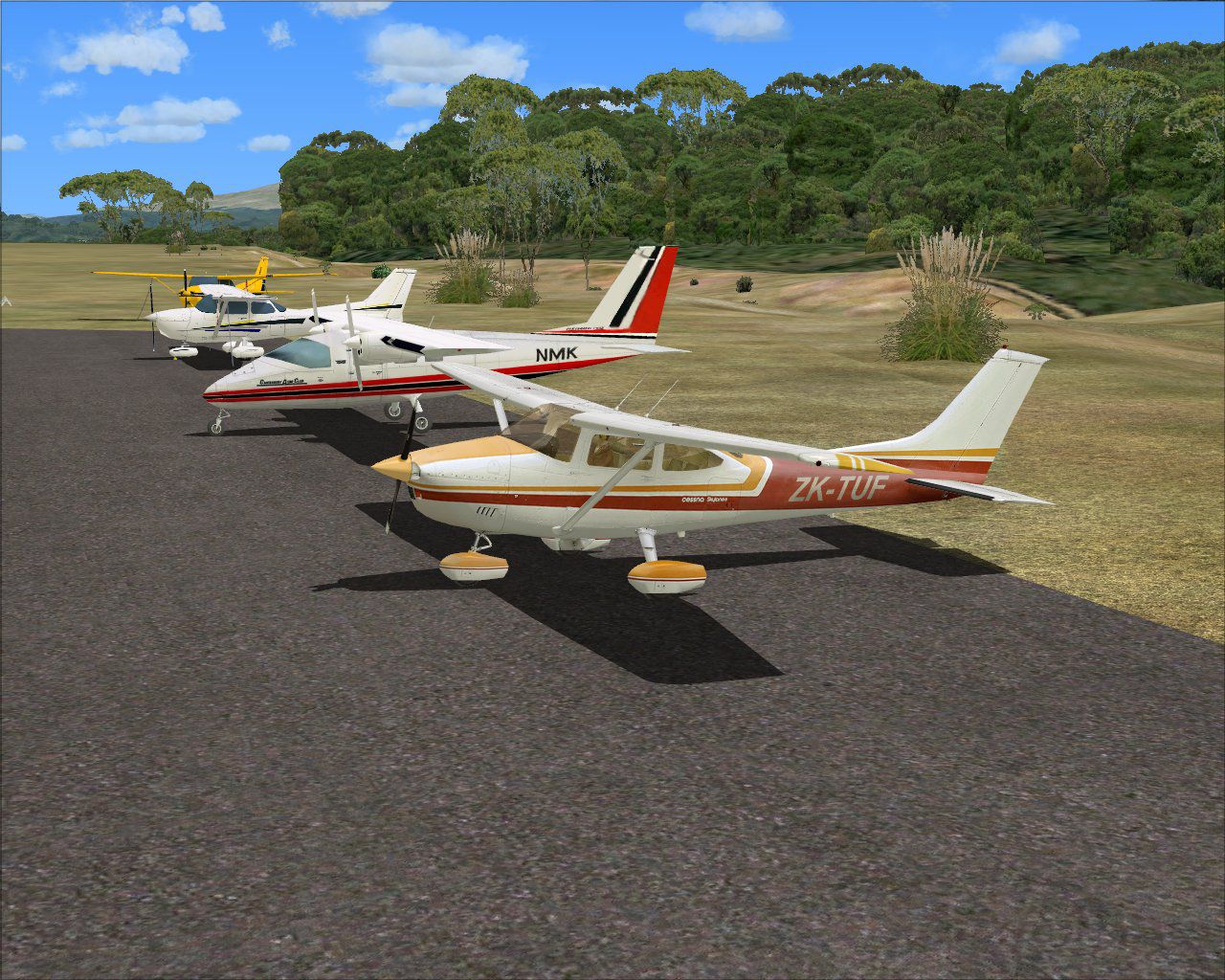
Ryans Creek Airfield is known for its proximity to dense vegetation, hilly contours, and ever-changing weather conditions. The scenery in this release highlights the challenging approach profiles that pilots encounter in real-world conditions. The landscape enhancements underscore the lush greenery of Stewart Island, while carefully blending the coastline and nearby topographical features for a smooth transition in the simulator.
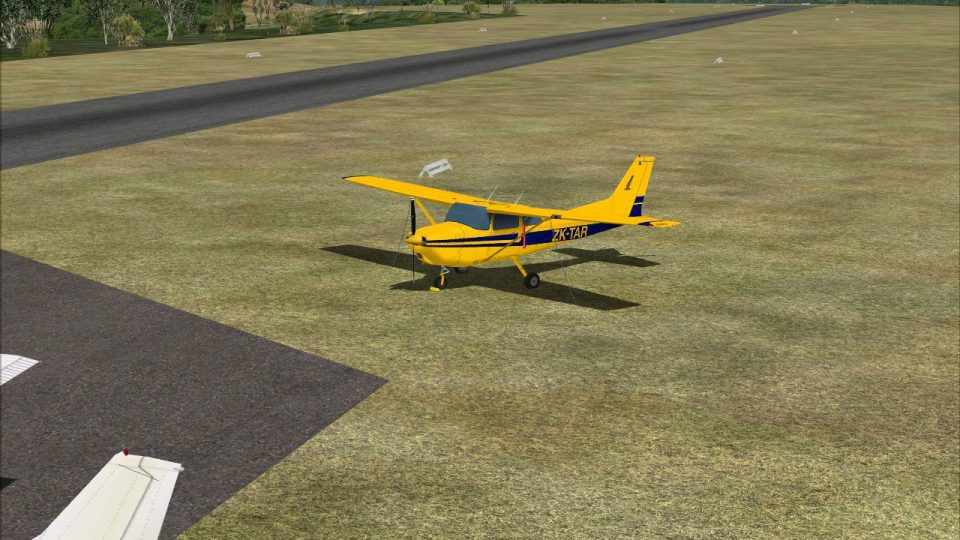
Aerial view of Ryans Creek Airfield scenery.
This add-on was originally developed for FSX SP2 environments, although it was tested without the Acceleration expansion installed. The authors recommend using VECTOR LANDCLASS (VLC) (a payware product) to match the intended ground textures and ensure proper alignment of vegetation. Flight1 Software’s Instant Scenery Object Placer integrated with Airport Facilitator X (AFX) provided advanced layering and airport data configuration. Through these utilities, developers enhanced flattens, excludes, and object positioning, refining an otherwise remote and rugged airstrip.
This package is released as freeware and is intended for personal, non-commercial purposes only. No party may redistribute, repackage, or resell these files without explicit consent from the original creatives. The scenery has completed testing on various hardware configurations, from minimal setups to high-end computers, without prompting any adverse issues. Nonetheless, users install these files at their own risk, since the developers cannot guarantee compatibility with every unique hardware or software setup.
While this scenery should not result in harm to any system, unforeseen errors might arise in odd circumstances. There is no expressed or implied warranty, and the authors bear no responsibility for any complications. By installing, you acknowledge the remote nature of the location and accept that this artful depiction of Ryans Creek Airfield is offered as-is, reflecting significant effort from both the designers and the community without any guarantee of faultless performance.
Free for all simmers · 1.94 MB · Scanned clean Oct 2026
Download speed: Free tier is capped at 0.5 Mbps. PRO members download at full line speed.
FSX\Addon Scenery\ containing scenery and texture sub-folders.readme.txt or README file. It tells you exactly where files go, what dependencies are needed, and any quirks specific to this add-on.Use these coordinates to fly directly to this location once the mod is installed.
-46.90000000,168.10000000
Launch FSX or Prepar3D and use Flights → Load to open the downloaded .pln file. Your aircraft will be positioned at this location.
The archive nzrc_ryans_creek-4x.zip has 21 files and directories contained within it.
This list displays the first 500 files in the package. If the package has more, you will need to download it to view them.
| Filename/Directory | File Date | File Size |
|---|---|---|
| Scenery | 07.08.12 | 0 B |
| AFX_NZRC.bgl | 07.06.12 | 9.50 kB |
| NZRC_GenShd.bgl | 07.07.12 | 188 B |
| NZRC_GenTre.bgl | 07.08.12 | 6.37 kB |
| NZRC_GenVeh.bgl | 07.07.12 | 332 B |
| NZRC_JnkObj.bgl | 07.08.12 | 620 B |
| NZRC_RwyMkr.bgl | 07.07.12 | 1.03 kB |
| NZRC_WndSck.bgl | 07.06.12 | 188 B |
| Texture | 07.08.12 | 0 B |
| NZRC_Ryans_Creek-4X | 07.08.12 | 0 B |
| AFX_NZRC_ALT.bgl | 07.06.12 | 9.50 kB |
| NZRC (0).jpg | 07.08.12 | 259.51 kB |
| NZRC (1).jpg | 07.08.12 | 315.86 kB |
| NZRC (2).jpg | 07.08.12 | 366.56 kB |
| NZRC (3).jpg | 07.08.12 | 302.33 kB |
| NZRC (4).jpg | 07.08.12 | 297.55 kB |
| NZRC (5).jpg | 07.08.12 | 237.41 kB |
| Read Me.txt | 07.08.12 | 3.72 kB |
| Ryans Creek-4X INSTALL.doc | 07.08.12 | 240.00 kB |
| flyawaysimulation.txt | 10.29.13 | 959 B |
| Go to Fly Away Simulation.url | 01.22.16 | 52 B |
Only PRO members can place votes.
More FSX & P3D add-ons hand-picked based on this download.
FSX Scenery
(FAA ID: 3U2), a grass airstrip located in central Idaho (ID) three miles (5 …
 FSX Scenery
(7FL6), Florida (FL), USA. Touted as the world's most famous residential airp…
 FSX Scenery
Sulphur Creek Ranch AIrstrIp, Idaho (ID). MountaIn prIvate aIrstrIp In Idaho.…
 FSX Scenery
Hideaway Ranger Creek (21W), Washington State (WA). Intended to make the scen…
 FSX Scenery
47 Creek. As seen in episode 2 of "Flying Wild Alaska", made with custom mode…
 FSX Scenery
Mule Creek, British Columbia, Canada (CBS4). Adds ranger station and other fe…
 FSX Scenery
Thompson Field / Bear Creek Airport (L86), Murrieta, California (CA), USA. By…
 FSX Scenery
Big Creek Airport, Savannah, Belize. This airport, serviced by all Belize air…
Be the first to leave a comment on this download.
Be the first to share your thoughts on this download.