

 FSX Scenery
Jastarnia Aerodrome
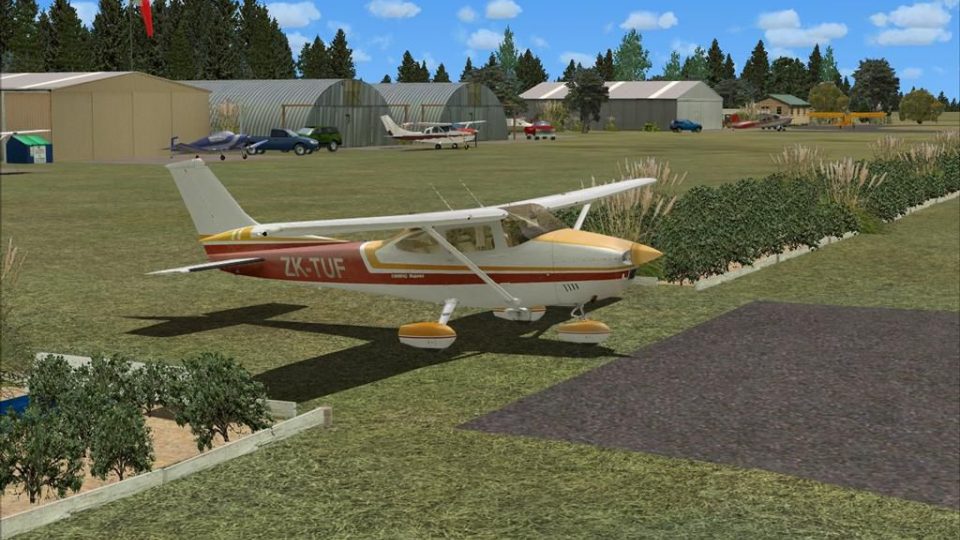
Jastarnia Aerodrome (EPJA), located on the Hel Peninsula, Poland. It is a sma…
Tokoroa Aerodrome (NZTO) scenery recreates this southern Waikato general aviation field with accurate object placement, refined terrain, and realistic runway and taxiway surfaces, plus club facilities and parking that match the real layout. Built for Microsoft Flight Simulator X and requires FSX SP2 without Acceleration, it also benefits from VECTOR LANDCLASS textures and objects.
 Rate
Rate
 New Zealand
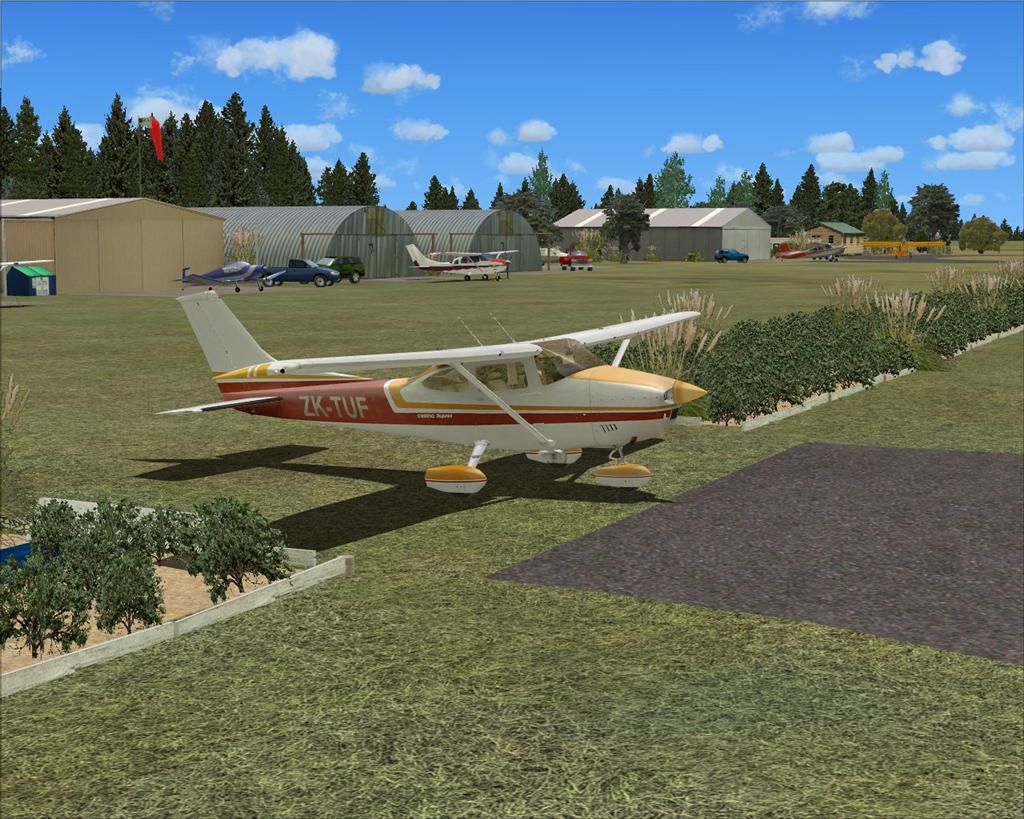
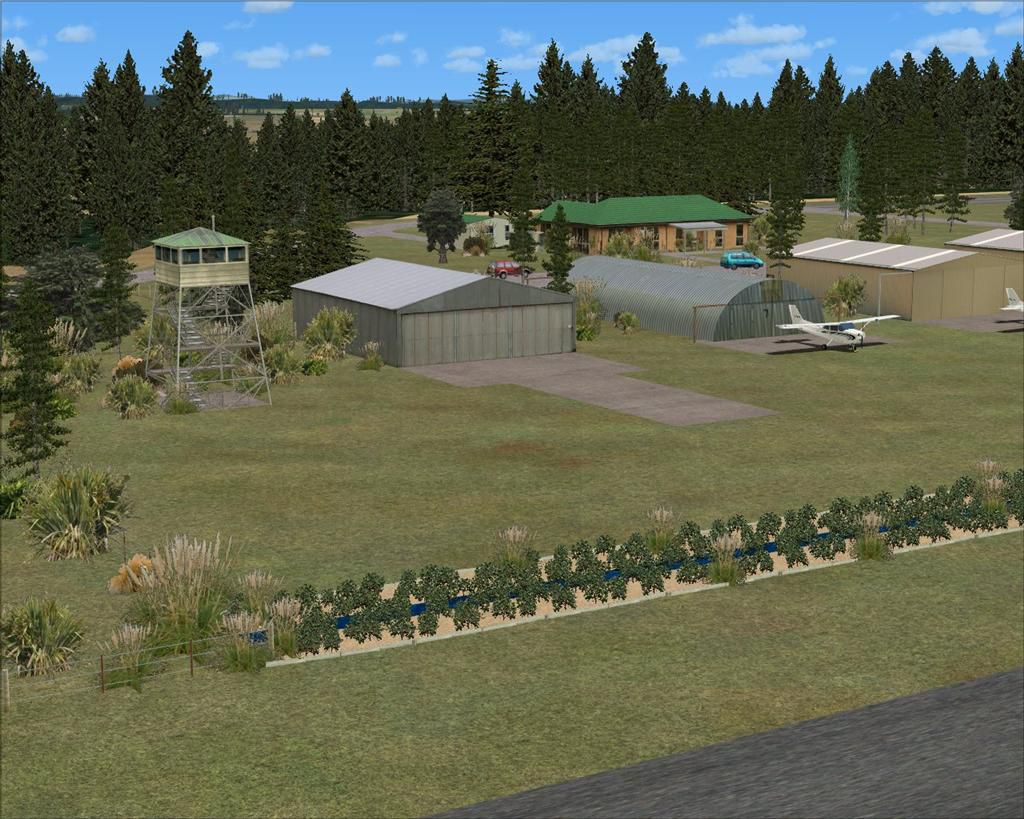
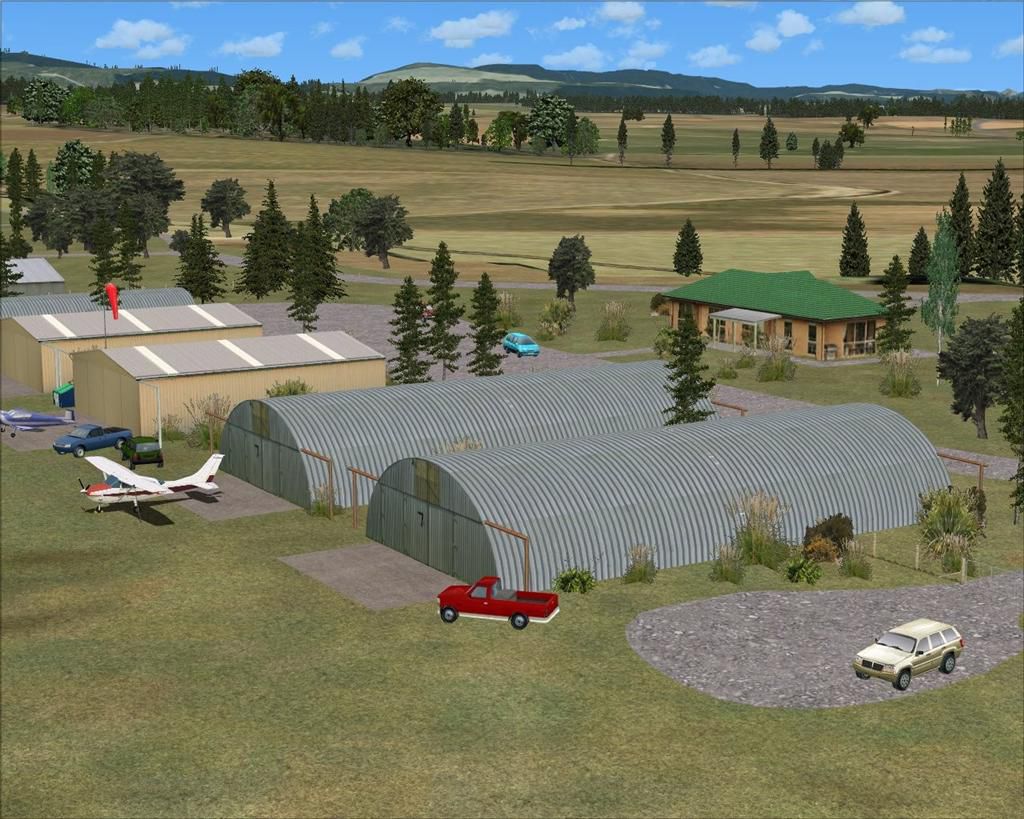
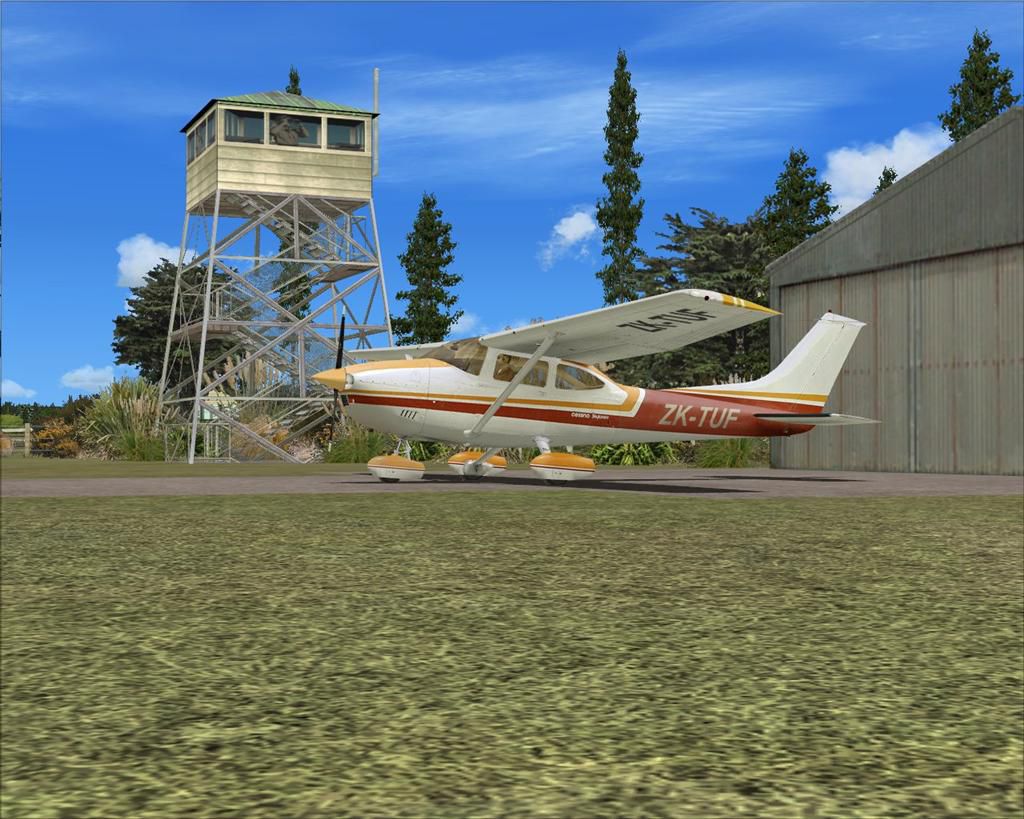
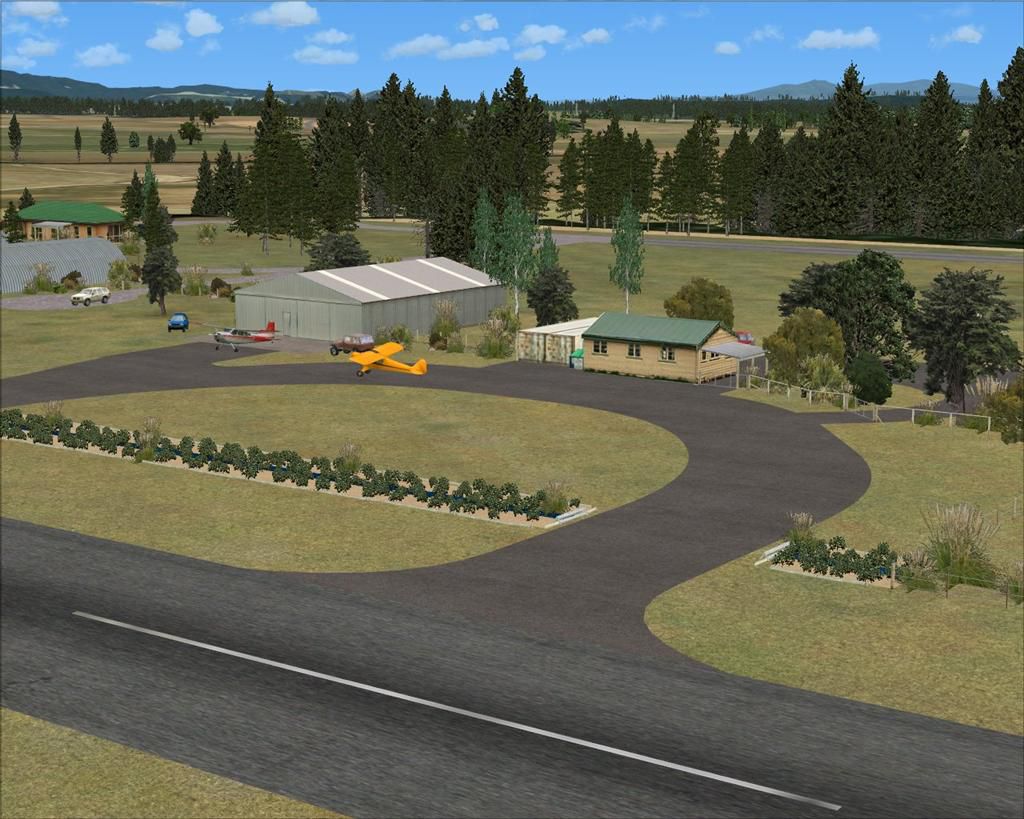
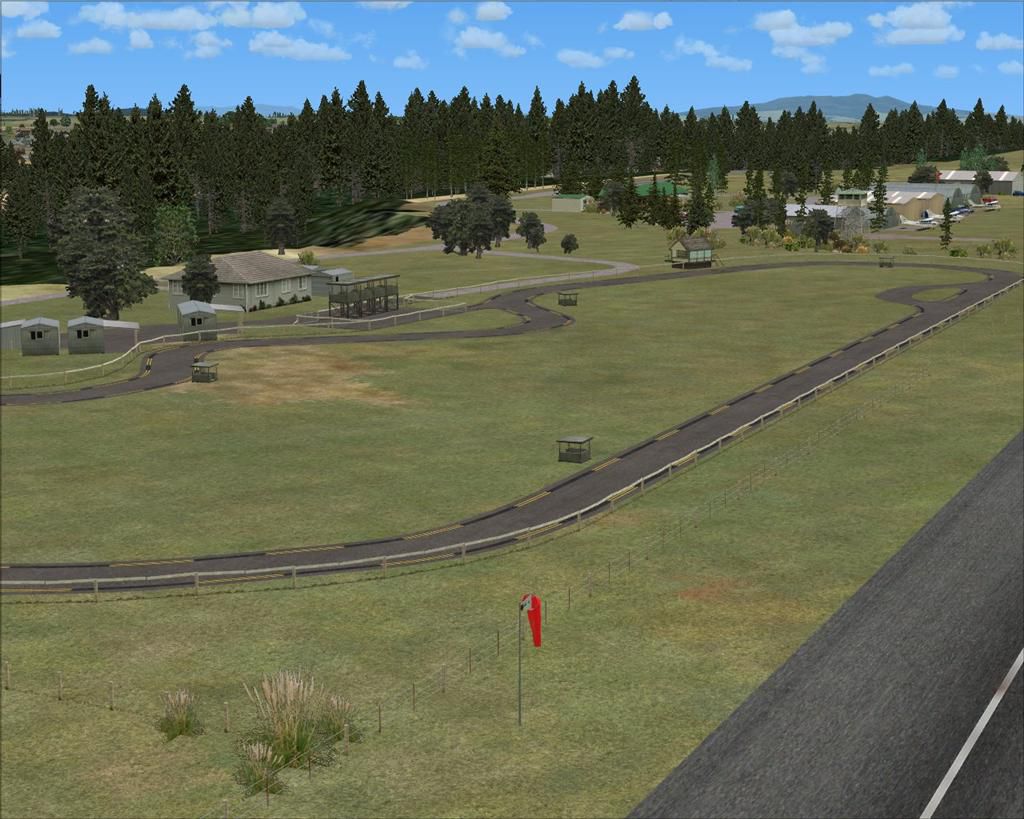
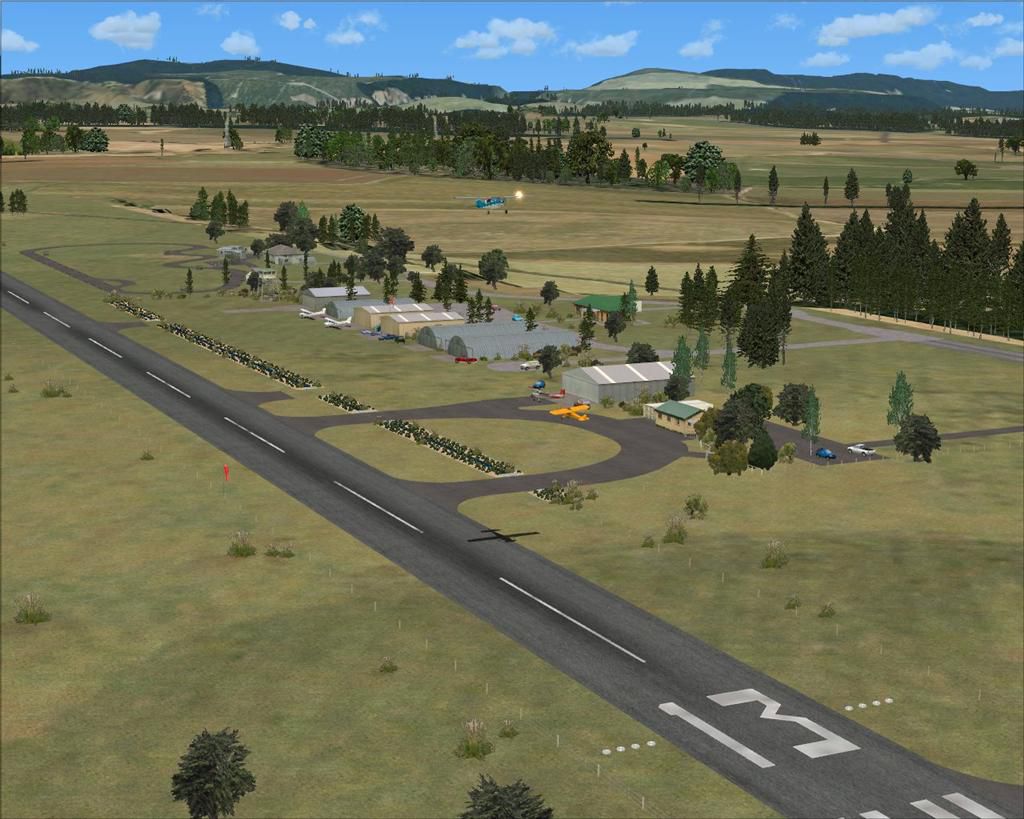
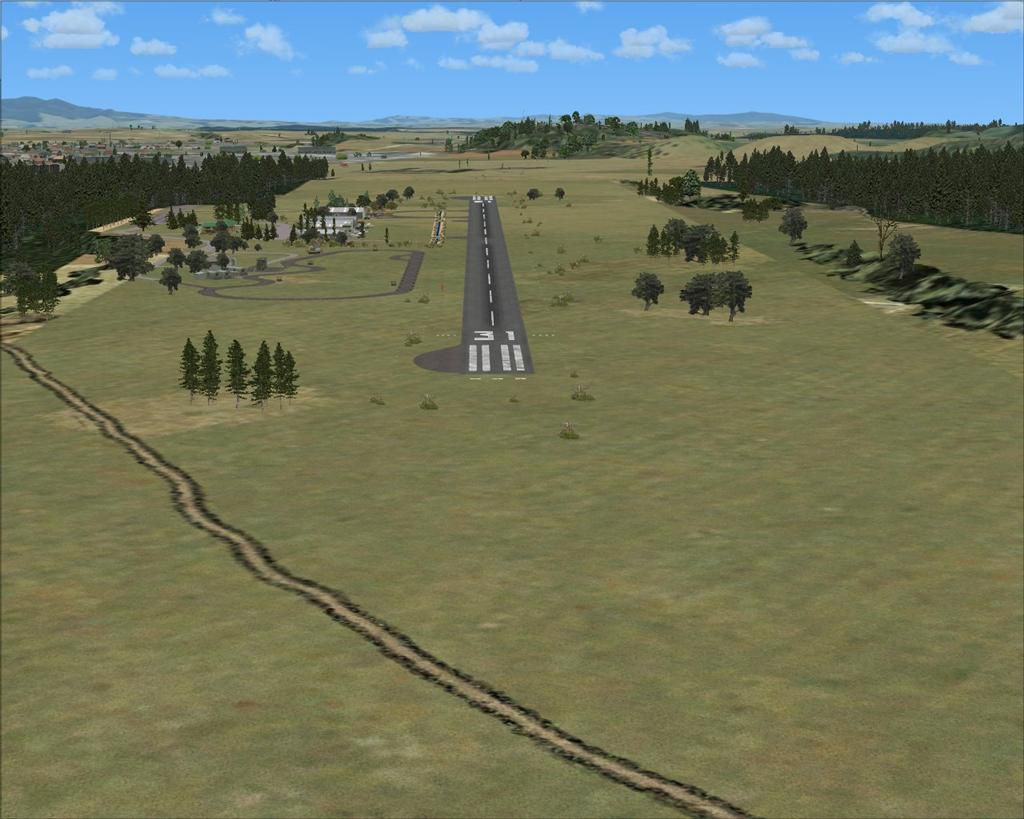
Positioned in the heart of New Zealand’s southern Waikato region, this updated Tokoroa Aerodrome scenery (ICAO: NZTO) provides an immersive environment for general aviation operations. Featuring a paved runway spanning 2,800 feet (approximately 850 meters), it is administered by the South Waikato District Council and is often visited by the Tokoroa and Districts Aeroclub alongside various local motorsport groups. Created by developer Lawrie Roache, with contributions by Robin Corn, this freeware add-on enhances Microsoft Flight Simulator X by introducing precise object placement, accurate runway surfaces, and refined terrain adjustments.
The aerodrome’s carefully modeled runway supports a variety of small aircraft and fosters an authentic recreational flying atmosphere. Aviation enthusiasts can explore elements such as realistic club facilities, correct taxiway alignments, and multiple parking spaces. Nearby attractions, including the South Waikato Motorcycle and Go-Kart Clubs, enrich the setting with additional visual references, reflecting the true multi-use nature of this location.
Aerial view of Tokoroa Aerodrome scenery.
This release is tailored for FSX SP2 (without Acceleration) and is designed to function optimally with the VECTOR LANDCLASS (VLC) payware product. The developer utilized Flight1 Software’s Instant Scenery Object Placer and Airport Facilitator X (AFX) to ensure accurate elevations, updated ground polygons, and dependable navigational features. The textures and object libraries from Robin Corn’s VLC further refine the visual fidelity, especially around hangars, clubhouses, and ancillary structures.
This package is distributed as freeware for individual, non-commercial usage. Redistributing, repacking, or selling any components of this bundle without explicit permission from the authors is strictly forbidden.
Although the scenery has been tested successfully on various hardware configurations—from modest setups to high-performance systems—it is offered without any form of warranty. Users install and run these files at their own risk, and no liability is assumed by the creators for any potential issues encountered. There have been no reports of harmful effects or fatal errors arising from this package.
Free for all simmers · 1.35 MB · Scanned clean Sep 2026
Download speed: Free tier is capped at 0.5 Mbps. PRO members download at full line speed.
FSX\Addon Scenery\ containing scenery and texture sub-folders.readme.txt or README file. It tells you exactly where files go, what dependencies are needed, and any quirks specific to this add-on.Use these coordinates to fly directly to this location once the mod is installed.
-38.22740000,175.60140000
Launch FSX or Prepar3D and use Flights → Load to open the downloaded .pln file. Your aircraft will be positioned at this location.
The archive nzto_tokoroa-4x.zip has 34 files and directories contained within it.
This list displays the first 500 files in the package. If the package has more, you will need to download it to view them.
| Filename/Directory | File Date | File Size |
|---|---|---|
| Tokoroa-4X INSTALL.doc | 07.20.12 | 292.50 kB |
| Scenery | 07.19.12 | 0 B |
| AFX_NZTO.bgl | 07.19.12 | 14.46 kB |
| NZTO_BdyFce.bgl | 07.19.12 | 11.20 kB |
| NZTO_ClbHse.bgl | 07.12.12 | 284 B |
| NZTO_DrnMkr.bgl | 07.13.12 | 5.34 kB |
| NZTO_DrnWed.bgl | 09.29.10 | 10.87 kB |
| NZTO_GatHse.bgl | 07.12.12 | 188 B |
| NZTO_GenTre.bgl | 07.19.12 | 8.67 kB |
| NZTO_GenVeh.bgl | 07.16.12 | 668 B |
| NZTO_GenWed.bgl | 07.13.12 | 9.18 kB |
| NZTO_HngFce.bgl | 07.14.12 | 2.62 kB |
| NZTO_HngRow.bgl | 07.12.12 | 428 B |
| NZTO_MiscObj.bgl | 07.15.12 | 236 B |
| NZTO_RacTrkBdg.bgl | 07.14.12 | 908 B |
| NZTO_RacTrkFce.bgl | 07.14.12 | 6.61 kB |
| NZTO_RwyMkr.bgl | 07.13.12 | 1.12 kB |
| NZTO_StcAft.bgl | 07.19.12 | 236 B |
| NZTO_TwrBdg.bgl | 09.29.10 | 140 B |
| NZTO_WndSck.bgl | 07.12.12 | 236 B |
| Texture | 07.19.12 | 0 B |
| NZTO_Tokoroa-4X | 07.19.12 | 0 B |
| AFX_NZTO_ALT.bgl | 07.19.12 | 521 B |
| NZTO-X (0).jpg | 07.20.12 | 123.67 kB |
| NZTO-X (1).jpg | 07.20.12 | 102.55 kB |
| NZTO-X (2).jpg | 07.20.12 | 129.65 kB |
| NZTO-X (3).jpg | 07.20.12 | 156.81 kB |
| NZTO-X (4).jpg | 07.20.12 | 137.84 kB |
| NZTO-X (5).jpg | 07.20.12 | 156.26 kB |
| NZTO-X (6).jpg | 07.20.12 | 142.73 kB |
| NZTO-X (7).jpg | 07.20.12 | 162.31 kB |
| Read Me.txt | 07.19.12 | 3.89 kB |
| flyawaysimulation.txt | 10.29.13 | 959 B |
| Go to Fly Away Simulation.url | 01.22.16 | 52 B |
Only PRO members can place votes.
More FSX & P3D add-ons hand-picked based on this download.
FSX Scenery
Jastarnia Aerodrome (EPJA), located on the Hel Peninsula, Poland. It is a sma…
 FSX Scenery
Ardmore Aerodrome (NZAR), New Zealand. Photoreal scenery featuring accurately…
 FSX Scenery
Wilkins Aerodrome (YWKS), Antarctica. Wilkins Airport is mainly for arrivals …
 FSX Scenery
EPEL Elblag Aerodrome Scenery. Scenery of Elblag airport located in northern …
 FSX Scenery
St-Hyacinthe Aerodrome, Canada. Located about 11 nm NE of St-Mathias. All new…
 FSX Scenery
Aerodrome de Nancy-Malzeville (LFEZ), Malzeville, France. This scenery adds o…
 FSX Scenery
New Zealand (NZMK). Welcome to Motueka, a fairly busy general aviation aerodr…
 FSX Scenery
Sywell Aerodrome (IATA: ORM, ICAO: EGBK) is the local aerodrome serving North…
Be the first to leave a comment on this download.
Be the first to share your thoughts on this download.