

 FSX Scenery
Erie International Airport (New Version)
Erie International Airport / Tom Ridge Field (KERI), Erie, Pennsylvania (PA).…
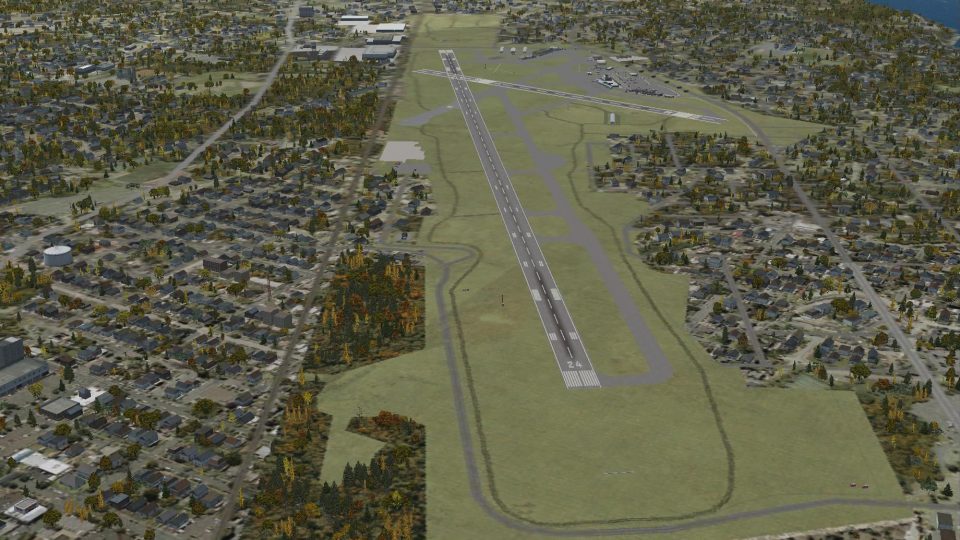
Erie International Airport KERI Tom Ridge Field scenery refreshes Pennsylvania’s gateway with the completed 2012 Runway 6/24 extension, cleaner airfield environment, and more accurate taxiways and pavement alignment. A rebuilt main terminal plus added and refined buildings bring extra detail while staying true to FSX stock assets.
 Rate
Rate
 United States of America
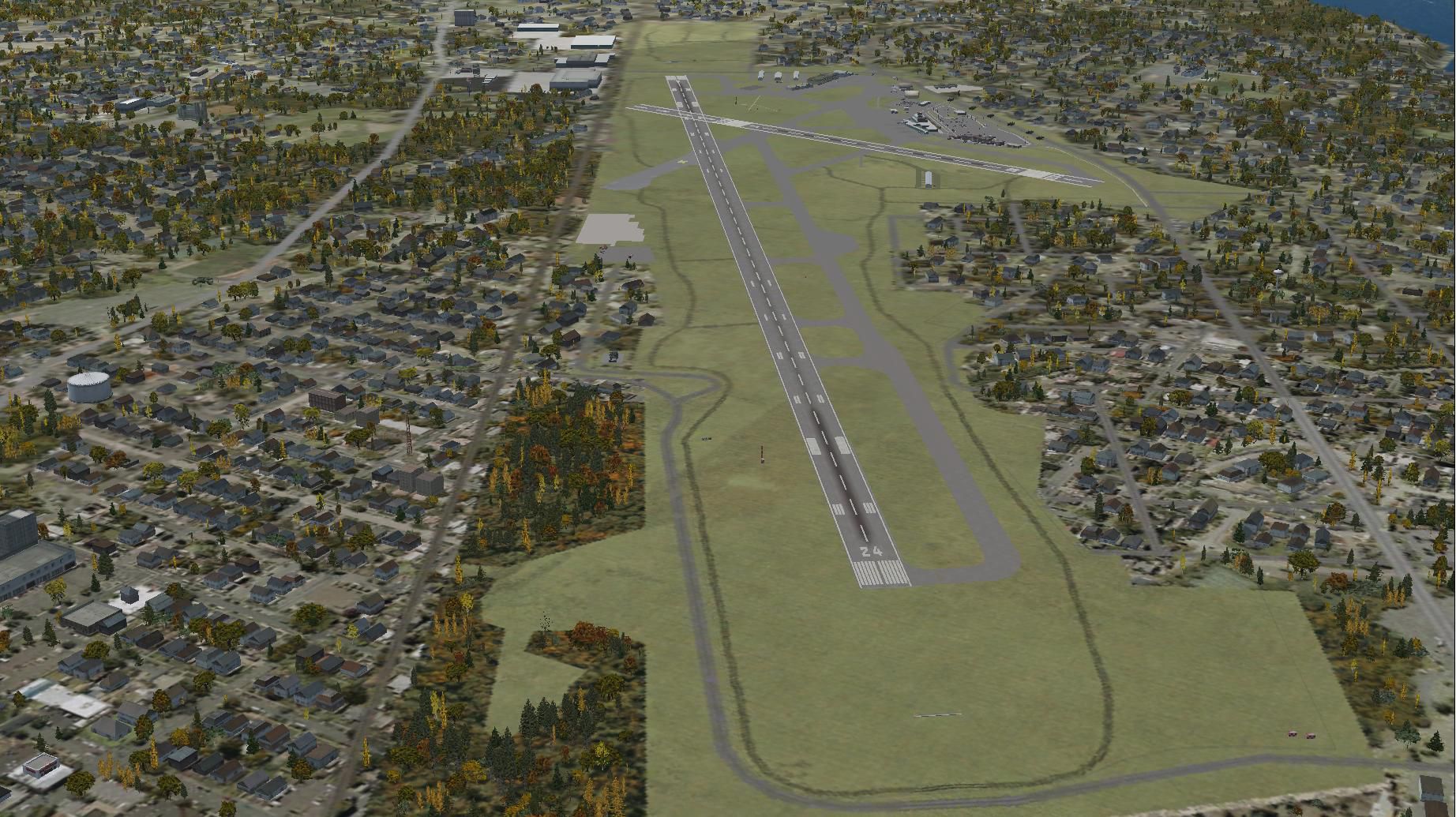
(KERI) Tom Ridge Field, Pennsylvania (PA), USA. This is an update to fully incorporate the KERI 2012 runway extension project. The first R.O. Finley KERI scenery release depicted the stock FSX KERI with the runway extension construction depicted but not connected to the existing runway. The first update to that simulation connected the construction to the runway enabling use of full extended length of the KERI runway but depicted the construction still in progress. KERI air traffic controllers advise the 2012 extension should be open by the end of October 2012. The men and equipment near the runway have been removed and the construction area cleaned up in this version. Several buildings have either been added or enhanced. The main terminal has been completely rebuilt. Pavement gaps, misalignments land omissions have been corrected. Quite a bit of detail has been added, corrected or refined. By Richard O. Finley. (See also KERI_RUNWAY_EXTENSION_UPDATE_3.ZIP).
Aerial view of Erie International Airport and the surrounding scenery.
Erie International Airport began as Griswold Field in the early 1920s. It has grown steadily since then.
Erie has been well positioned for innovation. It is large enough to give new equipment a fair test but small enough not to cause a major problem if it does not work. Erie got one the first ILS installations in the 1940s. In the early 1970s it was one of the first ASR-7 radar installation sites. In the 1980s It was the first site in the nation to get The ARTS-IIA automation system.
While this is not really an innovation, Erie in now in the process of adding approximately 1850' (ADE9X measures new runway to 8350') to runway 6-24.
It appears that the parallel taxiway for the new extension is misaligned. Well, it is and that is the way it was designed! Feel free, Mrs Robinson, to stroll around the grounds until you feel at home. There are two or three Easter eggs to be found.
The stock incarnation of KERI leaves much to be desired in FSX. A lot of detail has been added or corrected using a Google Earth and Erie International Airport's own drawing as an overlay. There are no photo-real buildings used here. This simulation uses all stock buildings and features available in ADE9X so a little imagination is required.
Installation:
This scenery is for FSX only. Put the two .bgl files from the downloaded Zip file into the folder~~microsoft flight simulator X\addon scenery\scenery. If you already have the construction phase version installed, it will ask you if you want to overwrite the existing files. Allow the existing files to be overwritten.
Hope you enjoy it.
Free for all simmers · 7.44 MB · Scanned clean Oct 2026
Download speed: Free tier is capped at 0.5 Mbps (this file takes approximately 2 mins at the cap). PRO members download at full line speed.
This add-on may require the following files to function properly. If this is a repaint, the dependency below is likely the base aircraft package.
FSX\Addon Scenery\ containing scenery and texture sub-folders.readme.txt or README file. It tells you exactly where files go, what dependencies are needed, and any quirks specific to this add-on.Use these coordinates to fly directly to this location once the mod is installed.
42.08310000,-80.17620000
Launch FSX or Prepar3D and use Flights → Load to open the downloaded .pln file. Your aircraft will be positioned at this location.
The archive keri_runway_extension_update_2.zip has 7 files and directories contained within it.
This list displays the first 500 files in the package. If the package has more, you will need to download it to view them.
| Filename/Directory | File Date | File Size |
|---|---|---|
| KERI_ADEX_ROF.BGL | 10.11.12 | 94.06 kB |
| KERI_ADEX_ROF_CVX.bgl | 10.11.12 | 5.20 kB |
| Readme.txt | 10.10.12 | 3.73 kB |
| Screenshots.zip | 10.11.12 | 7.05 MB |
| Thumbnail.jpg | 10.11.12 | 362.18 kB |
| flyawaysimulation.txt | 10.29.13 | 959 B |
| Go to Fly Away Simulation.url | 01.22.16 | 52 B |
Only PRO members can place votes.
More FSX & P3D add-ons hand-picked based on this download.
FSX Scenery
Erie International Airport / Tom Ridge Field (KERI), Erie, Pennsylvania (PA).…
 FSX Scenery
Erie International Airport / Tom Ridge Field (KERI), Pennsylvania (PA). Adds …
 FSX Scenery
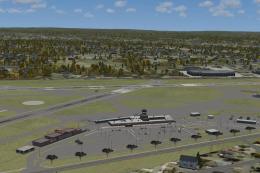
Pennsylvania (PA), USA. This update to the KERI 2012 runway extension project…
 FSX Scenery
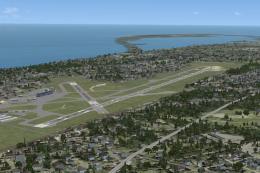
KERI 2012 Runway Extension. Scenery for Erie, Pennsylvania (PA), Erie Interna…
 FSX Scenery
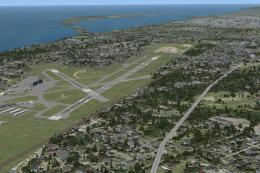
KERI 2012 Runway Extension. Scenery of Erie, Pennsylvania (PA), Erie Internat…
 FSX Scenery
Princess Juliana International Airport (TNCM) in Saint Marteen, Netherlands A…
 FSX Scenery
Barbados International Airport (TBPB). Grantley Adams International Airport f…
 FSX Scenery
Dubai International Airport (OMDB), Dubai. Includes a new passenger terminal …
Be the first to leave a comment on this download.
Be the first to share your thoughts on this download.