

 FSX Scenery
Beaufort West Airfield
Beaufort West Airfield (FABW), South Africa. Because of its strategically geo…
Beaufort West Airfield (FABW) brings South Africa’s “gateway to the Karoo” to life in FSX with an upgraded layout, runway lighting, and refined terrain details that suit small-aircraft stopovers and refueling between the Cape and northern routes. It requires Aeroworx FSX mesh and matching terrain data for best results.
 Rate
Rate
 South Africa
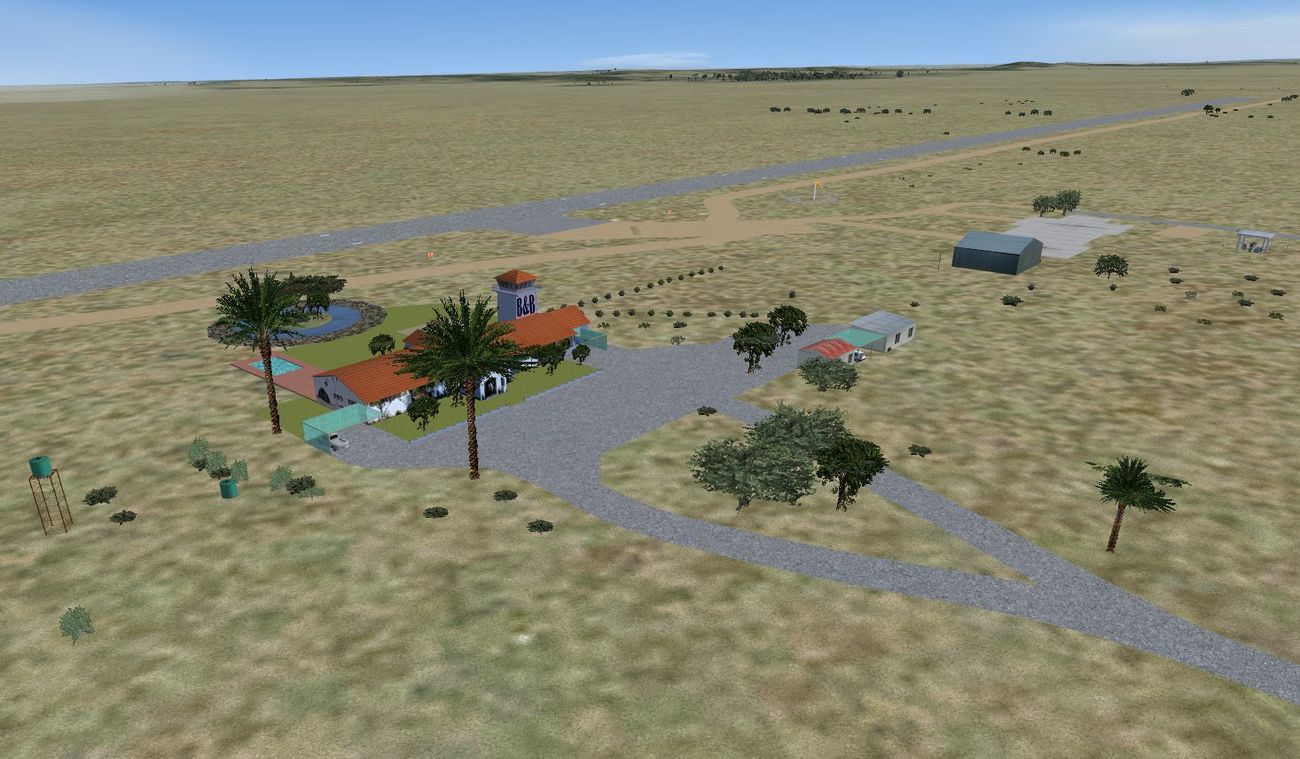
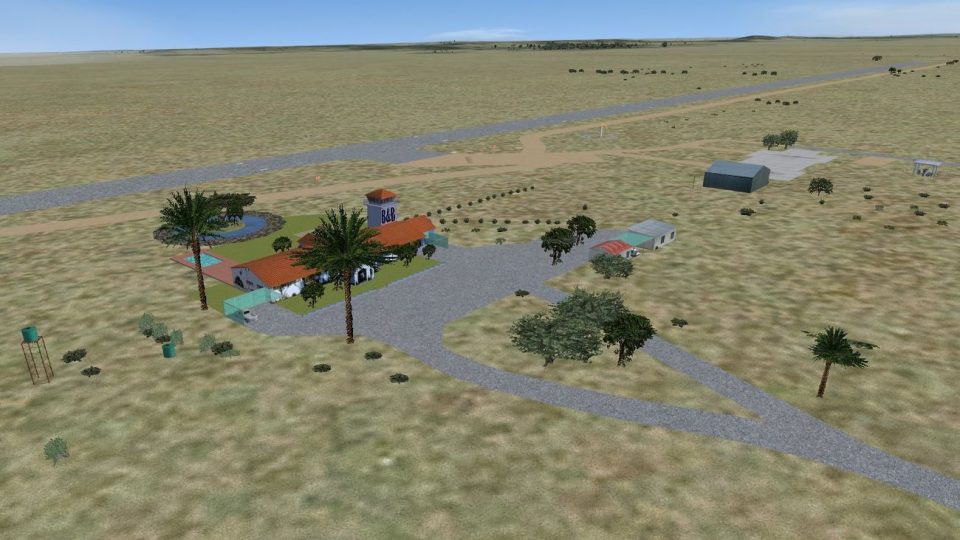
(FABW), South Africa. This is an upgrade of the previous release of FABW. Because of its strategically geographical important position, this small airport is becoming more popular, especially with pilots of smaller aircraft. As a stopover, refueling point between Cape and the Northern Provinces, east, and west, its popularity is growing by the day. The airport manager and his wife who offers B&B as well as a beautiful night out at "the gateway to the Karoo" as they call it, see to a splendid and enjoyable open and star filled overnight for those who care to call. Runway lights are also available. Please install FSXWORX01.ZIP, and the updates before this scenery. Hannes Steyn, Martin du Preez, Aeroworx.
Screenshot of Beaufort West Airfield.
IMPORTANT NOTES:
Free for all simmers · 7.05 MB · Scanned clean Oct 2026
Download speed: Free tier is capped at 0.5 Mbps (this file takes approximately 2 mins at the cap). PRO members download at full line speed.
This add-on may require the following files to function properly. If this is a repaint, the dependency below is likely the base aircraft package.
SimObjects\Airplanes\, Addon Scenery\, Effects\, or Gauges\.readme.txt or README file. It tells you exactly where files go, what dependencies are needed, and any quirks specific to this add-on.Use these coordinates to fly directly to this location once the mod is installed.
-32.34611100,22.49444400
Launch FSX or Prepar3D and use Flights → Load to open the downloaded .pln file. Your aircraft will be positioned at this location.
The archive fsxworx10.zip has 9 files and directories contained within it.
This list displays the first 500 files in the package. If the package has more, you will need to download it to view them.
| Filename/Directory | File Date | File Size |
|---|---|---|
| Aeroworx_License_Agreement.PDF | 04.29.08 | 66.69 kB |
| fsxWorx10.exe | 12.11.12 | 6.84 MB |
| license.txt | 04.04.09 | 7.38 kB |
| ReadmefsxWorx10.txt | 12.11.12 | 3.73 kB |
| fsxWorx10 | 12.11.12 | 0 B |
| fsxWorx10.jpg | 12.11.12 | 172.79 kB |
| FILE_ID.DIZ | 12.11.12 | 748 B |
| flyawaysimulation.txt | 10.29.13 | 959 B |
| Go to Fly Away Simulation.url | 01.22.16 | 52 B |
Only PRO members can place votes.
More FSX & P3D add-ons hand-picked based on this download.
FSX Scenery
Beaufort West Airfield (FABW), South Africa. Because of its strategically geo…
 FSX Scenery
MCAS Beaufort KNBC "Fighter Town", South Carolina. Known as Fighter Town USA …
 FSX Scenery
MCAS Beaufort, (KNBC), Beaufort, South Carolina (SC). An improved version wit…
 FSX Scenery
Scenery West Freugh Airfield. RAF West Freugh (EGOY), is a Royal Air Force st…
 FSX Scenery
ABOUT THIS SCENERY West Coast is photo scenery that covers a large area from …
 FSX Scenery
NAS Key West (KNQX), Key West, Florida (FL). Features removed and replaced st…
 FSX Scenery
Mesh In LOD 10 (30m) Of West Indies Arc, Caribbean. By Valladier Jean-Louis. …
 FSX Scenery
Land's End SeaPlanes "West Coast Travel" Part III. Includes sea plane bases a…
Be the first to leave a comment on this download.
Be the first to share your thoughts on this download.