

 FSX Scenery
Mesh for Southern Africa (All Parts)
A complete package containing all parts and files of the highly detailed 76m …
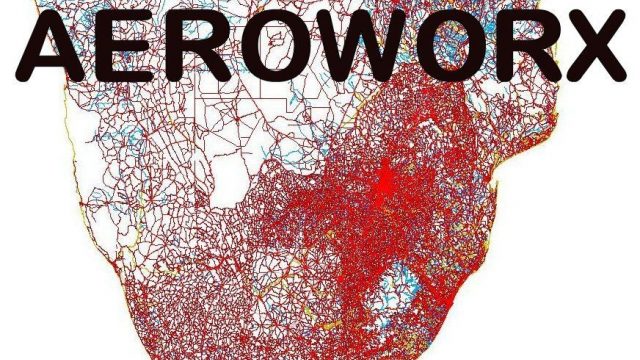
Southern Africa’s terrain comes alive with refined coastlines, rivers, dams, roads with visible traffic, annotated rail corridors, power lines, and extrusion bridges, built from satellite-referenced vector data for realistic geography below the Equator in Microsoft Flight Simulator X. For best elevation alignment, it requires the Aeroworx Southern Africa mesh packages.
 Rate
Rate
 Global (World)
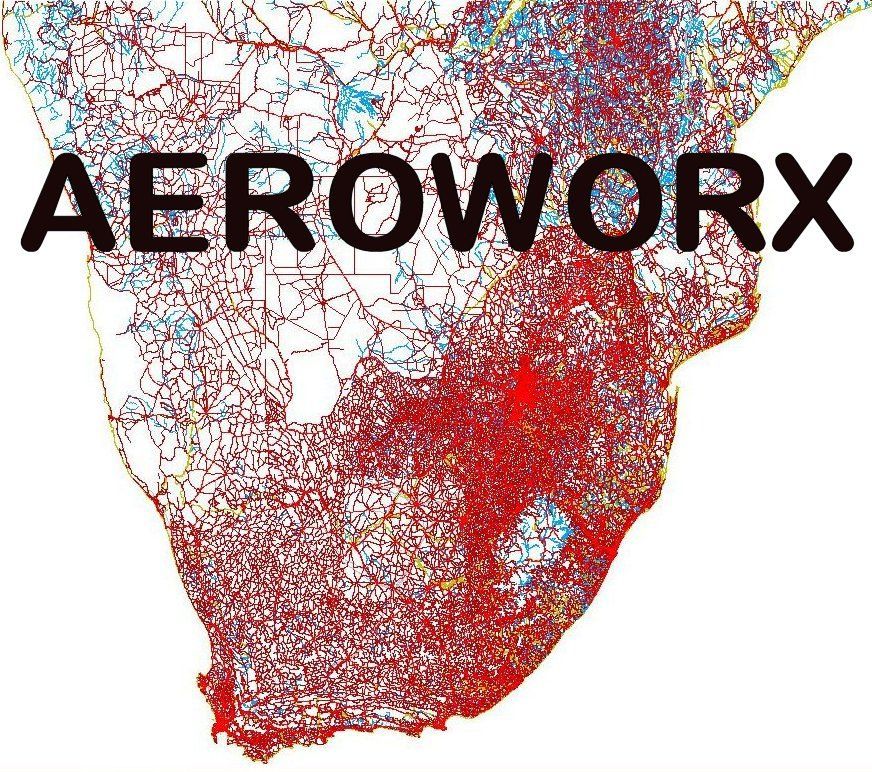
This freeware add-on enriches Microsoft Flight Simulator X by expanding the level of detail across Southern Africa, specifically below the Equator. It offers coastline refinements, enhanced river networks, updated dam layouts, accurate roads, visible traffic, fully annotated rail lines, and even modeled power lines and extrusion bridges. Created by Hannes Steyn, Aeroworx, this complete package incorporates multiple updates (fsxworx01upd4, fsxworx01upd3, fsxworx01upd1, fsxworx01upd2) in a single installation and relies heavily on satellite imagery as a design foundation.
This scenery improvement was carefully shaped using high-resolution satellite backdrops. By referencing authentic topographical sources, the pack ensures rugged mountains, gently rolling hills, and precise water bodies appear as close to reality as possible. As a result, users can anticipate a striking representation of shorelines, river courses, and inland hydrology throughout the region, without compromising on simulator performance.
With a significant focus on regional infrastructure, the scenery introduces an extensive highway system and populated traffic nodes to complement the major routes. In addition, railroads are precisely defined to depict vital rail corridors. Power lines further enhance immersion by illustrating the electrical distribution network crisscrossing the subequatorial territories.
Aeroworx plans to integrate this detailed foundation in upcoming releases, making the presence of these terrain features crucial for full compatibility. All required updates are already included in this download, ensuring that upon installation, simmers benefit from the most current evolution of these enhancements.
Overview of detailed terrain features for Southern Africa scenery.
This add-on complements the recommended Aeroworx mesh (specifically the Southern Africa 0604, 0605, 0704, and 0705 mesh packages) to maximize elevation accuracy. Each dam, water reservoir, and other vector-based data has been carefully adjusted to align with the Aeroworx FSX Mesh. Although some default dam elevations in Microsoft Flight Simulator X may still appear off, the refined data ensures most bodies of water fit neatly into the surrounding terrain.
Free for all simmers · 75.4 MB · Scanned clean Sep 2026
Download speed: Free tier is capped at 0.5 Mbps (this file takes approximately 21 mins at the cap). PRO members download at full line speed.
FSX\Addon Scenery\ containing scenery and texture sub-folders.readme.txt or README file. It tells you exactly where files go, what dependencies are needed, and any quirks specific to this add-on.The archive fsxworx01.zip has 27 files and directories contained within it.
This list displays the first 500 files in the package. If the package has more, you will need to download it to view them.
| Filename/Directory | File Date | File Size |
|---|---|---|
| Go to Fly Away Simulation.url | 01.22.16 | 52 B |
| ReadmefsxWorx01.txt | 10.28.12 | 3.31 kB |
| flyawaysimulation.txt | 10.30.13 | 959 B |
| fsxWorx01 | 08.25.12 | 0 B |
| fsxWorx01.jpg | 08.25.12 | 260.82 kB |
| Aeroworx_License_Agreement.PDF | 04.29.08 | 66.69 kB |
| fsxWorx01.exe | 08.25.12 | 27.75 MB |
| license.txt | 04.04.09 | 7.38 kB |
| fsxWorx01upd1 | 10.19.12 | 0 B |
| Aeroworx_License_Agreement.PDF | 04.29.08 | 66.69 kB |
| fsxWorx01upd1.exe | 10.19.12 | 18.81 MB |
| license.txt | 04.04.09 | 7.38 kB |
| fsxWorx01upd2 | 11.11.12 | 0 B |
| Aeroworx_License_Agreement.PDF | 04.29.08 | 66.69 kB |
| ReadmefsxWorx01upd2.txt | 11.11.12 | 3.50 kB |
| fsxWorx01upd2.exe | 11.11.12 | 10.68 MB |
| license.txt | 04.04.09 | 7.38 kB |
| fsxWorx01upd3 | 12.02.12 | 0 B |
| Aeroworx_License_Agreement.PDF | 04.29.08 | 66.69 kB |
| ReadmefsxWorx01upd3.txt | 12.02.12 | 3.54 kB |
| fsxWorx01upd3.exe | 12.02.12 | 7.87 MB |
| license.txt | 04.04.09 | 7.38 kB |
| fsxWorx01upd4 | 01.27.13 | 0 B |
| Aeroworx_License_Agreement.PDF | 04.29.08 | 66.69 kB |
| ReadmefsxWorx01upd4.txt | 01.27.13 | 3.50 kB |
| fsxWorx01upd4.exe | 01.27.13 | 9.80 MB |
| license.txt | 04.04.09 | 7.38 kB |
Only PRO members can place votes.
More FSX & P3D add-ons hand-picked based on this download.
FSX Scenery
A complete package containing all parts and files of the highly detailed 76m …
 FSX Scenery
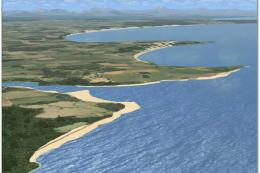
Expand your virtual flights across Southern Africa with a detailed freeware s…
 FSX Scenery
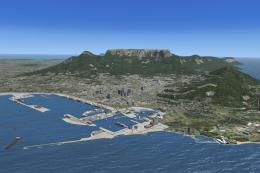
Non airport scenery consists of all previous released scenery concerning Krug…
 FSX Scenery
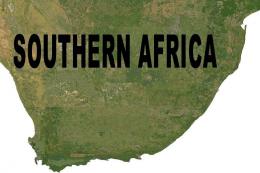
This comprehensive update refines terrain class design throughout southern Af…
 FSX Scenery
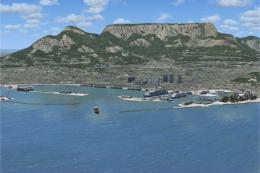
This comprehensive scenery enhancement introduces detailed harbors and promin…
 FSX Scenery
This comprehensive freeware package enriches Microsoft Flight Simulator X by …
 FSX Scenery
This freeware add-on introduces several smaller airstrips across northwestern…
 FSX Scenery
This freeware expansion enriches the collection of smaller aerodromes along t…
Be the first to leave a comment on this download.
Be the first to share your thoughts on this download.