

 MSFS Utilities & Tools
Weather Presets Pack (Expansion)
Enhancing the realism and versatility of weather conditions in Microsoft Flig…
WidevieW & Widetraffic Universal Pack turns a networked sim setup into a seamless multi-screen cockpit with up to 360-degree panoramic views, synchronized AI and multiplayer traffic, and per-aircraft view tuning. It supports Microsoft Flight Simulator, FSX, and Prepar3D, includes dedicated installers, a control center, and Intellismooth frame pacing for smooth performance.
 Rate
Rate
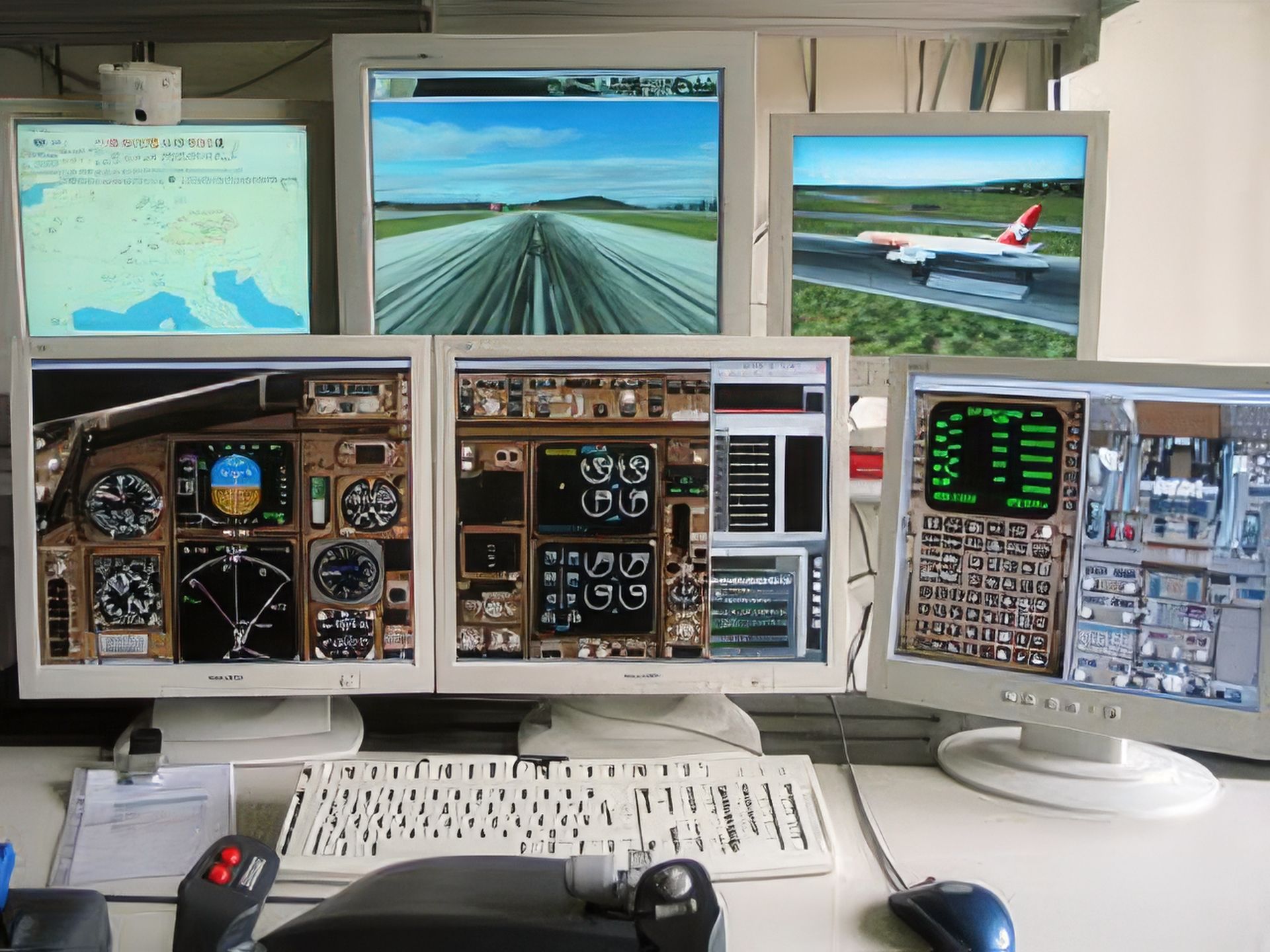
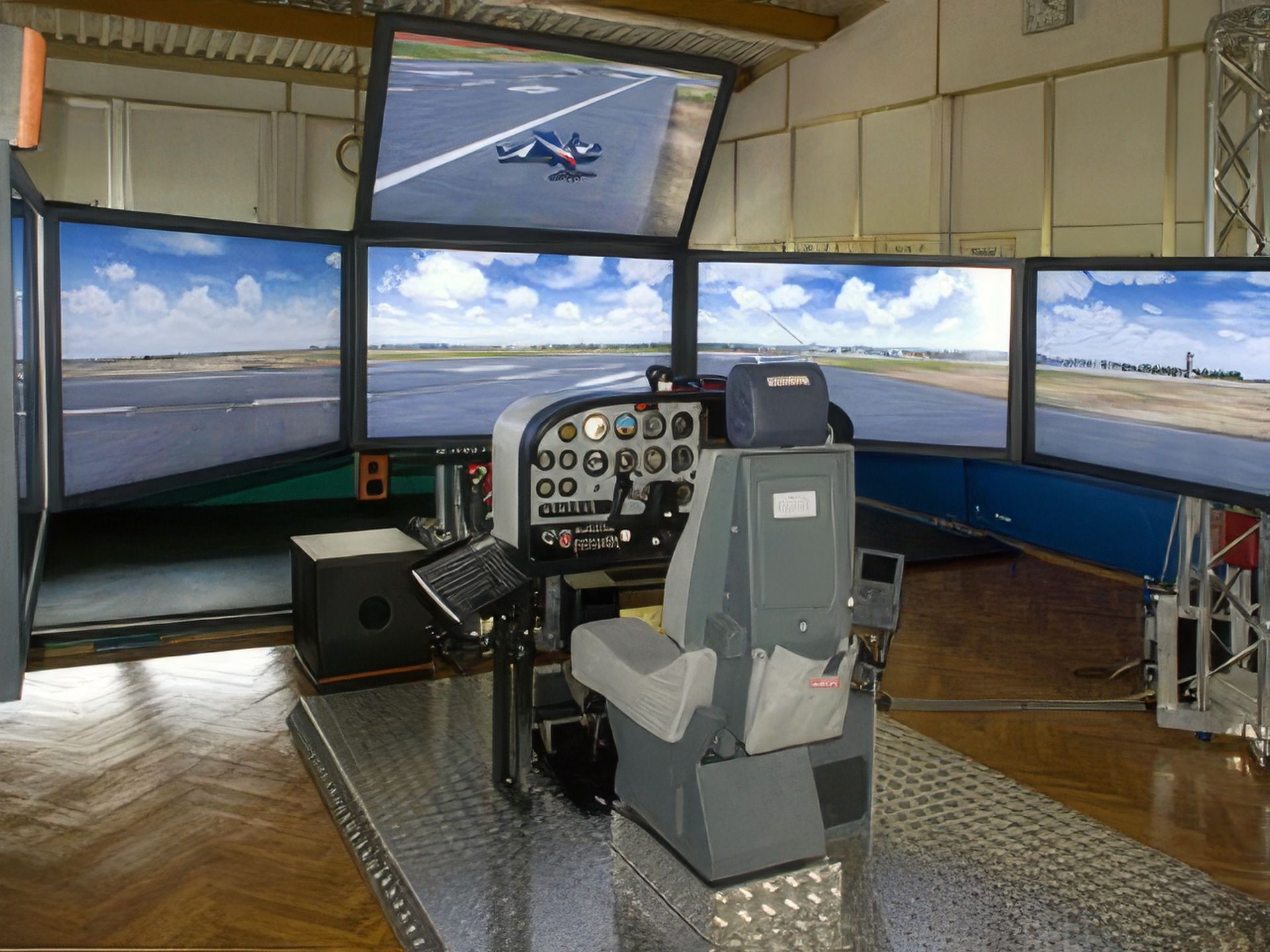
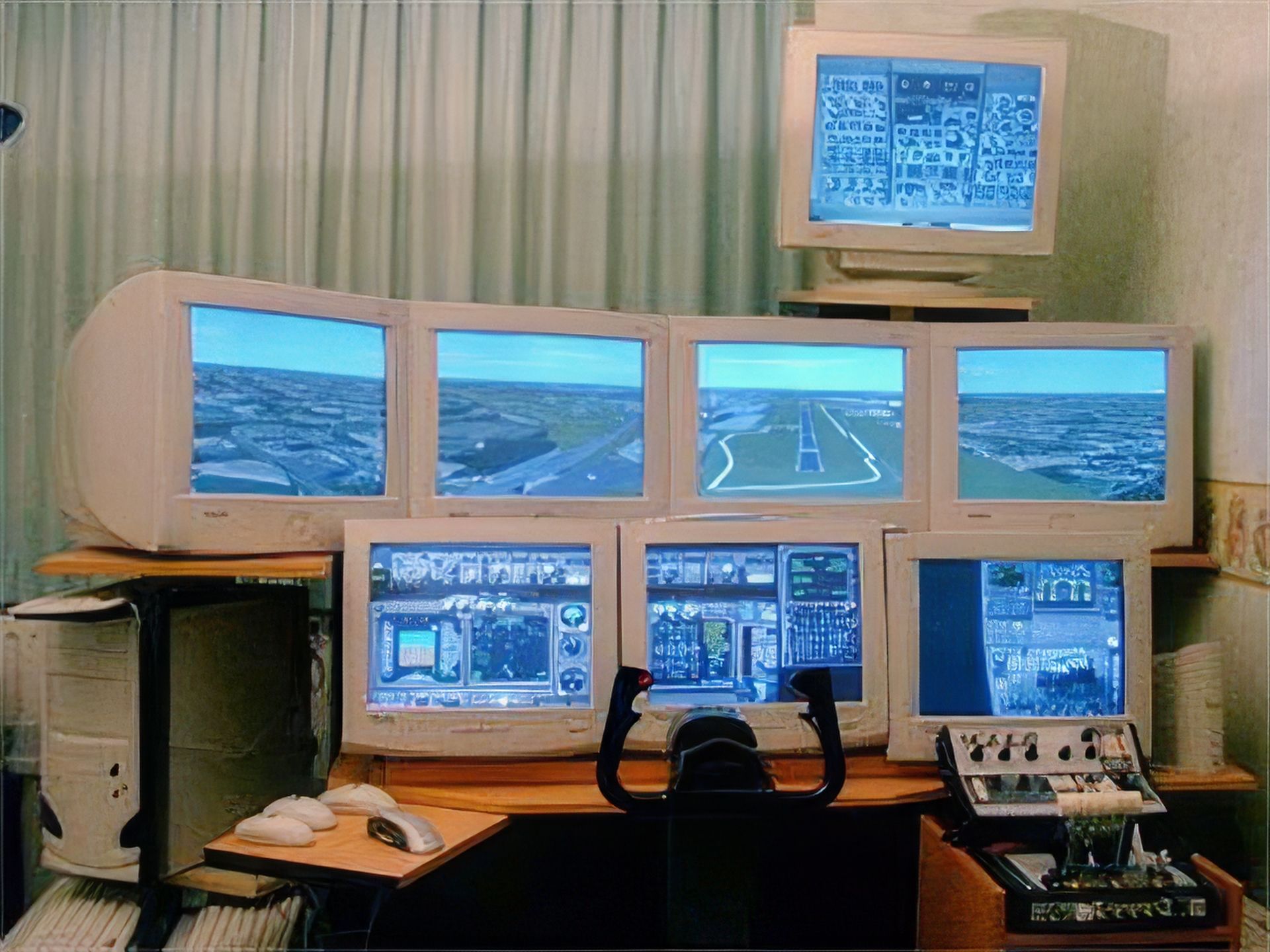
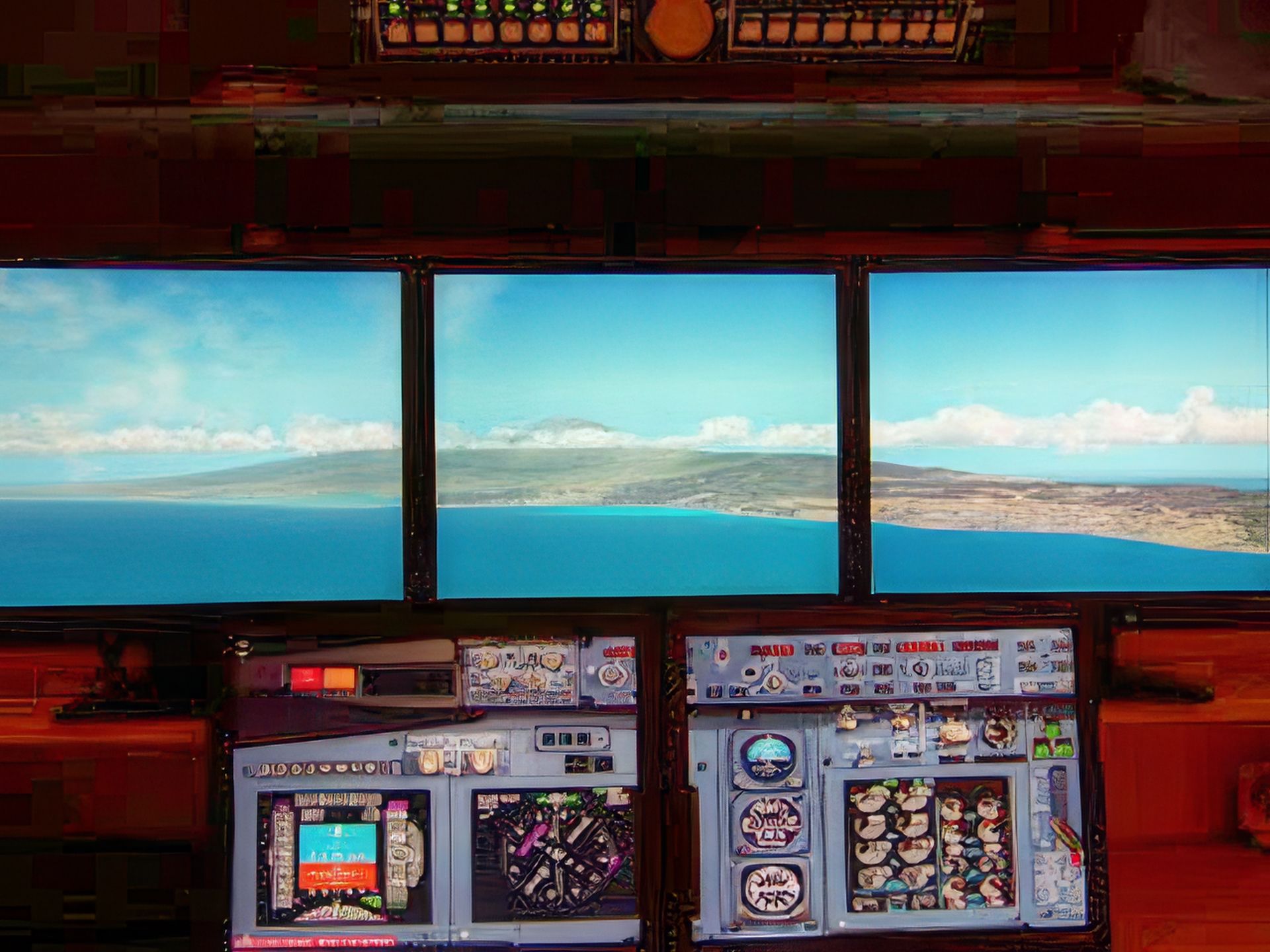
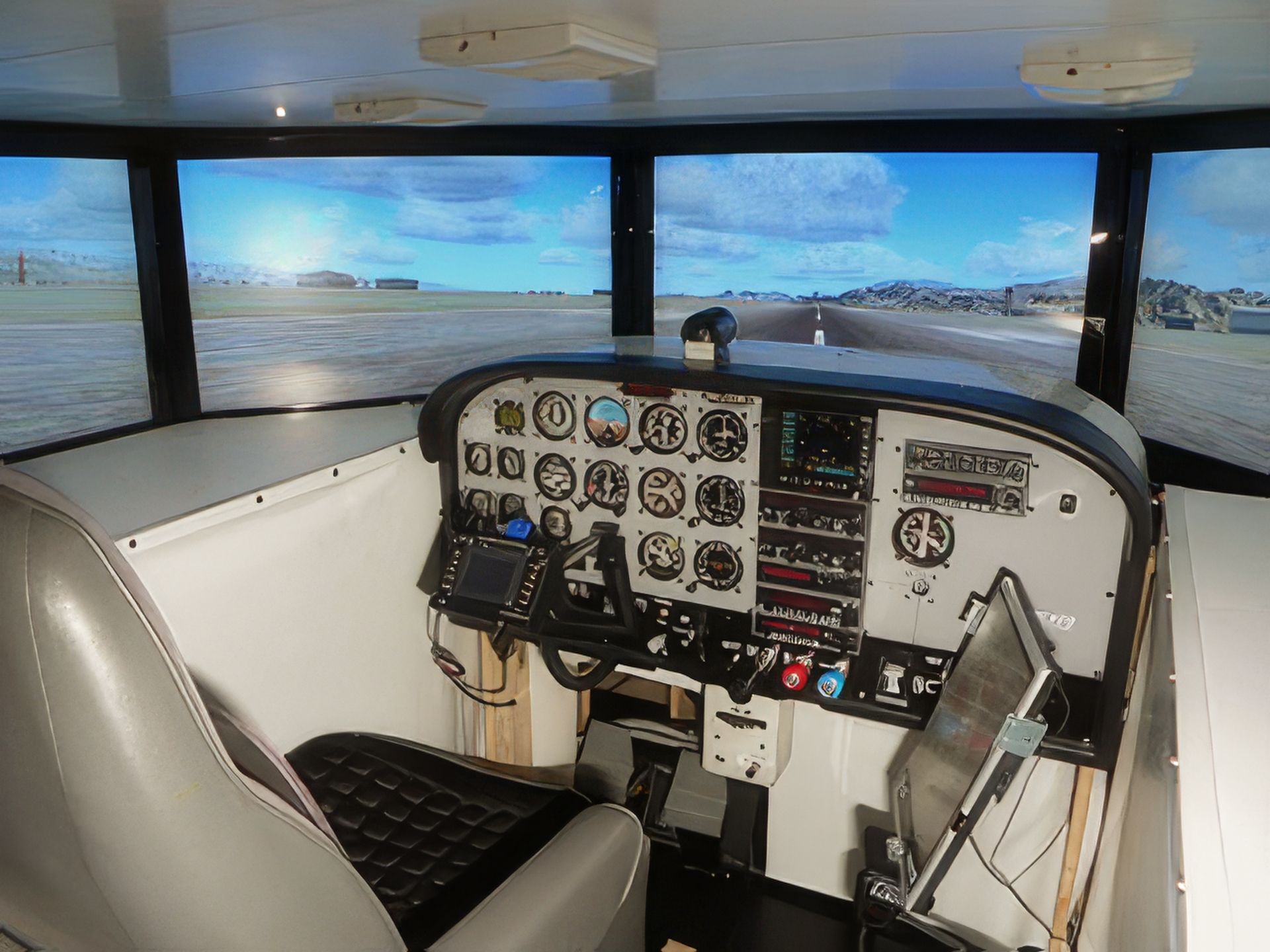
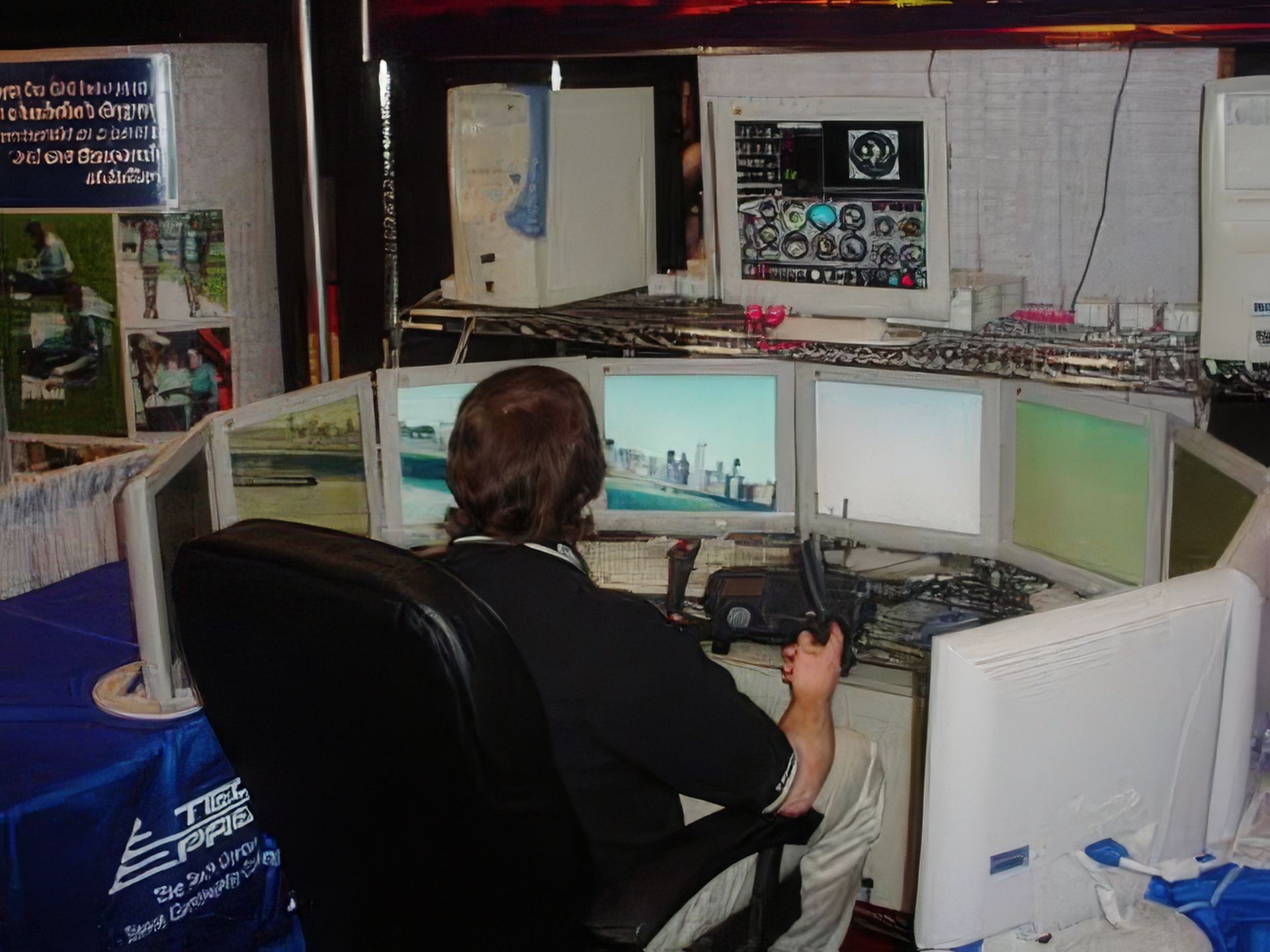
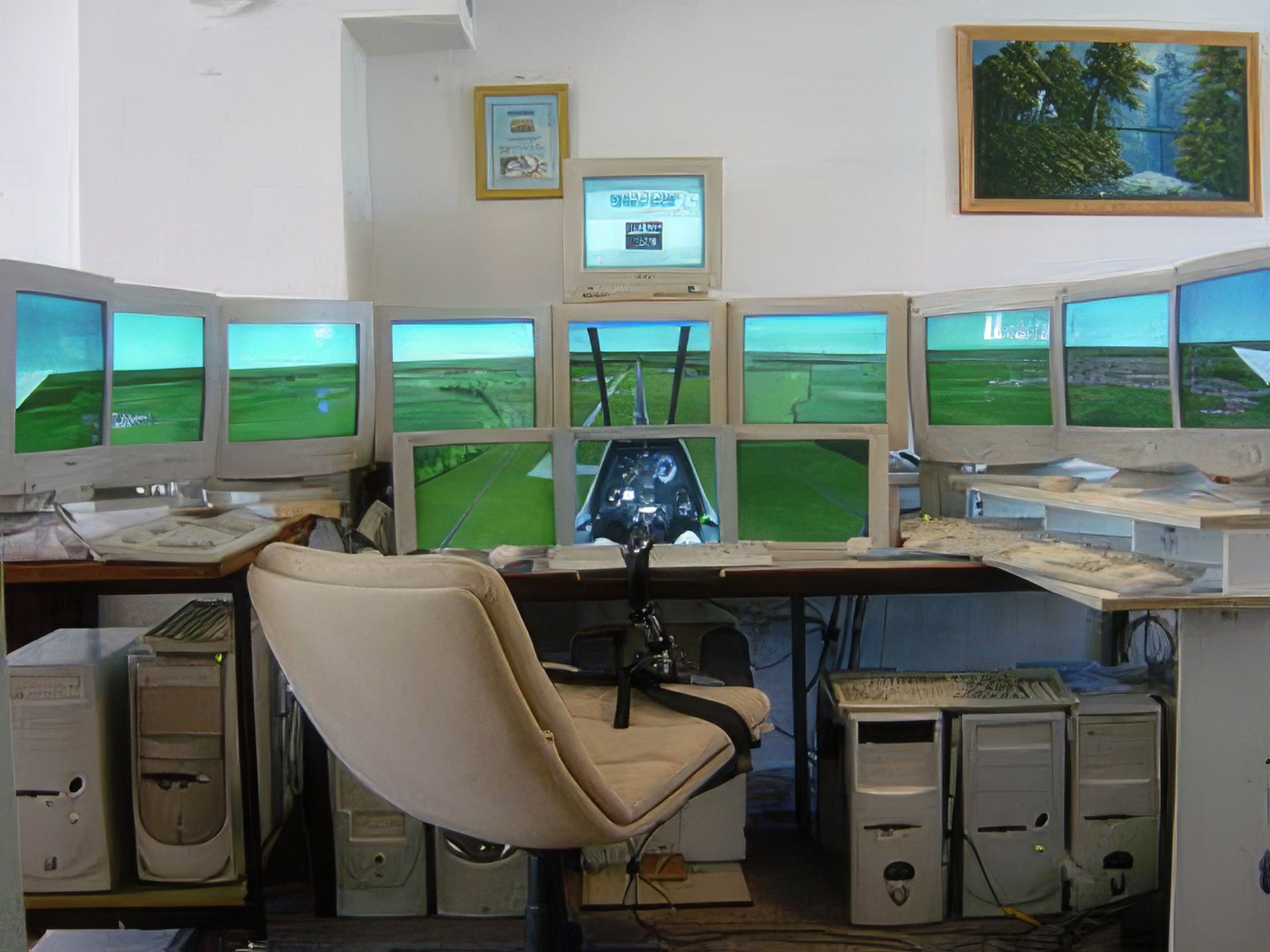
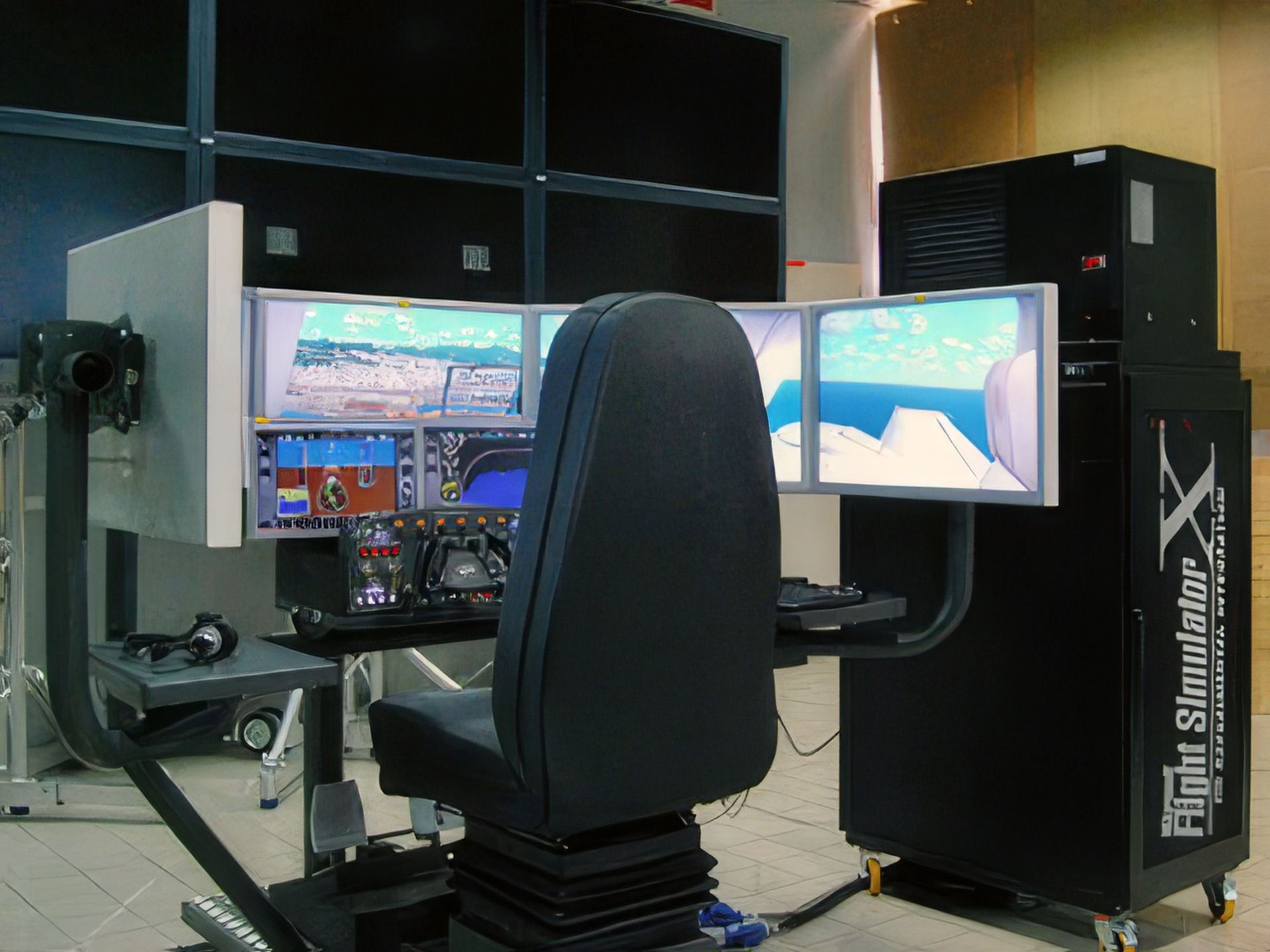
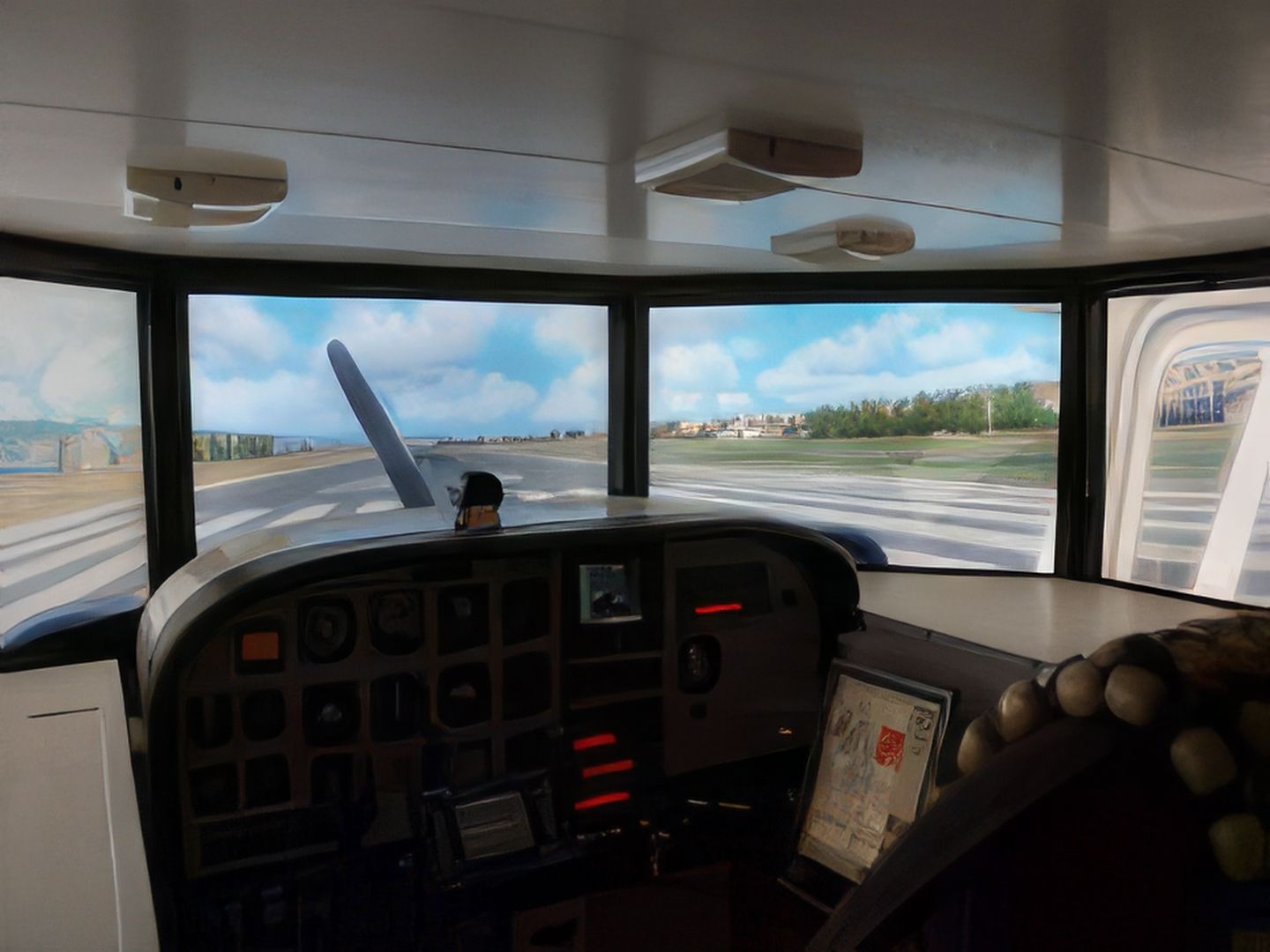

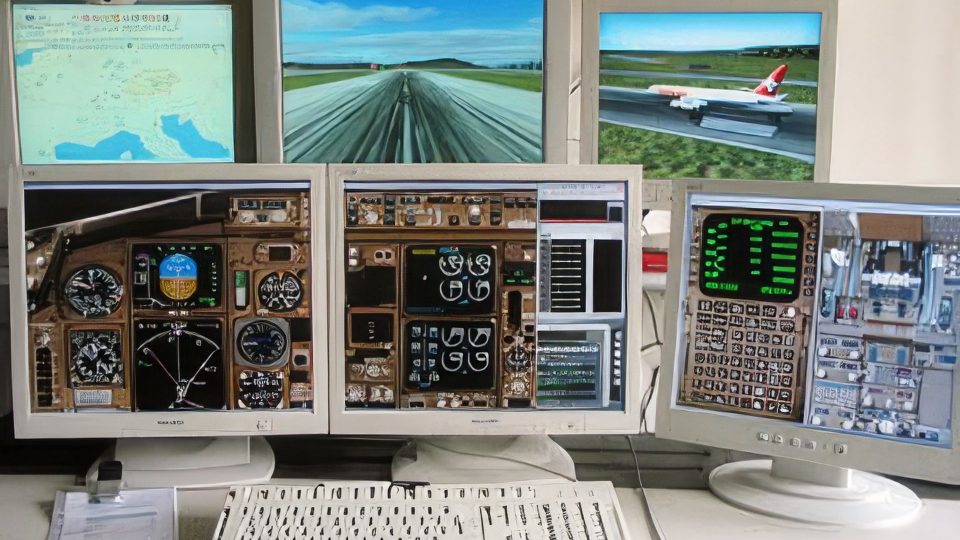
The WidevieW & Widetraffic Universal Pack delivers a comprehensive, networked multi-monitor solution that seamlessly extends your flight sim visuals for a panoramic cockpit feel. Built to integrate with Microsoft Flight Simulator (MSFS 2020), FSX, and all versions of Prepar3D, it synchronizes both scenery angles and AI traffic, allowing for remarkably smooth and cohesive flight experiences across all connected stations. In my tests over the years, I found its advanced “Intellismooth” technology particularly impressive for maintaining fluid frame rates, even under varied network conditions.
Its core strength lies in versatile features that include configurable view alignments, spot plane perspectives, remote hat switch integration, and low bandwidth requirements. Thanks to these capabilities, I was able to create complex yet stable setups with minimal impact on performance—whether spanning multiple monitors through a single PC or linking several machines over a LAN. For pilots craving immersive visuals and synchronized traffic, this add-on shows a commendable balance of functionality and ease of use, making it a standout choice for enhancing your virtual flight operations.
Explore the frontiers of flight simulation with the WidevieW & Widetraffic, a comprehensive suite designed to enhance your virtual flying experience across multiple simulators, including all versions of Microsoft Flight Simulator (MSFS 2020 release), Microsoft Flight Simulator X, and Prepar3D (all versions). This versatile add-on offers unparalleled views and synchronized traffic across a networked environment, transforming your simulation setup into a dynamic and immersive cockpit.
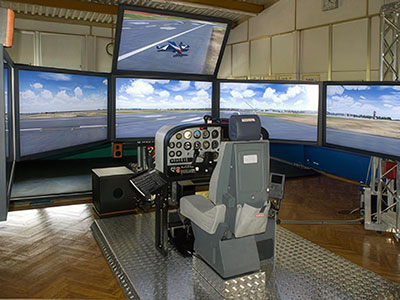 This pack includes dedicated installers for each version, ensuring smooth integration regardless of your simulator choice. Accompanied by detailed PDF manuals, these installers help you leverage advanced multi-monitor capabilities and traffic synchronization in your virtual cockpit.
Installers included
The WidevieW & Widetraffic Universal Pack isn't just about expanding your visual horizon; it's about elevating the entire simulation experience. Below is a detailed look at its core functionalities:
This add-on is available as shareware, giving you the flexibility to try its extensive features before making a commitment. A comprehensive user's guide exceeding 70 pages is also included to help you maximize the utility of both WidevieW and Widetraffic.
Whether you're looking to construct an expansive cockpit with multiple displays or synchronize detailed AI traffic across a complex simulator network, the WidevieW & Widetraffic Universal Pack offers the tools and technology to transform your flight simulation experience.
After you have used the software, you may buy a copy of the shareware here.
Free for all simmers · 25.82 MB · Scanned clean Sep 2026
Download speed: Free tier is capped at 0.5 Mbps (this file takes approximately 7 mins at the cap). PRO members download at full line speed.
%LOCALAPPDATA%\Packages\Microsoft.FlightSimulator_8wekyb3d8bbwe\LocalCache\Packages\Community\. Steam version: %APPDATA%\Microsoft Flight Simulator\Packages\Community\. Tip: enable Developer Mode in MSFS to see your exact Community folder path.readme.txt or README file. It tells you exactly where files go, what dependencies are needed, and any quirks specific to this add-on.Only PRO members can place votes.
More MSFS add-ons hand-picked based on this download.
MSFS Utilities & Tools
Enhancing the realism and versatility of weather conditions in Microsoft Flig…
 FSX Utilities
FSX Key2Mouse Universal Demo v1.03. Can be used to convert user-defined keypr…
 FSX Utilities
Universal AI Alias Installer for traffic_sounds_FSX. This installer is a free…
 FSX Utilities
FSX Key2LAN Universal Demo v1.03. This program can be used to convert user-de…
 FSX Civil Aircraft
Almasria Universal Airlines Airbus A320-232. This is a repaint of Project Air…
 FSX Utilities
Can be used to convert user-defined key-presses into mouse actions. Users of …
 FSX Utilities
This program can be used to convert user-defined key-presses into mouse actio…
 FS2004 Propeller Aircraft
This freeware repaint showcases a Universal Airlines livery for the classic C…
Be the first to leave a comment on this download.
Be the first to share your thoughts on this download.