

 FS2004 Propeller Aircraft
Eagle Vickers Viking 1B G-AMGI
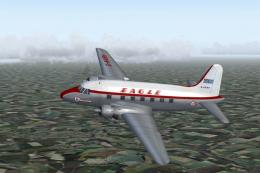
(Red top). Eagle broke away from the basic souped up BEA livery with this dra…
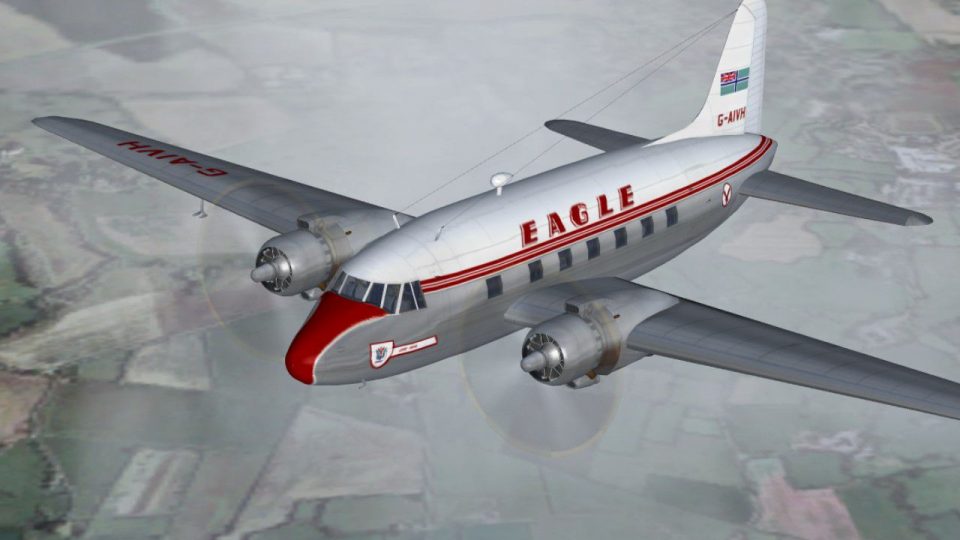
Eagle Airways’ Vickers Viking 1B G-AIVH repaint captures the carrier’s first Viking scheme, closely echoing its former BEA styling and preserving the aircraft’s original name for period authenticity. Designed for FS2004, it enhances the classic airliner’s exterior with accurate markings and details, and requires the FSDS Viking model by Rick Piper.
 Rate
Rate
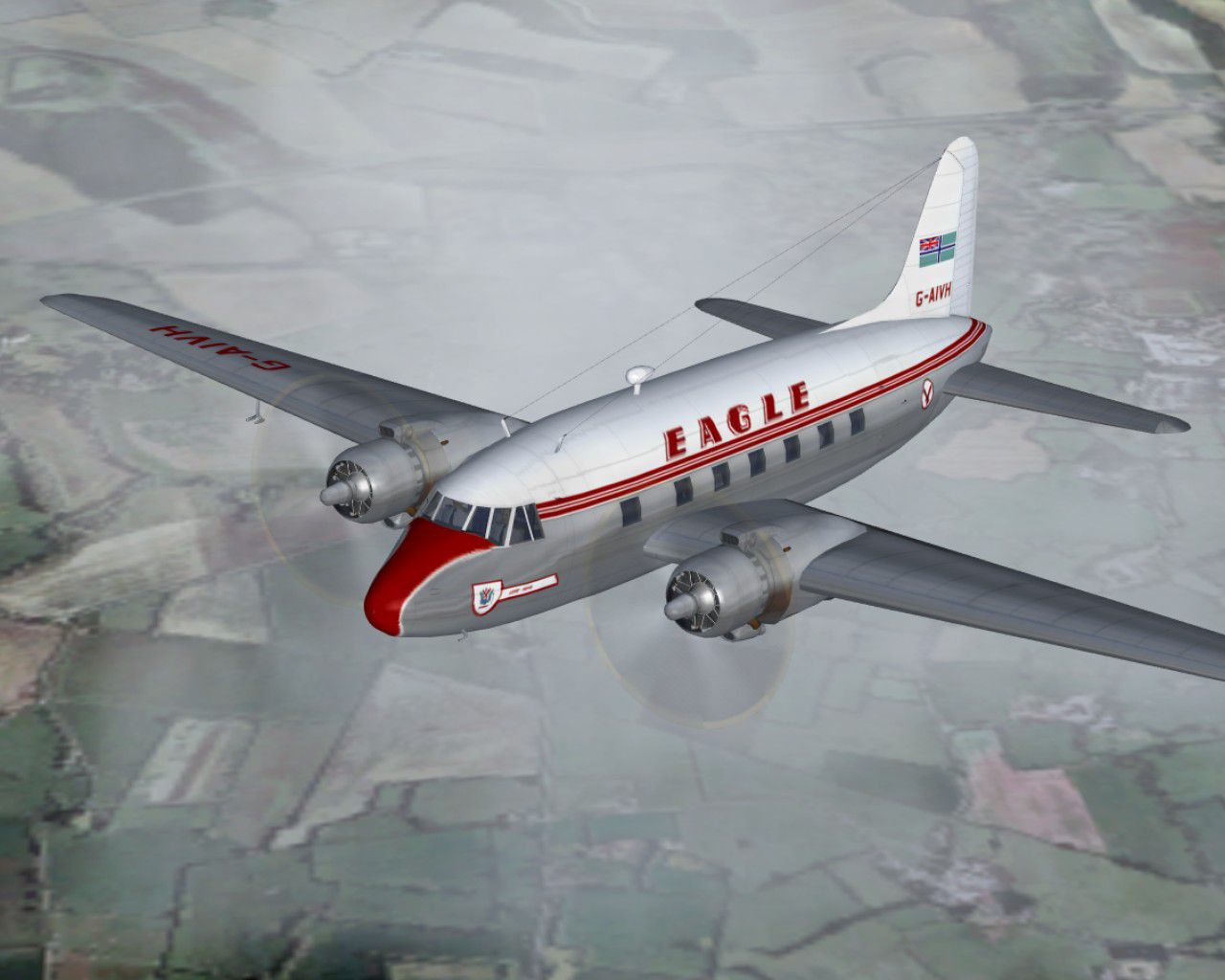
(First livery). G-AIVH wearing the airline's first Viking livery. Based on that of the previous owner BEA it even retained the name given to it by the corporation. Requires the FSDS Viking model by Rick Piper. By Garry Russell.
Screenshot of Eagle Vickers Viking 1B in flight.
Installation:
Place the unzipped texture folder into the FSDS Viking folder and paste the above text into the aircraft config renumbering to the next available.
[fltsim.xx]

	title=Vickers Viking Eagle1

	sim=FSDS2 Vickers Viking

	model=

	panel=

	sound=

	texture=Eagle1

	kb_checklists=

	description= G-AIVH wearing the airlines first Viking livery. Based on that of the previous owner BEA it even retained the name given to it by the Corporation. //Model by Rick Piper. Repaint by Garry Russell.

	ui_manufacturer=Vickers

	ui_type=Viking

	ui_variation=Eagle Airways "G-AIVH"

	visual_damage=1

	atc_heavy=0

	atc_id=G-AIVH

	atc_airline=Eagle

	atc_flight_number=VH

	atc_type=Vickers

	atc_model=BL17

	prop_anim_ratio=0.9
Free for all simmers · 995.23 KB · Scanned clean Oct 2026
Download speed: Free tier is capped at 0.5 Mbps. PRO members download at full line speed.
FS9\Aircraft\, FS9\Addon Scenery\, FS9\Gauges\, or FS9\Effects\.readme.txt or README file. It tells you exactly where files go, what dependencies are needed, and any quirks specific to this add-on.The archive vc1eag1.zip has 13 files and directories contained within it.
This list displays the first 500 files in the package. If the package has more, you will need to download it to view them.
| Filename/Directory | File Date | File Size |
|---|---|---|
| Read me.txt | 11.13.06 | 2.09 kB |
| texture.Eagle1 | 11.13.06 | 0 B |
| 4blade1.bmp | 08.24.01 | 65.05 kB |
| cyl_16.bmp | 08.10.03 | 17.05 kB |
| Fuse.bmp | 11.12.06 | 2.00 MB |
| Glass.bmp | 09.04.03 | 4.07 kB |
| prop.bmp | 04.27.03 | 65.05 kB |
| Thumbs.db | 11.13.06 | 40.00 kB |
| wing.bmp | 11.12.06 | 2.00 MB |
| Thumbs.db | 11.13.06 | 5.50 kB |
| Viking 21.jpg | 11.13.06 | 143.33 kB |
| flyawaysimulation.txt | 10.29.13 | 959 B |
| Go to Fly Away Simulation.url | 01.22.16 | 52 B |
Only PRO members can place votes.
More FS2004 add-ons hand-picked based on this download.
FS2004 Propeller Aircraft
(Red top). Eagle broke away from the basic souped up BEA livery with this dra…
 FS2004 Propeller Aircraft
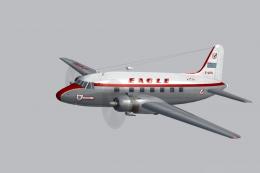
(Later variation). G-AKBH in the last variation of the BEA type livery with t…
 FS2004 Propeller Aircraft
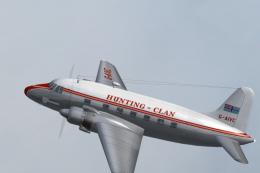
(Variation). G-AIVL in a slight variation of the last variation of the BEA ty…
 FS2004 Propeller Aircraft
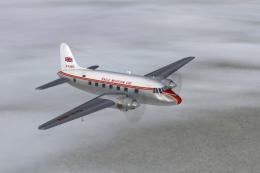
Hunting Clan leased this Viking 1B from Eagle airways in the basic Eagle live…
 FS2004 Propeller Aircraft
Viking 1B (BEA). Bought form BEA in May 1953 by Eagle Aviation it was sold th…
 FS2004 Propeller Aircraft
South African Airways purchased three new Viking 1B's during September 1947 f…
 FS2004 Propeller Aircraft
Air Ferry started up in 1961 and early equipment saw a small fleet of Vikings…
 FS2004 Propeller Aircraft
Vickers used this aircraft as a demonstrator for two years before delivery to…
Read what other simmers think, or add your own.

G-AIVH is shown in this old film 'His Excellency' from 1952. Film is set in mythical British Empire outpost and deals with strike by workers in shipyard that repairs British warships. I thought the exterior scenes may have been shot in Malta but they used Sicily!