



 United Kingdom


 MSFS Scenery
Dubai, UAE City Building & Pack
A large freeware scenery add-on pack put together by the developer who goes b…
Edinburgh, Scotland comes alive with an extensive photogrammetry scenery covering the city and nearby areas in Microsoft Flight Simulator (MSFS) 2020, enhancing the default landscape with sharper terrain and recognizable landmarks like the castle, historic streets, stadiums, and waterfront. Requires World Update 3+ UK handcrafted objects for full compatibility.
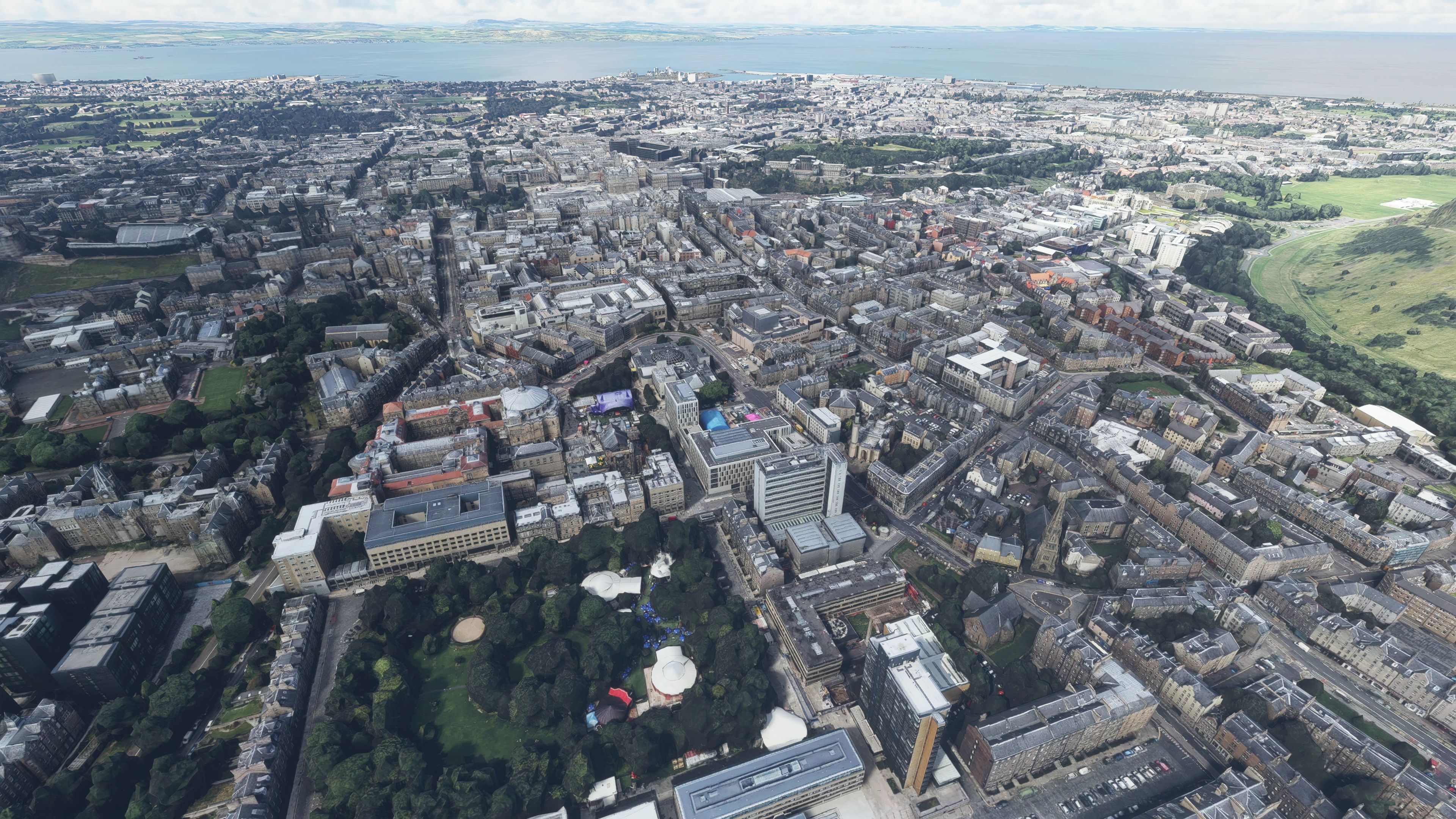
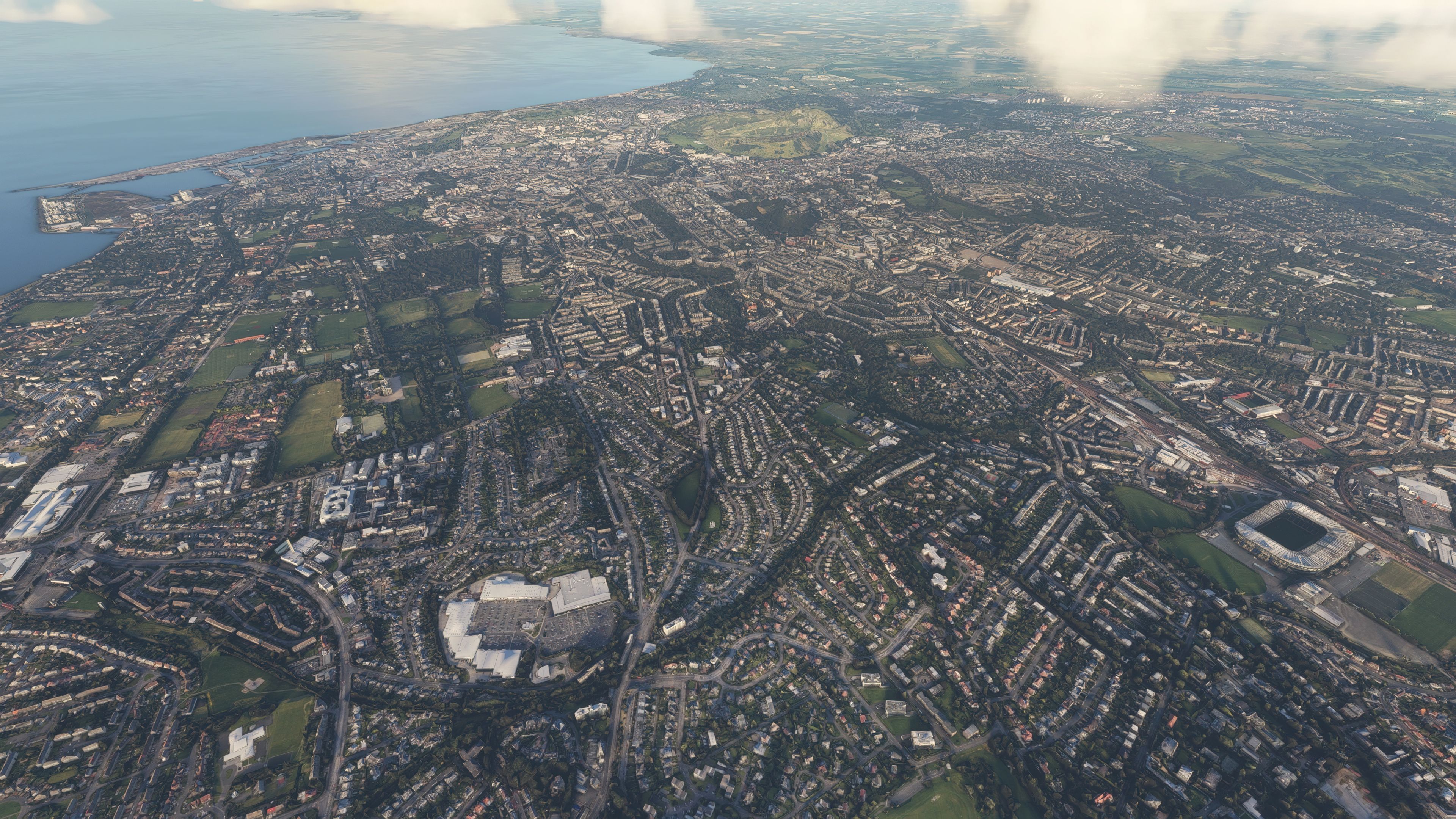
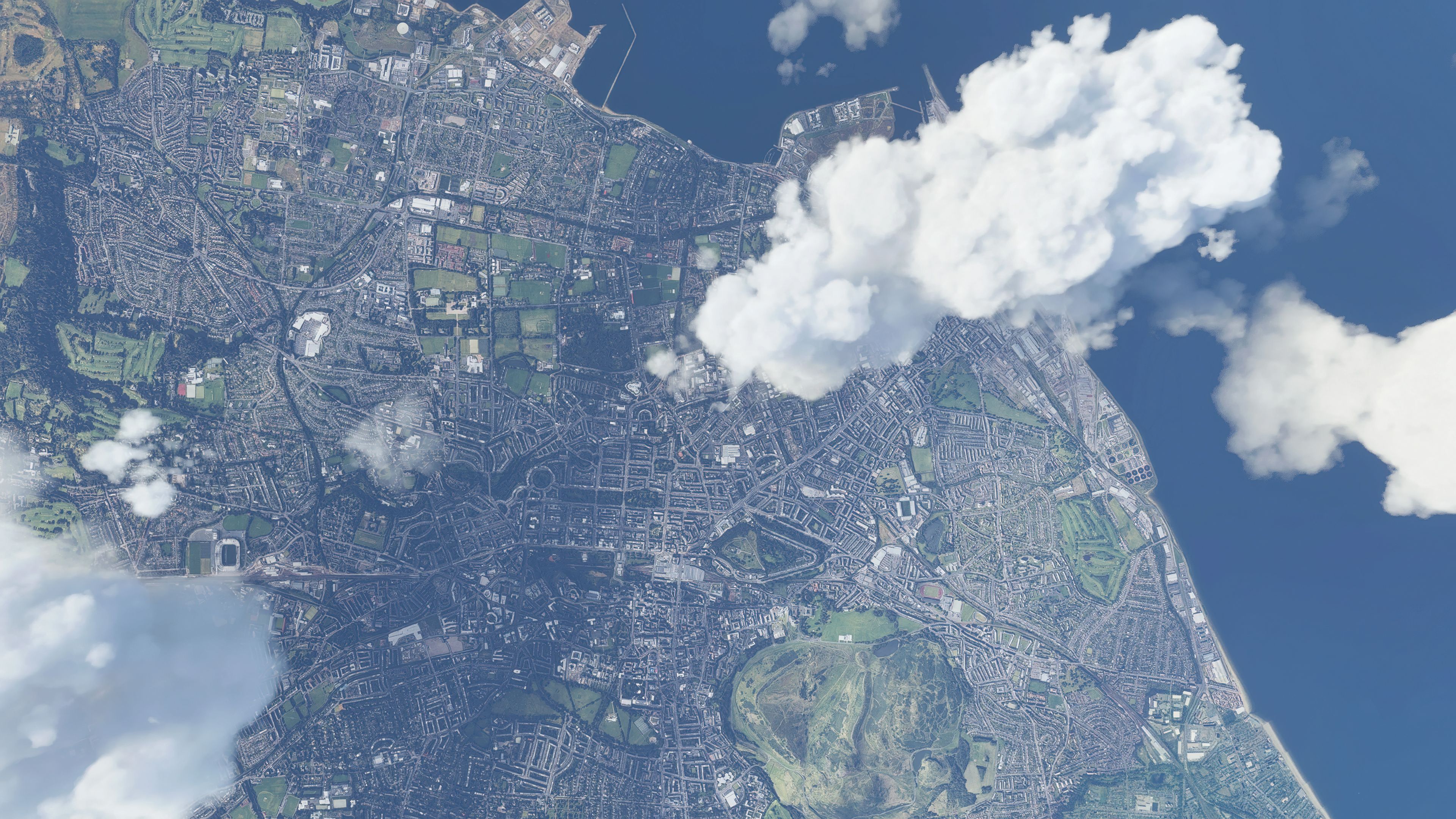
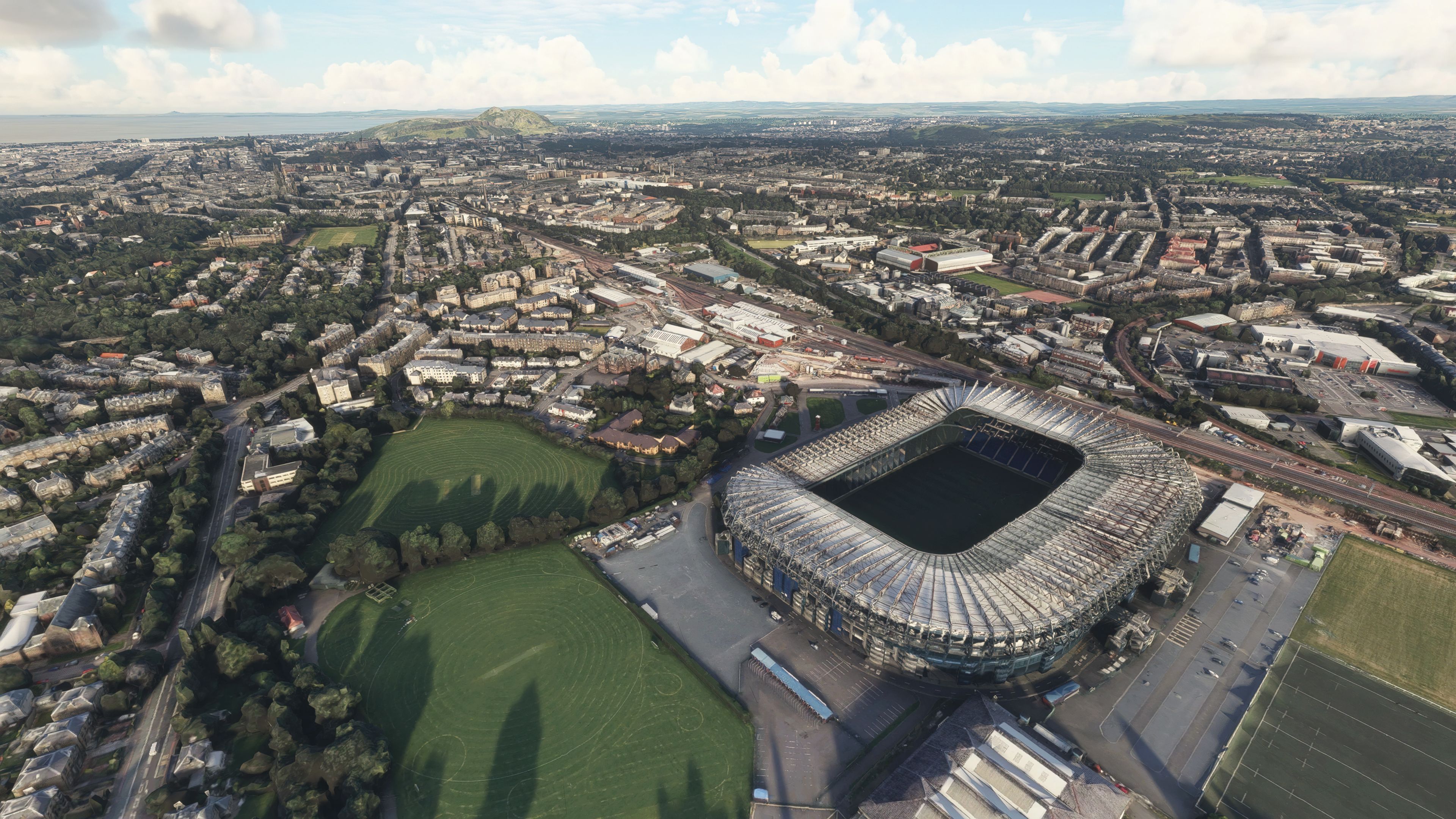

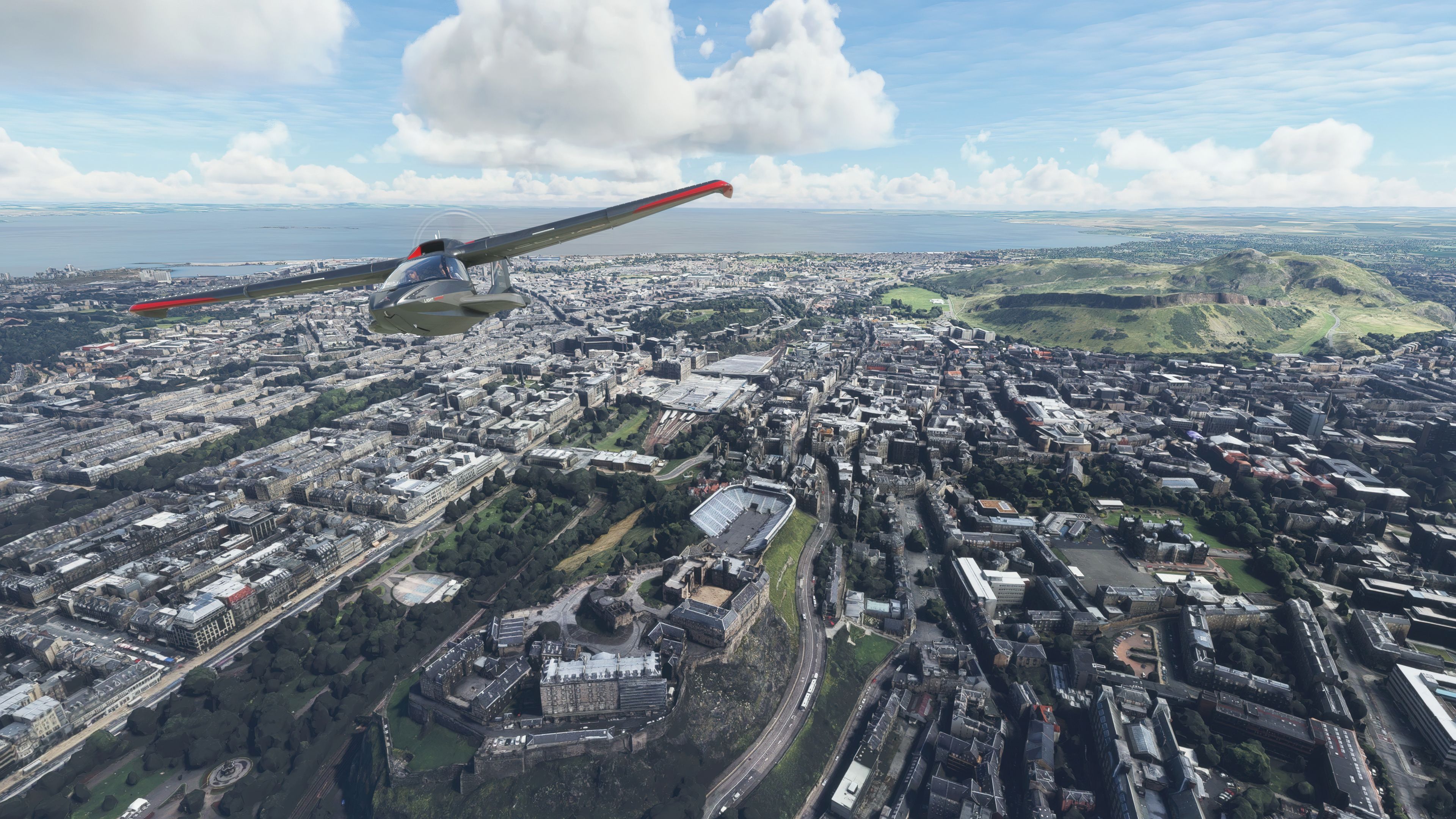
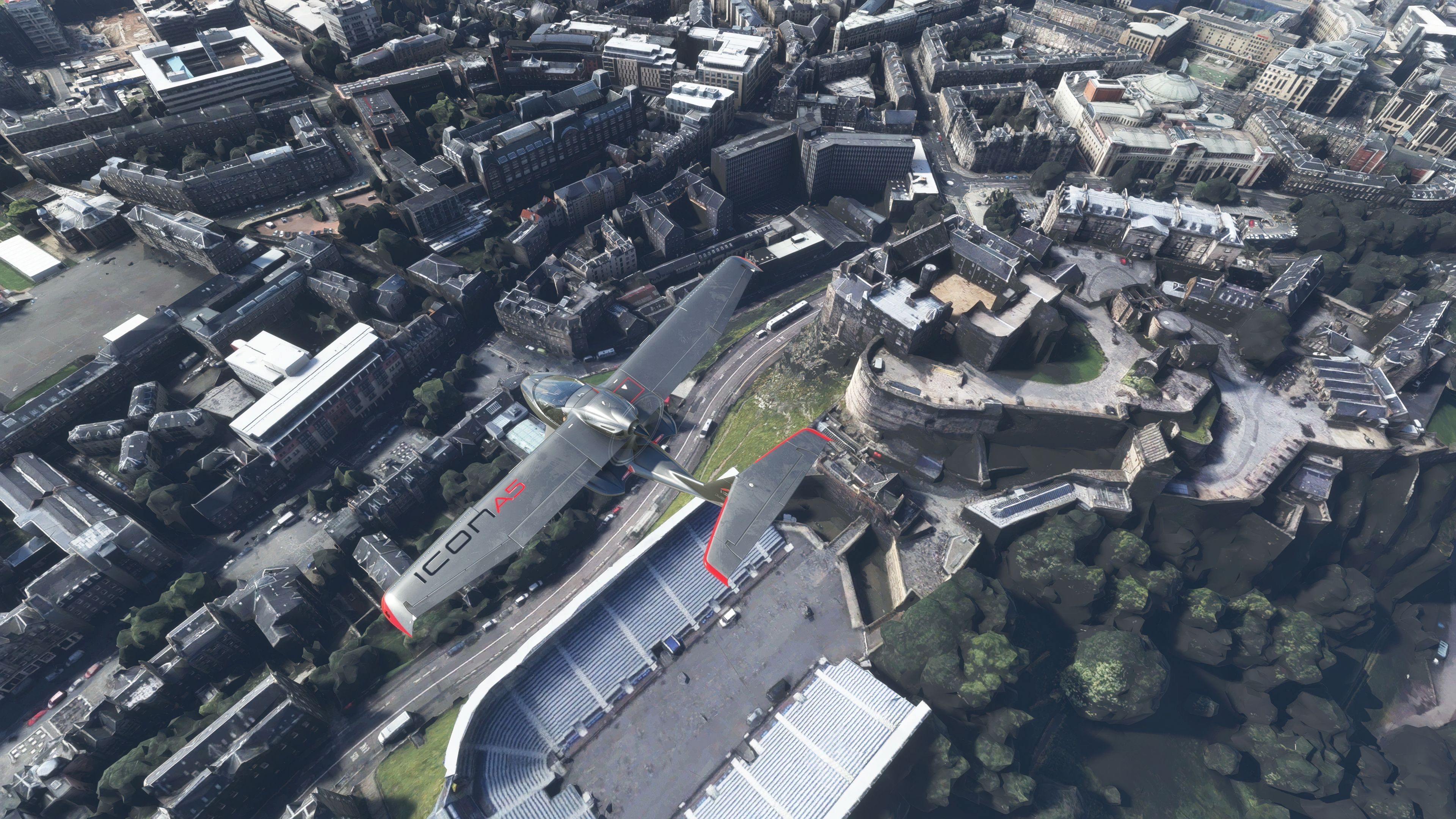
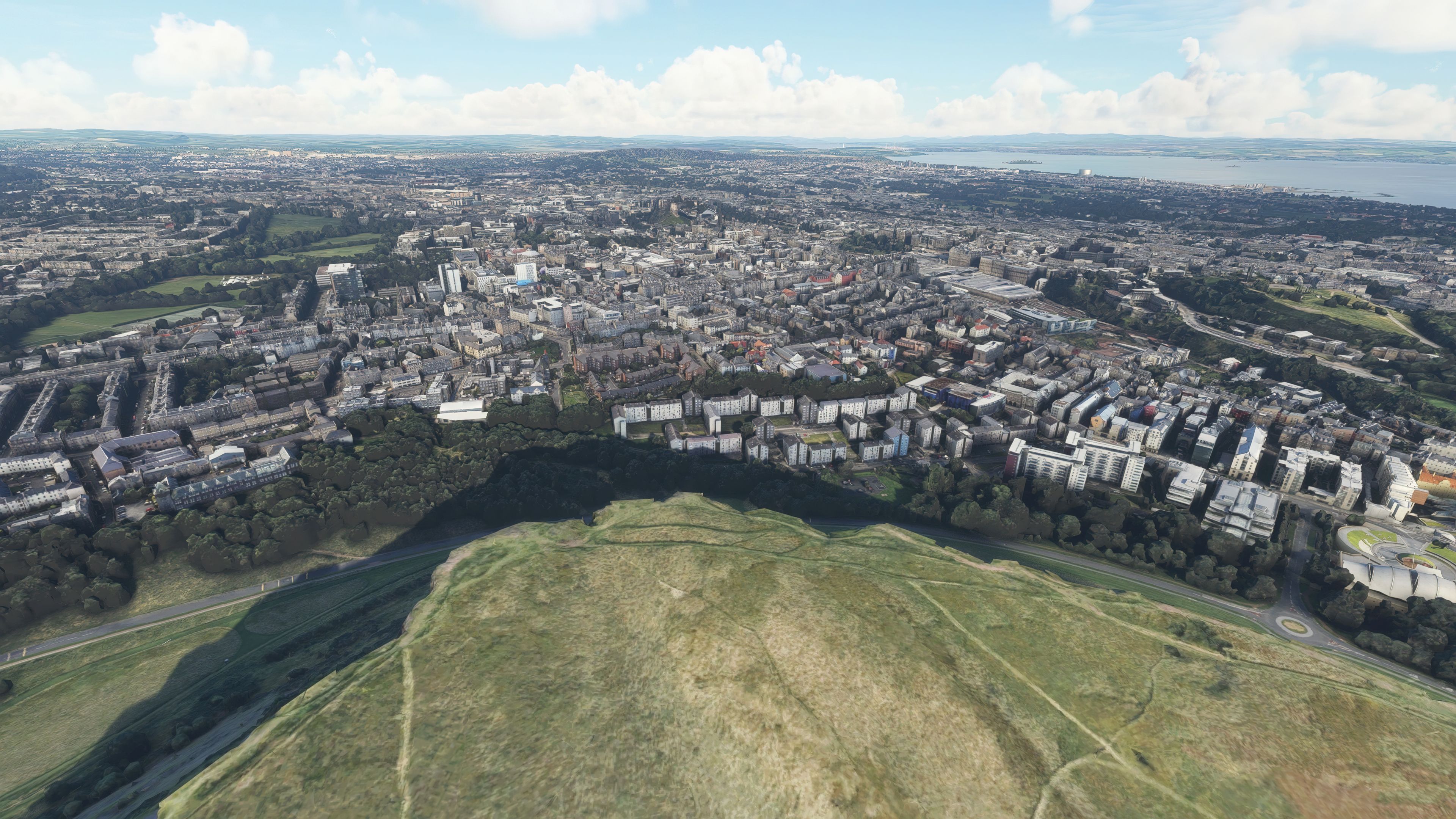
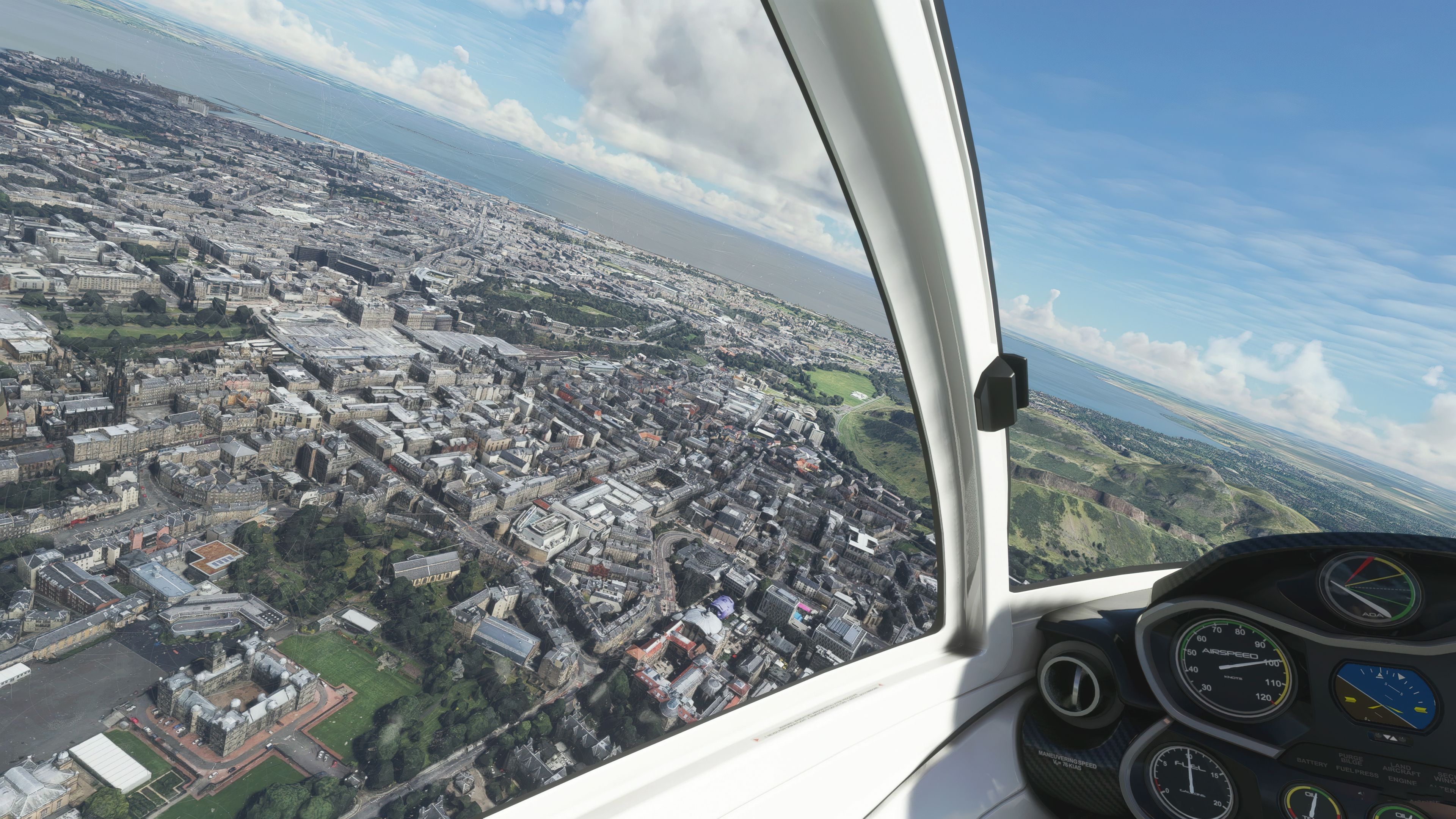
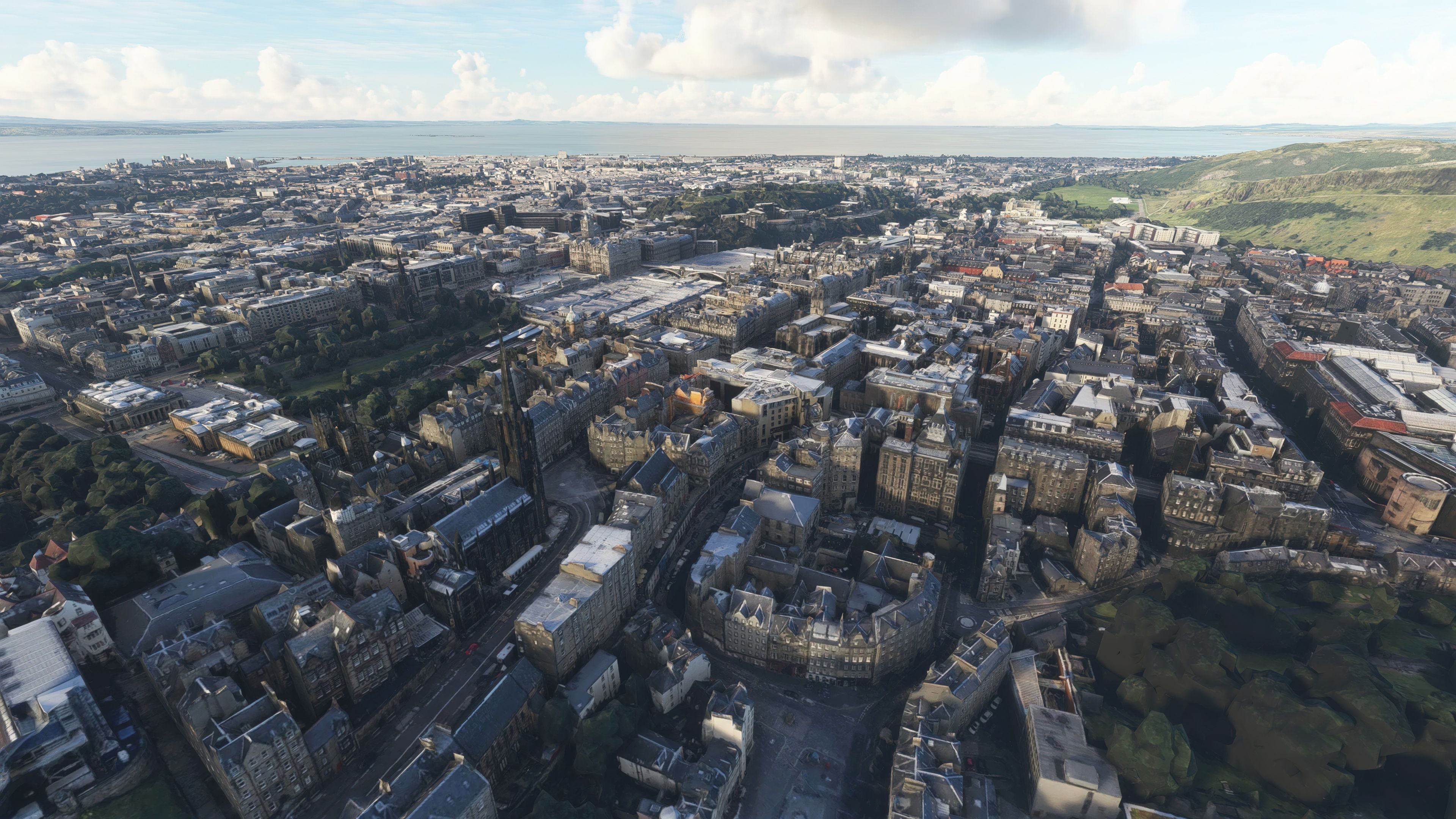
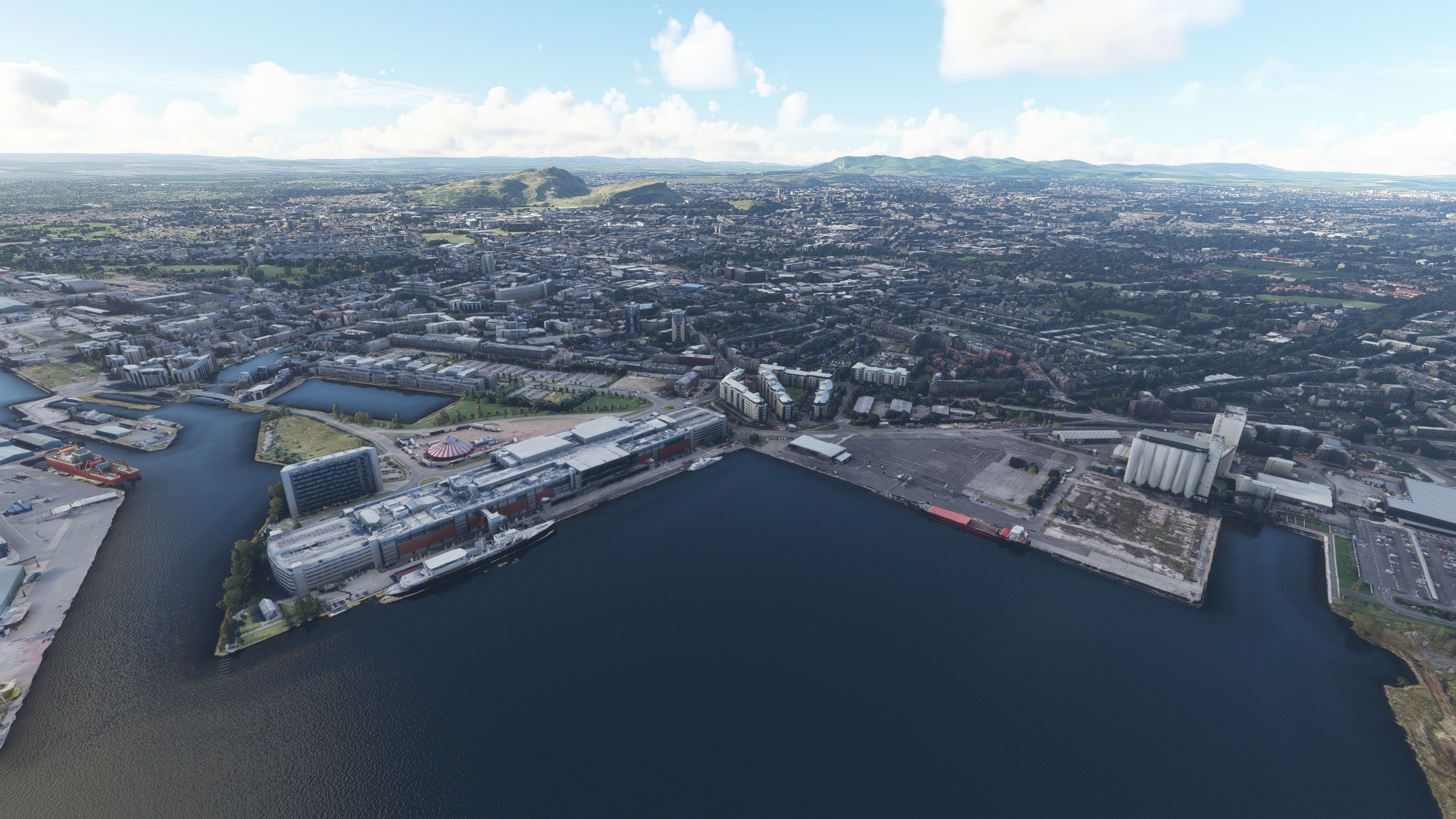

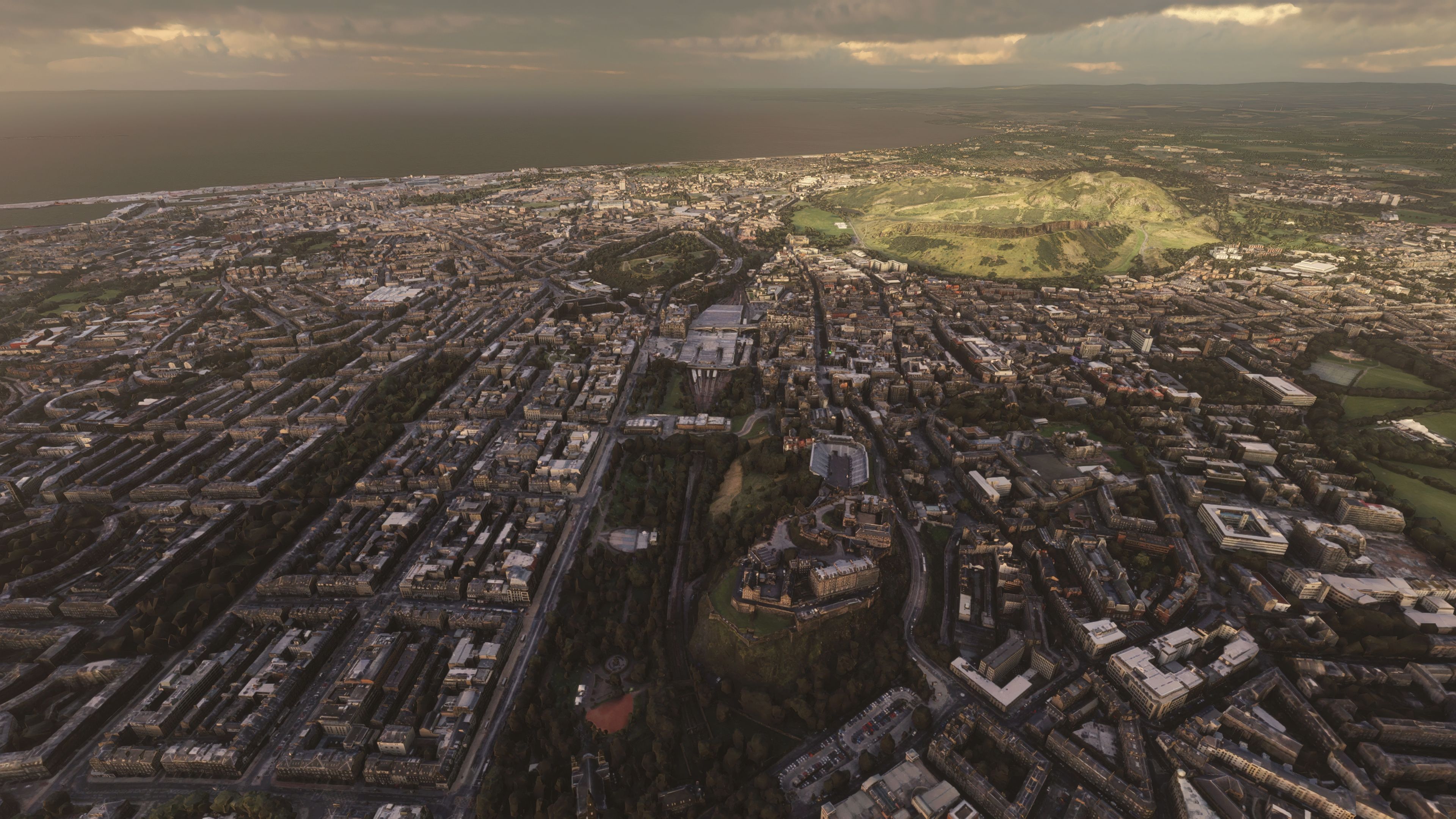
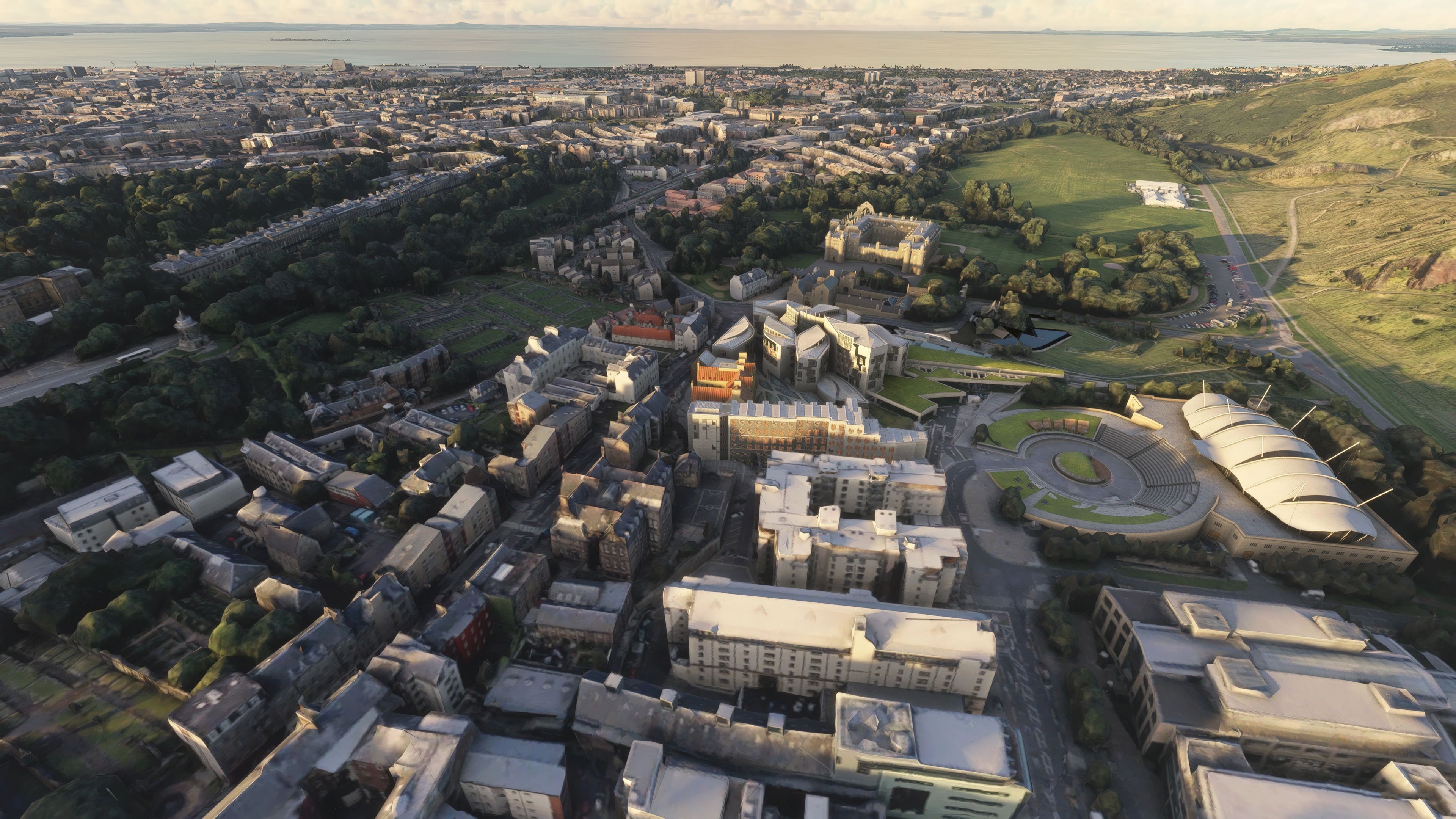
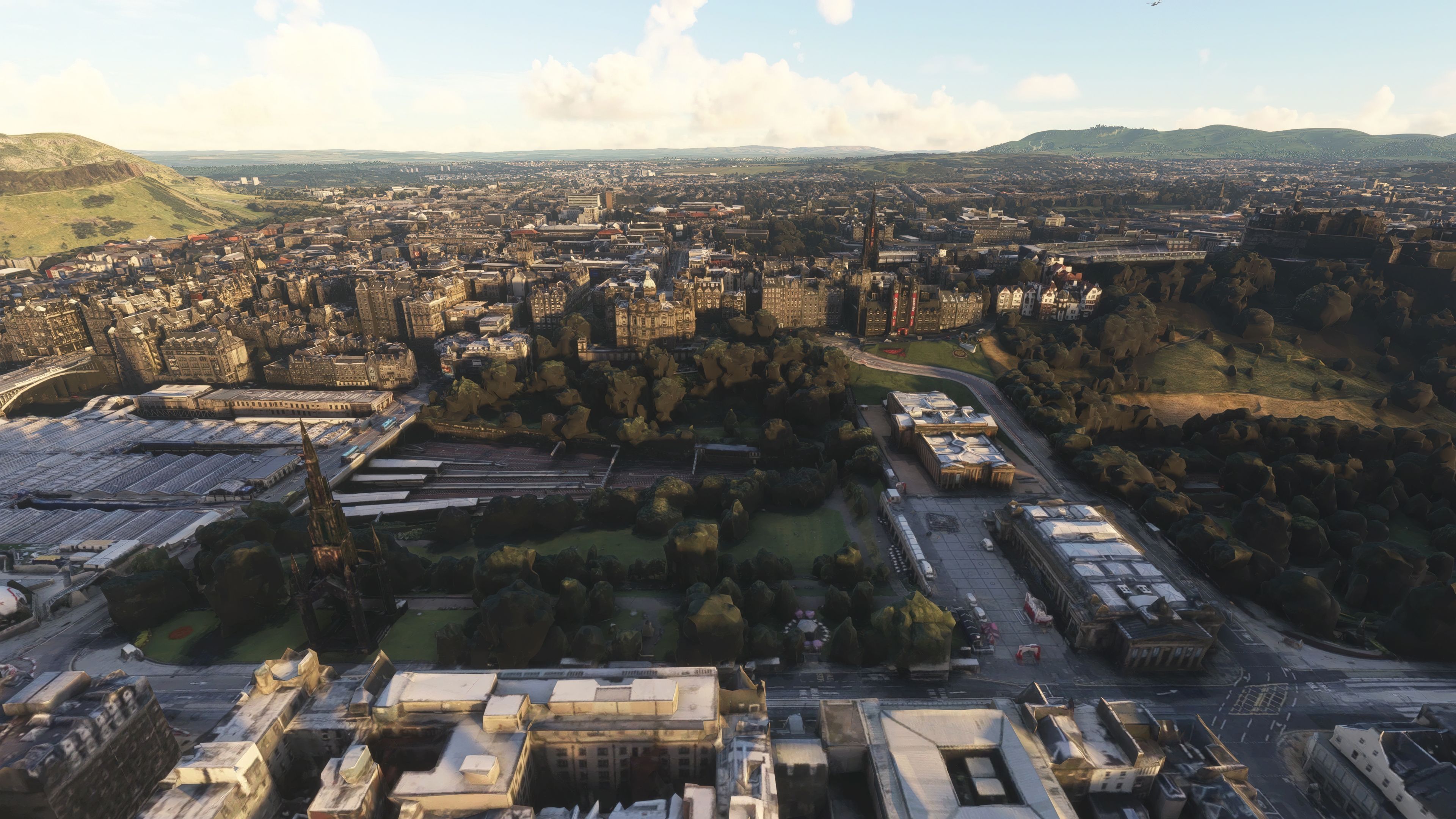
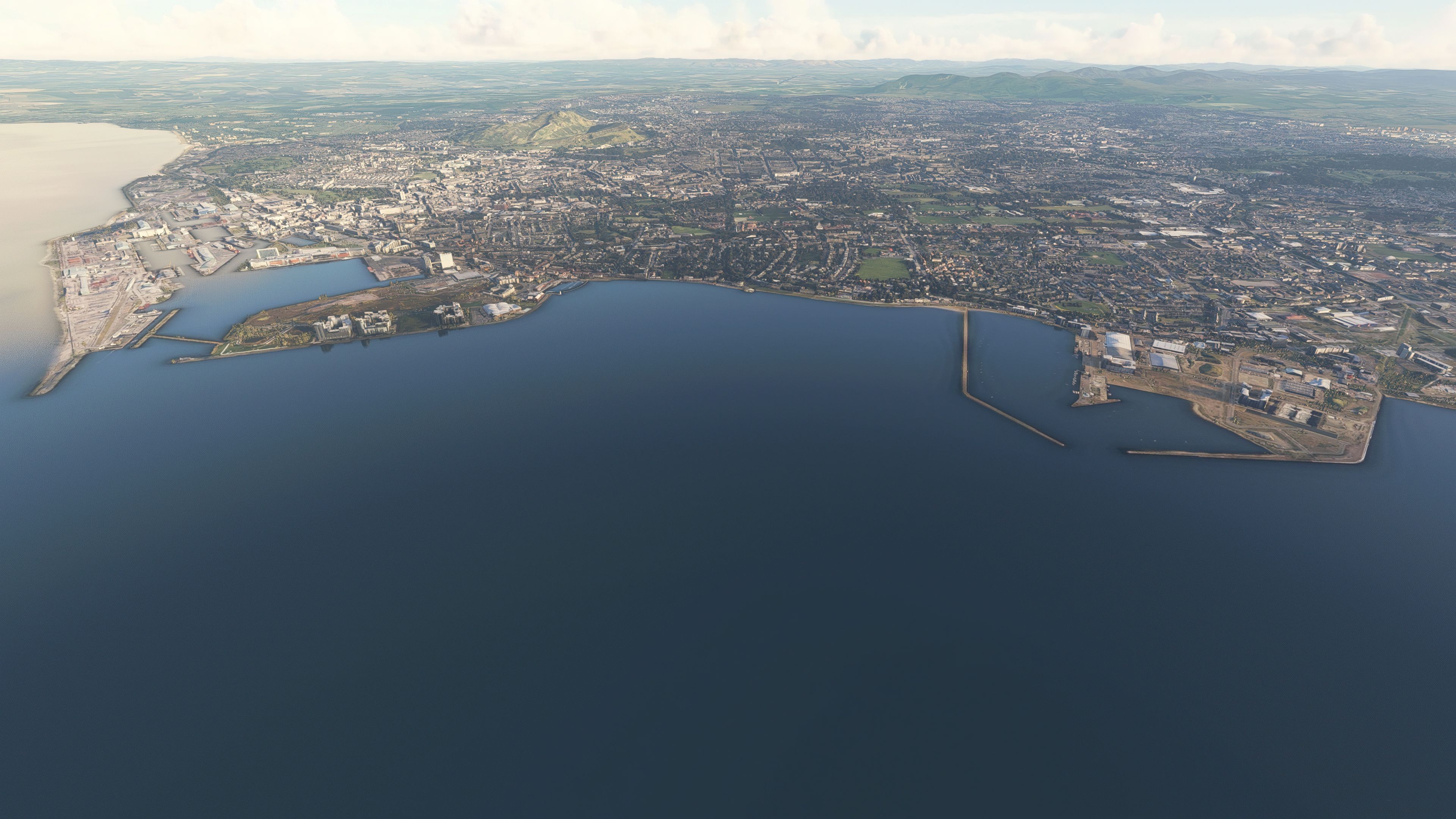
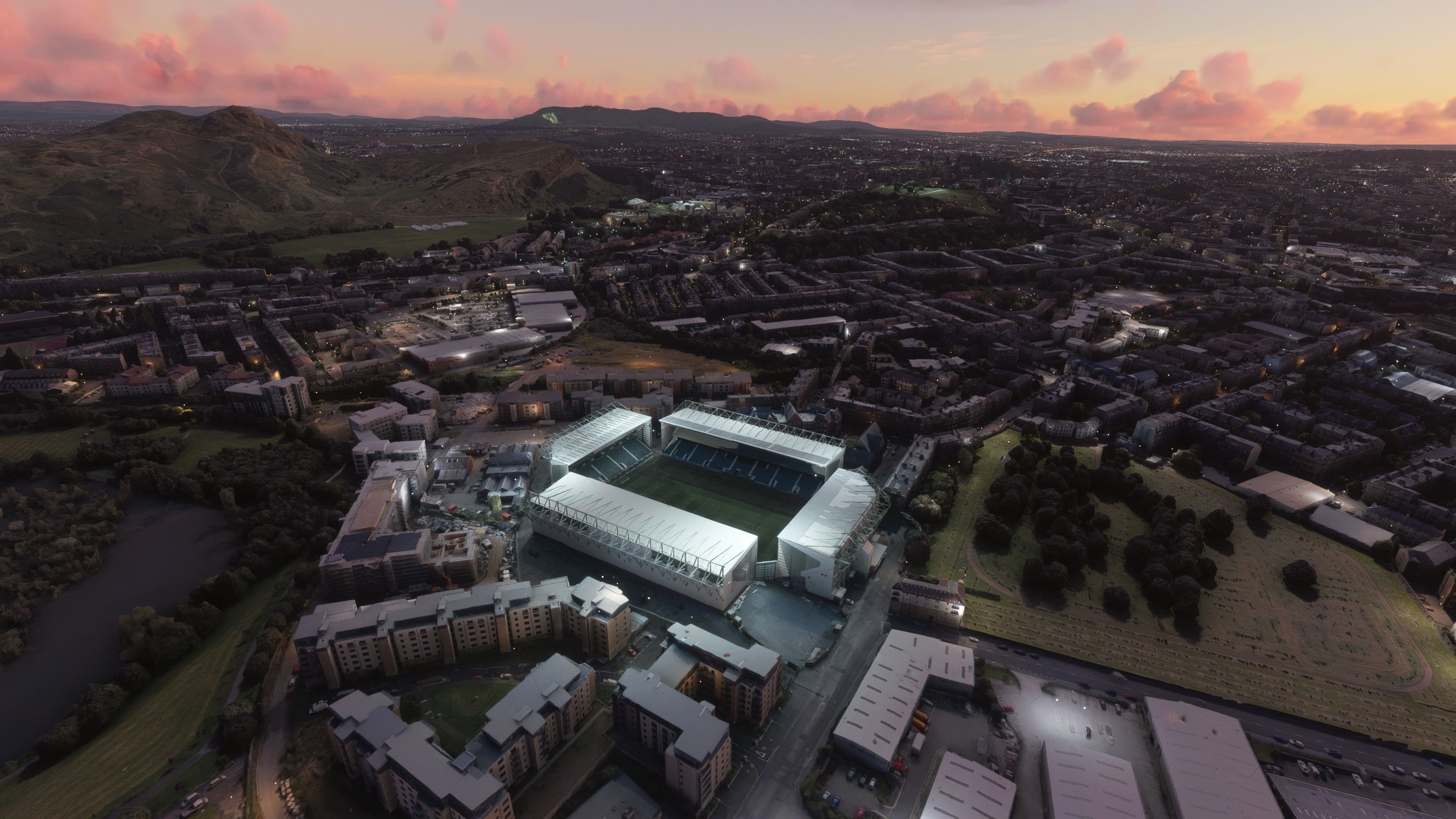
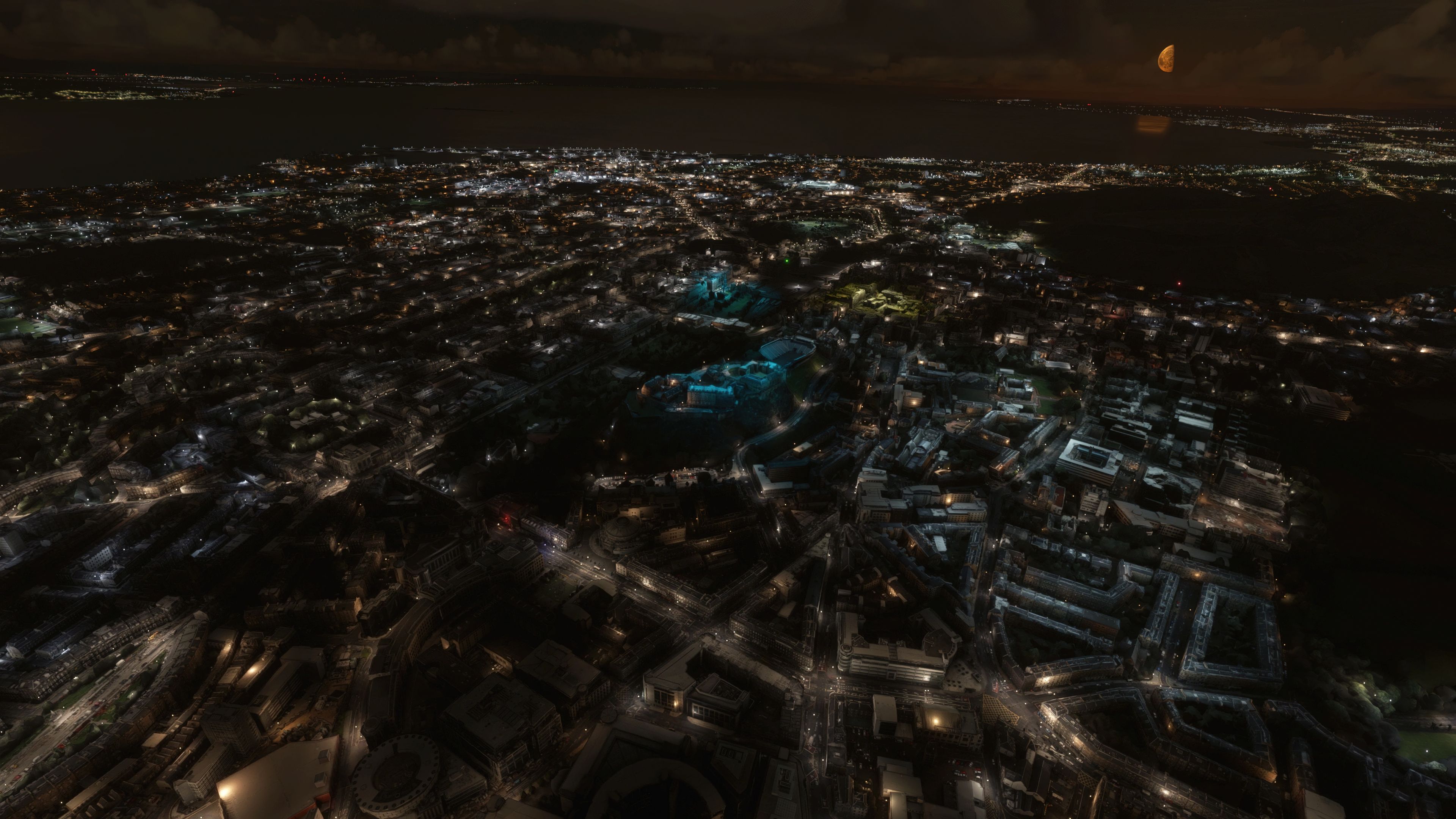

This highly detailed photogrammetry mod thoroughly transforms the entire city of Edinburgh in Microsoft Flight Simulator 2020. From the iconic castle perched on its volcanic rock to the city’s historic buildings and sports venues, every major landmark is captured in stunning 3D detail. Having tested it extensively across various flight plans, I can say it adds an impressive level of realism and depth to the U.K. flight sim scenery, ensuring each approach or departure over Scotland’s capital feels true-to-life.
Created by the talented developer Thalixte, this comprehensive package merges advanced data streams with efficient optimization, delivering surprisingly manageable file sizes compared to default photogrammetry. Everything is neatly bundled together, eliminating the need to hunt down multiple parts. In my experience, this mod not only enhances visual immersion but also runs smoothly, offering virtual pilots an unforgettable aerial tour of Edinburgh’s beloved sites and vibrant streets.
A detailed and extensive photogrammetry scenery package covering the entire city of Edinburgh, Scotland, and local surrounding areas for the Microsoft Flight Simulator (MSFS) 2020 release. Developed by Thalixte.
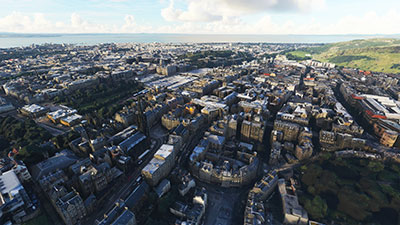 The developer Thalixte is well known for their photogrammetry scenery releases - each improving over the default offerings in Microsoft Flight Simulator. While the scenery packs may appear large, they are not that much larger than what would be used if you were to compare them to the default MSFS photo terrain streaming cache.
This particular pack covers the area in and around Edinburgh, Scotland, and is one of the first UK photogrammetry packages we have listed on the site.
Edinburgh is the capital city of Scotland in the UK and it is famous for its castle and historic buildings and stadiums - all are present in this release.
The developer has listed a couple of requirements for using this add-on.
Important! in order for this mod update to work properly, go to the Microsoft Flight Simulator Roaming folder in C:\Users\MYUSERNAME\AppData\Roaming\Microsoft Flight Simulator or C:\Users\MYUSERNAME\AppData\Local\Packages\MicrosoftFlightSimulator\Local Cache (depending on your MSFS version - steam or MS Store), then remove the file named Content.xml.
This scenery is compatible with the WU3 update, but you need to download the UK MS/Asobo handcrafted objects first. Also, make sure they are up to date (check them in the content manager).
The freeware release available from Fly Away Simulation includes all packs needed to experience the whole scenery area of Edinburgh, Scotland as envisioned by the developer. Some other sites that list this file release it in parts. The one you download from here will include all parts (1-2) and is a complete, single download pack with no need to source or search for additional files or releases. It's a complete package with a single download. The developer originally released this scenery in 2 parts - they are all included.
This is a very large download and while it's easy to download (all in one pack), we recommend a download manager should your connection get interrupted.
If using simply GPS, the coordinates for the center of Edinburgh are: 55.9533° N, 3.1883° W
If you're wanting to start/stop flights at airports in and around the scenery coverage area, the best places to take off from and land at are;
Once you have downloaded the archive and extracted the content, simply browse into the MSFS Scenery Files folder and copy the following folders into your MSFS community folder:
thalixte-edinburghthalixte-edinburgh2Once that's complete, you should be able to load the scenery and perhaps use one of the starting airports listed above.
Free for all simmers · 3.79 GB · Scanned clean Oct 2026
Download speed: Free tier is capped at 2 Mbps (this file takes approximately 4h 31m at the cap). PRO members download at full line speed.
%LOCALAPPDATA%\Packages\Microsoft.FlightSimulator_8wekyb3d8bbwe\LocalCache\Packages\Community\. Steam version: %APPDATA%\Microsoft Flight Simulator\Packages\Community\. Tip: enable Developer Mode in MSFS to see your exact Community folder path.readme.txt or README file. It tells you exactly where files go, what dependencies are needed, and any quirks specific to this add-on.Thalixte is a developer that has focused on creating photogrammetry and scenery packs for the latest Microsoft Flight Simulator (MSFS) 2020 release. All of this developer's releases have received fantastic feedback from many users on various flight sim websites including Fly Away Simulation.
Based in France, the developer tends to focus on creation of European packs however some "further afield" packs have also been created.
Are you Thalixte? Sign in to Fly Away Creators for download stats, comment replies and updates. Make add-ons? Publish them here.
Only PRO members can place votes.
More MSFS add-ons hand-picked based on this download.
MSFS Scenery
A large freeware scenery add-on pack put together by the developer who goes b…
 MSFS Scenery
A quick rework of several Swiss cities and landmarks such as the Matterhorn u…
 MSFS Scenery
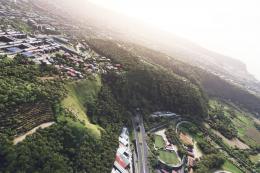
This pack by the developer who simply goes by the name of Chris brings the me…
 MSFS Scenery
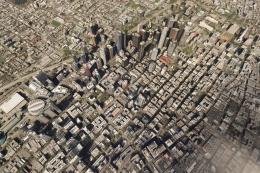
Enhance your Microsoft Flight Simulator experience with the Downtown Los Ange…
 MSFS Scenery
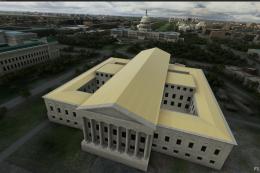
A massive freeware pack created by the developer Srinivasman containing over …
 MSFS Scenery
A new, easy-to-install, and accurate replacement of the default Paris photore…
 MSFS Scenery
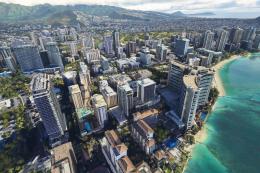
This is a complete replacement scenery pack covering the entire city of Honol…
 MSFS Scenery
A complete overhaul of Zion Canyon National Park in Utah, the USA for Microso…
Read what other simmers think, or add your own.

can't see a file named Content.xml. MSFS, not the Steam version.
thanks, Gordon.