

 FS2004 Propeller Aircraft
TAR Airline Vickers Viking 1B V2
Textures only. These photorealistic textures for the Vickers Viking 1B repres…
TAR Airline’s 1972 Vickers Viking 1B livery brings crisp photoreal textures with refined alpha channels and a corrected nose profile for a cleaner, more authentic classic airliner look in FS2004. Requires Rick Piper’s Vickers Viking model and delivers a polished repaint that complements the aircraft’s exterior lines and overall finish.
 Rate
Rate
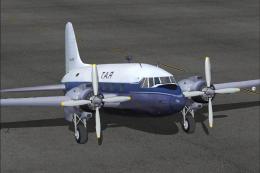
These photorealistic textures for the Vickers Viking 1B represent the TAR Airline scheme of 1972. A repaint by Francisco Izquierdo M. of the Viking model by Rick Piper, using his paint kit published in 2003.
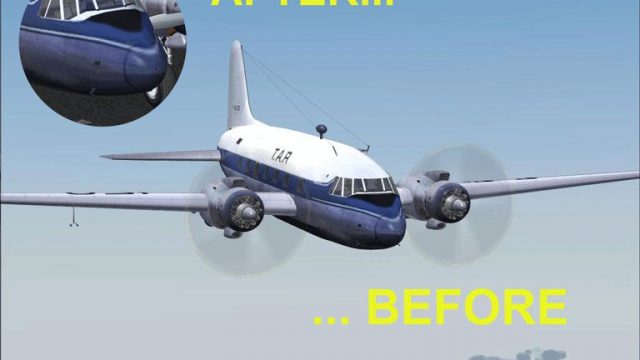
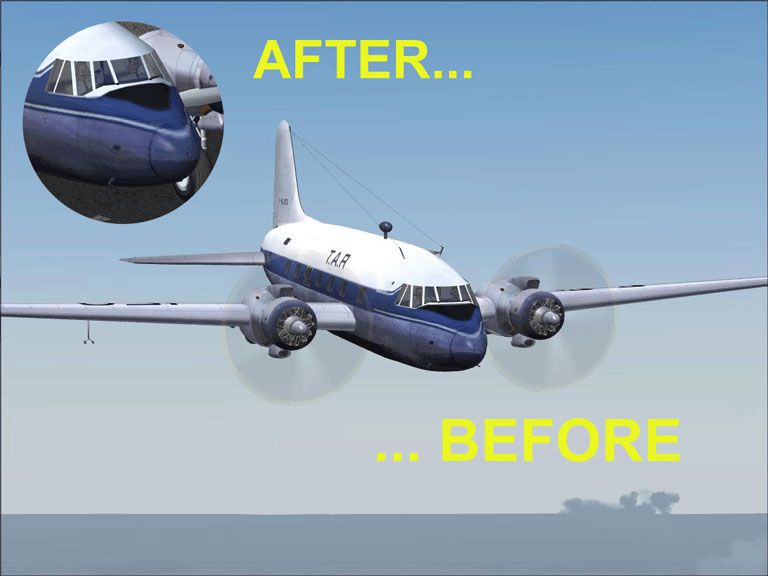
Before and after image showing the improved detail on the nose.
This package improves alpha channels and corrects the nose of the aircraft.
[fltsim.x]

	title=Vickers Viking TAR

	sim=FSDS2 Vickers Viking

	model=

	panel=

	sound=

	texture=tar

	kb_checklists=

	description=Viking

	ui_manufacturer=Vickers

	ui_type=Viking

	ui_variation=Vickers Viking TAR

	visual_damage=1

	atc_heavy=0

	atc_id=F-BJES

	atc_airline=TAR

	atc_flight_number=

	atc_type=BRITISHAEROSPACE

	atc_model=BL17

	prop_anim_ratio=0.9
Free for all simmers · 1.83 MB · Scanned clean Oct 2026
Download speed: Free tier is capped at 0.5 Mbps. PRO members download at full line speed.
FS9\Aircraft\, FS9\Addon Scenery\, FS9\Gauges\, or FS9\Effects\.readme.txt or README file. It tells you exactly where files go, what dependencies are needed, and any quirks specific to this add-on.The archive vvtar_3.zip has 14 files and directories contained within it.
This list displays the first 500 files in the package. If the package has more, you will need to download it to view them.
| Filename/Directory | File Date | File Size |
|---|---|---|
| FILE_ID.DIZ | 11.09.06 | 391 B |
| README.TXT | 11.09.06 | 1.48 kB |
| TAR3.gif | 11.09.06 | 8.38 kB |
| TAR3.jpg | 11.09.06 | 49.32 kB |
| texture.tar | 11.09.06 | 0 B |
| 4blade1.bmp | 01.08.05 | 65.05 kB |
| cyl_16.bmp | 01.08.05 | 17.05 kB |
| Fuse.bmp | 11.09.06 | 2.67 MB |
| Glass.bmp | 01.08.05 | 4.07 kB |
| prop.bmp | 01.08.05 | 85.43 kB |
| wing.bmp | 11.09.06 | 2.67 MB |
| vvtar_3 | 11.09.06 | 0 B |
| flyawaysimulation.txt | 10.29.13 | 959 B |
| Go to Fly Away Simulation.url | 01.22.16 | 52 B |
Only PRO members can place votes.
More FS2004 add-ons hand-picked based on this download.
FS2004 Propeller Aircraft
Textures only. These photorealistic textures for the Vickers Viking 1B repres…
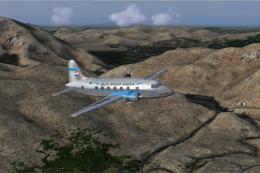 FS2004 Propeller Aircraft
South African Airways purchased three new Viking 1B's during September 1947 f…
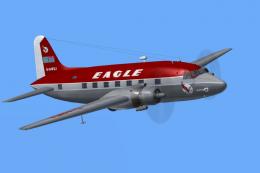 FS2004 Propeller Aircraft
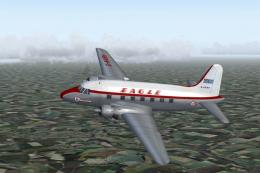
(Red top). Eagle broke away from the basic souped up BEA livery with this dra…
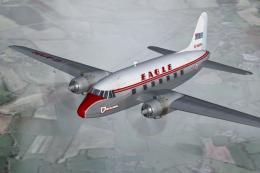 FS2004 Propeller Aircraft
(First livery). G-AIVH wearing the airline's first Viking livery. Based on th…
 FS2004 Propeller Aircraft
Air Ferry started up in 1961 and early equipment saw a small fleet of Vikings…
 FS2004 Propeller Aircraft
(Later variation). G-AKBH in the last variation of the BEA type livery with t…
 FS2004 Propeller Aircraft
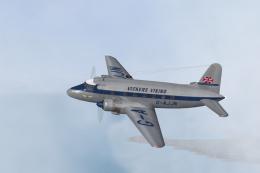
Vickers used this aircraft as a demonstrator for two years before delivery to…
 FS2004 Propeller Aircraft
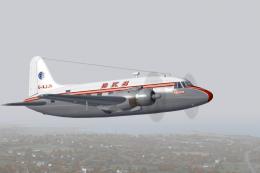
Like many British independents, BKS used the Viking extensively during the 19…
Be the first to leave a comment on this download.
Be the first to share your thoughts on this download.