

 FS2004 Propeller Aircraft
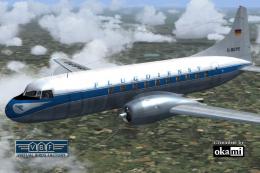
Sabena Convair CV-240 VBF CA-18 OO-AWS
This freeware repaint showcases a Convair CV-240-12 (construction number 156)…
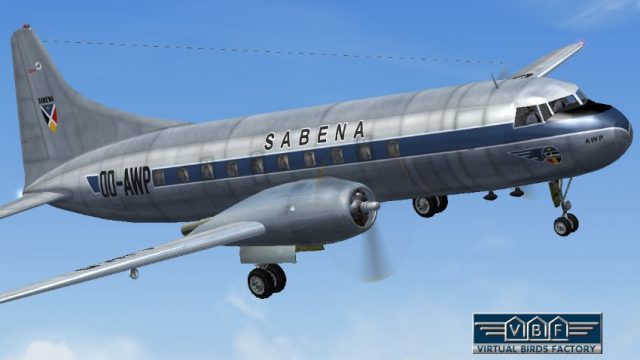
Sabena’s Convair CV-240 VBF CA-18 OO-AWP comes to life with an era-accurate Belgian post-war paint scheme, complete with authentic logos and fuselage layout for classic short-haul route flying. Built for Microsoft Flight Simulator 2004, this repaint requires the CV240VBFCA18_BASEPACK_010.ZIP base model and includes refined Virtual Birds Factory textures.
 Rate
Rate
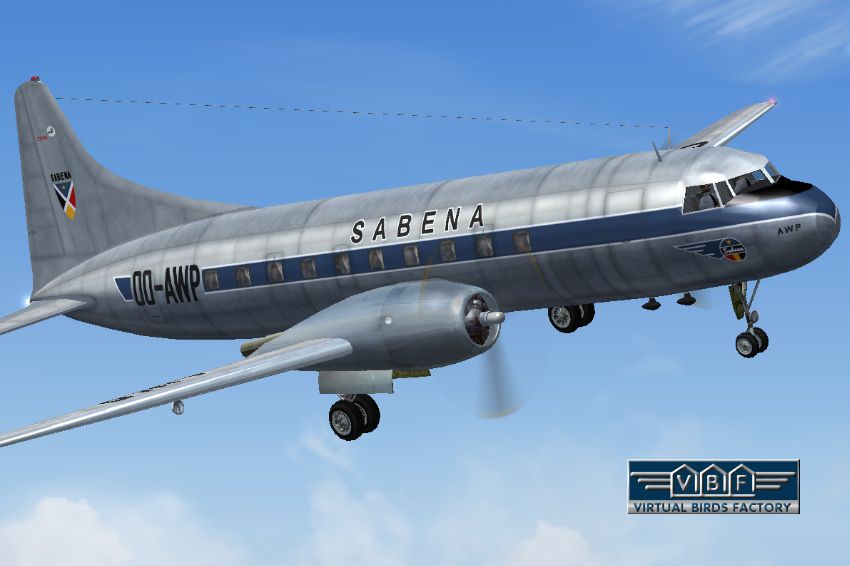
This freeware repaint for Microsoft Flight Simulator 2004 showcases a classic Sabena Convair CV-240 VBF CA-18 bearing registration OO-AWP, faithfully representing its real-world operational years. It serves merely as the livery and requires the freeware base model (CV240VBFCA18_BASEPACK_010.ZIP) from the Fly Away Simulation mod library, as the core Convair aircraft is not contained within this package. Originating from the collaborative work of Greg Pepper & Tom Gibson and improved by Georg Hauzenberger (model) together with Hans Hermann (textures) from Virtual Birds Factory, it allows you to recreate the historical Belgian airline’s short-haul operations with high fidelity.
Convair’s CV-240 series was introduced as a pressurized, twin-engined airliner intended to offer comfortable service on regional routes. Sabena, once recognized as Belgium’s national carrier, integrated the CV-240 into its fleet for transporting passengers across European and intercontinental routes. This specific airframe, delivered in March 1949, changed hands multiple times—transferring to operators including Polish Airlines LOT, and eventually being retired in the early 1970s. While in Sabena service, it bore the registration OO-AWP and featured a compact twin-prop layout that blended reliability with moderate performance.
Screenshot of Sabena Convair CV-240 VBF CA-18 in flight.
This add-on showcases authentic Sabena markings, including the airline’s logo and historically accurate fuselage layout. The paintwork matches the post-war era style, capturing period-specific insignia. Textures and the model file associated with this repaint are included, reflecting adjustments and upgrades facilitated by Virtual Birds Factory. To ensure correct functionality, verify you have installed the necessary base pack, especially the folders named CV240VBFca18, cv240VBFcb16, or CV240VBFmilitary, as indicated.
Once these configurations are saved, the Sabena Convair CV-240 repaint should appear correctly within Microsoft Flight Simulator 2004’s aircraft menu. If the repaint does not show up, confirm that directory names have not been altered and verify that the correct FS2004 folder was chosen during installation.
Free for all simmers · 4.53 MB · Scanned clean Oct 2026
Download speed: Free tier is capped at 0.5 Mbps (this file takes approximately 1 min at the cap). PRO members download at full line speed.
This file is a repaint — the package below is the base model it paints onto. Install it first, or the textures will have nothing to load onto.
FS9\Aircraft\, FS9\Addon Scenery\, FS9\Gauges\, or FS9\Effects\.readme.txt or README file. It tells you exactly where files go, what dependencies are needed, and any quirks specific to this add-on.The archive cv240vbfca18_sab_oo-awp_01.zip has 9 files and directories contained within it.
This list displays the first 500 files in the package. If the package has more, you will need to download it to view them.
| Filename/Directory | File Date | File Size |
|---|---|---|
| cv240VBFca18_sab_OO-AWP_01 | 09.11.10 | 0 B |
| cv240VBFca18_sab_OO-AWP_01.jpg | 09.11.10 | 191.63 kB |
| cv240VBFca18_sab_OO-AWP_01150.gif | 09.11.10 | 8.69 kB |
| cv240VBFca18_sab_OO-AWP_01_setup.exe | 09.11.10 | 4.20 MB |
| cv240VBFreloaded_User Manual_010.pdf | 09.11.10 | 234.01 kB |
| cv240VBF_readme_add-on-livery.txt | 09.11.10 | 5.43 kB |
| file_id.diz | 09.11.10 | 746 B |
| flyawaysimulation.txt | 10.29.13 | 959 B |
| Go to Fly Away Simulation.url | 01.22.16 | 52 B |
Only PRO members can place votes.
More FS2004 add-ons hand-picked based on this download.
FS2004 Propeller Aircraft
This freeware repaint showcases a Convair CV-240-12 (construction number 156)…
 FS2004 Propeller Aircraft
This freeware repaint showcases the Central Airlines Convair CV-240 (VBF CA-1…
 FS2004 Propeller Aircraft
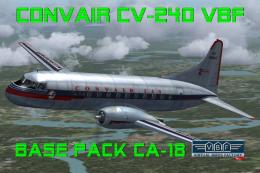
This free package features a meticulously re-created early twin-prop airliner…
 FS2004 Propeller Aircraft
This repaint package offers a historically significant VARIG Convair CV-240 f…
 FS2004 Propeller Aircraft
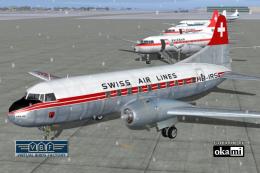
This repaint showcases Swiss Air Lines’ Convair CV-240-11, originally bearing…
 FS2004 Propeller Aircraft
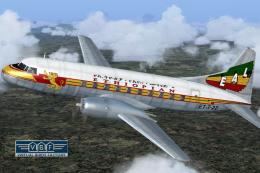
Convair CV-240 VBF CA-18, cn 38, bought by Ethiopian Airlines from Sabena in …
 FS2004 Propeller Aircraft
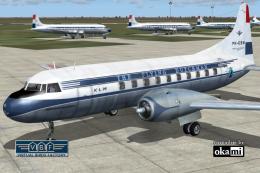
This repaint showcases a historically significant Convair CV-240-4, initially…
 FS2004 Propeller Aircraft
This freeware package provides a fresh rendition of the Convair CV-240 in Deu…
Be the first to leave a comment on this download.
Be the first to share your thoughts on this download.