

 FS2004 Propeller Aircraft
Swiss Air Lines Convair CV-240 VBF CA-18
This carefully crafted repaint showcases a classic Swiss Air Lines Convair CV…
Swiss Air Lines Convair CV-240-11 HB-IRS “Glarus” brings a faithful early-service exterior to a classic propliner, with period-correct markings and detailing from Virtual Birds Factory. Built for Microsoft Flight Simulator 2004, it requires the CV240VBFCA18 base pack to display the correct model and textures.
 Rate
Rate
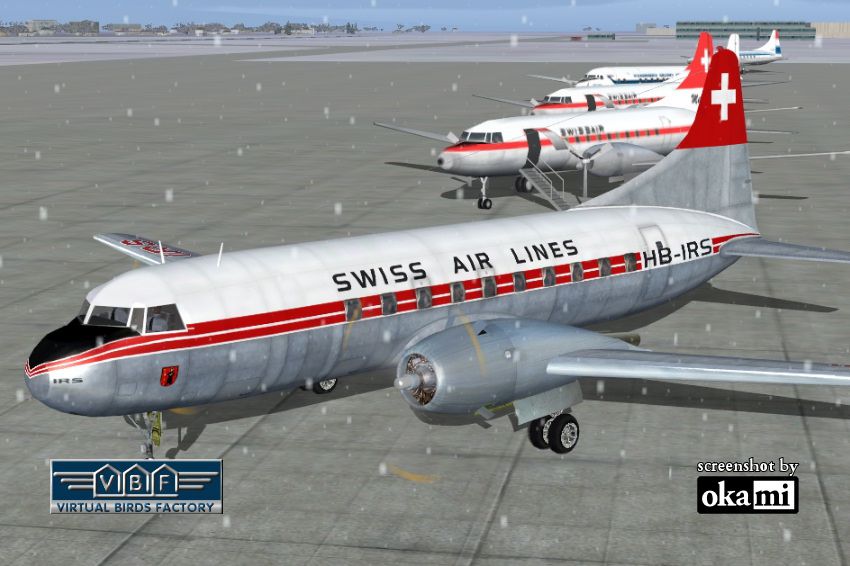
This repaint showcases Swiss Air Lines’ Convair CV-240-11, originally bearing registration HB-IRS and christened “Glarus,” and is specifically created for use in Microsoft Flight Simulator 2004. The included files (both textures and the accompanying model component) replicate the aircraft’s external appearance from its early service days, but the core model itself is required as a separate download. The original creation traces back to Greg Pepper and Tom Gibson, with upgrades by Georg Hauzenberger (model) and Hans Hermann (textures) from the Virtual Birds Factory. You must install the relevant base pack (CV240VBFCA18_BASEPACK_010.ZIP) before activating this livery.
The Convair CV-240 was introduced in the late 1940s to serve short to medium-range routes, boasting pressurized cabins and improved aerodynamics over its predecessor designs. Swiss Air Lines operated HB-IRS from February 26, 1949, before it transitioned to various carriers, including Mohawk Airlines. With this repaint, enthusiasts can relive that classic mid-20th-century travel era. The distinctive “Glarus” markings reflect the proud Swiss heritage of both the airline and its home canton.
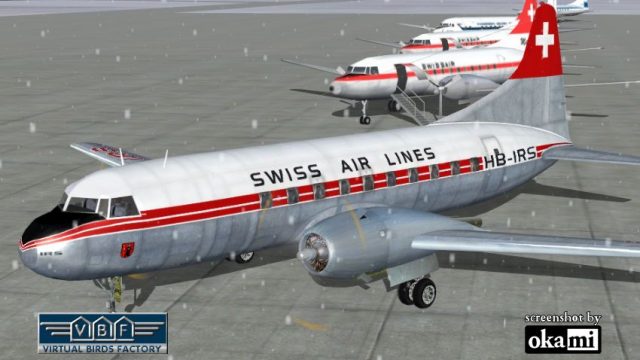
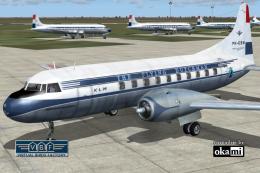
Swiss Air Lines Convair CV-240 HB-IRS on the ground (front left).
After completing the steps above, you should see the Swiss Air Lines’ Convair CV-240 repaint in your aircraft selection menu within Microsoft Flight Simulator 2004. If it does not appear, confirm that:
This repaint was developed by the Virtual Birds Factory team, spotlighting the work of Greg Pepper, Tom Gibson, Georg Hauzenberger, and Hans Hermann. It provides a distinct throwback to Swiss Air Lines’ historic fleet, enabling virtual pilots to recreate a piece of classic airline history in their favorite flight environment.
Free for all simmers · 4.72 MB · Scanned clean Oct 2026
Download speed: Free tier is capped at 0.5 Mbps (this file takes approximately 1 min at the cap). PRO members download at full line speed.
This file is a repaint — the package below is the base model it paints onto. Install it first, or the textures will have nothing to load onto.
FS9\Aircraft\, FS9\Addon Scenery\, FS9\Gauges\, or FS9\Effects\.readme.txt or README file. It tells you exactly where files go, what dependencies are needed, and any quirks specific to this add-on.The archive cv240vbfca18_swr_hb-irs_01.zip has 9 files and directories contained within it.
This list displays the first 500 files in the package. If the package has more, you will need to download it to view them.
| Filename/Directory | File Date | File Size |
|---|---|---|
| cv240VBFca18_swr_HB-IRS_01 | 11.21.10 | 0 B |
| cv240VBFca18_swr_HB-IRS_01.jpg | 11.21.10 | 178.75 kB |
| cv240VBFca18_swr_HB-IRS_01_setup.exe | 11.21.10 | 4.39 MB |
| cv240VBFca18_swr_HB-IRS_03150.gif | 11.21.10 | 11.77 kB |
| cv240VBFreloaded_User Manual_010.pdf | 11.21.10 | 233.85 kB |
| cv240VBF_readme_add-on-livery.txt | 11.21.10 | 5.43 kB |
| file_id.diz | 11.21.10 | 721 B |
| flyawaysimulation.txt | 10.29.13 | 959 B |
| Go to Fly Away Simulation.url | 01.22.16 | 52 B |
Only PRO members can place votes.
More FS2004 add-ons hand-picked based on this download.
FS2004 Propeller Aircraft
This carefully crafted repaint showcases a classic Swiss Air Lines Convair CV…
 FS2004 Propeller Aircraft
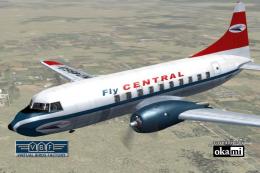
This freeware repaint showcases the Central Airlines Convair CV-240 (VBF CA-1…
 FS2004 Propeller Aircraft
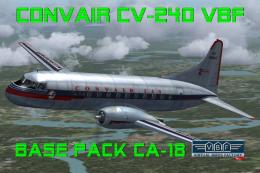
This free package features a meticulously re-created early twin-prop airliner…
 FS2004 Propeller Aircraft
This repaint package offers a historically significant VARIG Convair CV-240 f…
 FS2004 Propeller Aircraft
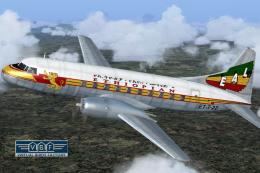
Convair CV-240 VBF CA-18, cn 38, bought by Ethiopian Airlines from Sabena in …
 FS2004 Propeller Aircraft
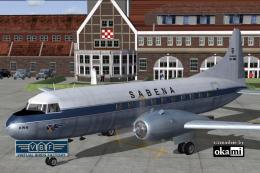
This freeware repaint showcases a Convair CV-240-12 (construction number 156)…
 FS2004 Propeller Aircraft
This repaint showcases a historically significant Convair CV-240-4, initially…
 FS2004 Propeller Aircraft
This freeware package provides a fresh rendition of the Convair CV-240 in Deu…
Be the first to leave a comment on this download.
Be the first to share your thoughts on this download.