


 FSX Civil Aircraft
Martinair Holland Airbus A310-203 PH-MCA "Prins Bernhard"
Experience a carefully crafted livery for the payware Commercial Level Simula…
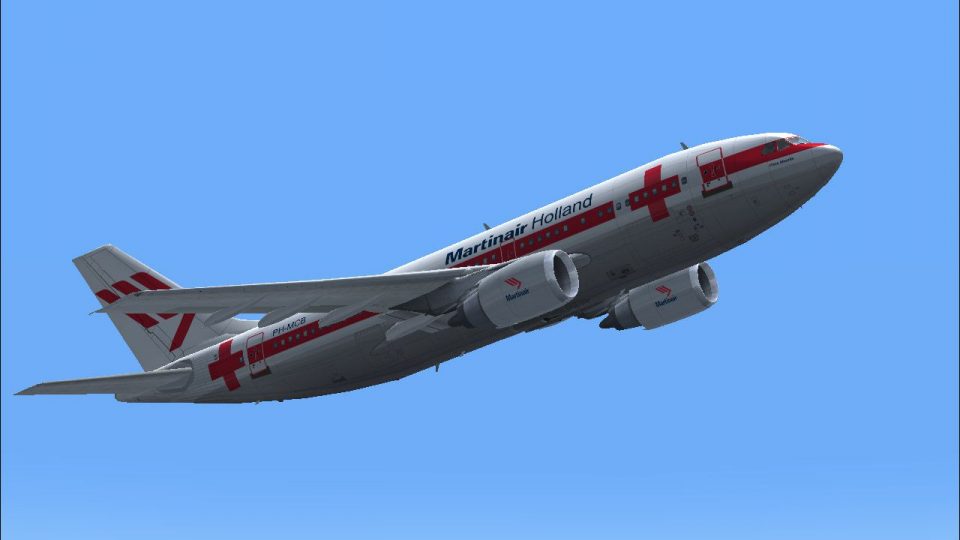
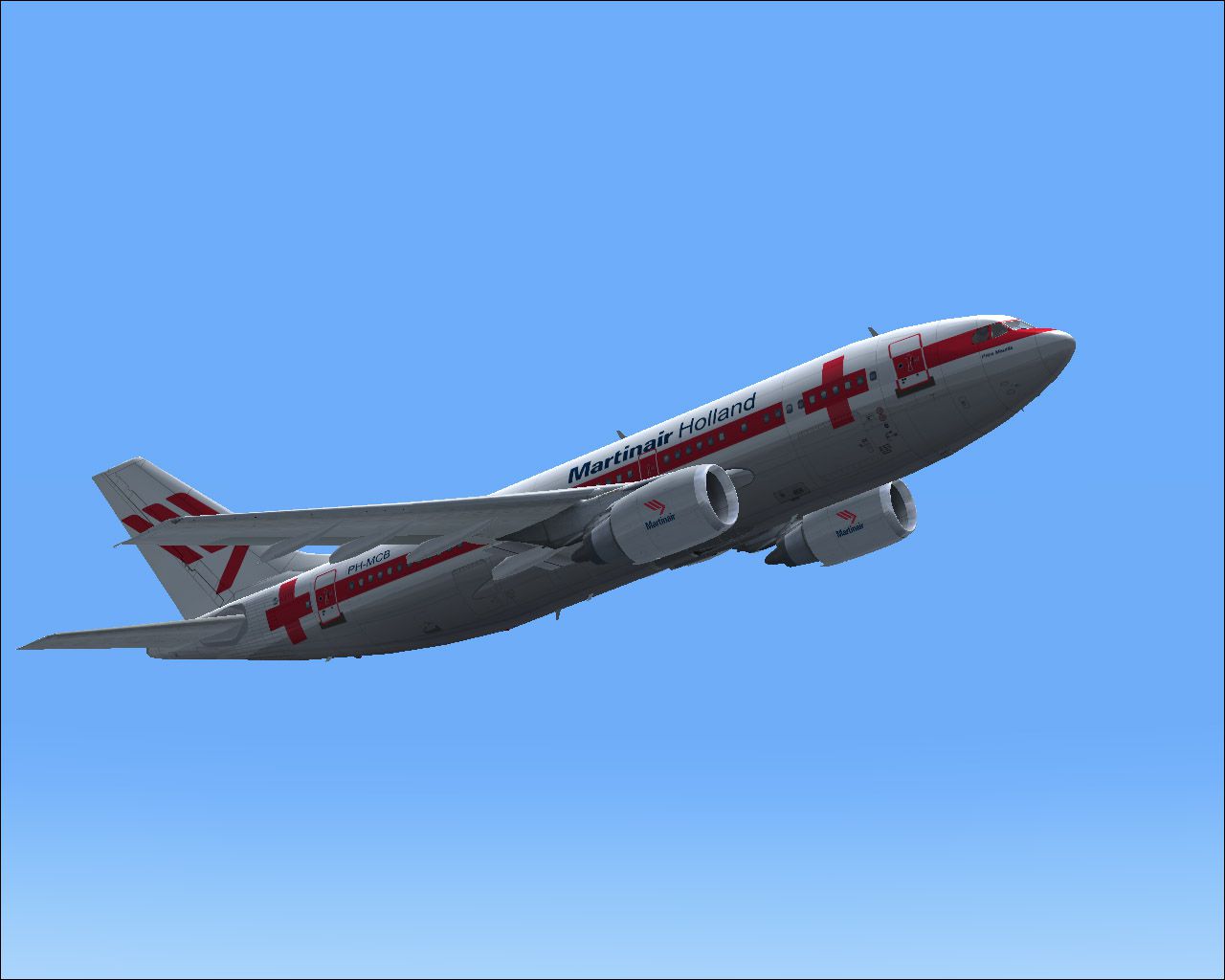
Martinair Holland Airbus A310-203 PH-MCA “Prins Bernhard Red Cross” livery recreates the airline’s distinctive humanitarian scheme with sharp red accents and accurately placed markings across fuselage, tail, and wings. Built for Microsoft Flight Simulator X, it delivers crisp, well-aligned exterior textures and requires the payware Commercial Level Simulations A310-200.
Experience a meticulously crafted “Prins Bernhard Red Cross” paint scheme created by Bonnie Belle Windsor, designed exclusively for the payware Commercial Level Simulations A310-200 product. This distinctive exterior package highlights an iconic Martinair Holland Airbus A310-203, registered PH-MCA, and delivers a faithful rendition of one of the airline’s unique liveries while staying compatible with Microsoft Flight Simulator X.
Martinair Holland, historically known for both passenger and freight services, chose the Airbus A310 series to complement its fleet in the mid-entry widebody category. This particular A310-203, recognized as “Prins Bernhard Red Cross,” commemorates a special dedication and once operated diverse routes under Martinair’s colors. The real-world aircraft served a broad network of destinations, reflecting Martinair’s commitment to innovation and humanitarian support, as hinted by its Red Cross designation.
This custom design revives the classic Martinair style, featuring vibrant red markings with precise insignia alignments. Subtle details on the fuselage, tail, and wings mirror the original paint scheme’s character. The crisp resolution blends seamlessly with the CLS A310-200 payware model, ensuring faithful alignment along doors, windows, and essential aerodynamic surfaces.
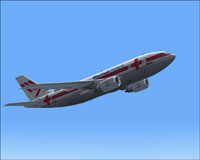
Above, a glimpse of the “Prins Bernhard Red Cross” in flight over simulated skies.
After acquiring the official CLS A310-200 model from a commercial source such as SimShack, download and extract the “FSX MPH PH-MCA ‘Red Cross’ MARTINAIR” folder. Move or copy this folder into your Microsoft Flight Simulator X/SimObjects/Airplanes/CLS_A310_200_GE directory. Ensure that your texture entries remain organized; avoid overwriting any preexisting critical files not included in this zip archive.
Add the following snippet to your aircraft.cfg file within the CLS A310 directory, substituting the xx with the next available number in your [fltsim] sequence:
[fltsim.xx]

title = Commerical Level Simulations - Martinair Holland PH-MCA 'Prins Bernhard Red Cross'

sim = A310-200-GE-CF6-80A3

model = GE

panel =

sound =

texture = FSX MPH PH-MCA 'Red Cross' MARTINAIR

checklists =

atc_airline =MARTINAIR

atc_id = PH-MCA

atc_flight_number = 310G

atc_heavy = 1

atc_parking_types = GATE, RAMP

atc_parking_code = MPH

description=Commerical Level Simulations\nAirbus A310-200\nVersion - Version-2005.1.1\n\nFS2004 Only\n\nEngine Type: GE CF6-80C2\n\nFor proper operation: See manual and performance documentation.

ui_createdby = "Commercial Level Simulations"

ui_manufacturer = Airbus

ui_type = A310-203

ui_typerole = "Commercial Airliner"

ui_variation = Martinair Holland PH-MCA 'Prins Bernhard Red Cross'

visual_damage = 1

editable = 0
This package provides textures only and requires the existing CLS A310 payware product for correct functionality. The refined paint style enhances realism, drawing users closer to the authentic Martinair aesthetic. By combining pristine external markings with the CLS model’s well-researched systems and flight dynamics, simmers will appreciate a memorable flying experience in homage to the “Prins Bernhard Red Cross” Airbus A310-203.
Free for all simmers · 5.06 MB · Scanned clean
Download speed: Free tier is capped at 0.5 Mbps (this file takes approximately 1 min at the cap). PRO members download at full line speed.
FSX\SimObjects\Airplanes\. The folder must contain an aircraft.cfg file. Effects go into FSX\Effects\; gauges go into FSX\Gauges\.readme.txt or README file. It tells you exactly where files go, what dependencies are needed, and any quirks specific to this add-on.The archive fsxphmca.zip has 16 files and directories contained within it.
This list displays the first 500 files in the package. If the package has more, you will need to download it to view them.
| Filename/Directory | File Date | File Size |
|---|---|---|
| a310fuse_left_l.bmp | 07.15.07 | 1.00 MB |
| a310fuse_left_t.bmp | 07.15.07 | 4.00 MB |
| a310fuse_right_l.bmp | 07.15.07 | 1.00 MB |
| a310fuse_right_t.bmp | 07.15.07 | 4.00 MB |
| a310pw_t.bmp | 07.15.07 | 4.00 MB |
| a310wingL_t.bmp | 07.15.07 | 4.00 MB |
| a310wingR_t.bmp | 07.15.07 | 4.00 MB |
| a3rcf68_t.bmp | 07.15.07 | 4.00 MB |
| MPH PH-MCA 'Red Cross' MARTINAIR.txt | 07.15.07 | 423 B |
| MPH PH-MCB MARTINAIR.gif | 07.15.07 | 5.34 kB |
| MPH PH-MCB MARTINAIR.jpg | 07.15.07 | 125.77 kB |
| Read me.txt | 07.15.07 | 1.75 kB |
| thumbnail.jpg | 07.15.07 | 29.42 kB |
| texture.FSX MPH PH-MCA 'Red Cross' MARTINAIR | 07.15.07 | 0 B |
| flyawaysimulation.txt | 10.29.13 | 959 B |
| Go to Fly Away Simulation.url | 01.22.16 | 52 B |
More FSX & P3D add-ons hand-picked based on this download.
FSX Civil Aircraft
Experience a carefully crafted livery for the payware Commercial Level Simula…
 FSX Civil Aircraft
This release features custom exterior textures for the Commercial Level Simul…
 FSX Civil Aircraft
This repaint showcases Martinair Holland’s Airbus A310-203C (PH-MCB), known a…
 FSX Civil Aircraft
This freeware repaint showcases the beloved KLM Royal Dutch Airlines Airbus A…
 FSX Civil Aircraft
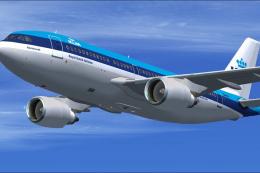
This repaint offers a faithful depiction of KLM Royal Dutch Airlines’ “Rembra…
 FSX Civil Aircraft
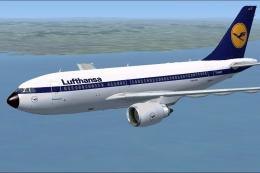
Lufthansa Airbus A310-203. Repaint of Tom Ruth's A310-100, representing Airbu…
 FSX Civil Aircraft
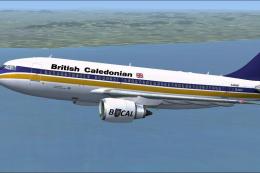
This add-on provides a high-fidelity repaint of Tom Ruth’s Airbus A310-100 mo…
 FSX Civil Aircraft
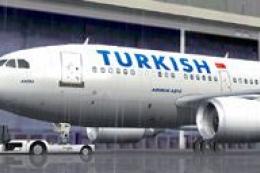
Features hand painted textures only for use with the payware Commercial Level…
Be the first to leave a comment on this download.
Be the first to share your thoughts on this download.